How to Connect LibreOffice Base to a PostgreSQL Database
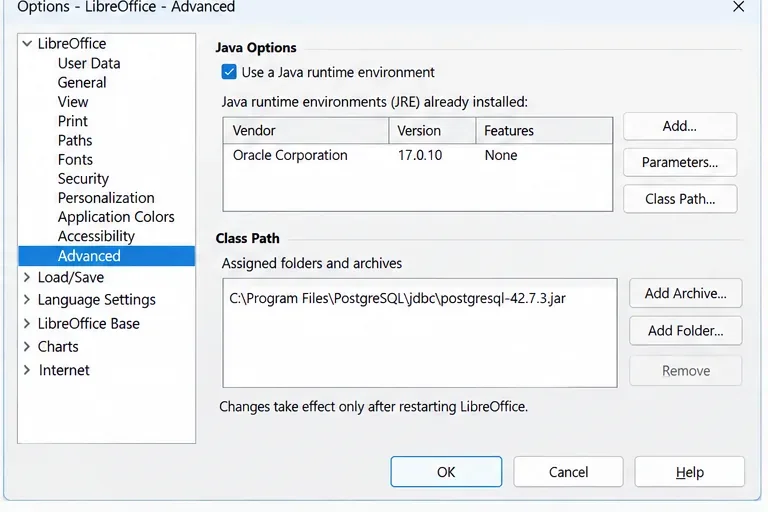
Connect LibreOffice Base to PostgreSQL step by step using the direct connector, verify tables and queries, troubleshoot access, and use JDBC when needed.
Connect LibreOffice Base to PostgreSQL step by step using the direct connector, verify tables and queries, troubleshoot access, and use JDBC when needed.

Speed up LibreOffice Calc macros by reducing cell-by-cell UNO calls, using data arrays, limiting recalculation, and measuring results safely.
Deploy Collabora Online on Kubernetes with multiple replicas, WOPI-aware load balancing, TLS termination, and practical checks for collaboration and node health.
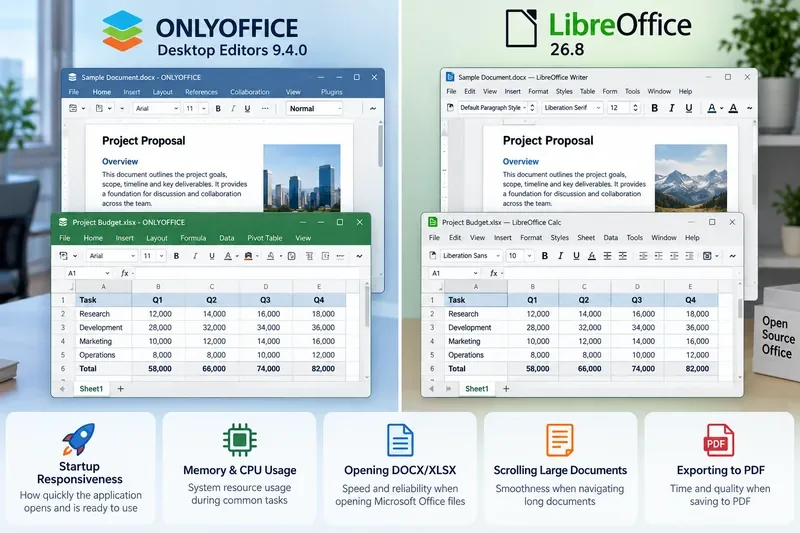
Compare ONLYOFFICE Desktop Editors and LibreOffice on startup, memory needs, file handling, compatibility, and workload fit without invented benchmark scores.
Convert batches of DOCX files to PDF with LibreOffice from Bash or PowerShell. Learn safe folder setup, commands, profile fixes, and output checks.
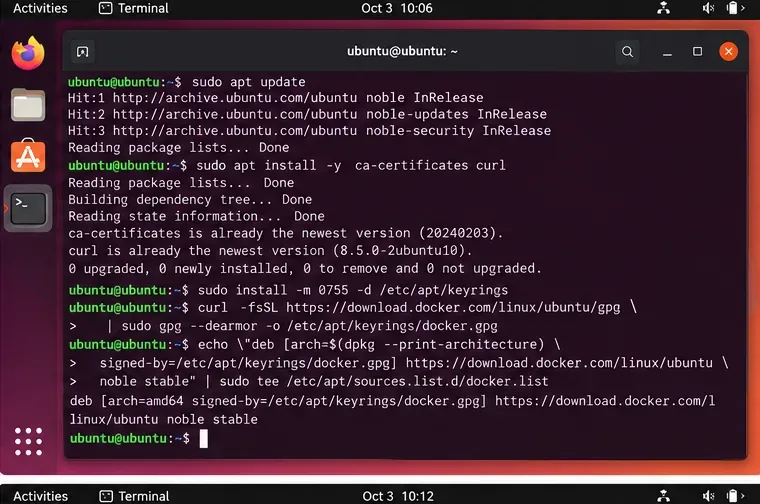
Install ONLYOFFICE Workspace Community on Ubuntu 24.04 LTS with Docker, verify the server, finish portal setup, enable HTTPS, and avoid common setup mistakes.
Troubleshoot formula results that differ between ONLYOFFICE Spreadsheets and Excel by checking recalculation, locale, dates, arrays, links, iteration, and precision.
Troubleshoot LibreOffice crashes on macOS Sonoma when saving to an SMB or other network drive. Protect your document, isolate the cause, and test safe workarounds.
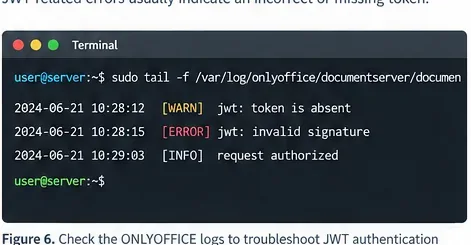
Configure ONLYOFFICE JWT authentication correctly with Docker, a persistent JWT secret, HS256 signing, connector settings, testing, troubleshooting, and safe key rotation.
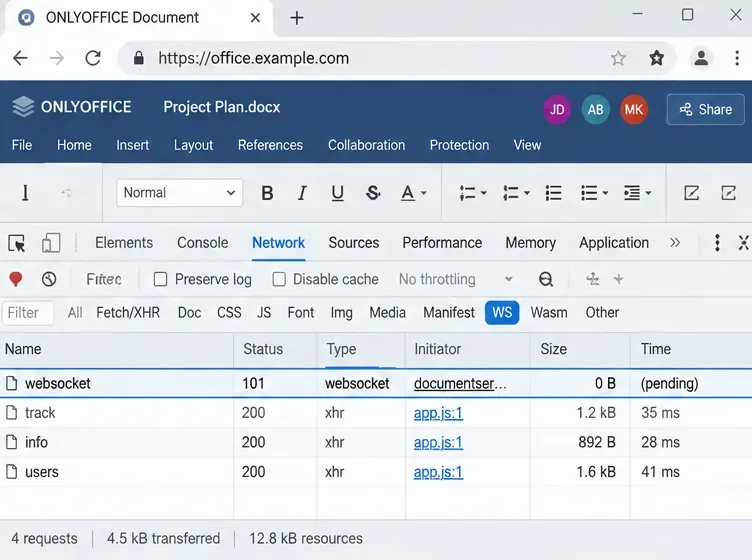
Diagnose and fix ONLYOFFICE co-editing lag on a self-hosted Docker server by checking CPU, RAM, storage, WebSockets, reverse proxies, logs, and version-specific architecture.
Learn which outbound connections Collabora CODE makes, disable periodic update checks and optional integrations, restrict document data fetching, and preserve the WOPI traffic editing needs.
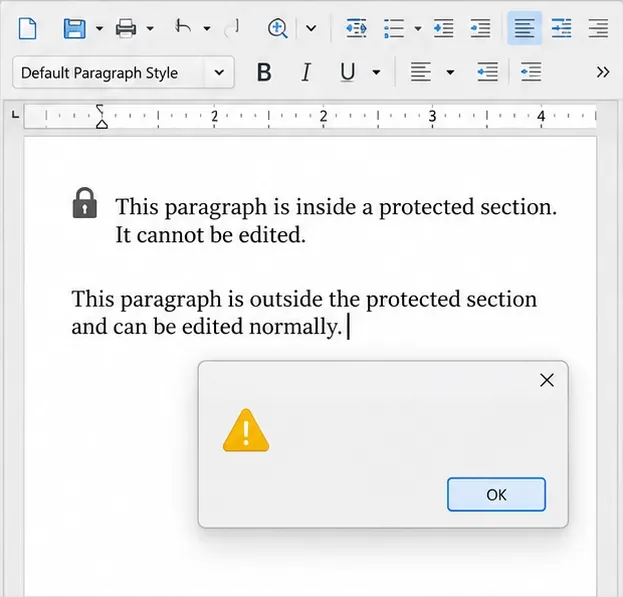
Protect selected Writer sections with a password, verify the read-only result, and learn when you need file encryption instead.
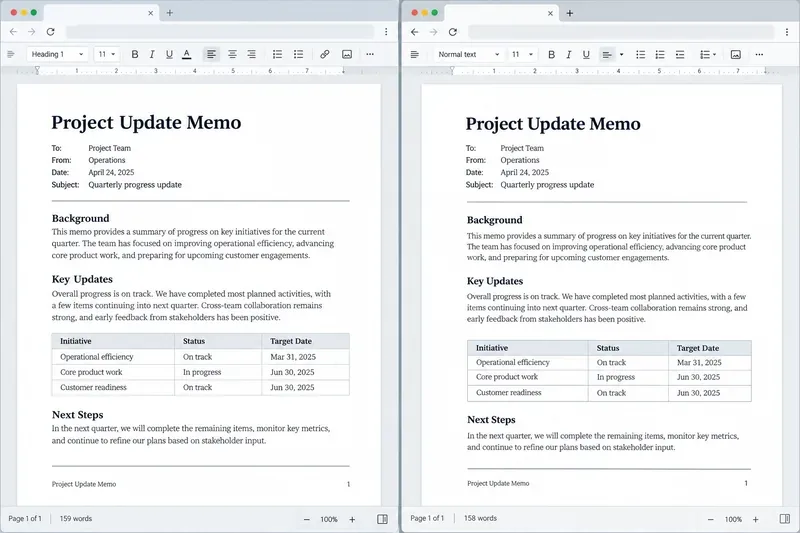
Compare ONLYOFFICE Docs and Word for the web on DOCX layout, page controls, supported formats, and practical ways to test formatting fidelity before sharing or printing.
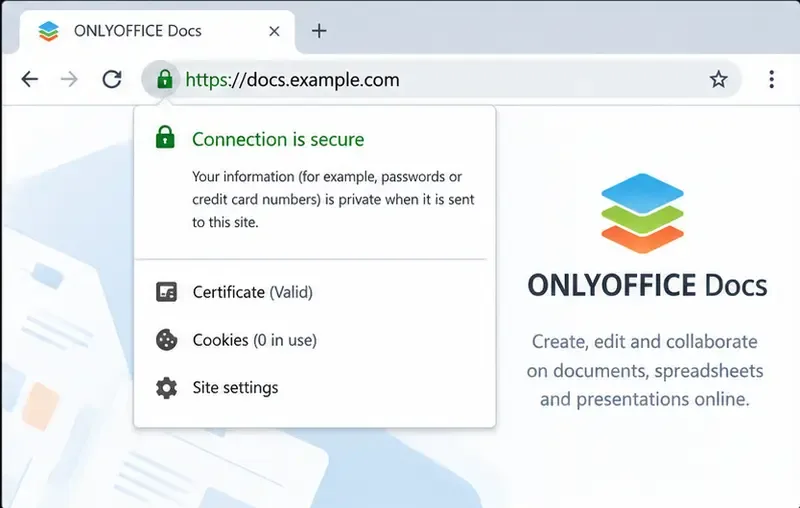
Learn how to configure HTTPS for ONLYOFFICE Docs in Docker with a trusted TLS certificate, Docker Compose, secure key permissions, and practical verification steps.
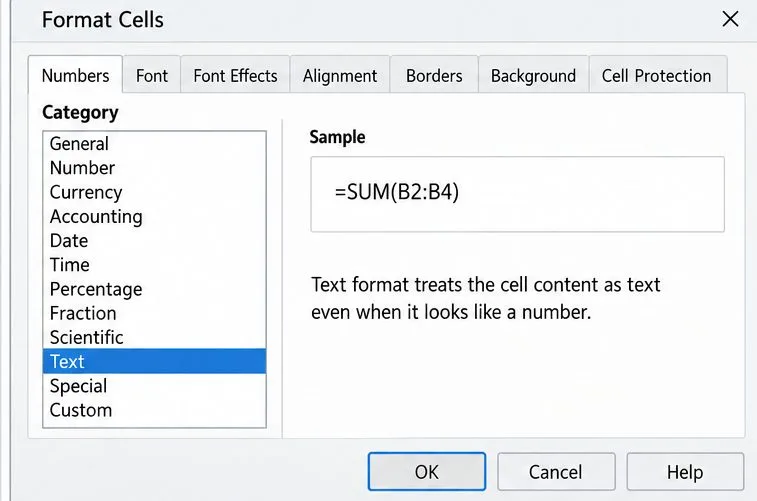
Learn how to tell a display setting from a text-formatted formula or stale calculation, then choose the safest Calc fix for your sheet.
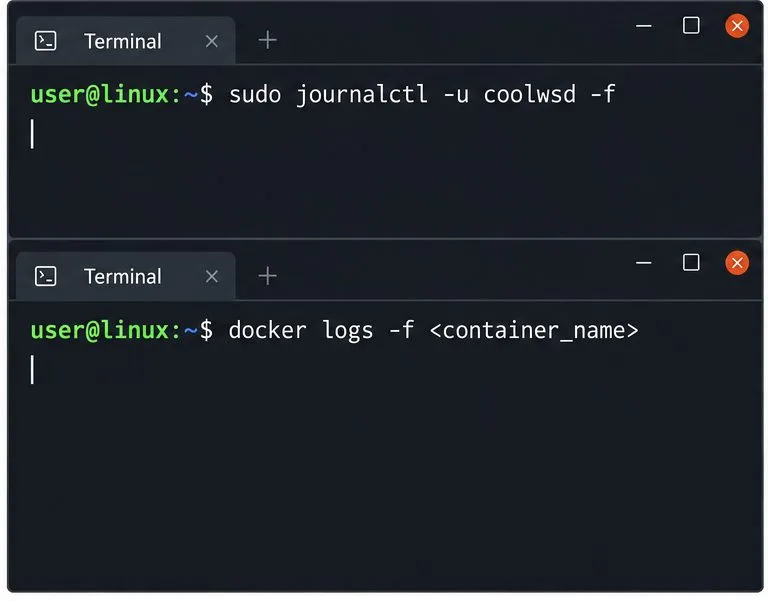
Temporarily raise the coolwsd log level, trace a Collabora Online connection failure, find the right log sink, and restore safe production logging.
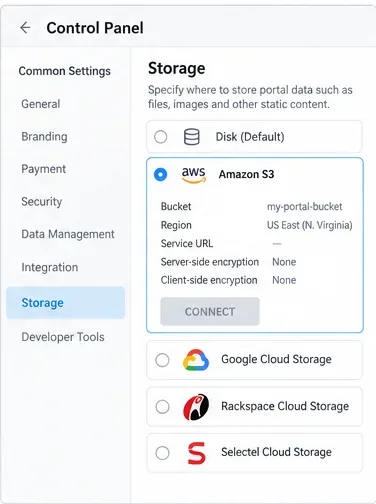
Learn how to move ONLYOFFICE Workspace portal data from Disk Default to S3, Google Cloud Storage, Rackspace, or Selectel, with backup and verification steps.
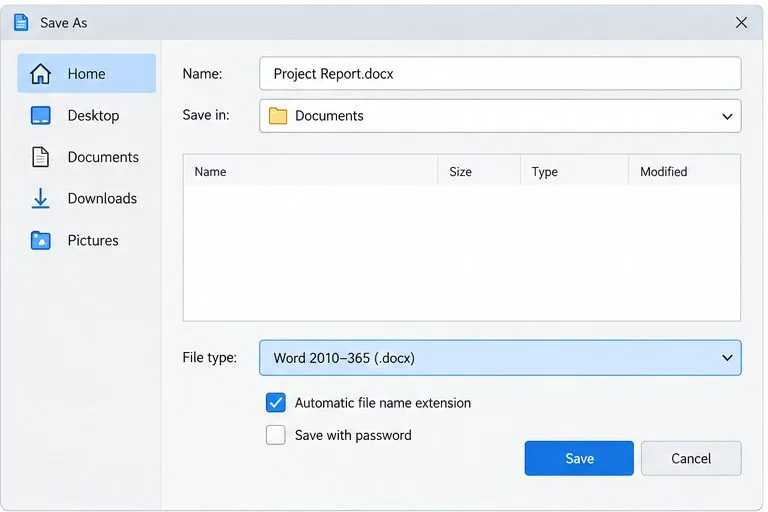
Enable Track Changes in LibreOffice Writer, export a reviewable DOCX, and verify revisions, fonts, tables, and page layout before sharing.
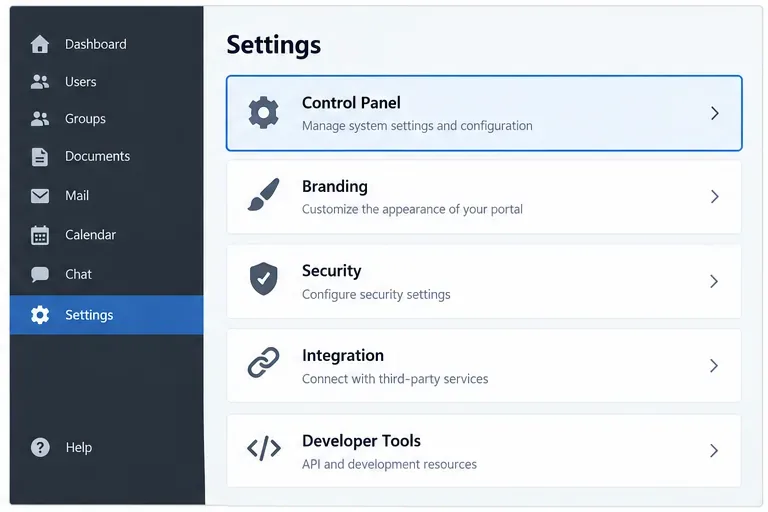
Set up automated ONLYOFFICE Workspace backups with the Control Panel, off-site storage, retention, Mail protection, verification, and restore testing.
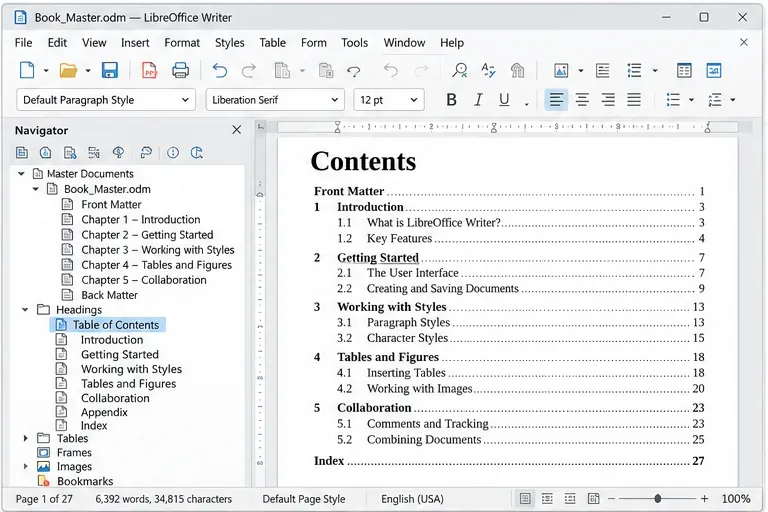
Learn how to create a LibreOffice Writer master document, link and order chapter files, apply consistent styles, update a table of contents, and export your book.
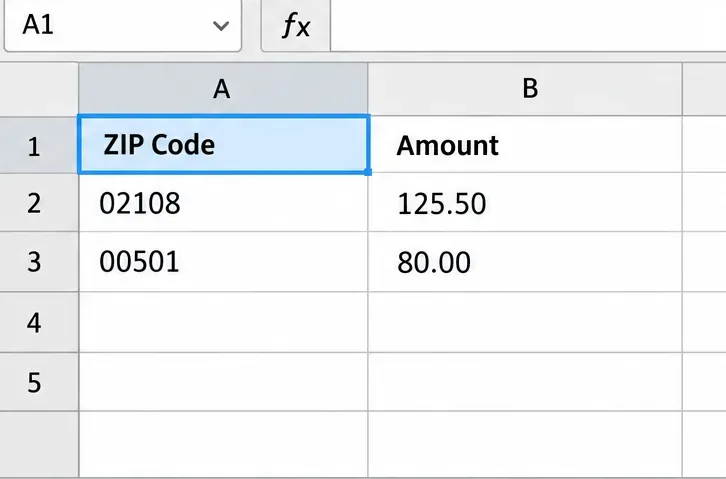
Keep ZIP codes, phone numbers, and IDs intact when importing CSV files in LibreOffice Calc. Set identifier columns to Text and verify exports.
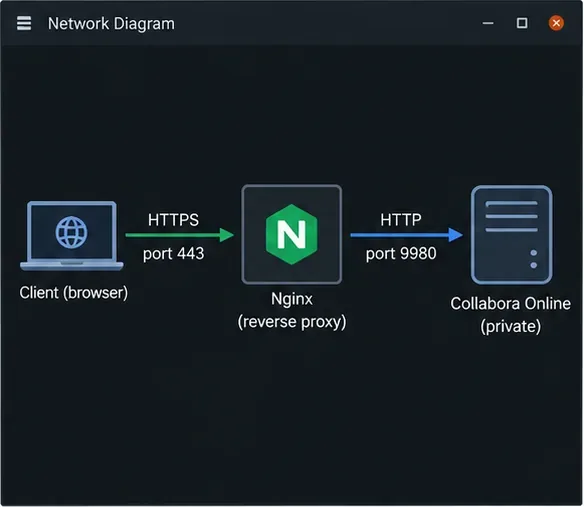
Configure Collabora Online behind Nginx with TLS termination, WebSocket forwarding, discovery routes, and practical checks for a working editor session.
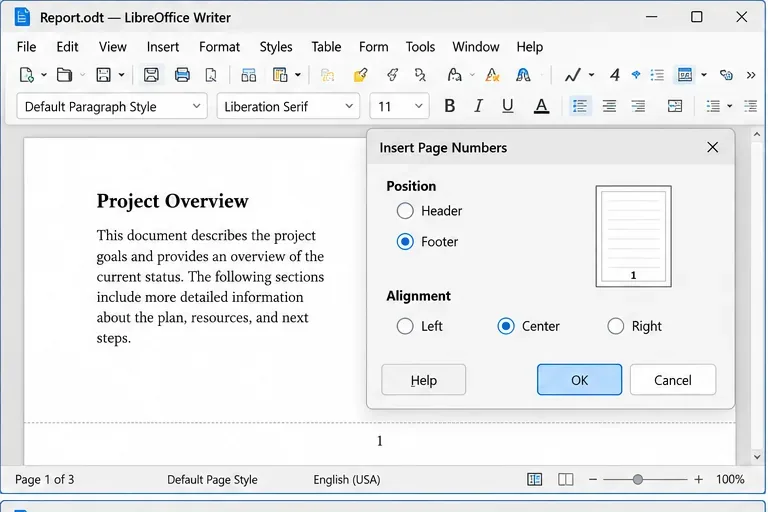
Learn how Writer page styles and Word sections control page numbers, cover pages, Roman numerals, restarts, and headers or footers, with steps and checks.
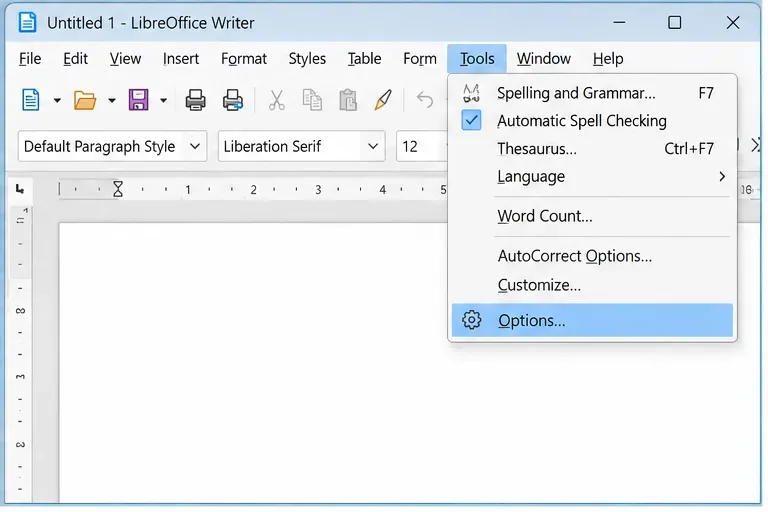
Learn how to disable LibreOffice crash reports, Online Update user-agent data, and optional automatic update checks, plus how to verify the settings.
Install ONLYOFFICE Docs Enterprise with the official Docker Compose file, configure JWT and persistent storage, add your license, and verify the service.
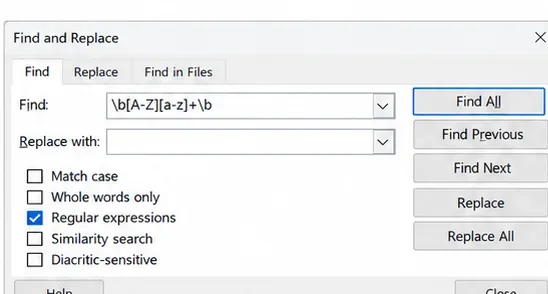
Learn how to use regex in LibreOffice Find and Replace to clean text, capture and reorder data, control scope, and choose safer alternatives.
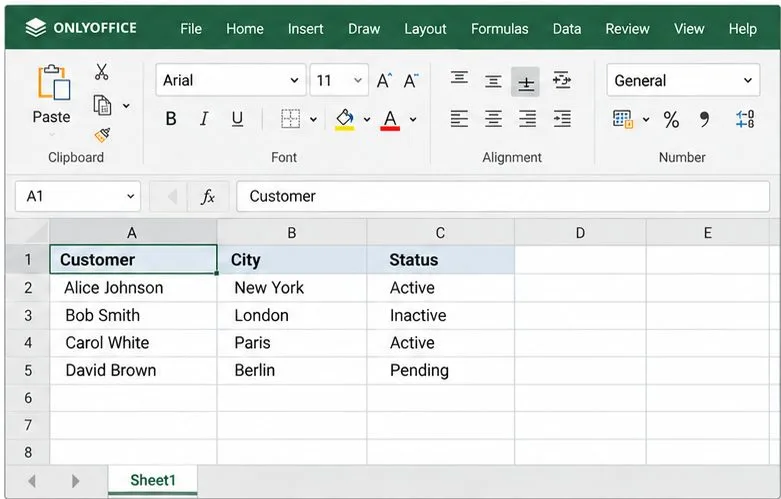
Build a safe ONLYOFFICE JavaScript macro to clean spreadsheet text, preserve formulas and numbers, and verify each change before saving your workbook.
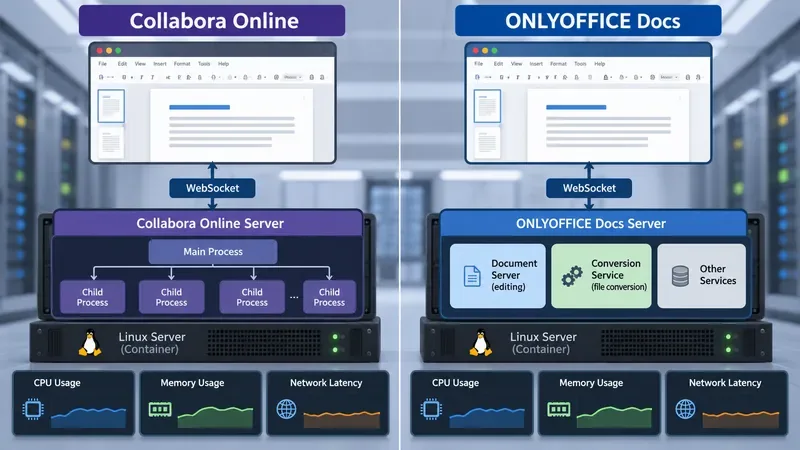
Compare Collabora Online and ONLYOFFICE Docs with official sizing guidance and a repeatable test for CPU, memory, open time, co-editing latency, and saves.
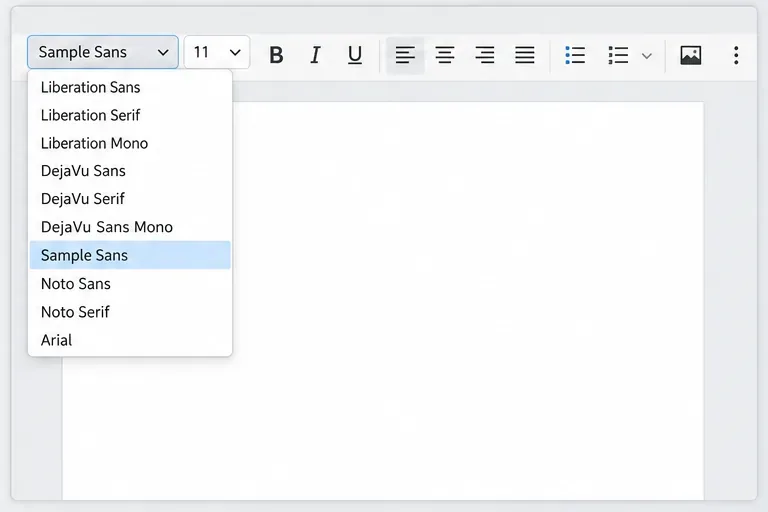
Add custom fonts to Collabora Online CODE in Docker, compare bind mounts, custom images, and remote font configuration, then verify fonts in a document.
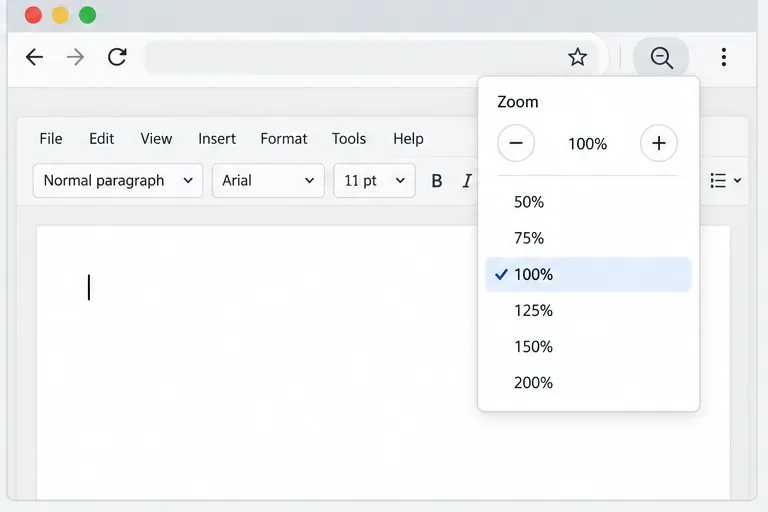
Troubleshoot a clipped, stretched, or unresponsive Collabora Online font-size dropdown. Reset page zoom, enter a size manually, and check CODE version fixes.