How to Connect to a Hotspot on Windows 10
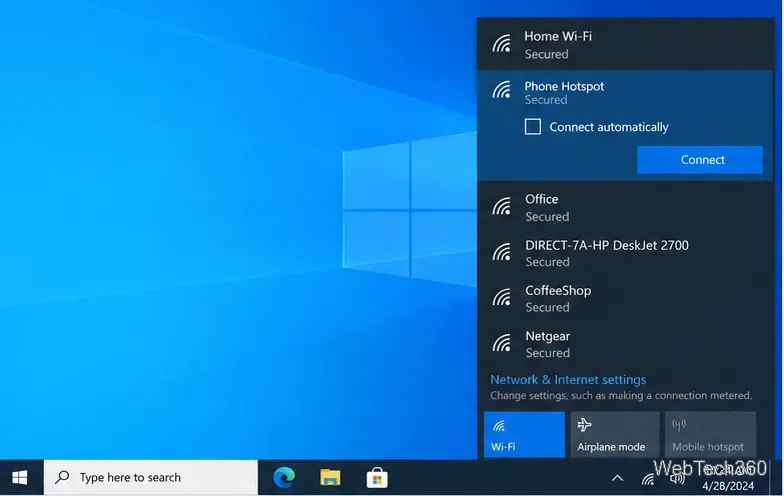
Connect a Windows 10 PC to a phone hotspot over Wi-Fi, USB, or Bluetooth, with clear setup steps and fixes for missing networks and password errors.
Connect a Windows 10 PC to a phone hotspot over Wi-Fi, USB, or Bluetooth, with clear setup steps and fixes for missing networks and password errors.
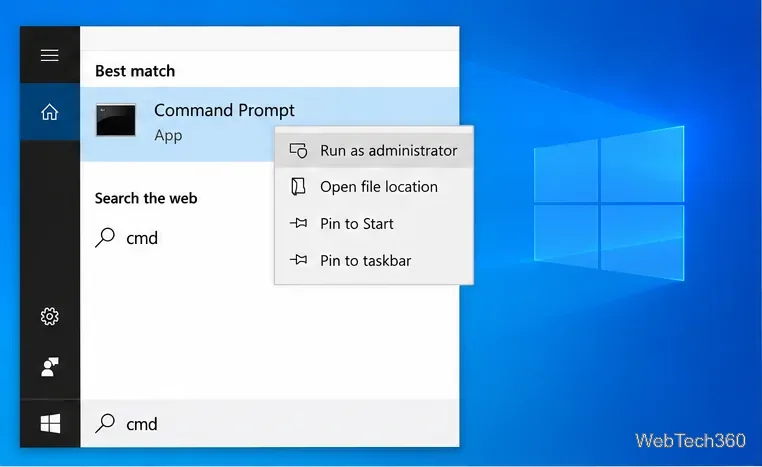
Use Windows 10's built-in battery report to compare design and full-charge capacity, calculate estimated wear, and understand missing or confusing readings.
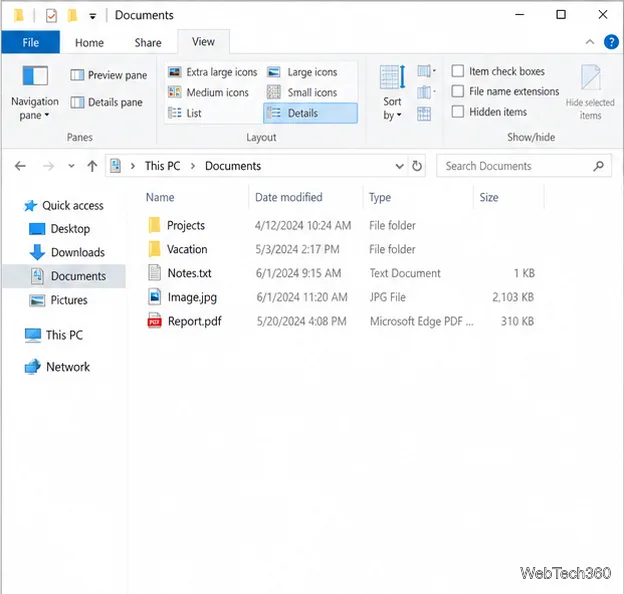
Turn on File Explorer’s Preview pane from the View ribbon or with Alt+P, then learn which files it can show and how to handle blocked downloads.
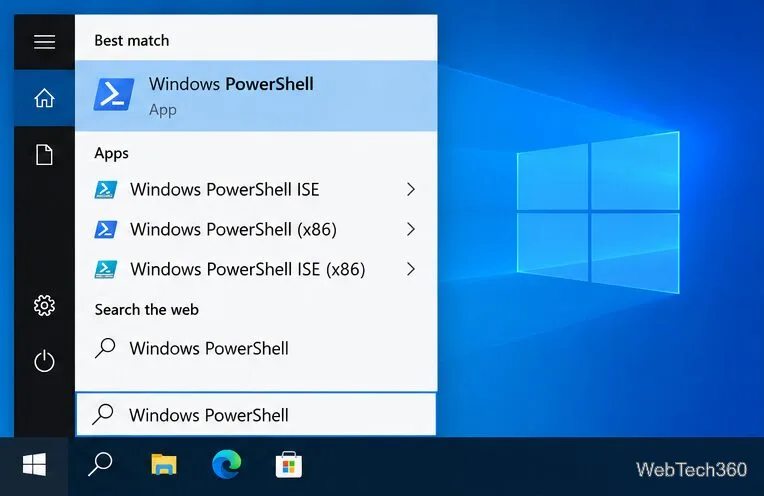
Find a physical HDD or SSD serial in PowerShell, identify the right disk, and learn how it differs from a volume serial number.
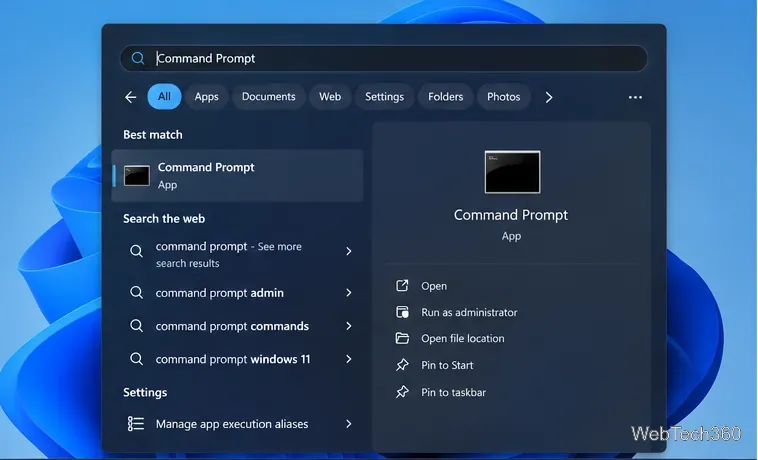
Use Command Prompt to track ping, packet loss, and latency over time, then compare your router, a public IP, and a website to narrow down connection drops.
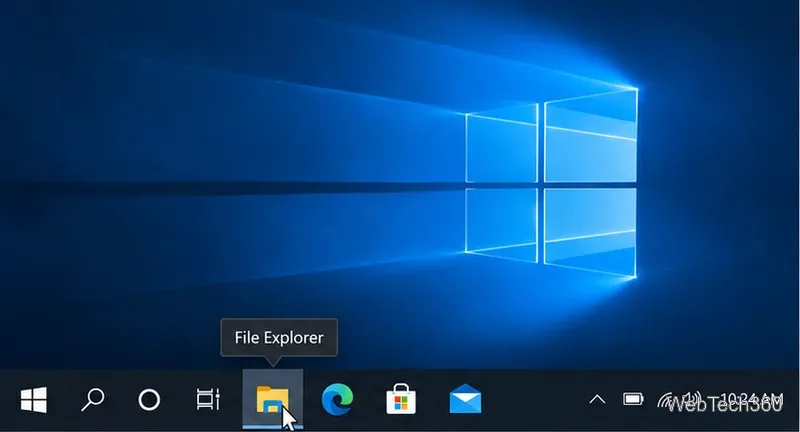
Use tooltips, window previews, app menus, the notification area, Start search, and Task Manager to identify an unfamiliar Windows 10 taskbar icon safely.
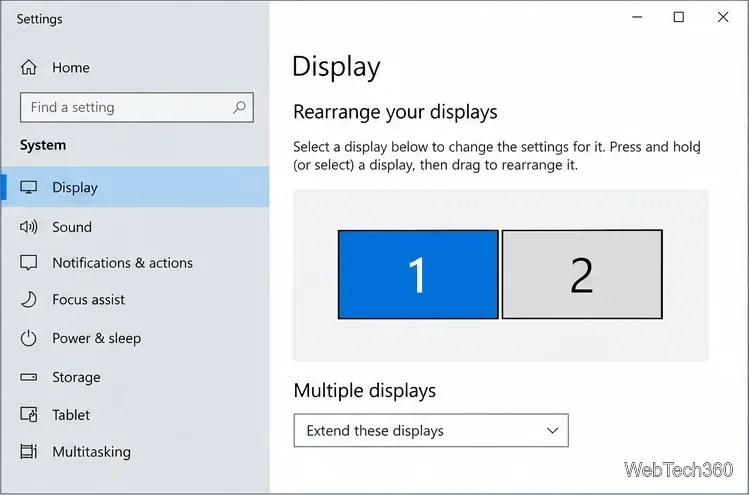
Learn how to wrap your mouse across multiple monitors in Windows 10 with Little Big Mouse, including setup, loop directions, and troubleshooting tips.
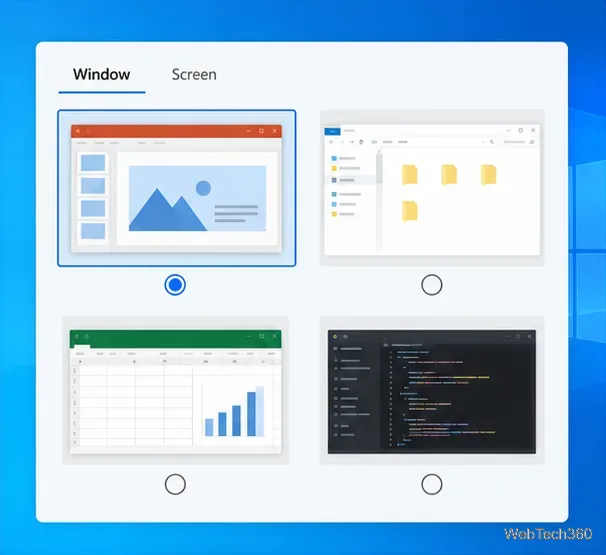
Keep private windows out of a Windows 10 screen share by sharing one app, moving sensitive apps to another desktop, and silencing pop-up notifications.
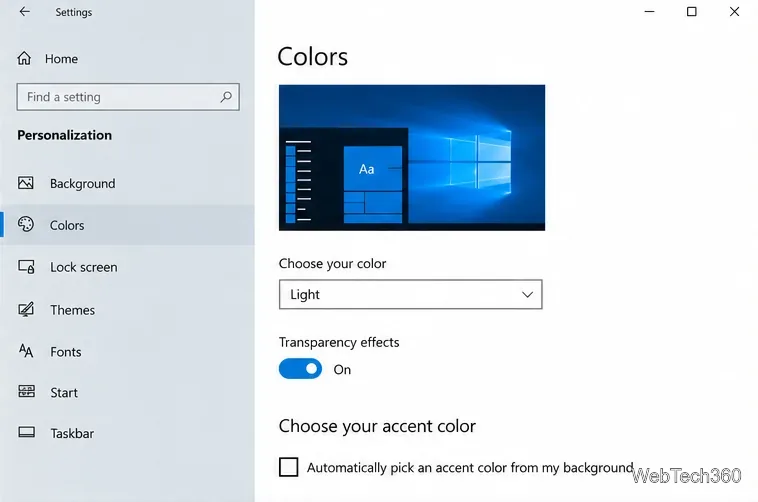
Set Windows 10 to dark mode, pick an accent color, and apply both to Search results with BeautySearch, with compatibility and removal guidance.
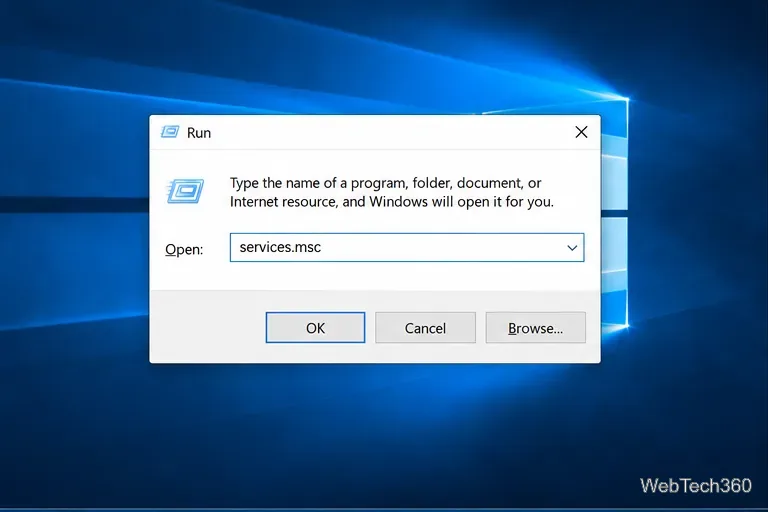
Use the Services console or Task Manager to identify a Windows 10 service, start or stop it safely, check its status, and troubleshoot common issues.
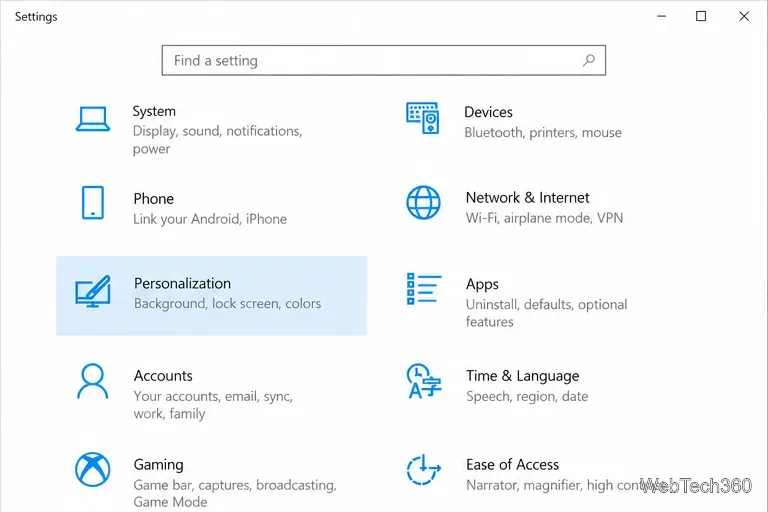
Remove Microsoft Rewards-style tips from the Windows 10 lock screen by turning off Spotlight extras, with separate steps for app notifications.
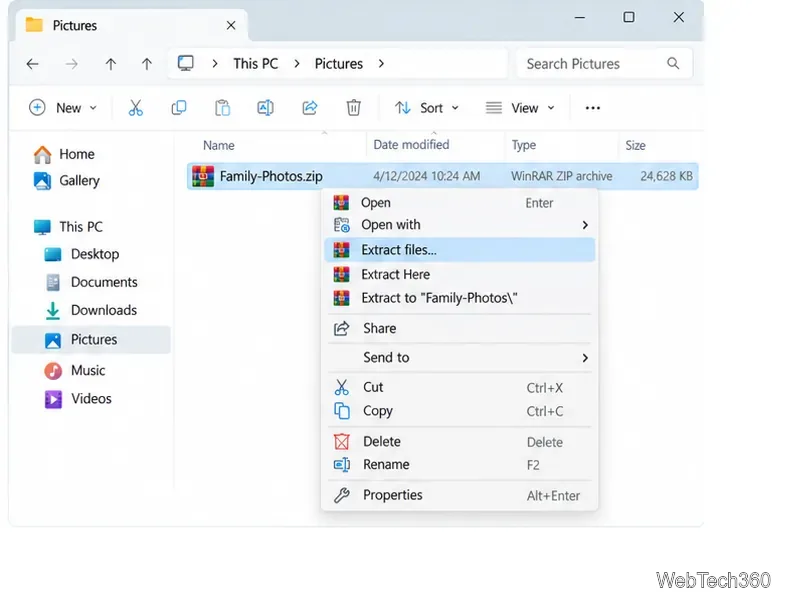
Set WinRAR to keep, confirm, or automatically delete an archive after extraction. Learn how to save the choice and make deletions recoverable.
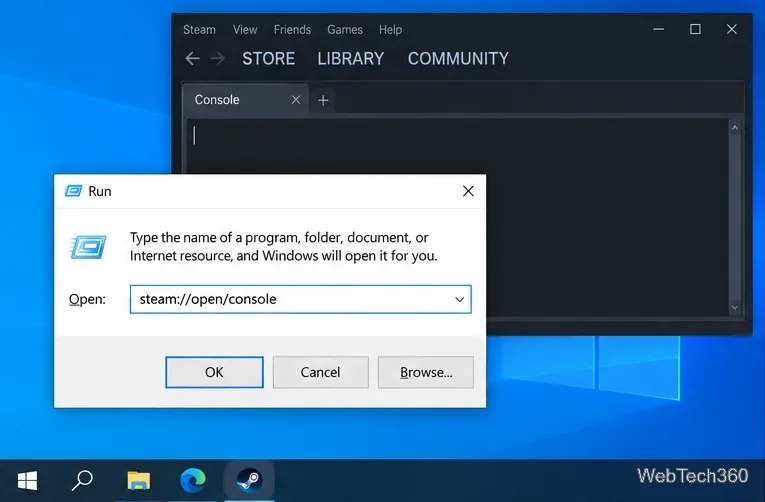
Open Steam’s hidden client Console tab on Windows 10 with a Run command, File Explorer or browser link, or a shortcut that launches Steam with -console.
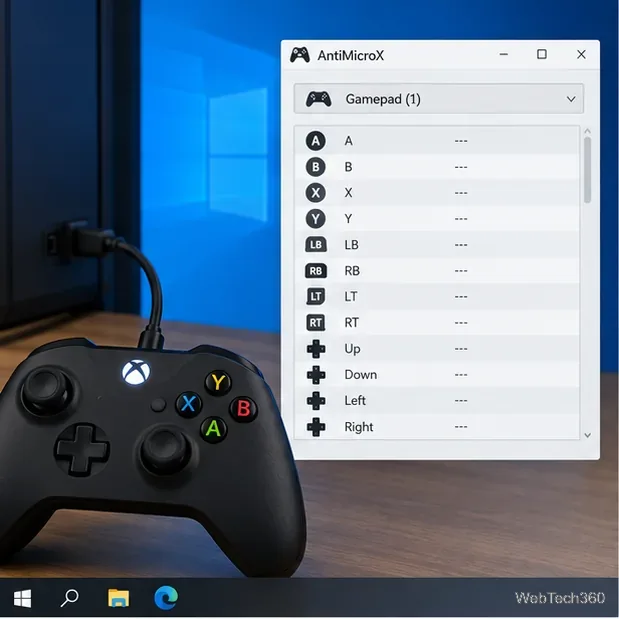
Map a controller to keyboard keys in Windows 10 with AntiMicroX. Set up a game-specific profile, test your inputs, and fix common connection problems.
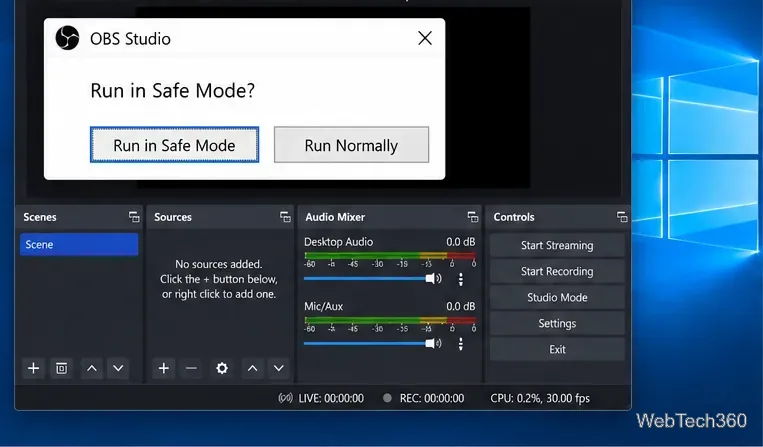
Troubleshoot OBS Studio crashes on Windows 10 with Safe Mode, plugin and overlay checks, graphics fixes, a clean reinstall, and crash-log guidance.
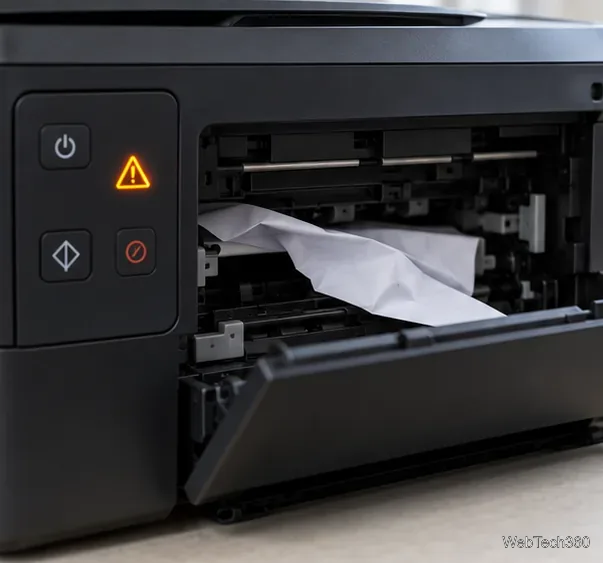
Fix the Windows 10 “Printer Attention Required” error with clear checks for paper, cartridges, connections, stuck jobs, the spooler, and printer drivers.
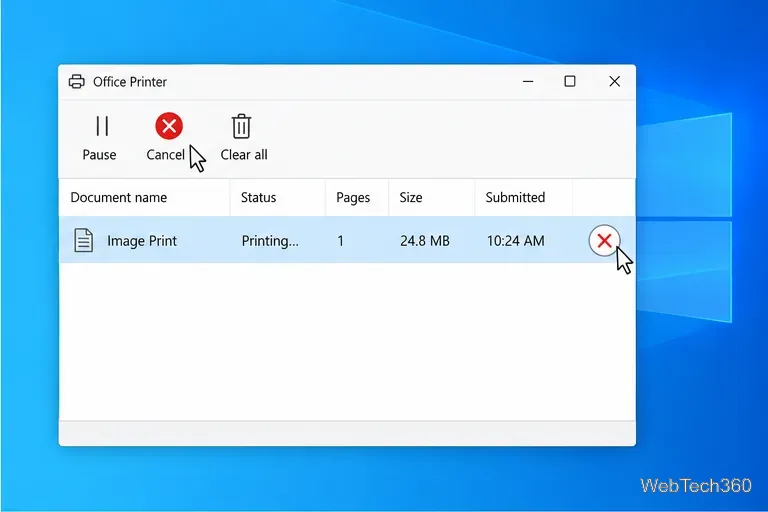
Stop Photoshop from crashing when printing on Windows 10 by checking the printer queue, driver, default printer, scratch disk, preferences, and document.
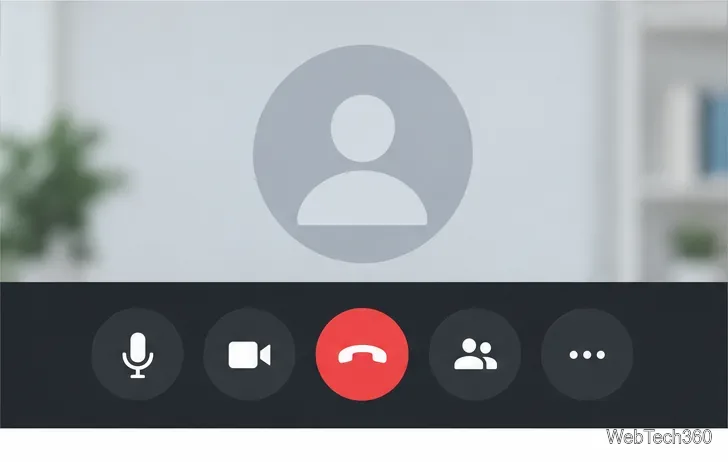
Use your meeting app’s mic and camera controls during a Windows 10 call, check privacy permissions when a device is blocked, and see which Zoom shortcuts still work.
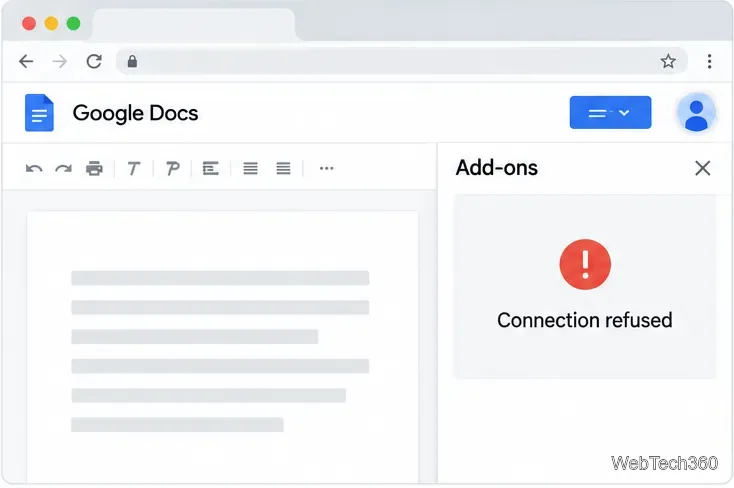
Fix the docs.google.com refused to connect error by checking your Google account session, browser cookies, extensions, add-on status, and Workspace permissions.
Show primary and secondary mouse clicks during a Windows 10 demo with Microsoft PowerToys. Enable Mouse Highlighter, choose an effect, and test it in your screen recording.
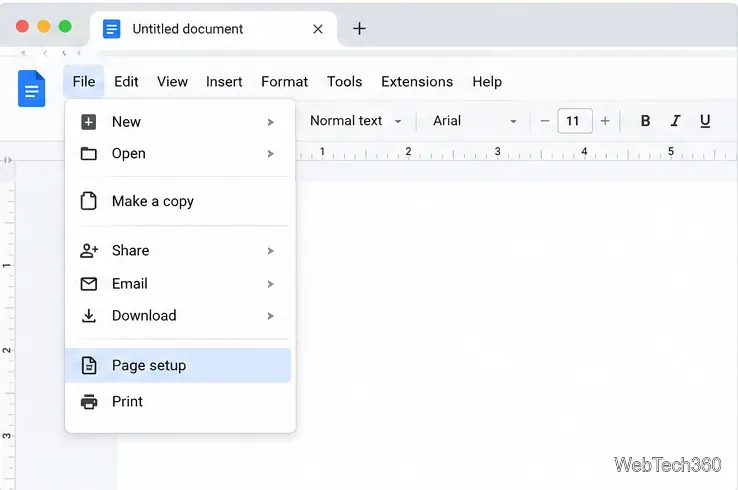
Learn what Google Docs can change natively, how to enter custom page dimensions with Page Sizer, and what to check before printing.
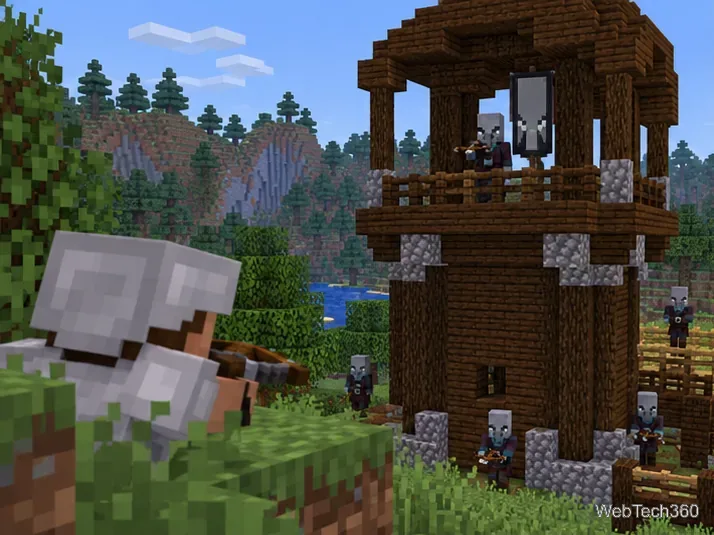
Find a pillager captain, start a village raid with an Ominous Bottle, and defeat Minecraft’s 100-health Ravager with a safe ranged-combat plan.
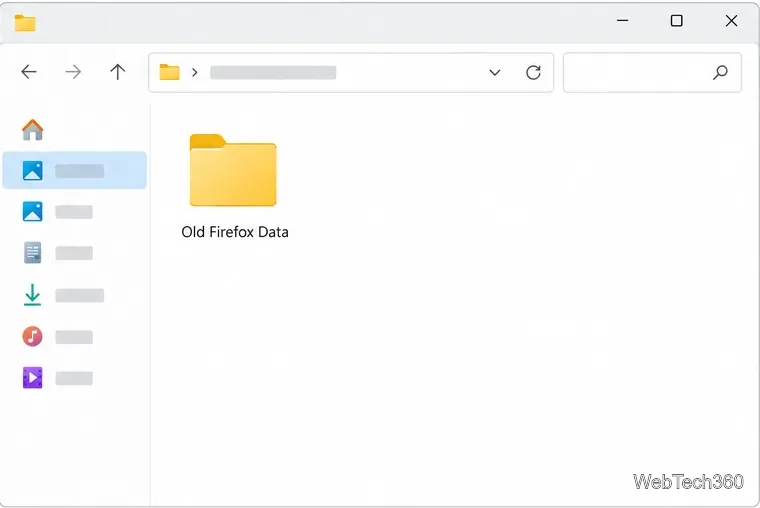
Use Firefox’s Refresh feature to reset settings while keeping bookmarks and passwords. Learn what it removes, how to back up, and what to do if the button is missing.
Struggling with the frustrating "Your PC Offline" error during Windows 11 login? Discover proven, step-by-step fixes to resolve it quickly and regain access to your device without losing data. Updated with the latest troubleshooting tips.
Struggling with Windows 11 speaker balance not saving? Discover proven troubleshooting steps to restore audio balance and enjoy crystal-clear sound without frustration. Quick fixes for left-right audio issues.
Discover how to use Windows 11 color filters for colorblind users to enhance accessibility. Step-by-step guide with tips to make your screen more visible and comfortable.

Struggling with your mouse DPI changing automatically in Windows 11? Discover proven fixes to stabilize your settings and regain control for smoother gaming and productivity. Step-by-step guide inside.
Discover how to easily set up BitLocker on your Windows 11 external USB drive for top-notch encryption. Follow our step-by-step guide to protect your data securely and effortlessly.
Struggling with the frustrating "There Was a Problem Resetting Your PC" error? Discover proven, step-by-step fixes to reset your Windows PC effortlessly. Get back to smooth performance without losing data – updated for the latest Windows versions.
Discover how to use Windows 11 Terminal instead of CMD for a modern, efficient command-line experience. Step-by-step guide to setup, features, and tips to enhance your productivity.