How to Put AirPods in Pairing Mode: A Model-by-Model Guide
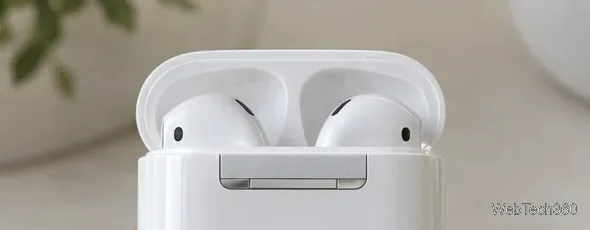
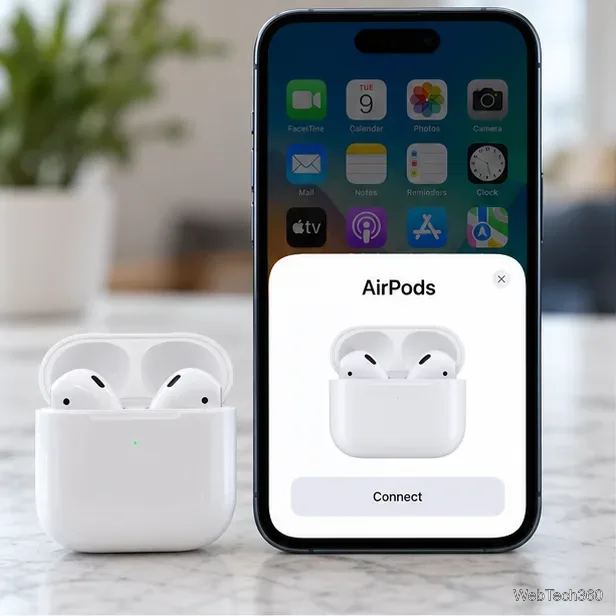
Learn how to put AirPods in pairing mode for older and newer models, then connect them to an iPhone, iPad, Mac, Android phone, or Windows PC.
Learn how to put AirPods in pairing mode for older and newer models, then connect them to an iPhone, iPad, Mac, Android phone, or Windows PC.
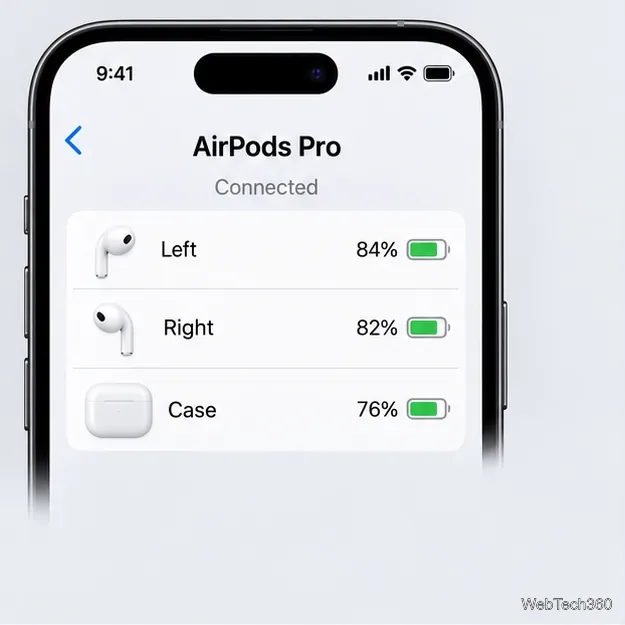
Find AirPods battery status on iPhone, iPad, Mac, or Apple Watch. Use Settings, the Batteries widget, or Control Center to check each earbud and, when available, the case.
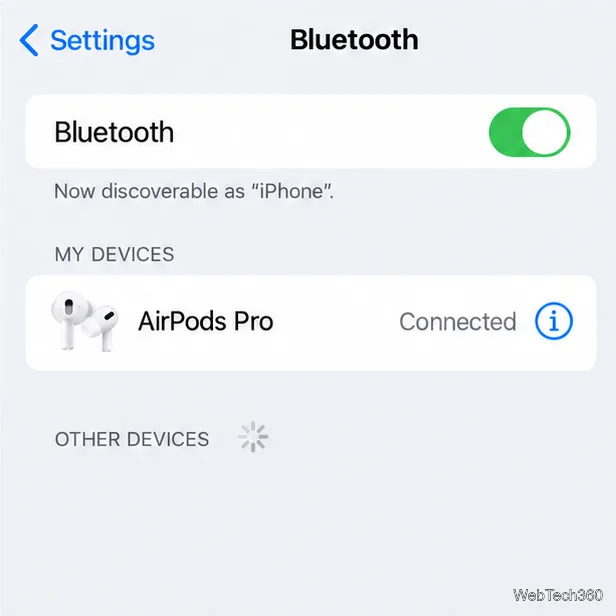
Learn where to find AirPods settings on iPhone and how to rename your earbuds, customize playback controls, set the microphone, manage ear detection, and adjust accessibility options.
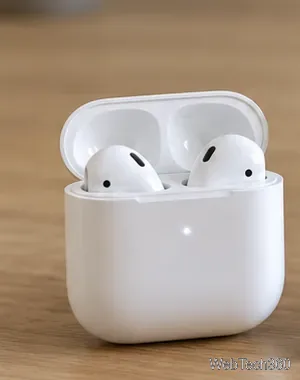
Learn how to connect Apple AirPods to Android phones, Windows 11 PCs, and Chromebooks, including model-specific pairing steps and common fixes.
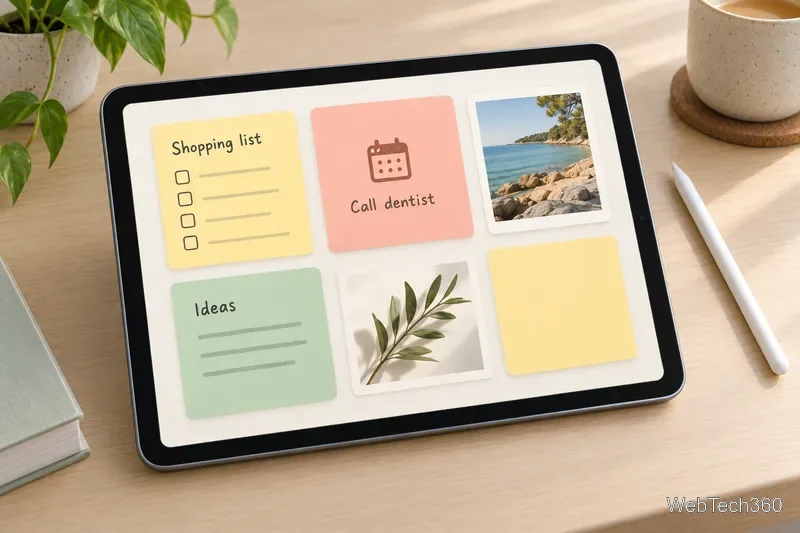
Compare five note-taking apps for iPad by handwriting, quick lists, meeting transcripts, privacy, and rich documents, with clear notes on syncing and plan limits.
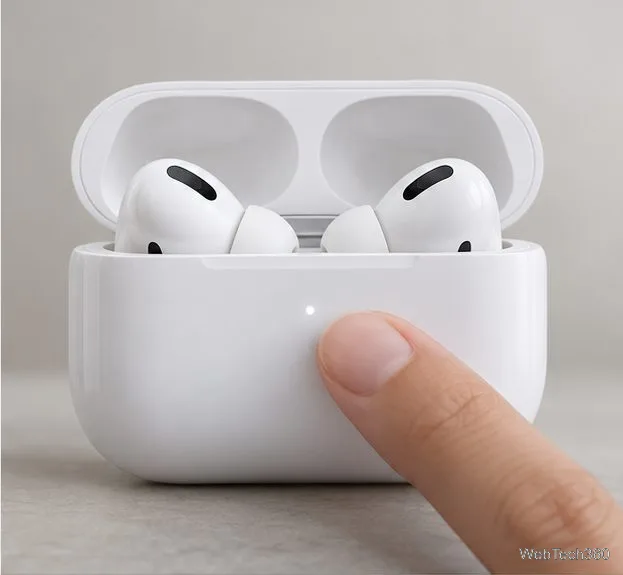
Pair AirPods Pro with an iPhone, Mac, Apple Watch, Apple TV, or Android device. Follow the right steps for your case generation and fix common connection problems.
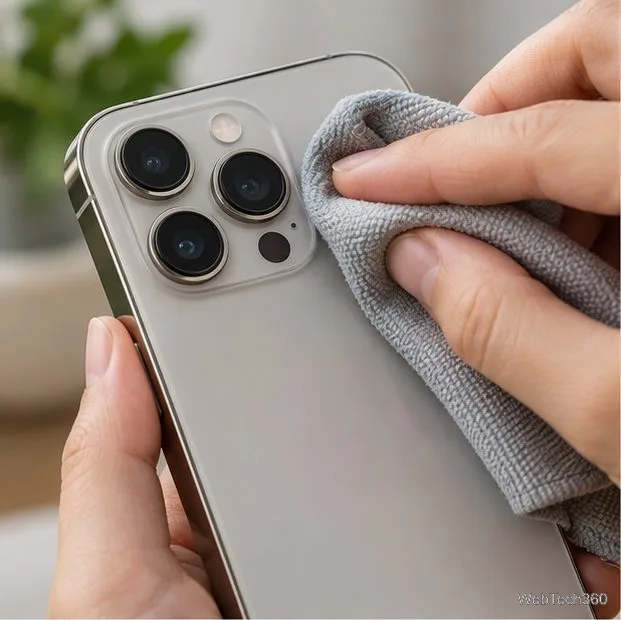
If your iPhone camera won’t focus, clean the lens, remove obstructing accessories, tap to focus, adjust close-up distance, and try safe software fixes.
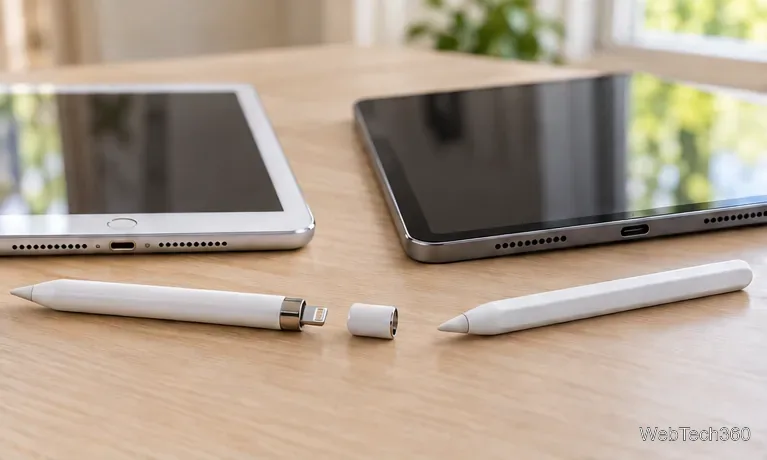
Pair Apple Pencil Pro, USB-C, 2nd-generation, or 1st-generation models with a compatible iPad, then check charging and fix common connection problems.
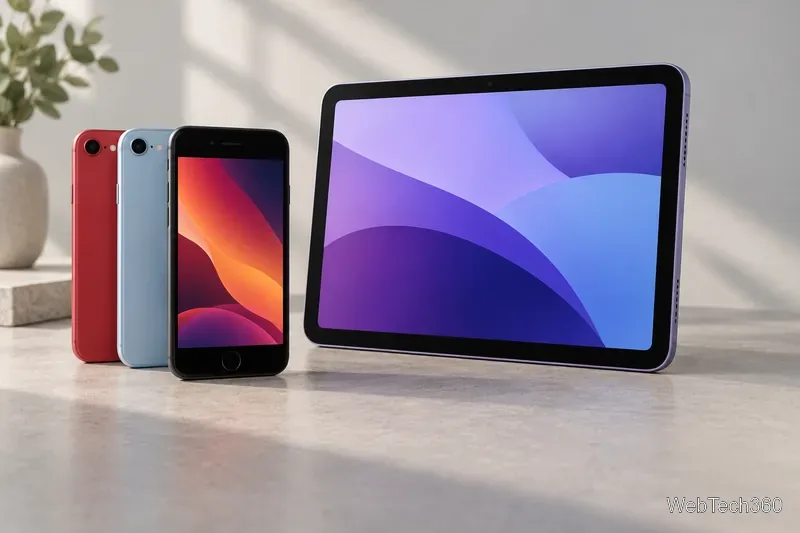
See every major announcement from Apple's March 8, 2022 event: the third-generation iPhone SE, M1 iPad Air, Mac Studio, Studio Display, M1 Ultra, and new iPhone colors.
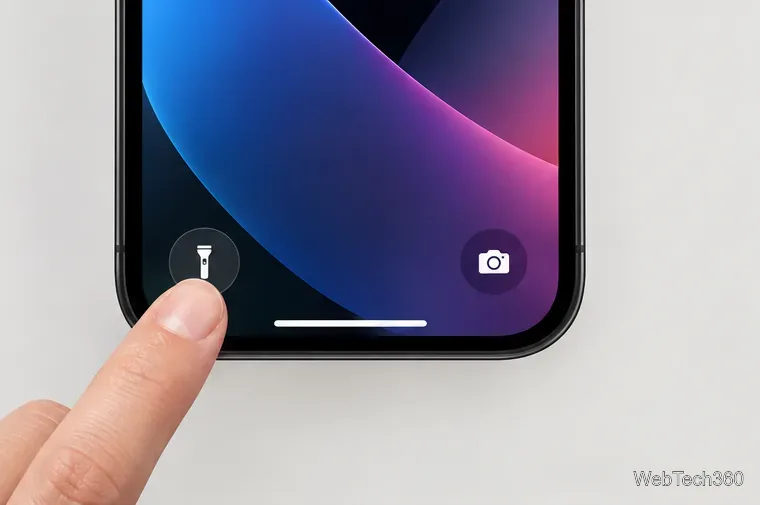
Turn off your iPhone flashlight from the Lock Screen, Control Center, Siri, or Action button, and restore the control if it is missing.
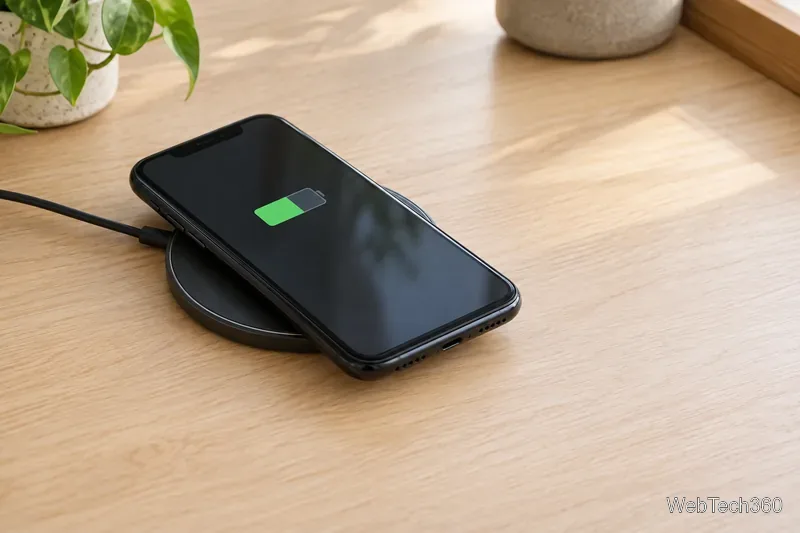
Yes, iPhone 11 wireless charging works with Qi-certified pads and stands. Learn its 7.5W limit, setup steps, MagSafe compatibility, and troubleshooting tips.
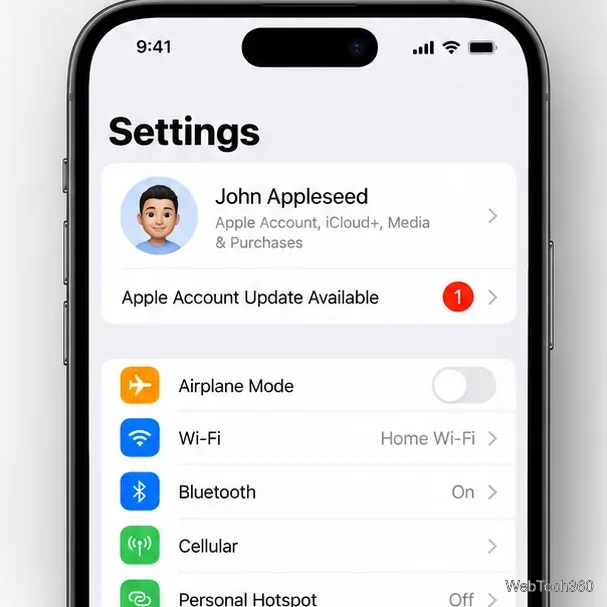
Stop the “Update Apple ID Settings” prompt by verifying your Apple Account, checking iCloud and your connection, and trying safe iPhone fixes.
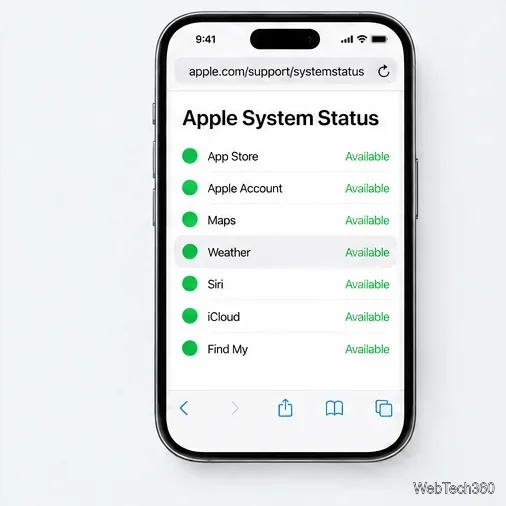
Fix stale iPhone Weather forecasts by checking Apple’s service status, internet access, location permissions, background refresh, and app updates.
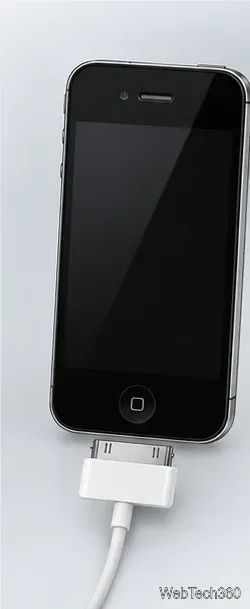
See how the legacy redsn0w DFU IPSW workaround worked, its firmware limits and restore risks, and what Apple recommends when a button is broken.
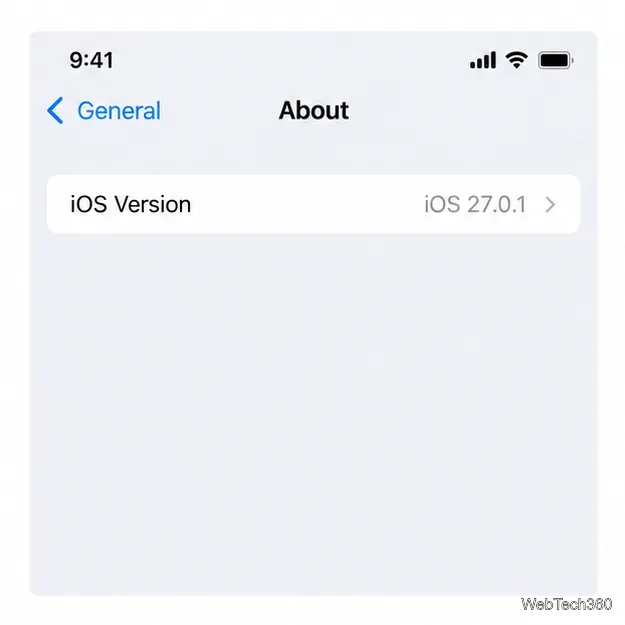
Unblock a phone number on iPhone or iPad with Apple’s current Settings path, plus steps for older iOS versions and FaceTime.

Learn why your iPhone shows SOS or SOS only, how Emergency SOS works, how to disable its automatic button shortcuts, and how to restore cellular service.
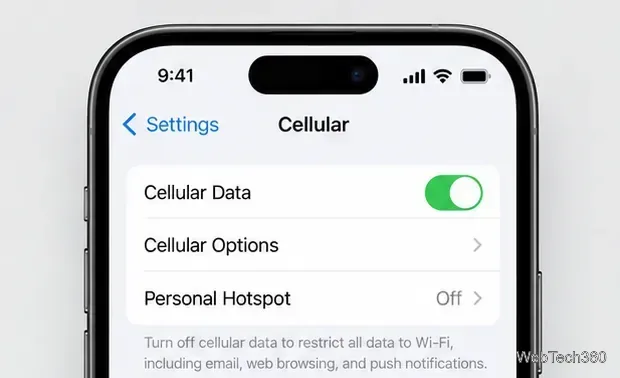
If iPhone calls go straight to voicemail, check Focus, call screening, forwarding, cellular service, and carrier settings with these practical fixes.
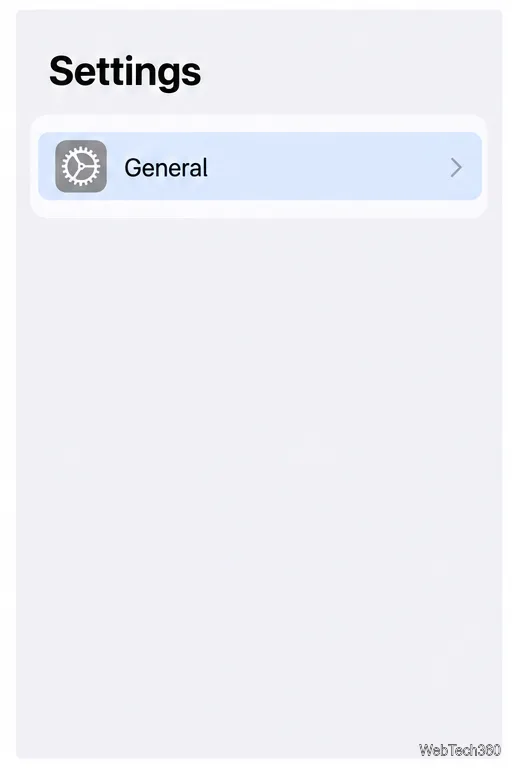
Reset Network Settings on iPhone for stubborn Wi-Fi, cellular, or VPN issues. Learn what changes, what stays intact, and how to reconnect afterward.
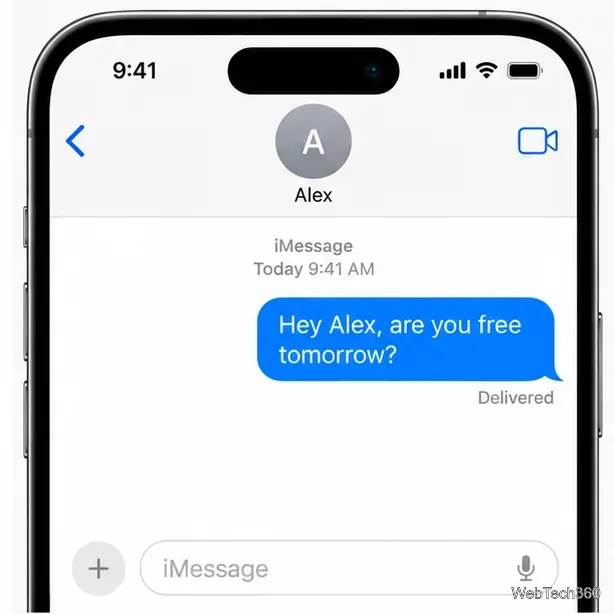
Learn what missing iMessage delivery notices, green bubbles, unanswered calls, and voicemail can—and can’t—tell you about whether someone blocked your number on iPhone.
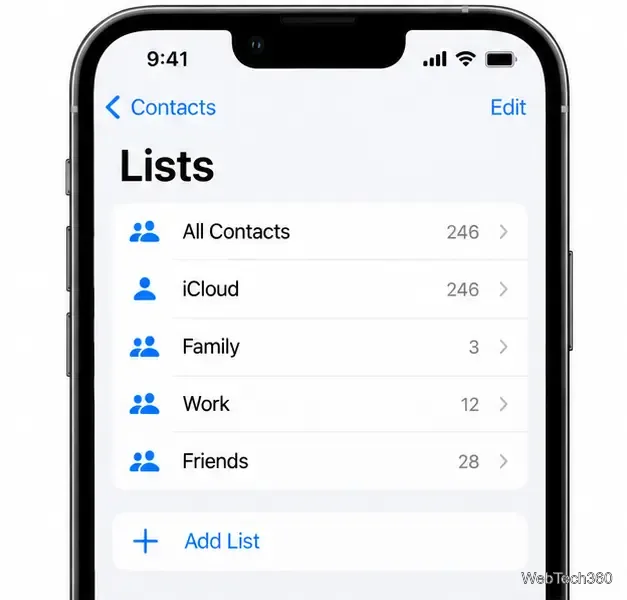
Organize reusable contact lists in Contacts, iCloud.com, or Mac Contacts, or use an app for group messaging, with sync and privacy tips.
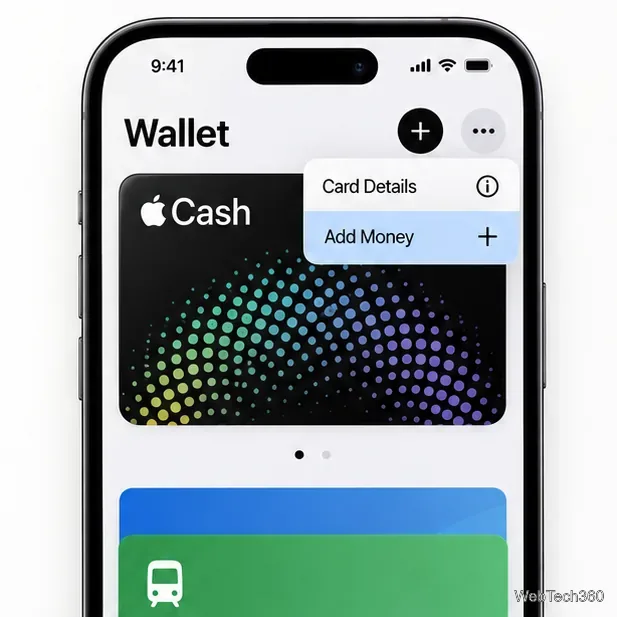
Learn two supported ways to add money to Apple Cash without a debit card: use an eligible prepaid card or receive a payment from someone you trust.
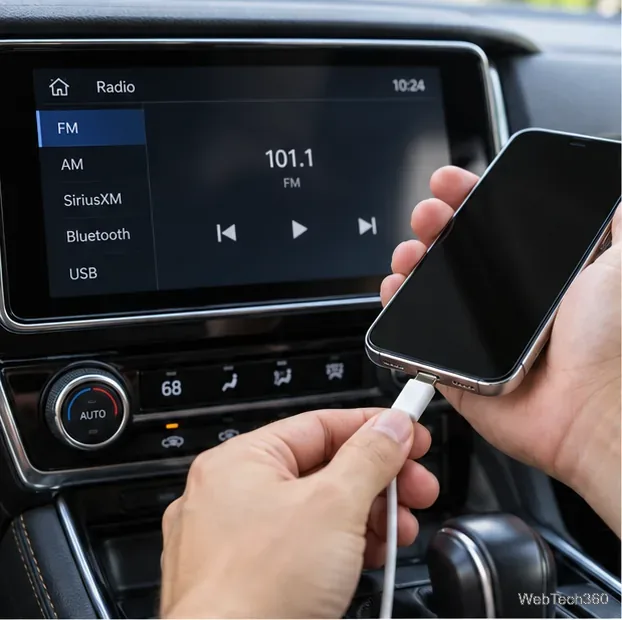
Stop CarPlay for one trip, one vehicle, or every car. Follow four iPhone and vehicle settings options, with notes on wireless reconnection and privacy.
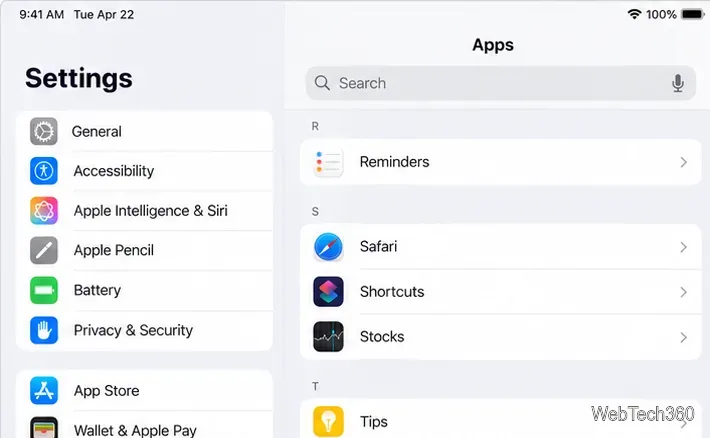
Clear Safari, Chrome, or Google Search history on an iPad with current steps, and learn what each option removes and where your activity is saved.
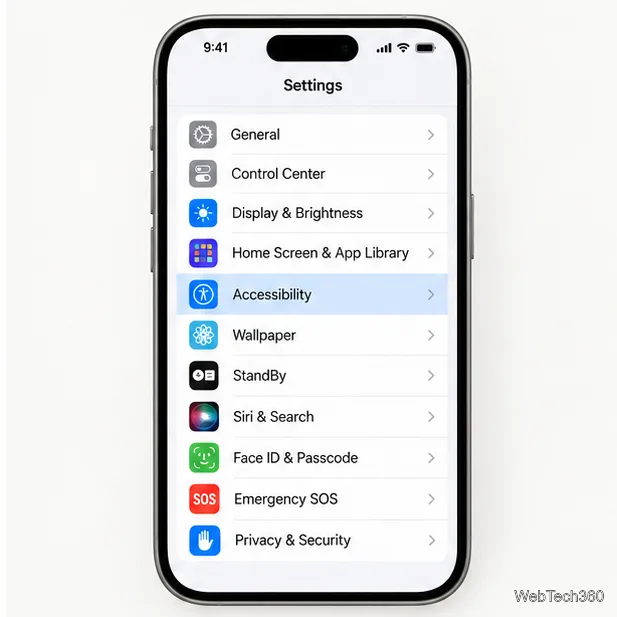
Learn how to get Siri to read text on iPhone or iPad, use Speak Screen controls, and hear selected text or incoming messages.
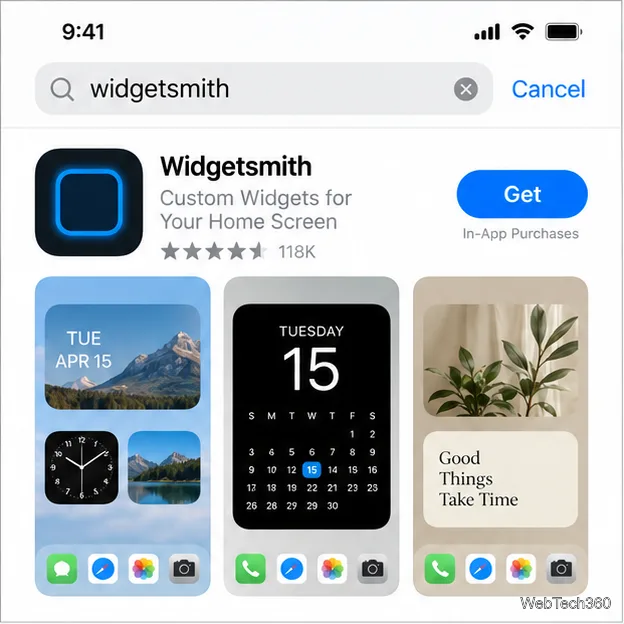
Create a Widgetsmith design, customize its look, and connect it to an iPhone Home Screen widget with the current iOS steps.
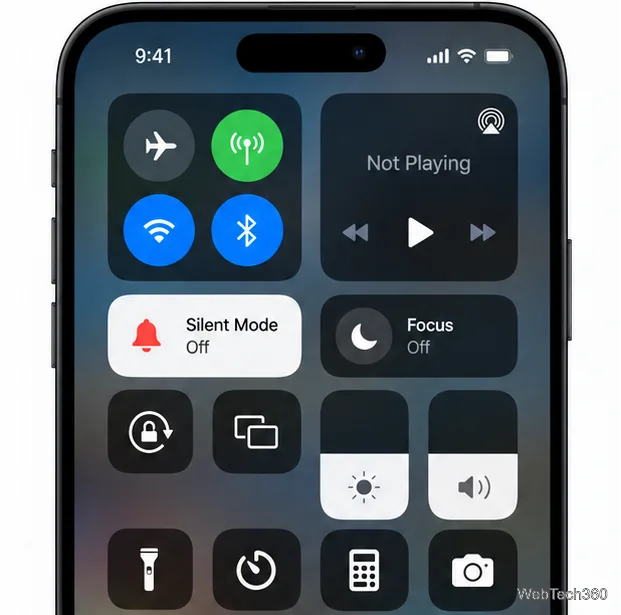
If your iPhone isn't ringing, check Silent mode, ringer volume, Focus, call screening, custom tones, sound output, and speaker or carrier issues.
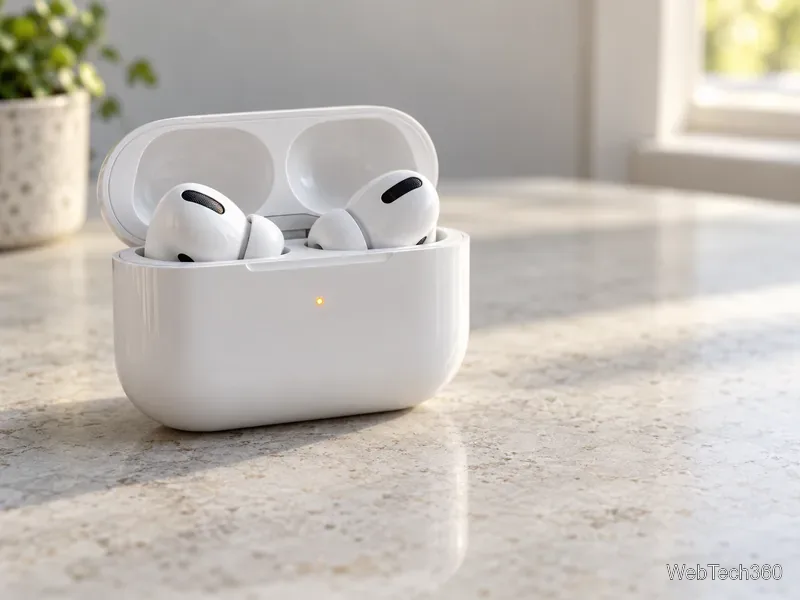
An orange or amber AirPods light usually reports battery status. Learn what it means with earbuds in or out, which newer models pulse or flash amber, and when a reset may help.
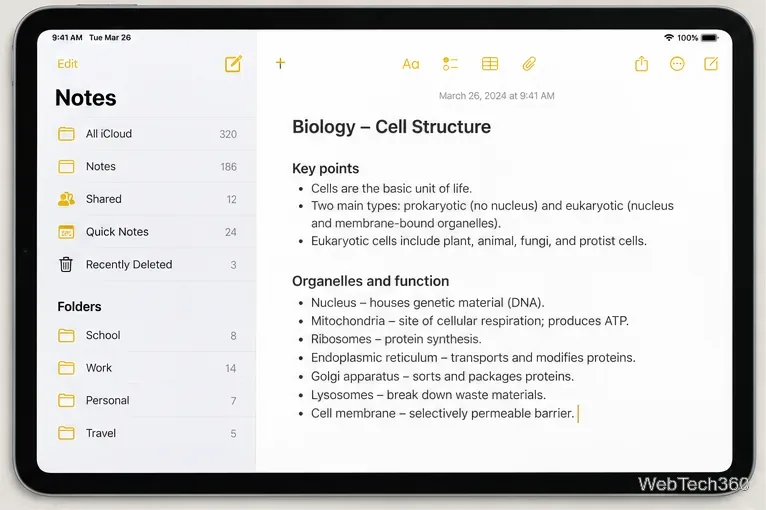
Learn how to take notes on iPad with Notes or Quick Notes. Type, handwrite with Apple Pencil or your finger, and find your notes later.
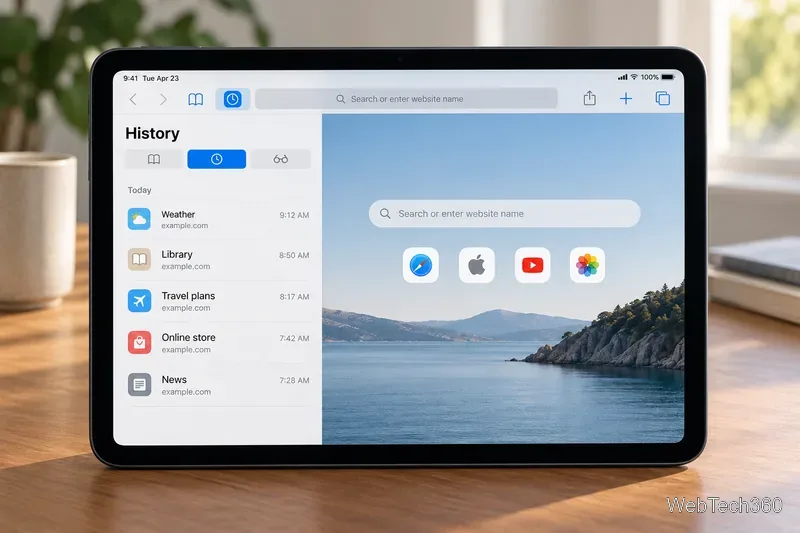
See when clearing iPad browsing history helps protect privacy, remove old traces, or troubleshoot a site—and what history deletion does not erase.
Use AirPods with Apple Watch automatically or pair them in Bluetooth settings, then select them as the audio destination.