IOS | Page 3

How to Update an iPad to the Latest iPadOS 16 Version: 2 Methods
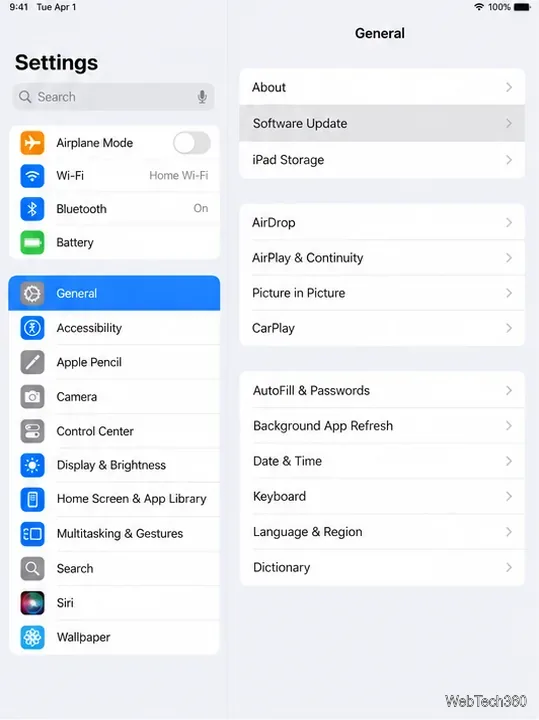
How to Update an iPad to the Latest iPadOS 16 Version: 2 Methods

Update your iPad over Wi-Fi or through a Mac or Windows PC. Learn which iPads still get iPadOS 16 and how to install the newest compatible release safely.
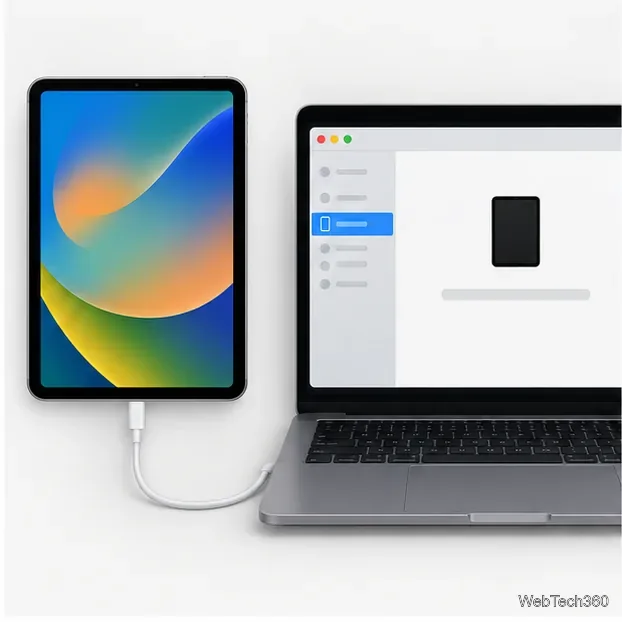
How to Put an iPad in Recovery Mode: Steps for Both Button Types

How to Put an iPad in Recovery Mode: Steps for Both Button Types

Use the right button sequence for an iPad with or without a Home button, connect it to a computer, and learn when Update or Restore can erase data.

How to Check Your Apple Pencil Battery: 4 Simple Methods

How to Check Your Apple Pencil Battery: 4 Simple Methods

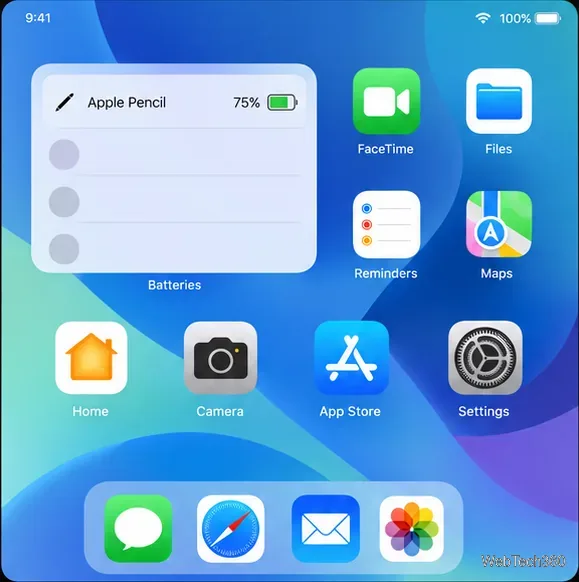
Check Apple Pencil battery percentage on your iPad with the Batteries widget, Settings, Today View, or your Lock Screen, plus fixes if the Pencil is missing.

Where Are Downloads on iPad? Find Files Fast in the Files App

Where Are Downloads on iPad? Find Files Fast in the Files App

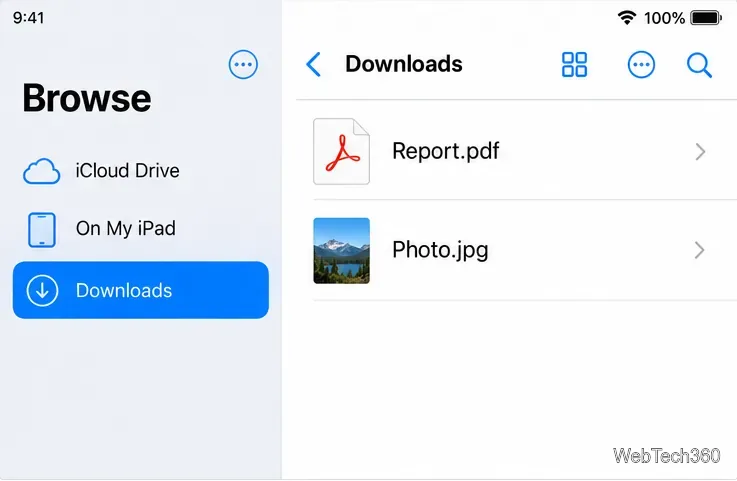
Find downloads on iPad in the Files app, check Safari’s save location, and locate Mail attachments, photos, PDFs, and files that seem missing.

Why Do My AirPods Keep Pausing? 5 Checks to Find and Fix the Cause

Why Do My AirPods Keep Pausing? 5 Checks to Find and Fix the Cause

Find out why your AirPods keep pausing with practical checks for ear detection, device switching, Bluetooth, streaming, battery, and reconnecting.

Why Is My iPad Not Charging? Causes and Fixes to Try

Why Is My iPad Not Charging? Causes and Fixes to Try

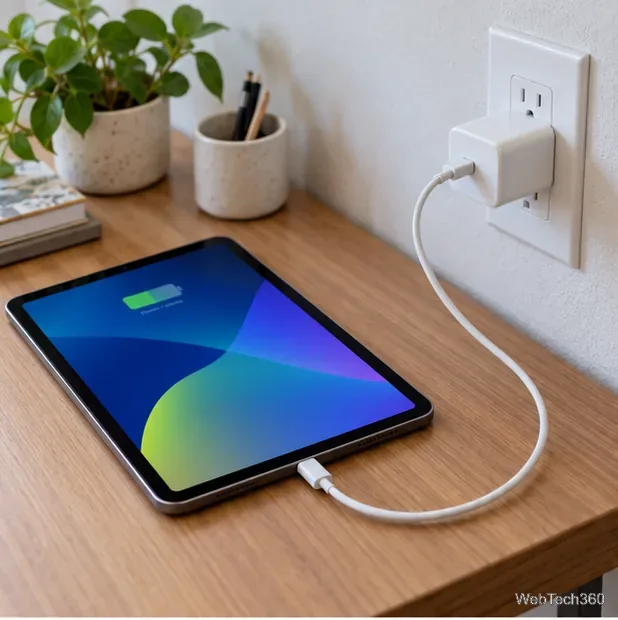
Find out why your iPad isn't charging, from a faulty outlet or cable to a frozen screen or temperature hold, and follow safe steps to fix it.

What Is True Tone? How It Changes Your Apple Display

What Is True Tone? How It Changes Your Apple Display

Learn how True Tone adjusts screen color in changing light, how it differs from Night Shift and Auto-Brightness, which devices support it, and how to switch it off.

How to Put AirPods in Pairing Mode and Connect Them to Any Device

How to Put AirPods in Pairing Mode and Connect Them to Any Device

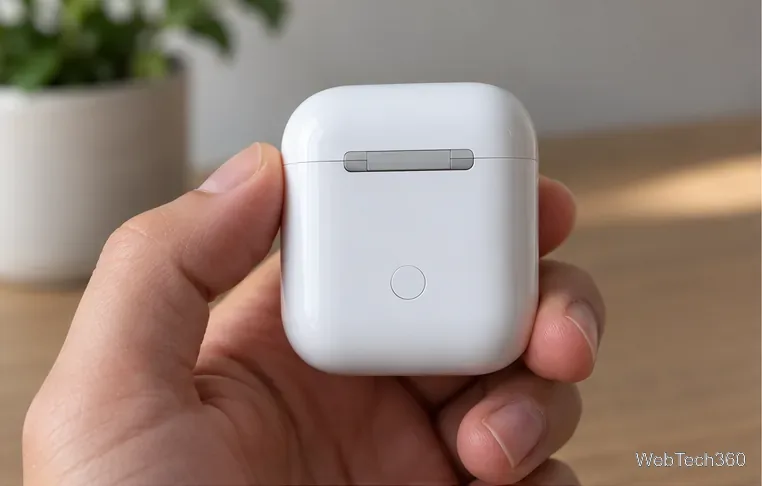
Find the right pairing gesture for your AirPods model, then connect them to an iPhone, iPad, Mac, Android phone, Windows PC, or Bluetooth audio device.

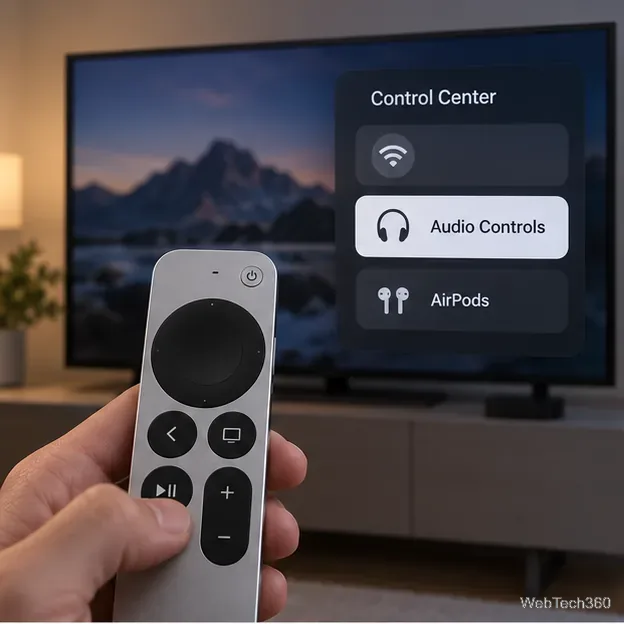
How to Connect AirPods to Apple TV: 3 Easy Methods

How to Connect AirPods to Apple TV: 3 Easy Methods

Connect AirPods to Apple TV through your Apple Account, Bluetooth settings, or Audio Output. Follow model-specific pairing steps and fixes if they do not appear.

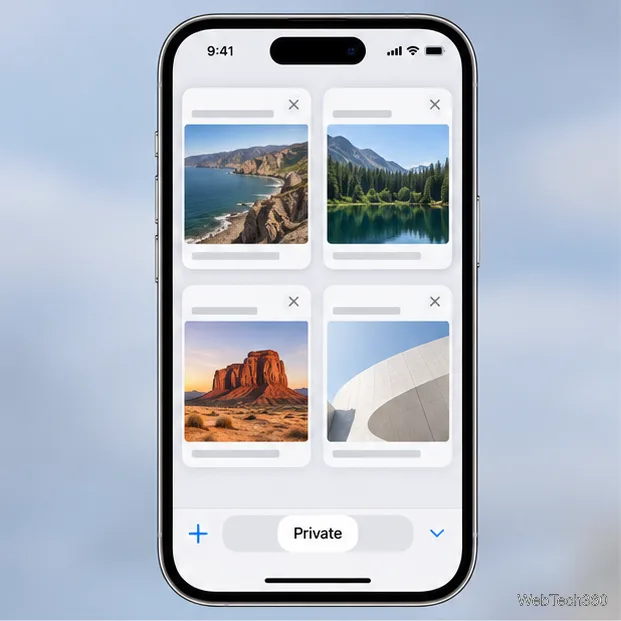
Incognito Mode on Safari: How to Use Private Browsing on iPhone and Mac

Incognito Mode on Safari: How to Use Private Browsing on iPhone and Mac

Learn how to open and leave Safari Private Browsing on iPhone and Mac, what it keeps out of history, and what it cannot hide from websites or your network.

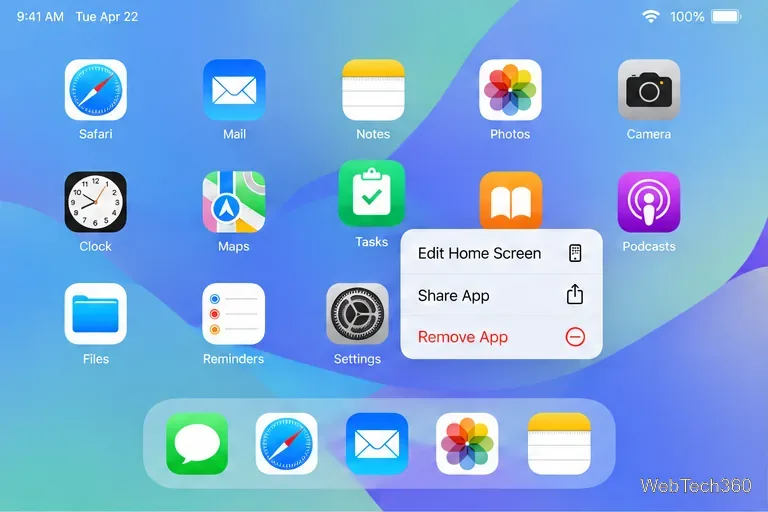
How to Delete Apps on iPad: 3 Simple Methods

How to Delete Apps on iPad: 3 Simple Methods

Delete apps from an iPad’s Home Screen, Spotlight, or Settings. Learn when Offload App keeps your data and how to fix a missing Delete App option.

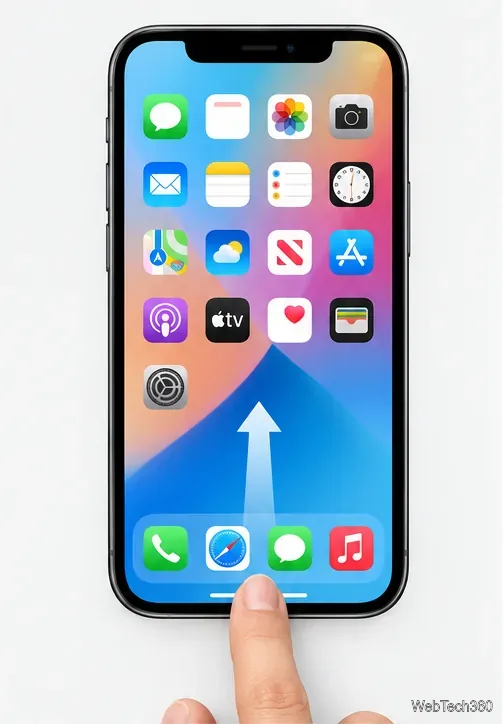
How to Close Apps on iPhone 12 and Newer iPhones

How to Close Apps on iPhone 12 and Newer iPhones

Close a frozen app on iPhone 12 or newer with the App Switcher, or use the Home button on iPhone SE. See when force-closing helps and what to try next.

How to Send a Fax From an iPhone: 3 Apps to Compare

How to Send a Fax From an iPhone: 3 Apps to Compare

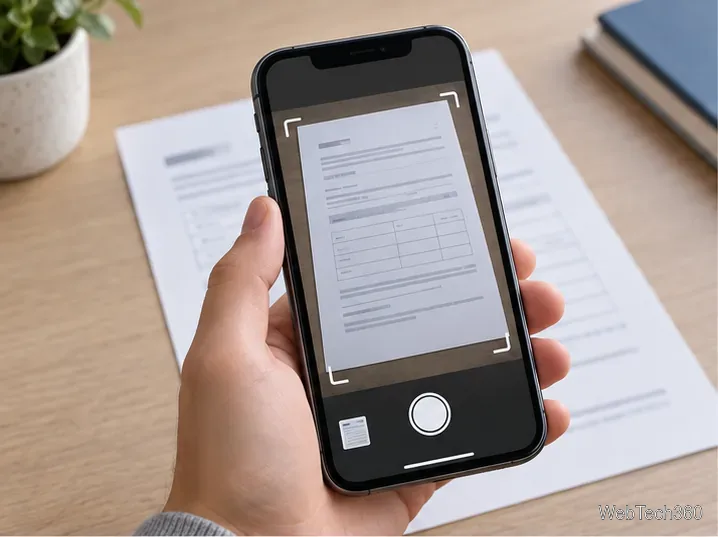
Scan or attach a document, enter a fax number, and confirm delivery from your iPhone. Compare iFax, WeFax, and FAX.PLUS, including account and cost differences.

How to Change Your AirPods Name Across Apple Devices

How to Change Your AirPods Name Across Apple Devices

Rename AirPods from an iPhone, iPad, or Mac. Follow the current Settings paths and learn how the new name syncs across devices using the same Apple Account.

How to Set Up Apple Pencil on an iPad: Pair Every Model

How to Set Up Apple Pencil on an iPad: Pair Every Model

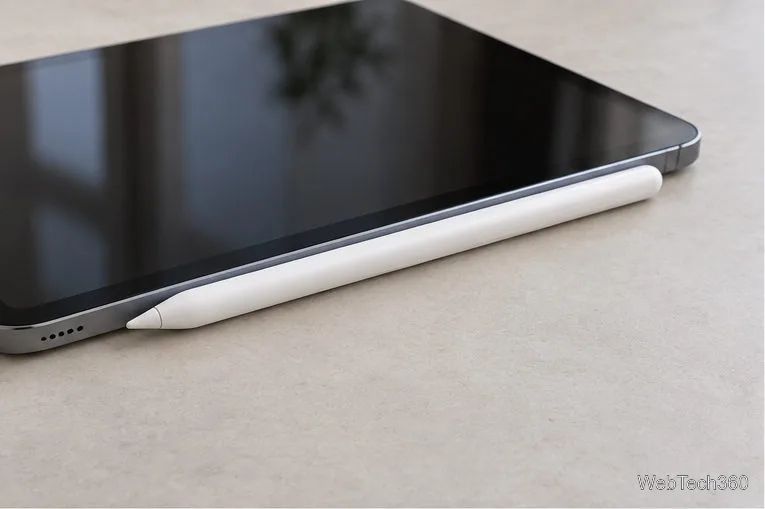
Pair Apple Pencil Pro, USB-C, 2nd-generation, or 1st-generation models with your iPad. Check compatibility, follow the right steps, and fix common pairing problems.

How to Check Your Apple Device Repair Status Online

How to Check Your Apple Device Repair Status Online

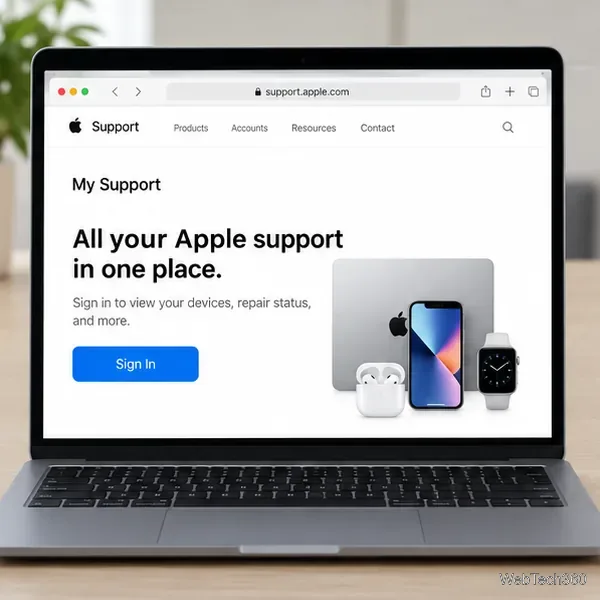
Track an Apple repair through My Support or the Apple Support app, find your Repair ID, and learn who to contact if a service update is missing.

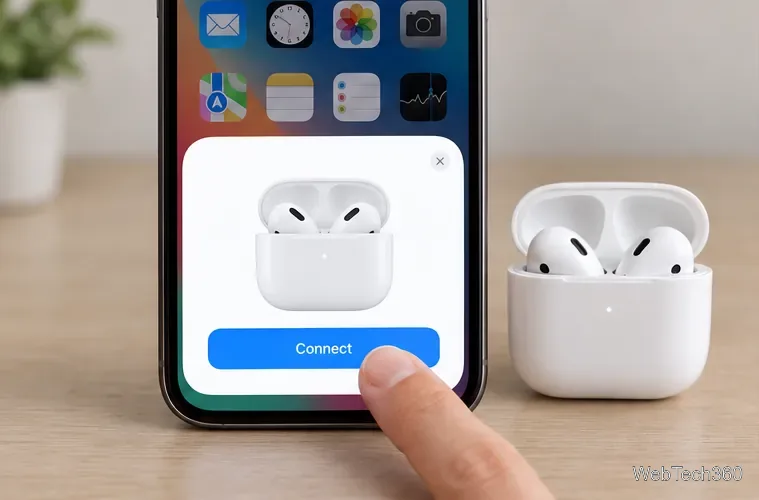
How to Connect Your AirPods to an iPhone: Setup and Manual Pairing

How to Connect Your AirPods to an iPhone: Setup and Manual Pairing

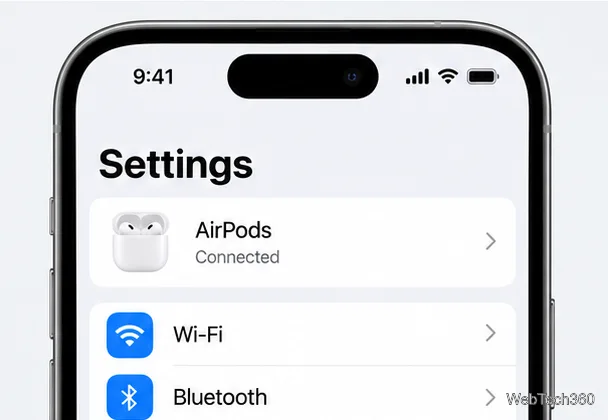
Pair AirPods with an iPhone using the setup card, Bluetooth settings, or model-specific steps for newer cases and AirPods Max.

How to Dial an Extension on iPhone: Pause, Wait, or Save It

How to Dial an Extension on iPhone: Pause, Wait, or Save It

Dial an iPhone extension with a timed pause or manual wait, enter digits after a phone-tree prompt, and save the sequence in Contacts for repeat calls.

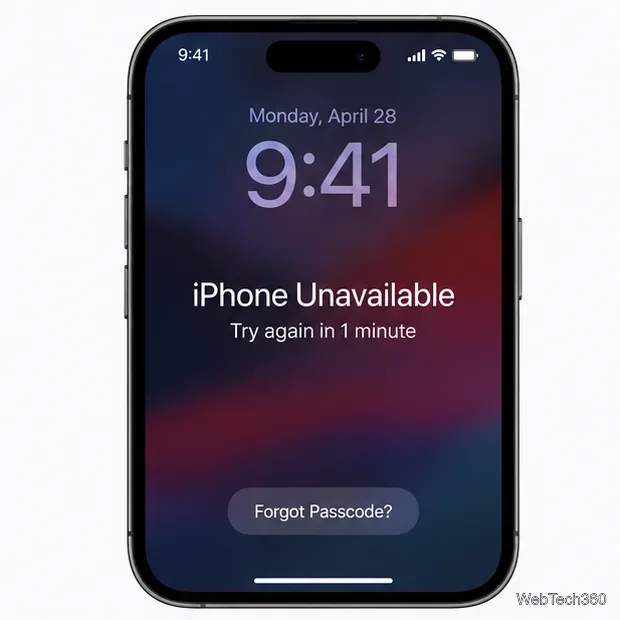
Forgot Your iPhone Passcode? Reset It and Restore Your Data

Forgot Your iPhone Passcode? Reset It and Restore Your Data

Forgot your iPhone passcode? Try the 72-hour passcode reset first, then erase the phone safely and restore an iCloud or computer backup.

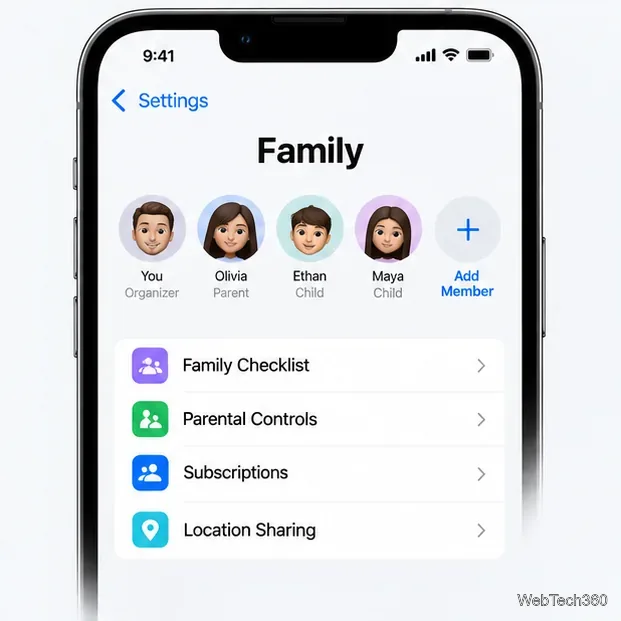
How to Share iCloud Storage With Your Family

How to Share iCloud Storage With Your Family

Share an iCloud+ plan with up to five family members on iPhone, iPad, or Mac. Follow current setup steps and learn how shared storage affects privacy and existing plans.

How to Hear Sound in a Live Photo on iPhone

How to Hear Sound in a Live Photo on iPhone

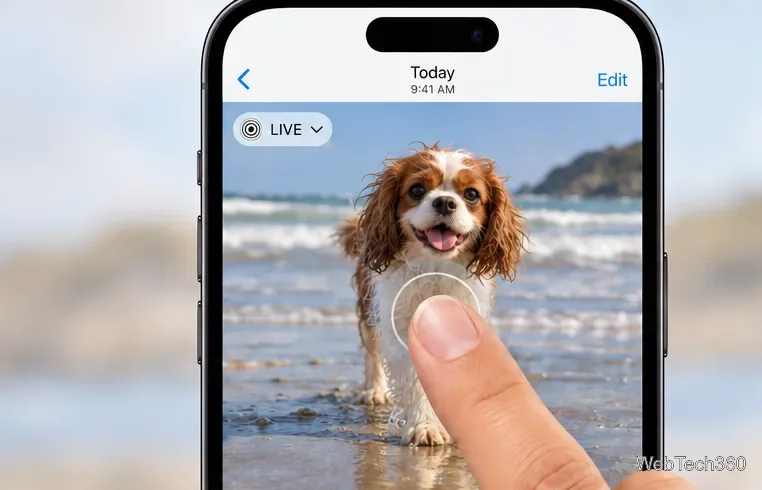
Play a Live Photo with its original audio, unmute it in Photos, and check Silent Mode, media volume, and audio output when sound is missing.

How to Save Voicemails on iPhone: 2 Easy Methods

How to Save Voicemails on iPhone: 2 Easy Methods

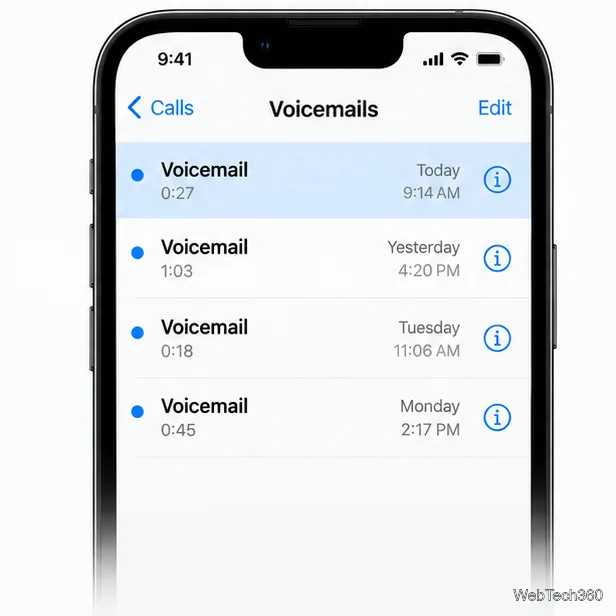
Save iPhone voicemails as audio in Files or archive them on a Mac or PC. Follow current Phone app steps and learn what carrier support affects.

How to Enable Cookies on an iPhone: Safari, Chrome, and Firefox

How to Enable Cookies on an iPhone: Safari, Chrome, and Firefox

Enable cookies on iPhone Safari, understand Chrome’s default settings, and adjust Firefox tracking protection without turning off every privacy safeguard.

How to Use Siri to Find Where You Parked on iPhone

How to Use Siri to Find Where You Parked on iPhone

Set up Maps to save your parked car automatically after a CarPlay or Bluetooth trip, then use Siri to open the marker and get directions back.

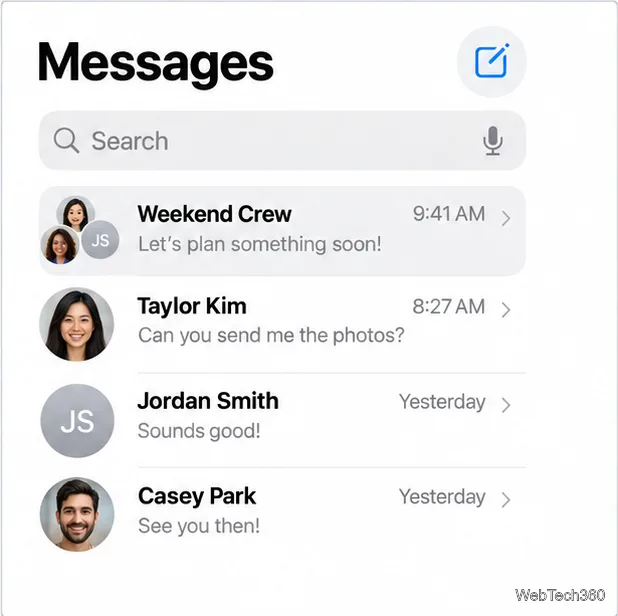
How to Create and Name an iMessage Group on iPhone

How to Create and Name an iMessage Group on iPhone

Start a group conversation in Messages, confirm it uses iMessage, and give it a shared name and icon with the current iOS 26 steps.

How to Reset All App Permissions on iPhone

How to Reset All App Permissions on iPhone

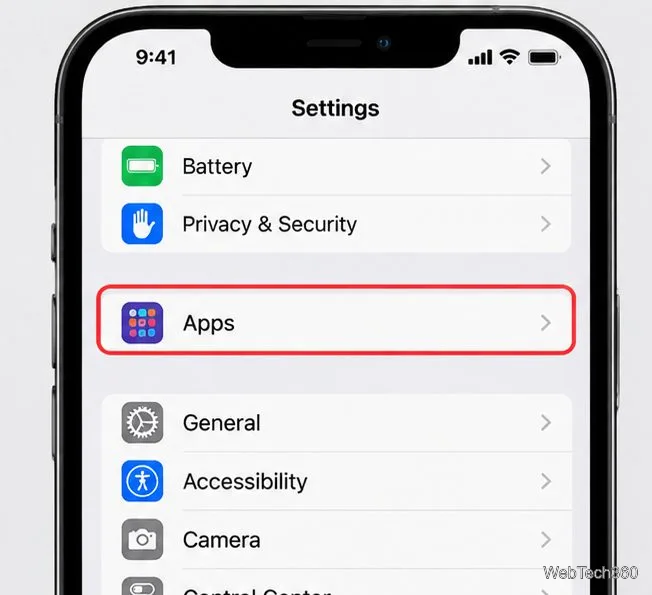
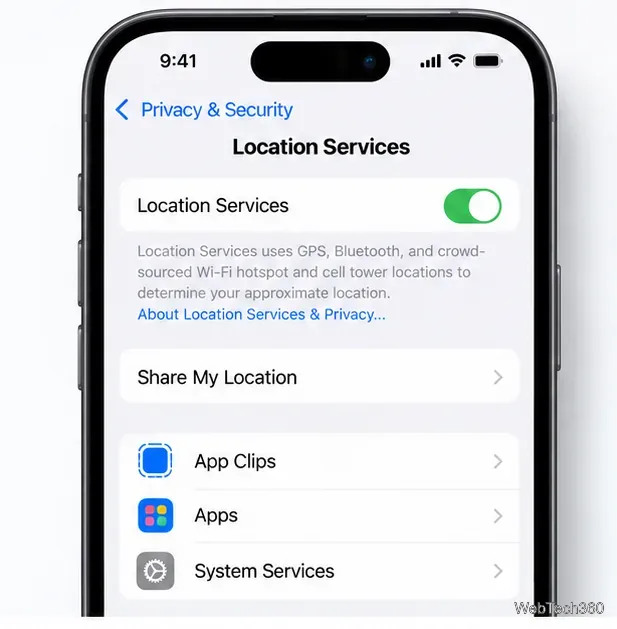
Reset app permissions on iOS from one menu, see what changes afterward, and learn how to adjust a single app without erasing your iPhone.

How to Fix “Cannot Turn On Calls on Other Devices” on iPhone

How to Fix “Cannot Turn On Calls on Other Devices” on iPhone

Fix the iPhone “Cannot Turn On Calls on Other Devices” alert by checking your Apple Account, FaceTime number, Wi-Fi network, and Mac or iPad settings.

How to Customize the Mouse Pointer on iPadOS

How to Customize the Mouse Pointer on iPadOS

Change your iPad pointer’s color, size, contrast, and auto-hide behavior, then adjust pointer tracking and scrolling speed in Settings.

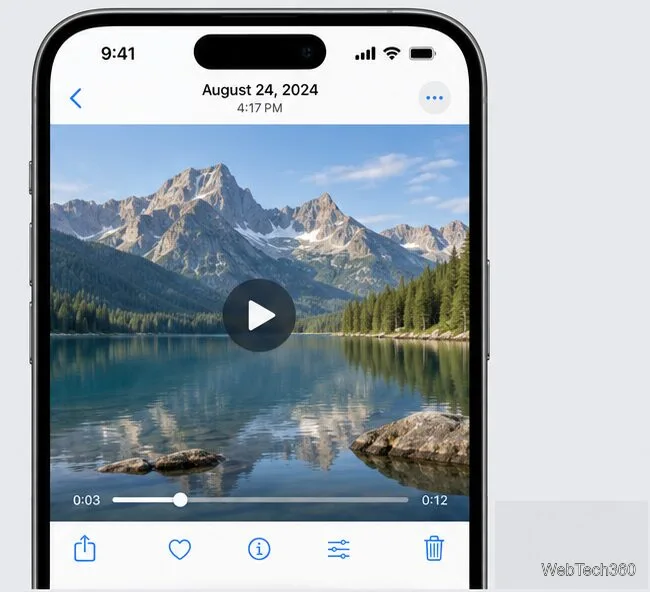
How to Extract Full-Resolution Frames from 4K Videos on iPhone

How to Extract Full-Resolution Frames from 4K Videos on iPhone

Save a still from a 4K iPhone video in Photos on iOS 27, or use Frame Grabber for precise selection and an export advertised at the source video’s resolution.

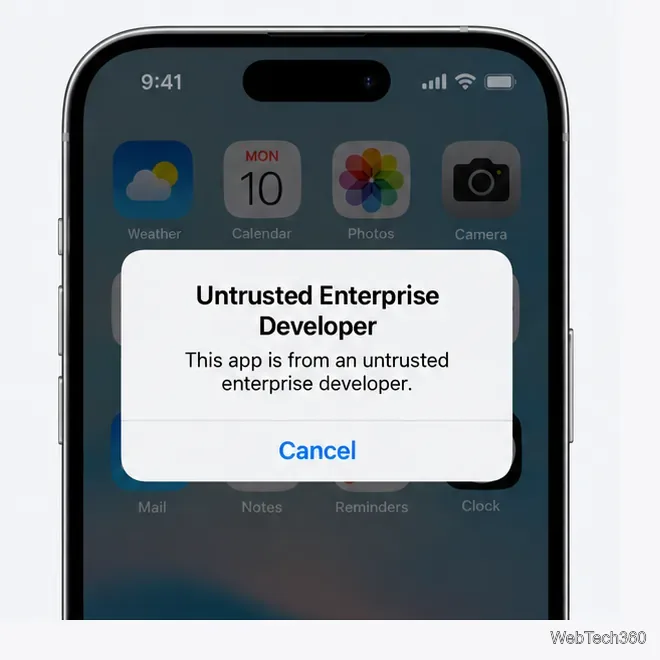
How to Fix the “Untrusted Developer” Error on iOS

How to Fix the “Untrusted Developer” Error on iOS

Fix the Untrusted Developer error on iPhone with Apple’s current trust steps, including the iOS 18 restart flow and tips for verification failures.