How to Install Optional Updates on Windows 10
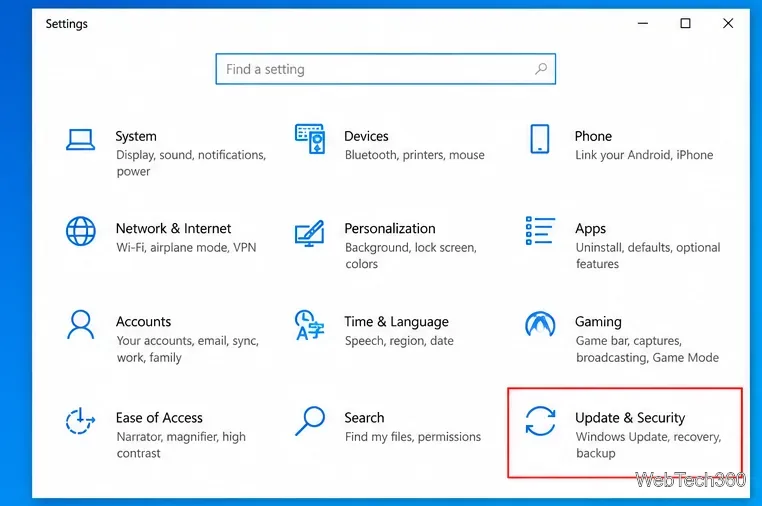
Learn how to install optional updates on Windows 10, including driver updates, what to do if the option is missing, and when to skip an update.
Learn how to install optional updates on Windows 10, including driver updates, what to do if the option is missing, and when to skip an update.
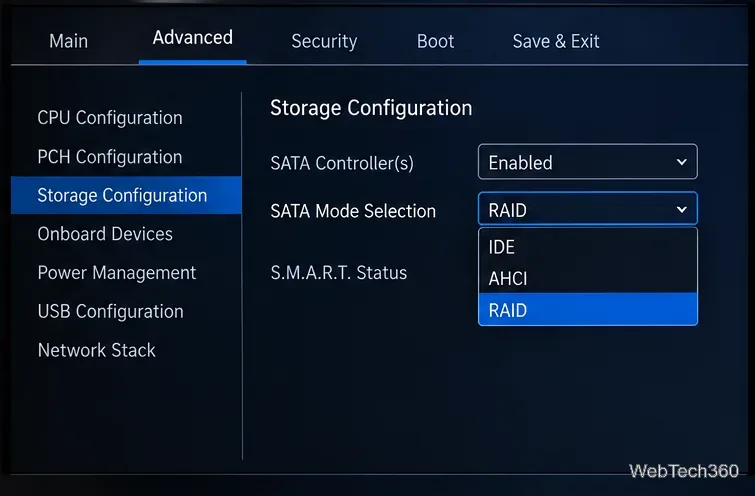
Learn how to enable AHCI mode in BIOS or UEFI safely, including the extra steps to avoid a Windows boot error when switching from RAID or IDE.
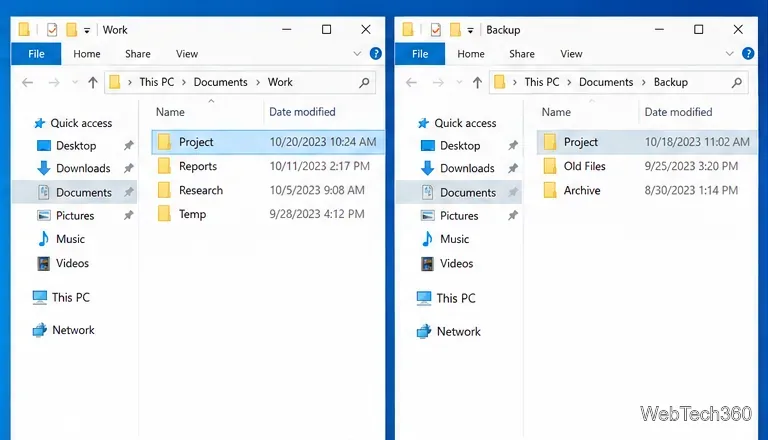
Learn how to merge two folders on Windows 10 with File Explorer, handle duplicate filenames safely, and use Robocopy for large folder trees.
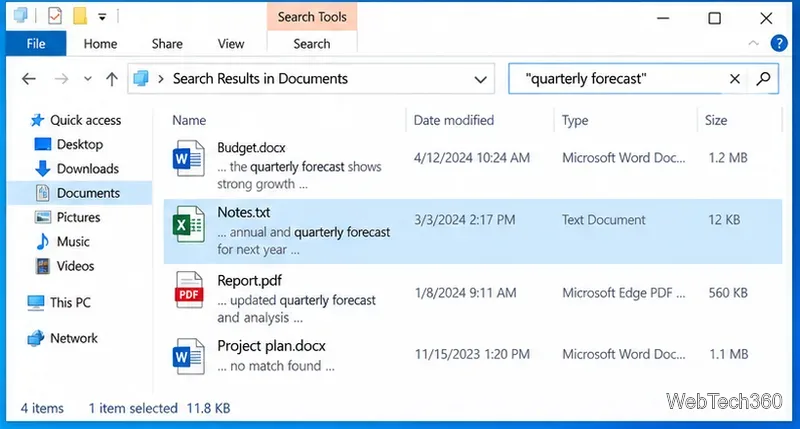
Learn how to search text inside supported documents on Windows 10 with File Explorer, fix indexing, and use PowerShell for plain-text files.
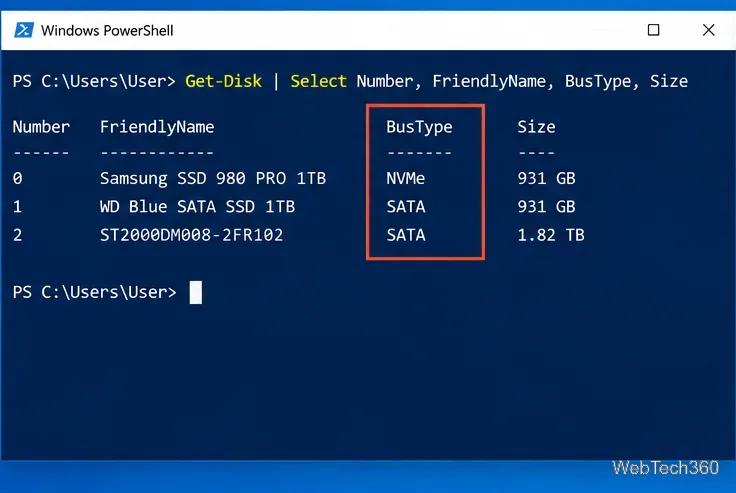
Use built-in Windows 10 tools to identify whether an SSD is SATA or NVMe. Check BusType in PowerShell, verify the model, and avoid confusing M.2 with NVMe.
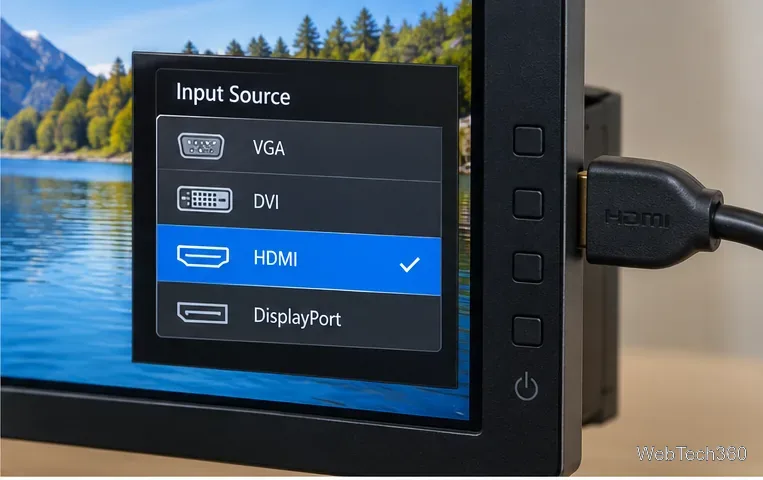
Fix multiple displays not working on Windows 10 by checking display mode, input source, cables, Detect settings, graphics drivers, docks, and hardware limits.
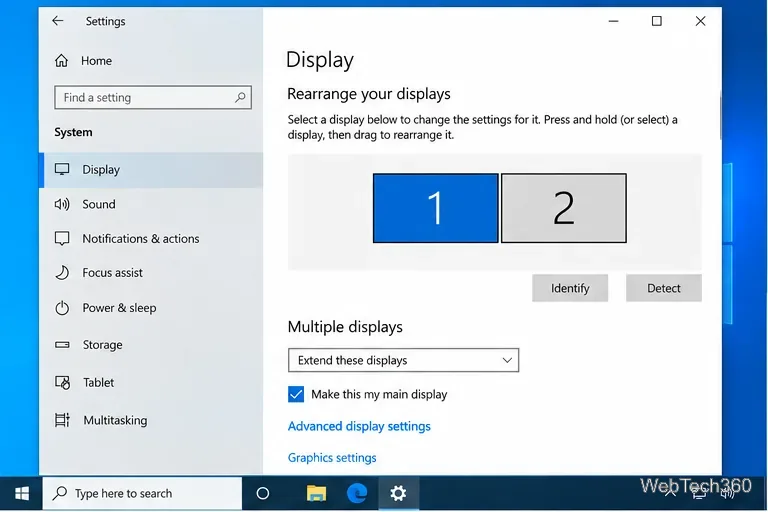
Find your monitor's make and model in Windows 10 using Advanced display settings, Device Manager, PowerShell, or the label on the monitor.
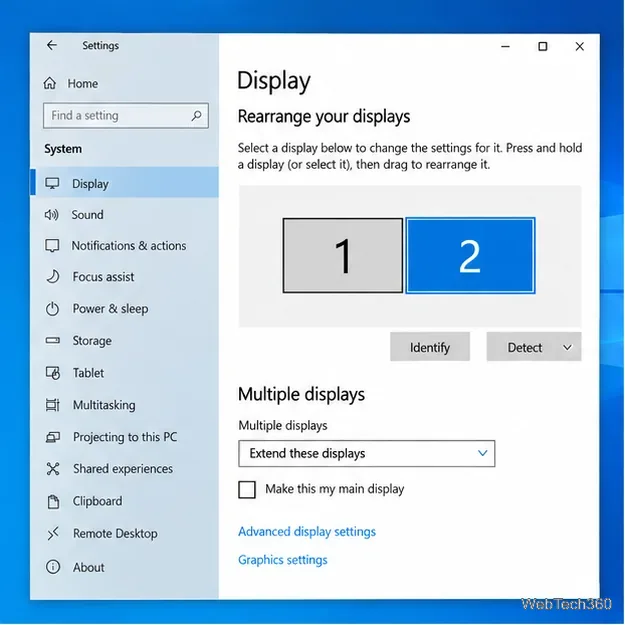
Set a different resolution on each monitor in Windows 10, keep each display at its recommended setting, and fix missing resolution options.
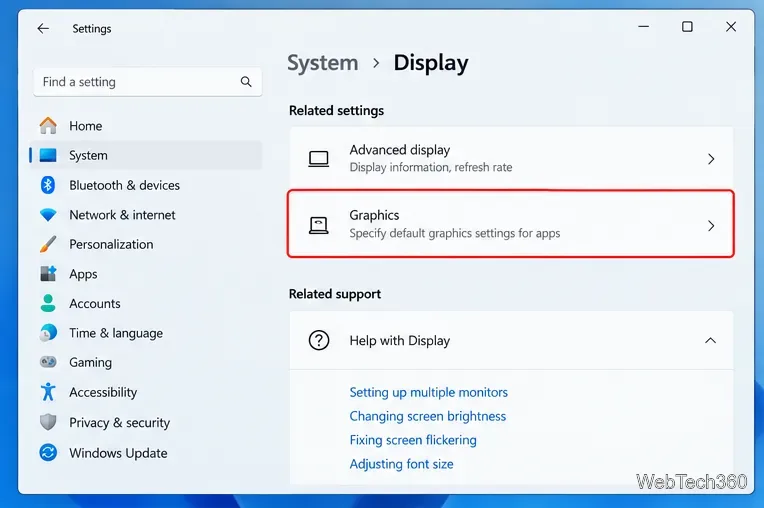
Force a Windows app or game to use the dedicated GPU with Graphics settings, plus NVIDIA and AMD notes and a quick way to verify which GPU is active.
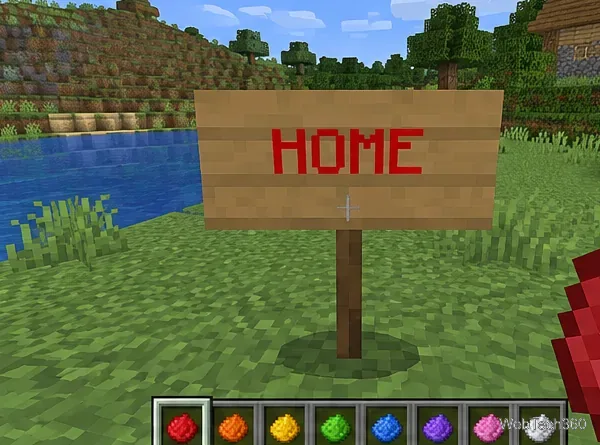
Change Minecraft sign text color with dyes in Java and Bedrock, or use current § color codes in Bedrock. Includes glow ink, two-sided signs, and code tables.
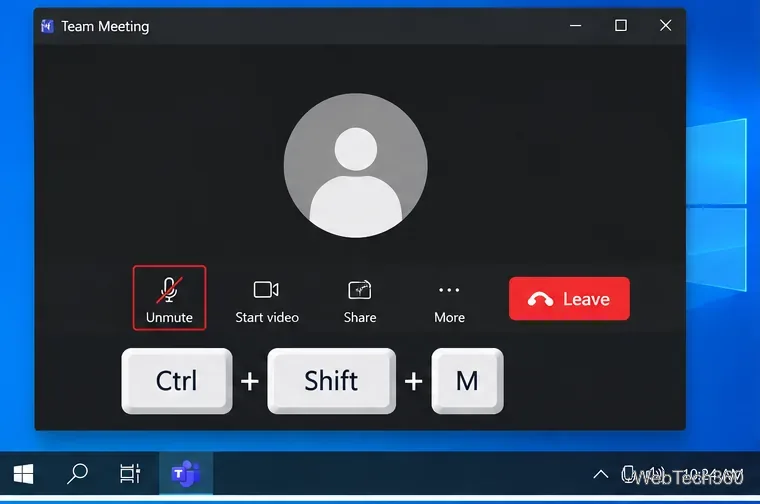
Windows 10 has no built-in global mic mute hotkey. Use an app shortcut or create Ctrl+Alt+M with AutoHotkey v2 to mute your recording device.
Compare Firefox, Edge, Chrome, and Pale Moon for slow computers, check current OS limits, and reduce memory use without relying on obsolete browsers.
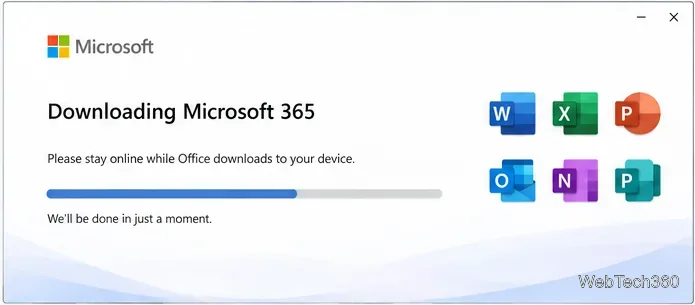
Microsoft Office 365 setup frozen on Windows 10? Use Microsoft’s current 90% fix, troubleshooters, clean uninstall steps, and offline installer options.
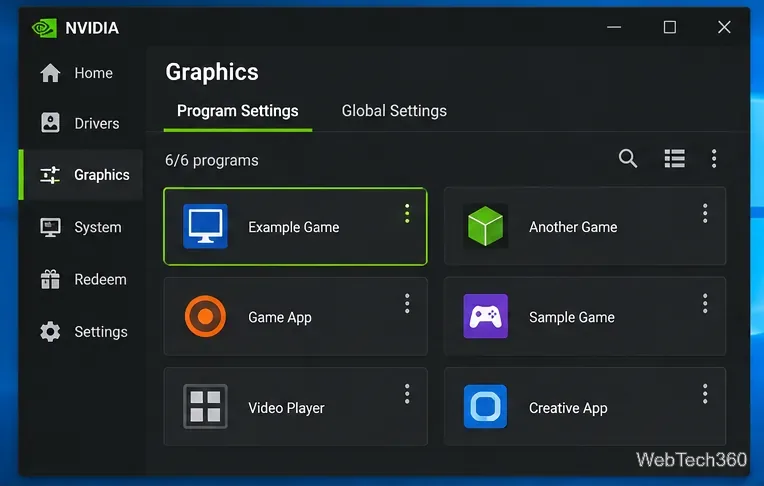
GeForce Experience is now unsupported. On Windows 10, use the NVIDIA app to hide detected games, remove manually added programs, or change Scan Locations.
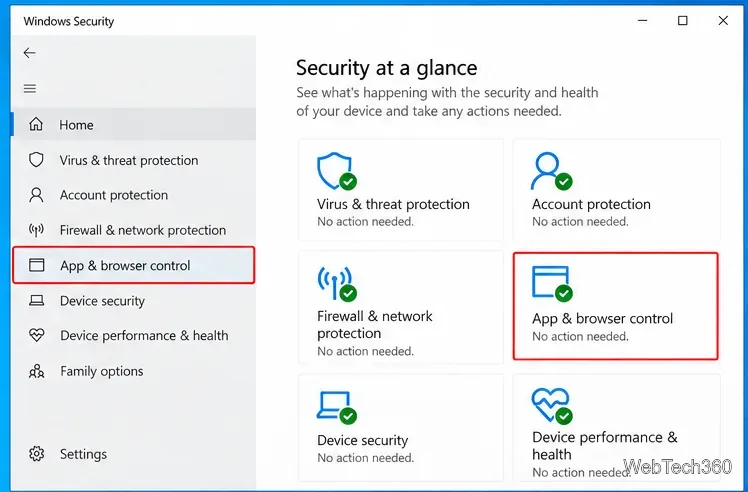
Seeing “Potentially unwanted app found” in Windows 10? Review the detection, remove or safely allow the app, and stop repeat alerts without disabling protection.
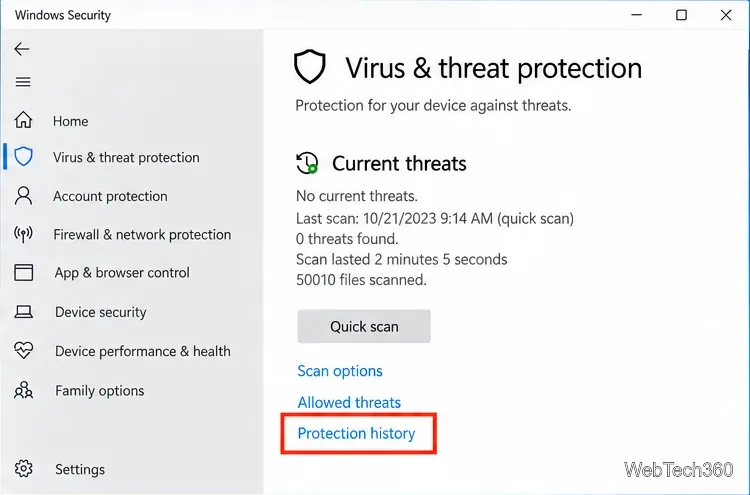
Restore a trusted file quarantined by Microsoft Defender on Windows 10, allow a verified false positive, and recover files Defender already removed.
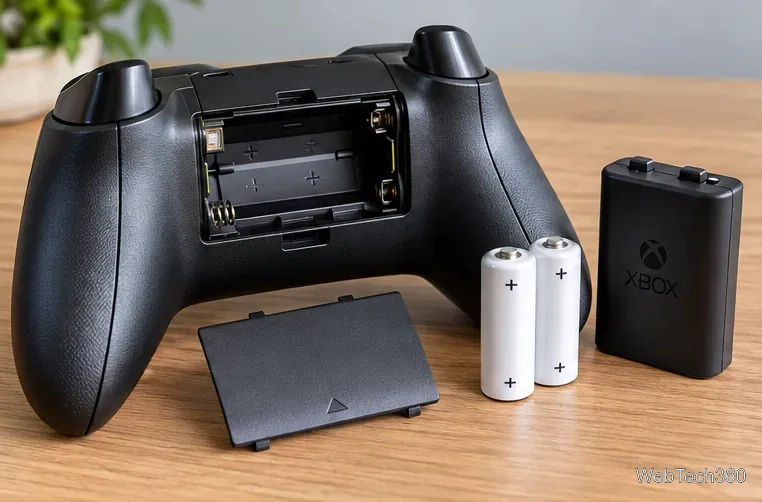
If your Xbox controller keeps disconnecting, check power, re-pair it, update firmware, restart the console, and test USB to isolate hardware issues.
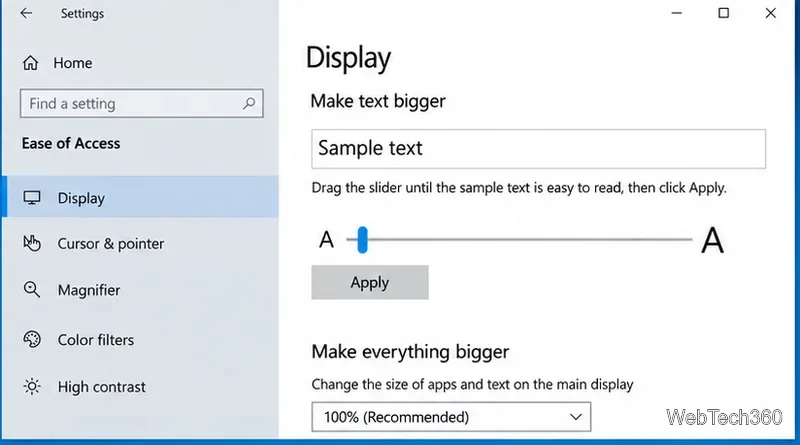
Learn how to change text size on Windows 10, scale the whole interface, zoom web pages, and fix apps that do not update right away.
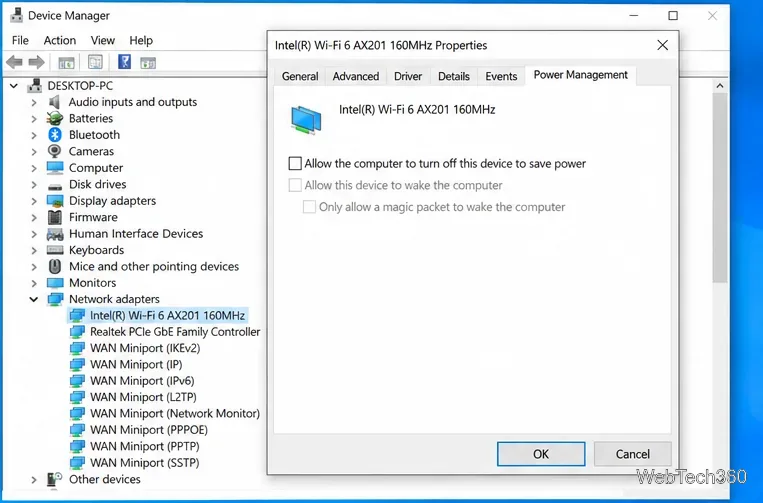
Stop Wi-Fi from disconnecting after you lock Windows 10 by checking adapter power saving, sleep networking, drivers, and network reset options.
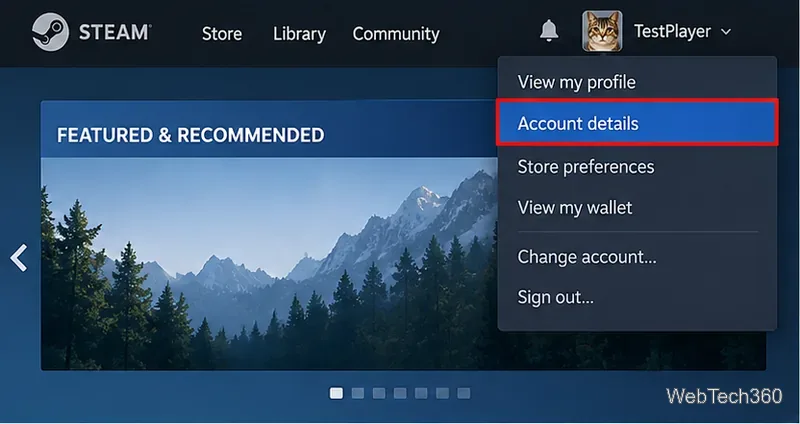
Find your 17-digit Steam ID in the Steam client or browser, even with a custom profile URL, and learn which Steam account identifier to copy.
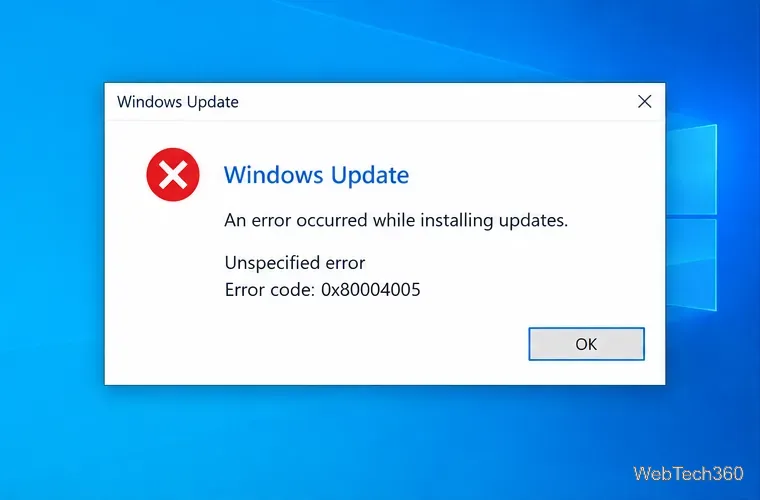
Fix Windows 10 error 0x80004005 with targeted steps for Windows Update, file and network access, Outlook, and damaged system files.
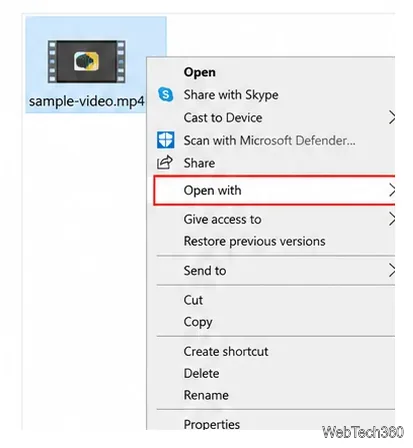
Fix Windows 10 video playback errors by testing the file in VLC, repairing Movies & TV, installing trusted codecs, or replacing a damaged copy.
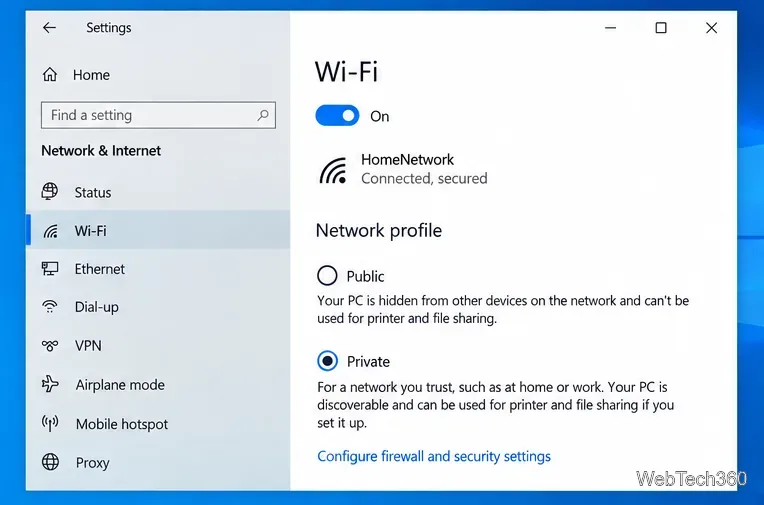
Learn how to access another computer on a Windows 10 local network using a Private profile, Network Discovery, File Explorer, and shared-folder credentials.
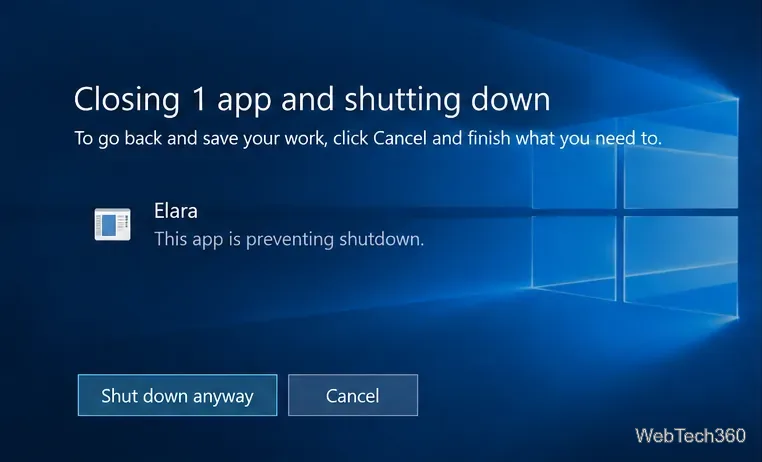
Elara is usually a laptop touchpad-driver component. Learn why it can block Windows 10 shutdown and how to fix it safely without breaking your touchpad.
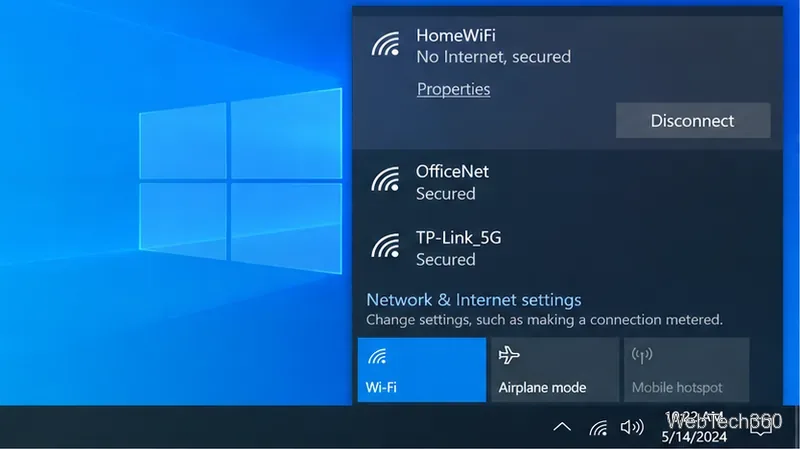
Fix the Windows 10 “Wi-Fi doesn’t have a valid IP configuration” error by renewing DHCP, resetting TCP/IP, checking drivers, and resetting the network.
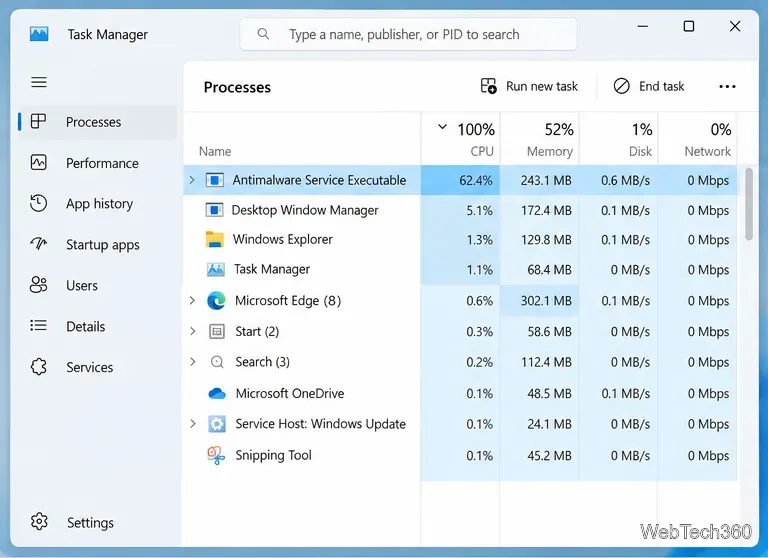
Fix persistent Antimalware Service Executable high CPU usage by updating Defender, tuning scheduled scans, and finding costly scan targets safely.
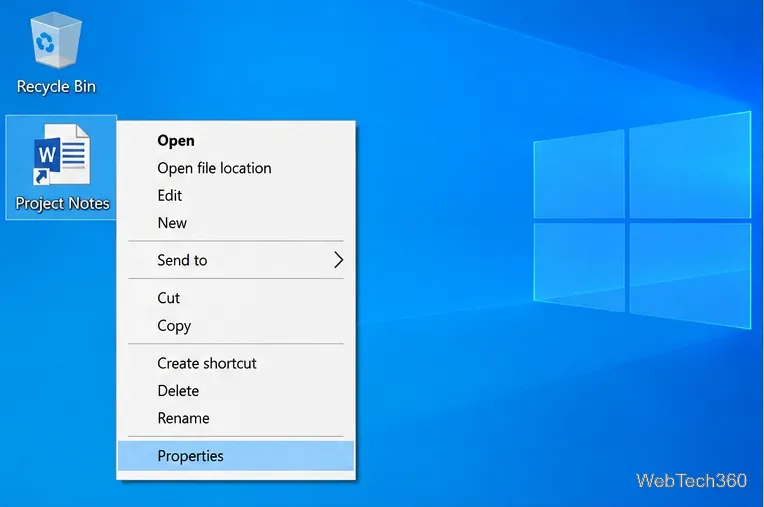
Find the original file, folder, or app behind a Windows 10 shortcut using Open File Location or the shortcut’s Target field, including broken links.
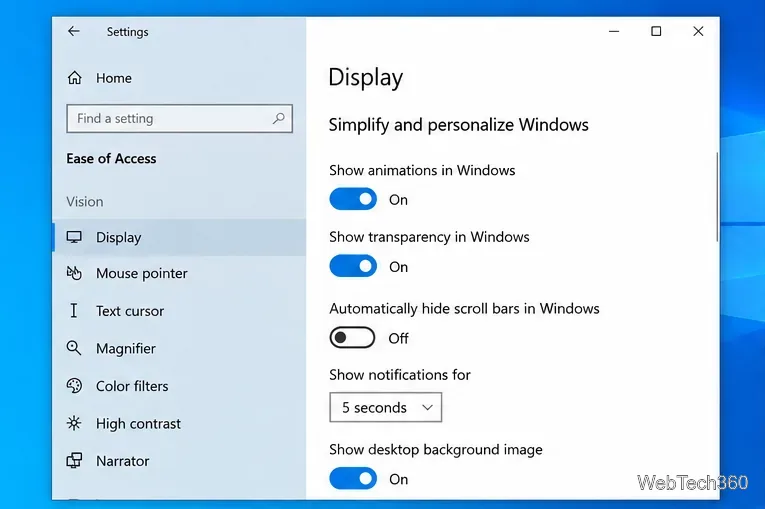
Learn how to turn the Windows 10 screenshot flash on or off, where Win+PrtScn saves captures, and what the global animation setting also changes.
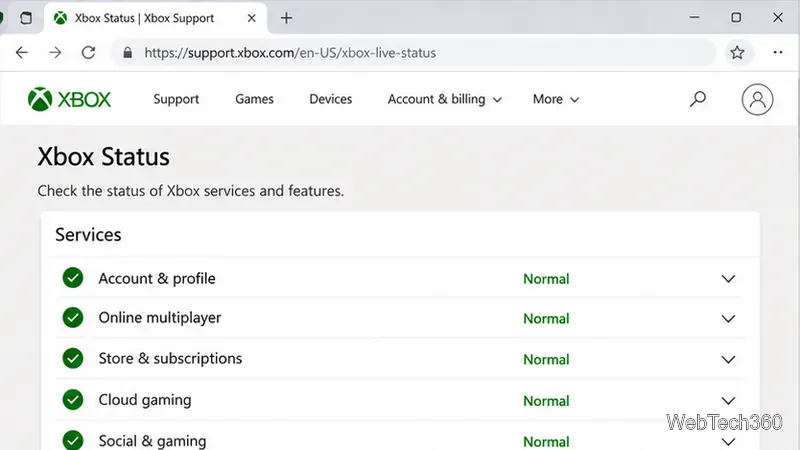
Fix Xbox sign-in error 0x87DD0006 by checking Xbox service status, testing your connection, refreshing your profile, and updating or resetting the console.
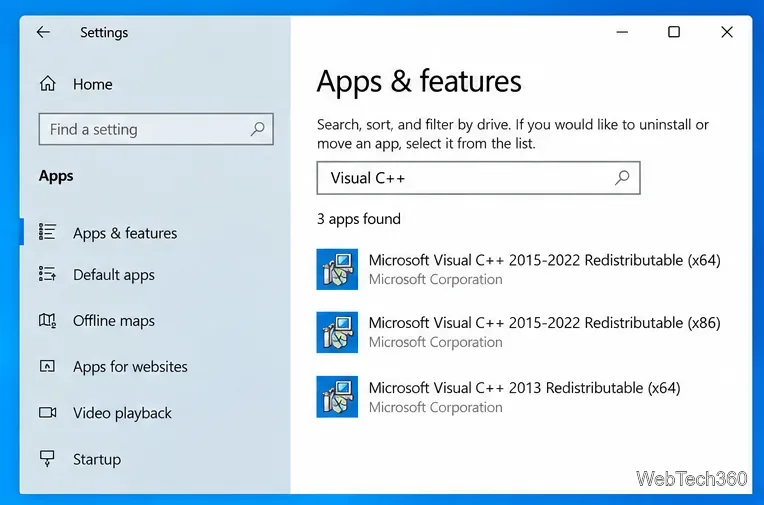
Fix Microsoft Visual C++ error 0x80070666 by checking the installed runtime, repairing it, installing the latest supported package, or cleaning up a broken install.