How to Set Up a Music Library in Rhythmbox on Linux
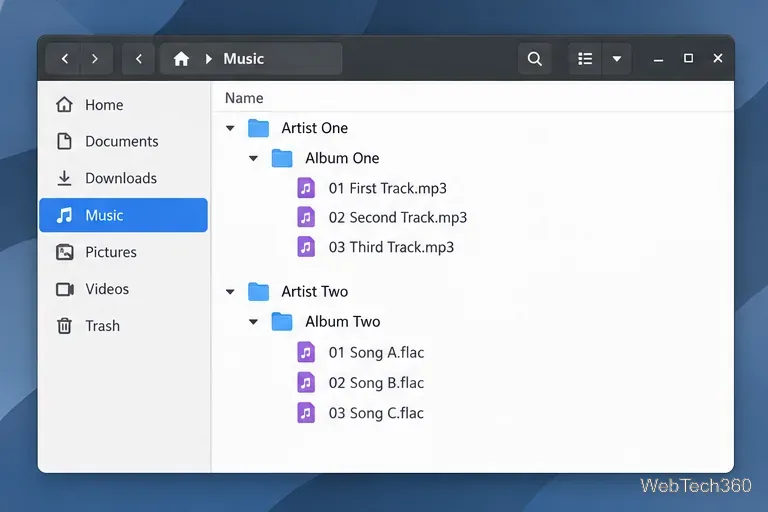
Keep your local collection organized in Rhythmbox: install the player, add your music folder, import tracks, and enable automatic library updates.
Keep your local collection organized in Rhythmbox: install the player, add your music folder, import tracks, and enable automatic library updates.
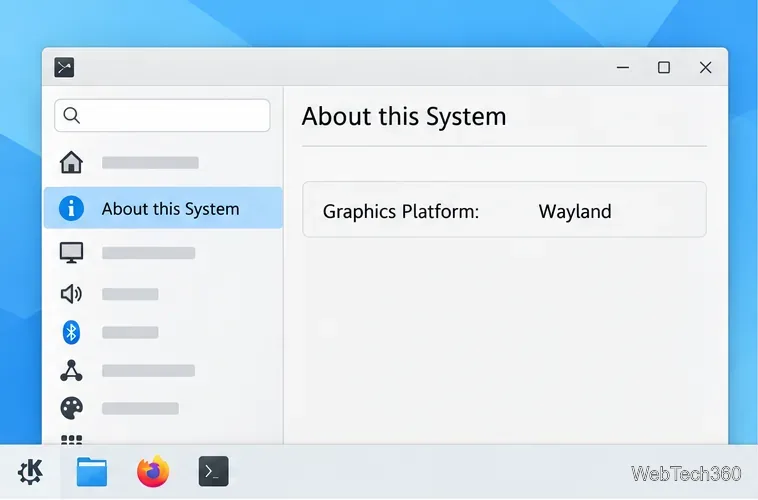
Restore window controls in KDE Plasma by checking whether one app or KWin is frozen, identifying Wayland or X11, and restarting KWin safely.
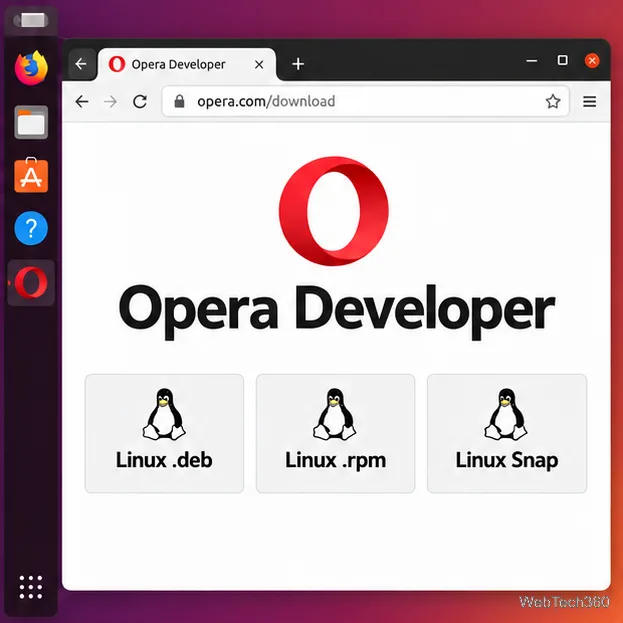
Install Opera Developer on Linux with the current DEB, RPM, or Snap package. Follow steps for Ubuntu, Debian, Fedora, openSUSE, or Arch.
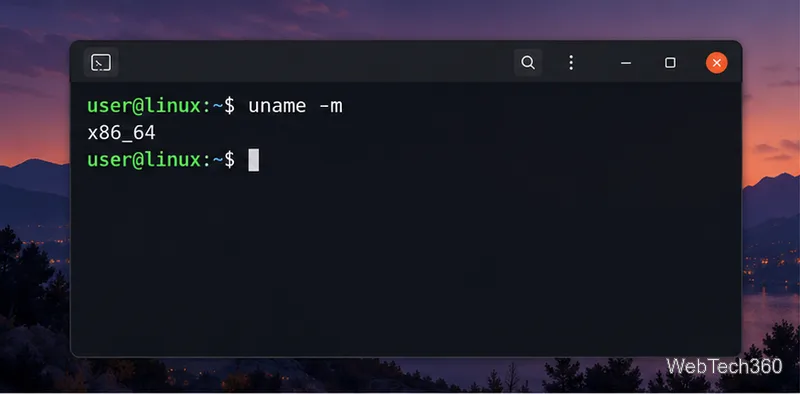
Install GitKraken on Linux with the right DEB, RPM, Snap, or tar.gz package, plus architecture checks and fixes for common setup errors.
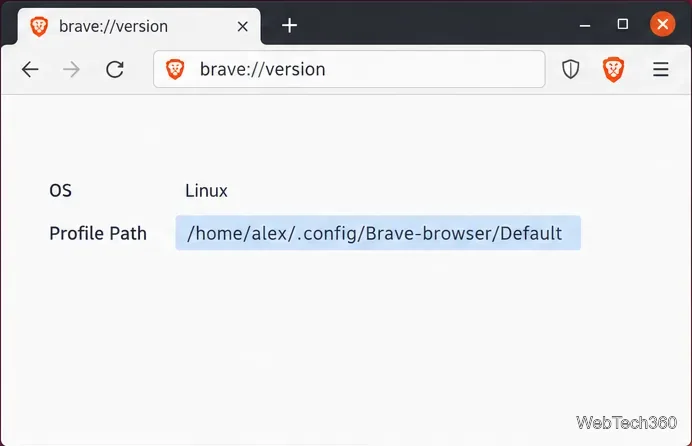
Back up the complete Brave profile folder on Linux, encrypt it with GPG, and restore it safely while accounting for custom paths and protected data.
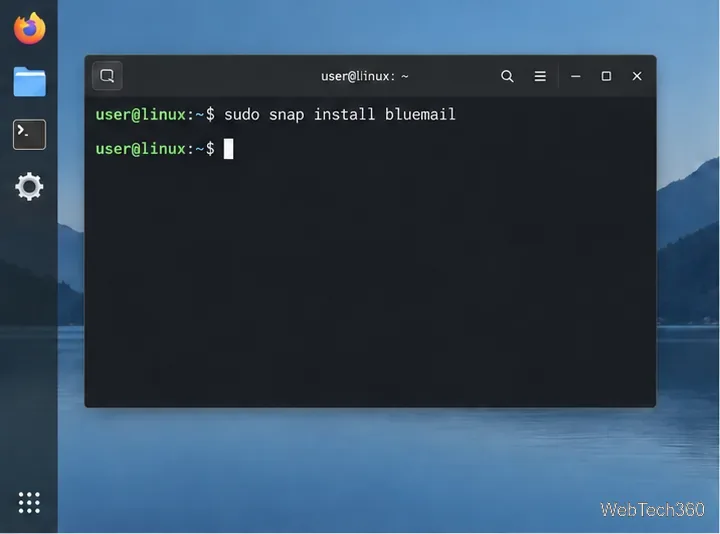
Install BlueMail on Linux through Snap, then add Gmail or another mailbox. Check Snap requirements, follow the sign-in flow, and troubleshoot manual IMAP setup.
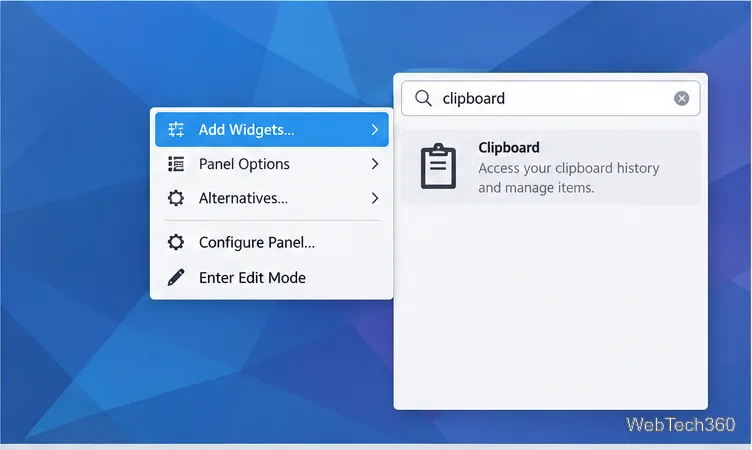
Use Klipper to search, restore, edit, remove, and display clipboard entries as barcodes in Plasma 5. Learn how to show the widget and manage history.
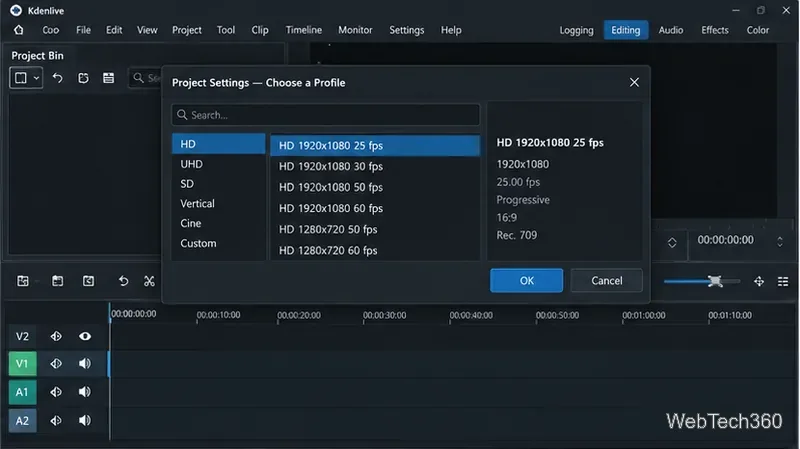
Import a clip, make frame-accurate cuts, remove unwanted sections, close gaps, and render the finished video in Kdenlive on Linux.
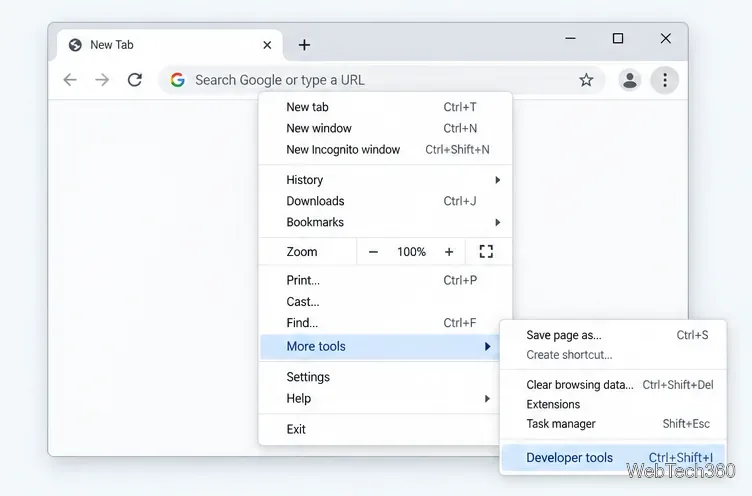
Learn how to disable JavaScript in Chrome temporarily with DevTools, block it for one site, or change the browser default, plus how to restore it.
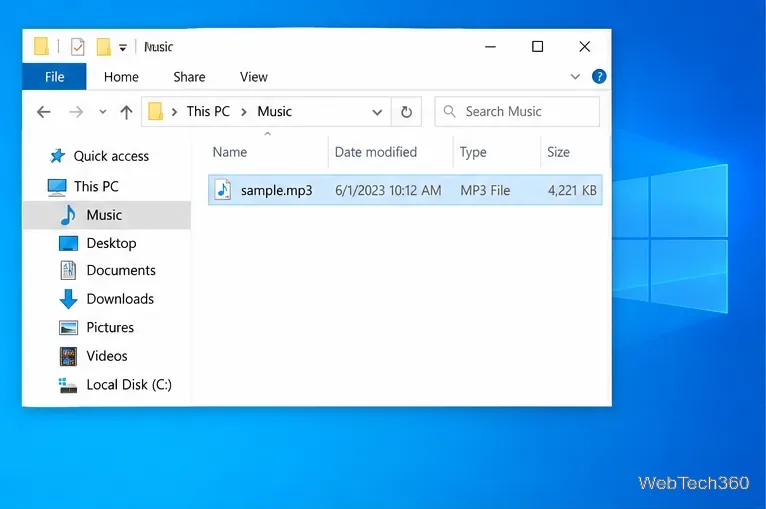
Change a file type icon in Windows 10 while keeping its current default app. Follow the FileTypesMan steps, handle icon picker issues, and restore the original setting.
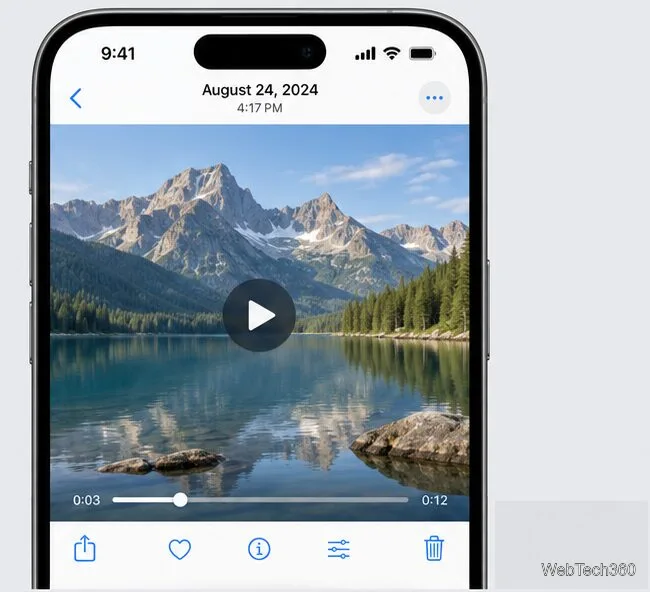
Save a still from a 4K iPhone video in Photos on iOS 27, or use Frame Grabber for precise selection and an export advertised at the source video’s resolution.

Compare seven tools that support or complement WSUS, from Microsoft’s native console and diagnostics to third-party patch publishing and remote deployment.
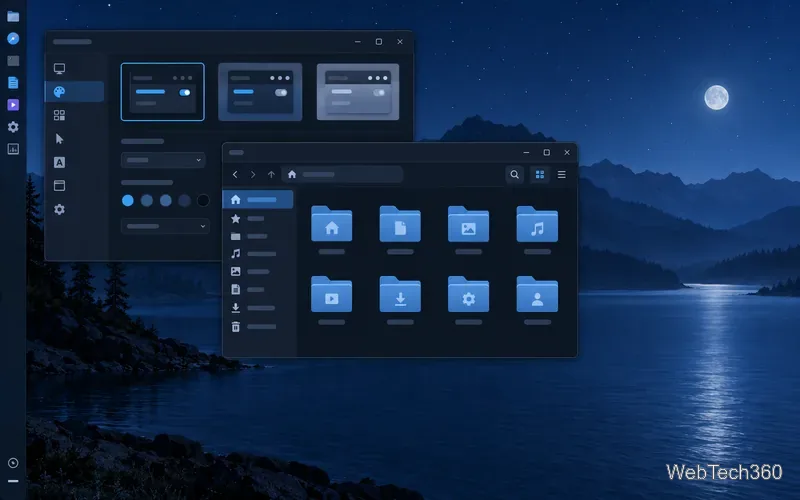
Explore six XFCE GTK themes, from Midnight and Juno to Catalina-inspired and Windows-style looks, with safe per-user installation steps and tips for matching window borders.
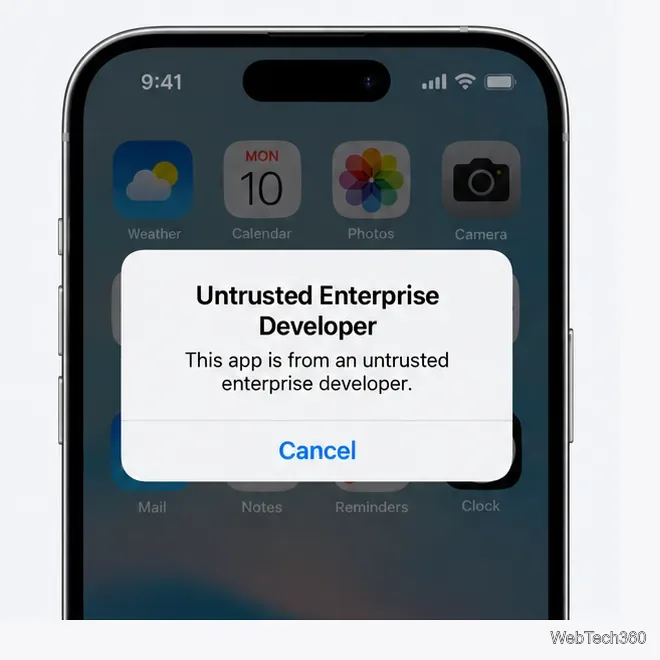
Fix the Untrusted Developer error on iPhone with Apple’s current trust steps, including the iOS 18 restart flow and tips for verification failures.

Compare six Windows system monitoring tools for server health, application visibility, and alerting, with current notes on deployment and licensing.

Compare seven Wake-on-LAN tools by features and availability, including free utilities, network-admin suites, and 2021 picks that have since been retired.
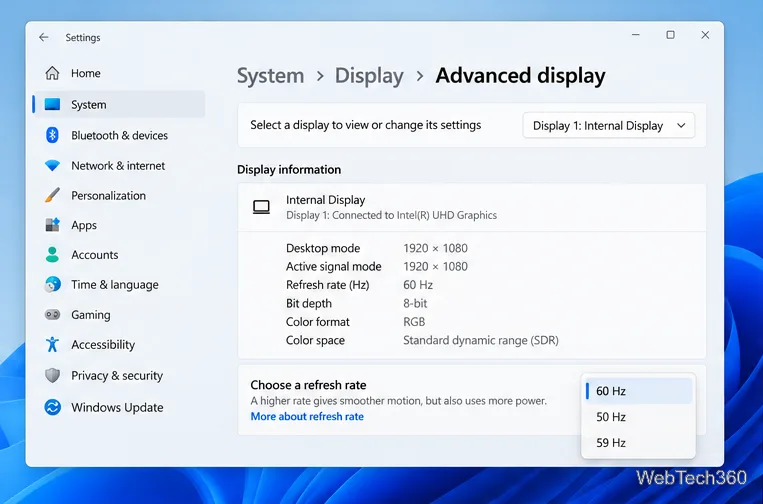
Learn how to test a higher monitor refresh rate with NVIDIA, AMD, or CRU, verify stability, and restore your original settings if the display goes blank.

Compare nine ping tools for quick reachability checks, subnet discovery, TCP tests, and latency monitoring, with guidance on which one fits your network task.
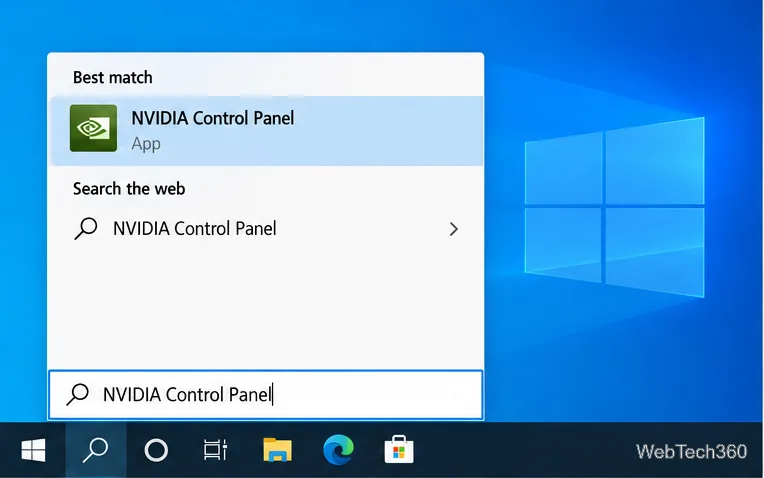
Set PhysX in NVIDIA Control Panel on Windows 10, understand Auto-select vs. CPU or GPU, and learn when to use Windows Graphics settings instead.
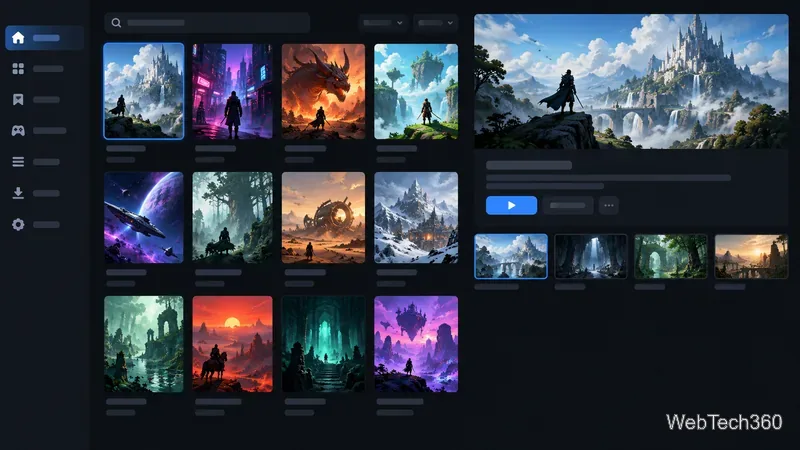
The best free software for gaming PCs covers game libraries, chat, recording, monitoring, and practical utilities, with clear notes on what each can and can’t improve.
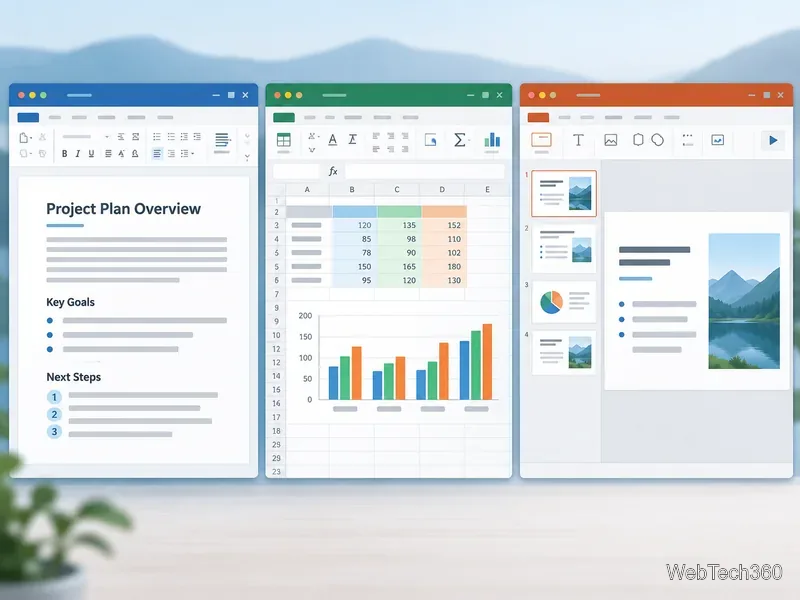
Compare six free office suites for documents, spreadsheets, and presentations, including browser-based collaboration and offline desktop options.
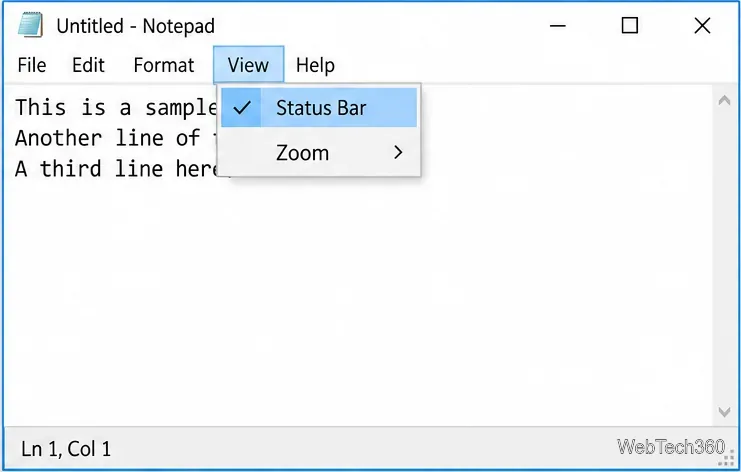
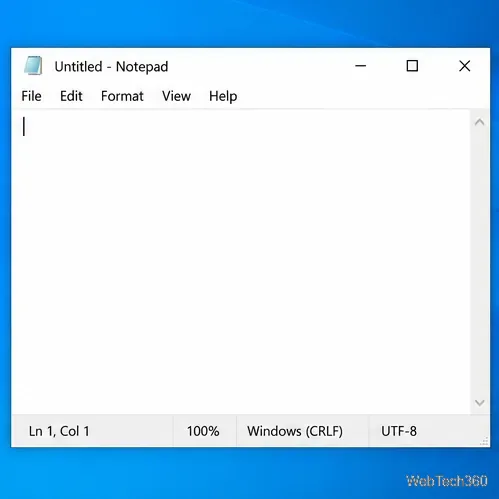
Turn on Notepad’s Status Bar to see the current line and column in Windows 10, troubleshoot a disabled option, and learn when you need a line-number gutter.
Display a custom Windows dialog with a short PowerShell command, Command Prompt, or a reusable .bat or .ps1 file, including a title, icon, and buttons.
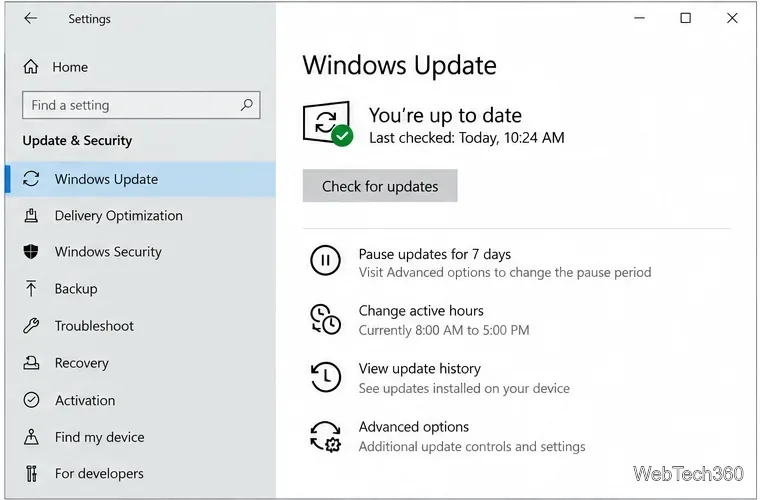
Fix Windows 10 update error 0x80071160 with Microsoft’s troubleshooter, a safe update-cache reset, DISM and SFC repairs, and a careful manual-install check.
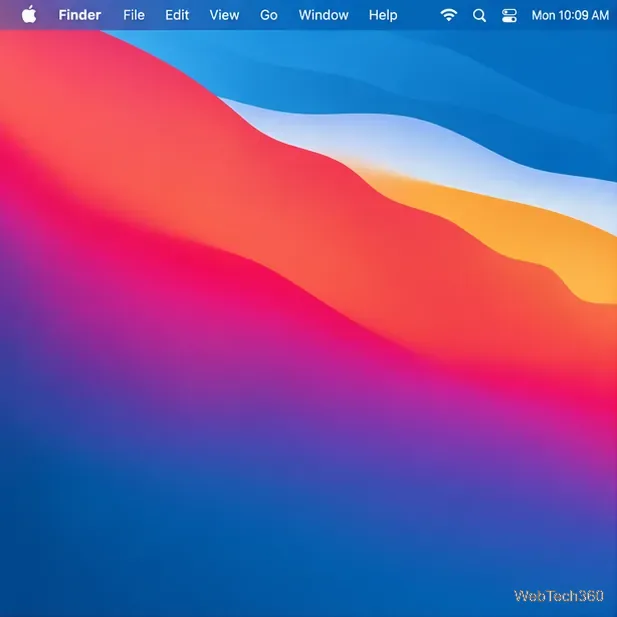
Restore a solid Catalina-style menu bar on Big Sur with compatible Boring Old Menu Bar v1.27. Follow the install steps, set light and dark styles, and troubleshoot common issues.
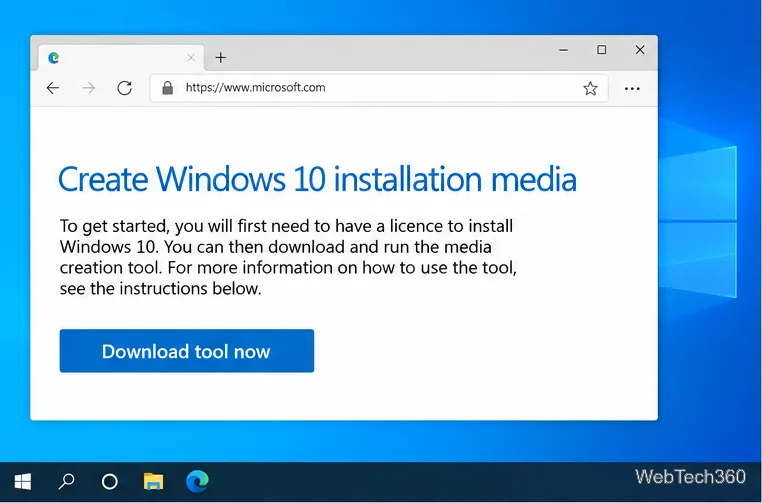
Create a Windows 10 UEFI installer with Microsoft’s Media Creation Tool or Rufus, then boot and install safely without wiping the wrong drive.
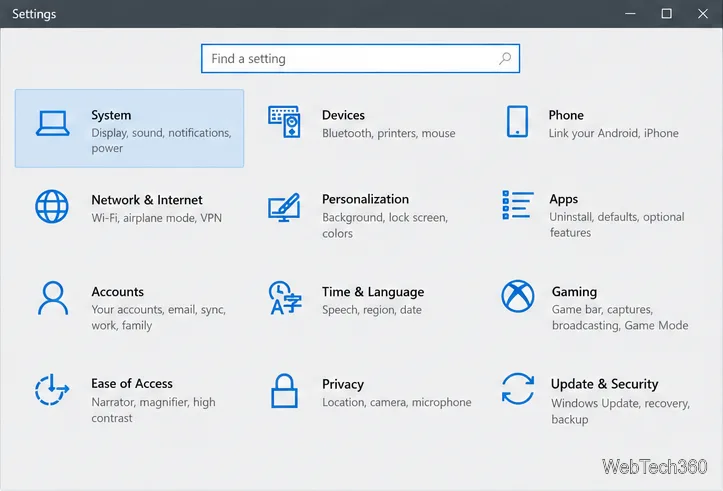
Stop individual Edge tabs from crowding the Windows 10 Alt+Tab switcher. Change one Multitasking setting, limit recent tabs, and check why the option may be missing.
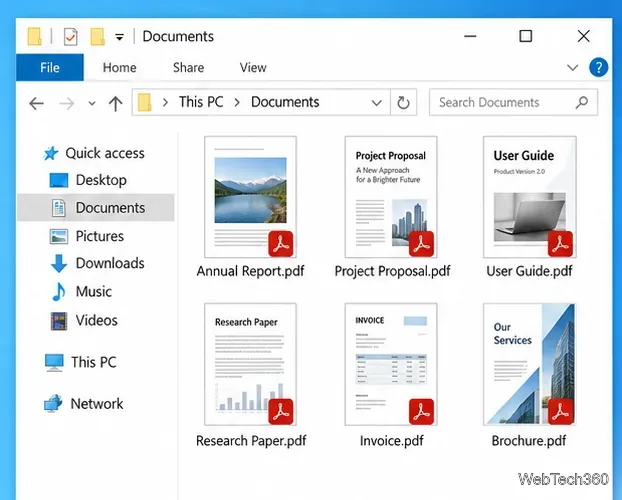
Enable Adobe’s PDF thumbnail handler, correct File Explorer’s icon settings, rebuild the thumbnail cache, and check OneDrive files that are not stored locally.
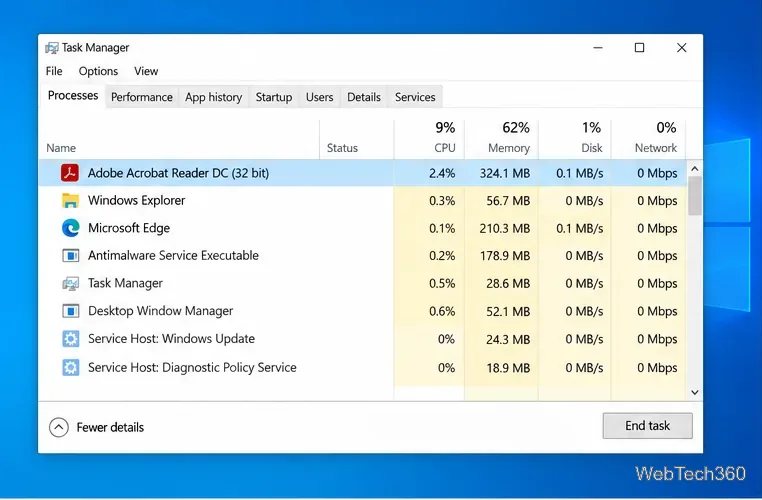
Fix Adobe Acrobat Reader freezes by checking for a problem PDF, updating or repairing the app, reviewing compatibility and Protected Mode, and reinstalling safely.
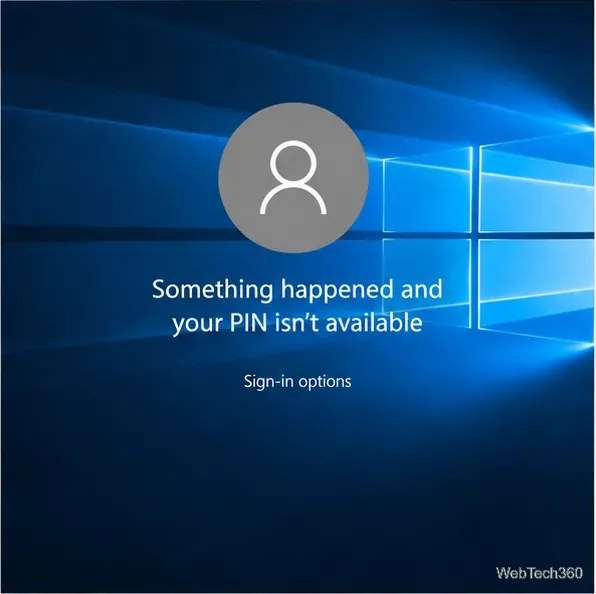
Get past the Windows 10 PIN error by signing in with your password, resetting Windows Hello PIN, and recovering the right account if needed.