How to Play RuneScape on Linux: OSRS Setup and RS3 Status
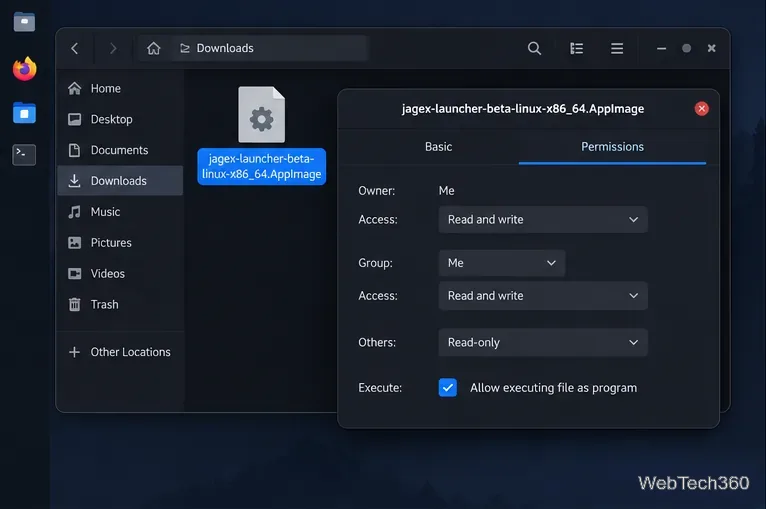
Play Old School RuneScape on Linux with Jagex’s beta AppImage and RuneLite, and see the current support status for the main RuneScape client.
Play Old School RuneScape on Linux with Jagex’s beta AppImage and RuneLite, and see the current support status for the main RuneScape client.
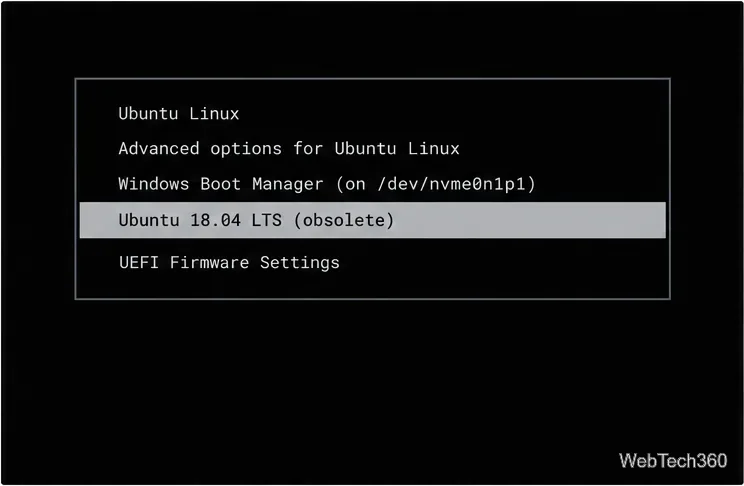
Regenerate GRUB safely, remove stale operating system or custom entries, and tell them apart from UEFI boot records with distro-specific steps.
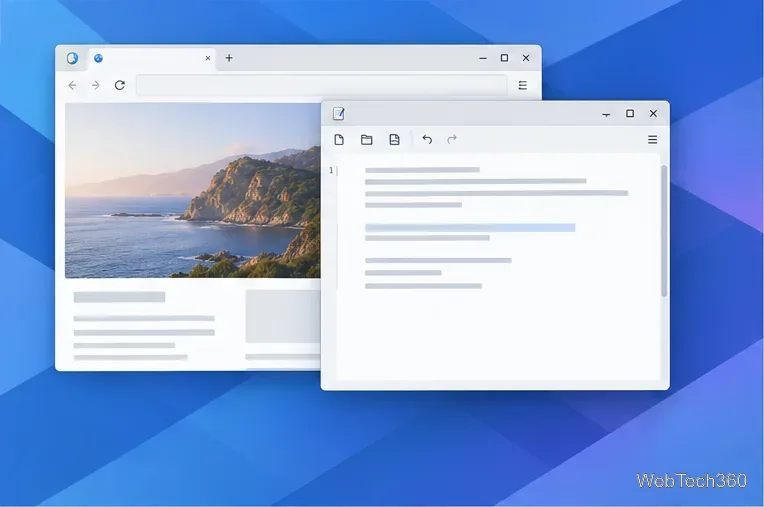
Restart the Plasma shell safely, remove a recently added widget, and use KDE logs to investigate a panel that keeps freezing or disappearing.
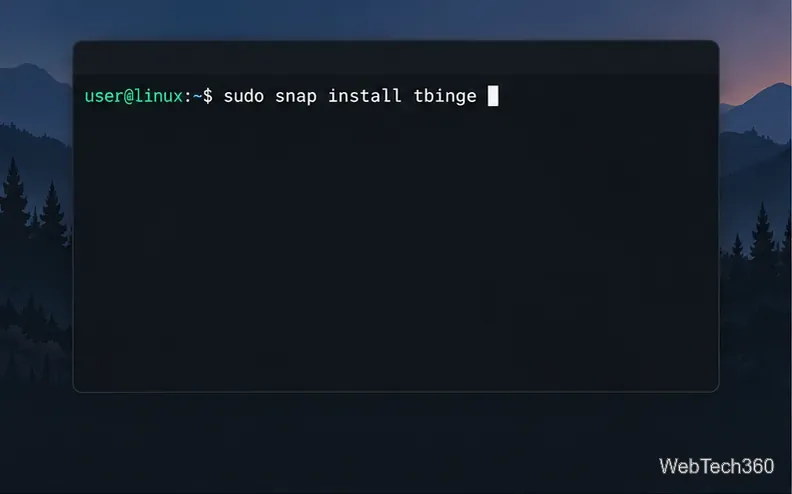
Use Tbinge to search TMDb, keep a local movie and TV watchlist, and mark titles watched on Linux. Review its aging Snap package before installing.
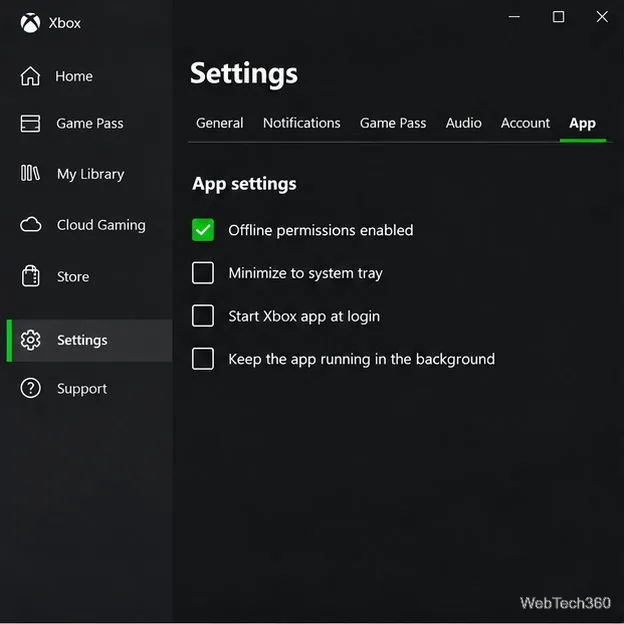
Prepare Java or Bedrock on Windows 10 for offline single-player, enable the right Xbox setting, and back up your local Minecraft worlds.
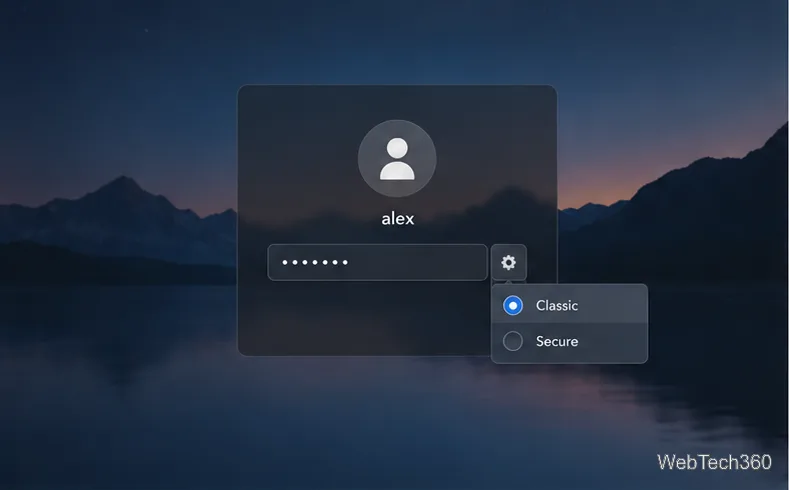
Bring desktop icons to elementary OS with Desktop Folder, install its Ubuntu package, choose a compatible session, and understand the Wayland limits.
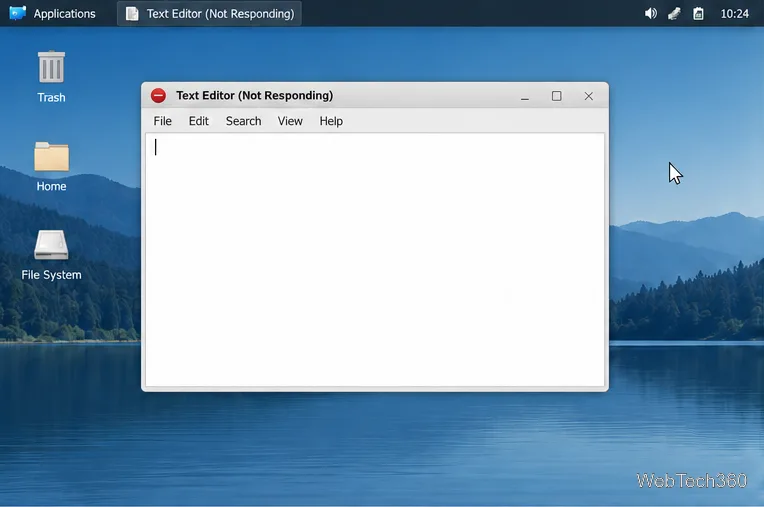
Fix a frozen XFCE Linux desktop by checking for a stuck app, restarting the panel or window manager, and recovering the session without resetting panel settings.
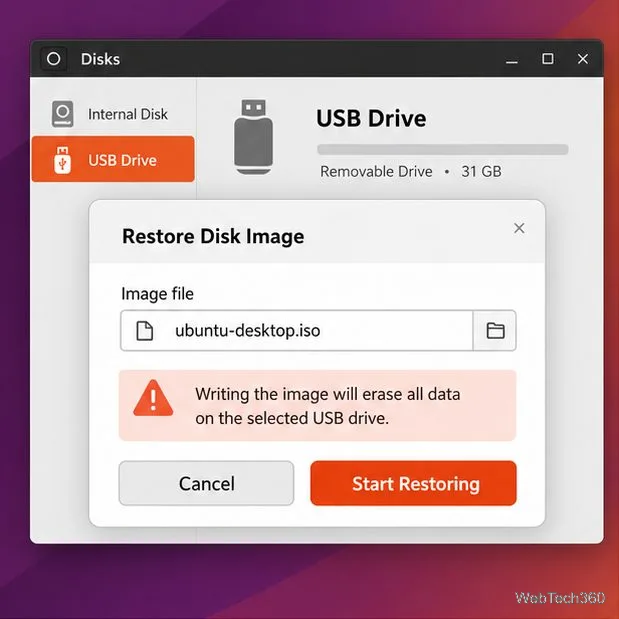
Troubleshoot an Ubuntu live USB that is not detected, returns to your usual operating system, or stops at a black screen. Check the image, boot entry, and graphics options.
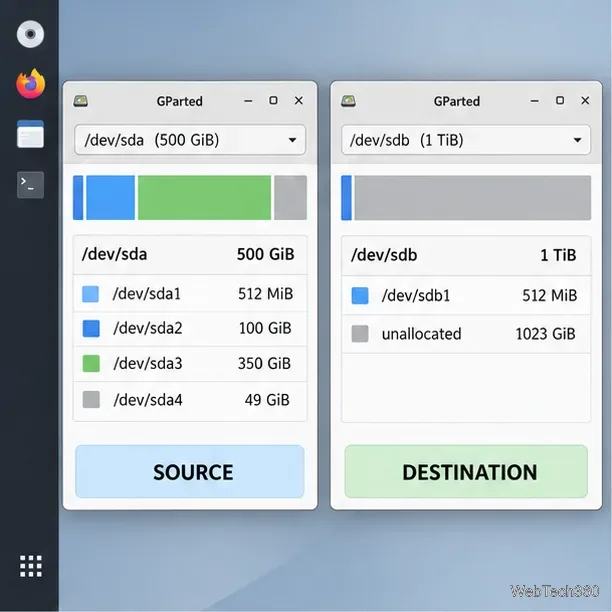
Use GParted Live to copy Linux partitions to a replacement drive. Prepare the destination, queue each copy, and avoid duplicate UUIDs and boot problems.
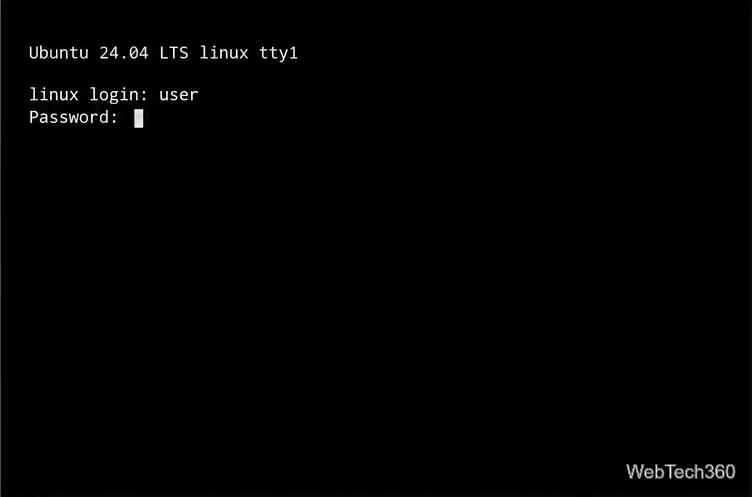
Learn how to fix a broken GNOME login screen on Linux by switching to a TTY, checking the active display manager, restarting it safely, and reading its logs.
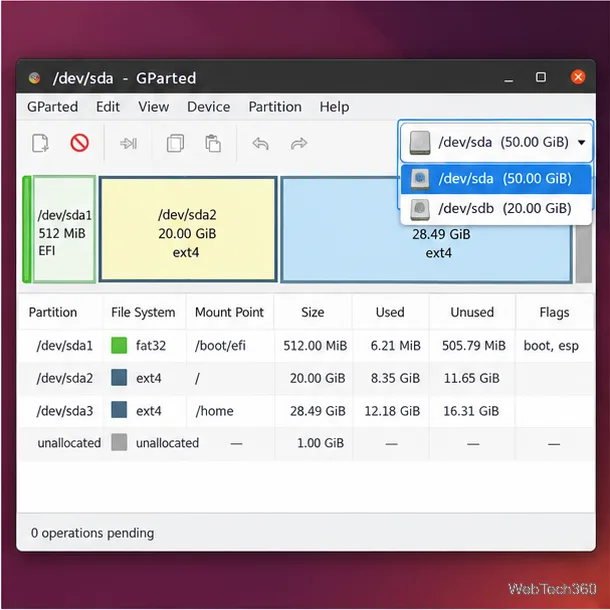
Use GParted to shrink or expand Linux partitions safely. Learn how adjacent free space works, when to unmount a partition, and how to resize root from a live USB.
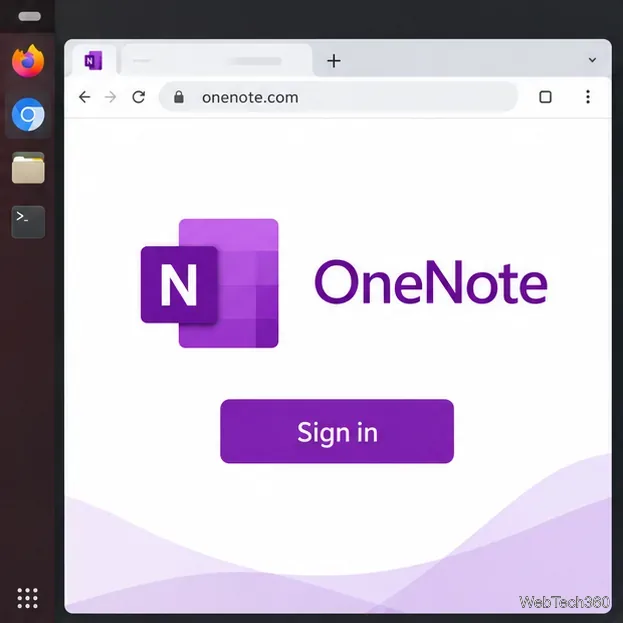
Install Microsoft OneNote on Linux through the official web app, add a Chrome launcher, or use the unofficial P3X OneNote Snap package.
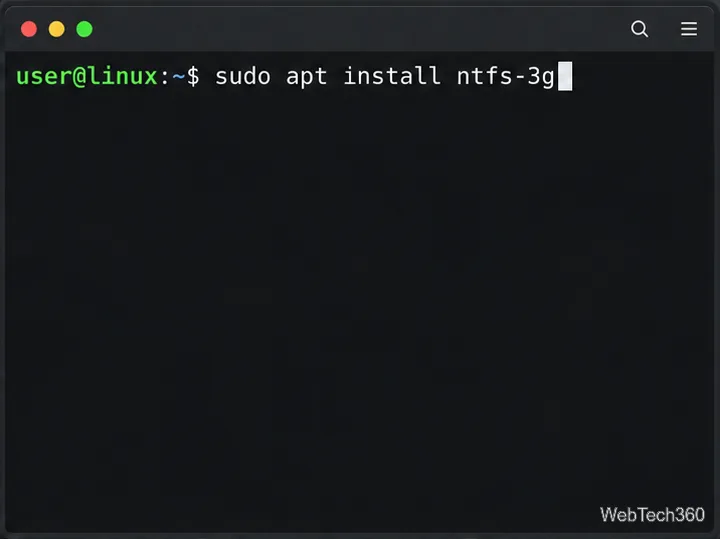
Use ntfsfix safely on an NTFS partition from Linux, identify and unmount the right device, and learn when Windows CHKDSK or data recovery is needed.
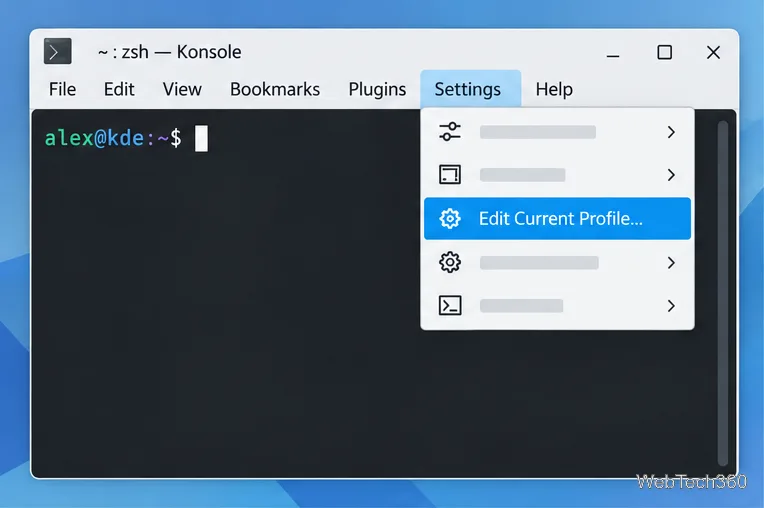
Change Konsole’s shell, starting directory, colors, font, scrollback, and tab labels with KDE’s profile and appearance settings.
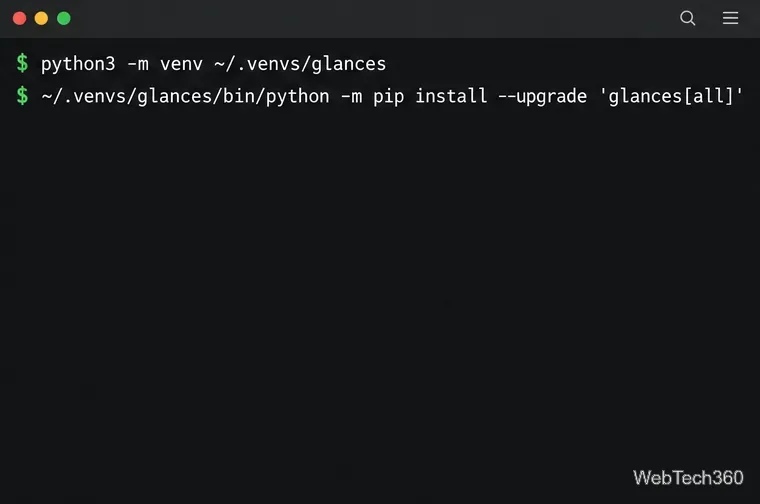
Install Glances on Linux in an isolated Python environment, inspect its live terminal dashboard, and launch the browser interface safely on localhost.
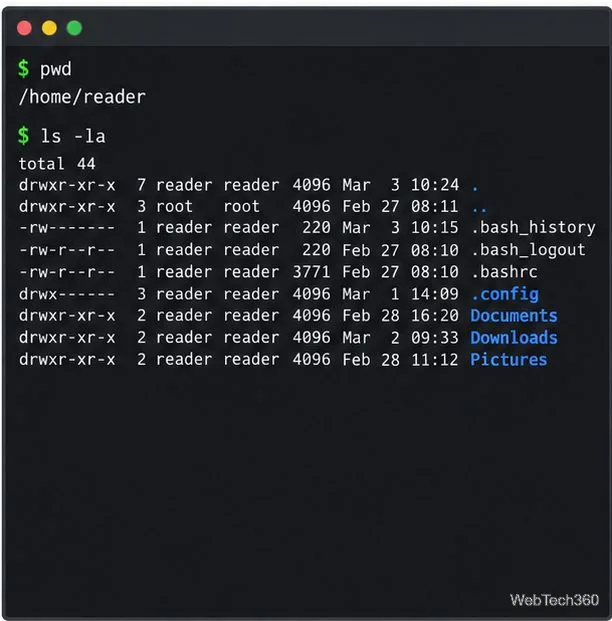
Use ls and cd to explore Linux directories, locate mounted drives with lsblk and findmnt, search files, or browse with Midnight Commander and Ranger.
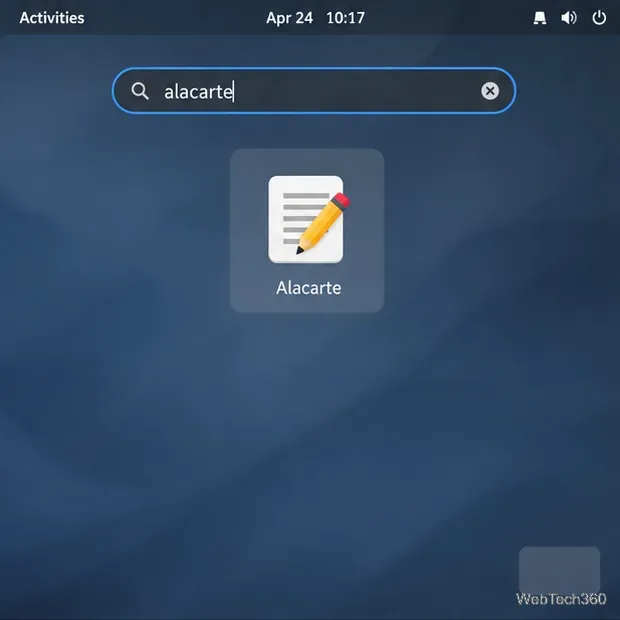
Edit an app launcher’s name, description, or command in GNOME Shell with Alacarte, or create a per-user .desktop override from the terminal.
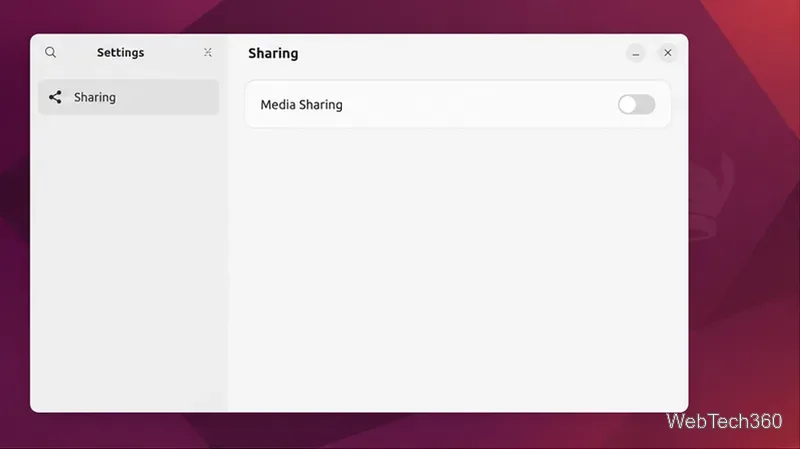
Set up Ubuntu’s Media Sharing panel, choose folders and trusted networks, and browse your music, pictures, and videos from a DLNA or UPnP device.
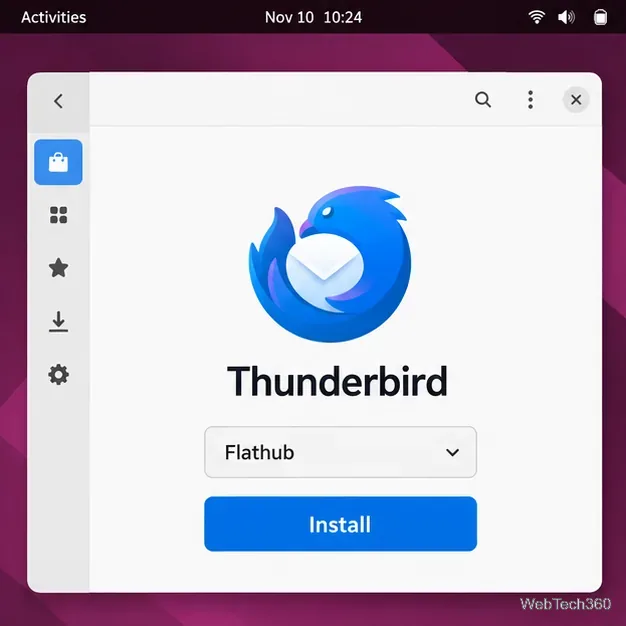
Get the latest Thunderbird for Linux with Flatpak, or use Mozilla’s official APT repository on Ubuntu and Debian. Includes update and profile safety tips.
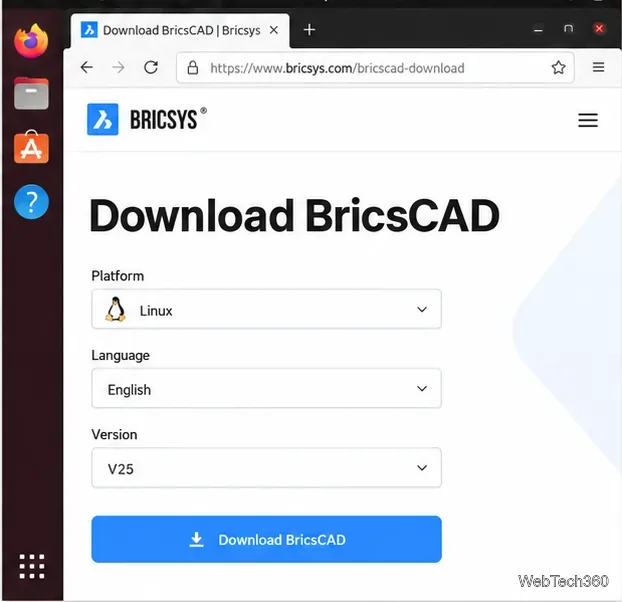
Install legacy BricsCAD Shape on Linux with the final V25 release. Find the older installer, use the correct DEB or RPM command, and launch Shape.
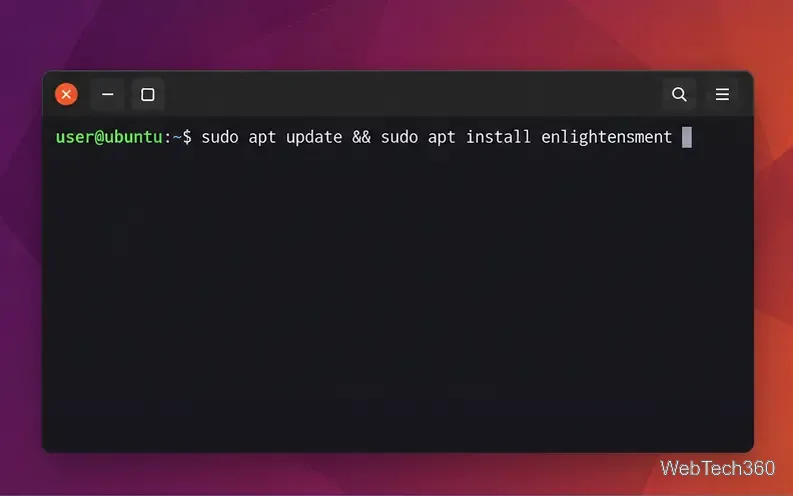
Install Enlightenment from your Linux distribution’s repositories, then choose its session at sign-in. Includes commands for Ubuntu, Debian, Arch, Fedora, and openSUSE.
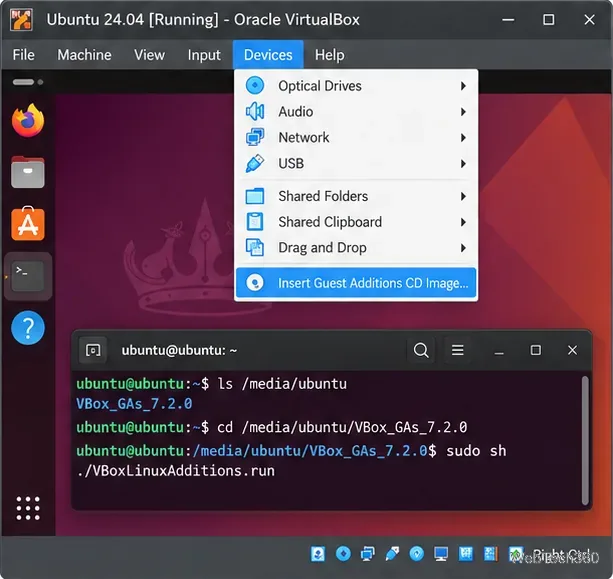
Speed up a sluggish Linux guest by installing matching Guest Additions, balancing VM memory and CPU cores, and tuning graphics without starving the host.
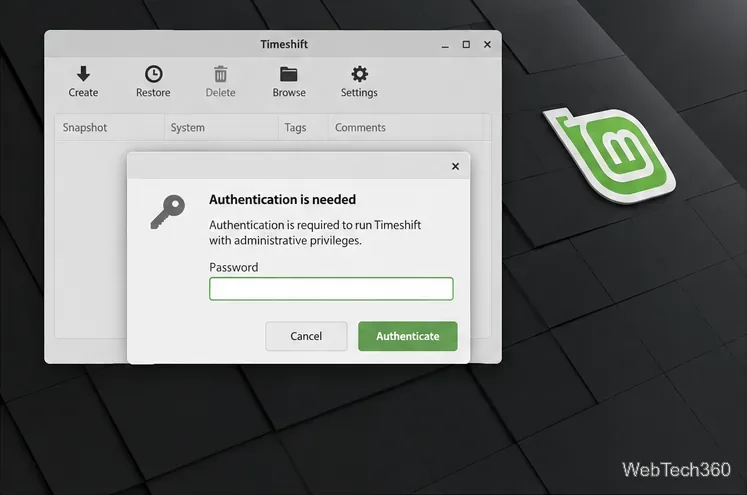
Use Timeshift to configure Linux Mint system snapshots, choose a safe destination, set a schedule, create a snapshot, and restore it when needed.
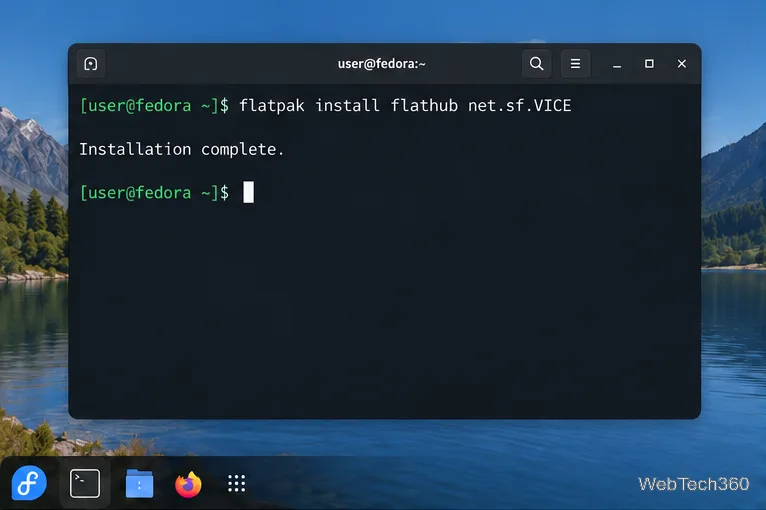
Install VICE on Linux, load a C64 disk or tape image, configure keyboard or joystick controls, and save your progress with snapshots.
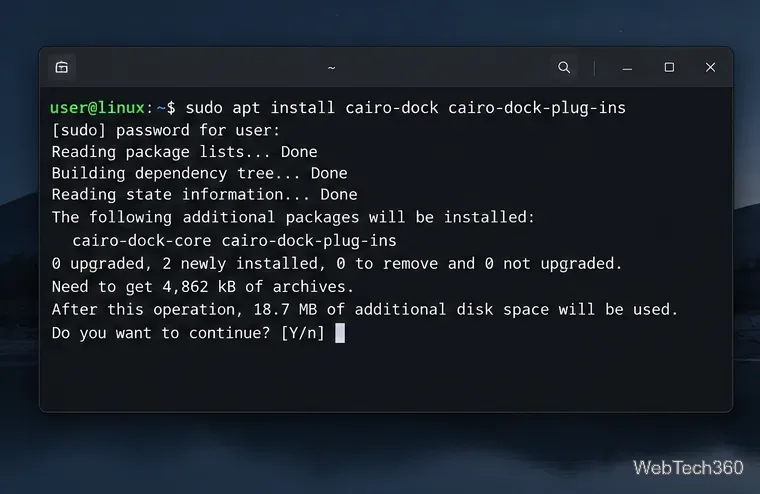
Install Cairo-Dock from your distro’s package manager, launch it in your desktop session, and customize its position, applets, launchers, and startup behavior.
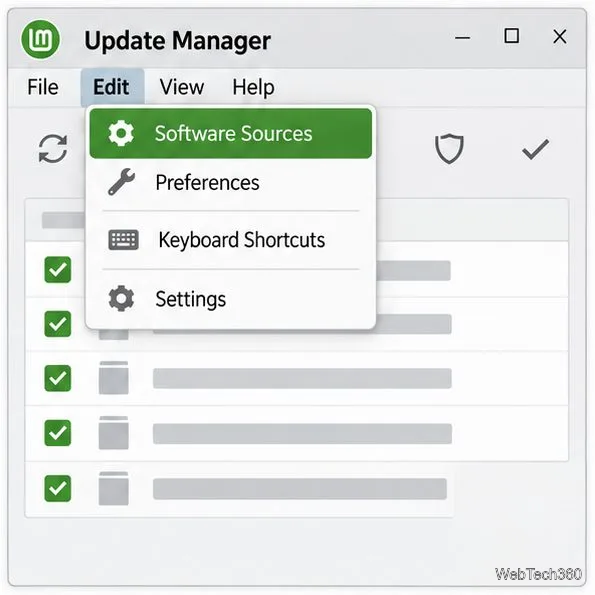
Use Software Sources to choose a faster local update mirror in Linux Mint, refresh APT’s package list, and restore the default servers if needed.
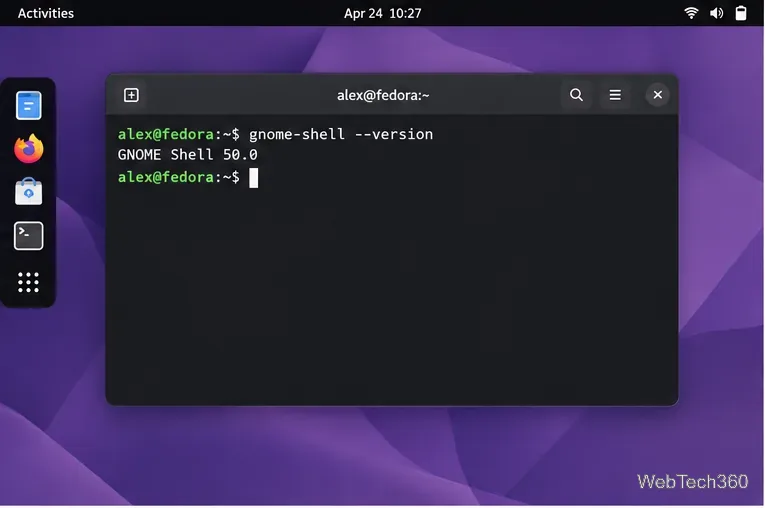
Bring desktop icons back to GNOME Shell with Desktop Icons NG (DING). Install it in Extension Manager, check compatibility, and troubleshoot missing icons.
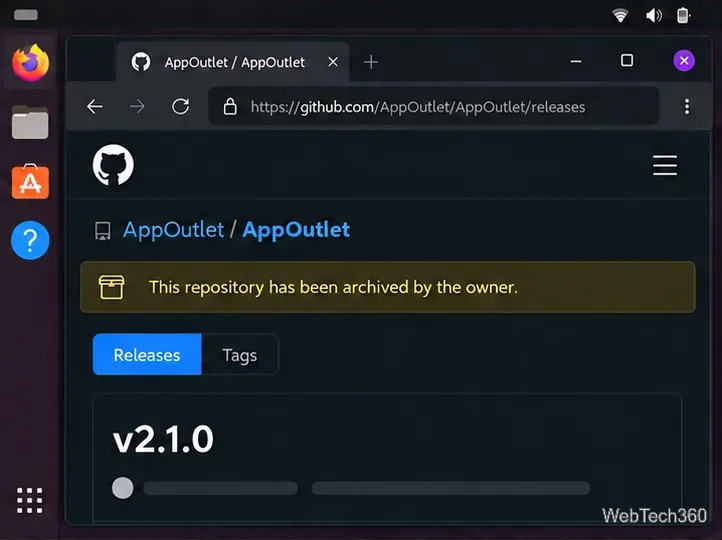
Install the archived App Outlet app store on Linux from a DEB package or AppImage, and learn why its old Snap command and app catalog may fail.
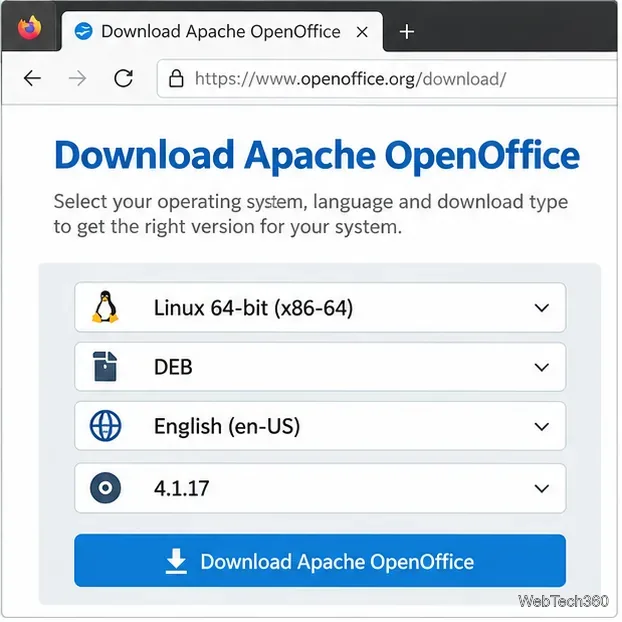
Install Apache OpenOffice on Ubuntu, Debian, Fedora, or openSUSE with the current Linux DEB or RPM archive. Verify the download, install menus, and launch Writer.
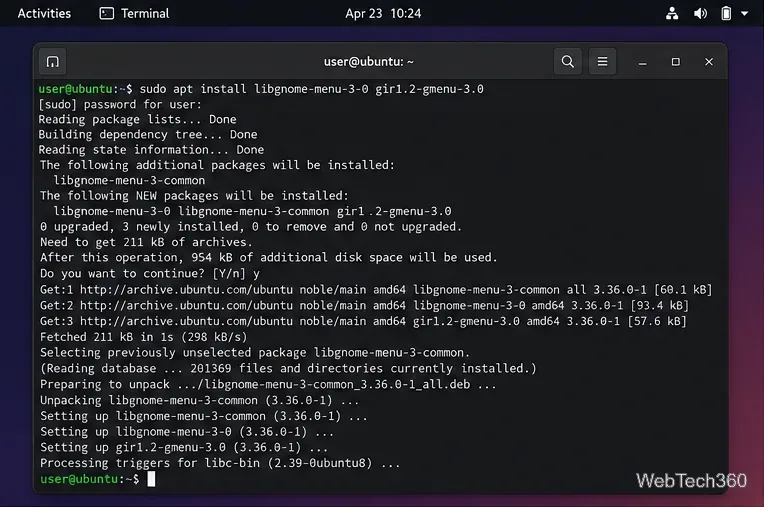
Install ArcMenu from GNOME Extensions, check its GMenu dependency, enable it in GNOME, and choose a layout with search, pinned apps, and shortcuts.