How to Find an iPhone’s Serial Number (Even Without the Phone)
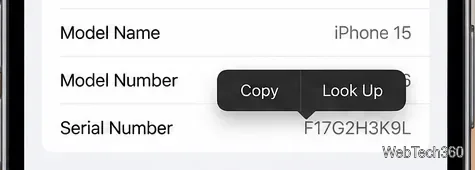
Find your iPhone’s serial number in Settings, your Apple Account, a computer, or the original box—even if you no longer have the phone.
Find your iPhone’s serial number in Settings, your Apple Account, a computer, or the original box—even if you no longer have the phone.
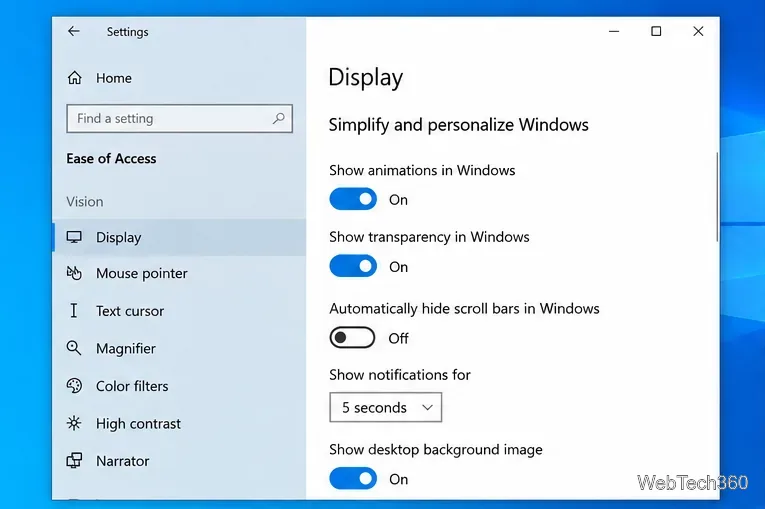
Learn how to turn the Windows 10 screenshot flash on or off, where Win+PrtScn saves captures, and what the global animation setting also changes.
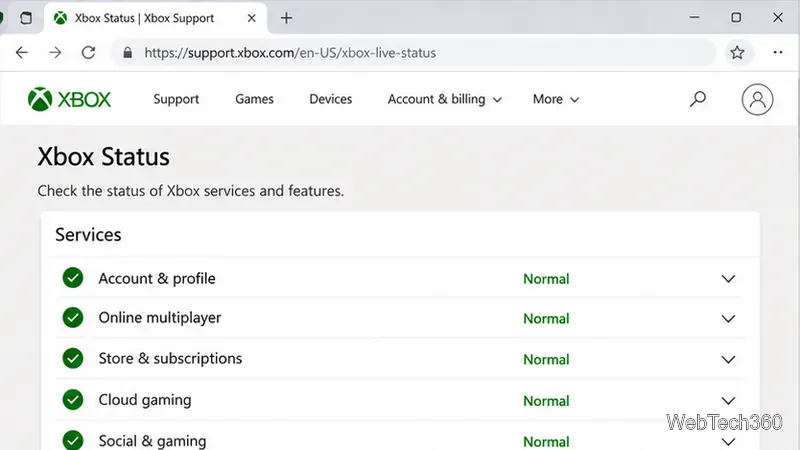
Fix Xbox sign-in error 0x87DD0006 by checking Xbox service status, testing your connection, refreshing your profile, and updating or resetting the console.
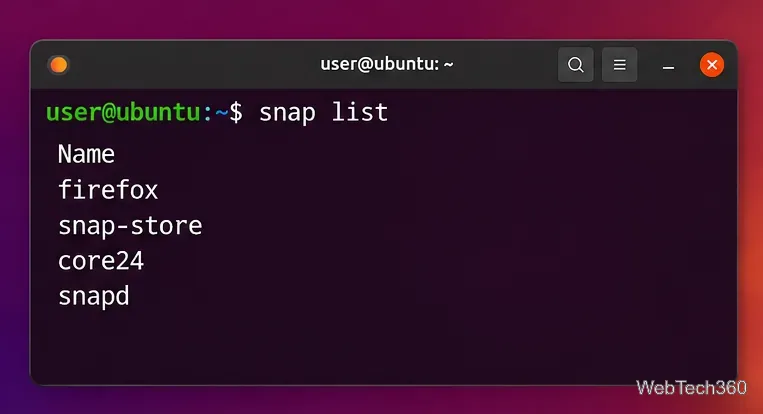
Disable Snaps in Ubuntu safely by removing installed snaps, purging snapd, cleaning leftover user data, and optionally blocking snapd from reinstalling.
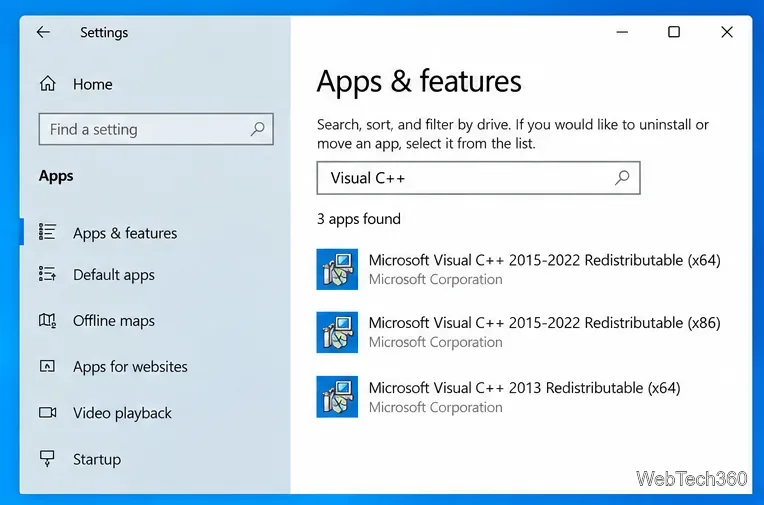
Fix Microsoft Visual C++ error 0x80070666 by checking the installed runtime, repairing it, installing the latest supported package, or cleaning up a broken install.
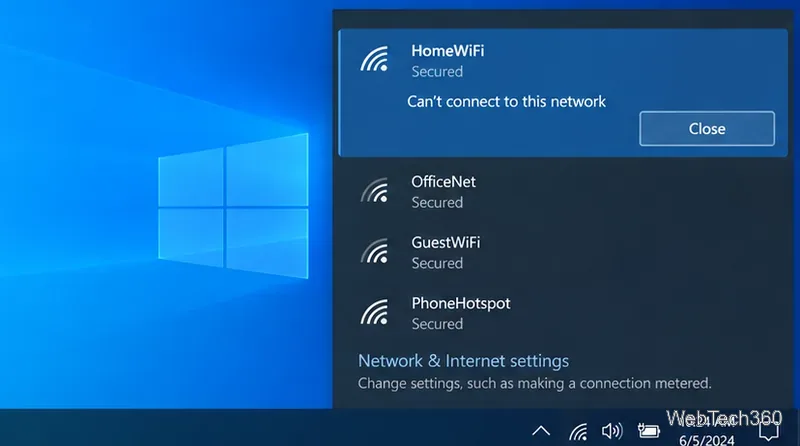
Fix the “Can’t connect to this network” error in Windows 10 by reconnecting Wi-Fi, resetting TCP/IP, repairing drivers, and using network reset safely.
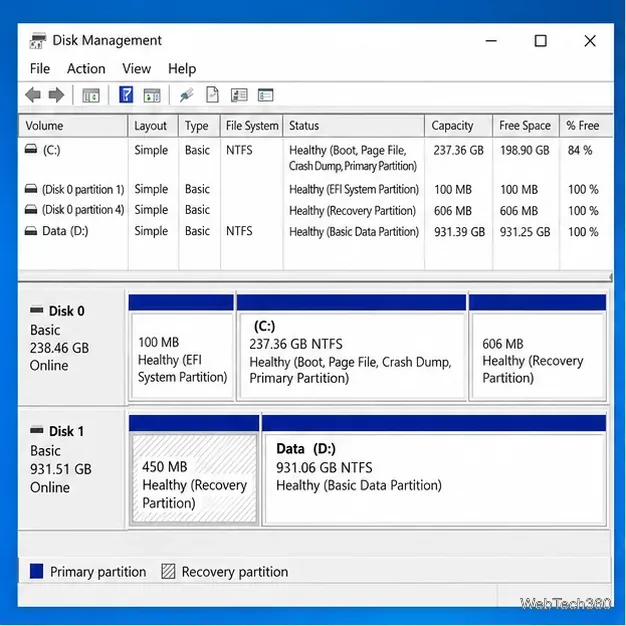
Learn how to delete a protected system, recovery, or OEM partition on Windows 10 with DiskPart, what not to remove, and how to verify the result.
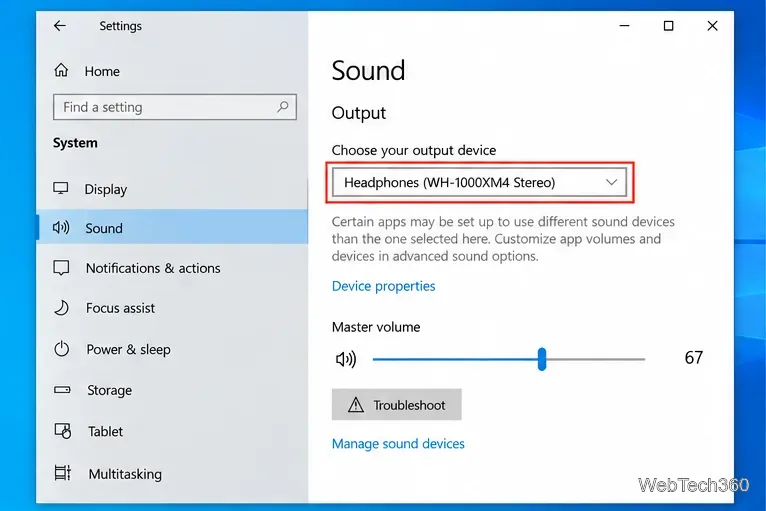
Bluetooth headset paired but missing from Windows 10 Playback devices? Reconnect it, enable hidden audio endpoints, reset Bluetooth, and repair drivers.
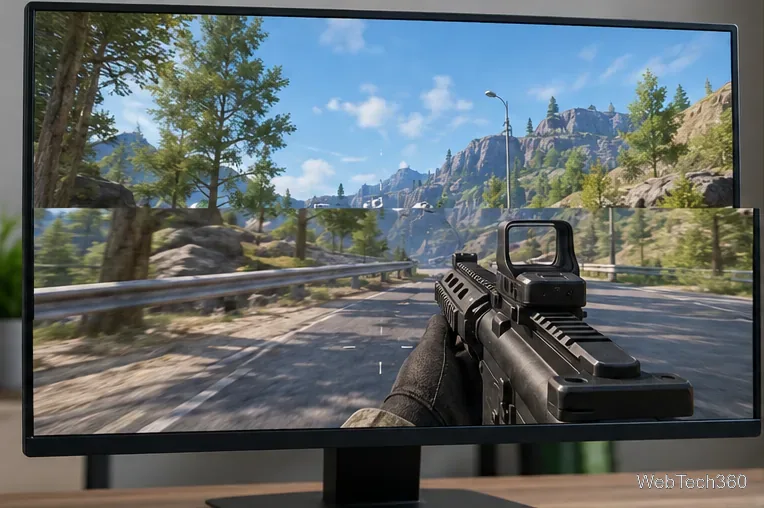
Fix screen tearing on Windows 10 and PC games with the right refresh rate, V-Sync, G-SYNC or FreeSync, updated drivers, and display checks.
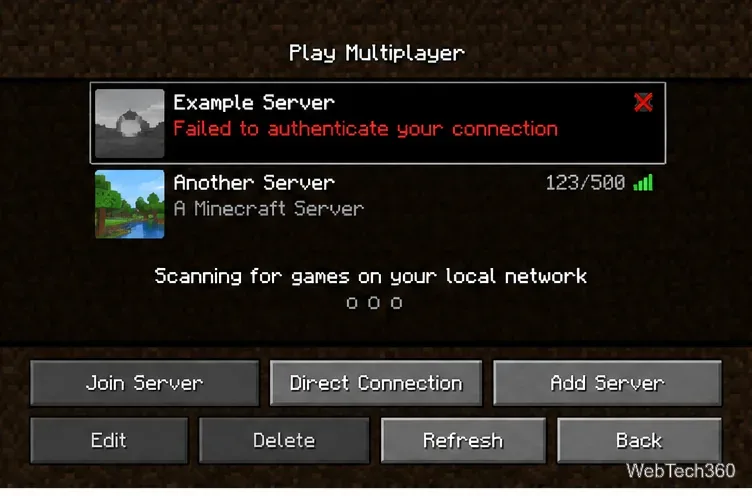
Fix Minecraft’s “Failed to authenticate your connection” error by refreshing your Microsoft account session, checking the server, and resetting the network.
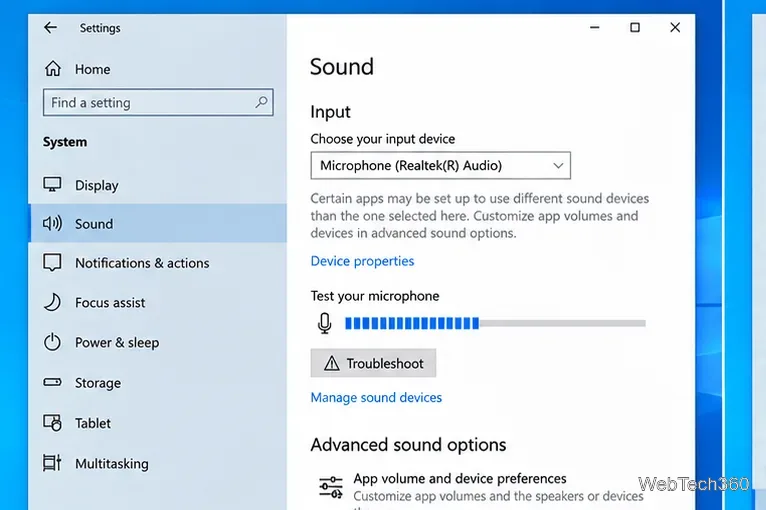
Fix “The wizard could not start” microphone errors in Windows 10 by checking input, permissions, levels, audio services, and drivers.
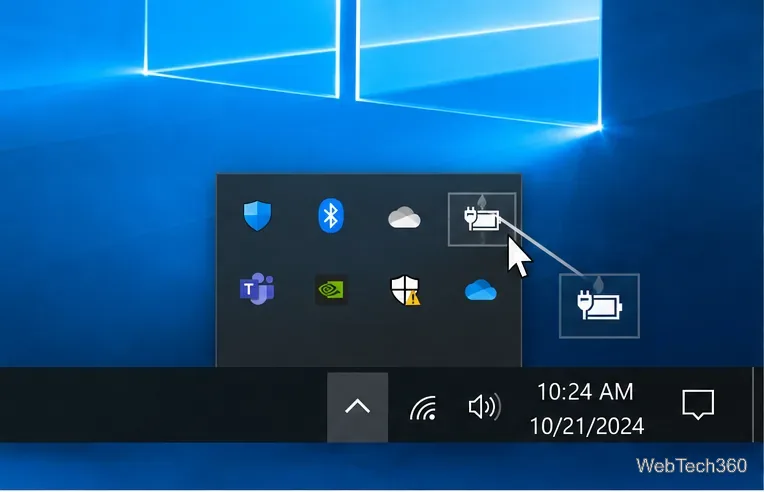
If the battery icon is missing from the Windows 10 taskbar, restore the Power icon, refresh battery drivers, and repair system files safely.
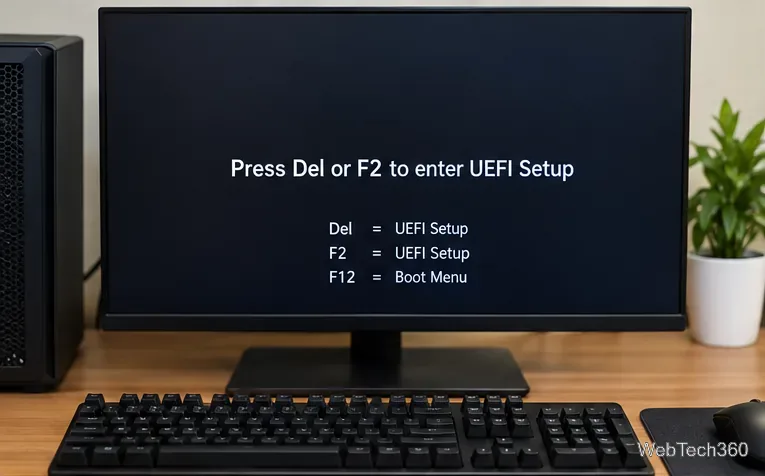
Learn how to enable XMP in BIOS or UEFI, choose the right memory profile, verify RAM speed in Windows, and fix missing or unstable XMP settings.
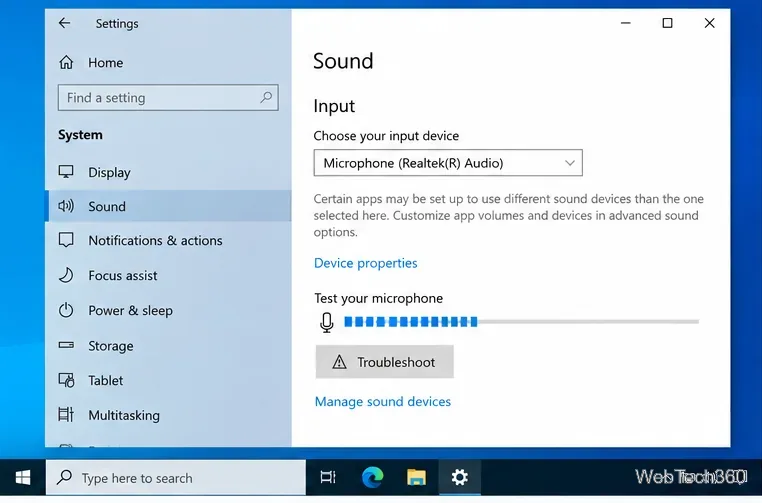
Test a microphone on Windows 10, confirm Windows is receiving sound, check app permissions, and fix common input or driver problems.
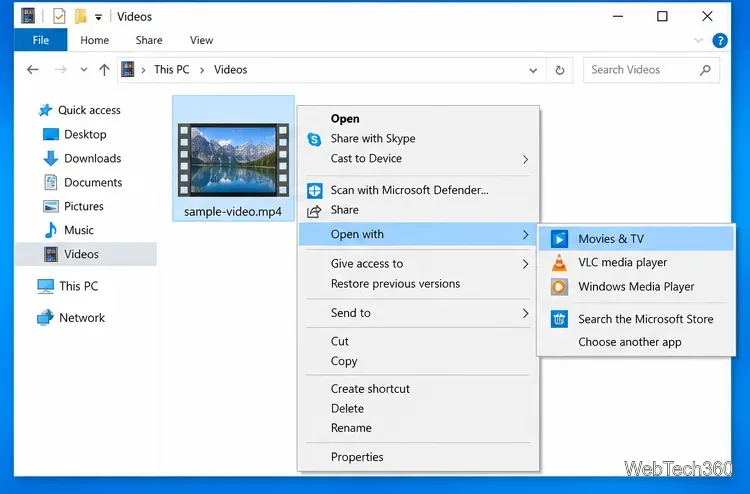
Learn how to play a video on repeat on Windows 10 with Movies & TV or VLC, including looping an entire file or only an A-B section.
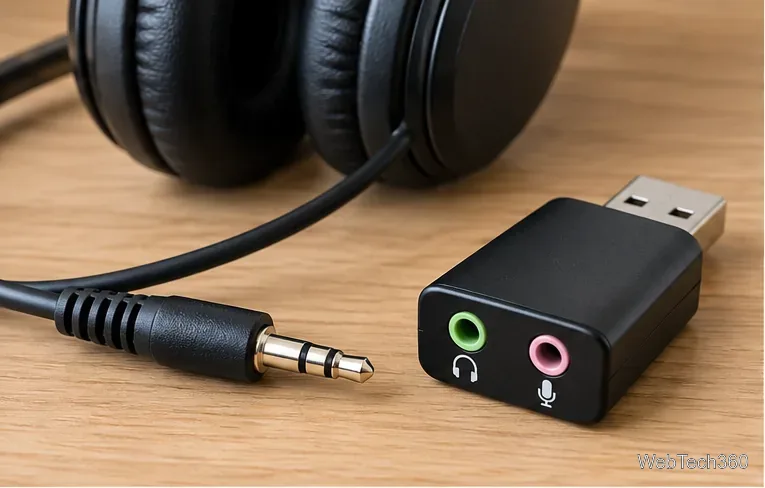
Use a USB audio adapter to connect 3.5mm headphones or a headset to a Windows 10 PC. Choose the right adapter, set audio devices, and fix no sound.
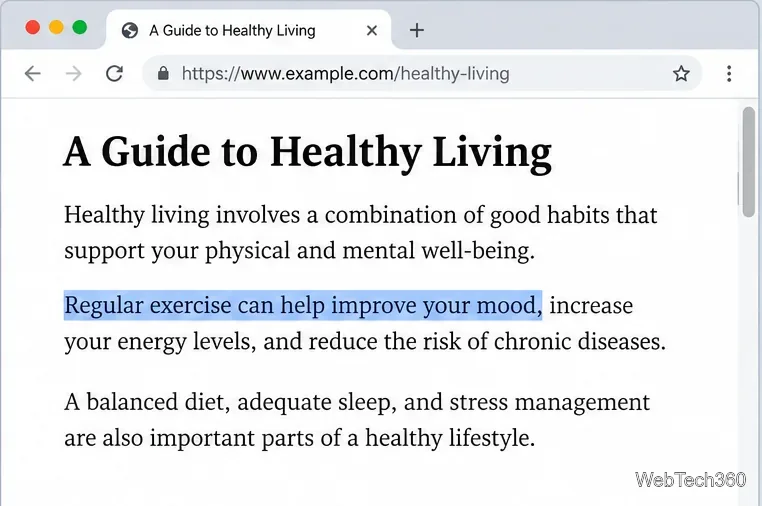
Learn how to link directly to selected text in Chrome with Copy link to highlight, how text-fragment URLs work, and what to do if a link fails.
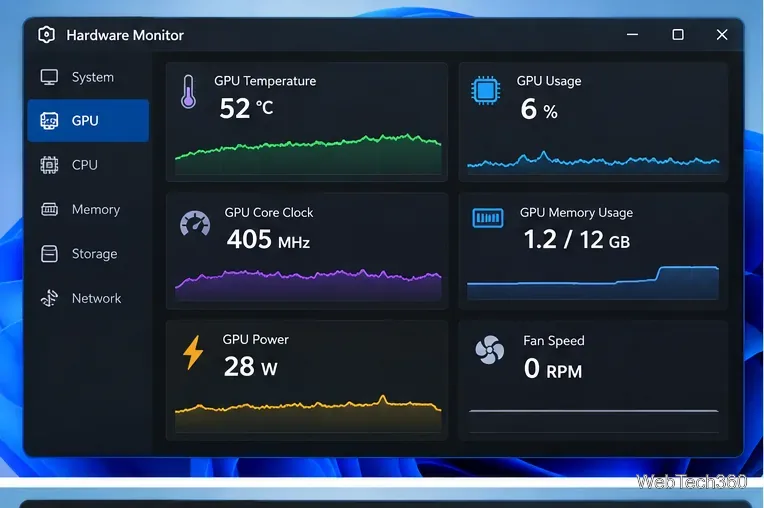
Learn how to GPU stress test safely, what to monitor, how long to run a test, and which current tools are best for checking graphics card stability.
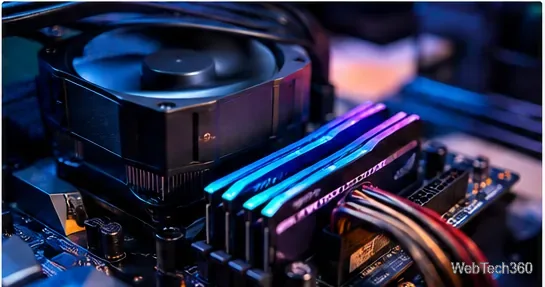
Compare the best CPU and RAM stress-test tools, including OCCT, Prime95, MemTest86, Intel PDT, and HWiNFO, plus practical safety tips.
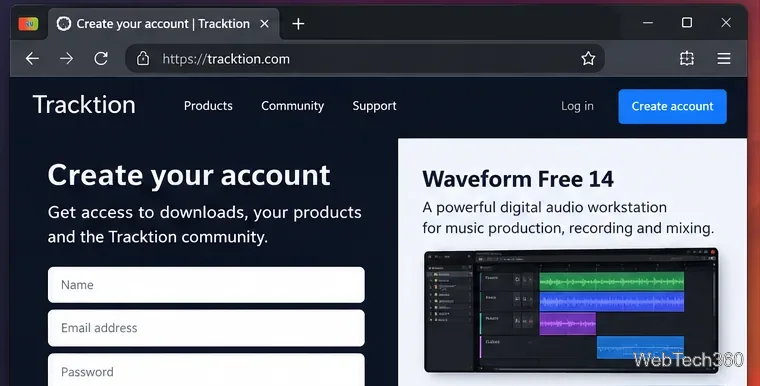
Install Waveform Free 14 on Linux with current Tracktion guidance, including account setup, the Ubuntu installer, licensing, and first-run audio settings.
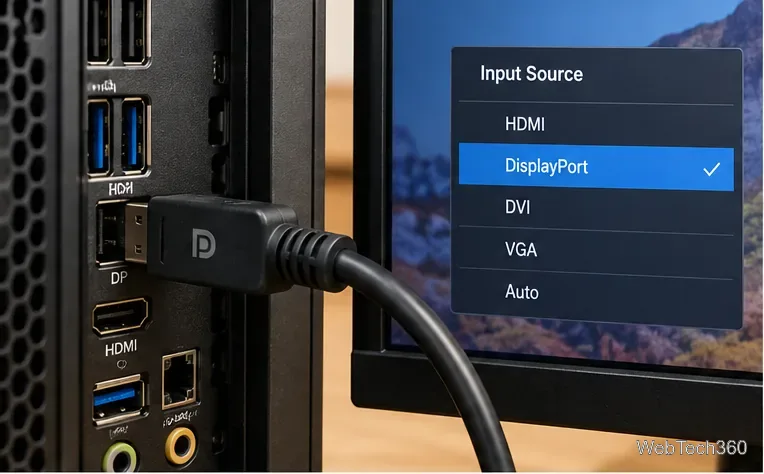
Fix a DisplayPort No Signal error in Windows 10 by checking the input, cable, projection mode, display detection, and graphics driver.
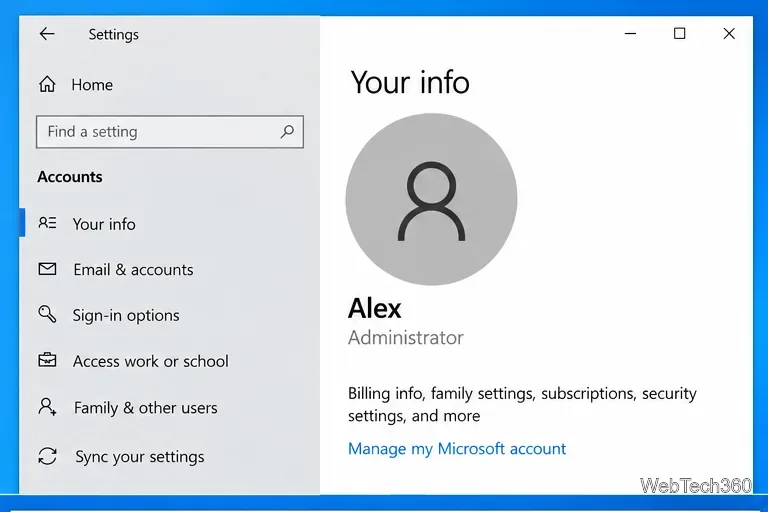
Find which Windows 10 account has administrator rights using Settings, Command Prompt, or PowerShell, and learn what to do if several admins appear.
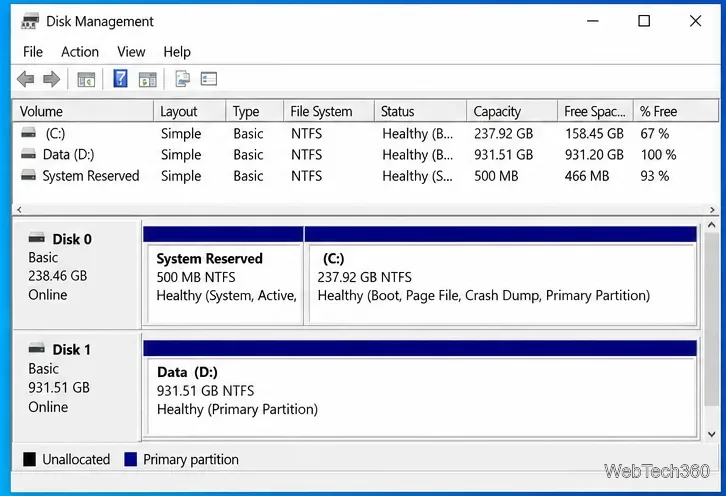
Learn how to check whether a Windows 10 disk uses GPT or MBR with Disk Management, DiskPart, or PowerShell—no third-party utility required.
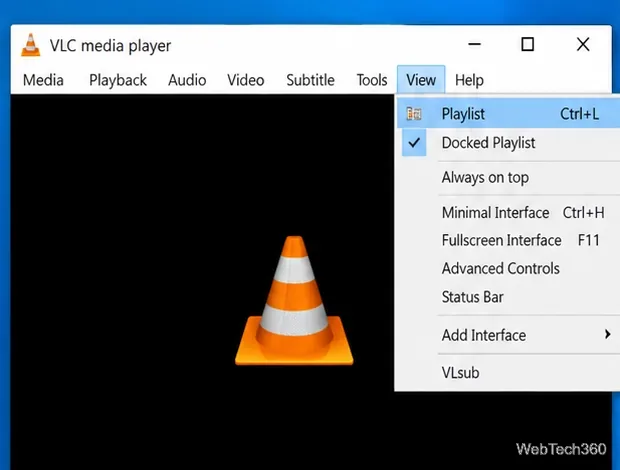
Save a VLC playlist on Windows 10 as an XSPF file, reopen it later, and avoid broken entries when media files are moved or renamed.
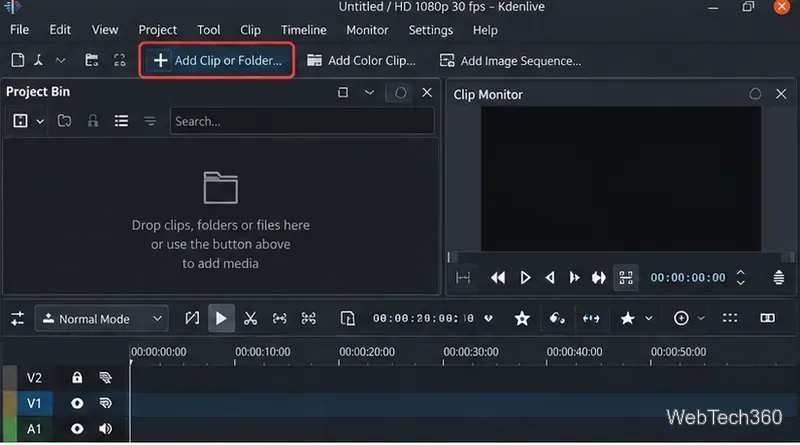
Learn how to extract individual frames from videos on Linux with Kdenlive, save a frame as PNG, and use FFmpeg when you need source-resolution output.
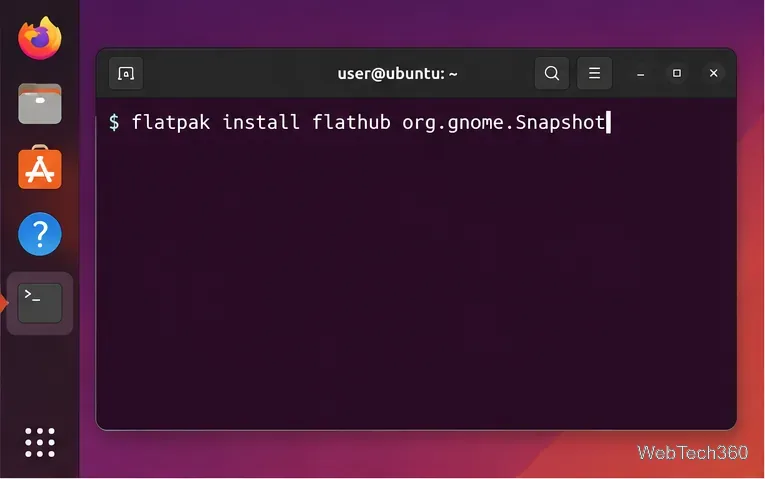
Learn how to record your webcam on Linux with GNOME Camera, install it from Flathub, save clips, take photos, and fix a blank camera preview.
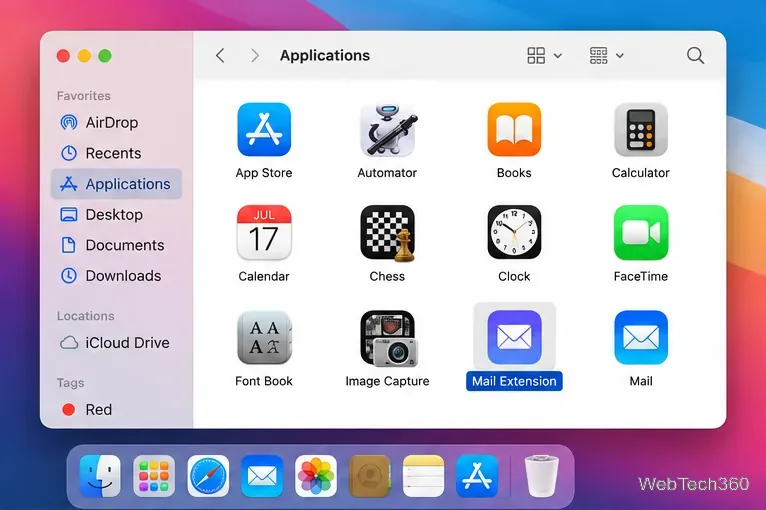
Install a Mail plugin on macOS using the current Mail Extensions workflow, enable it in Mail settings, and handle older .mailbundle plugins safely.
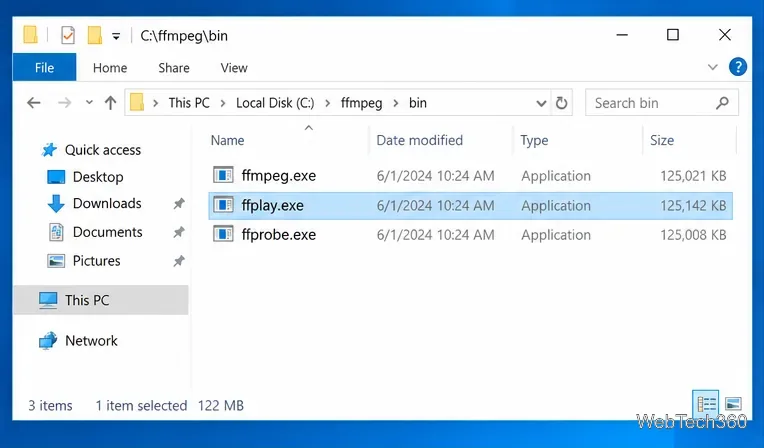
Use FFmpeg’s ffplay on Windows 10 to open a local video from Command Prompt, start full-screen, learn playback keys, and fix common PATH errors.
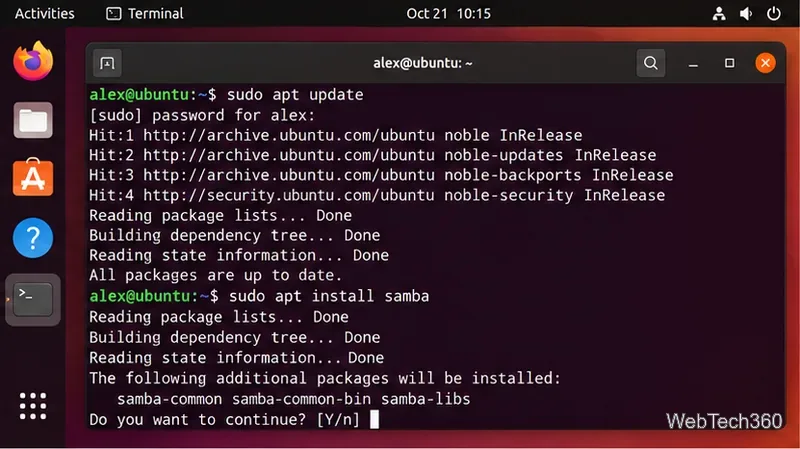
Share folders from an Ubuntu PC over your local network with Samba, secure user authentication, firewall rules, and connection steps for Windows and Linux.
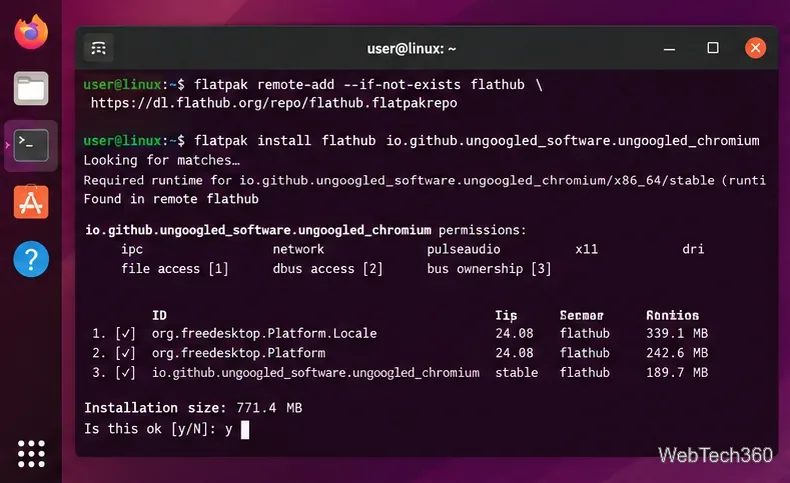
Install and use Ungoogled Chromium on Linux without Google web-service integration, with current Flatpak steps, package options, updates, and extensions.