How to Play a Video on Repeat on Windows 10
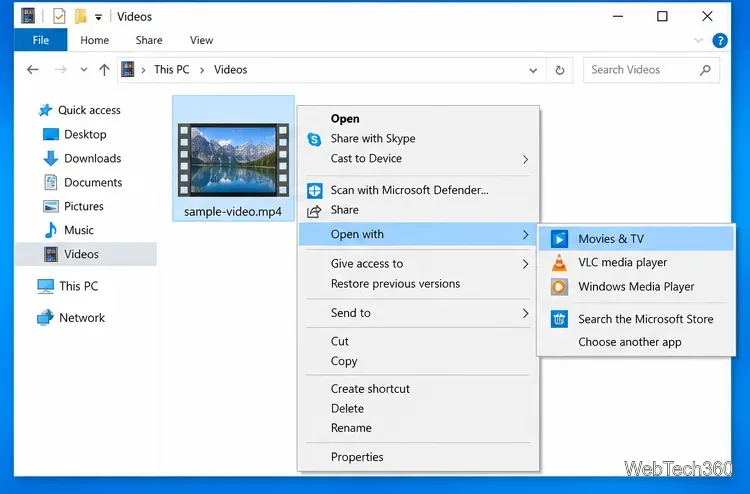
Learn how to play a video on repeat on Windows 10 with Movies & TV or VLC, including looping an entire file or only an A-B section.
Learn how to play a video on repeat on Windows 10 with Movies & TV or VLC, including looping an entire file or only an A-B section.
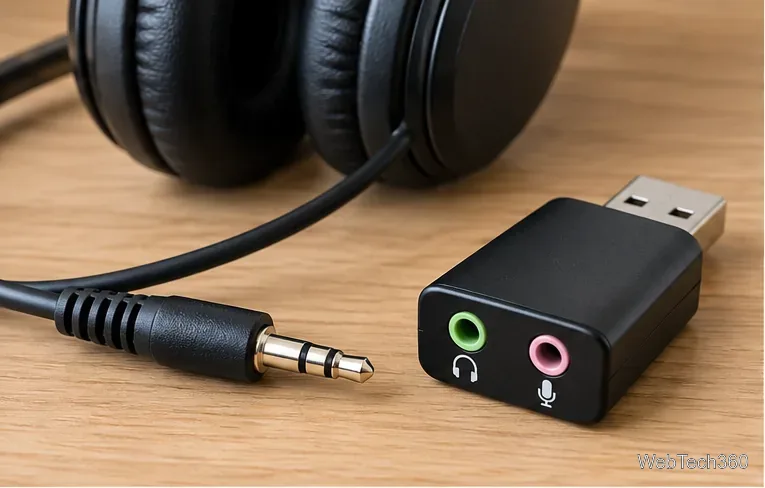
Use a USB audio adapter to connect 3.5mm headphones or a headset to a Windows 10 PC. Choose the right adapter, set audio devices, and fix no sound.
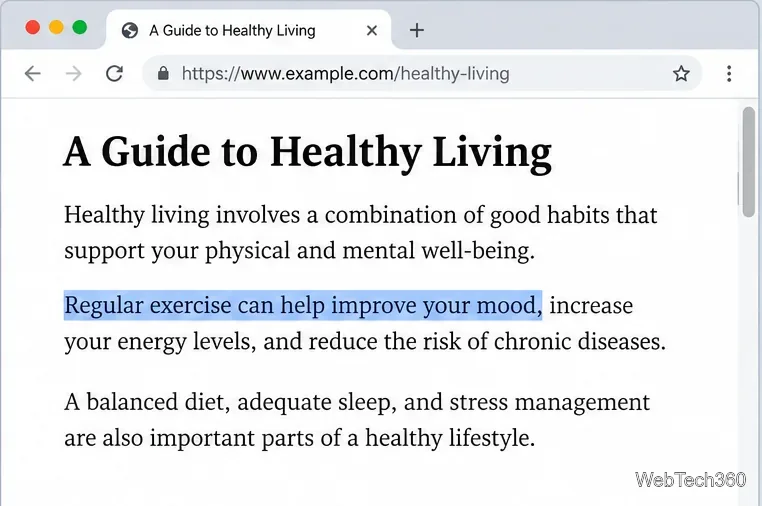
Learn how to link directly to selected text in Chrome with Copy link to highlight, how text-fragment URLs work, and what to do if a link fails.
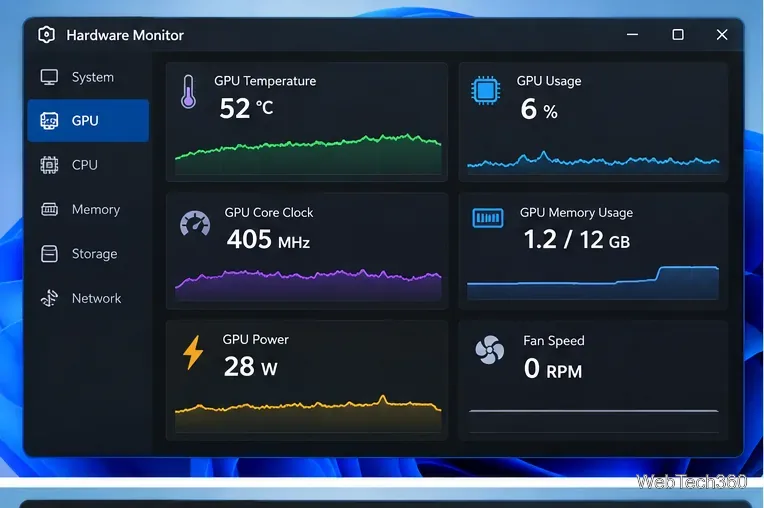
Learn how to GPU stress test safely, what to monitor, how long to run a test, and which current tools are best for checking graphics card stability.
Compare the best CPU and RAM stress-test tools, including OCCT, Prime95, MemTest86, Intel PDT, and HWiNFO, plus practical safety tips.
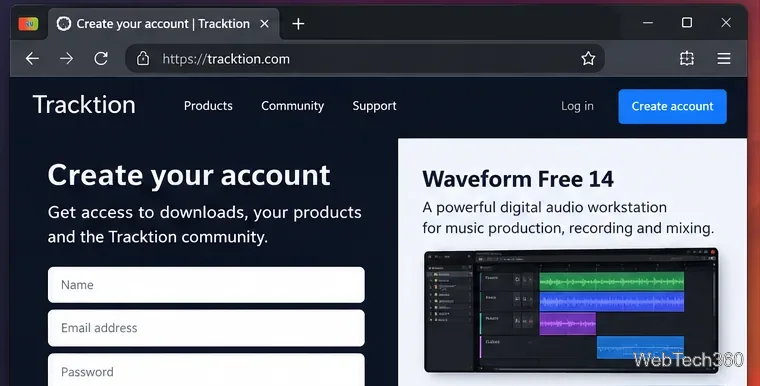
Install Waveform Free 14 on Linux with current Tracktion guidance, including account setup, the Ubuntu installer, licensing, and first-run audio settings.
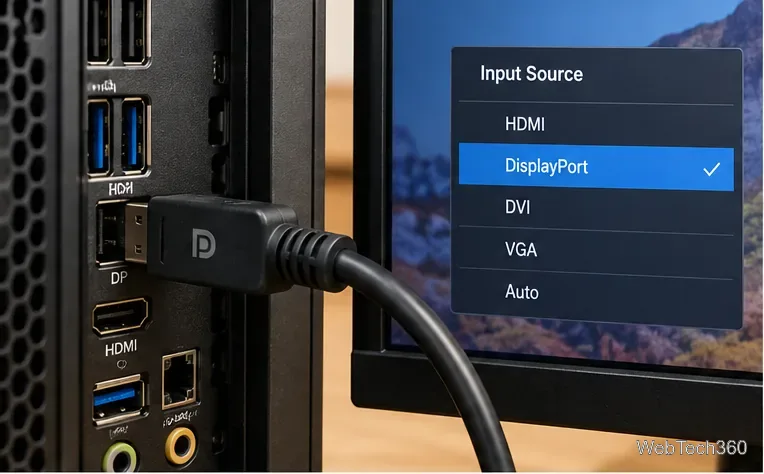
Fix a DisplayPort No Signal error in Windows 10 by checking the input, cable, projection mode, display detection, and graphics driver.
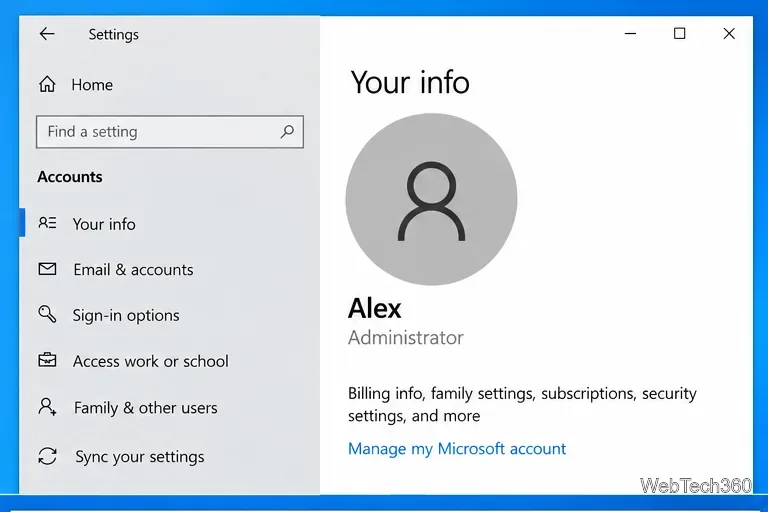
Find which Windows 10 account has administrator rights using Settings, Command Prompt, or PowerShell, and learn what to do if several admins appear.
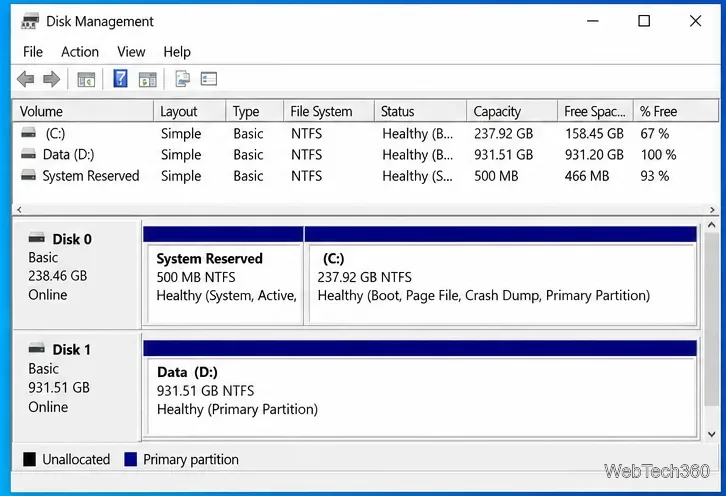
Learn how to check whether a Windows 10 disk uses GPT or MBR with Disk Management, DiskPart, or PowerShell—no third-party utility required.
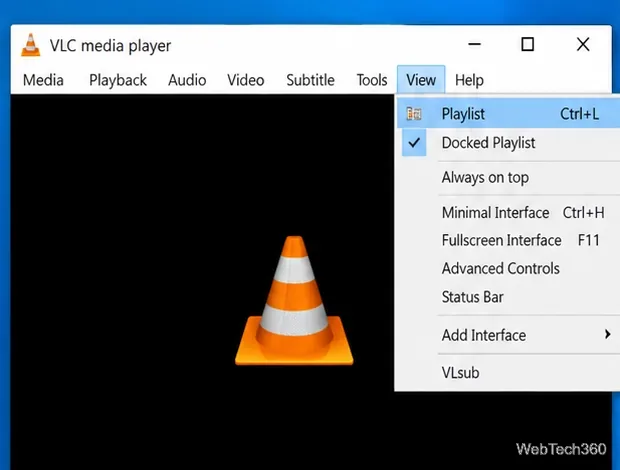
Save a VLC playlist on Windows 10 as an XSPF file, reopen it later, and avoid broken entries when media files are moved or renamed.
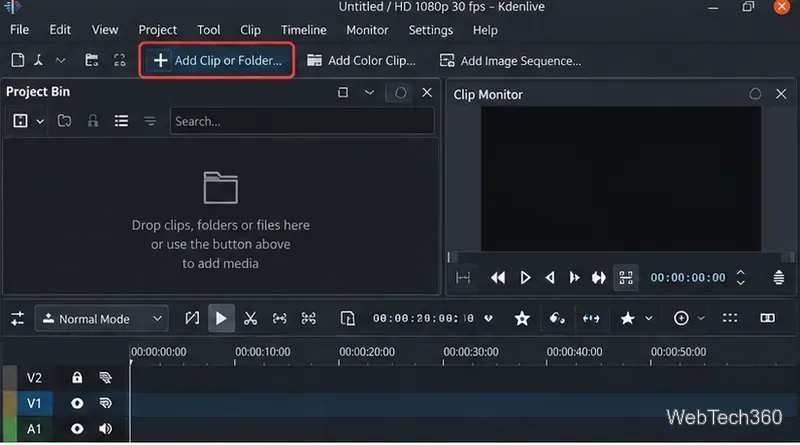
Learn how to extract individual frames from videos on Linux with Kdenlive, save a frame as PNG, and use FFmpeg when you need source-resolution output.
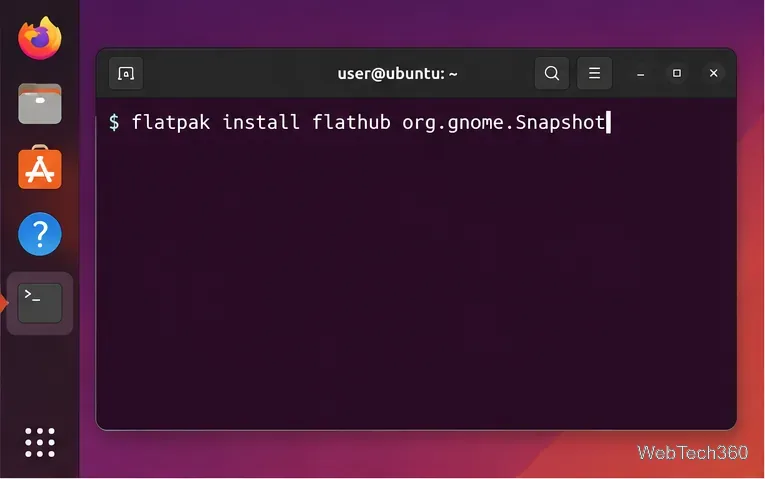
Learn how to record your webcam on Linux with GNOME Camera, install it from Flathub, save clips, take photos, and fix a blank camera preview.
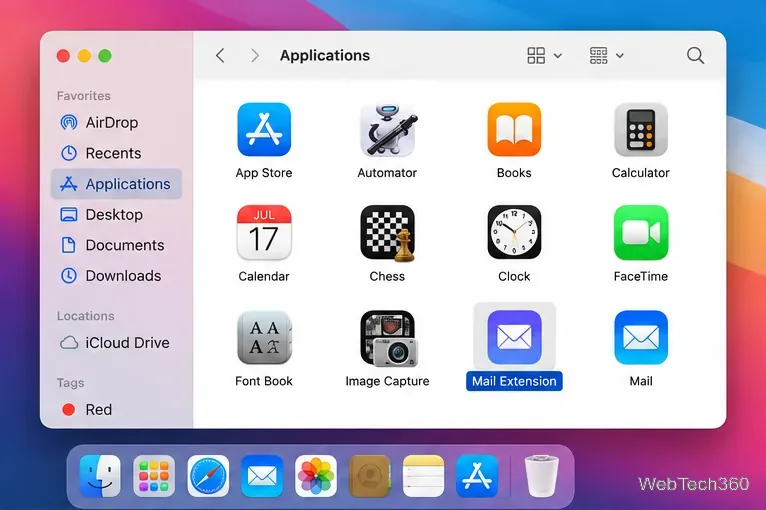
Install a Mail plugin on macOS using the current Mail Extensions workflow, enable it in Mail settings, and handle older .mailbundle plugins safely.
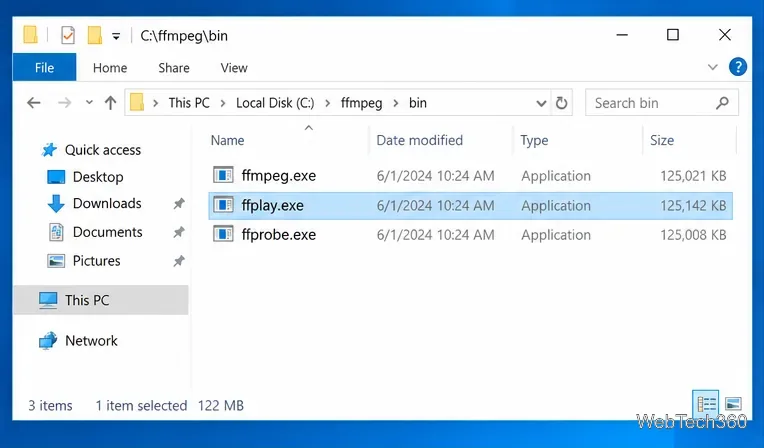
Use FFmpeg’s ffplay on Windows 10 to open a local video from Command Prompt, start full-screen, learn playback keys, and fix common PATH errors.
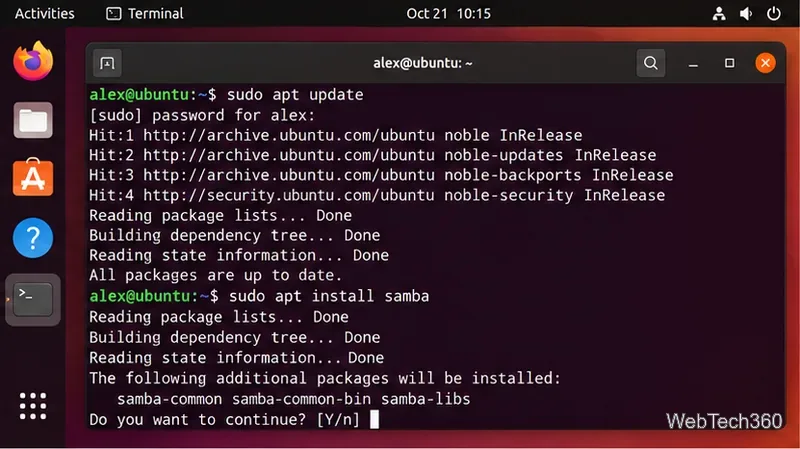
Share folders from an Ubuntu PC over your local network with Samba, secure user authentication, firewall rules, and connection steps for Windows and Linux.
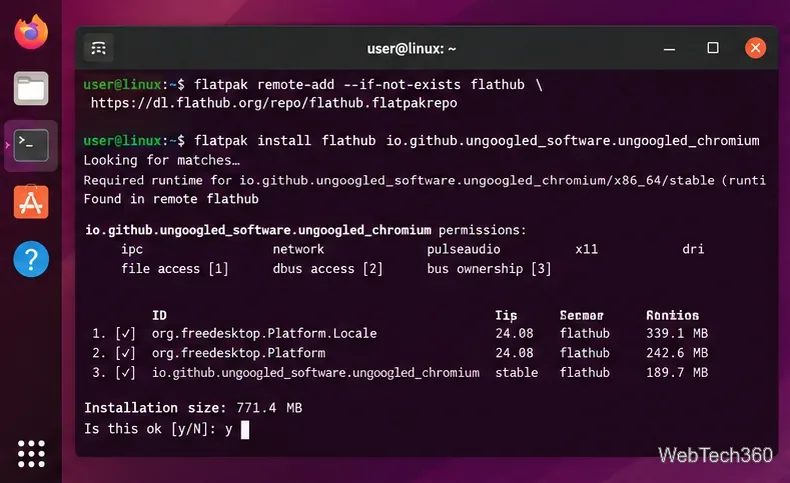
Install and use Ungoogled Chromium on Linux without Google web-service integration, with current Flatpak steps, package options, updates, and extensions.
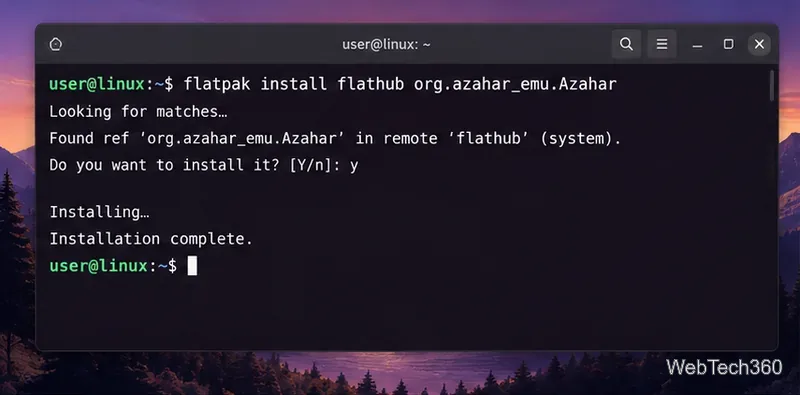
Learn how to play Nintendo 3DS games on Linux with Azahar, including Flatpak install, system-file setup, game loading, controller mapping, and saves.
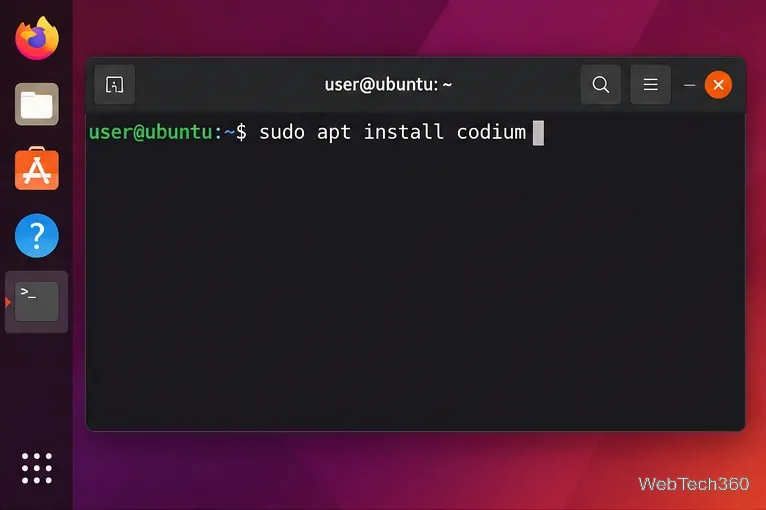
Install VSCodium on Linux with current APT, DNF, Zypper, AUR, Flatpak, or Snap commands, plus what to know about Open VSX extensions.
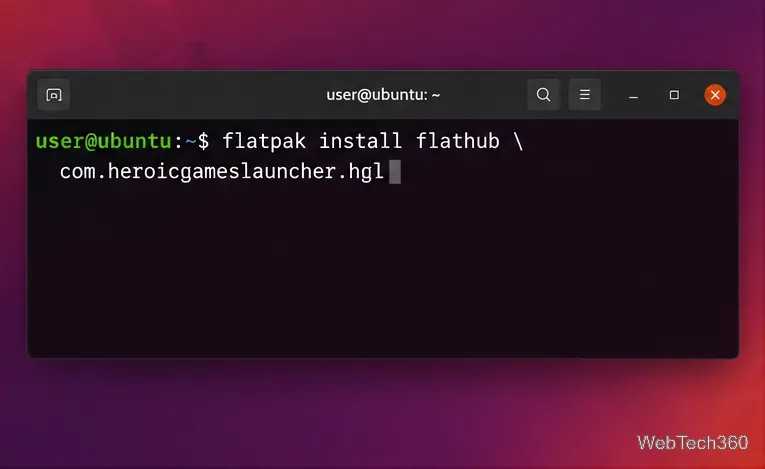
GOG Galaxy has no native Linux client. Use Heroic or Minigalaxy for your GOG library, with Lutris as an unofficial fallback for the Windows app.
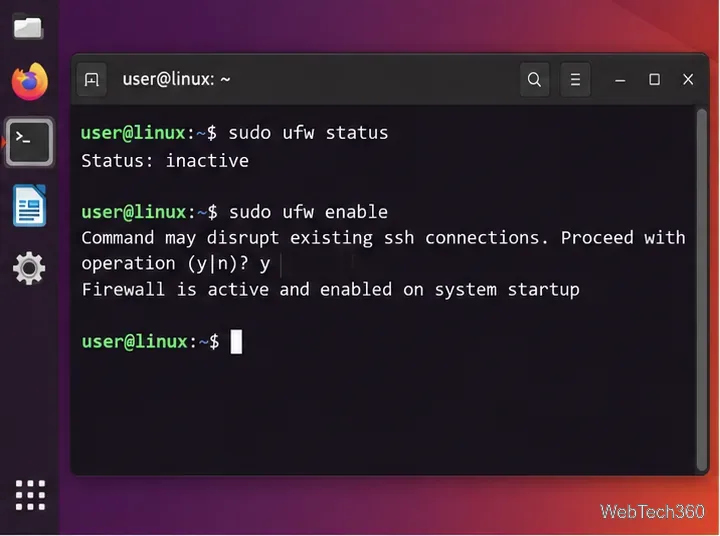
Block a TCP or UDP port on Linux with UFW or firewalld, verify the rule, avoid SSH lockouts, and remove the block when you no longer need it.
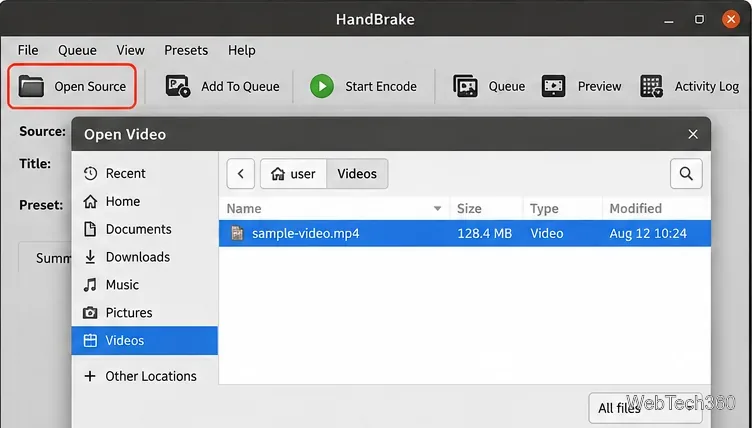
Learn how to transcode video files on Linux with HandBrake or FFmpeg, including current install guidance, codec examples, and a faster remux option.
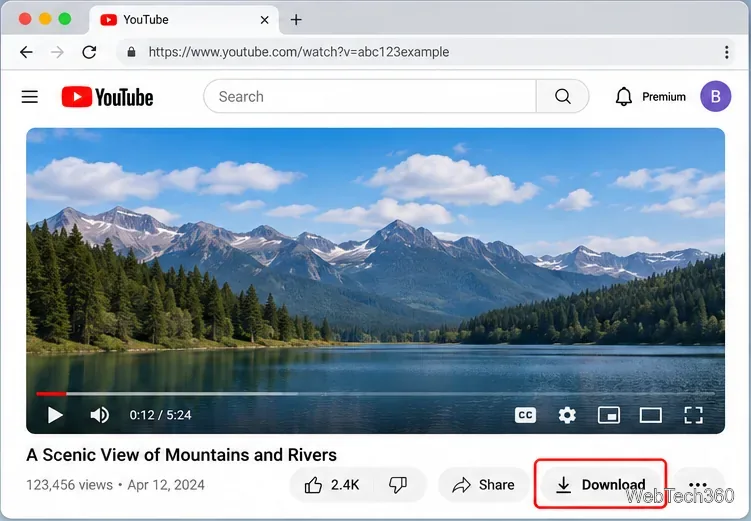
Learn how to download YouTube videos on a Mac with YouTube Premium, save your own uploads as MP4 files, and avoid outdated downloader apps.
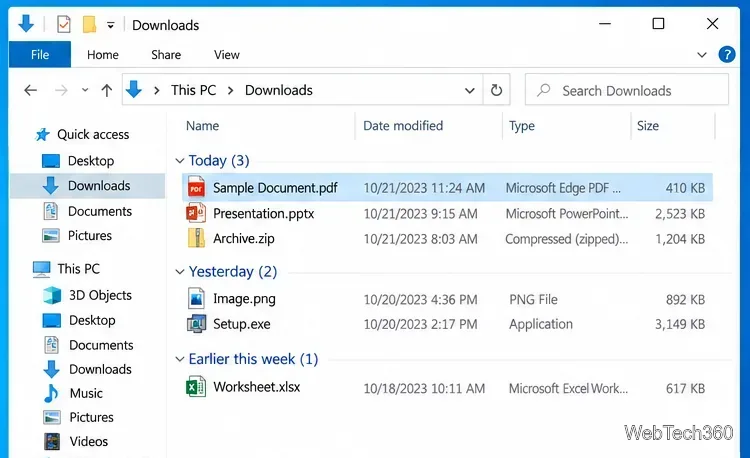
Can't find a recent download in Windows 10? Check Downloads, use your browser's download history, open the containing folder, or search the PC.
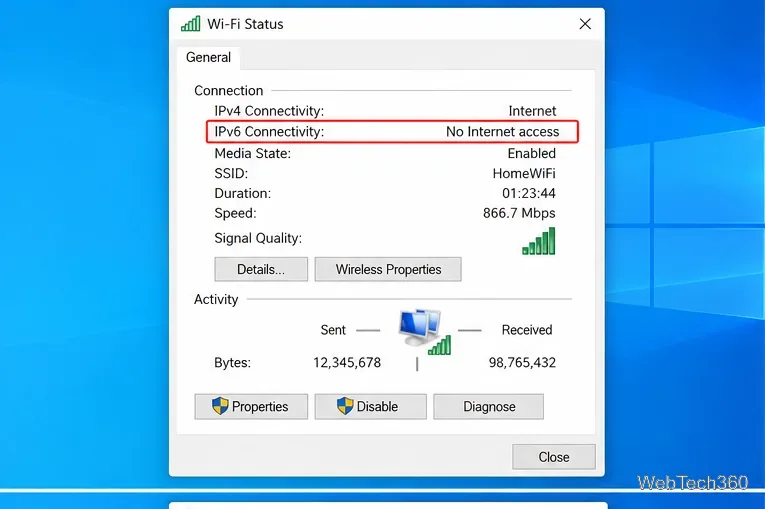
Seeing IPv6 No Internet Access on Windows 10? Check whether IPv6 is available, re-enable TCP/IPv6, reset networking, and repair the adapter safely.
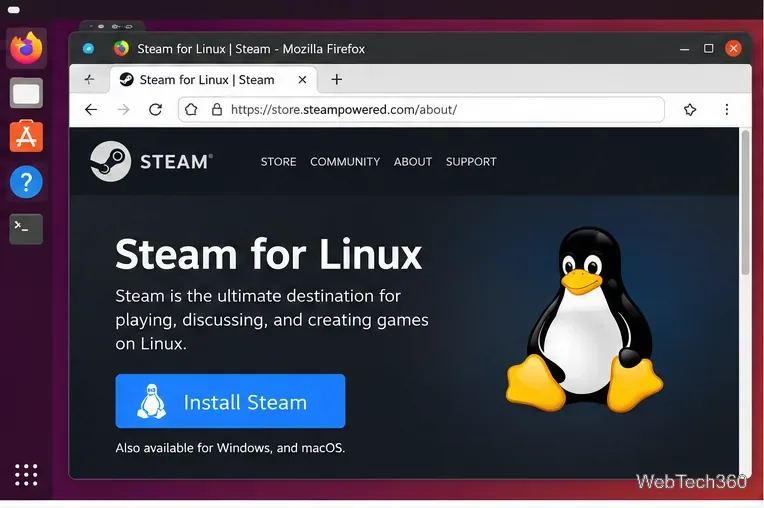
Play Age of Empires II (2013), now listed as Retired on Steam, on Linux by installing Steam, forcing Proton, and fixing common launch issues.
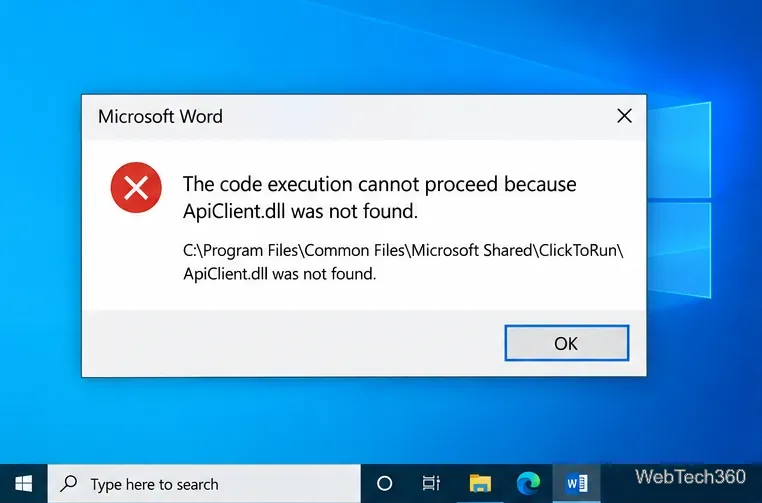
Fix the APIClient.dll was not found error on Windows 10 by repairing Microsoft 365, reinstalling Click-to-Run, and checking Windows system files safely.
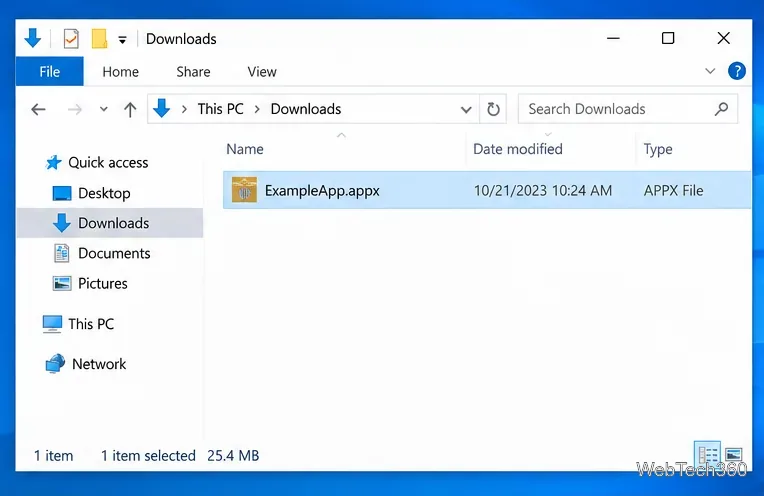
Learn how to install an APPX or APPXBUNDLE on Windows 10 with App Installer or PowerShell, plus fixes for signing and dependency errors.
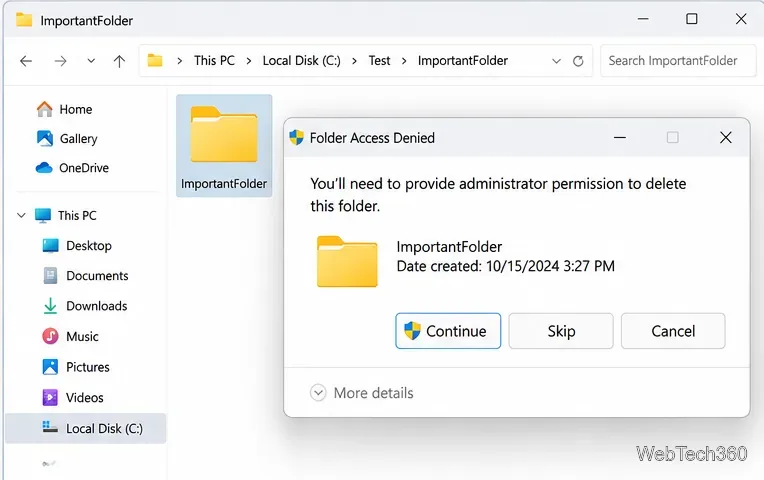
Seeing “You need administrator permission to delete this folder”? Fix ownership and NTFS permissions safely with File Explorer, takeown, icacls, and Safe Mode.
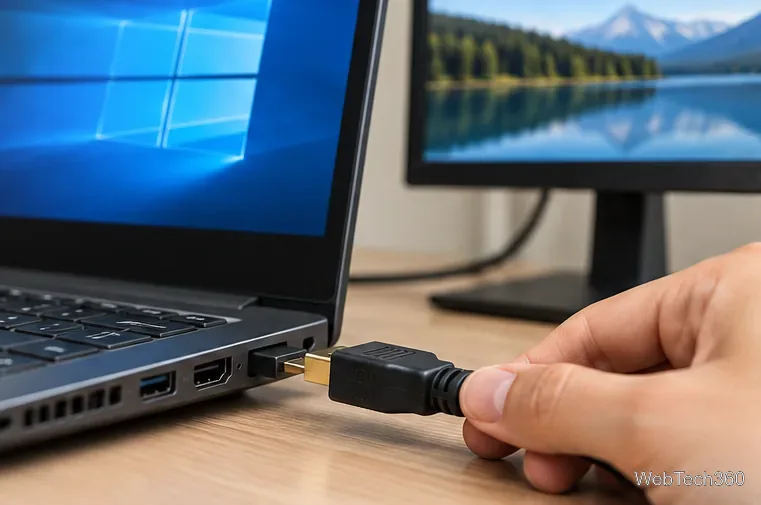
If HDMI is not working in Windows 10, check the cable, choose the correct display and audio output, reset graphics, and repair or roll back drivers.
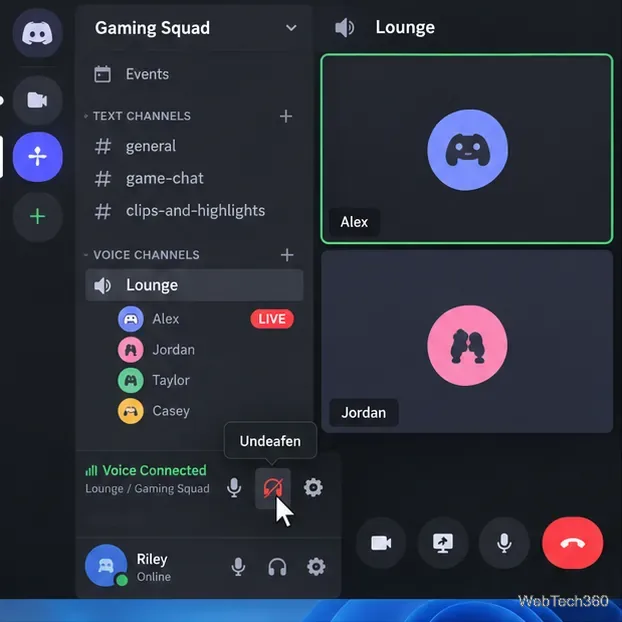
Can't hear anyone on Discord? Check Deafen and user volume, choose the right output device, reset Voice & Video, and fix Windows audio settings.