How to Use Chromium on Linux Without Google
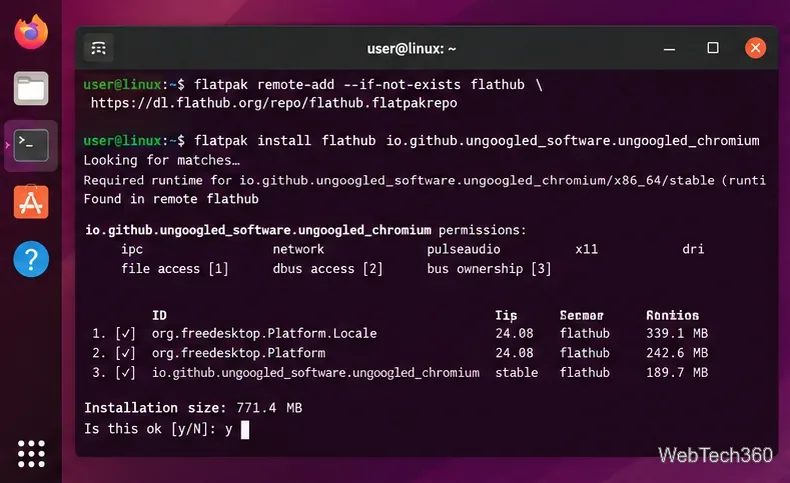
Install and use Ungoogled Chromium on Linux without Google web-service integration, with current Flatpak steps, package options, updates, and extensions.
Install and use Ungoogled Chromium on Linux without Google web-service integration, with current Flatpak steps, package options, updates, and extensions.
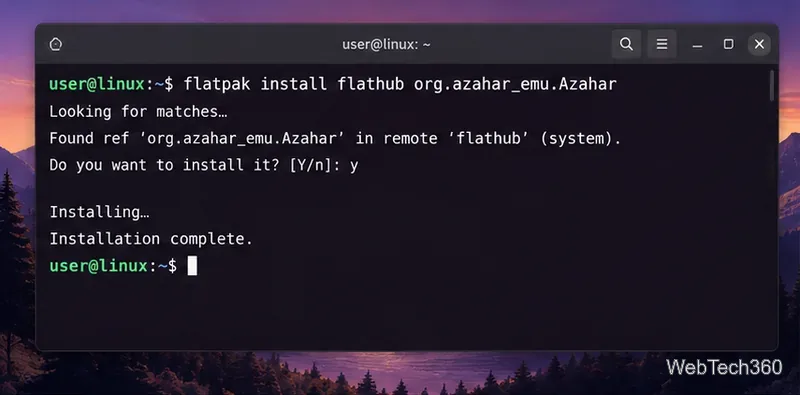
Learn how to play Nintendo 3DS games on Linux with Azahar, including Flatpak install, system-file setup, game loading, controller mapping, and saves.
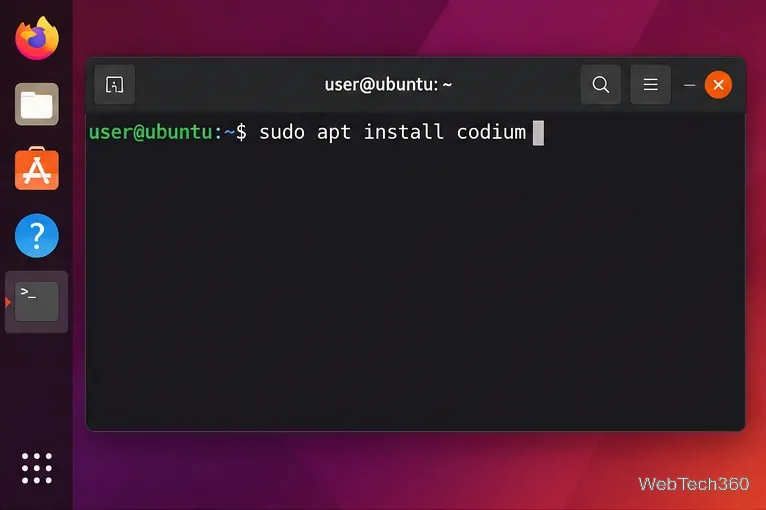
Install VSCodium on Linux with current APT, DNF, Zypper, AUR, Flatpak, or Snap commands, plus what to know about Open VSX extensions.
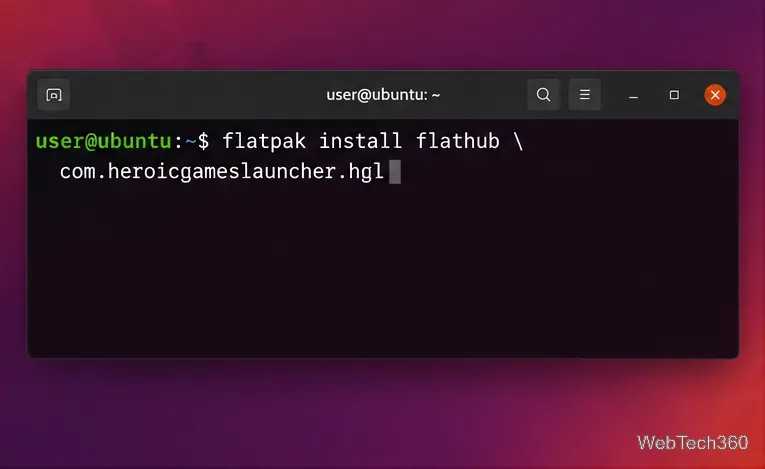
GOG Galaxy has no native Linux client. Use Heroic or Minigalaxy for your GOG library, with Lutris as an unofficial fallback for the Windows app.
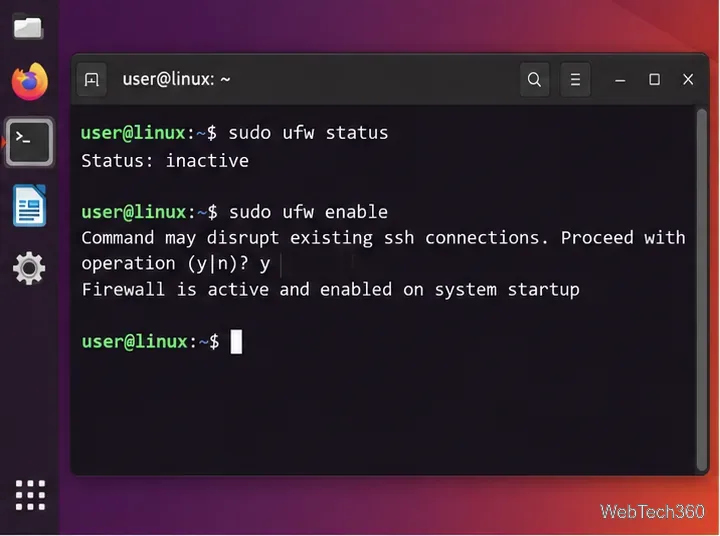
Block a TCP or UDP port on Linux with UFW or firewalld, verify the rule, avoid SSH lockouts, and remove the block when you no longer need it.
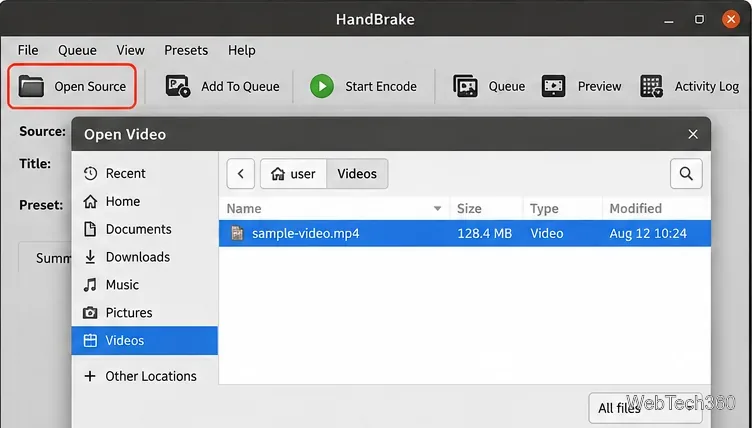
Learn how to transcode video files on Linux with HandBrake or FFmpeg, including current install guidance, codec examples, and a faster remux option.
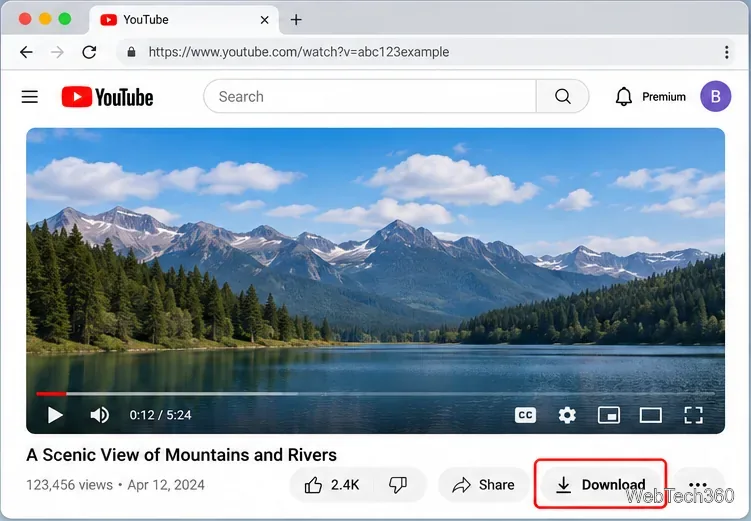
Learn how to download YouTube videos on a Mac with YouTube Premium, save your own uploads as MP4 files, and avoid outdated downloader apps.
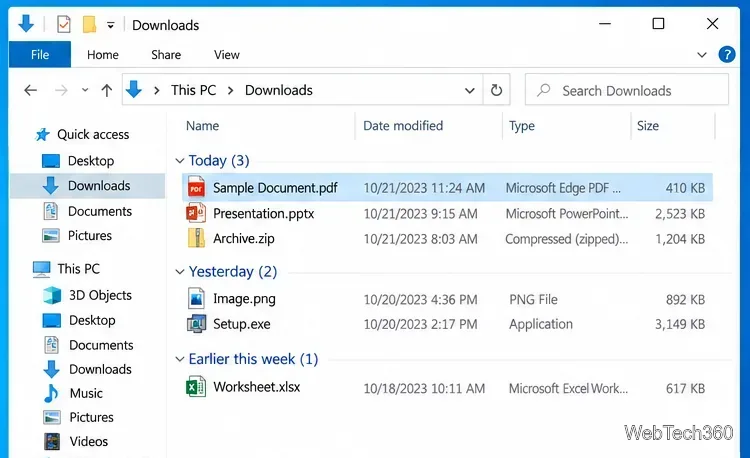
Can't find a recent download in Windows 10? Check Downloads, use your browser's download history, open the containing folder, or search the PC.
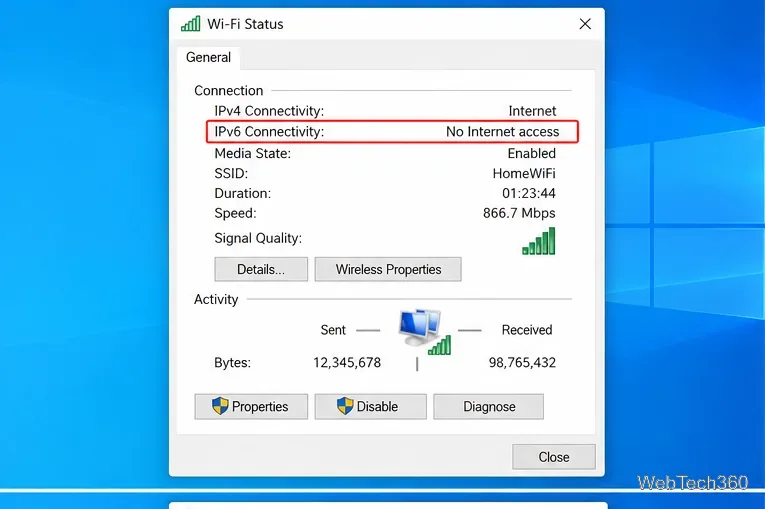
Seeing IPv6 No Internet Access on Windows 10? Check whether IPv6 is available, re-enable TCP/IPv6, reset networking, and repair the adapter safely.
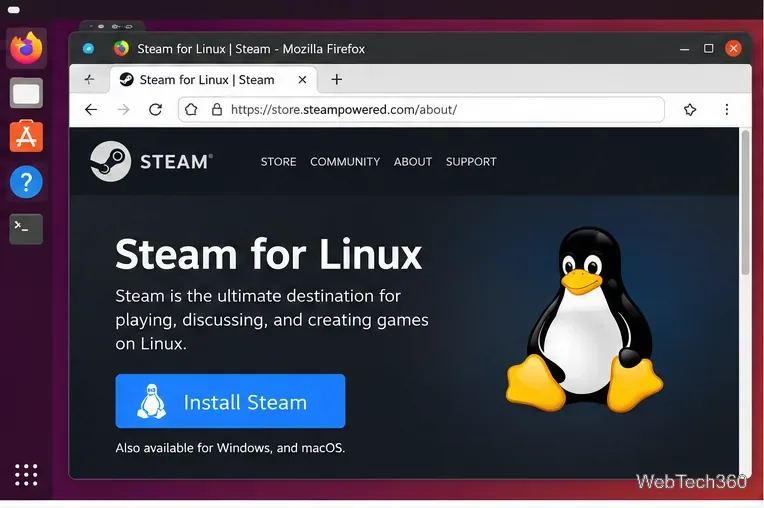
Play Age of Empires II (2013), now listed as Retired on Steam, on Linux by installing Steam, forcing Proton, and fixing common launch issues.
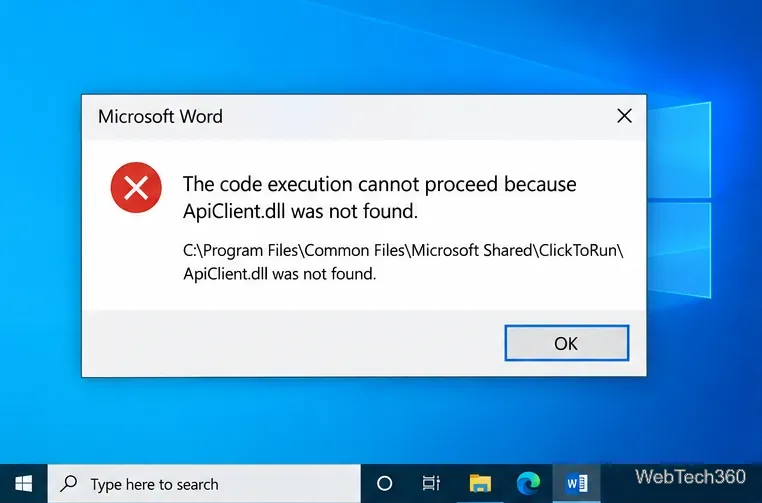
Fix the APIClient.dll was not found error on Windows 10 by repairing Microsoft 365, reinstalling Click-to-Run, and checking Windows system files safely.
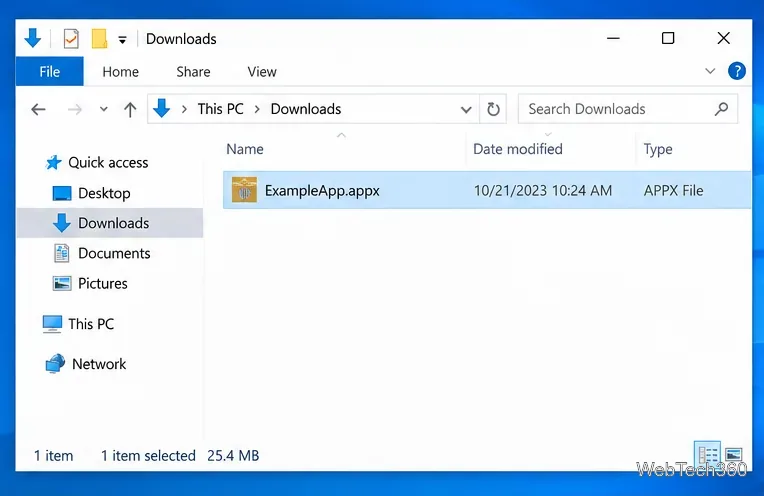
Learn how to install an APPX or APPXBUNDLE on Windows 10 with App Installer or PowerShell, plus fixes for signing and dependency errors.
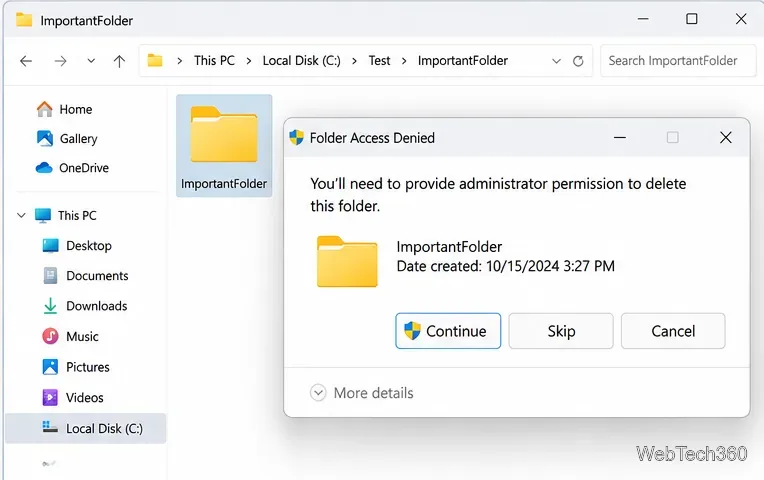
Seeing “You need administrator permission to delete this folder”? Fix ownership and NTFS permissions safely with File Explorer, takeown, icacls, and Safe Mode.
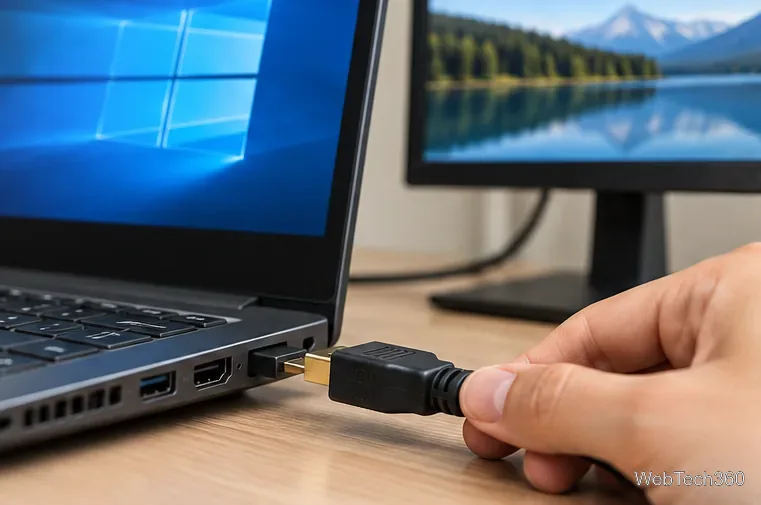
If HDMI is not working in Windows 10, check the cable, choose the correct display and audio output, reset graphics, and repair or roll back drivers.
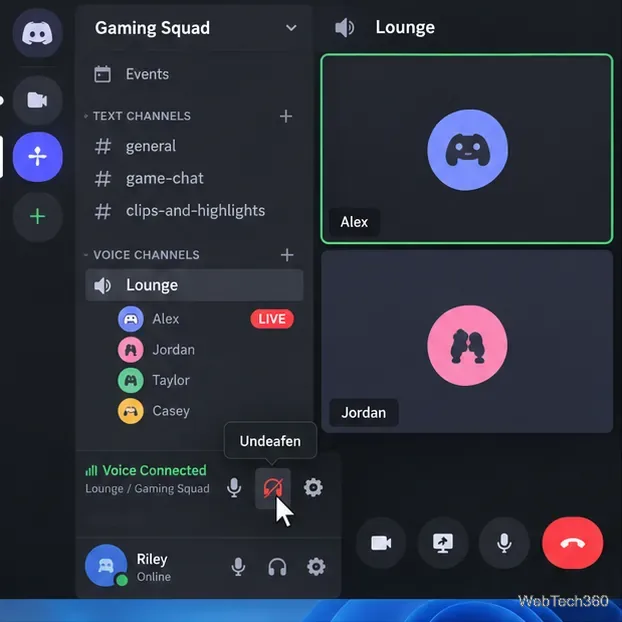
Can't hear anyone on Discord? Check Deafen and user volume, choose the right output device, reset Voice & Video, and fix Windows audio settings.
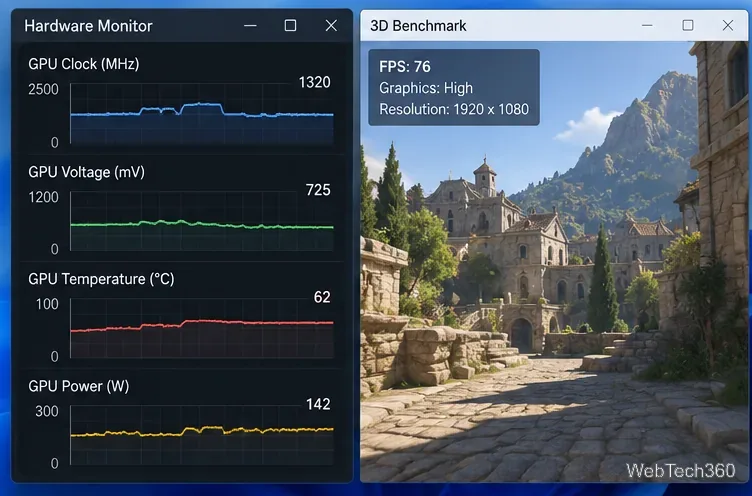
Learn how to underclock or undervolt a GPU with MSI Afterburner, plus Radeon Adrenalin options, stability checks, and safe rollback steps.
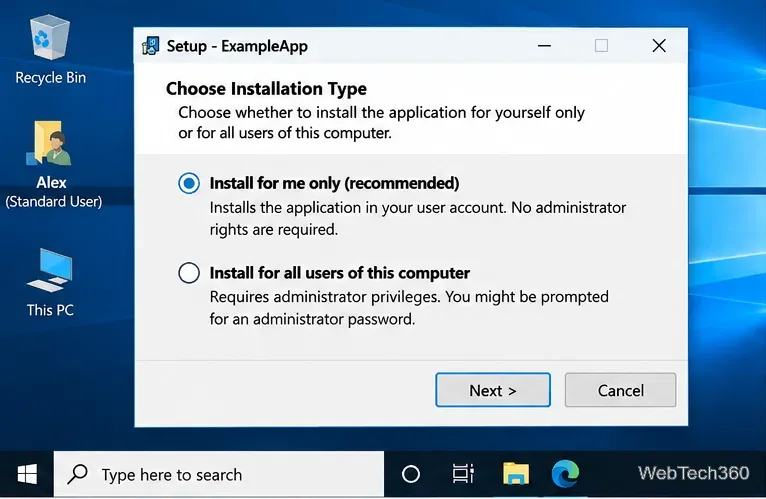
Learn when Windows 10 software can be installed without admin rights using per-user installers, portable apps, or permitted app packages—and when administrator approval is required.
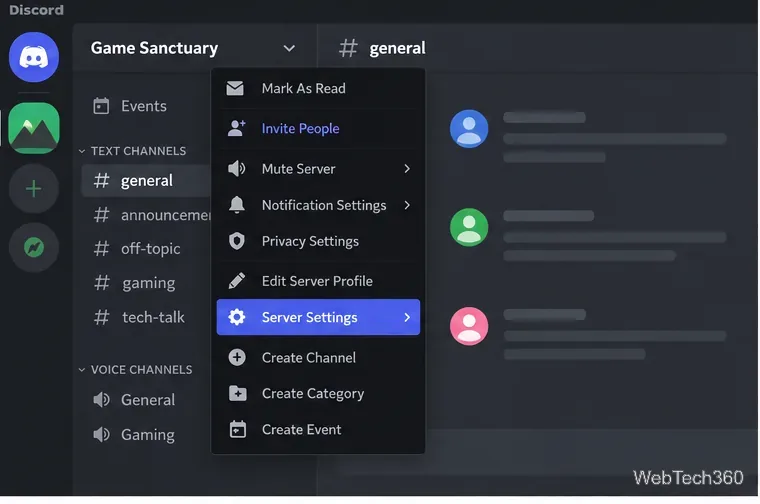
Learn how to add roles in Discord, change a role name, set permissions, assign or remove members, reorder roles, and delete roles safely.
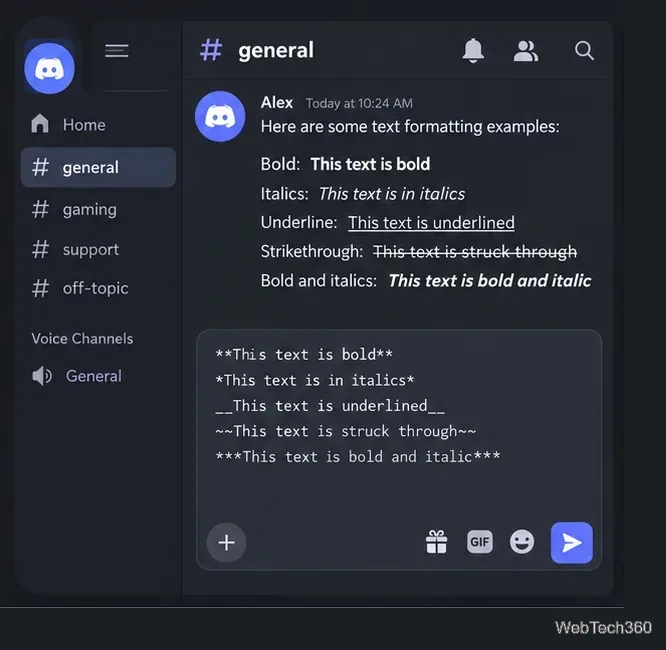
Learn Discord text formatting with Markdown for bold, italics, underline, strikethrough, code blocks, spoilers, headings, and what “Discord fonts” really means.
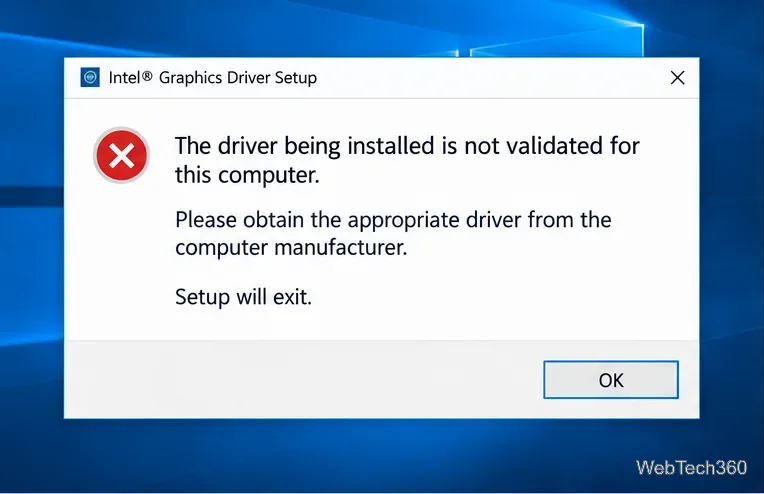
Fix Intel’s “driver being installed is not validated for this computer” error on Windows 10 with the correct OEM/DCH driver and safe install steps.
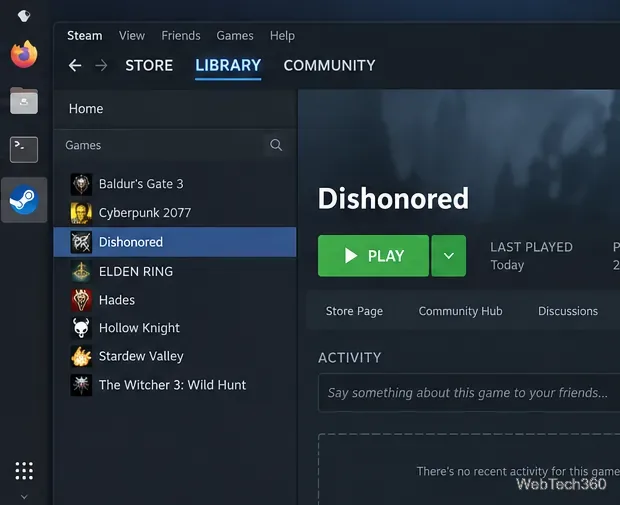
Learn how to play Dishonored on Linux with Steam and Proton, including the current Compatibility settings, installation steps, and launch troubleshooting.
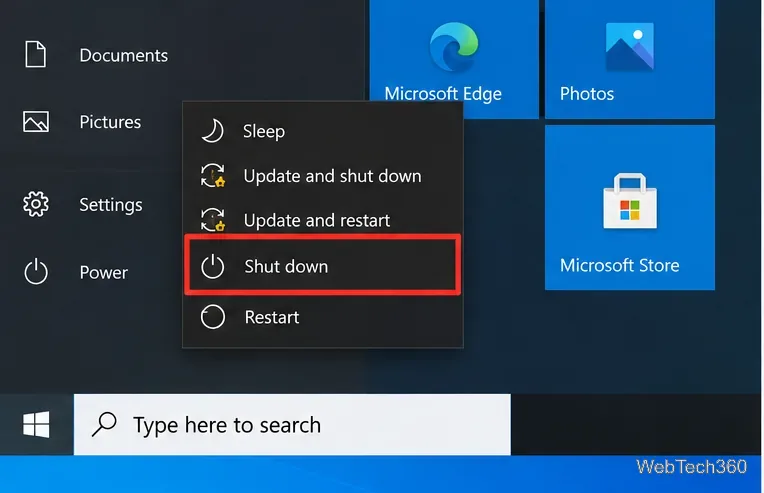
Need to turn off a Windows 10 PC without waiting for updates? Use Shut down, Alt+F4, or shutdown /s /t 0, and learn when pausing updates helps.
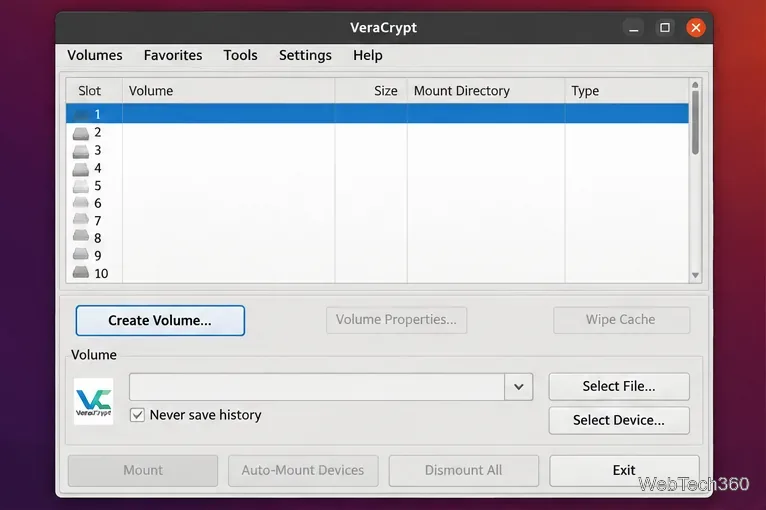
Encrypt a USB flash drive on Linux with VeraCrypt using a device-hosted volume. Back up the drive, choose a filesystem, create it, and mount it safely.
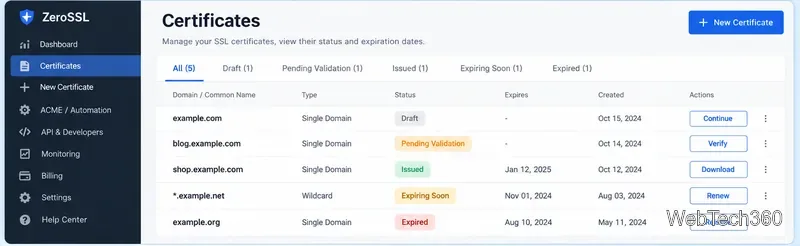
ZeroSSL combines free 90-day certificates, ACME automation, a web dashboard, and a REST API. See its current features, pricing, and limits.
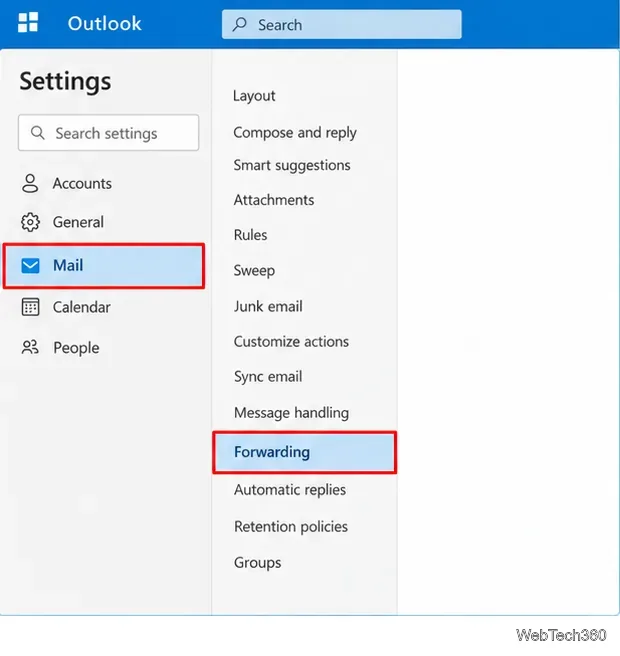
Learn how to auto-forward all or selected emails in Outlook 365 using Forwarding settings or Rules, plus how to stop forwarding and fix blocked external forwards.
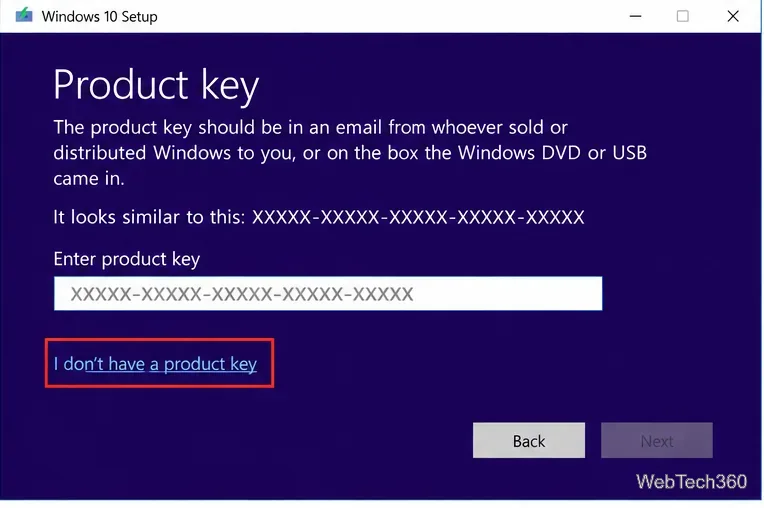
Formatted your PC? Recover or reactivate Windows 10 using a digital license, OEM firmware key, Microsoft purchase record, or Activation troubleshooter.
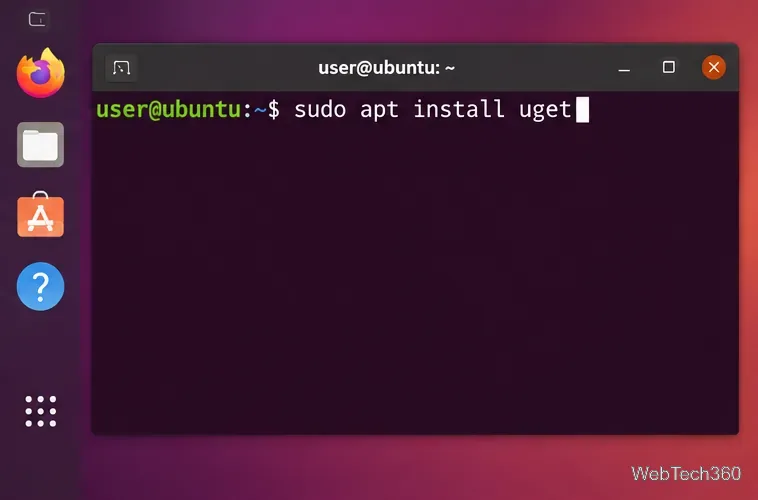
Install and configure uGet on Linux, then optionally connect it to Firefox with uGet Integrator while avoiding outdated repository instructions.
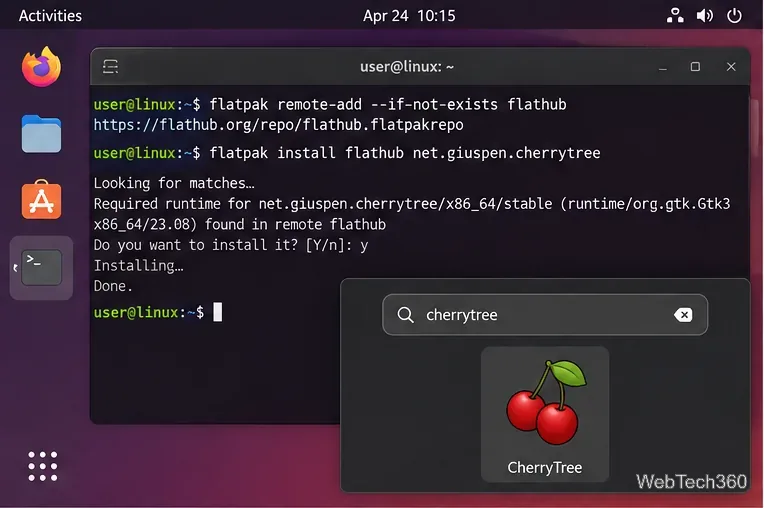
Learn how to install CherryTree on Linux, create and organize hierarchical notes, add subnodes, duplicate notes, format text, search your tree, and save your work.
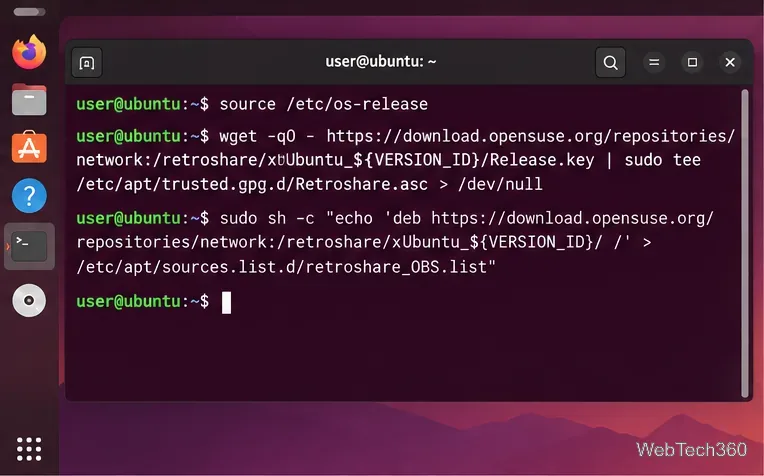
Learn how to install RetroShare on Linux, create a secure profile, configure connectivity, add trusted friends, and start chatting or sharing files.
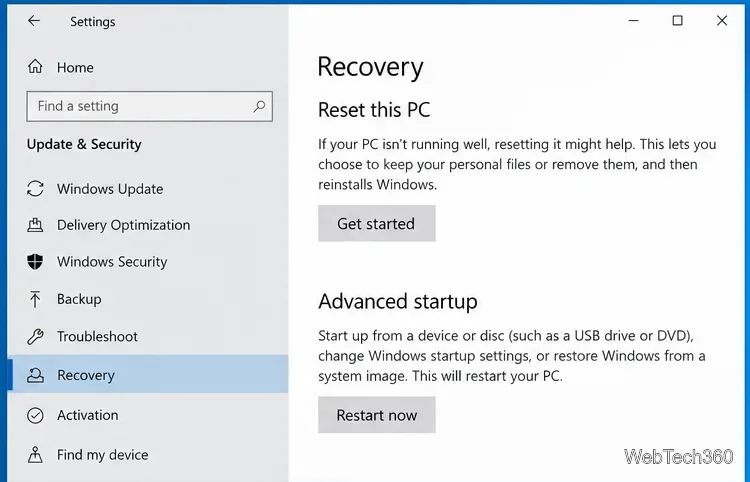
Learn how to factory reset Windows 10 from Settings or Windows Recovery, choose the right reset options, and recover when Reset this PC fails.