How to Send Files Over the Network on Linux With Warpinator
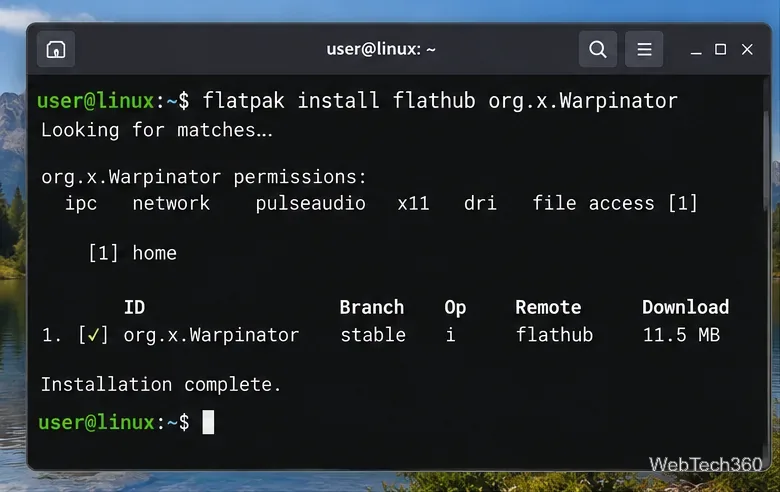
Use Warpinator to send files between Linux PCs on the same local network. Learn the current install options, secure setup, transfer steps, and fixes.
Use Warpinator to send files between Linux PCs on the same local network. Learn the current install options, secure setup, transfer steps, and fixes.
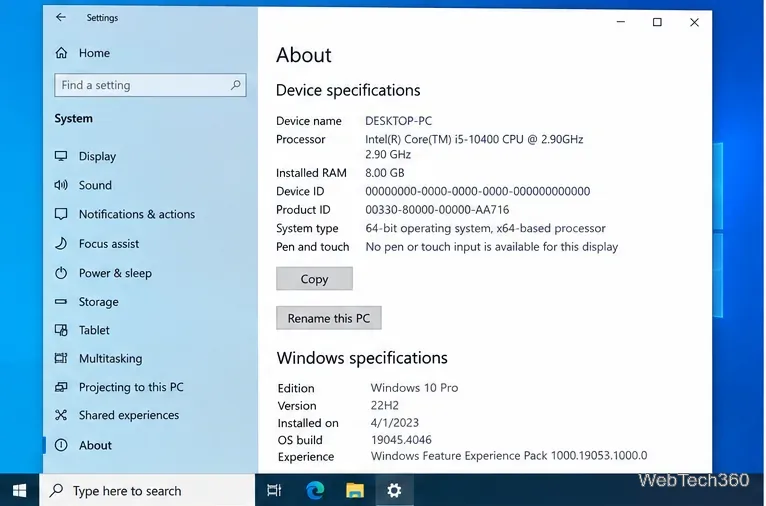
Need the old System page in Windows 10? Use Settings > System > About for device details, or open System Properties for advanced settings.
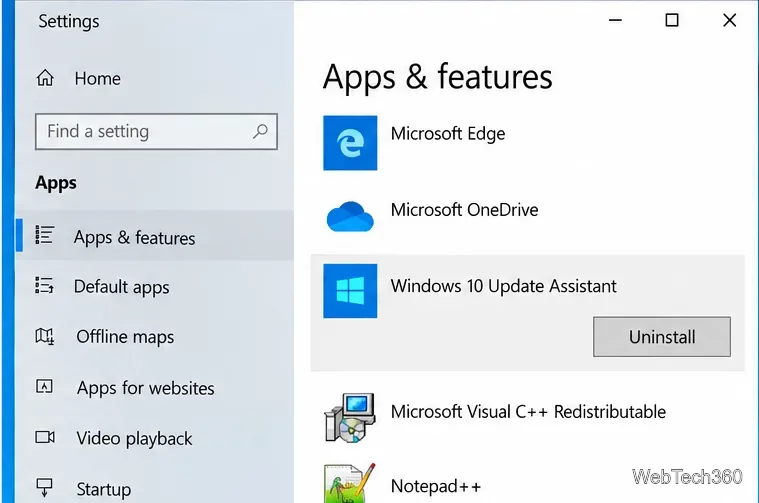
Learn how to remove the Windows10Upgrade folder safely, uninstall the Windows 10 Update Assistant, and clean up leftover update files.
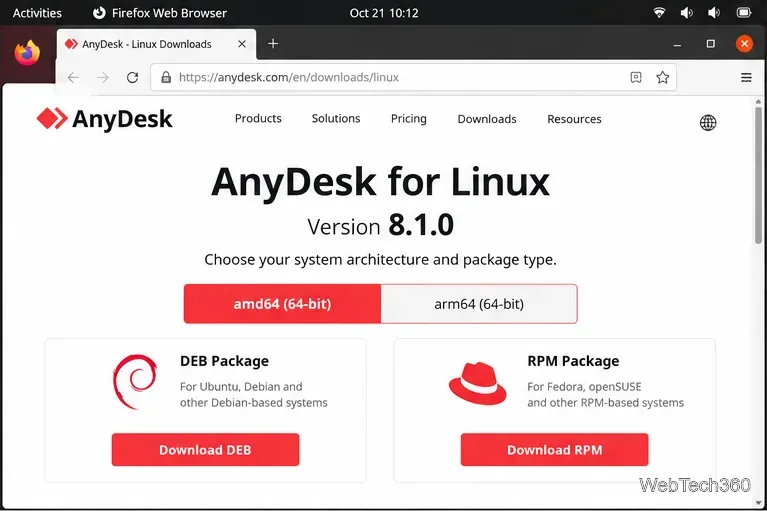
Install AnyDesk on Linux with current DEB and RPM repository steps for Ubuntu, Debian, Fedora, RHEL, and openSUSE, plus Xorg and portable-mode notes.
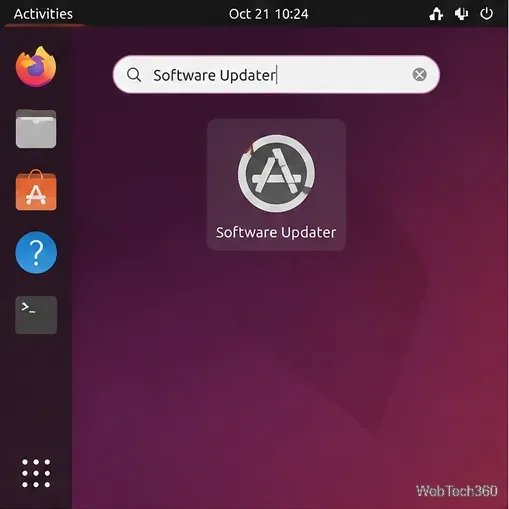
Update Ubuntu packages with Software Updater, APT commands, or Synaptic. Review package changes safely and restart when required.
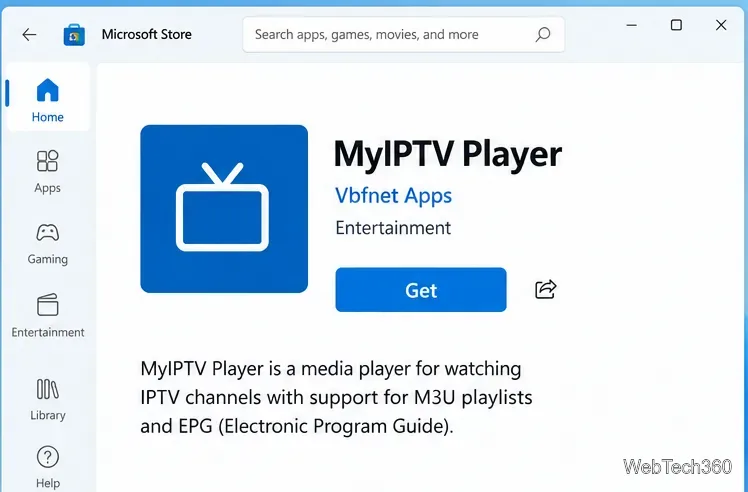
Learn how to install MyIPTV Player on Windows 10, add an M3U playlist and EPG, refresh channels, and fix common setup or playback problems.
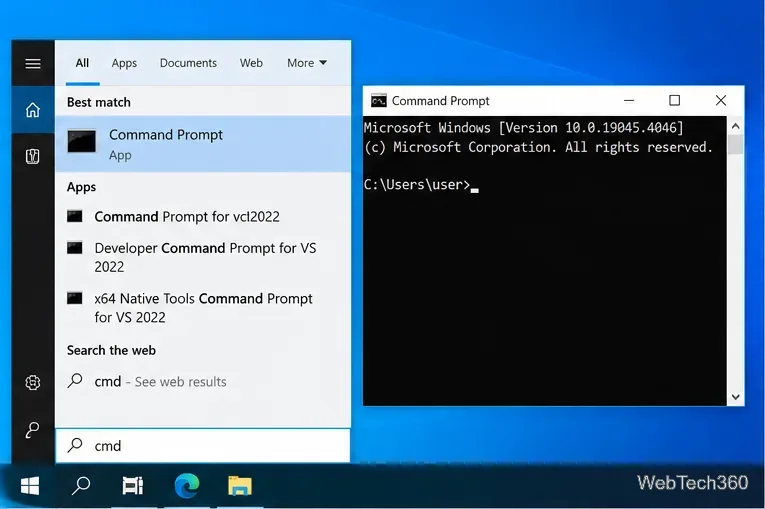
Learn how to run an app with a command-line switch in Windows 10 from Command Prompt or save the switch in a desktop shortcut for repeat use.
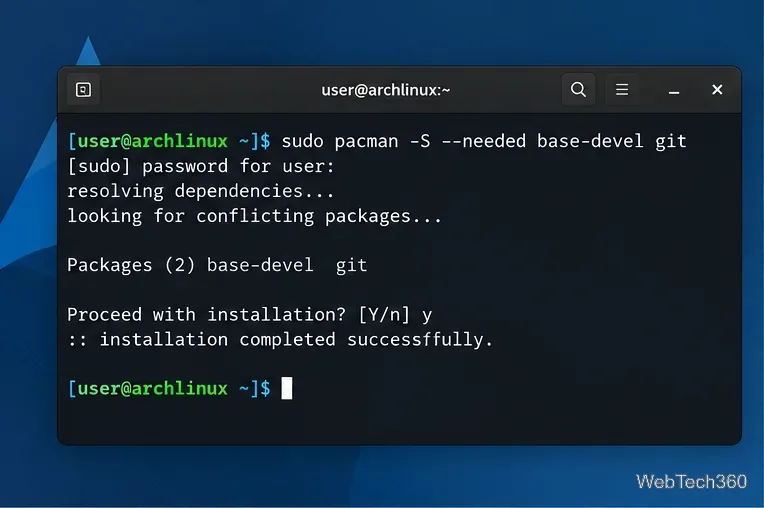
Manage AppImage, Flatpak, Snap, and AUR apps on Arch Linux with bauh. Install the required backends, then search, update, and remove apps in one GUI.
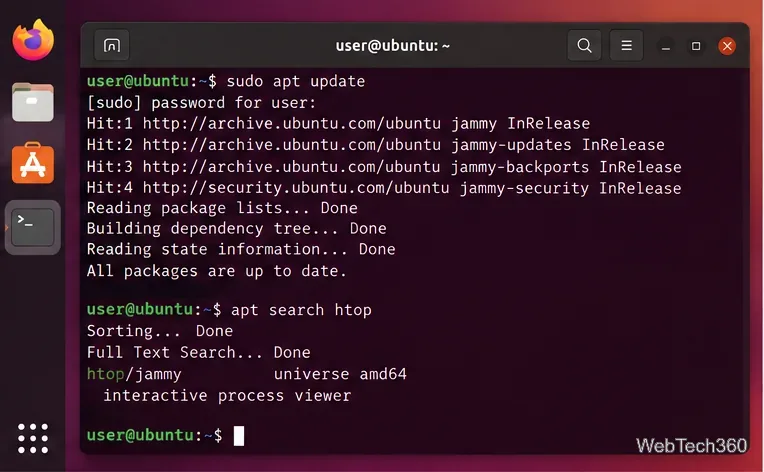
Learn how to search Ubuntu packages with APT, App Center, Synaptic, Packages.ubuntu.com, apt-file, and snap find, plus how to inspect results.
Learn how to play Minecraft Bedrock Edition on Linux with the unofficial Bedrock Launcher, Flatpak, Google Play ownership, and current troubleshooting steps.
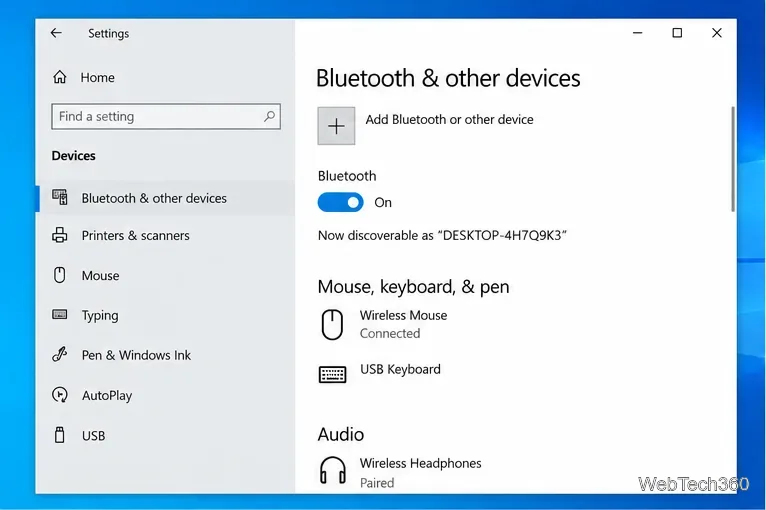
Learn how to turn off Bluetooth on Windows 10 using Settings, Action Center, Device Manager, or laptop controls, plus fixes when the toggle is missing.
Learn how to make double-space insert a period in Windows 11, using the built-in touch keyboard setting or AutoHotkey v2 for a physical keyboard.
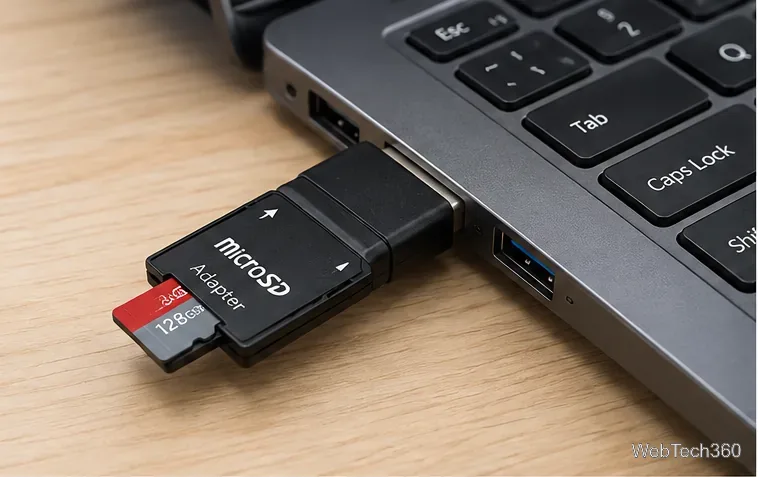
Learn how to format a microSD card on Windows 10 with File Explorer, Disk Management, or DiskPart, including which file system to choose.
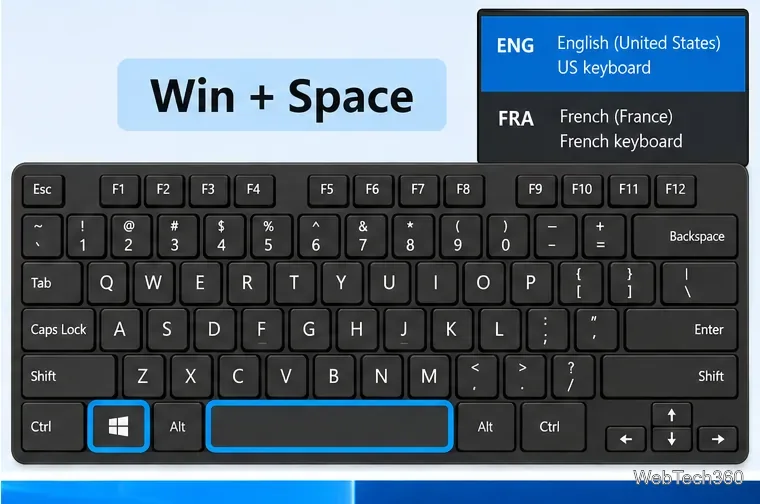
Use Windows + Spacebar to switch keyboard layouts in Windows 10, add missing layouts, and change or disable legacy input-language hotkeys.
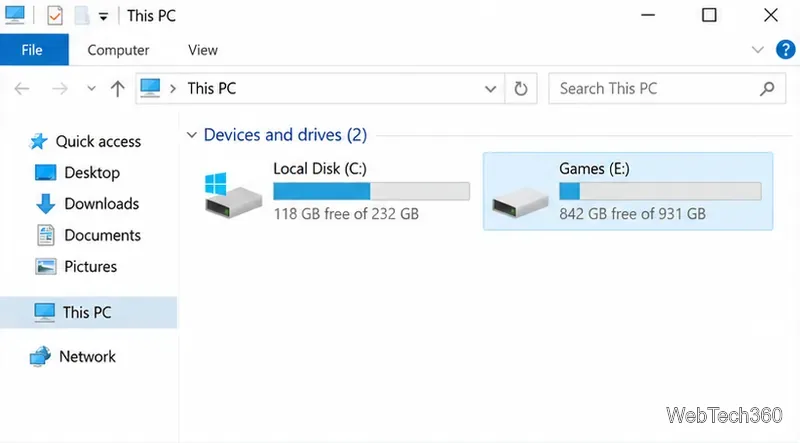
Learn how to install Steam games on an external SSD or hard drive in Windows 10, add a Steam library, move existing games, and avoid common drive issues.
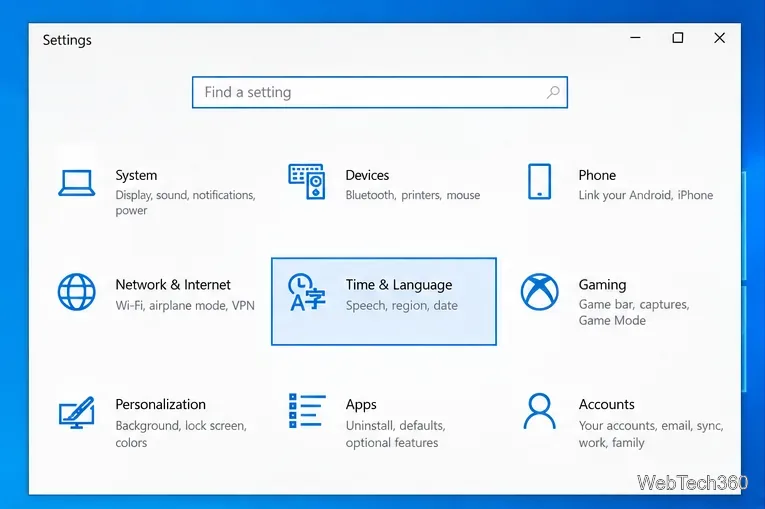
Change the Microsoft Store region on Windows 10, refresh the Store, and understand the limits, billing issues, and app restrictions that may still apply.
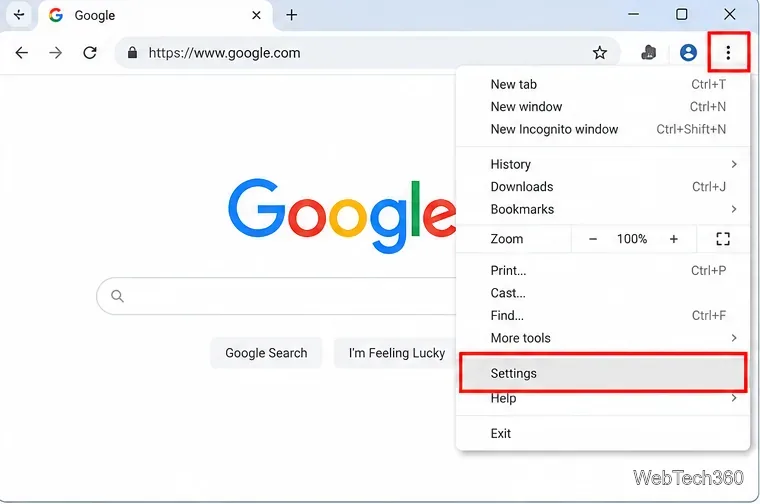
Learn how to disable hardware acceleration in Google Chrome using the current System setting, relaunch the browser, and verify GPU acceleration is off.
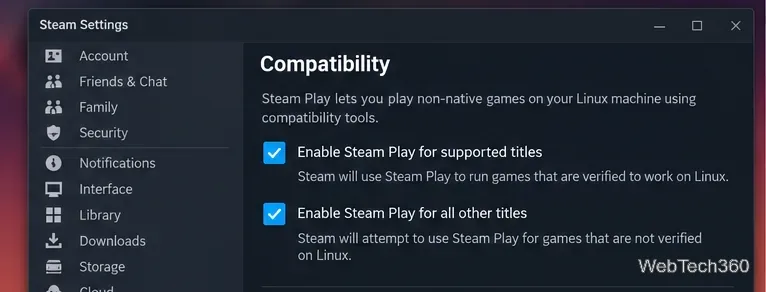
Learn how to play Red Dead Redemption 2 on Linux with Steam Proton, including compatibility settings, Rockstar Launcher sign-in, storage needs, and launch fixes.
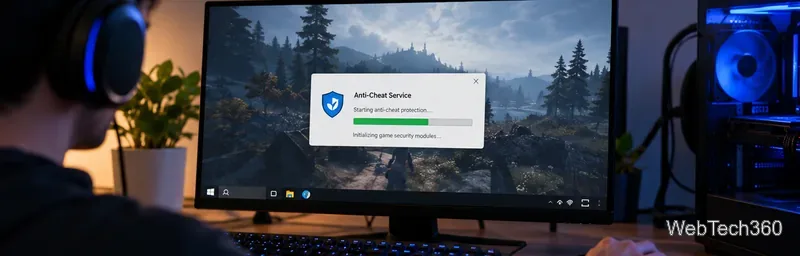
Learn what BattlEye anti-cheat does, how its Windows service and kernel-level protection work, what data it processes, and what bans mean for players.
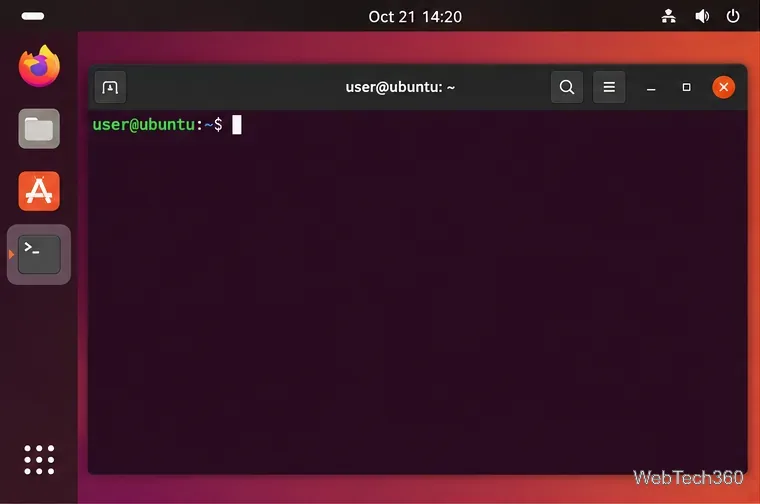
Learn how to install GCC on Ubuntu with APT, verify the compiler, add build-essential, install a specific GCC version, and compile a test program.
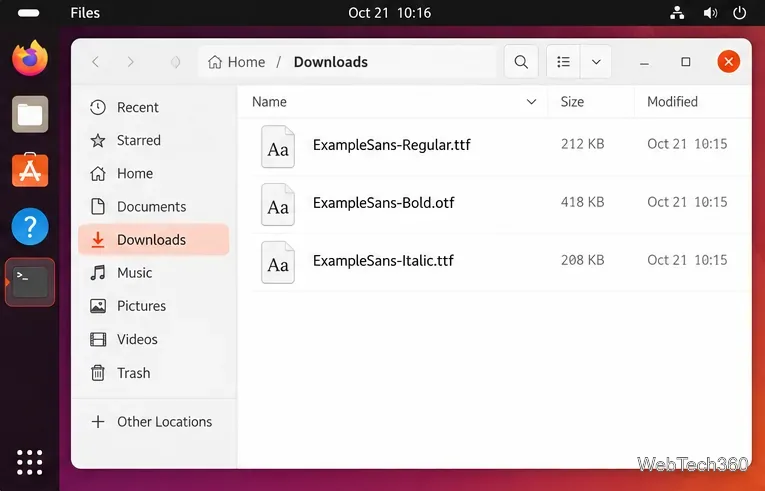
Learn how to install fonts on Ubuntu for one user or everyone, refresh the font cache, verify the installation, and fix fonts that do not appear.
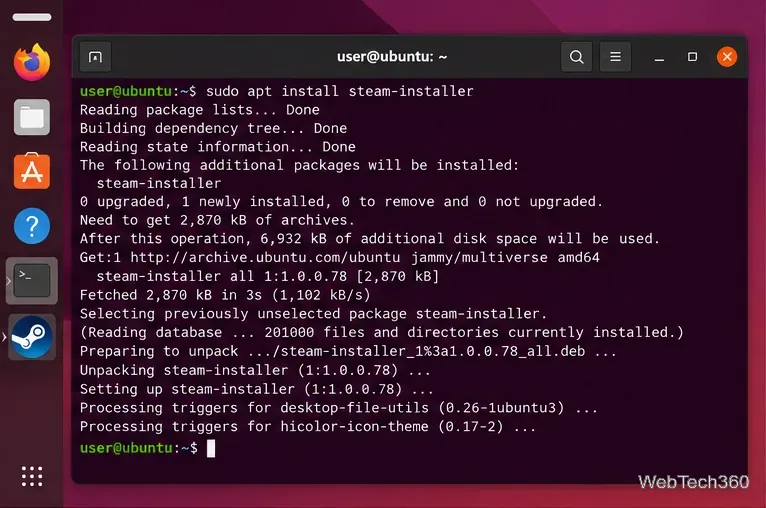
Learn how to run Microsoft Flight Simulator (2020) on Linux with Steam and Proton, including current Steam setup, Microsoft sign-in, and troubleshooting.
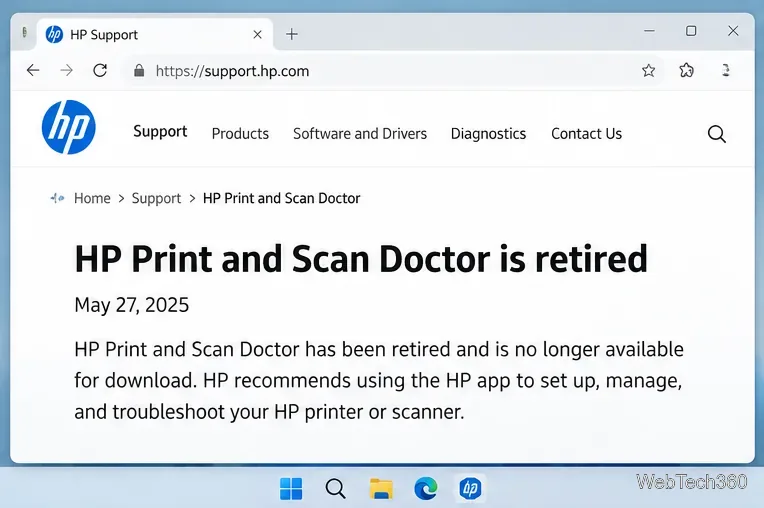
HP Print and Scan Doctor was retired by HP on May 27, 2025. Learn what replaced it, how to run Diagnose & Fix, and how to remove old copies safely.

Understand how ingress and egress describe incoming and outgoing traffic, why direction depends on the network boundary, and how to monitor bandwidth and spot risky data transfers.
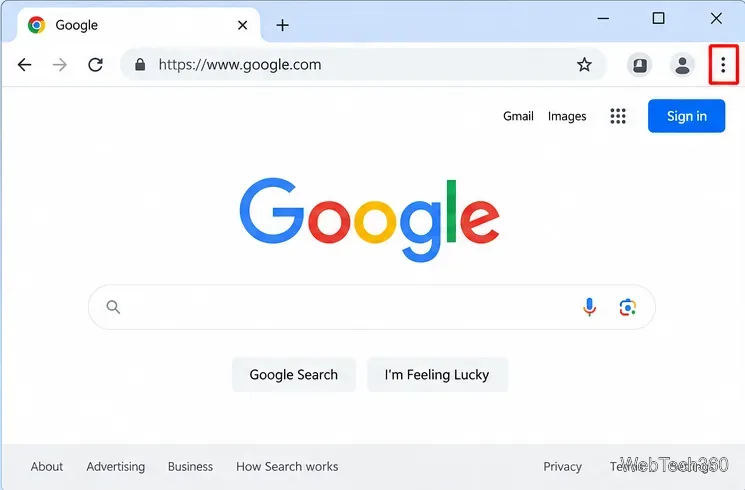
If Chrome's three-dot menu is missing, check full-screen mode, update Chrome, disable extensions, reset settings, or reinstall the browser.
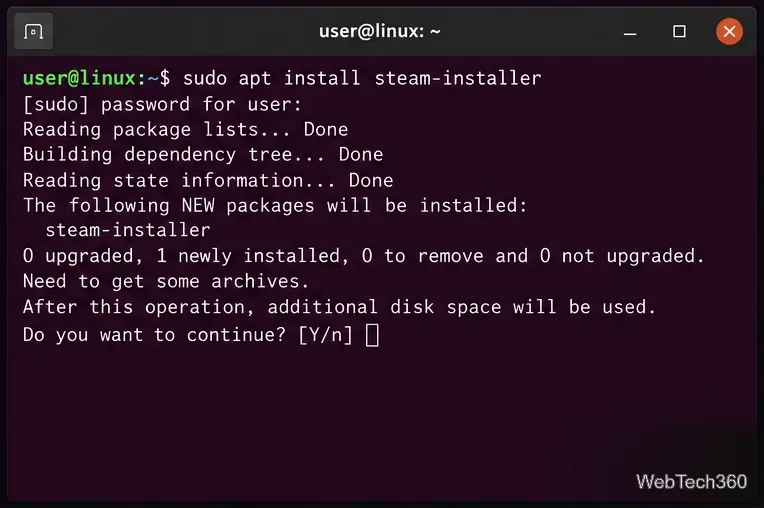
Learn how to play Cyberpunk 2077 on Linux with Steam Play and Proton, install the game, choose Proton 11 or Experimental, and fix common launch issues.
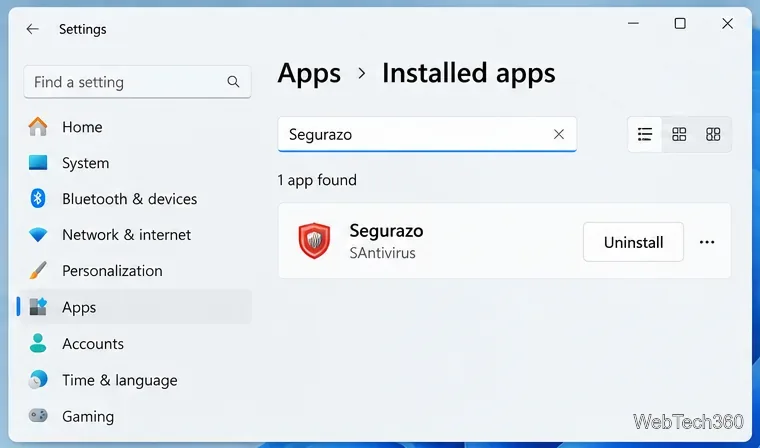
Is Segurazo a virus? Learn how to remove Segurazo or SAntivirus safely, scan for leftovers, and avoid risky registry-cleanup advice.
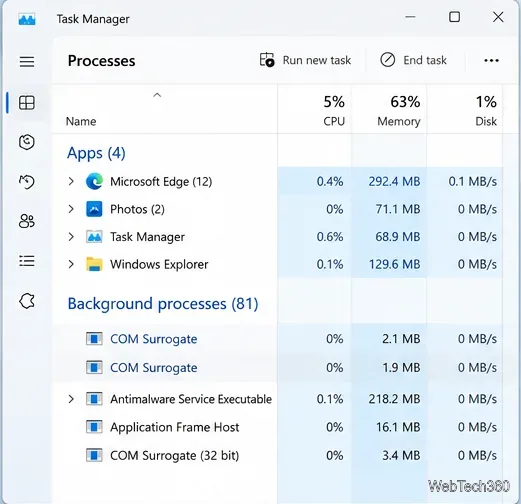
Learn what COM Surrogate (dllhost.exe) does in Windows, why it may crash or use high CPU, and how to fix thumbnail, malware, and system-file problems.
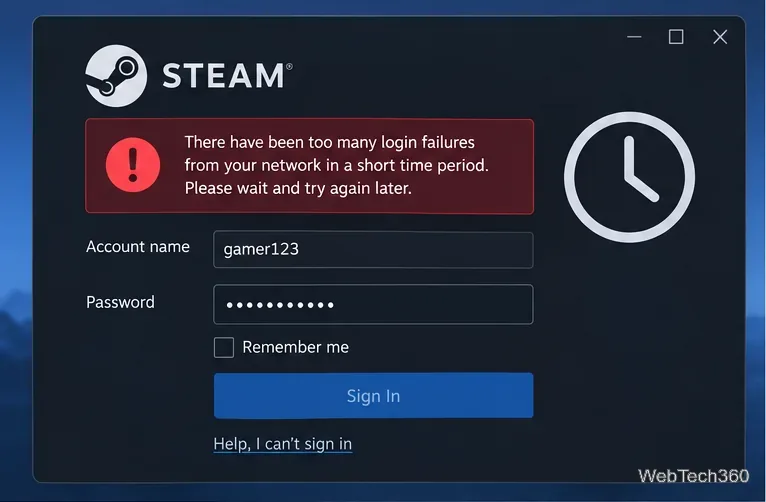
Seeing Steam’s “too many login failures from your network” error? Stop retrying, wait for the cooldown, then verify your password, Steam Guard, and network.
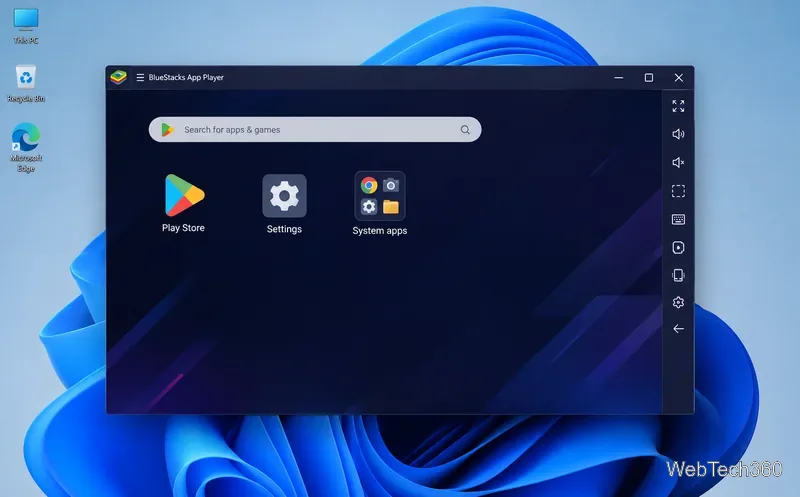
Is BlueStacks safe and legal? Learn what the official installer, privacy policy, antivirus behavior, game rules, and system requirements mean for you.