How to Play Cyberpunk 2077 on Linux with Steam Proton
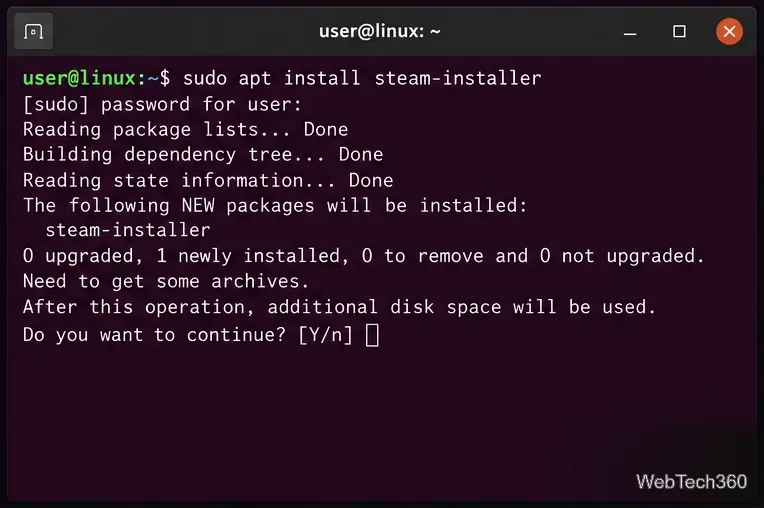
Learn how to play Cyberpunk 2077 on Linux with Steam Play and Proton, install the game, choose Proton 11 or Experimental, and fix common launch issues.
Learn how to play Cyberpunk 2077 on Linux with Steam Play and Proton, install the game, choose Proton 11 or Experimental, and fix common launch issues.
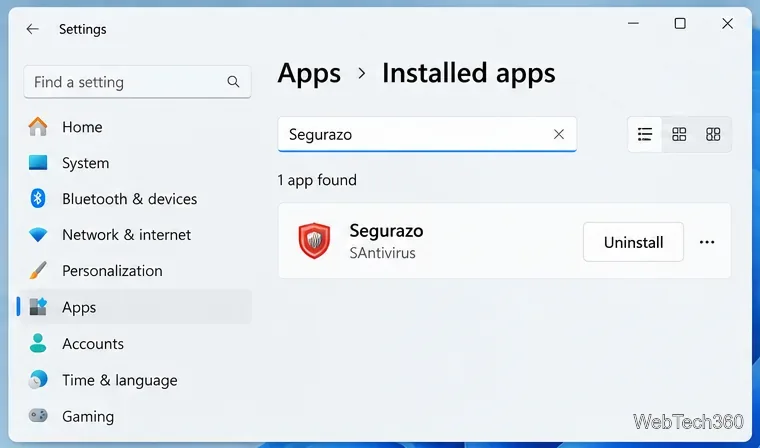
Is Segurazo a virus? Learn how to remove Segurazo or SAntivirus safely, scan for leftovers, and avoid risky registry-cleanup advice.
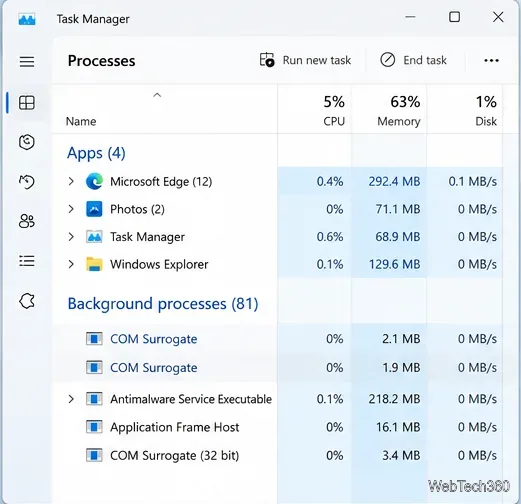
Learn what COM Surrogate (dllhost.exe) does in Windows, why it may crash or use high CPU, and how to fix thumbnail, malware, and system-file problems.
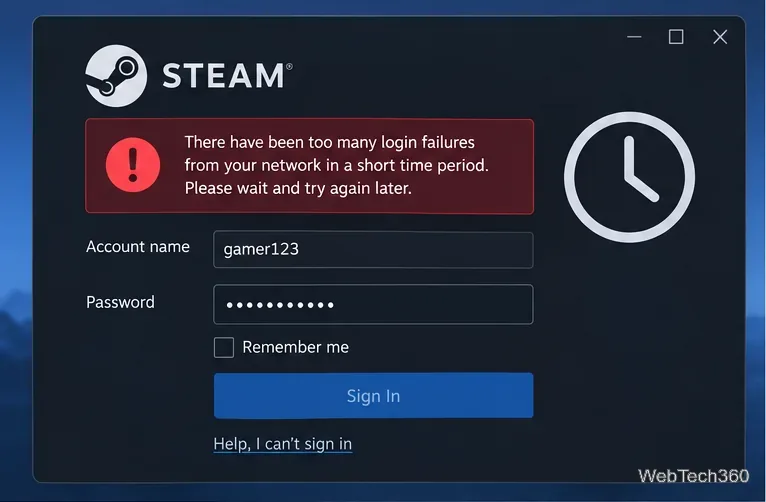
Seeing Steam’s “too many login failures from your network” error? Stop retrying, wait for the cooldown, then verify your password, Steam Guard, and network.
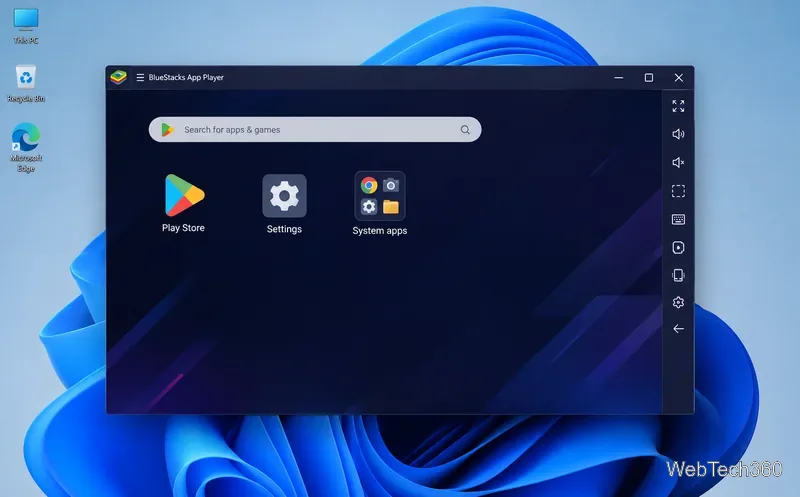
Is BlueStacks safe and legal? Learn what the official installer, privacy policy, antivirus behavior, game rules, and system requirements mean for you.
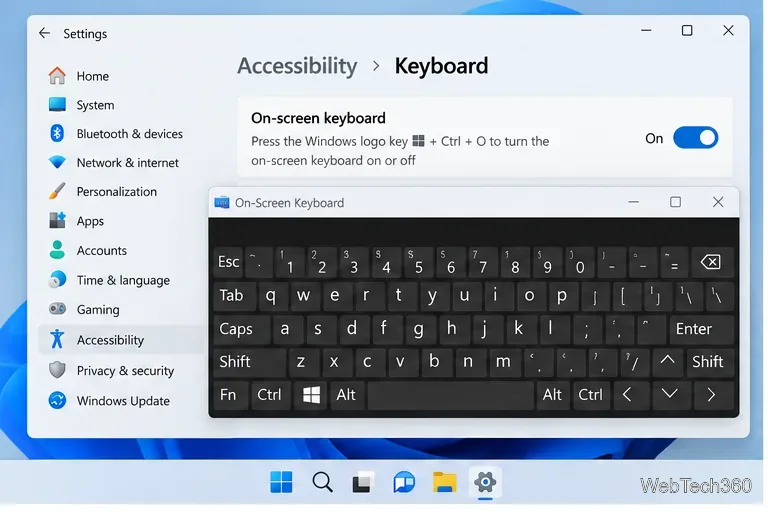
Laptop keyboard not working in Windows? Try five practical fixes for settings, layouts, drivers, updates, and possible hardware problems.
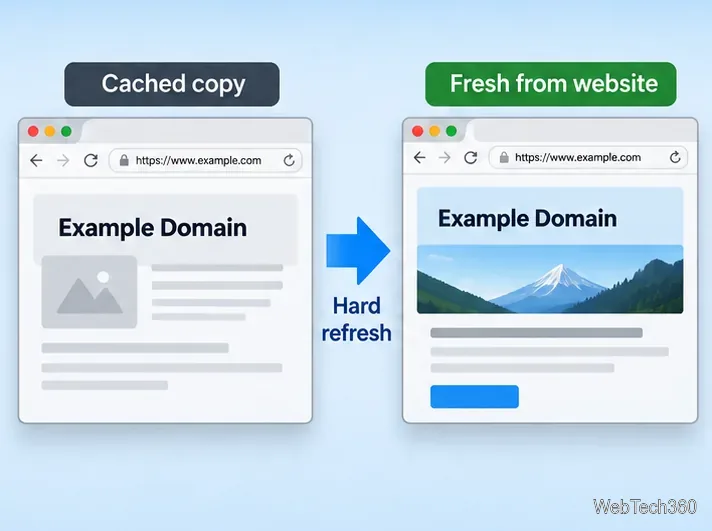
Learn how to hard refresh Chrome, Edge, Firefox, Opera, and Safari on Windows, macOS, and Linux to bypass cached page files without clearing all browser data.
Is uTorrent safe? Learn the real risks, why antivirus may flag it, how torrent privacy works, and why older uTorrent versions should be updated.
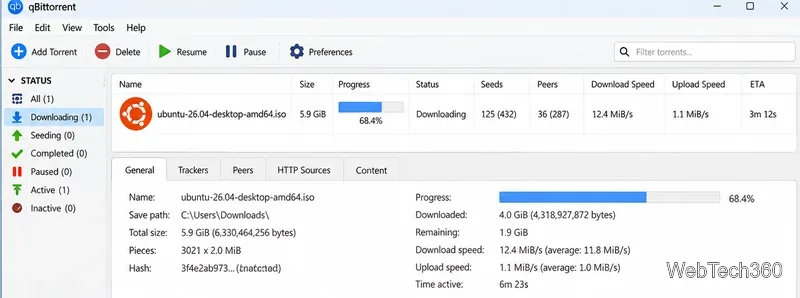
See which torrenting sites still work for legal downloads, including official Ubuntu, Debian, Fedora, Arch Linux, and Academic Torrents sources.
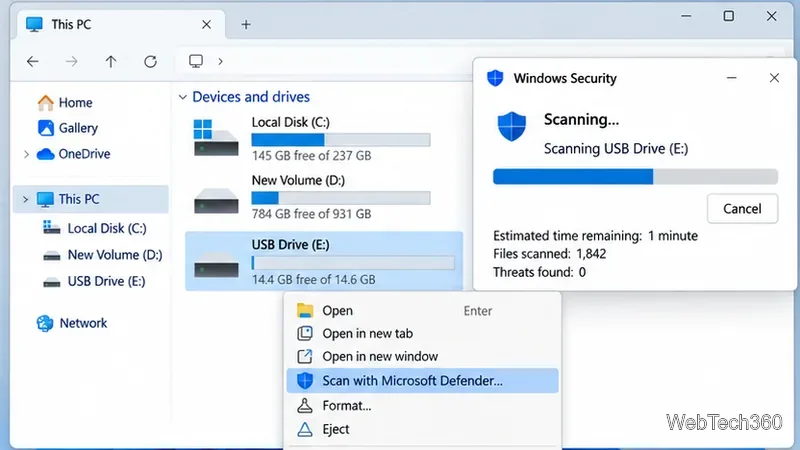
If USB files turn into shortcuts, scan for malware first, restore hidden originals safely, copy clean data, and format the flash drive after recovery.
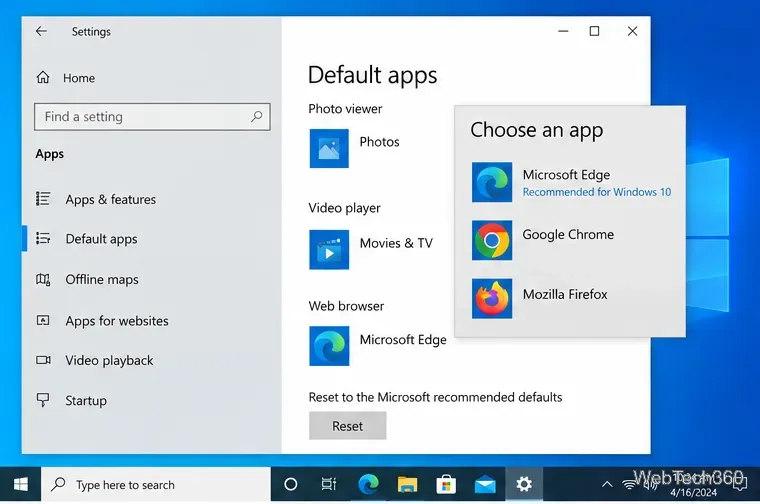
If Windows 10 keeps resetting your default browser, fix the app associations, repair the browser, run DISM and SFC, and check policy settings.
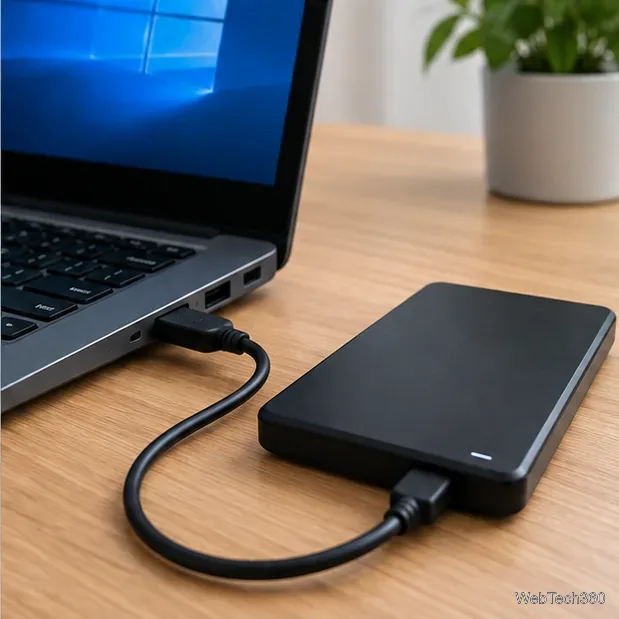
Fix a USB Mass Storage Device driver problem in Windows 10 by checking the port, reinstalling the built-in driver, updating Windows, and checking Disk Management.
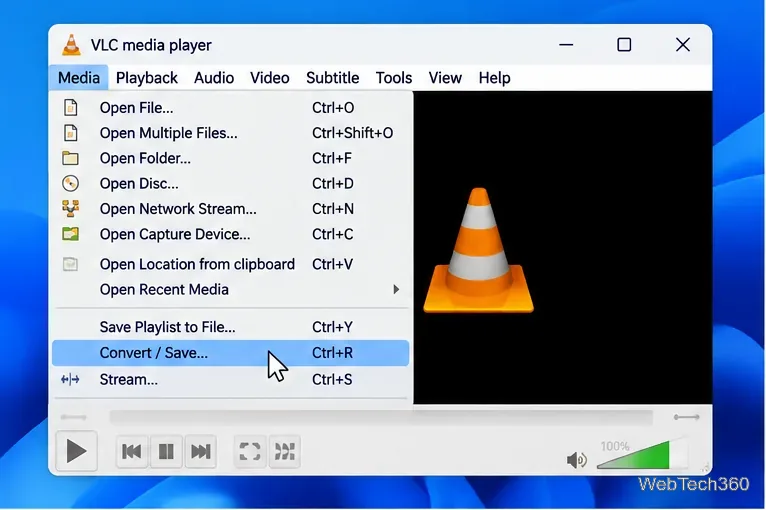
If VLC converts video with no sound, verify the source audio track, enable audio in the conversion profile, choose a compatible codec, and reset VLC if needed.
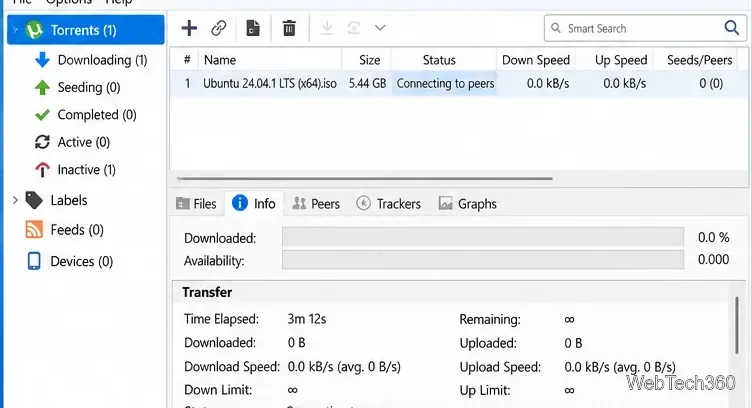
uTorrent stuck on Connecting to peers? Test the torrent, update the client, check Windows Firewall, ports, peer discovery, VPN settings, and app data safely.
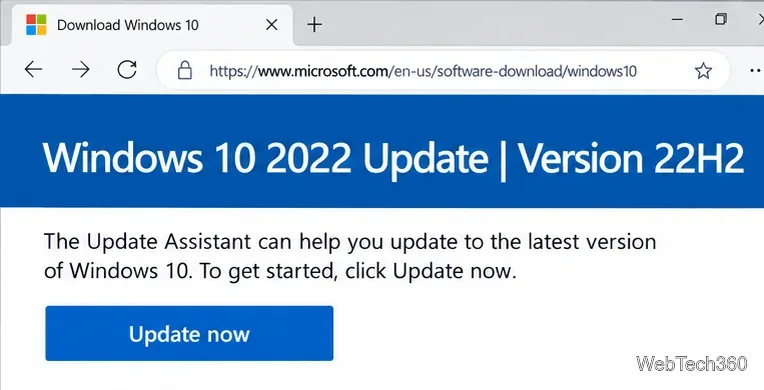
Use Microsoft’s Windows 10 Update Assistant to upgrade an eligible PC to Windows 10 version 22H2, and learn when Windows Update or Windows 11 is the better path.
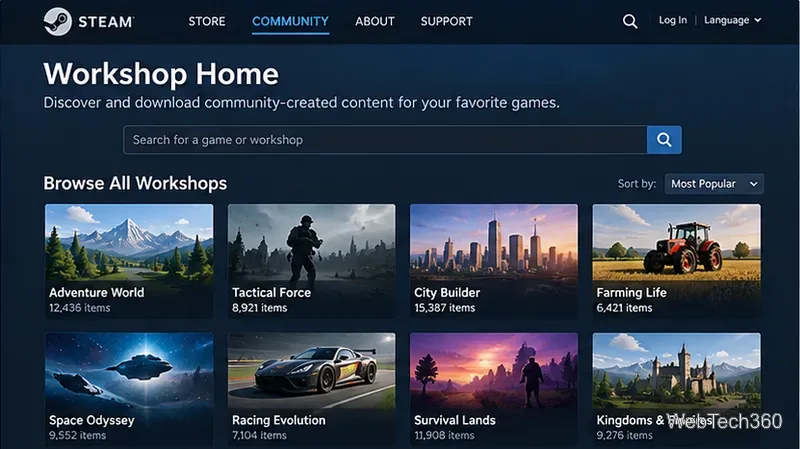
Learn what Steam Workshop is, how to access it in Steam or a browser, subscribe to community content, manage downloads, and unsubscribe safely.
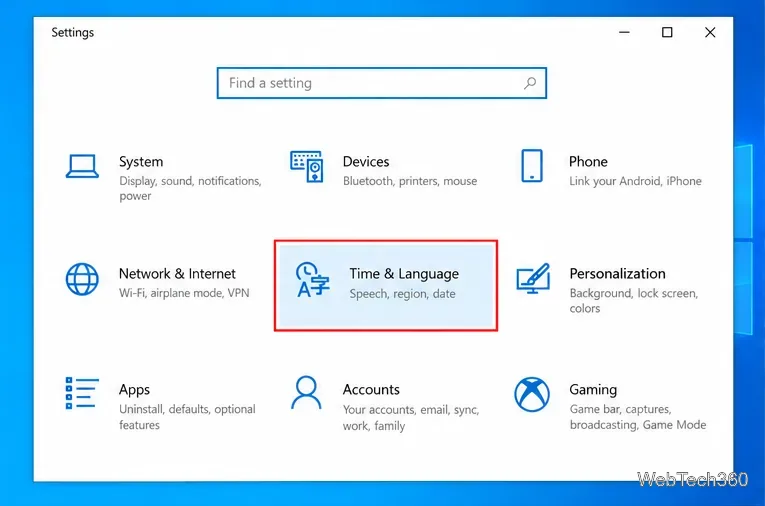
Change the keyboard layout on Windows 10 by adding layouts, switching with the taskbar or Win + Space, and removing layouts you no longer need.
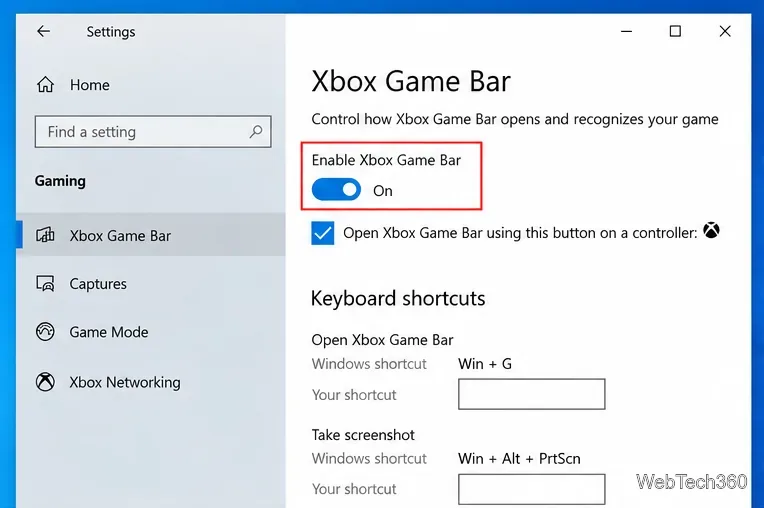
Learn how to enable and open Xbox Game Bar on Windows 10 with Win + G, use capture shortcuts, find saved clips, and fix common launch problems.
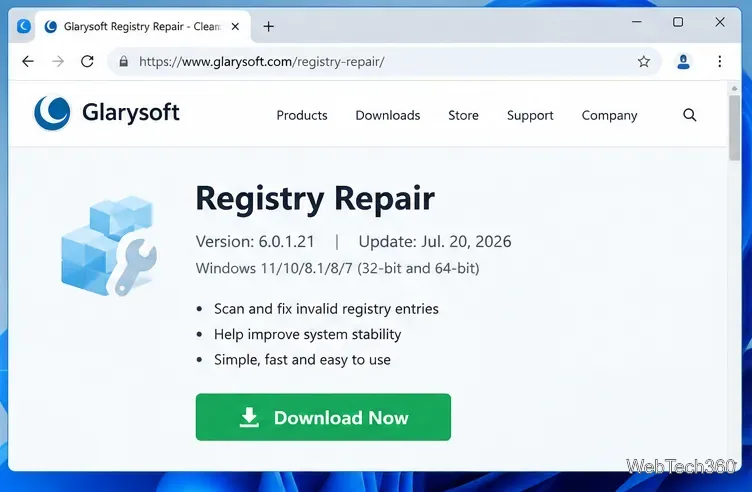
Learn what Glarysoft Registry Repair does, how to use its scan and backup tools, and why Microsoft recommends caution with registry cleaners.
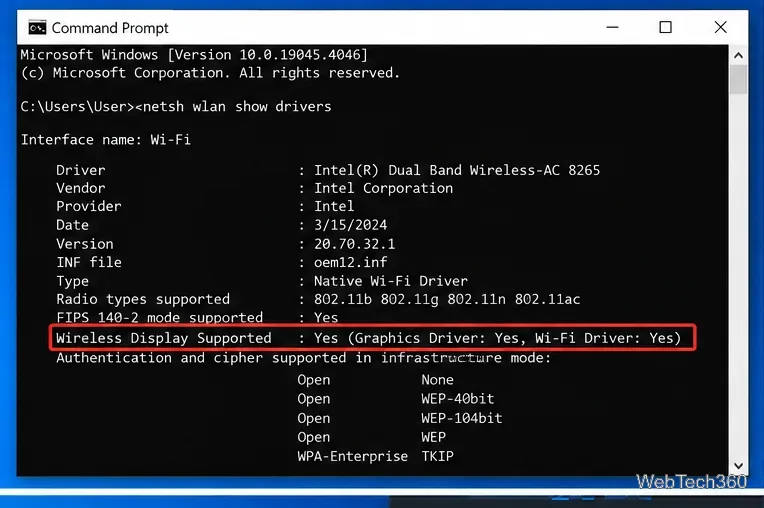
Miracast is built into Windows 10—no separate download is needed. Check support, connect with Win+K, enable Wireless Display, and fix common issues.
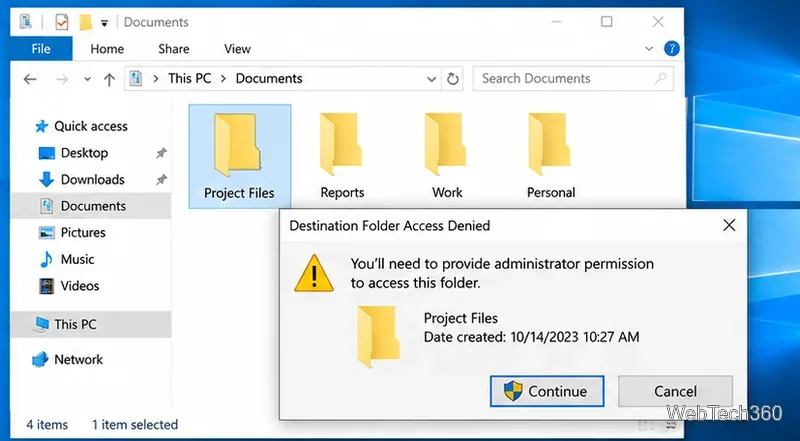
Fix Access Denied on Windows 10 with six practical steps for administrator rights, file ownership, NTFS permissions, EFS, system repair, and user profiles.
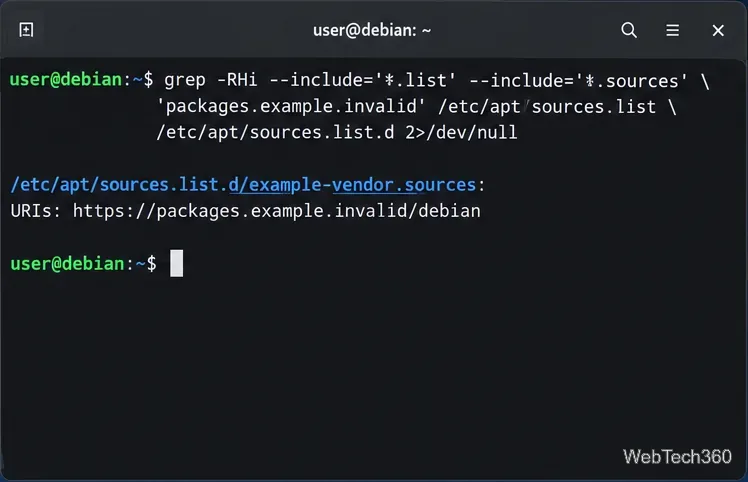
Learn how to find, disable, or permanently remove an APT repository from Debian using modern .sources files or legacy .list entries, then refresh APT safely.
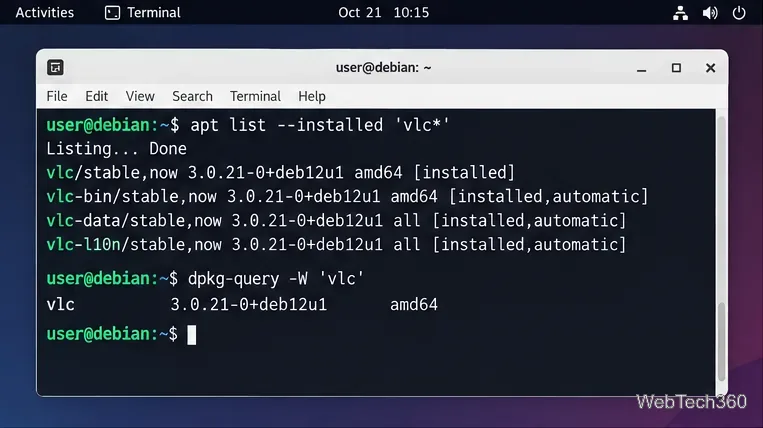
Learn how to uninstall a package on Debian with apt remove, purge, autoremove, apt-get, or Synaptic, including how to find package names safely.

Download Wise Registry Cleaner safely from the official site, learn the safest scan settings, backup options, and whether this free Windows tool is worth using.
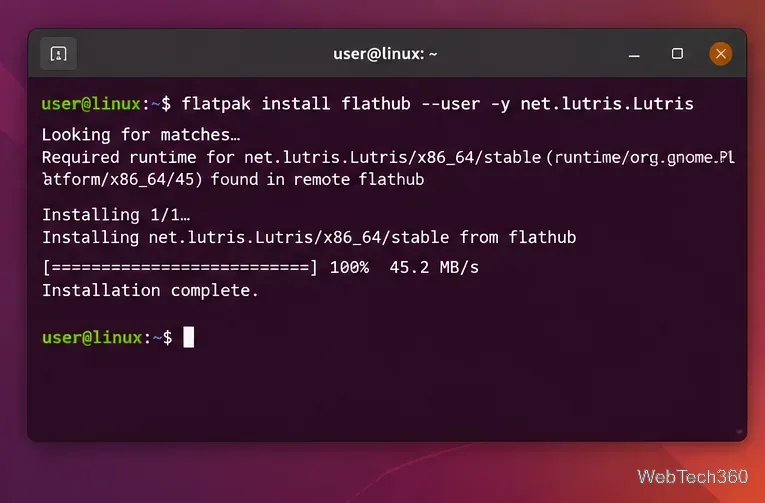
Origin has been replaced by the EA app. Learn how to run your EA library on Linux with Lutris, Wine, Vulkan, and practical troubleshooting steps.
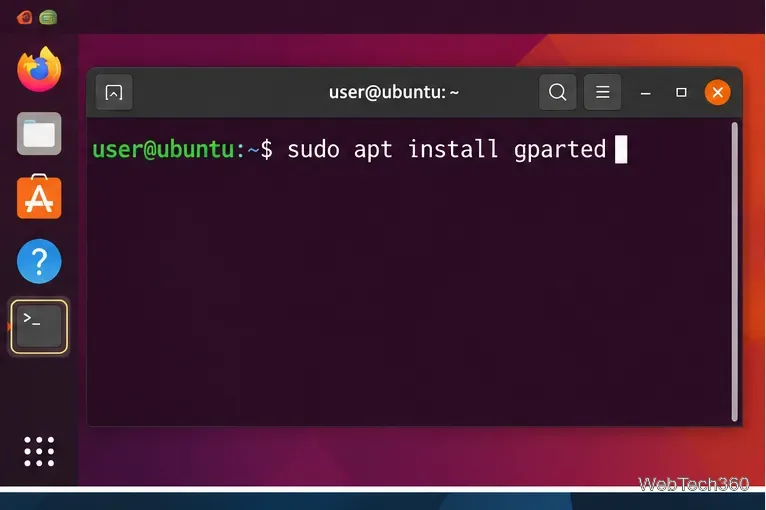
Learn how to install GParted on Ubuntu, Debian, Fedora, Arch Linux, and openSUSE, plus when to use GParted Live for system partitions.
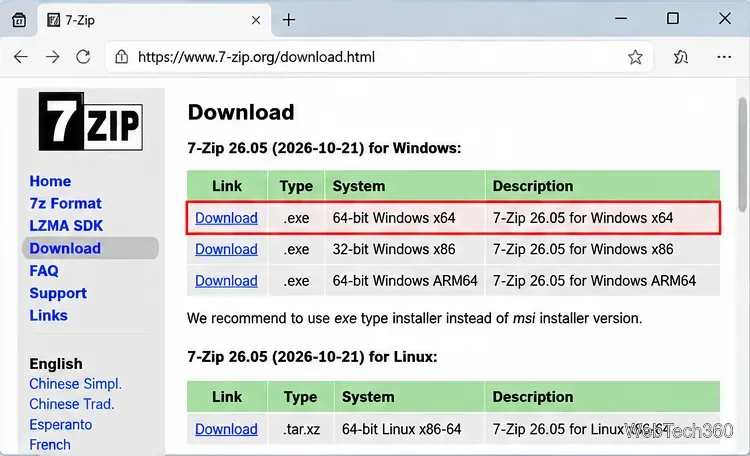
Download and install 7-Zip for Windows 10, then learn how to compress, extract, test, and password-protect archives safely.
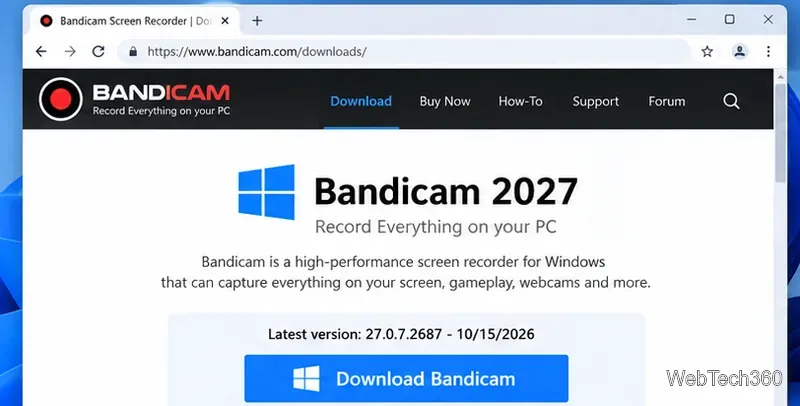
Learn how to download and install Bandicam 2027, record your screen, find saved videos, adjust key settings, and understand the free version limits.
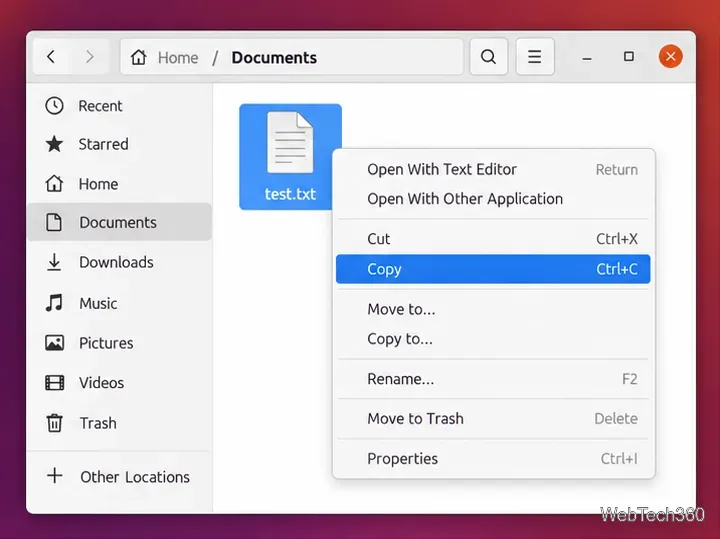
Copy a file between directories in Ubuntu using Files or the cp command, with keyboard shortcuts, overwrite protection, path examples, and troubleshooting tips.
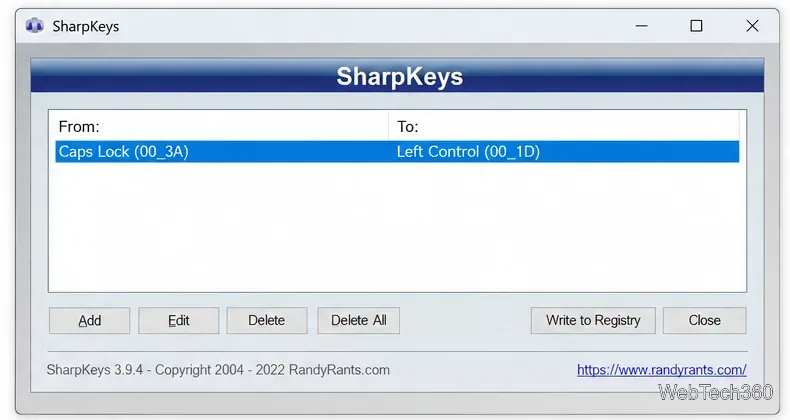
Download and install SharpKeys on Windows 10, then remap, disable, swap, or restore keyboard keys safely using the Windows Scancode Map.