How to Fix a Broken GNOME Login Screen on Linux
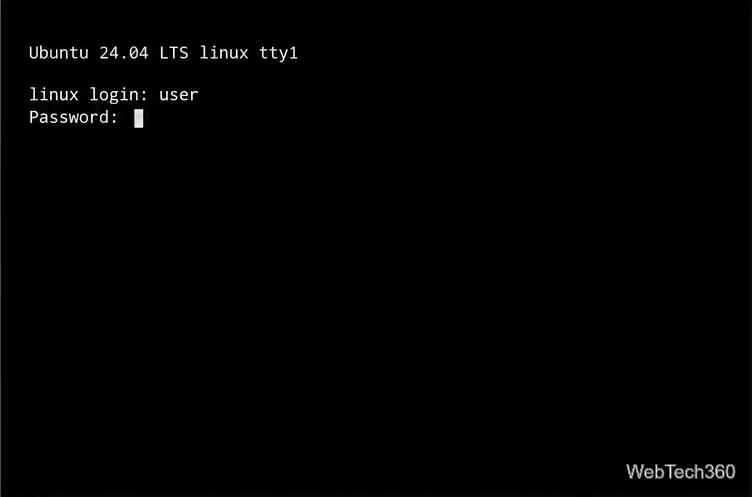
Learn how to fix a broken GNOME login screen on Linux by switching to a TTY, checking the active display manager, restarting it safely, and reading its logs.
Learn how to fix a broken GNOME login screen on Linux by switching to a TTY, checking the active display manager, restarting it safely, and reading its logs.
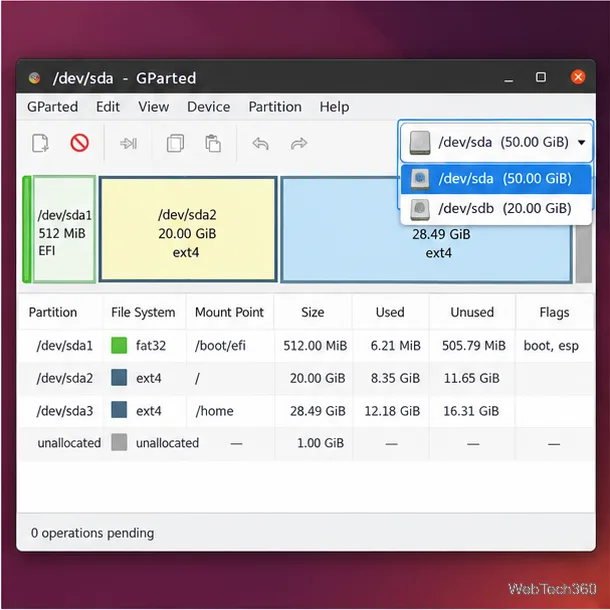
Use GParted to shrink or expand Linux partitions safely. Learn how adjacent free space works, when to unmount a partition, and how to resize root from a live USB.
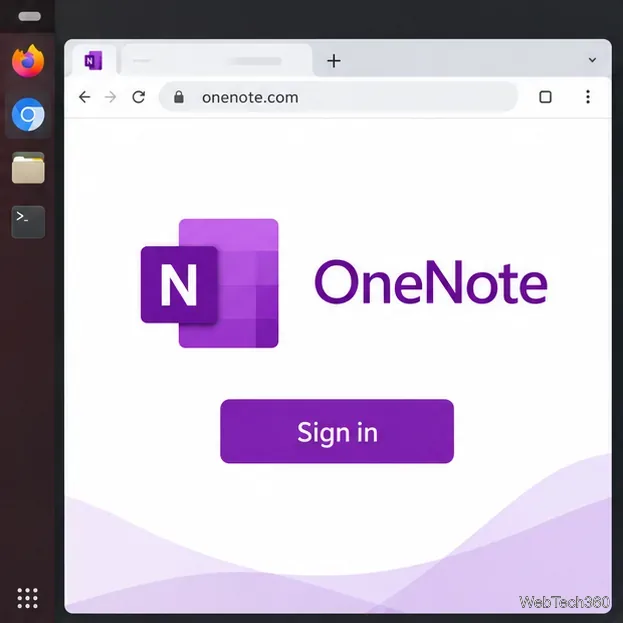
Install Microsoft OneNote on Linux through the official web app, add a Chrome launcher, or use the unofficial P3X OneNote Snap package.
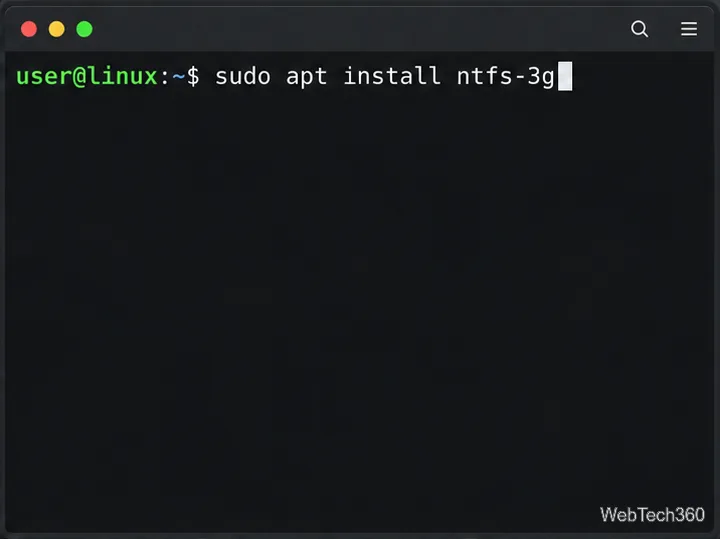
Use ntfsfix safely on an NTFS partition from Linux, identify and unmount the right device, and learn when Windows CHKDSK or data recovery is needed.
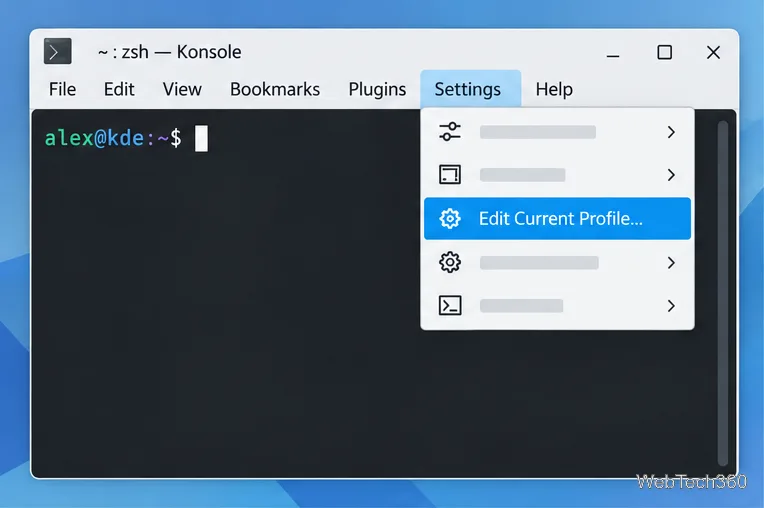
Change Konsole’s shell, starting directory, colors, font, scrollback, and tab labels with KDE’s profile and appearance settings.
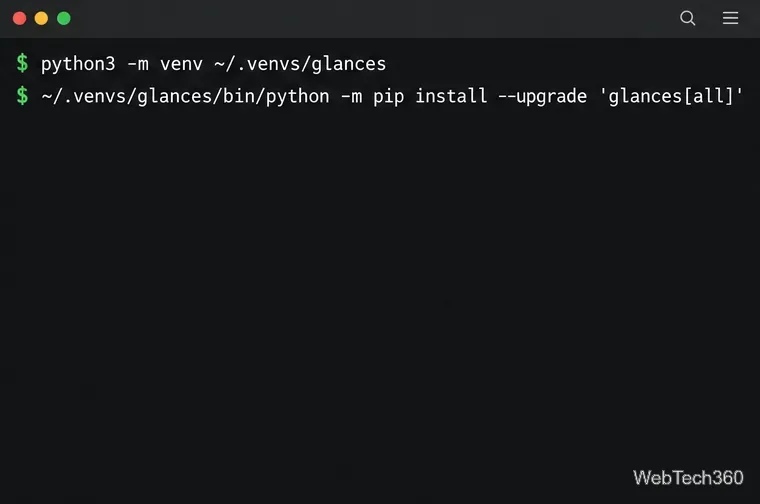
Install Glances on Linux in an isolated Python environment, inspect its live terminal dashboard, and launch the browser interface safely on localhost.
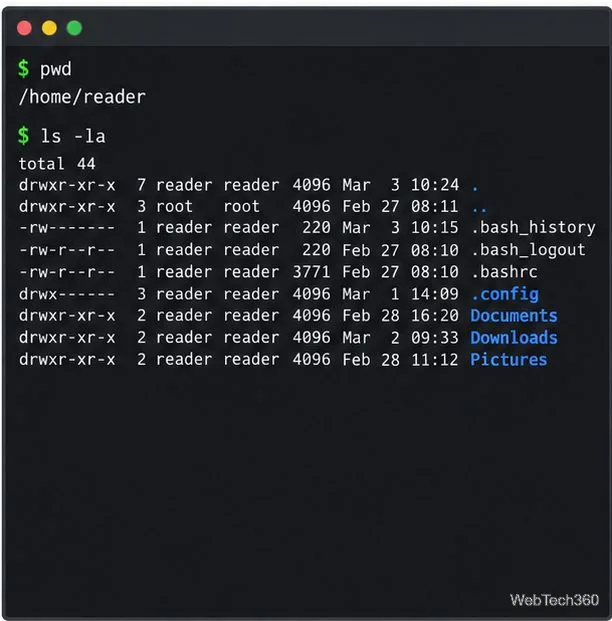
Use ls and cd to explore Linux directories, locate mounted drives with lsblk and findmnt, search files, or browse with Midnight Commander and Ranger.
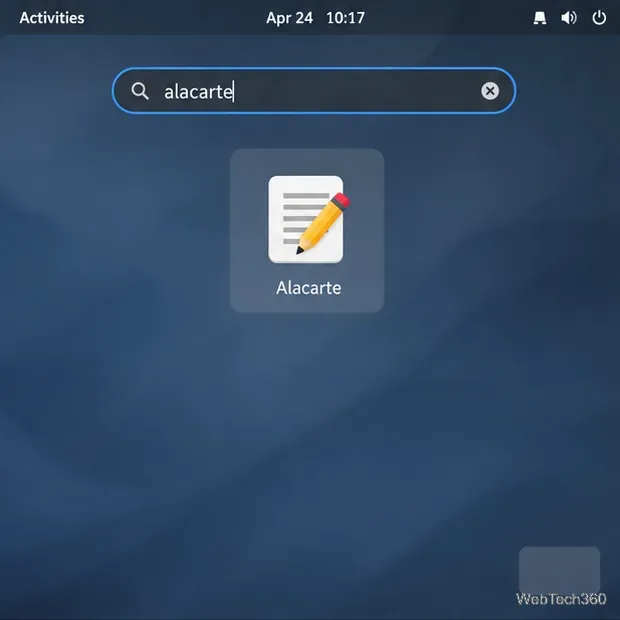
Edit an app launcher’s name, description, or command in GNOME Shell with Alacarte, or create a per-user .desktop override from the terminal.
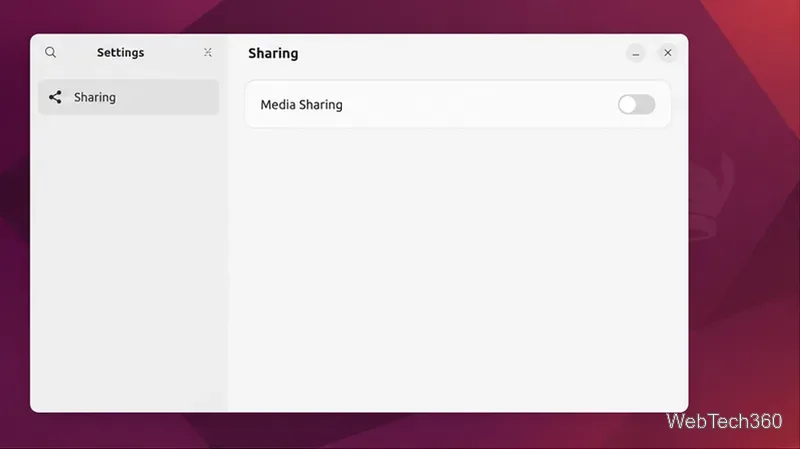
Set up Ubuntu’s Media Sharing panel, choose folders and trusted networks, and browse your music, pictures, and videos from a DLNA or UPnP device.
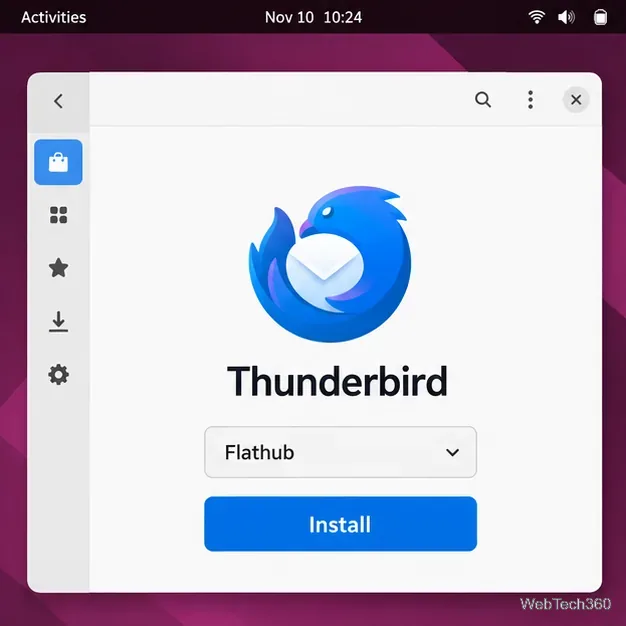
Get the latest Thunderbird for Linux with Flatpak, or use Mozilla’s official APT repository on Ubuntu and Debian. Includes update and profile safety tips.
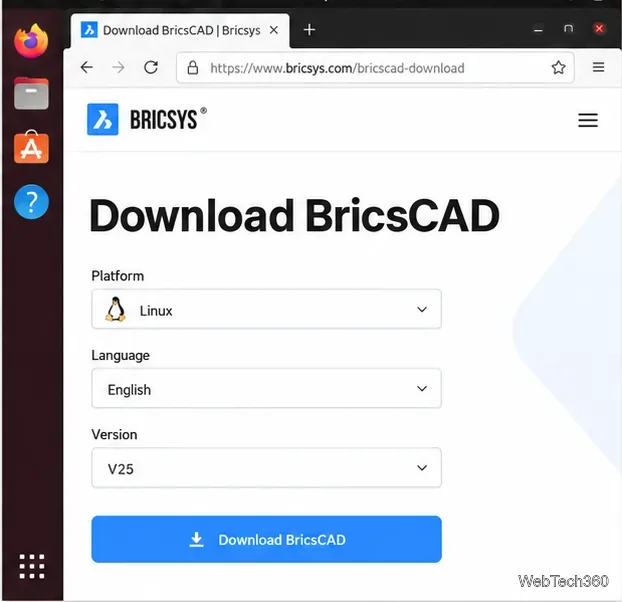
Install legacy BricsCAD Shape on Linux with the final V25 release. Find the older installer, use the correct DEB or RPM command, and launch Shape.
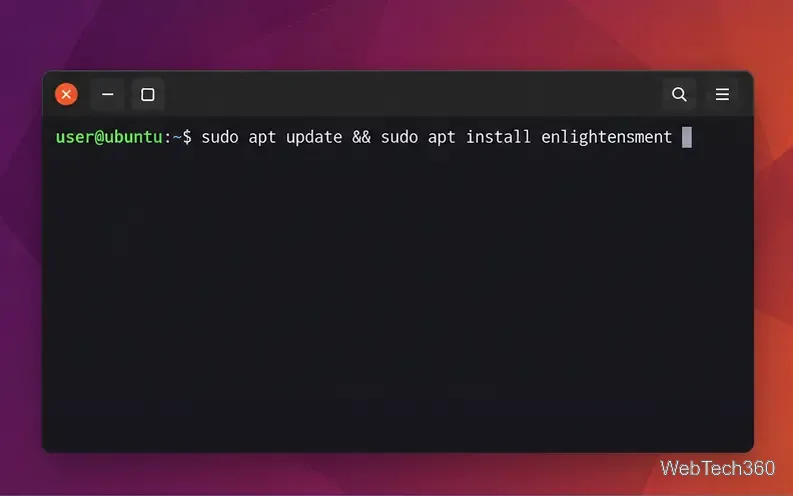
Install Enlightenment from your Linux distribution’s repositories, then choose its session at sign-in. Includes commands for Ubuntu, Debian, Arch, Fedora, and openSUSE.
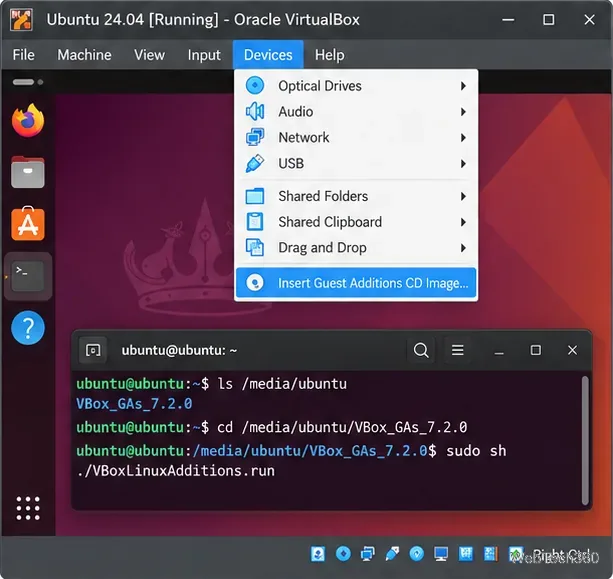
Speed up a sluggish Linux guest by installing matching Guest Additions, balancing VM memory and CPU cores, and tuning graphics without starving the host.
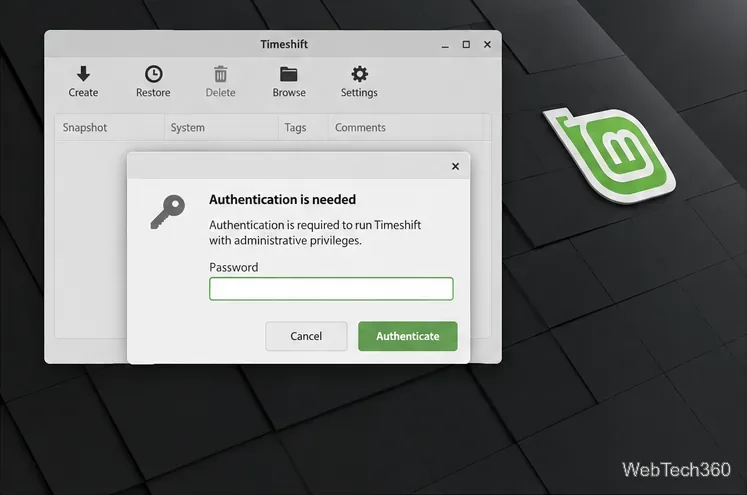
Use Timeshift to configure Linux Mint system snapshots, choose a safe destination, set a schedule, create a snapshot, and restore it when needed.
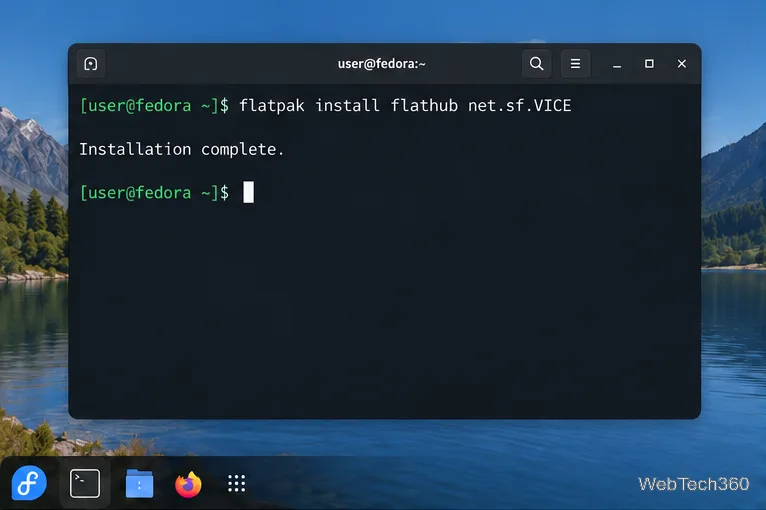
Install VICE on Linux, load a C64 disk or tape image, configure keyboard or joystick controls, and save your progress with snapshots.
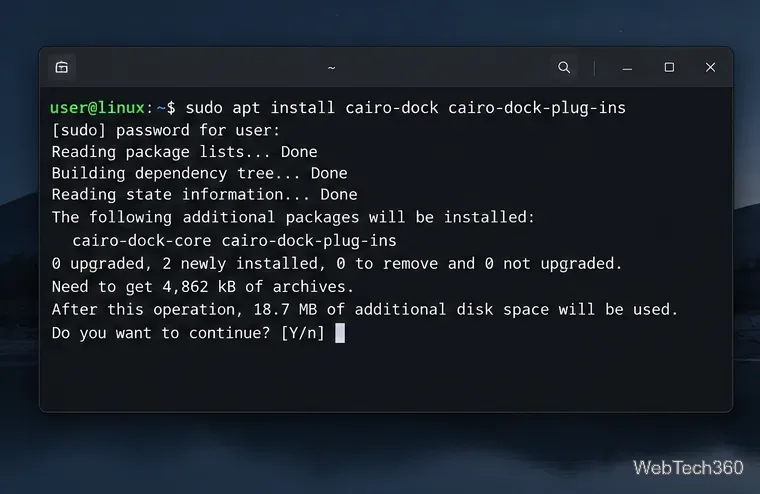
Install Cairo-Dock from your distro’s package manager, launch it in your desktop session, and customize its position, applets, launchers, and startup behavior.
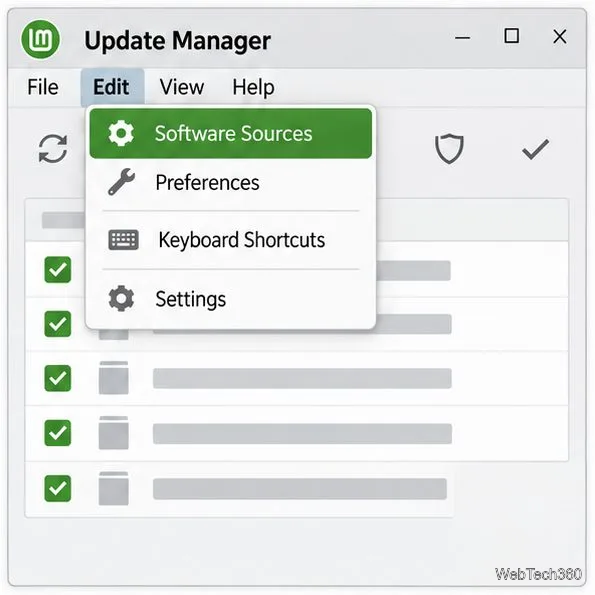
Use Software Sources to choose a faster local update mirror in Linux Mint, refresh APT’s package list, and restore the default servers if needed.
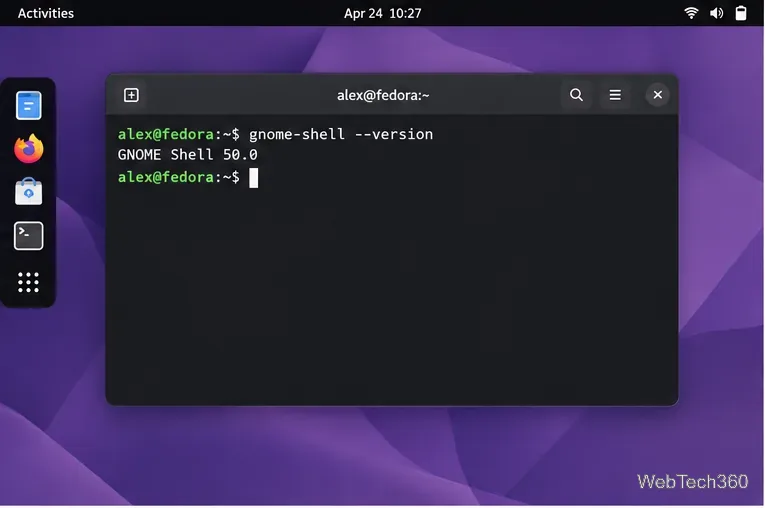
Bring desktop icons back to GNOME Shell with Desktop Icons NG (DING). Install it in Extension Manager, check compatibility, and troubleshoot missing icons.
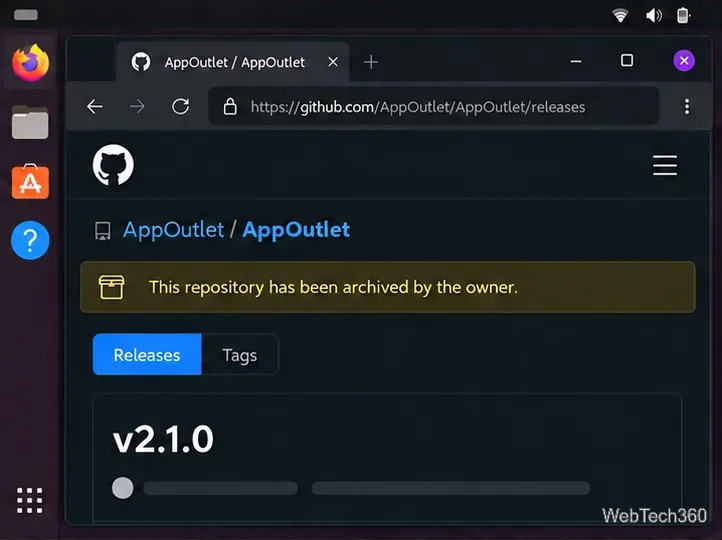
Install the archived App Outlet app store on Linux from a DEB package or AppImage, and learn why its old Snap command and app catalog may fail.
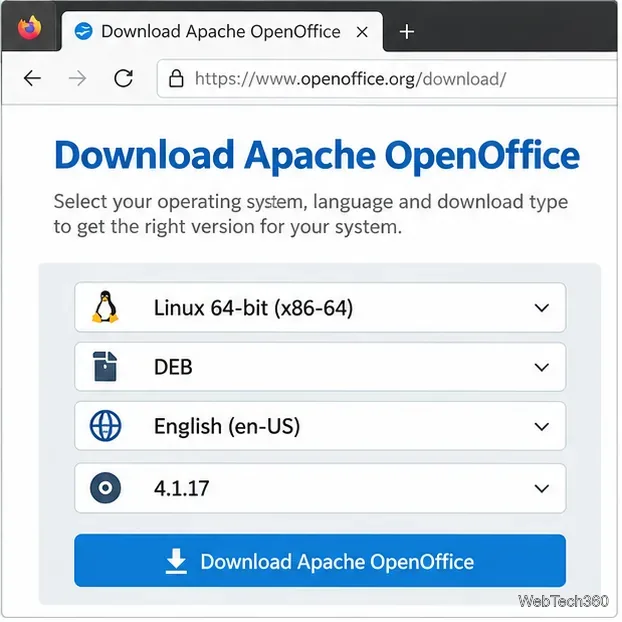
Install Apache OpenOffice on Ubuntu, Debian, Fedora, or openSUSE with the current Linux DEB or RPM archive. Verify the download, install menus, and launch Writer.
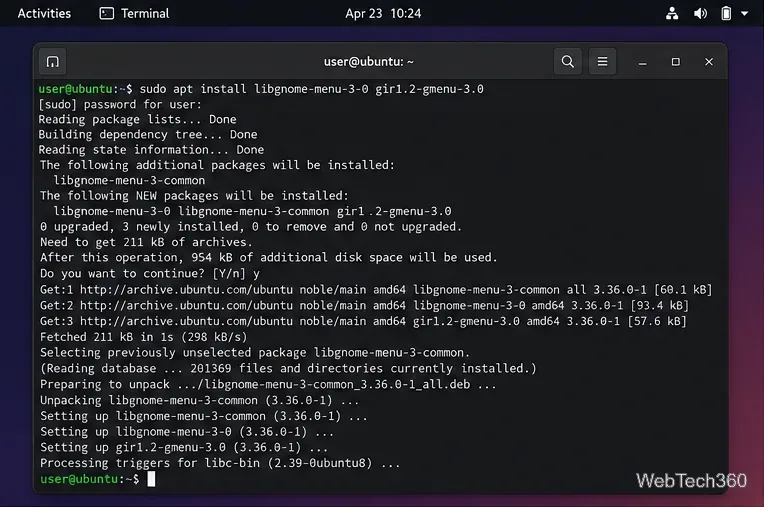
Install ArcMenu from GNOME Extensions, check its GMenu dependency, enable it in GNOME, and choose a layout with search, pinned apps, and shortcuts.
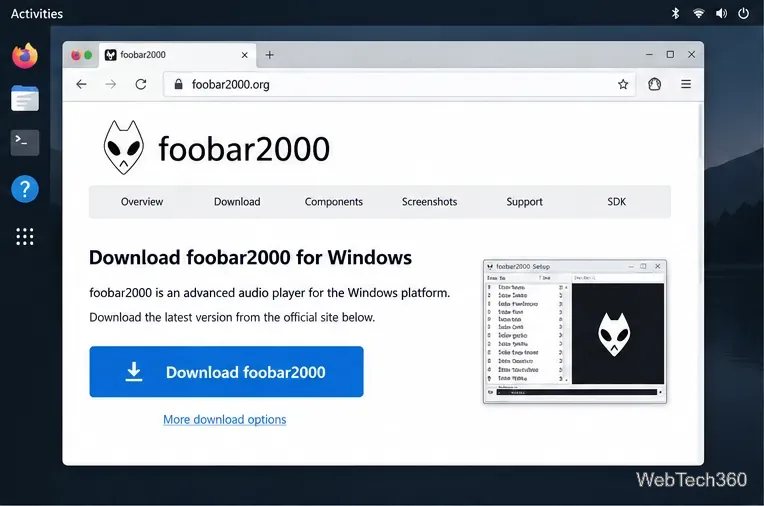
Install Foobar2000 on Linux using the official Windows installer and your distro’s Wine package, then add a music folder and troubleshoot sound.
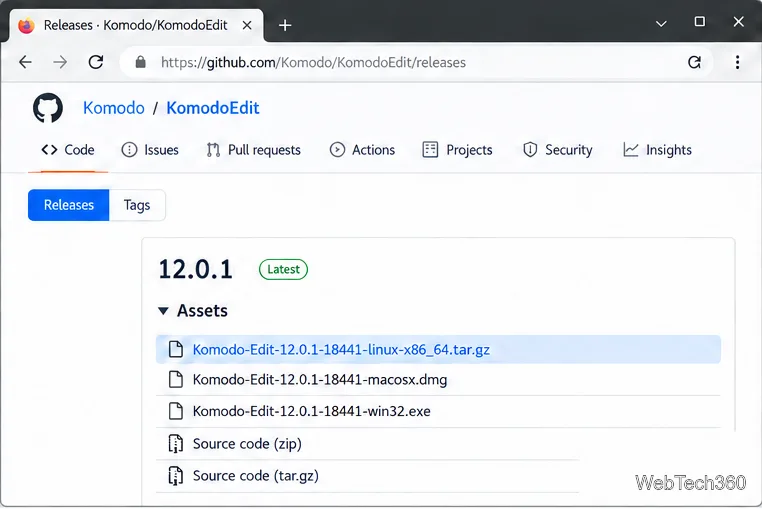
Install Komodo Edit 12.0.1 on Linux from the archived official tarball. Check your architecture, run the installer, and troubleshoot launch issues.
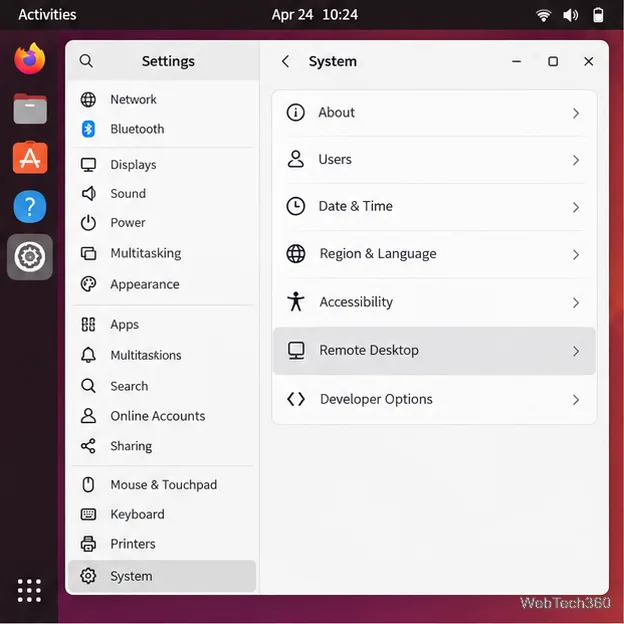
Enable Ubuntu desktop sharing, find the host and RDP credentials, and connect from another computer with Remmina or another RDP client.
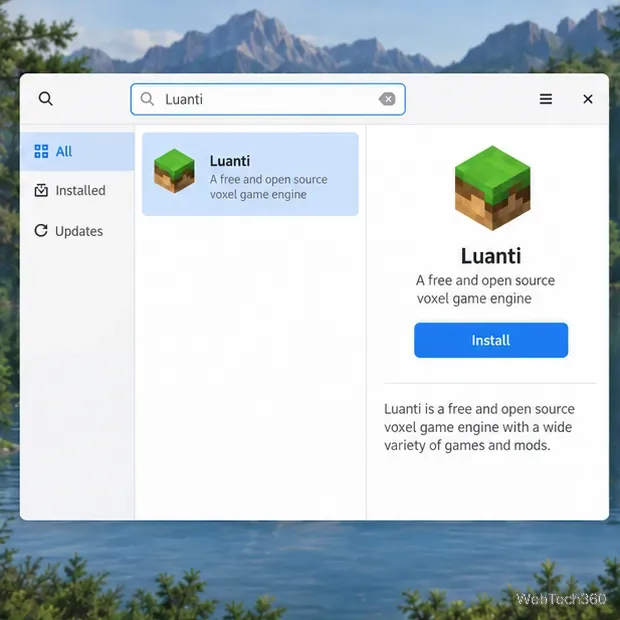
Install Minetest on Linux under its current name, Luanti. Follow the stable Flatpak method or choose the right Ubuntu, Debian, Arch, Fedora, or Snap package route.
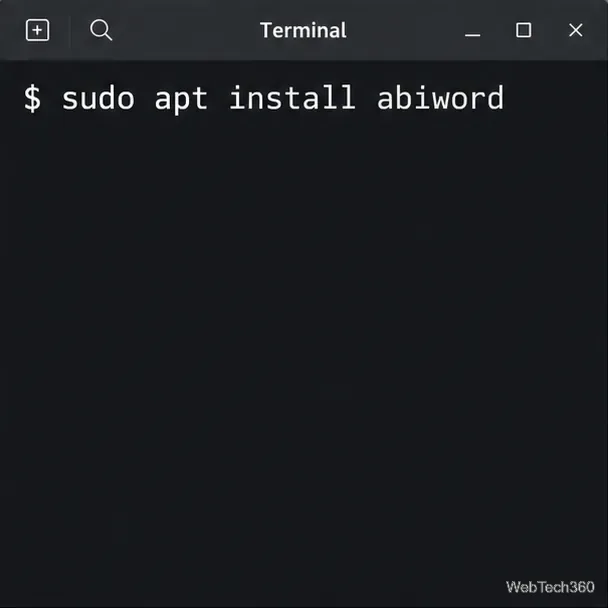
Install AbiWord on Linux from Ubuntu, Debian, Fedora, Arch, or openSUSE repositories—or use Flathub when your distribution has no current native package.
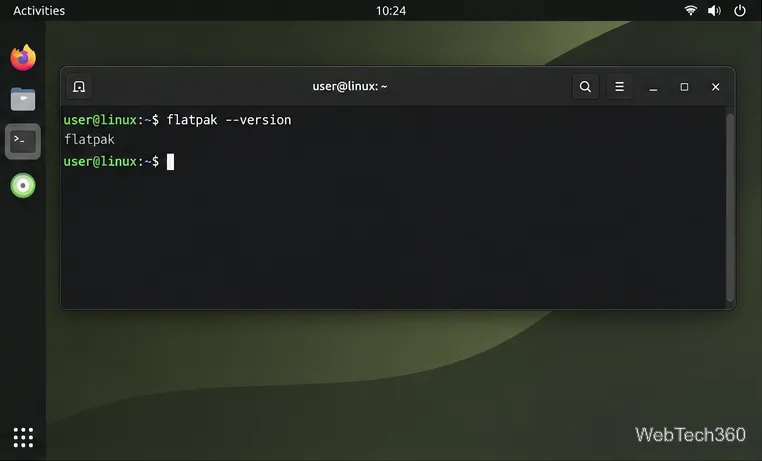
Install Olive on Linux with Flatpak or the upstream AppImage, and check the current version and stability caveats before downloading.
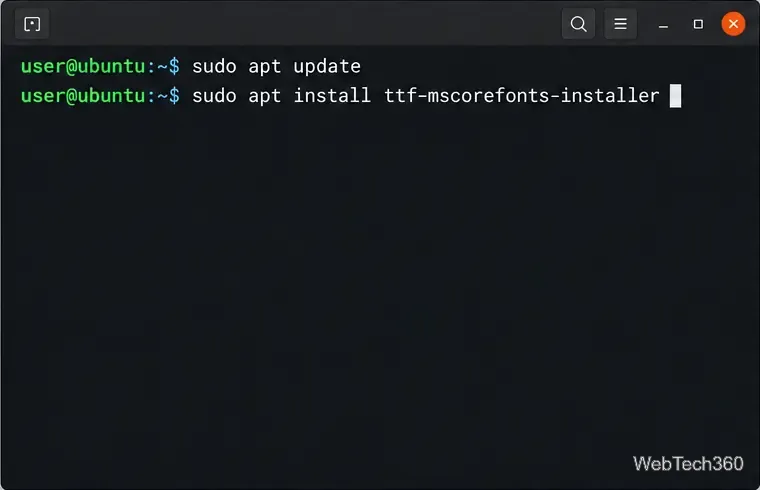
Install the classic Microsoft Core Fonts on Ubuntu, Debian, Arch, or openSUSE, handle the license prompt, and check that apps can see Arial and Times New Roman.
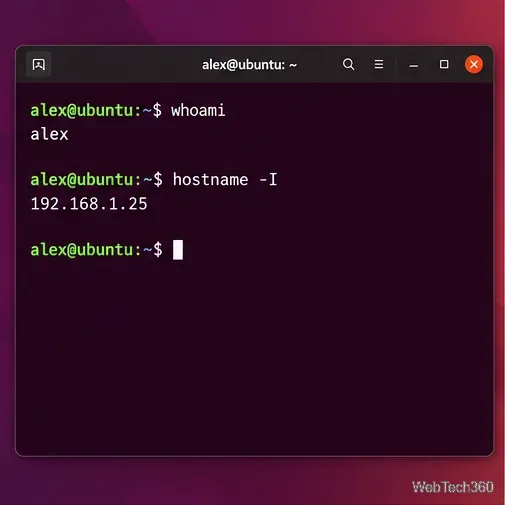
Set up Ubuntu’s OpenSSH server, connect from Windows PowerShell, and transfer files securely with WinSCP over SFTP.
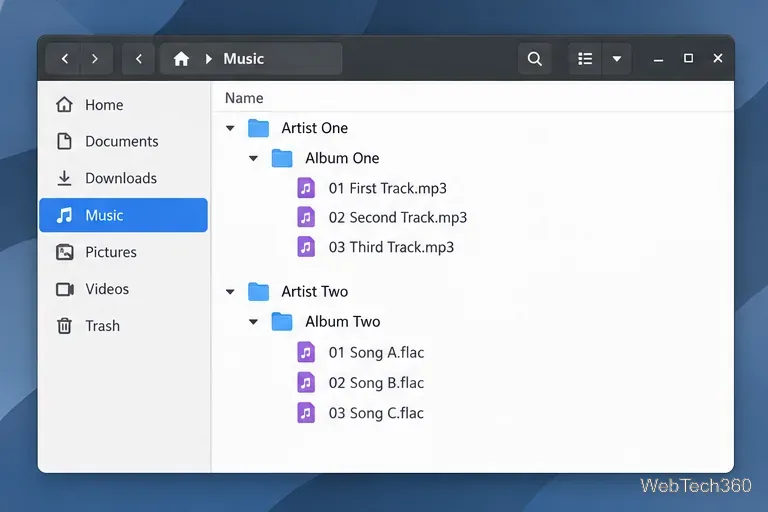
Keep your local collection organized in Rhythmbox: install the player, add your music folder, import tracks, and enable automatic library updates.