WebTech360 Tips - Tech Guides & Tutorials | Page 7

7 Best WSUS Tools for Update Management and Troubleshooting

7 Best WSUS Tools for Update Management and Troubleshooting

Compare seven tools that support or complement WSUS, from Microsoft’s native console and diagnostics to third-party patch publishing and remote deployment.
6 Awesome XFCE Desktop Themes to Install (and How to Apply Them)

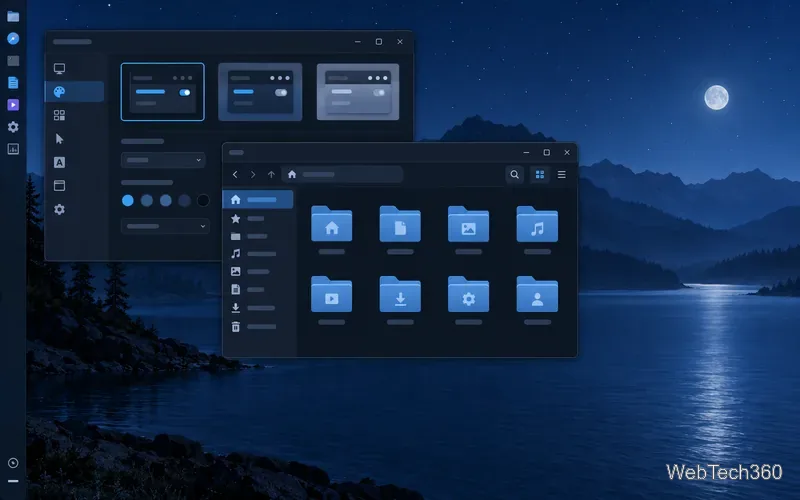
6 Awesome XFCE Desktop Themes to Install (and How to Apply Them)

Explore six XFCE GTK themes, from Midnight and Juno to Catalina-inspired and Windows-style looks, with safe per-user installation steps and tips for matching window borders.

How to Fix the “Untrusted Developer” Error on iOS

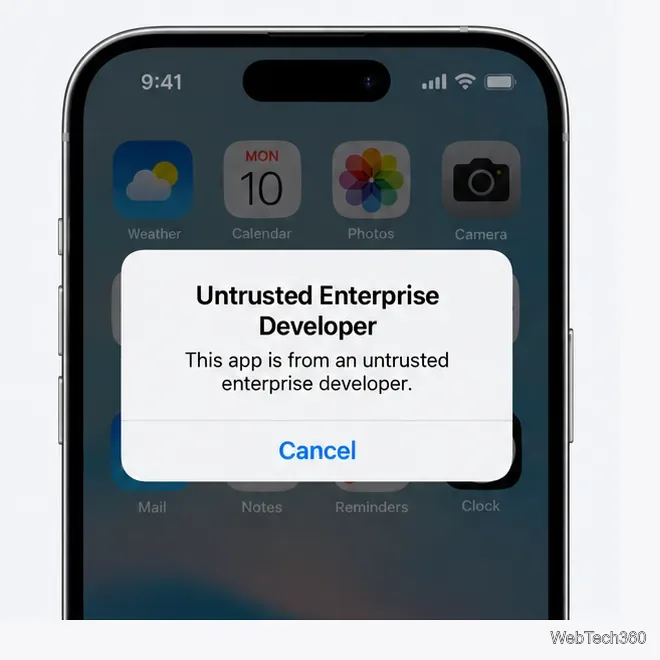
How to Fix the “Untrusted Developer” Error on iOS

Fix the Untrusted Developer error on iPhone with Apple’s current trust steps, including the iOS 18 restart flow and tips for verification failures.

Best Windows System Monitoring Tools: 6 Picks for Server Visibility

Best Windows System Monitoring Tools: 6 Picks for Server Visibility

Compare six Windows system monitoring tools for server health, application visibility, and alerting, with current notes on deployment and licensing.

7 Wake-on-LAN Tools: What’s Still Available From the 2021 List

7 Wake-on-LAN Tools: What’s Still Available From the 2021 List

Compare seven Wake-on-LAN tools by features and availability, including free utilities, network-admin suites, and 2021 picks that have since been retired.

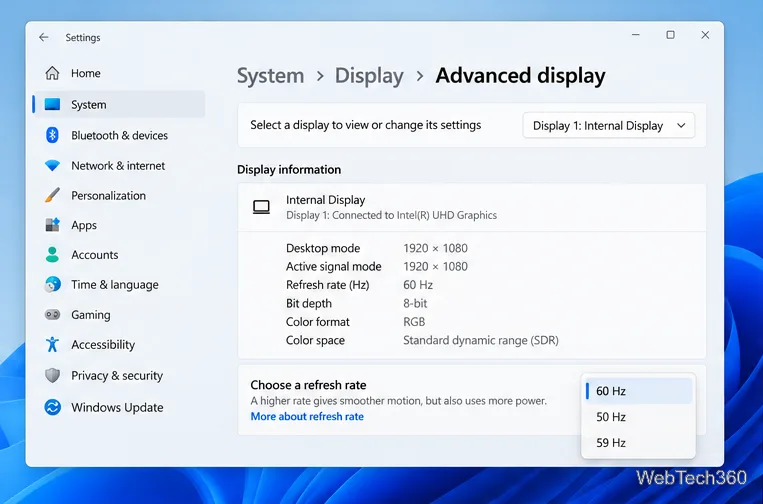
How to Overclock a Monitor: A Safe, Step-by-Step Tutorial

How to Overclock a Monitor: A Safe, Step-by-Step Tutorial

Learn how to test a higher monitor refresh rate with NVIDIA, AMD, or CRU, verify stability, and restore your original settings if the display goes blank.

9 Best Ping Tools for Testing Latency and Scanning a Network

9 Best Ping Tools for Testing Latency and Scanning a Network

Compare nine ping tools for quick reachability checks, subnet discovery, TCP tests, and latency monitoring, with guidance on which one fits your network task.

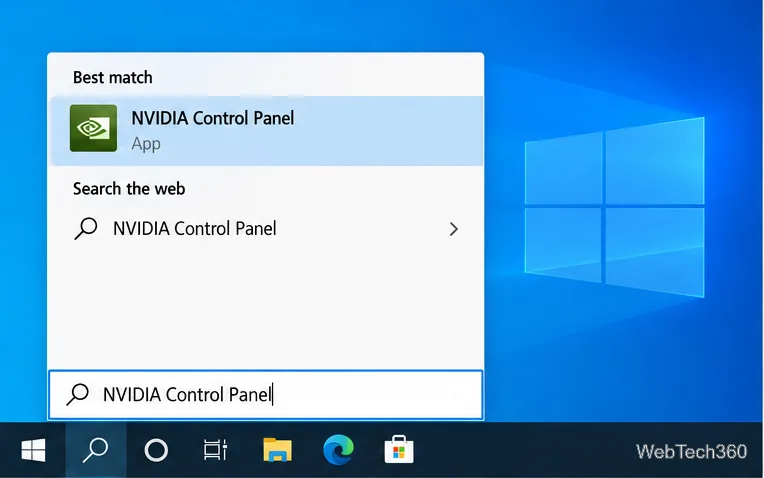
How to Set PhysX Configuration in NVIDIA Control Panel on Windows 10

How to Set PhysX Configuration in NVIDIA Control Panel on Windows 10

Set PhysX in NVIDIA Control Panel on Windows 10, understand Auto-select vs. CPU or GPU, and learn when to use Windows Graphics settings instead.

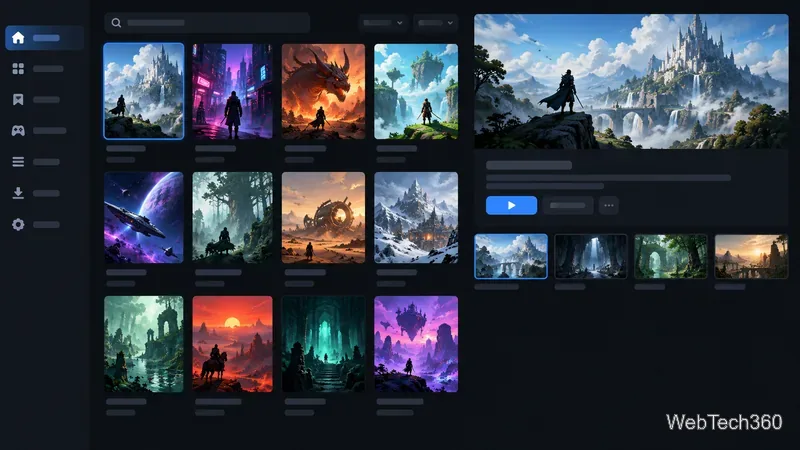
10 Best Free Software Tools for Gaming PCs

10 Best Free Software Tools for Gaming PCs

The best free software for gaming PCs covers game libraries, chat, recording, monitoring, and practical utilities, with clear notes on what each can and can’t improve.

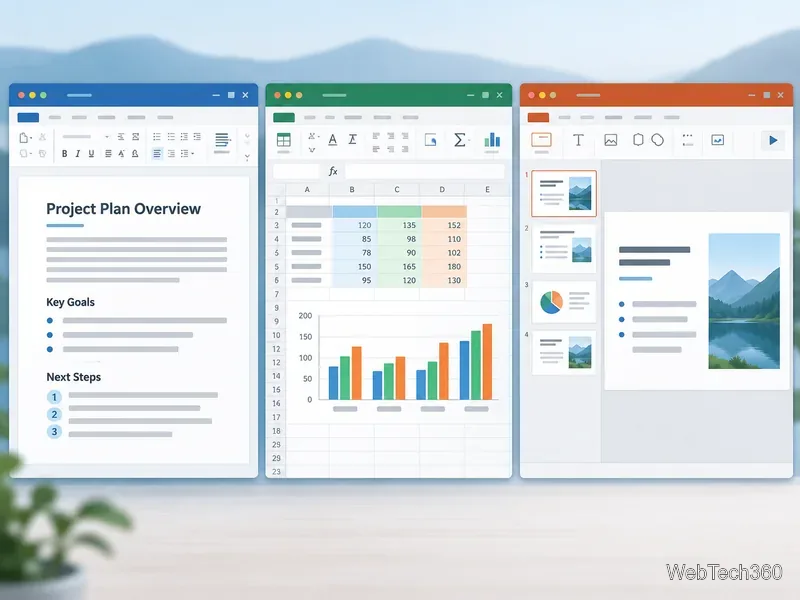
Best Free Office Software: 6 Alternatives to Word, Excel, and PowerPoint

Best Free Office Software: 6 Alternatives to Word, Excel, and PowerPoint

Compare six free office suites for documents, spreadsheets, and presentations, including browser-based collaboration and offline desktop options.

How to Get Line Numbers in Notepad on Windows 10

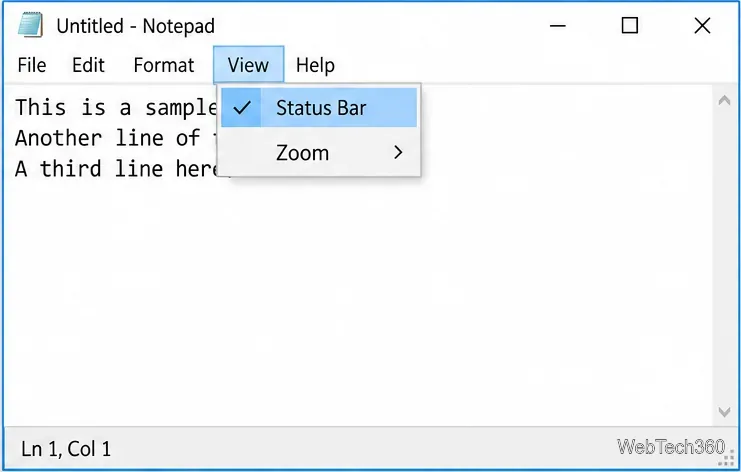
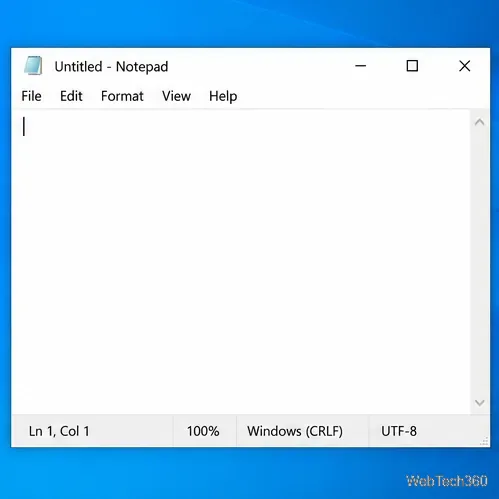
How to Get Line Numbers in Notepad on Windows 10

Turn on Notepad’s Status Bar to see the current line and column in Windows 10, troubleshoot a disabled option, and learn when you need a line-number gutter.

How to Show a Message Box on Windows 10 (PowerShell and Batch)

How to Show a Message Box on Windows 10 (PowerShell and Batch)

Display a custom Windows dialog with a short PowerShell command, Command Prompt, or a reusable .bat or .ps1 file, including a title, icon, and buttons.

How to Fix Windows 10 Update Error 0x80071160

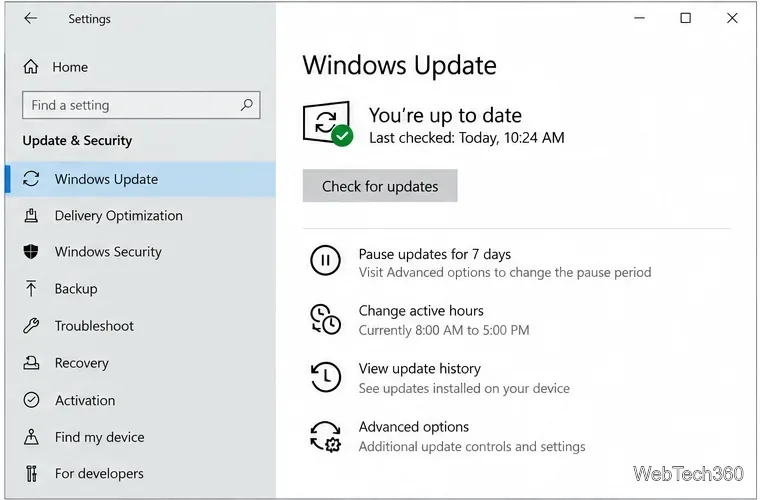
How to Fix Windows 10 Update Error 0x80071160

Fix Windows 10 update error 0x80071160 with Microsoft’s troubleshooter, a safe update-cache reset, DISM and SFC repairs, and a careful manual-install check.

How to Get a Catalina-Style Menu Bar on macOS Big Sur

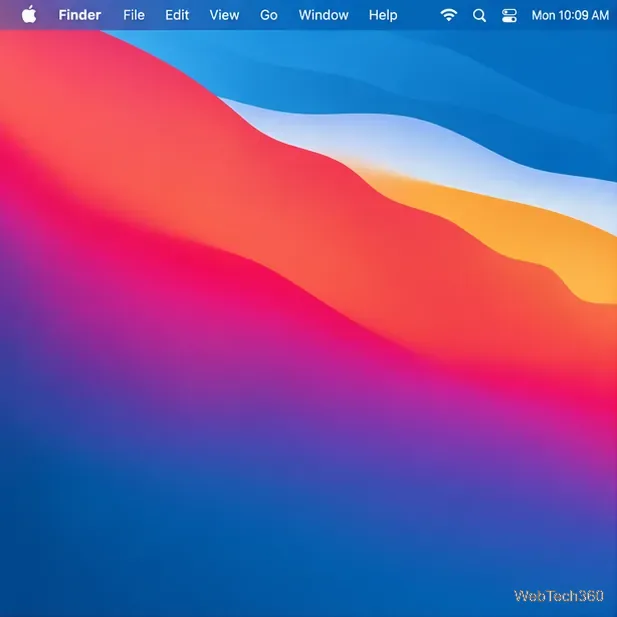
How to Get a Catalina-Style Menu Bar on macOS Big Sur

Restore a solid Catalina-style menu bar on Big Sur with compatible Boring Old Menu Bar v1.27. Follow the install steps, set light and dark styles, and troubleshoot common issues.

How to Install Windows 10 From a UEFI Bootable USB

How to Install Windows 10 From a UEFI Bootable USB

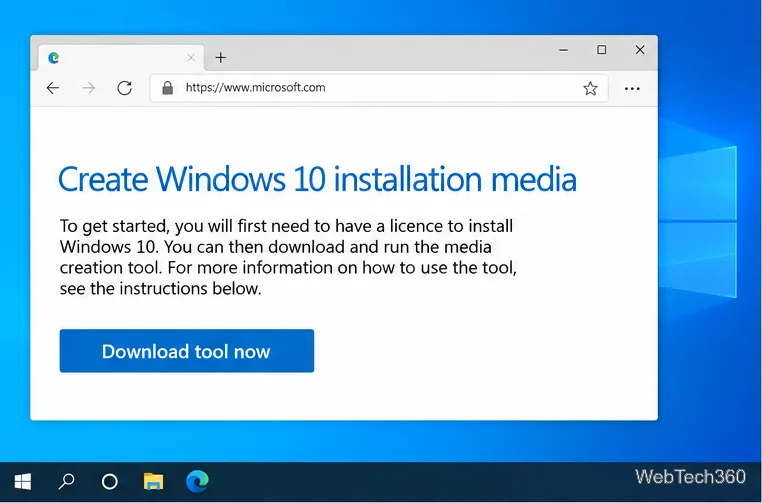
Create a Windows 10 UEFI installer with Microsoft’s Media Creation Tool or Rufus, then boot and install safely without wiping the wrong drive.

How to Hide Microsoft Edge Tabs from Alt+Tab in Windows 10

How to Hide Microsoft Edge Tabs from Alt+Tab in Windows 10

Stop individual Edge tabs from crowding the Windows 10 Alt+Tab switcher. Change one Multitasking setting, limit recent tabs, and check why the option may be missing.

How to Fix PDF Thumbnails Not Showing in Windows 10

How to Fix PDF Thumbnails Not Showing in Windows 10

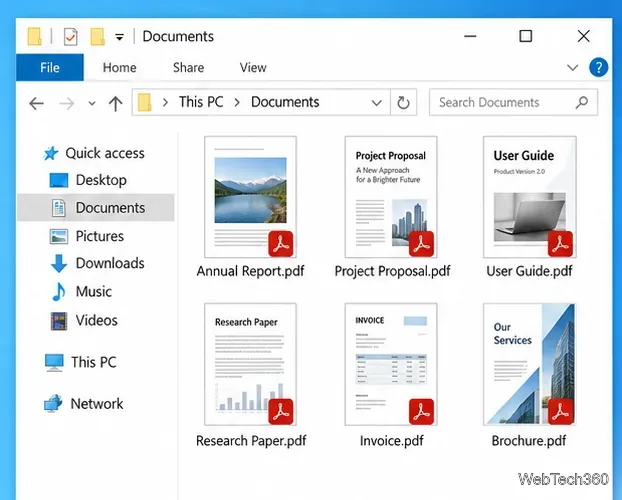
Enable Adobe’s PDF thumbnail handler, correct File Explorer’s icon settings, rebuild the thumbnail cache, and check OneDrive files that are not stored locally.

Adobe Acrobat Reader DC Not Responding? 7 Fixes to Try

Adobe Acrobat Reader DC Not Responding? 7 Fixes to Try

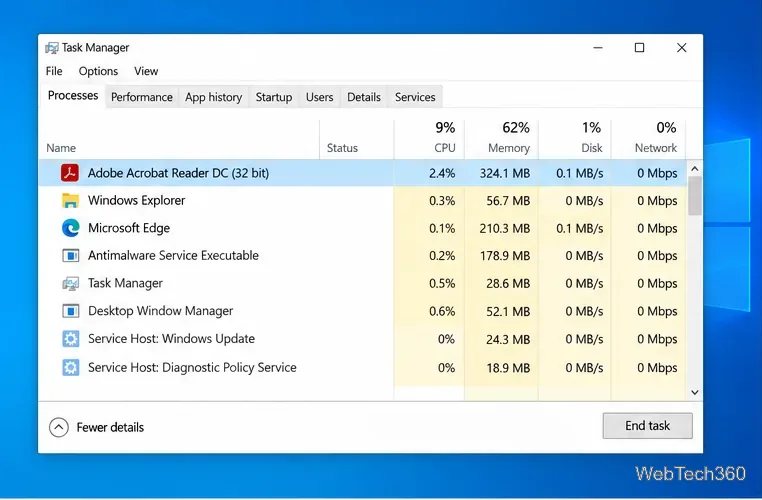
Fix Adobe Acrobat Reader freezes by checking for a problem PDF, updating or repairing the app, reviewing compatibility and Protected Mode, and reinstalling safely.

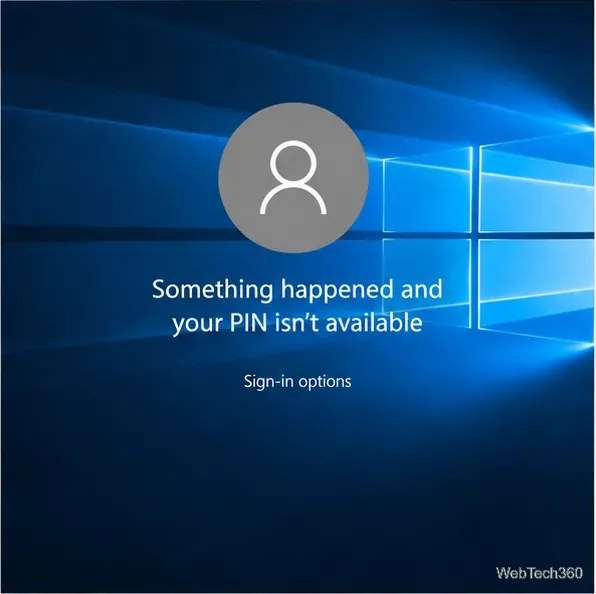
Fix “Something Happened and Your PIN Isn’t Available” in Windows 10

Fix “Something Happened and Your PIN Isn’t Available” in Windows 10

Get past the Windows 10 PIN error by signing in with your password, resetting Windows Hello PIN, and recovering the right account if needed.

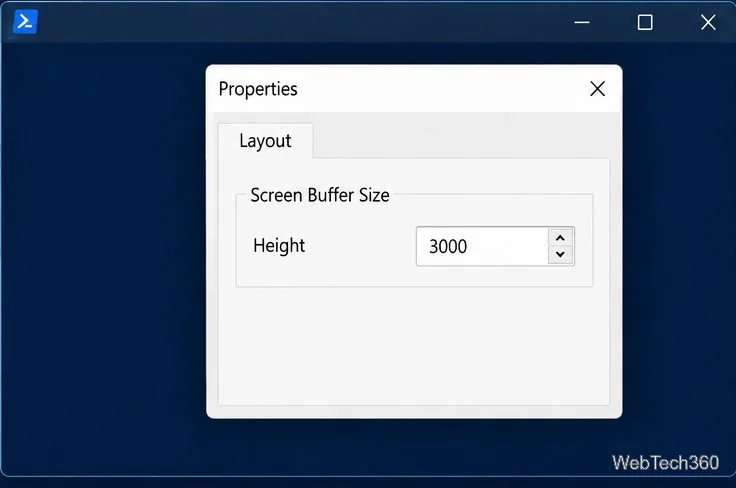
PowerShell Won’t Scroll Vertically? Fix the Scrollback

PowerShell Won’t Scroll Vertically? Fix the Scrollback

Fix PowerShell vertical scrolling by increasing the classic console buffer or Windows Terminal history size, then page or save long command output.

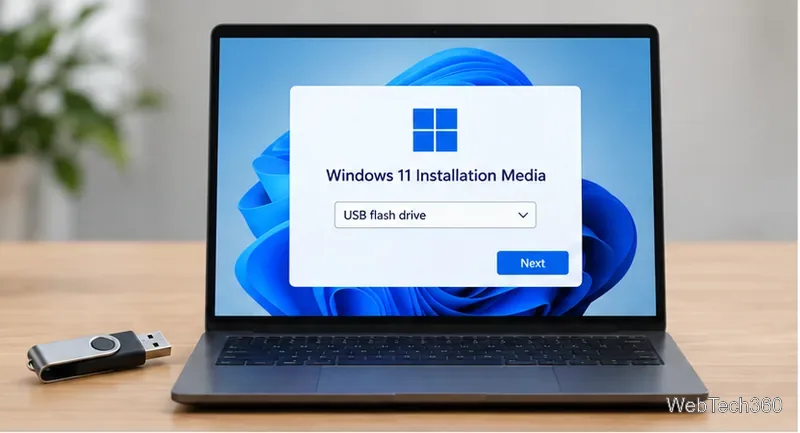
How to Format a Disk Without an Operating System

How to Format a Disk Without an Operating System

Boot a PC from a Windows installation USB, open DiskPart, and prepare the right drive for reuse or a fresh Windows install without booting the old OS.

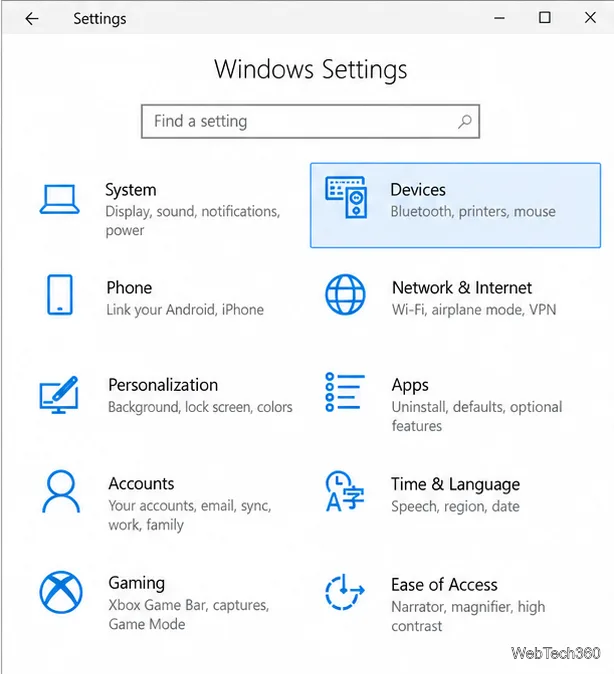
How to Turn On Predictive Text in Windows 10

How to Turn On Predictive Text in Windows 10

Turn on Windows 10 text suggestions for a physical or touch keyboard, learn how to choose a prediction, and troubleshoot when suggestions do not appear.

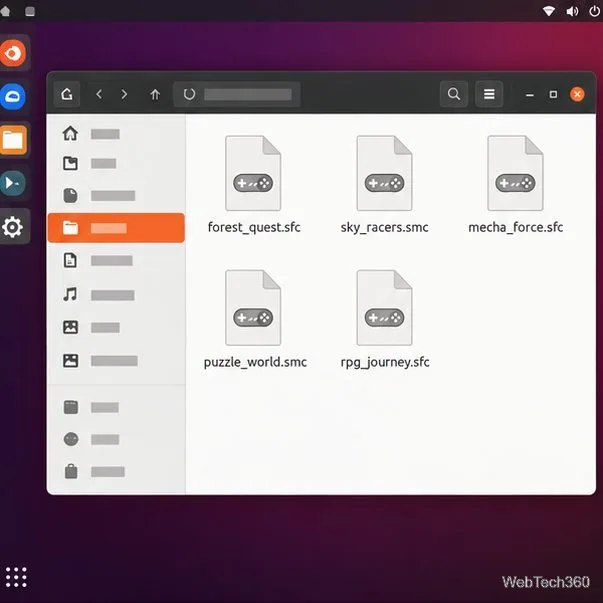
5 Ways to Play SNES Games on Linux with Current Emulators

5 Ways to Play SNES Games on Linux with Current Emulators

Compare five Linux-friendly SNES emulators—from Snes9x and RetroArch to Mednafen and Mesen CE—and learn how to install one, load a ROM, and set up a controller.

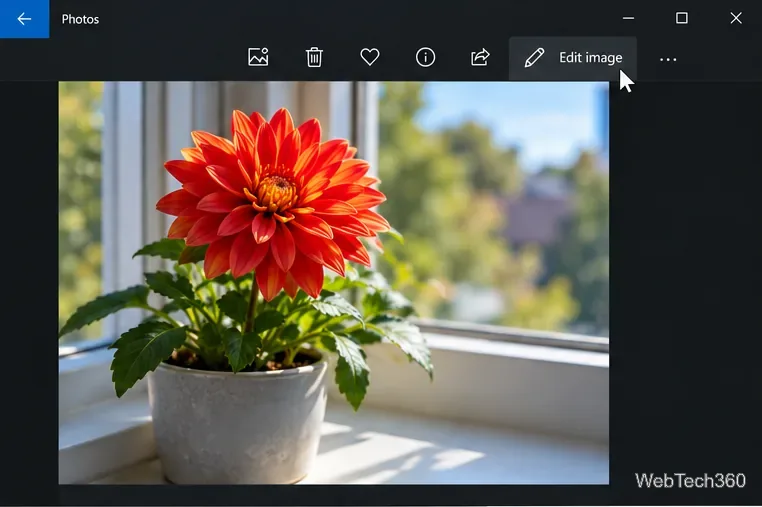
How to Make a Photo Black and White on Windows 10

How to Make a Photo Black and White on Windows 10

Use Windows 10 Photos to remove color or IrfanView’s grayscale command, then save a copy so your original photo stays in color.

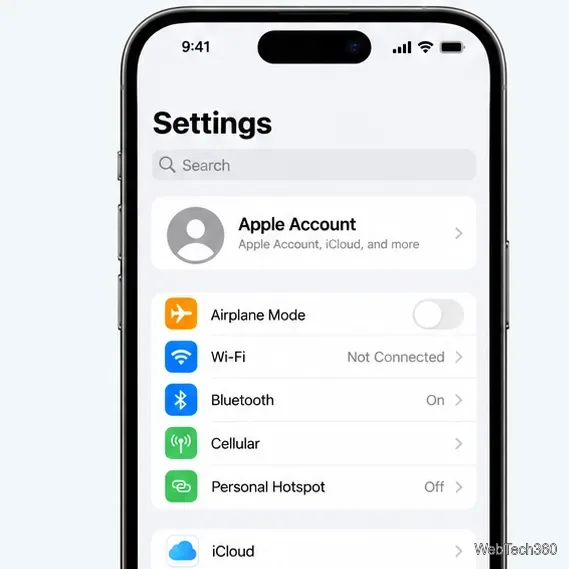
How to Fix “Sharing Name and Photo Not Available” on iPhone

How to Fix “Sharing Name and Photo Not Available” on iPhone

Match the Apple Account used by iCloud and iMessage, confirm activation, and follow safe steps to restore Messages name and photo sharing.

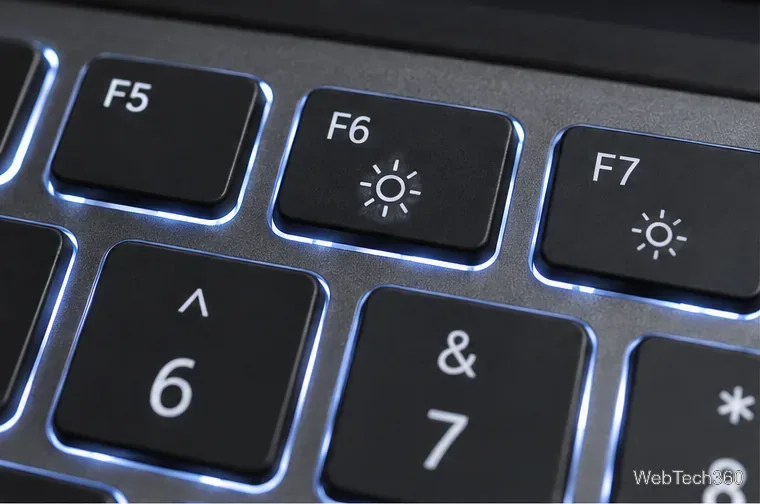
How to Keep Your Backlit Keyboard Always On

How to Keep Your Backlit Keyboard Always On

Set a supported HP or Dell keyboard light to stay on with its key control or BIOS timeout, and learn what to check if Always is missing.

How to Link an Apple ID to a Mac User Account

How to Link an Apple ID to a Mac User Account

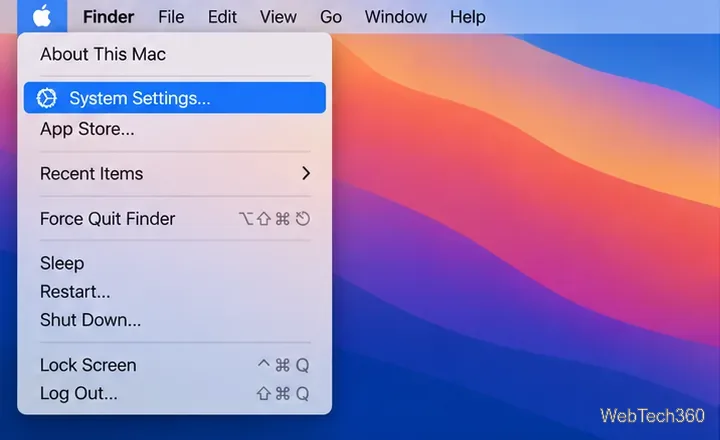
Sign in with your Apple ID (now called an Apple Account) in System Settings, then configure the separate Mac login password recovery option for that user.

How to Collapse and Expand Tab Groups in Chrome

How to Collapse and Expand Tab Groups in Chrome

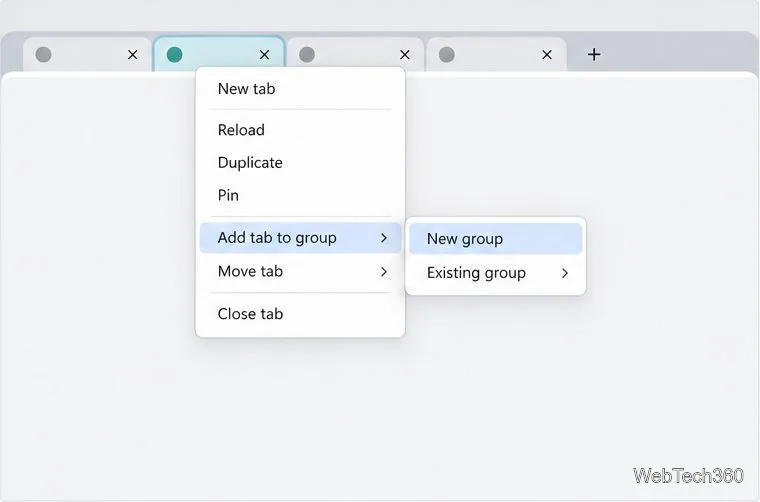
Organize related Chrome tabs into a group, then hide or reopen them with one click. See the current desktop steps, keyboard option, and what collapsing does.

How to Run a Steam Game in Safe Mode on Windows 10

How to Run a Steam Game in Safe Mode on Windows 10

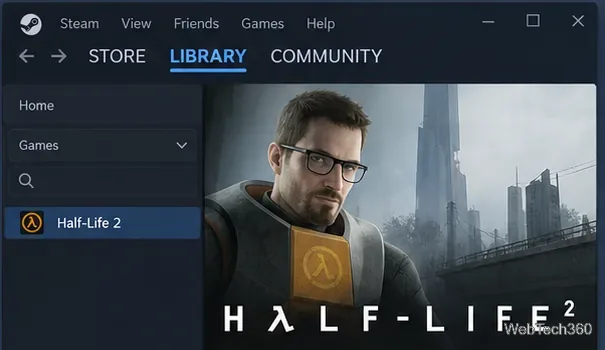
Learn how to run a supported Steam game in safe mode on Windows 10 with the -safe launch option, then remove it to restore normal startup.

How to Turn Compatibility Mode On or Off for an App in Windows 10

How to Turn Compatibility Mode On or Off for an App in Windows 10

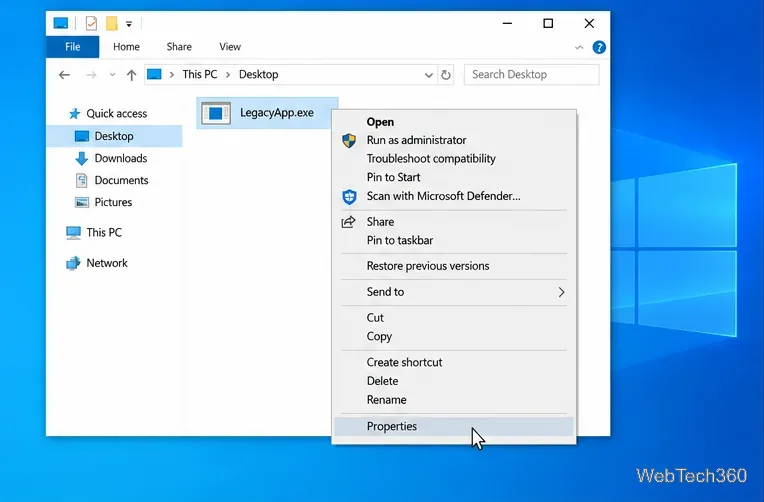
Use the Windows 10 Compatibility tab to enable or disable compatibility mode for a desktop app, save the setting, and troubleshoot problems.