How to Find a Recently Downloaded File on Windows 10
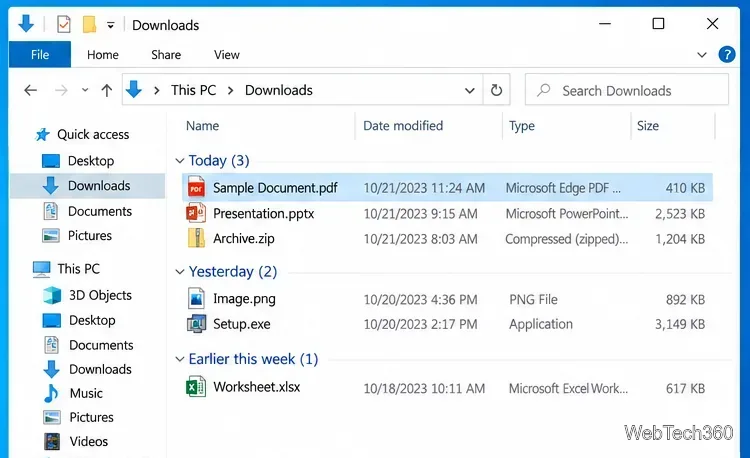
Can't find a recent download in Windows 10? Check Downloads, use your browser's download history, open the containing folder, or search the PC.
Can't find a recent download in Windows 10? Check Downloads, use your browser's download history, open the containing folder, or search the PC.
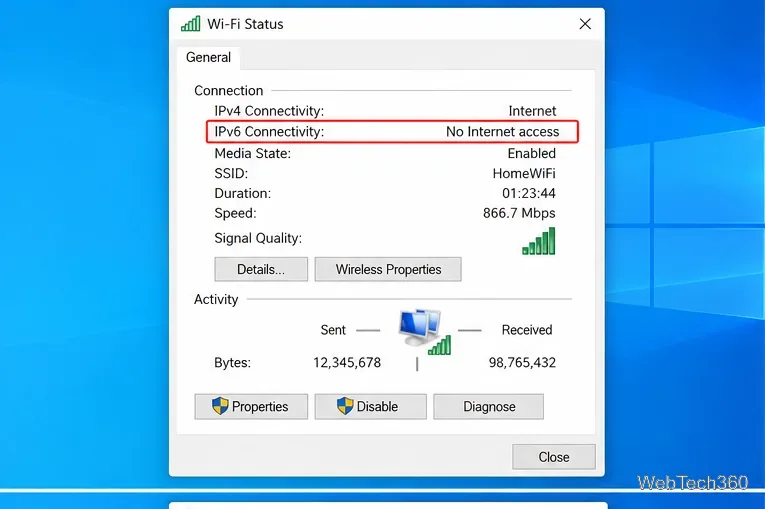
Seeing IPv6 No Internet Access on Windows 10? Check whether IPv6 is available, re-enable TCP/IPv6, reset networking, and repair the adapter safely.
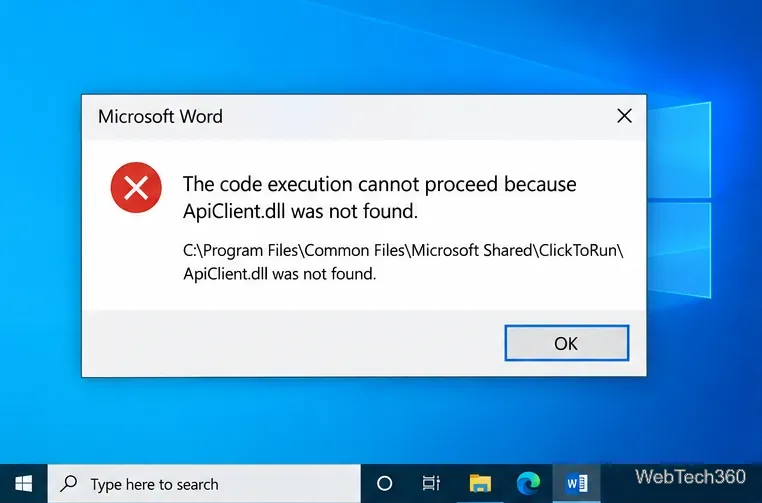
Fix the APIClient.dll was not found error on Windows 10 by repairing Microsoft 365, reinstalling Click-to-Run, and checking Windows system files safely.
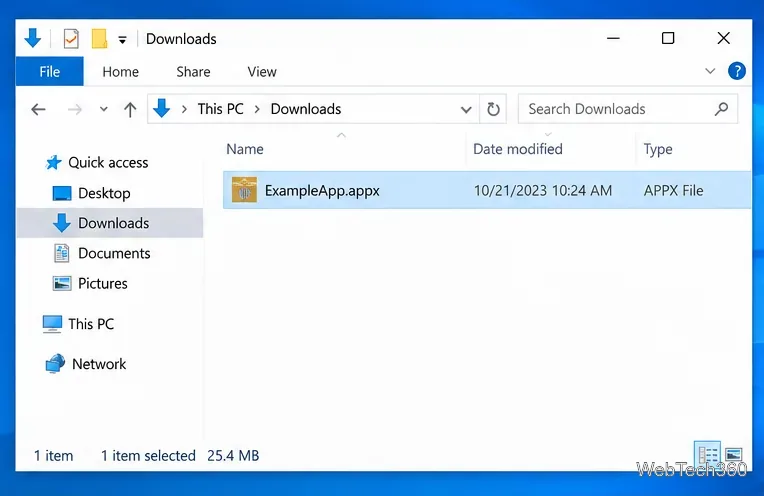
Learn how to install an APPX or APPXBUNDLE on Windows 10 with App Installer or PowerShell, plus fixes for signing and dependency errors.
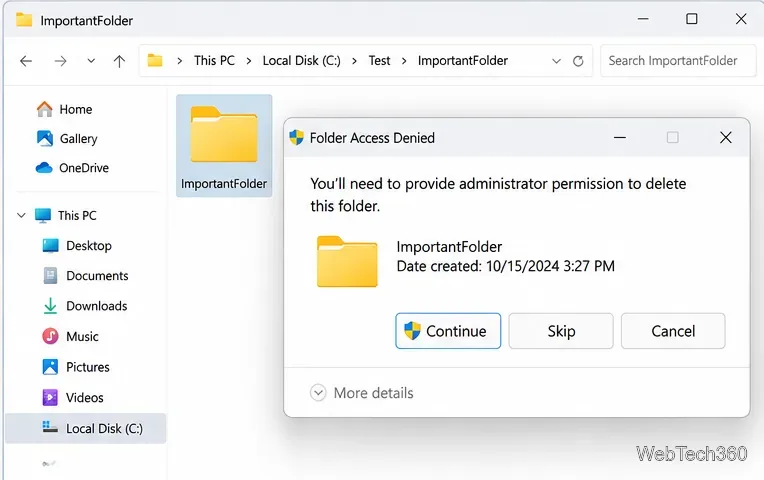
Seeing “You need administrator permission to delete this folder”? Fix ownership and NTFS permissions safely with File Explorer, takeown, icacls, and Safe Mode.
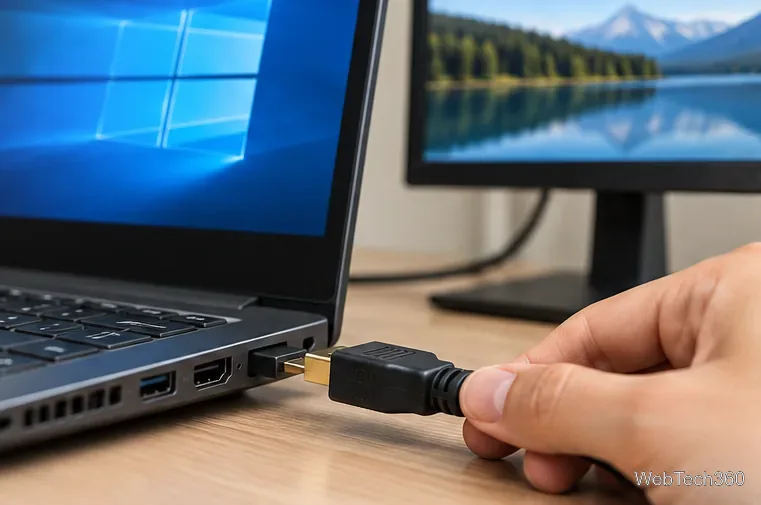
If HDMI is not working in Windows 10, check the cable, choose the correct display and audio output, reset graphics, and repair or roll back drivers.
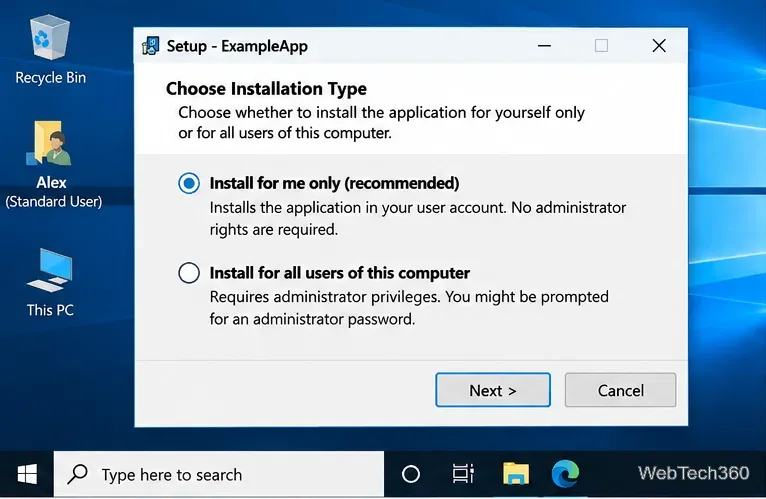
Learn when Windows 10 software can be installed without admin rights using per-user installers, portable apps, or permitted app packages—and when administrator approval is required.
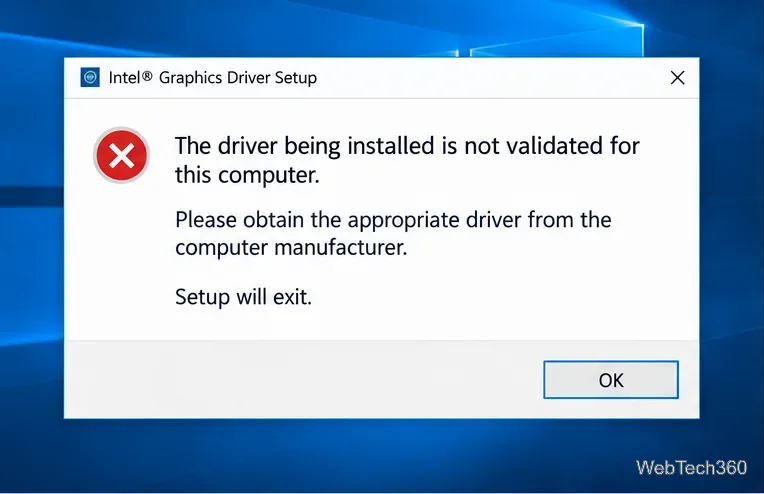
Fix Intel’s “driver being installed is not validated for this computer” error on Windows 10 with the correct OEM/DCH driver and safe install steps.
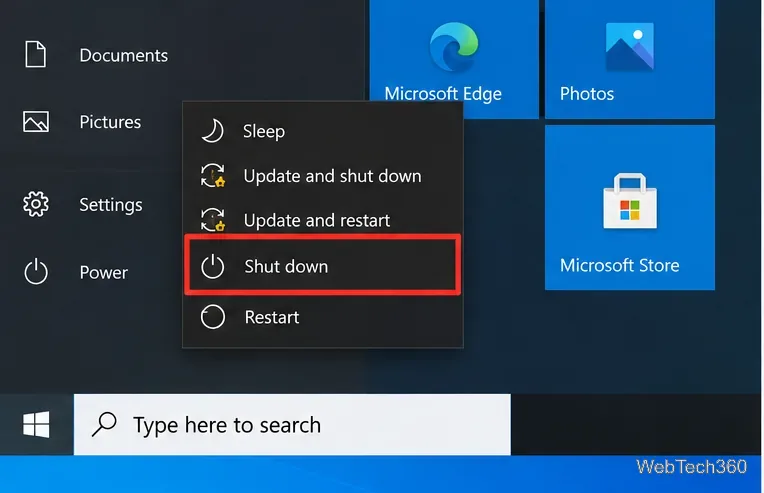
Need to turn off a Windows 10 PC without waiting for updates? Use Shut down, Alt+F4, or shutdown /s /t 0, and learn when pausing updates helps.
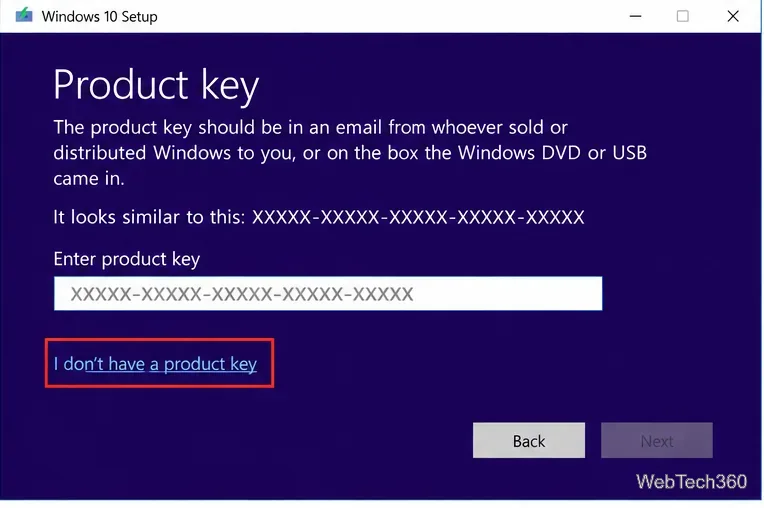
Formatted your PC? Recover or reactivate Windows 10 using a digital license, OEM firmware key, Microsoft purchase record, or Activation troubleshooter.
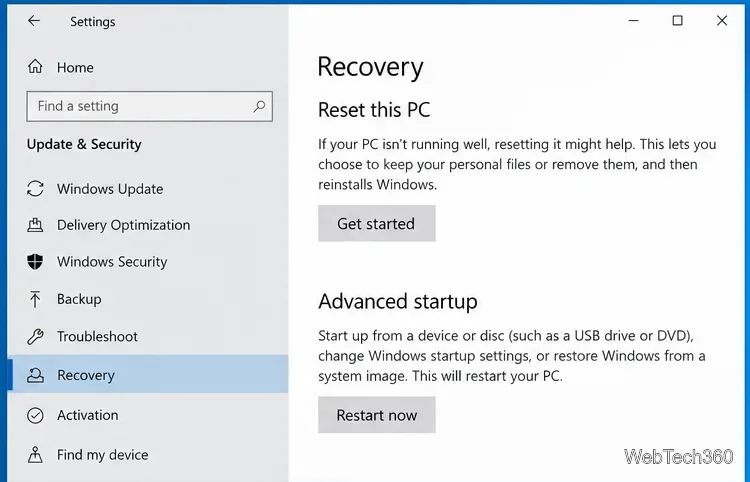
Learn how to factory reset Windows 10 from Settings or Windows Recovery, choose the right reset options, and recover when Reset this PC fails.
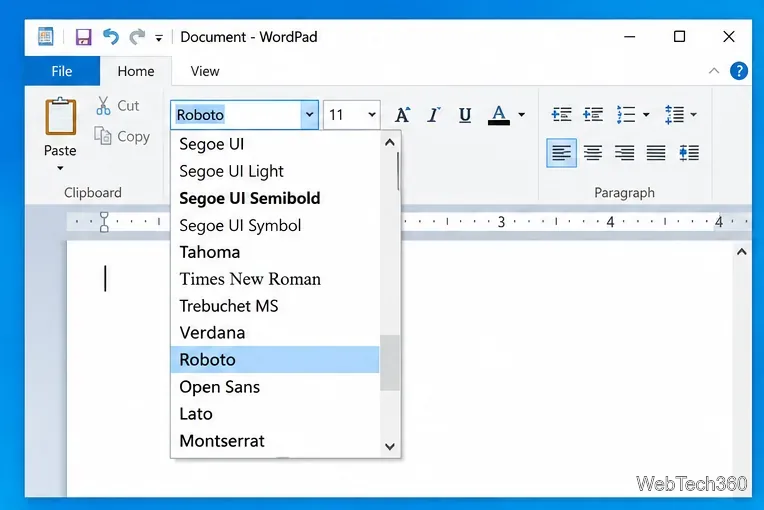
If installed fonts are not showing in Windows 10 apps, verify the font in Settings, reinstall it for all users, check the file format, and repair Windows if needed.
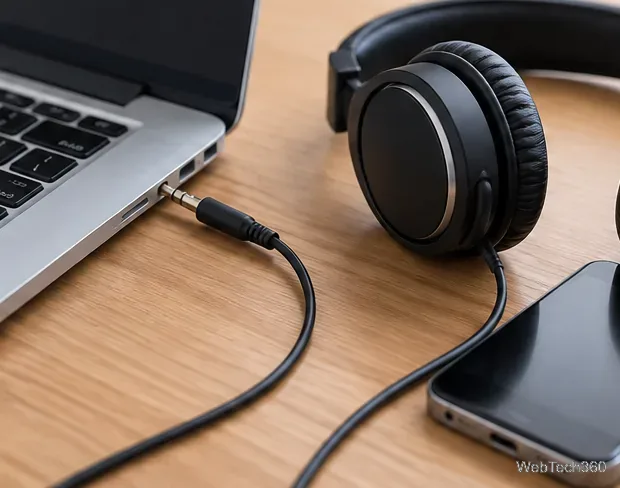
Fix no sound from headphones in Windows 10 by checking the output device, Volume Mixer, enhancements, audio services, and drivers.
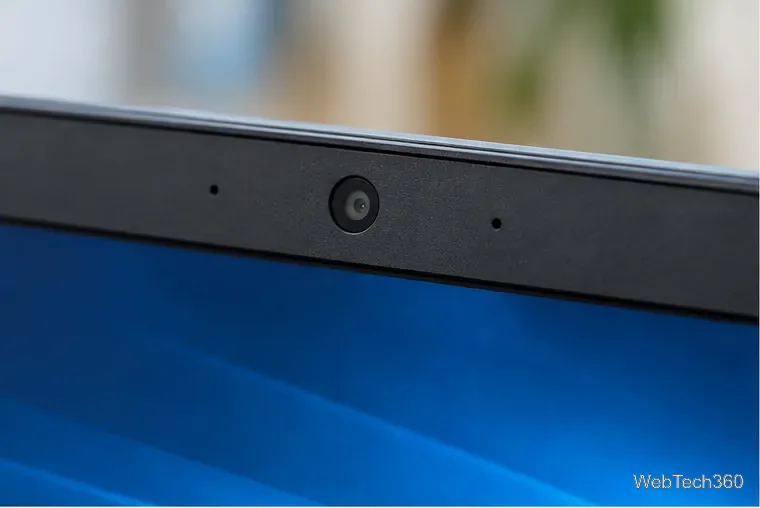
Fix a black webcam screen in Windows 10 by checking the lens, camera permissions, app conflicts, drivers, USB ports, and hardware in the right order.
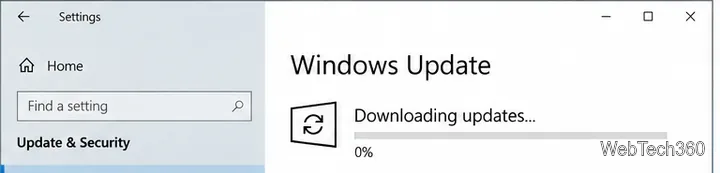
Windows Update stuck at 0% in Windows 10? Try these current fixes for connection, storage, update services, cache corruption, and system files.

Stop unwanted Yahoo Search redirects in Chrome, Firefox, or Opera by fixing the default engine, removing extensions, resetting settings, and scanning Windows.
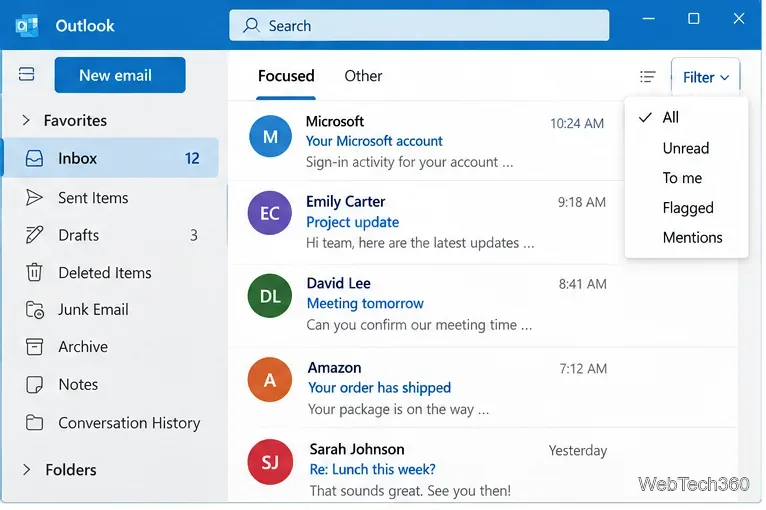
If emails are disappearing from Outlook, check filters, Deleted Items, sync settings, profiles, add-ins, data files, and app repair.
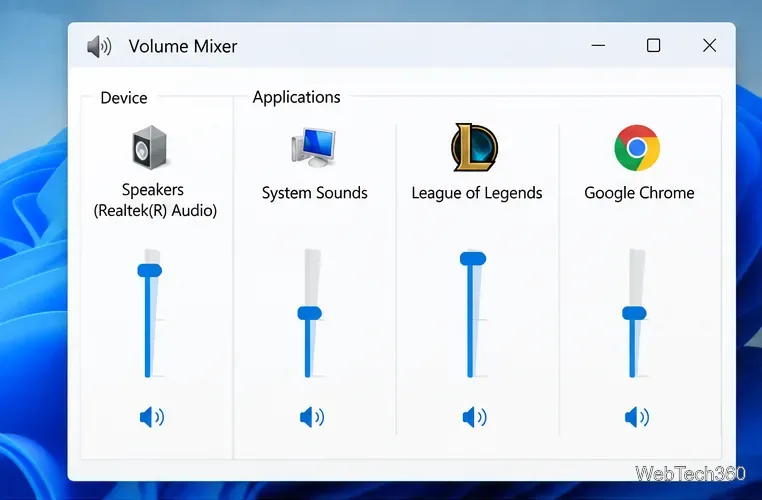
League of Legends sound not working? Fix missing game audio by checking Windows mixer, output devices, LoL sound settings, drivers, services, and Riot repair.
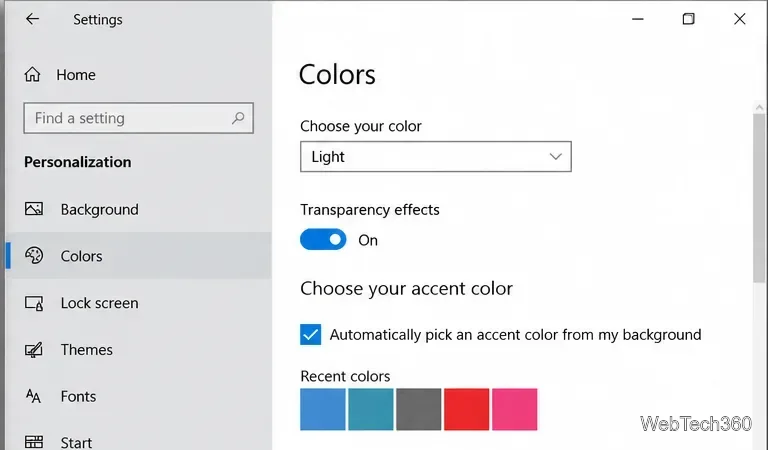
If transparent PNG thumbnails show a black background in Windows 10 File Explorer, verify alpha, rebuild the thumbnail cache, and repair Explorer safely.
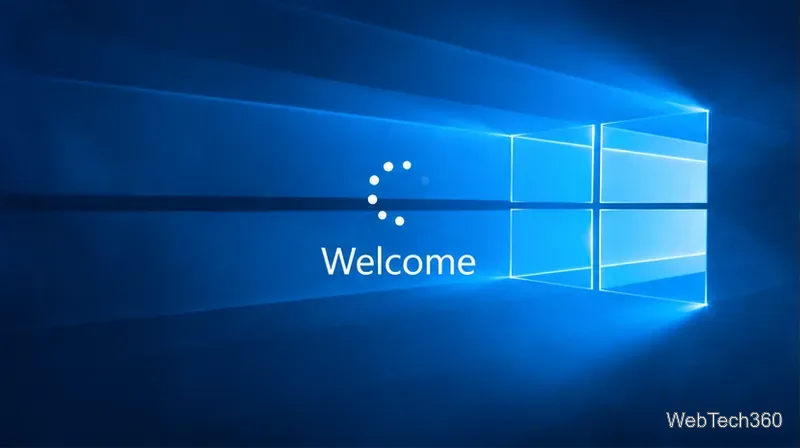
Windows 10 stuck on the Welcome screen? Try Startup Repair, Safe Mode, uninstalling updates, System Restore, and Reset this PC in the right order.
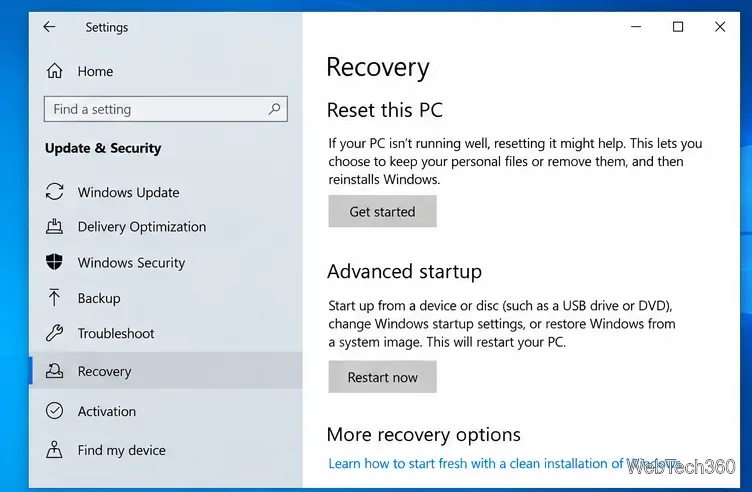
Windows 10 reset failed? Repair system files, retry with Cloud download, use Windows RE, or reinstall Windows safely when Reset this PC will not finish.
![How to Fix a Weak Wi-Fi Signal on Windows 10 [Quick Tutorial]](https://tips.webtech360.com/resources_cts/images2/how-to-fix-a-weak-wi-fi-signal-on-windows-10_752253861.webp "How to Fix a Weak Wi-Fi Signal on Windows 10 [Quick Tutorial]")
Fix a weak Wi-Fi signal on Windows 10 by checking router placement, reconnecting Wi-Fi, updating the adapter driver, and resetting networking safely.
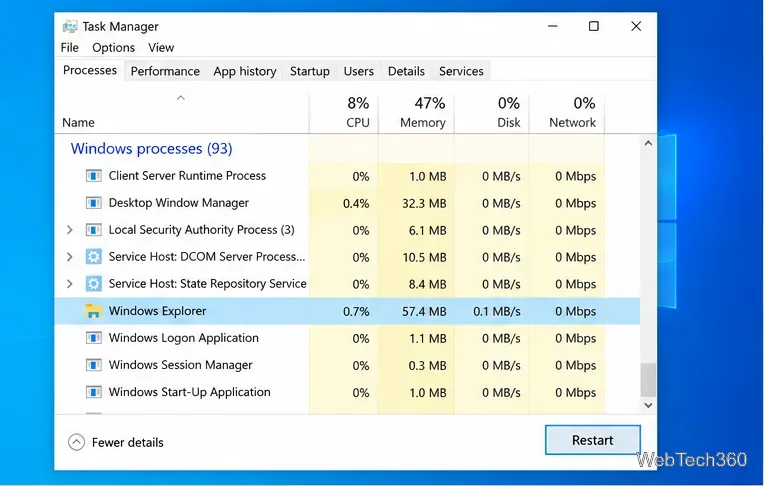
Fix slow File Explorer in Windows 10 with targeted steps for Quick access, thumbnails, search indexing, system files, shell conflicts, and memory.
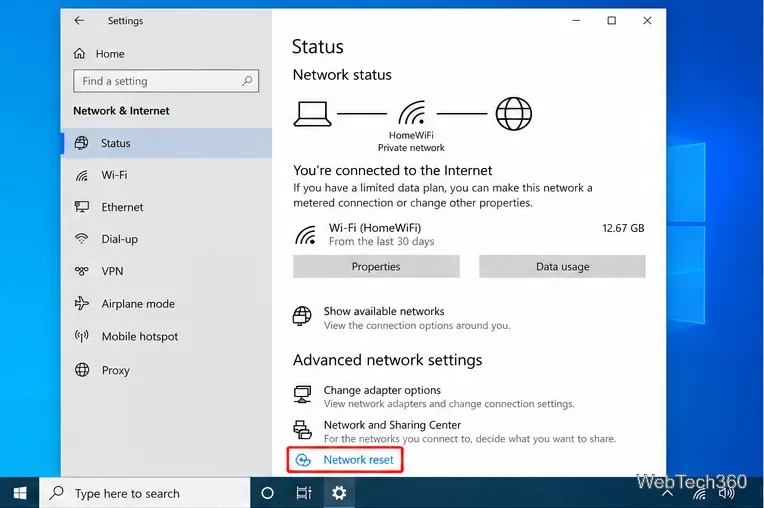
Reset a Windows 10 network adapter safely using Network reset, Device Manager, or Microsoft-recommended TCP/IP and DNS repair commands.
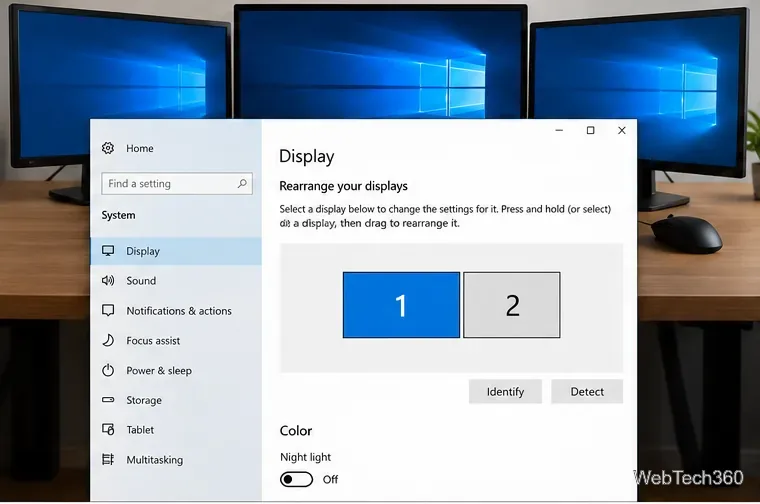
Learn how to arrange multiple monitors on Windows 10, match the on-screen layout to your desk, fix cursor direction, and adjust display settings.
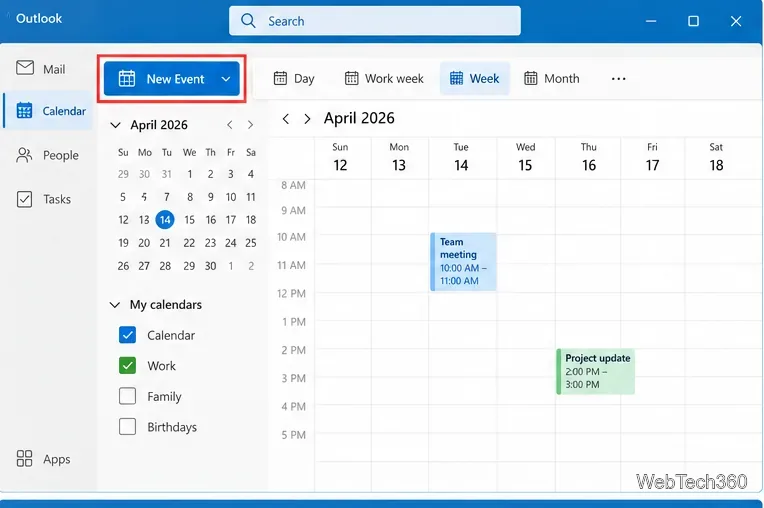
Learn how to add, edit, and delete calendar events on Windows 10 with new Outlook, plus connect Google, iCloud, Yahoo, and Microsoft calendars.
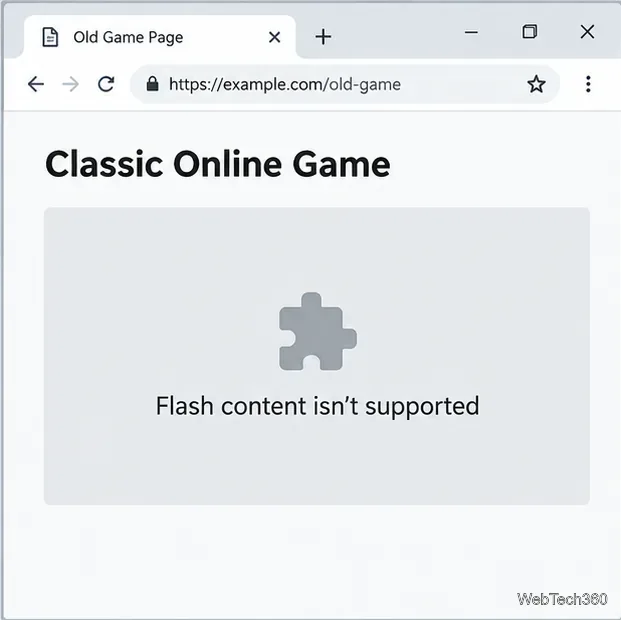
Adobe Flash no longer runs in current Chrome, Edge, or Firefox. Learn why old Allow settings fail and how to find HTML5 replacements, archives, and safe emulators.
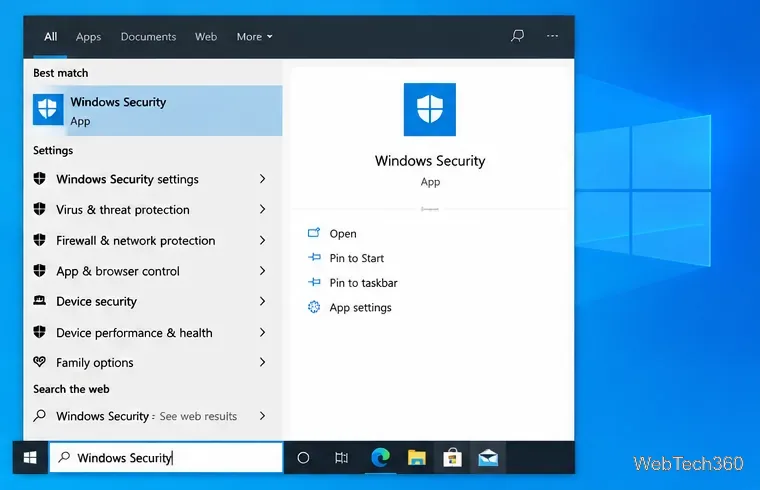
Allow a trusted app through Windows 10 Firewall, choose Private or Public network access, and troubleshoot missing or disabled permissions.
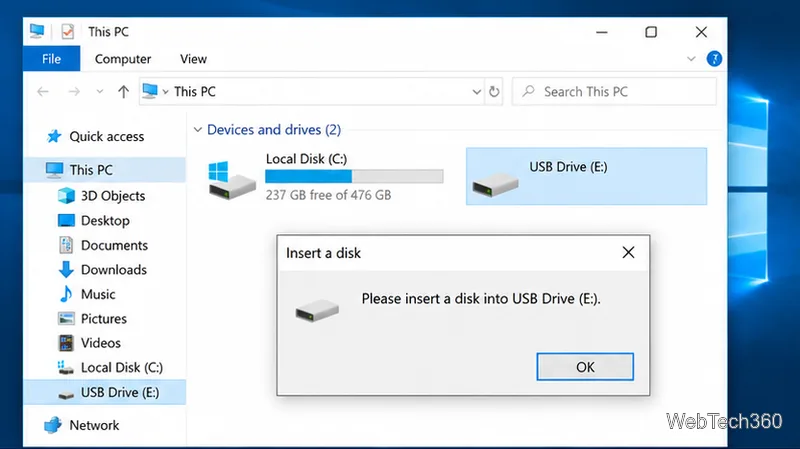
Fix the “Please insert a disk into USB drive” error in Windows 10 by checking Disk Management, drivers, drive letters, and whether the USB shows No Media.
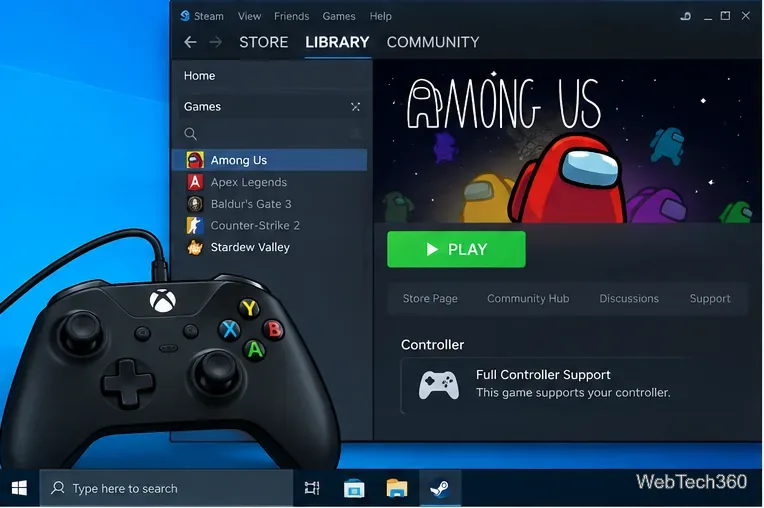
Play Among Us with a controller on Windows 10 using native gamepad support, plus Steam Input tips for Xbox, PlayStation, and other controllers.