WINDOWS | Page 9

Fix a Black Background on PNG Thumbnails in Windows 10 File Explorer
Fix a Black Background on PNG Thumbnails in Windows 10 File Explorer

If transparent PNG thumbnails show a black background in Windows 10 File Explorer, verify alpha, rebuild the thumbnail cache, and repair Explorer safely.
How to Fix Windows 10 Stuck on the Welcome Screen

How to Fix Windows 10 Stuck on the Welcome Screen

Windows 10 stuck on the Welcome screen? Try Startup Repair, Safe Mode, uninstalling updates, System Restore, and Reset this PC in the right order.

Windows 10 Reset Failed? How to Fix It and Reset Windows

Windows 10 Reset Failed? How to Fix It and Reset Windows

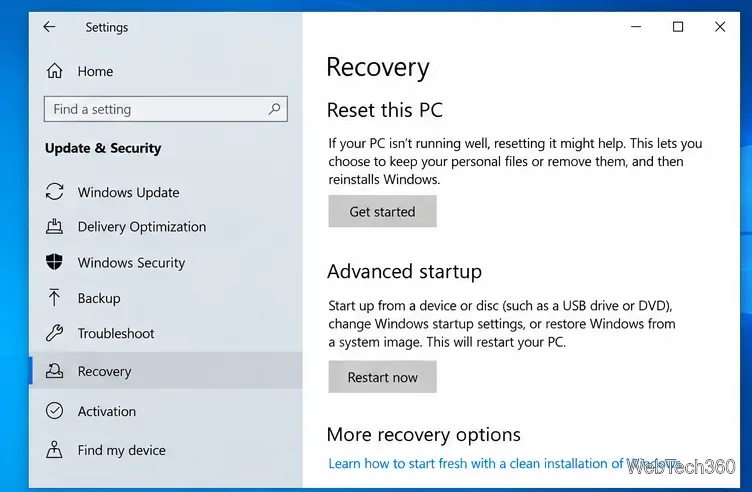
Windows 10 reset failed? Repair system files, retry with Cloud download, use Windows RE, or reinstall Windows safely when Reset this PC will not finish.

How to Fix a Weak Wi-Fi Signal on Windows 10 [Quick Tutorial]

How to Fix a Weak Wi-Fi Signal on Windows 10 [Quick Tutorial]

Fix a weak Wi-Fi signal on Windows 10 by checking router placement, reconnecting Wi-Fi, updating the adapter driver, and resetting networking safely.

Windows 10 File Explorer Slow? 8 Fixes That Still Work

Windows 10 File Explorer Slow? 8 Fixes That Still Work

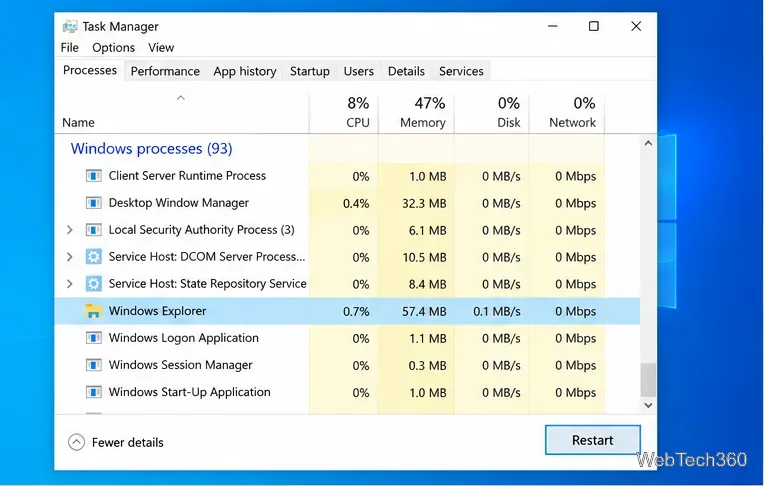
Fix slow File Explorer in Windows 10 with targeted steps for Quick access, thumbnails, search indexing, system files, shell conflicts, and memory.

How to Reset a Network Adapter on Windows 10

How to Reset a Network Adapter on Windows 10

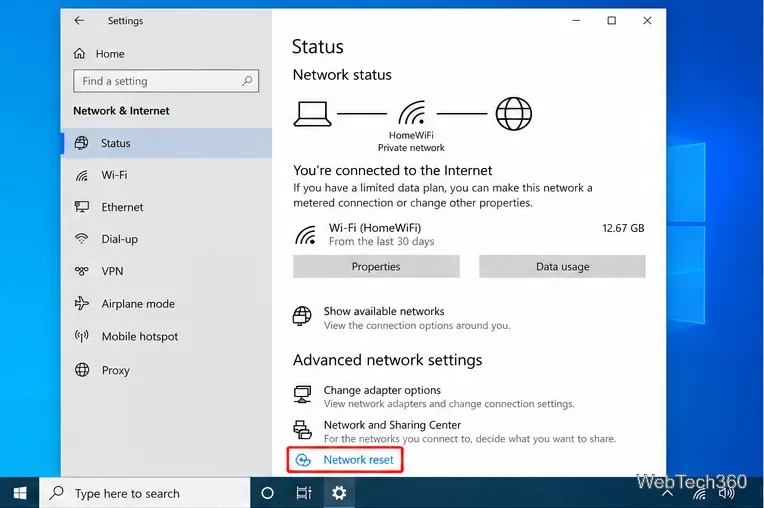
Reset a Windows 10 network adapter safely using Network reset, Device Manager, or Microsoft-recommended TCP/IP and DNS repair commands.

How to Arrange Multiple Monitors on Windows 10

How to Arrange Multiple Monitors on Windows 10

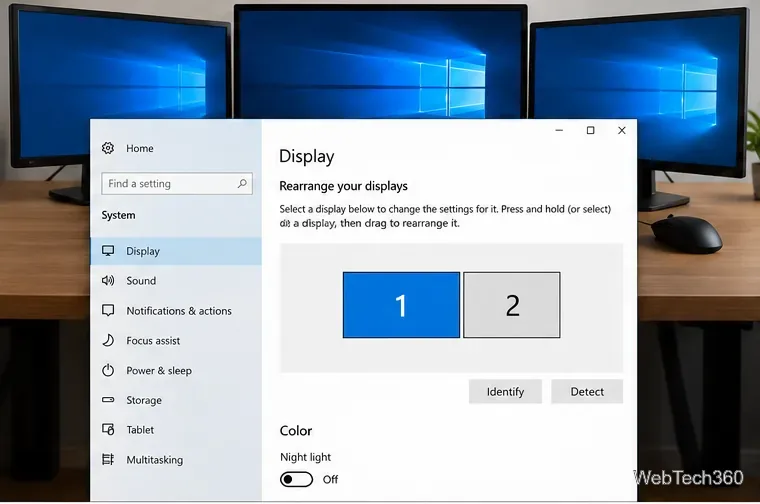
Learn how to arrange multiple monitors on Windows 10, match the on-screen layout to your desk, fix cursor direction, and adjust display settings.

How to Add Events to Windows 10 Calendar Using New Outlook

How to Add Events to Windows 10 Calendar Using New Outlook

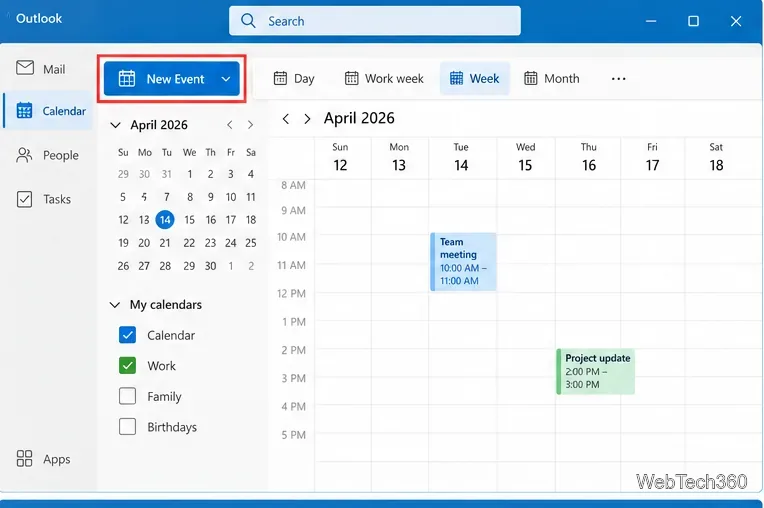
Learn how to add, edit, and delete calendar events on Windows 10 with new Outlook, plus connect Google, iCloud, Yahoo, and Microsoft calendars.

Unblock Adobe Flash in Chrome, Edge, and Firefox: What Works Now

Unblock Adobe Flash in Chrome, Edge, and Firefox: What Works Now

Adobe Flash no longer runs in current Chrome, Edge, or Firefox. Learn why old Allow settings fail and how to find HTML5 replacements, archives, and safe emulators.

How to Allow an App to Communicate Over the Network in Windows 10

How to Allow an App to Communicate Over the Network in Windows 10

Allow a trusted app through Windows 10 Firewall, choose Private or Public network access, and troubleshoot missing or disabled permissions.

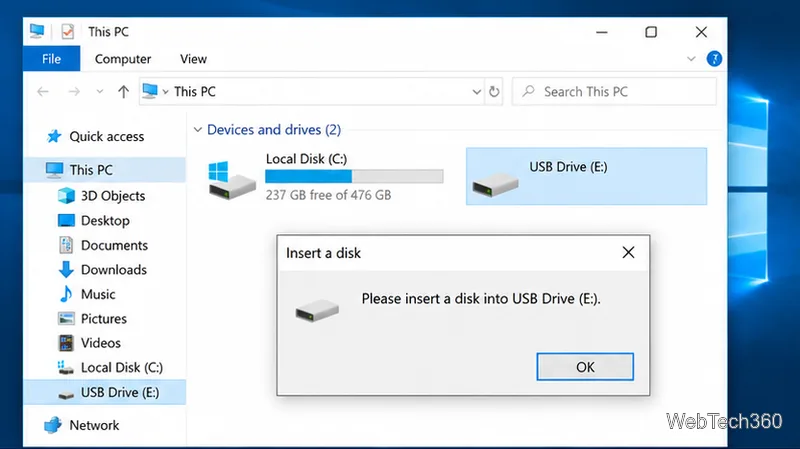
How to Fix “Please Insert a Disk into USB Drive” on Windows 10

How to Fix “Please Insert a Disk into USB Drive” on Windows 10

Fix the “Please insert a disk into USB drive” error in Windows 10 by checking Disk Management, drivers, drive letters, and whether the USB shows No Media.

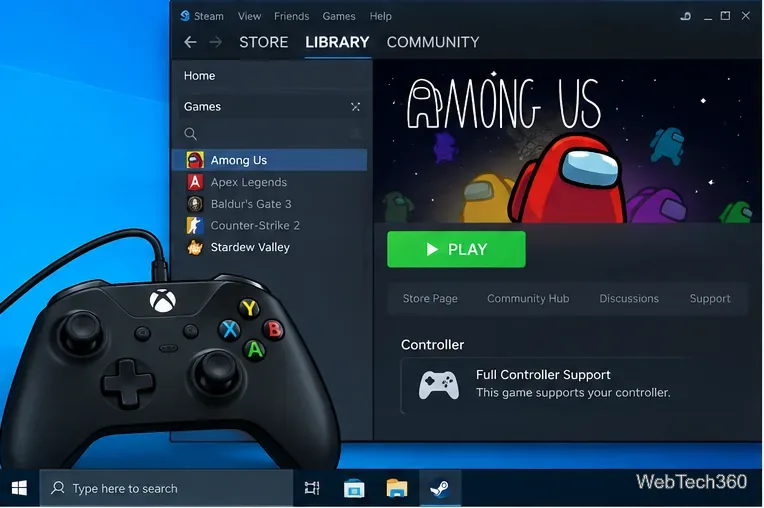
How to Play Among Us With a Controller on Windows 10

How to Play Among Us With a Controller on Windows 10

Play Among Us with a controller on Windows 10 using native gamepad support, plus Steam Input tips for Xbox, PlayStation, and other controllers.

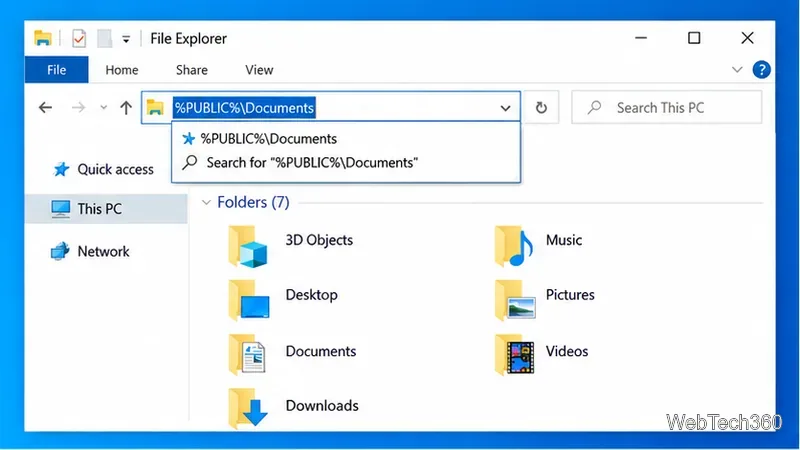
How to Share a Folder With All Users on Windows 10

How to Share a Folder With All Users on Windows 10

Share a folder with every local user on a Windows 10 PC using Public Documents, and fix permissions without accidentally enabling network sharing.

How to Save and Restore Window Positions on Windows 10

How to Save and Restore Window Positions on Windows 10

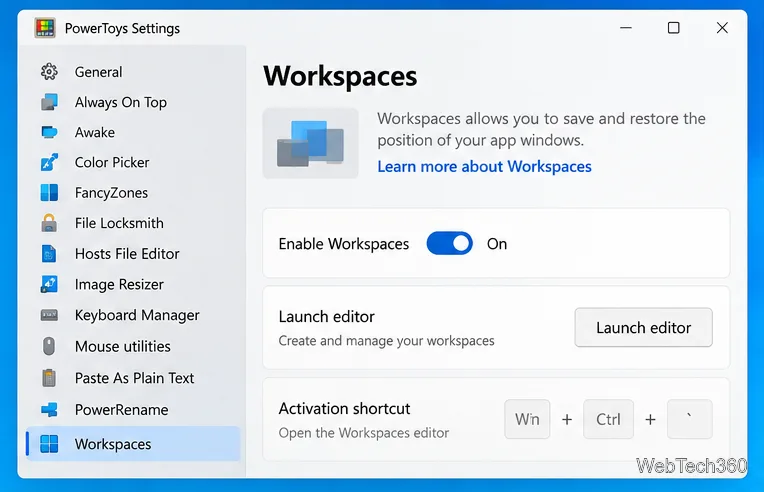
Save and restore window positions on Windows 10 with Microsoft PowerToys Workspaces, plus use FancyZones for repeatable layouts and Snap for quick arrangement.

How to Use Open With for Multiple Files on Windows 10

How to Use Open With for Multiple Files on Windows 10

Windows 10 may hide Open With for multi-file selections. Add an app shortcut to Send To to open several files in one program without changing defaults.

How to Run an App as a Different User on Windows 10

How to Run an App as a Different User on Windows 10

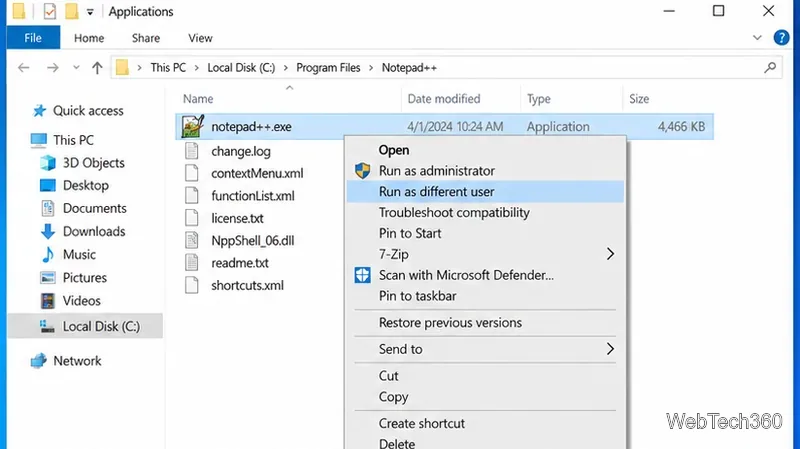
Run a Windows 10 app under another user account with Shift + right-click or the runas command, plus fixes when the option is missing.

How to Search Text in Multiple Office Files on Windows 10

How to Search Text in Multiple Office Files on Windows 10

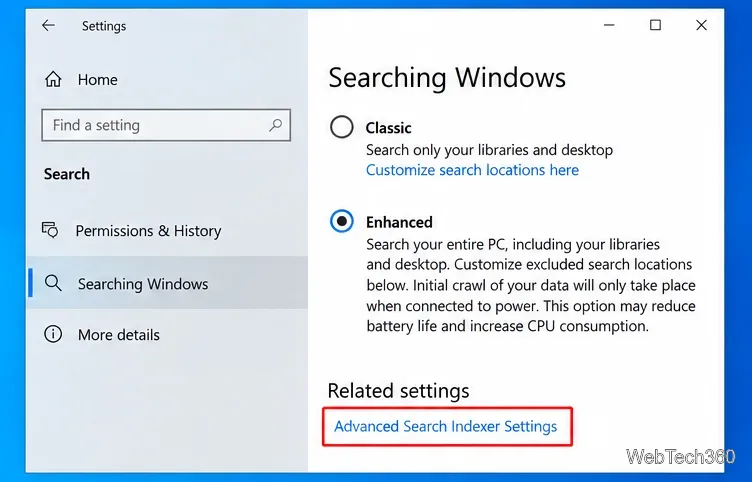
Search Word, Excel, and PowerPoint file contents at once in Windows 10 using File Explorer and Windows Search indexing, without the old Office Search utility.

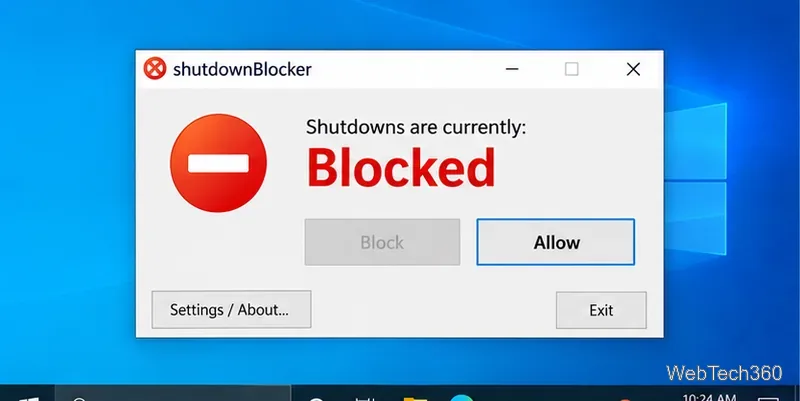
How to Block Shut Down and Restart on Windows 10

How to Block Shut Down and Restart on Windows 10

Learn how to block shut down and restart on Windows 10 with ShutdownBlocker or Group Policy, plus how to undo the block safely.

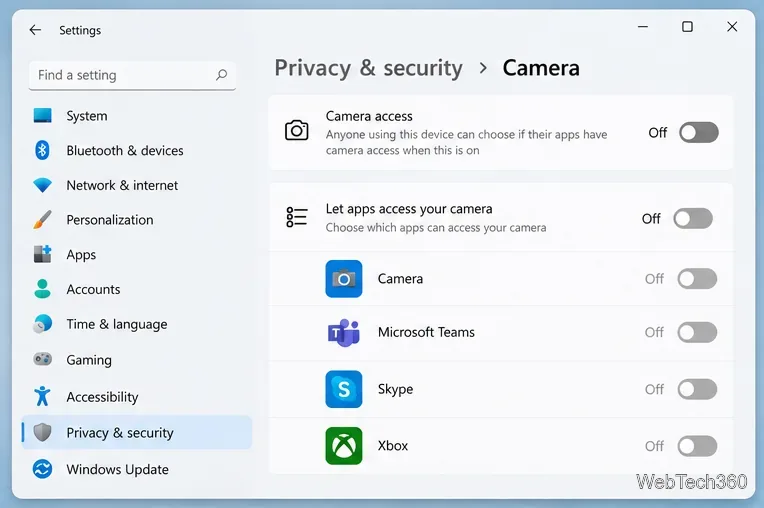
How to Disable Your Webcam When Not in Use on Windows

How to Disable Your Webcam When Not in Use on Windows

Disable your webcam in Windows 11 or Windows 10 using Camera settings, Device Manager, app permissions, or a physical shutter, with safe re-enable steps.

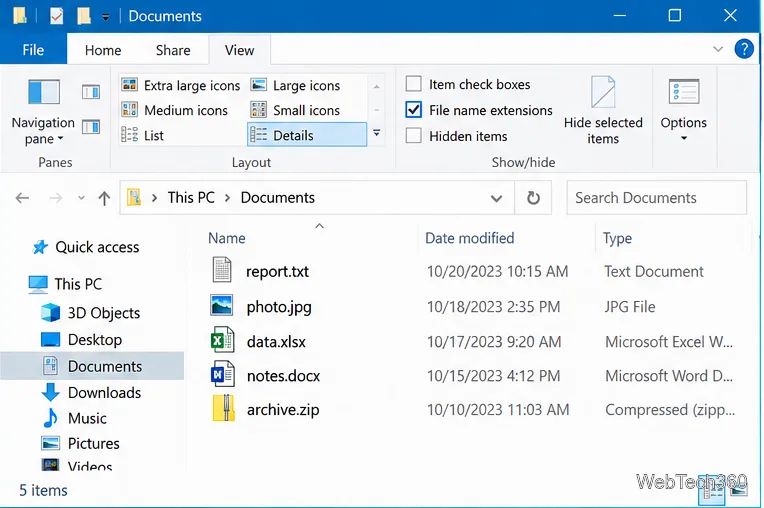
How to Change a File Extension on Windows 10

How to Change a File Extension on Windows 10

Learn how to show file name extensions in Windows 10, rename an extension safely, and understand why renaming does not convert the file format.

How to Turn Off the Desktop Background in Windows 10

How to Turn Off the Desktop Background in Windows 10

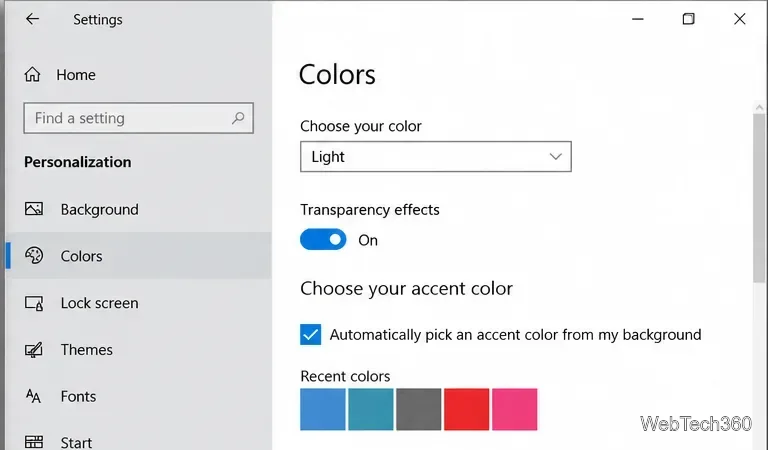
Learn how to turn off the Windows 10 desktop background image, use a solid color instead, and restore your wallpaper when you want it back.

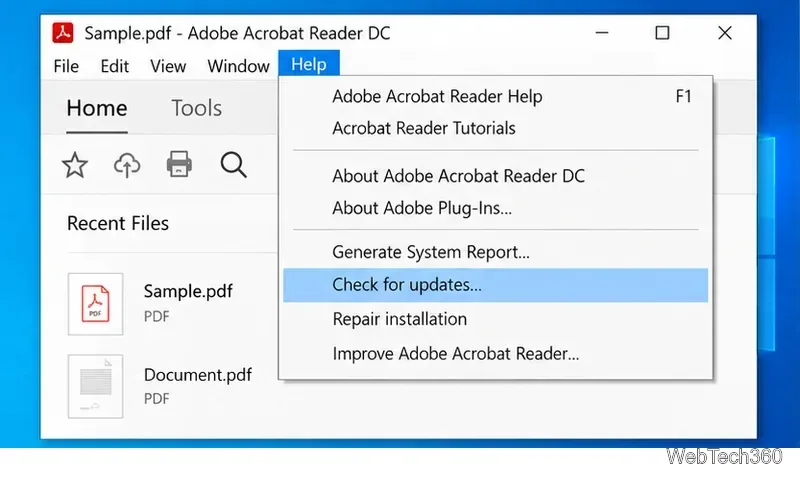
Can’t Print a PDF in Adobe Acrobat Reader on Windows 10? Try These Fixes

Can’t Print a PDF in Adobe Acrobat Reader on Windows 10? Try These Fixes

Can’t print a PDF in Adobe Acrobat Reader on Windows 10? Check Reader, the printer queue and driver, use Print as Image, and isolate bad PDF files.

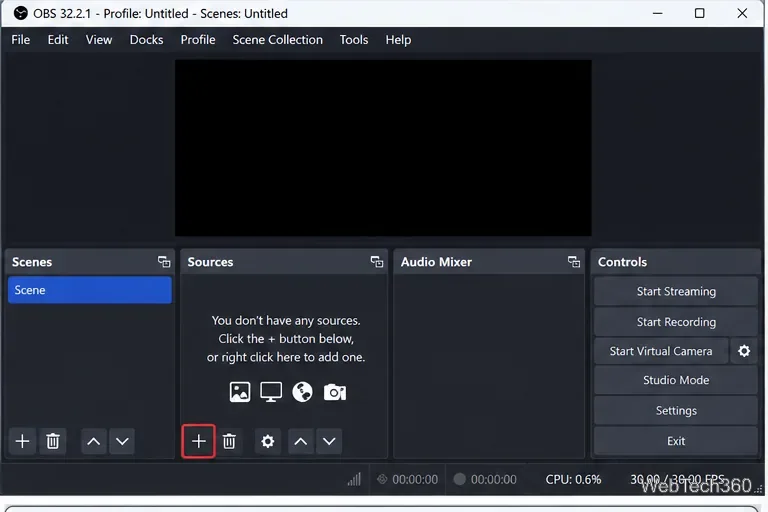
How to Record Two Windows Side by Side on Windows 10 with OBS

How to Record Two Windows Side by Side on Windows 10 with OBS

Record two windows side by side on Windows 10 with OBS Studio. Add two Window Capture sources, arrange them on one canvas, capture audio, and record.

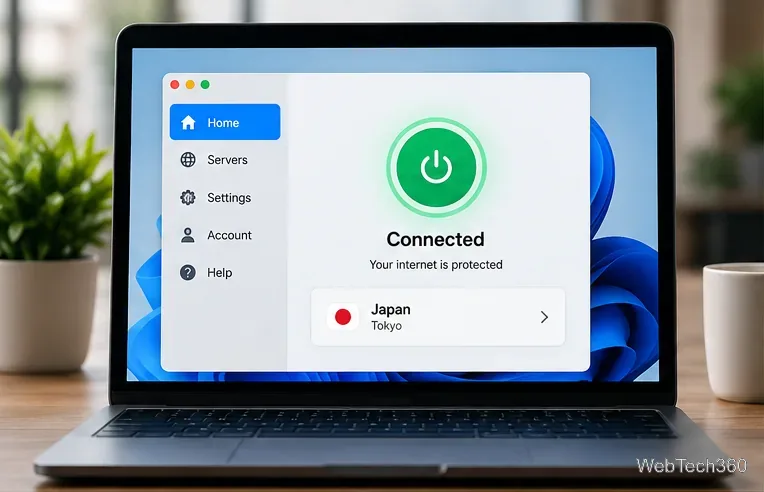
How to Unblock Sites in China: VPN Setup, Risks, and Troubleshooting

How to Unblock Sites in China: VPN Setup, Risks, and Troubleshooting

Learn how to unblock sites in China with a VPN, prepare before travel, use anti-censorship features, troubleshoot connections, and understand legal risks.

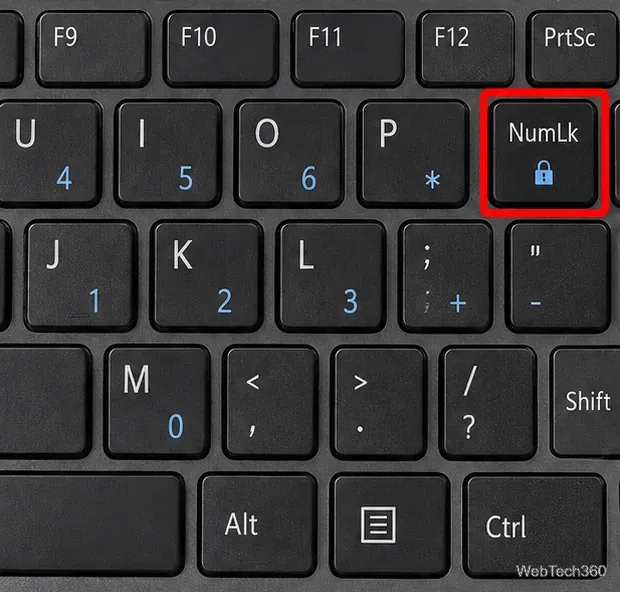
Keyboard Typing Numbers Instead of Letters in Windows 10? Here’s How to Fix It

Keyboard Typing Numbers Instead of Letters in Windows 10? Here’s How to Fix It

If your Windows 10 keyboard types numbers instead of letters, turn off Num Lock first, then check remapping tools, startup apps, and Safe Mode.

Keyboard Typing Wrong Letters on Windows 10? How to Fix It

Keyboard Typing Wrong Letters on Windows 10? How to Fix It

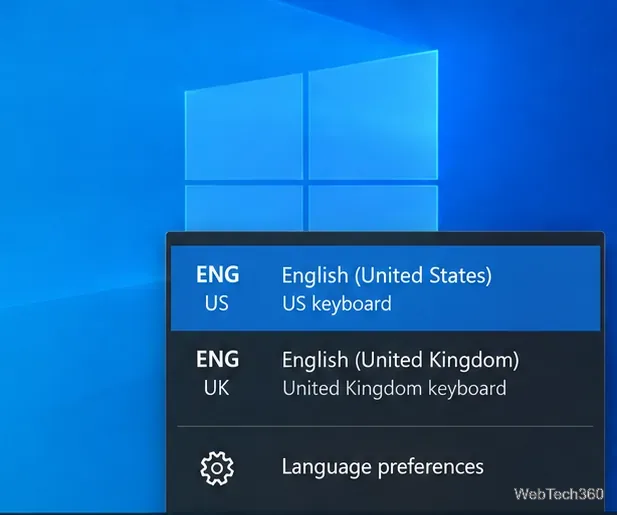
Keyboard typing wrong letters on Windows 10? Fix the layout, language, Num Lock, remapping apps, troubleshooter, and keyboard driver with these steps.

How to Use Graphing Mode in Calculator on Windows 10

How to Use Graphing Mode in Calculator on Windows 10

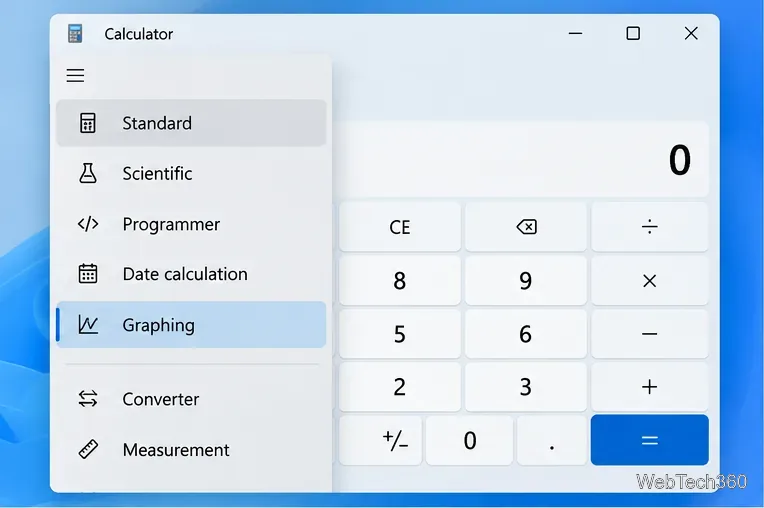
Learn how to open Graphing mode in Windows Calculator, plot equations, use variables, trace points, analyze graph features, and fix a missing Graphing option.

Why Does My Screen Keep Dimming? Fix Windows 10 Screen Dimming

Why Does My Screen Keep Dimming? Fix Windows 10 Screen Dimming

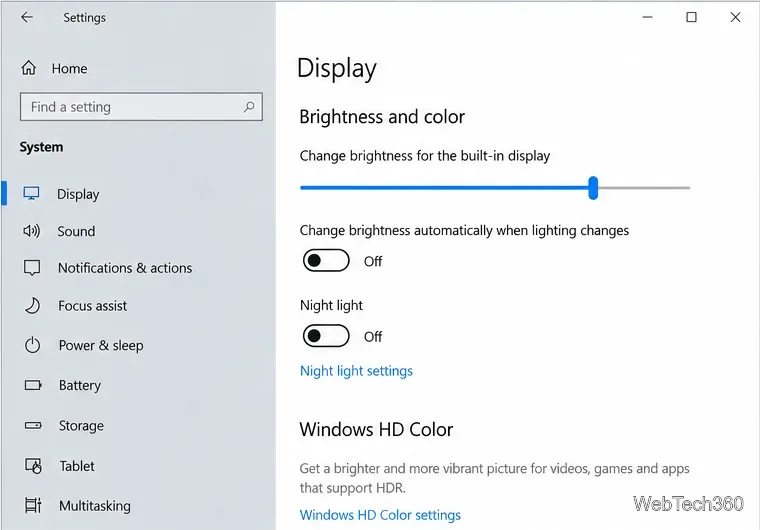
If your Windows 10 screen keeps dimming on its own, turn off adaptive brightness, battery-saver dimming, and GPU power-saving features, then check drivers.

PC Won’t Connect to TV HDMI? 8 Fixes to Try

PC Won’t Connect to TV HDMI? 8 Fixes to Try

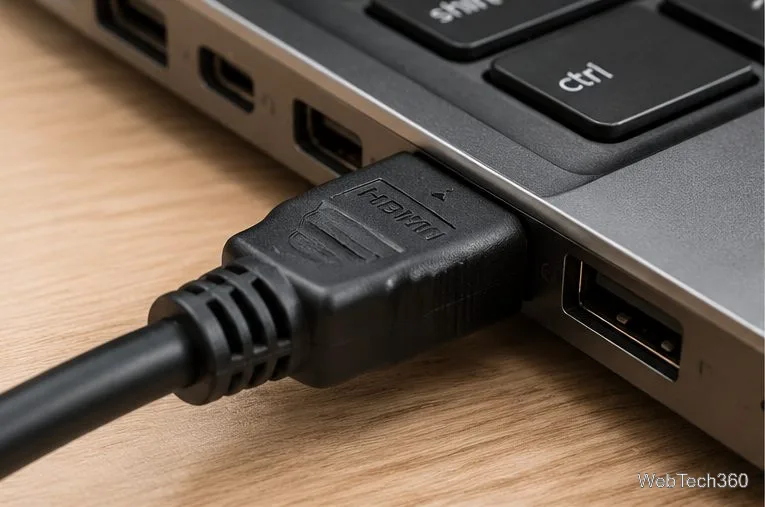
If your PC won’t connect to your TV over HDMI, check the cable and TV input, change Windows display settings, and troubleshoot ports and graphics drivers.

How to Run Apps as Administrator on Windows 10

How to Run Apps as Administrator on Windows 10

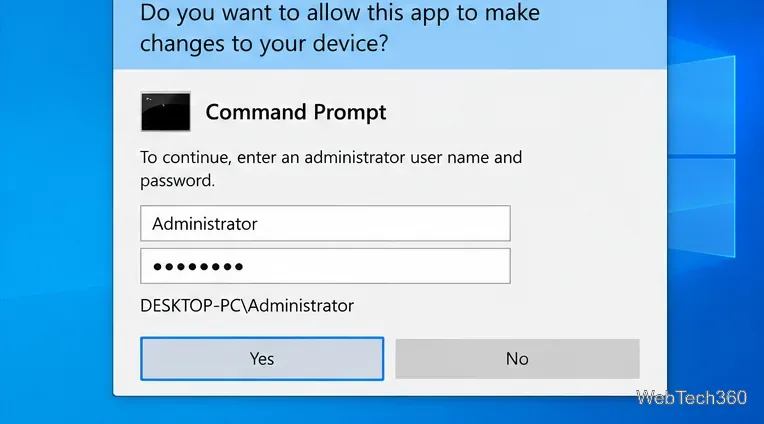
Learn safe ways to run apps with administrator rights on Windows 10, how UAC credentials work, and what to check when elevation is blocked.