How to Collapse and Expand Tab Groups in Chrome
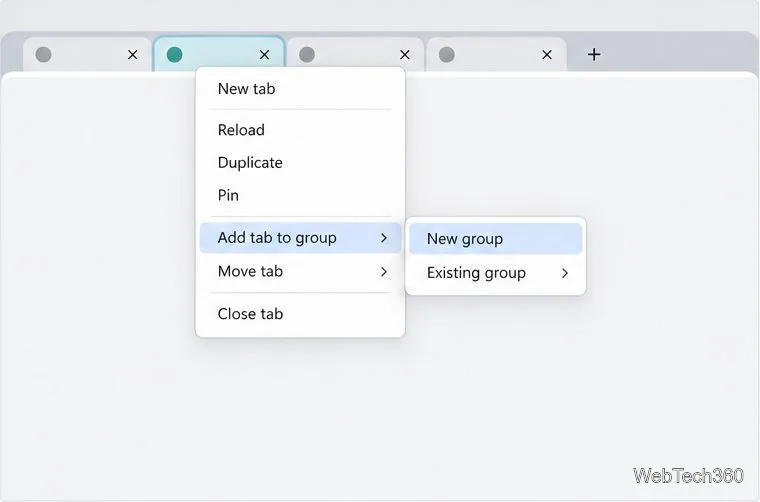
Organize related Chrome tabs into a group, then hide or reopen them with one click. See the current desktop steps, keyboard option, and what collapsing does.
Organize related Chrome tabs into a group, then hide or reopen them with one click. See the current desktop steps, keyboard option, and what collapsing does.
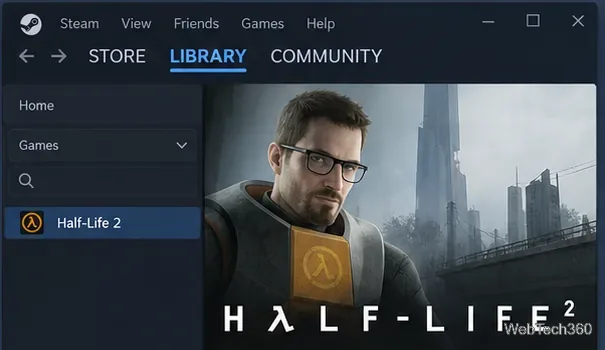
Learn how to run a supported Steam game in safe mode on Windows 10 with the -safe launch option, then remove it to restore normal startup.
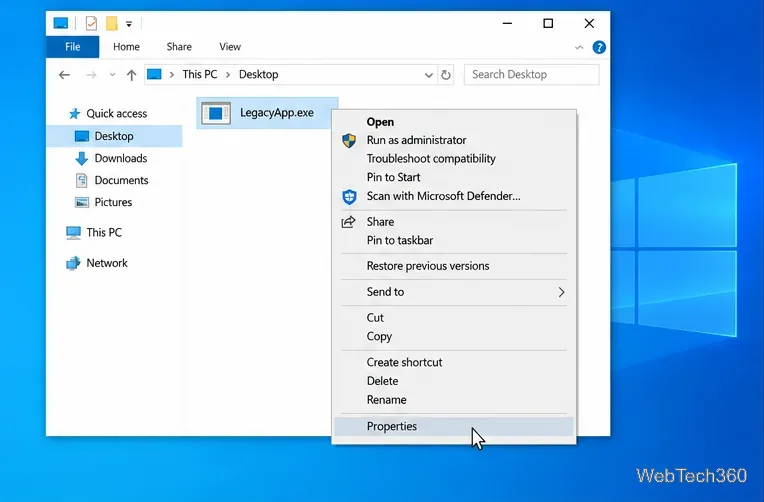
Use the Windows 10 Compatibility tab to enable or disable compatibility mode for a desktop app, save the setting, and troubleshoot problems.
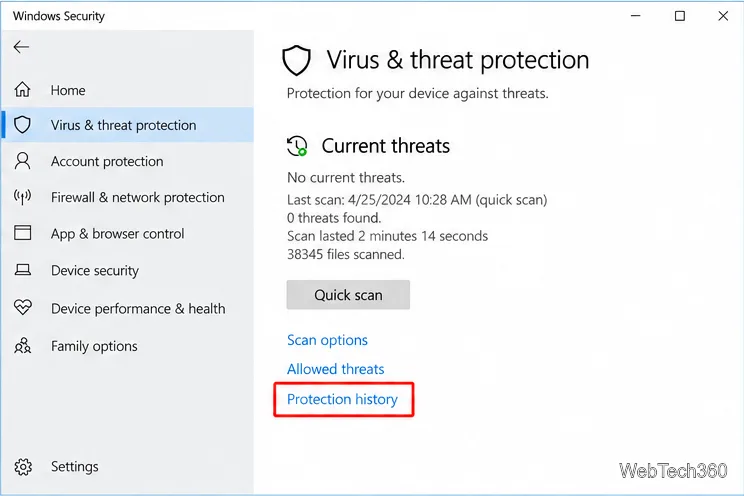
Use Windows Security Protection history to remove PUA:Win32/Presenoker, uninstall a related unwanted app, and respond safely if the alert returns.
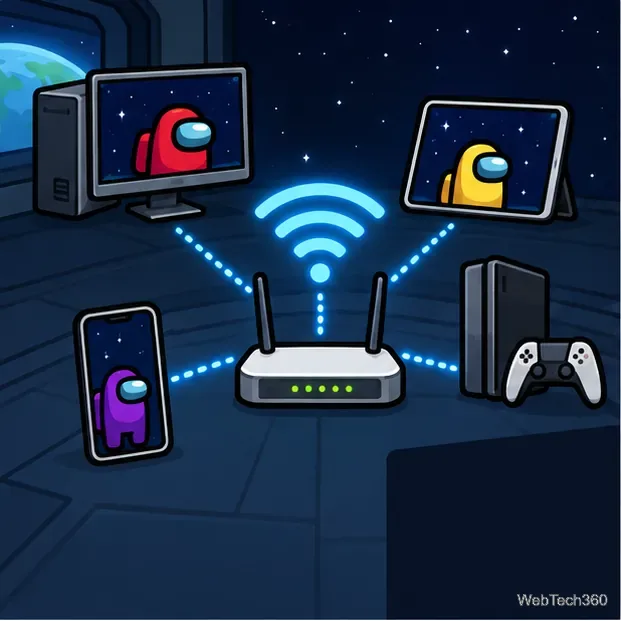
Start a private Among Us Local Wi-Fi lobby, join from another device, and troubleshoot common network discovery problems.
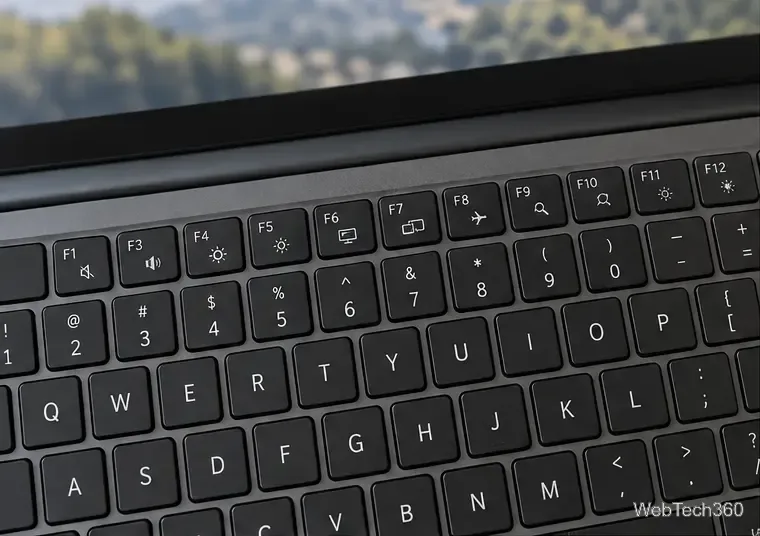
Learn how to toggle Fn keys on Windows 10 with your laptop’s Fn Lock shortcut or BIOS/UEFI setting, then test which top-row behavior is active.
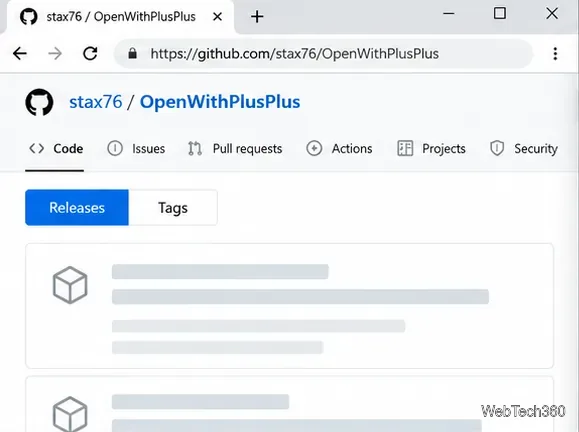
Create a custom Open with menu on Windows 10 with Open with++, route selected file types to an app, pass file paths as arguments, and remove the menu when you no longer need it.
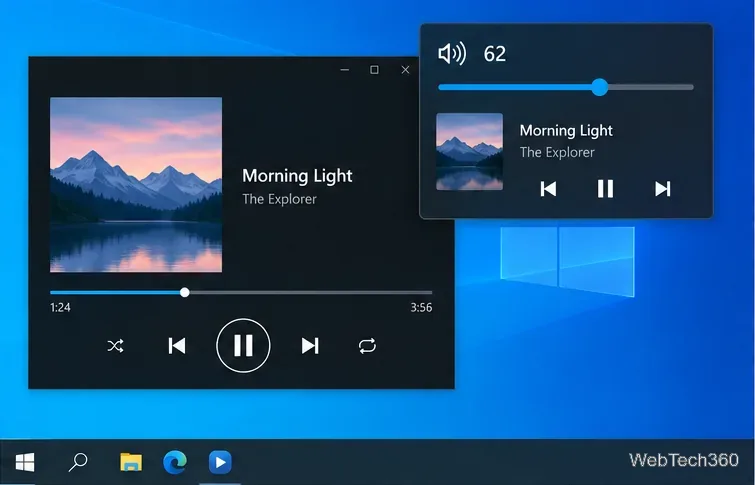
Hide the Windows 10 volume media controls while keeping your keyboard shortcuts working, and learn how to restore the built-in flyout safely.
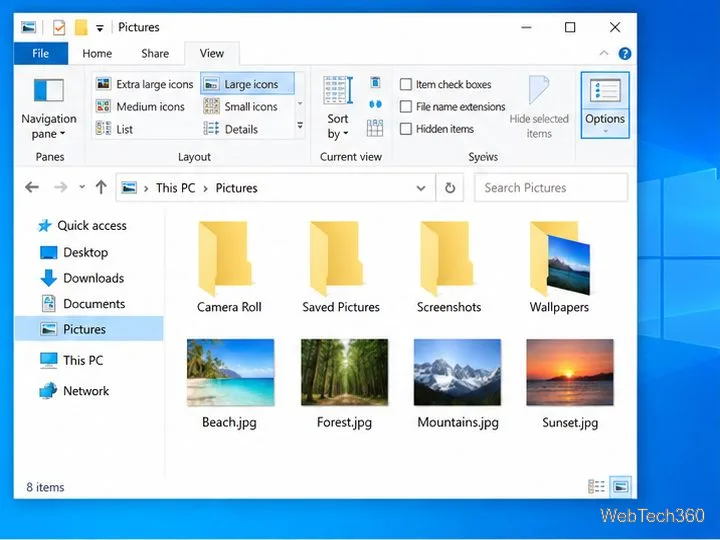
Hide Windows 10 folder thumbnails and image previews with File Explorer, Performance Options, Group Policy, or the matching Registry setting.
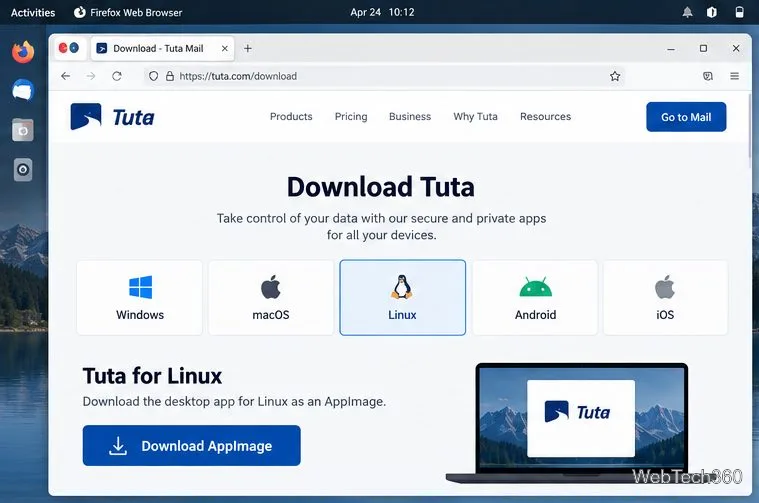
Install Tuta (formerly Tutanota) on Linux with the official AppImage, create an account or sign in, and store your recovery code safely.
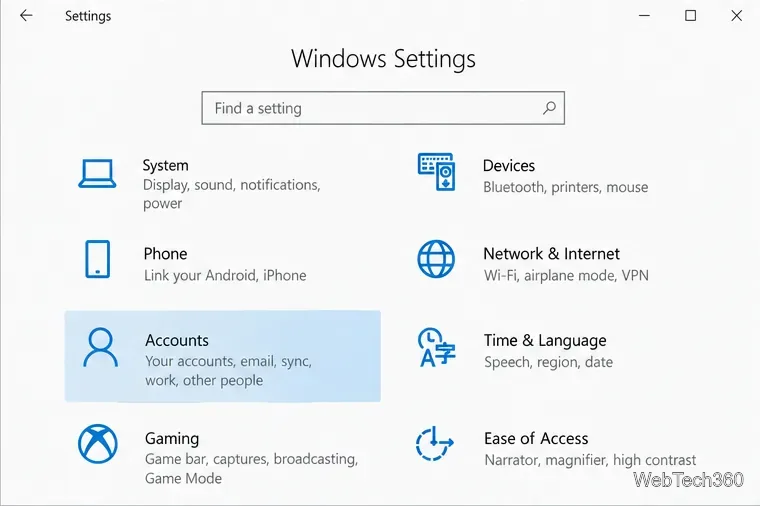
Add a second Microsoft account for Windows 10 apps without changing your PC sign-in. Follow the Settings steps and learn what the account can access.
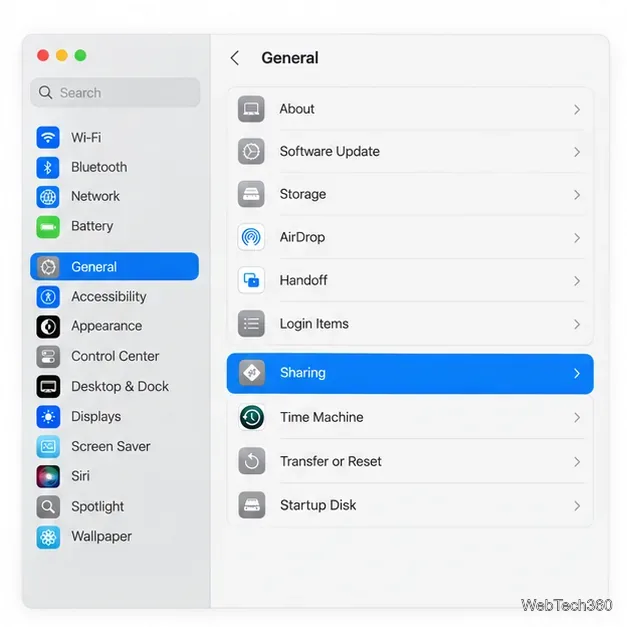
Turn off Mac sharing services and enable Firewall stealth mode to limit local discovery, with clear notes on what your router and other devices can still see.
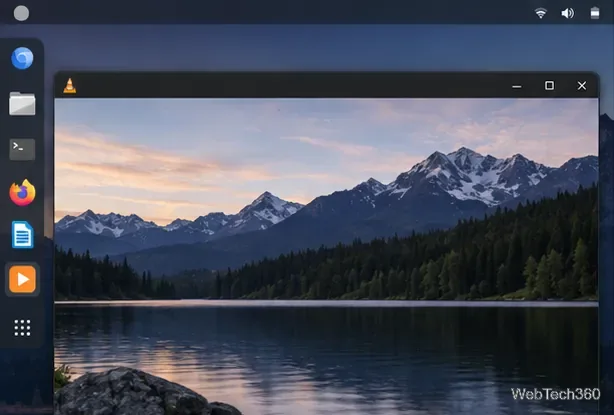
Learn how to watch videos on Linux with VLC, SMPlayer, mpv, Parole, and Celluloid, plus steps for opening local files and choosing a player.
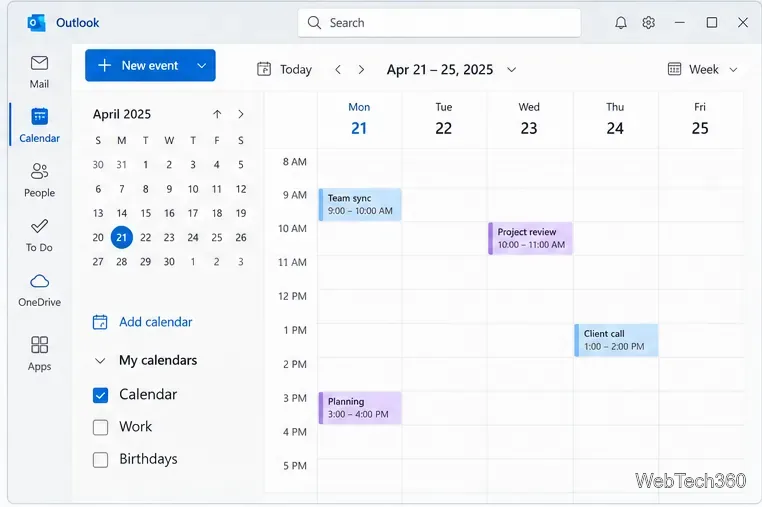
Create an Outlook meeting invite, add required or optional attendees, choose a time, add Teams details, set recurrence, and check replies in new or classic Outlook.
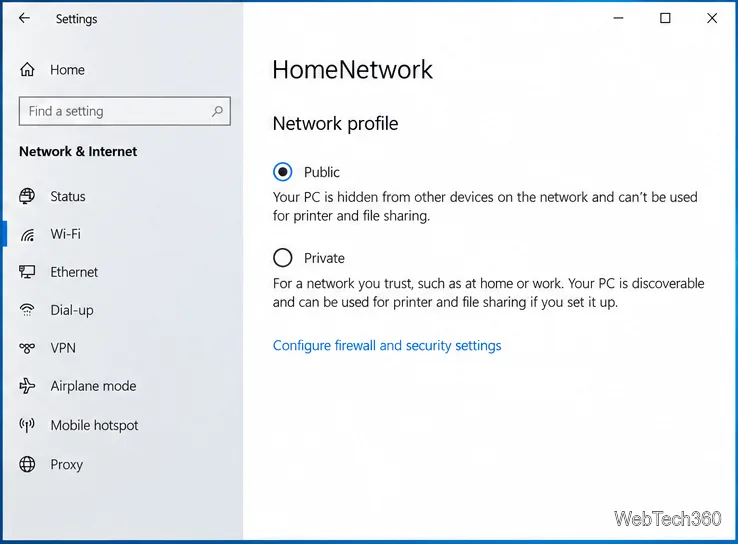
Turn off Network Discovery or set an untrusted connection to Public in Windows 10. See what hiding your PC changes and what it does not protect.
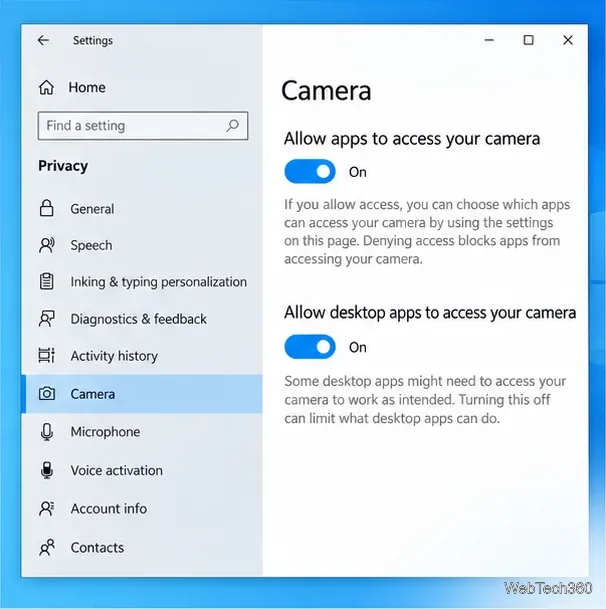
Adjust a Windows 10 webcam with its maker’s software or supported camera controls, then test the image and restore defaults if needed.
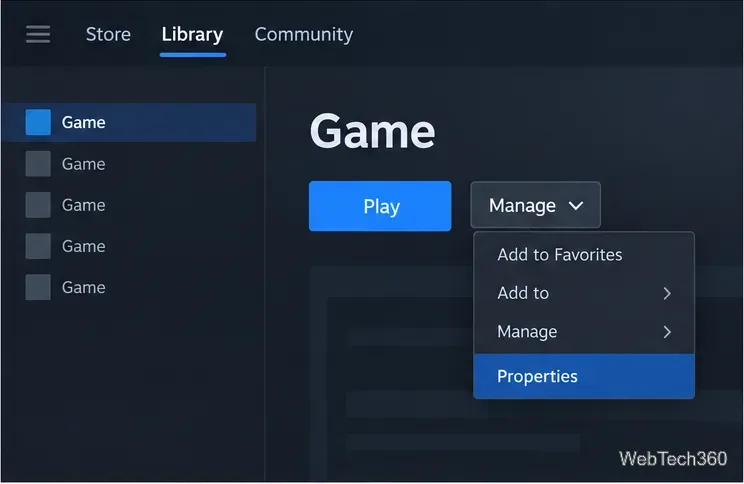
Delay a single game’s Steam updates, learn what happens when you launch it, and use Download Manager settings to control queued downloads.
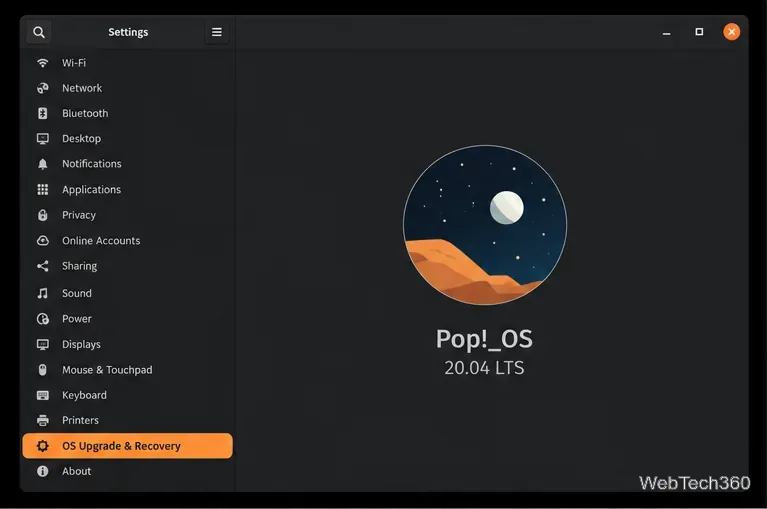
Learn the historical Pop!_OS 20.04-to-20.10 process, what the upgrade screen should show, and why older systems need a fresh install today.
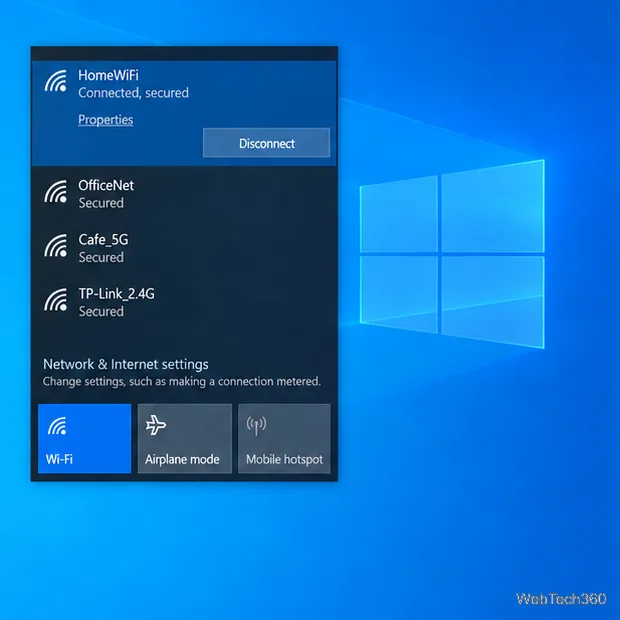
Restore SmartScreen checks in Windows 10 by checking your connection, reputation settings, proxy or VPN, updates, and the downloaded file safely.
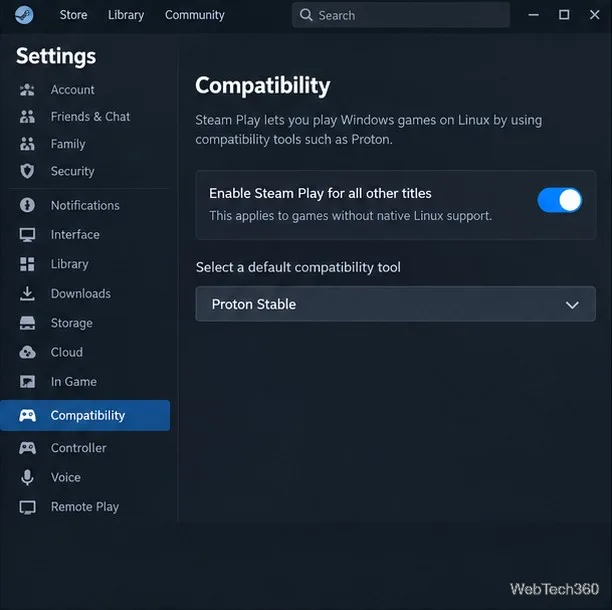
World of Tanks Blitz has no native Linux build. Install Steam, enable Proton, and try the game with current compatibility settings, plus troubleshooting tips.
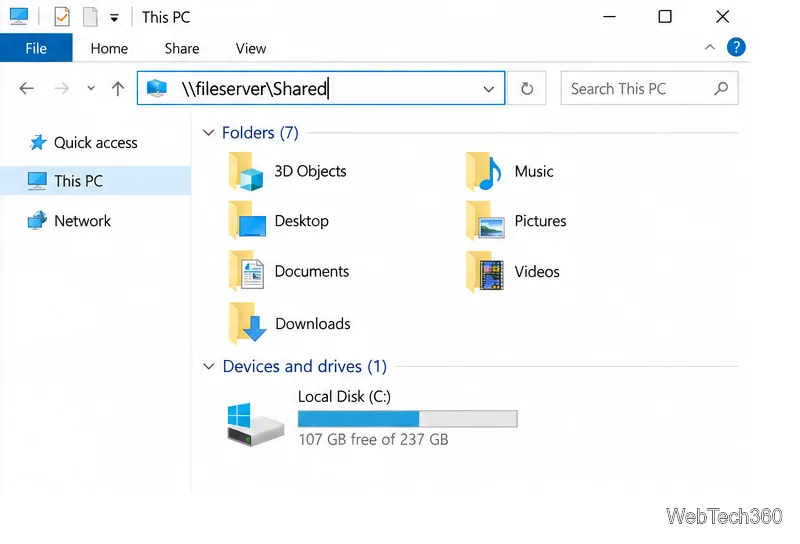
Save a username and password for a Windows 10 network share through the sign-in prompt or Credential Manager, then manage stale credentials and mapped drives.
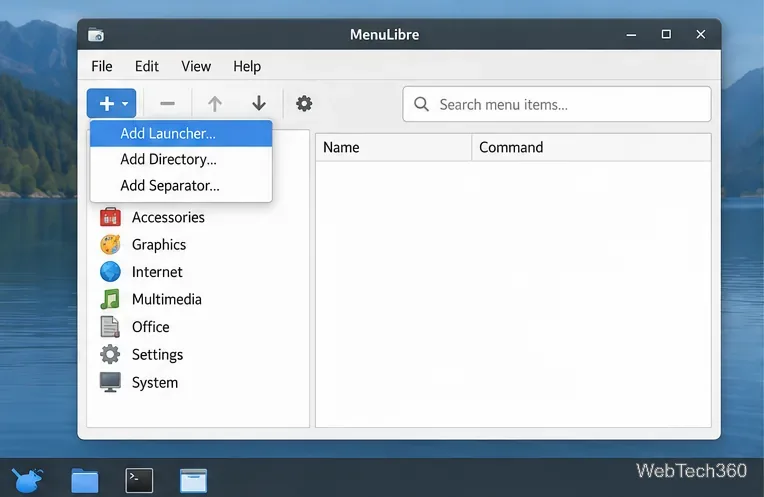
Create a Places category and one-click Thunar shortcuts for folders in the Xfce Applications menu, then optionally make them searchable in Whisker Menu.
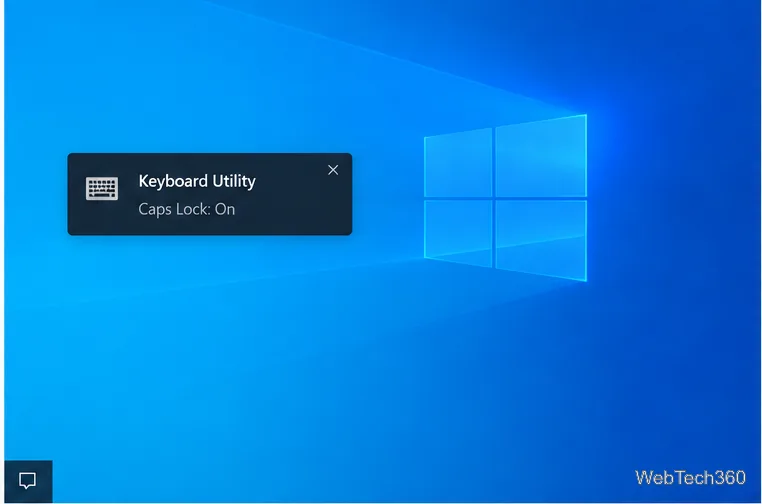
Stop Caps Lock pop-ups in Windows 10 by identifying whether they are Windows banners or an OEM keyboard utility, then disabling only the responsible alert.
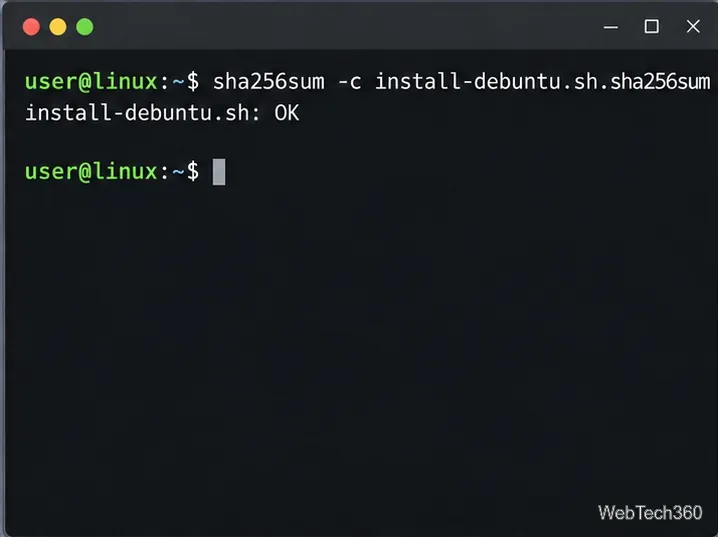
Set up a Jellyfin media server on Linux using the verified Debian/Ubuntu installer, then add media folders, create an admin account, and plan secure remote access.
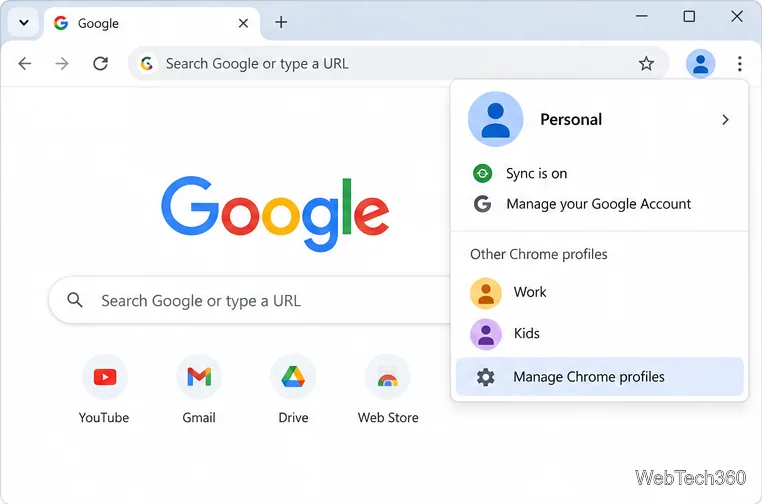
Rename a Chrome profile from its menu or profile manager, see what the label affects, and fix display delays without changing your Google Account name.
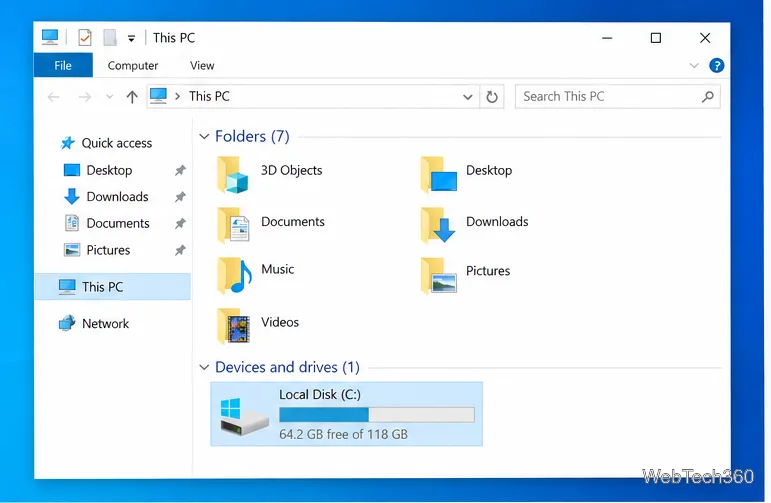
Open Disk Cleanup, choose temporary and system files to remove, and confirm deletion. This Windows 10 guide explains drive selection, rollback files, and Storage Sense.
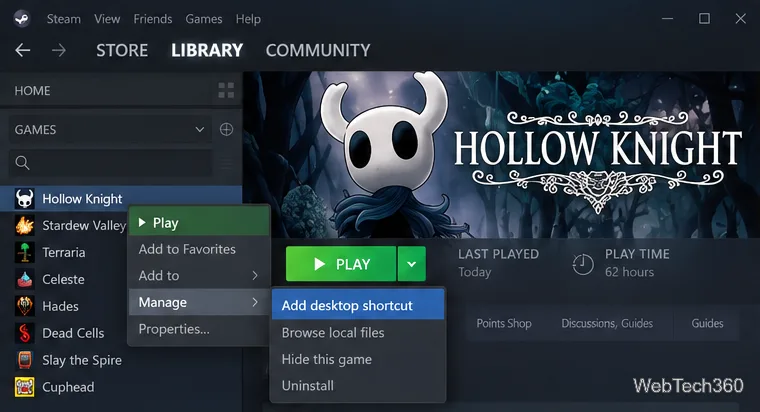
Add a Steam-managed shortcut to Windows 10’s app list, then pin it as a Start tile. The steps work no matter which drive holds the game.
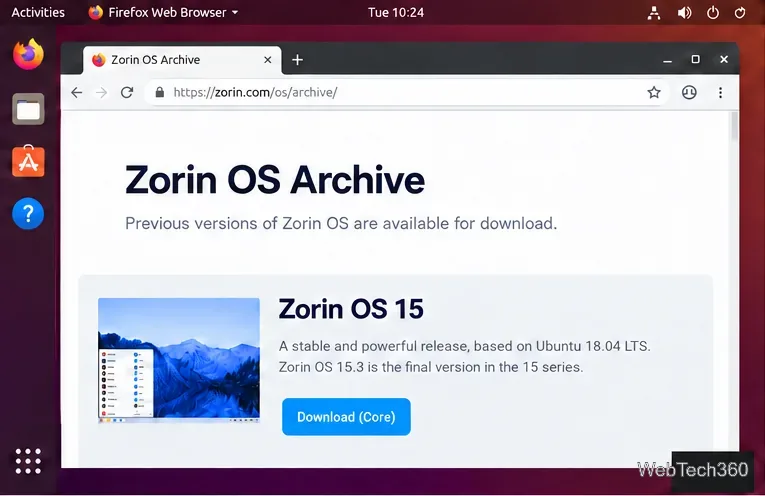
Download the archived Zorin OS 15.3 ISO, create a bootable USB, and choose a safe install option. Includes the support warning and data-loss checks.
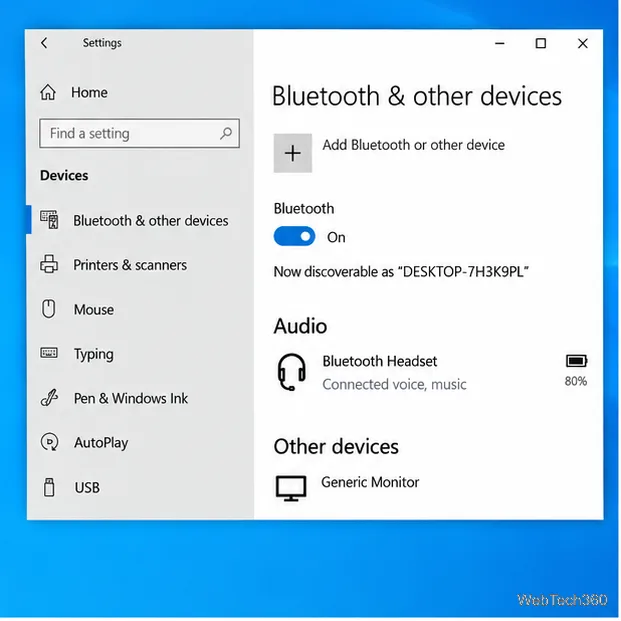
Get a Bluetooth headset mic working in Windows 10 by choosing the right input, checking microphone permissions, and fixing app or driver settings.
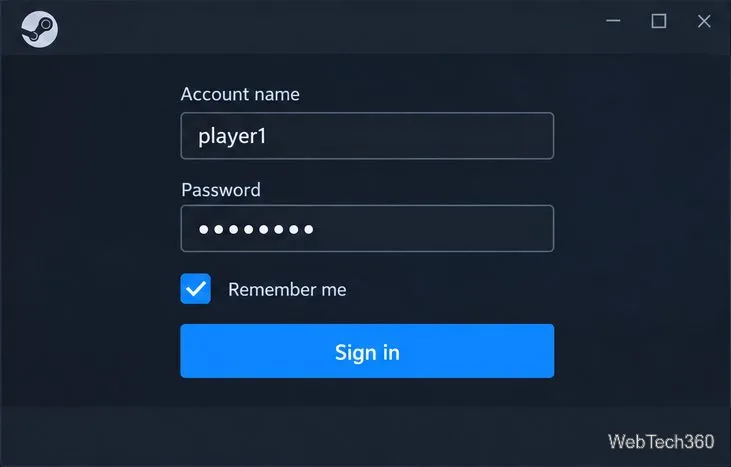
Prepare your account and games, then switch the Steam client to Offline Mode on Windows 10. Learn what to check before disconnecting and how to reconnect.