WebTech360 Tips - Tech Guides & Tutorials | Page 15

How to Run Disk Cleanup on Windows 10 Safely
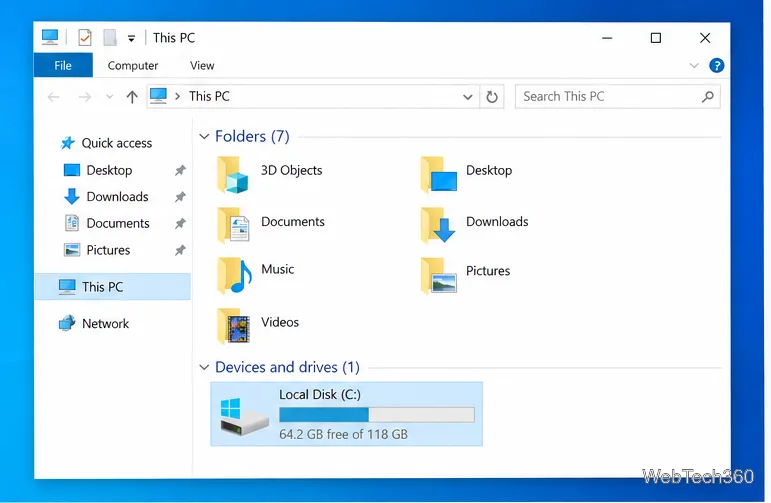
How to Run Disk Cleanup on Windows 10 Safely

Open Disk Cleanup, choose temporary and system files to remove, and confirm deletion. This Windows 10 guide explains drive selection, rollback files, and Storage Sense.
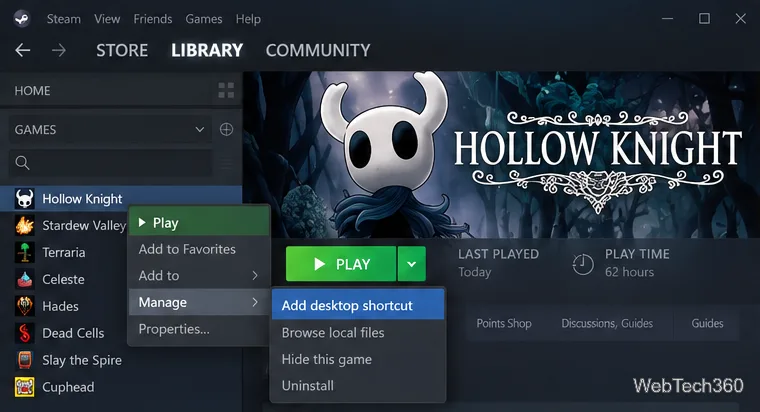
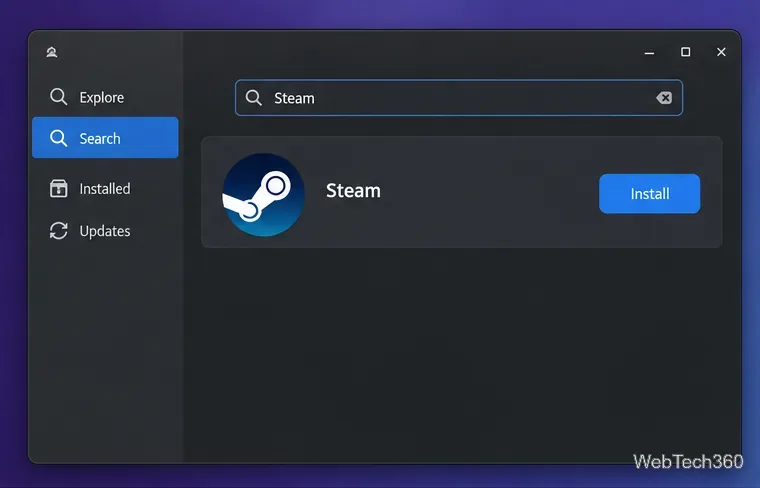
How to Add Steam Games to the Start Menu in Windows 10

How to Add Steam Games to the Start Menu in Windows 10

Add a Steam-managed shortcut to Windows 10’s app list, then pin it as a Start tile. The steps work no matter which drive holds the game.

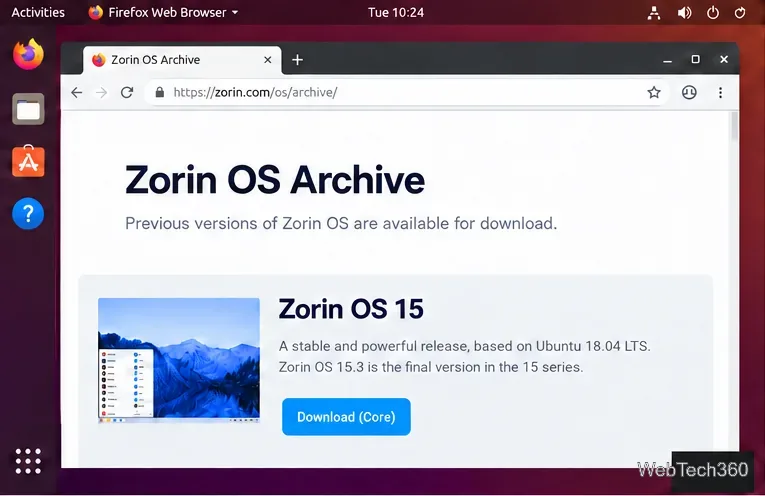
How to Install Zorin OS 15.3 From a USB Drive

How to Install Zorin OS 15.3 From a USB Drive

Download the archived Zorin OS 15.3 ISO, create a bootable USB, and choose a safe install option. Includes the support warning and data-loss checks.

How to Fix a Bluetooth Headset Mic Not Recognized in Windows 10

How to Fix a Bluetooth Headset Mic Not Recognized in Windows 10

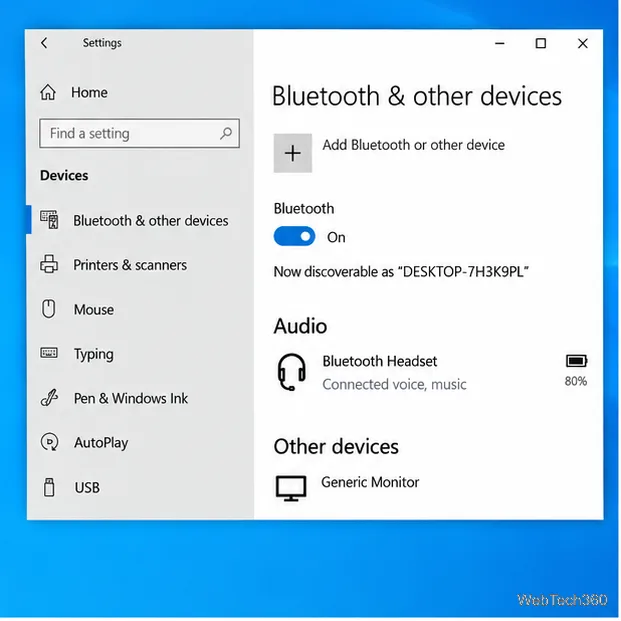
Get a Bluetooth headset mic working in Windows 10 by choosing the right input, checking microphone permissions, and fixing app or driver settings.

How to Start Steam in Offline Mode on Windows 10

How to Start Steam in Offline Mode on Windows 10

Prepare your account and games, then switch the Steam client to Offline Mode on Windows 10. Learn what to check before disconnecting and how to reconnect.

How to Add a Character Limit to Cells in Excel

How to Add a Character Limit to Cells in Excel

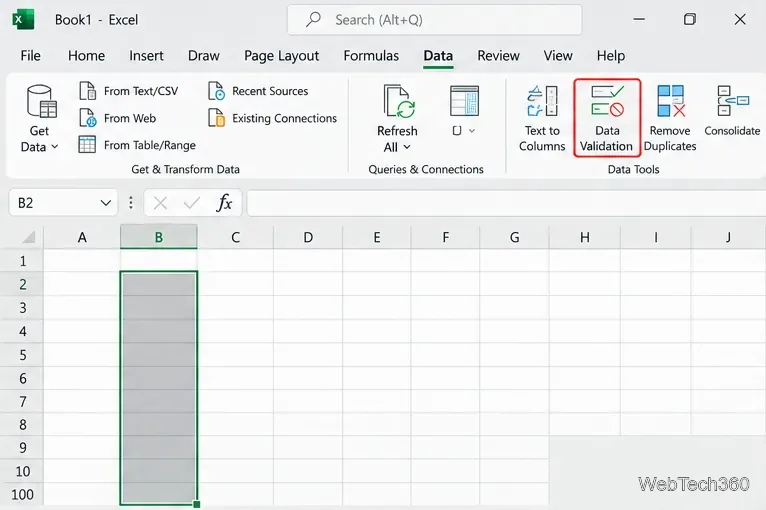
Use Excel's Data Validation settings to set a maximum, minimum, exact length, or character range, then add clear prompts and error alerts.

Windows Photo Viewer Won’t Rotate Pictures? Try These Fixes

Windows Photo Viewer Won’t Rotate Pictures? Try These Fixes

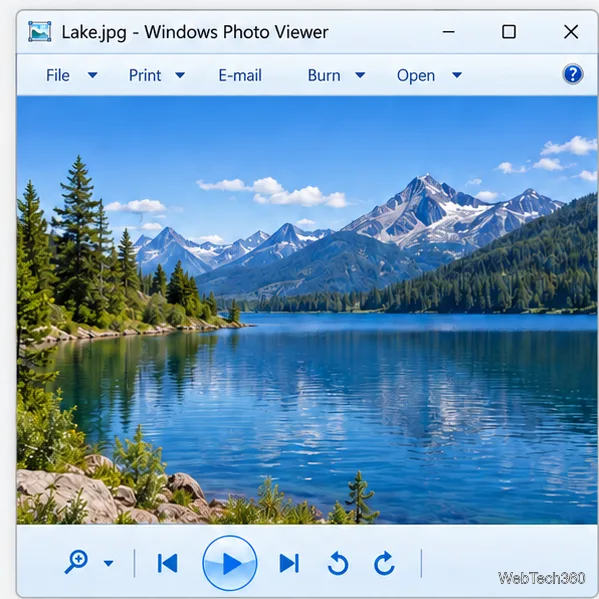
Check a photo’s Read-only setting and write access, test a local copy, then use Photos or Windows repair tools if Windows Photo Viewer still cannot save rotations.

How to Play Deep Rock Galactic on Linux with Steam Proton

How to Play Deep Rock Galactic on Linux with Steam Proton

Learn how to install Steam, enable Proton, and run Deep Rock Galactic on Linux, with distribution tips and practical fixes if the game will not launch.

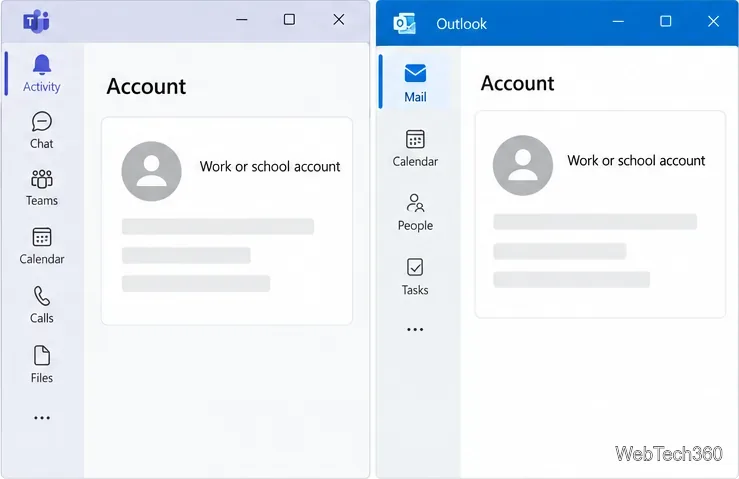
How to Fix the “We Can’t Schedule the Meeting” Error in Outlook

How to Fix the “We Can’t Schedule the Meeting” Error in Outlook

Fix the Outlook “We can’t schedule the meeting” error by checking account support, refreshing Teams sign-in, and repairing the Classic Outlook add-in.

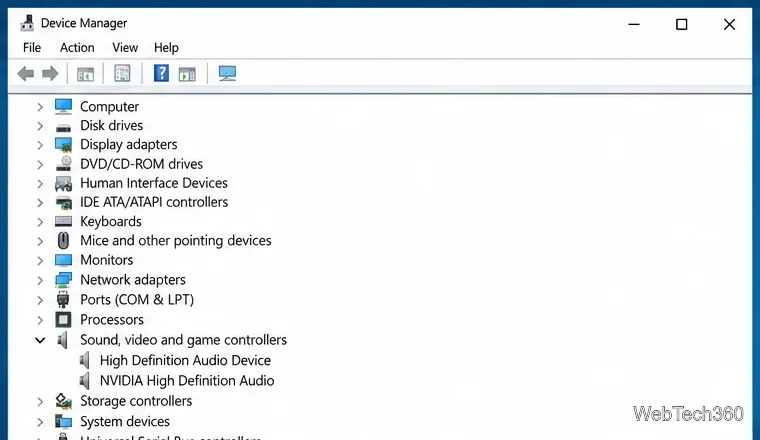
How to Install Audio Drivers on Windows 10

How to Install Audio Drivers on Windows 10

Install the right Windows 10 audio driver through Windows Update or your PC maker’s support page, then verify it in Device Manager and test playback.

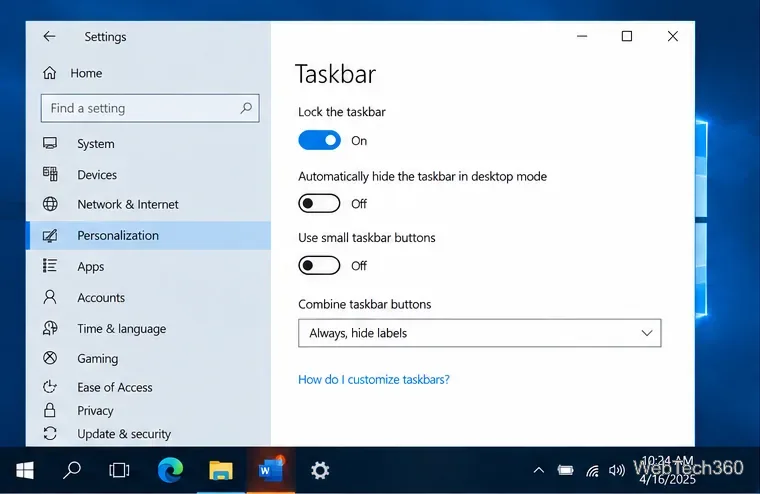
Windows 10 Taskbar Flickering? How to Find and Fix the Cause

Windows 10 Taskbar Flickering? How to Find and Fix the Cause

Find out whether a flashing Windows 10 taskbar icon is an app alert or a display problem, then troubleshoot software conflicts, system files, and graphics drivers.

How to Get Microsoft Office Picture Manager on Windows 10

How to Get Microsoft Office Picture Manager on Windows 10

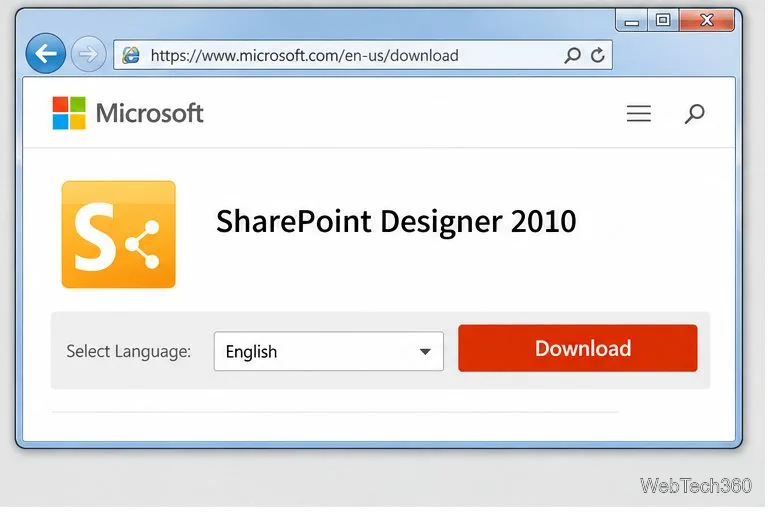
Install the legacy Microsoft Office Picture Manager through SharePoint Designer 2010, with the exact setup choices, compatibility caveats, and a Photos alternative.

How to Install Mouse Drivers on Windows 10

How to Install Mouse Drivers on Windows 10

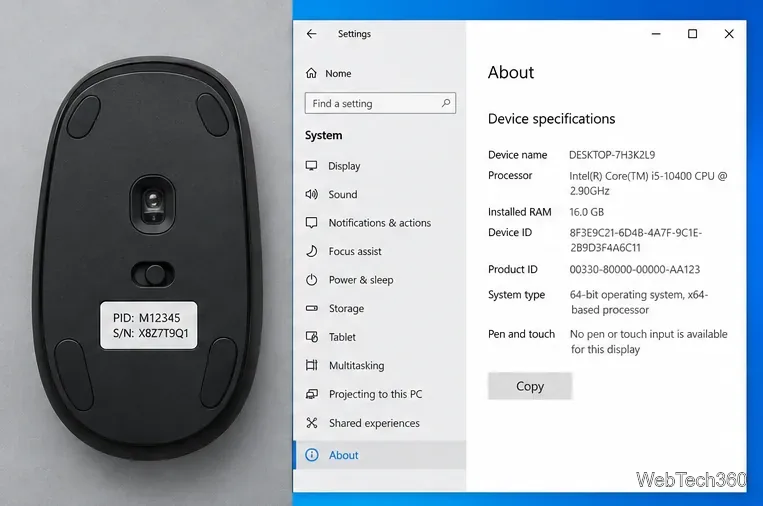
Learn when Windows 10 needs a mouse driver, how to install the manufacturer’s software, and how to update or restore a mouse driver safely.

How to Check Whether Your RAM Is DDR3 or DDR4 in Windows 10

How to Check Whether Your RAM Is DDR3 or DDR4 in Windows 10

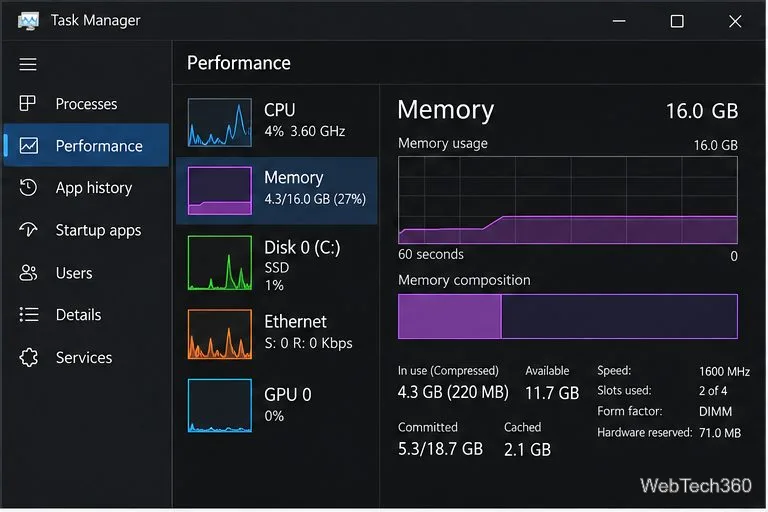
Find your RAM generation in Windows 10 with PowerShell or CPU-Z, and learn why Task Manager’s speed reading alone cannot confirm DDR3 or DDR4.

How to Scan a File or Folder with Windows Defender on Windows 10

How to Scan a File or Folder with Windows Defender on Windows 10

Scan a file or folder with Microsoft Defender on Windows 10 using File Explorer or a custom scan, then review results safely in Windows Security.

How to Enable Camera On/Off OSD Notifications in Windows 10

How to Enable Camera On/Off OSD Notifications in Windows 10

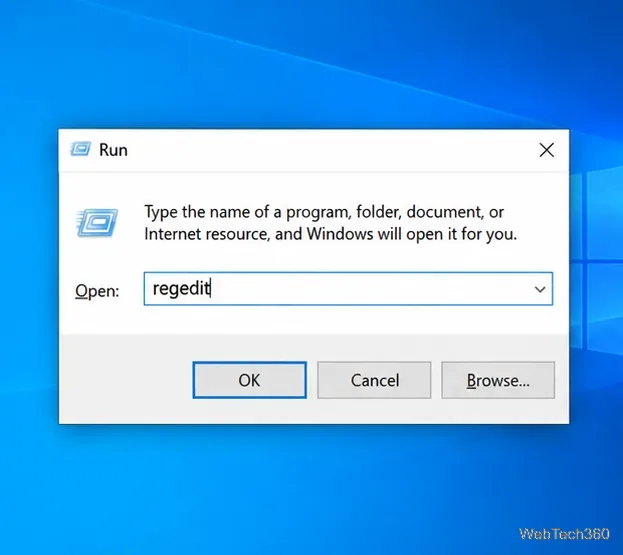
Enable Windows 10 camera on/off OSD notifications with the NoPhysicalCameraLED registry value, then test the alert and learn how to undo the change.

How to Install Optional Updates on Windows 10

How to Install Optional Updates on Windows 10

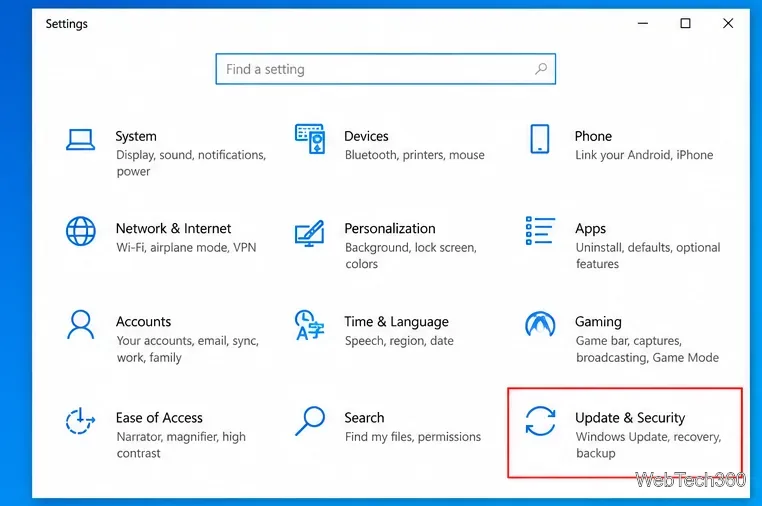
Learn how to install optional updates on Windows 10, including driver updates, what to do if the option is missing, and when to skip an update.

How to Enable AHCI Mode in BIOS/UEFI on a PC

How to Enable AHCI Mode in BIOS/UEFI on a PC

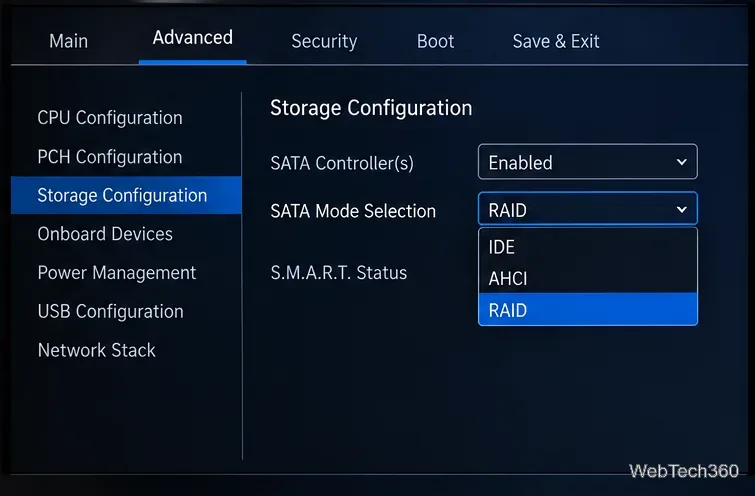
Learn how to enable AHCI mode in BIOS or UEFI safely, including the extra steps to avoid a Windows boot error when switching from RAID or IDE.

How to Merge Two Folders on Windows 10 Safely

How to Merge Two Folders on Windows 10 Safely

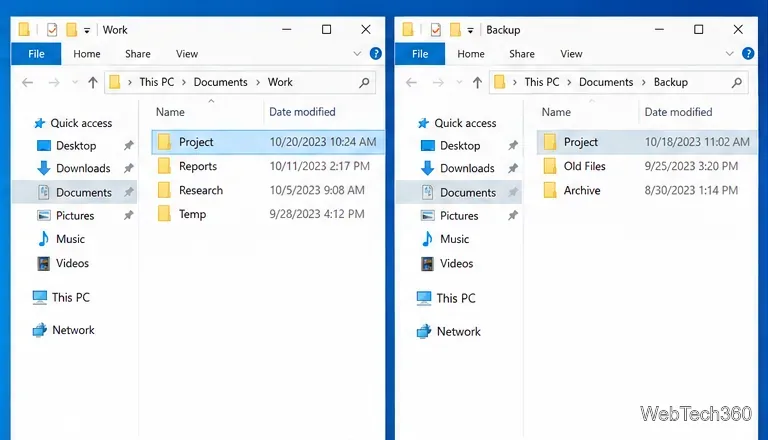
Learn how to merge two folders on Windows 10 with File Explorer, handle duplicate filenames safely, and use Robocopy for large folder trees.

How to Search Text Inside Documents on Windows 10

How to Search Text Inside Documents on Windows 10

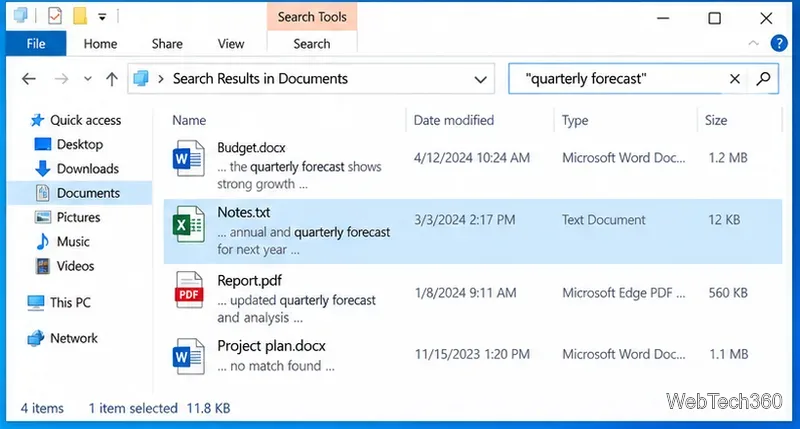
Learn how to search text inside supported documents on Windows 10 with File Explorer, fix indexing, and use PowerShell for plain-text files.

How to Import Email from Evolution to Thunderbird on Linux

How to Import Email from Evolution to Thunderbird on Linux

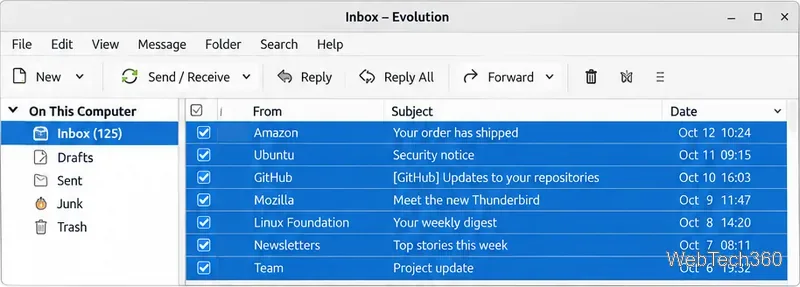
Move email from Evolution to Thunderbird on Linux by exporting folders as MBOX files, importing them into Local Folders, and handling IMAP safely.

How to Check If an SSD Is SATA or NVMe on Windows 10

How to Check If an SSD Is SATA or NVMe on Windows 10

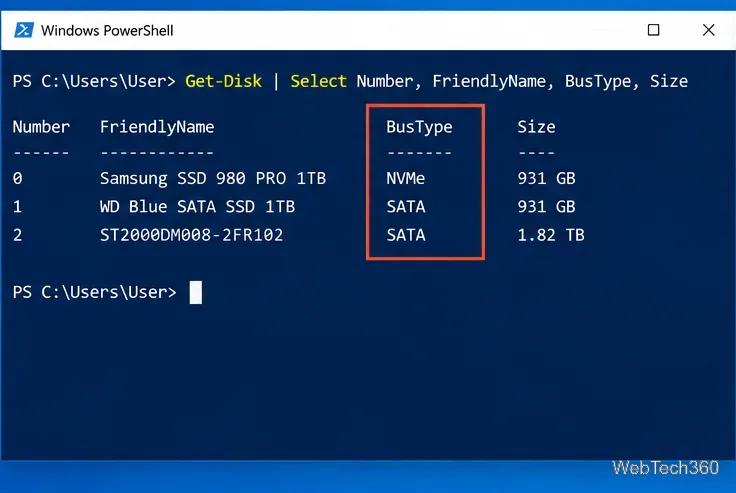
Use built-in Windows 10 tools to identify whether an SSD is SATA or NVMe. Check BusType in PowerShell, verify the model, and avoid confusing M.2 with NVMe.

How to Enable the Android Power Button Bug Report Shortcut

How to Enable the Android Power Button Bug Report Shortcut

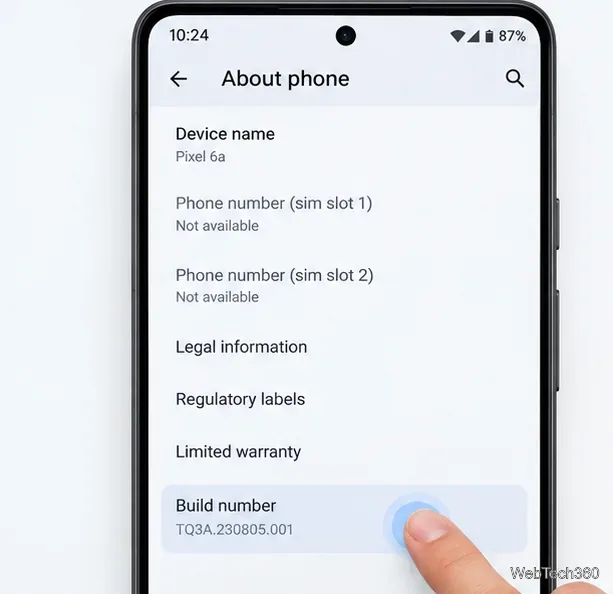
Enable Android’s power-menu bug report shortcut, capture a diagnostic report on your phone, and share it safely without relying on a desktop computer.

How to Set Up systemd-networkd on Linux for Wired Ethernet

How to Set Up systemd-networkd on Linux for Wired Ethernet

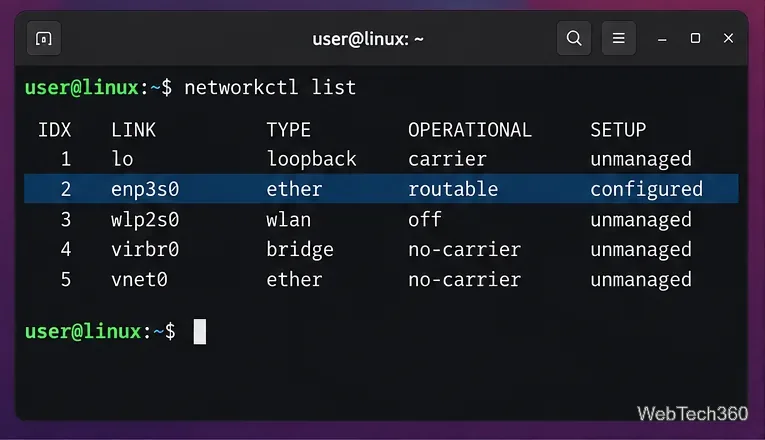
Set up systemd-networkd on Linux with a wired DHCP profile, a safe NetworkManager handoff, optional systemd-resolved DNS, and verification commands.

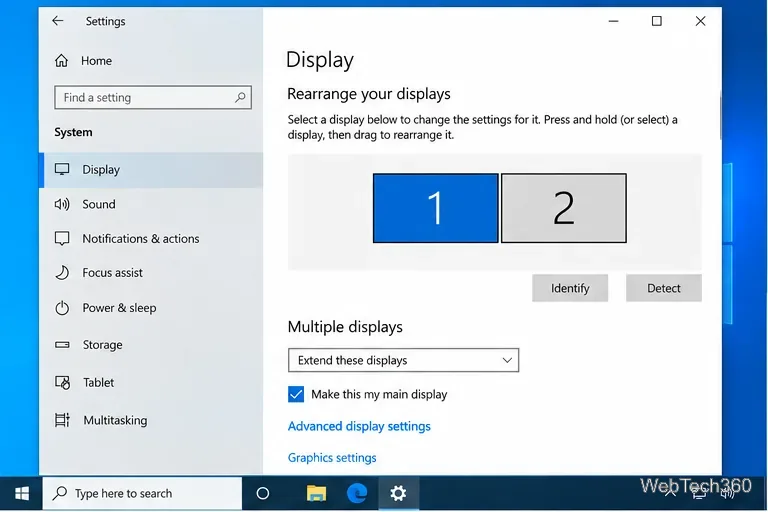
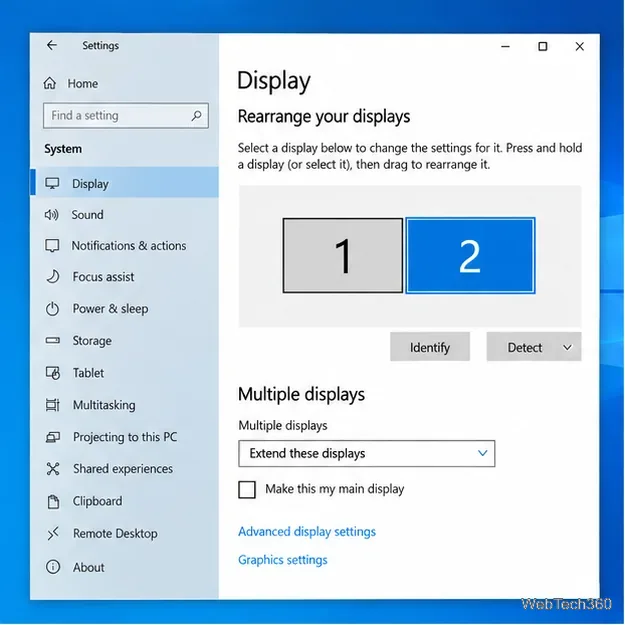
Multiple Displays Not Working on Windows 10? 8 Fixes

Multiple Displays Not Working on Windows 10? 8 Fixes

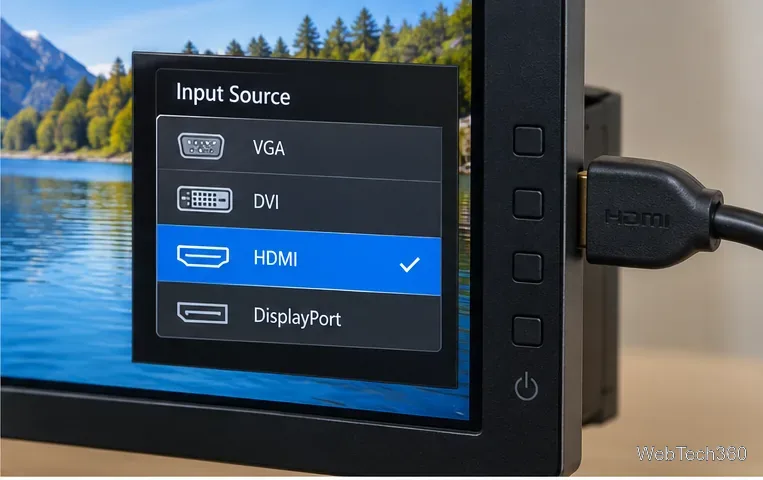
Fix multiple displays not working on Windows 10 by checking display mode, input source, cables, Detect settings, graphics drivers, docks, and hardware limits.

How to Fix the ADB Device Unauthorized Error on Android

How to Fix the ADB Device Unauthorized Error on Android

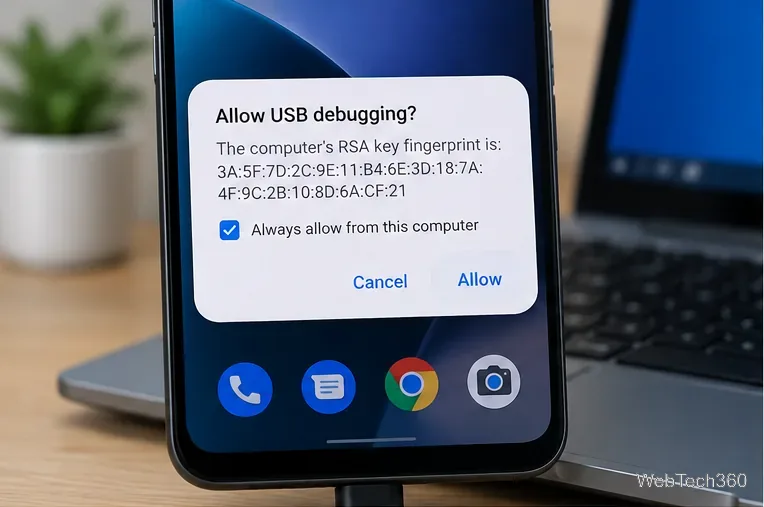
Fix the ADB device unauthorized error by reauthorizing USB debugging, restarting the ADB server, and checking Platform-Tools, cables, and drivers.

How to Turn On an Android Phone With a Broken Power Button

How to Turn On an Android Phone With a Broken Power Button

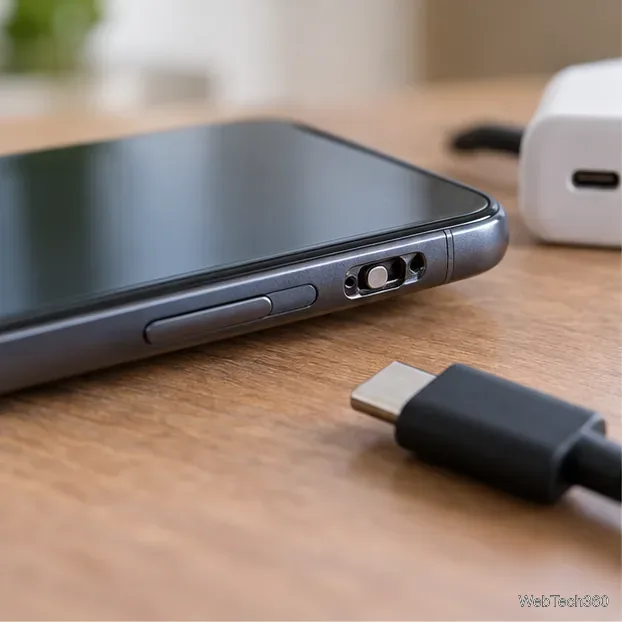
If your Android power button is broken, try charging, a volume-key USB boot, or Fastboot. Learn what works when the phone is fully off and why ADB often won’t.

How to Find the Make and Model of a Monitor on Windows 10

How to Find the Make and Model of a Monitor on Windows 10

Find your monitor's make and model in Windows 10 using Advanced display settings, Device Manager, PowerShell, or the label on the monitor.

How to Set Different Resolutions for Multiple Monitors in Windows 10

How to Set Different Resolutions for Multiple Monitors in Windows 10

Set a different resolution on each monitor in Windows 10, keep each display at its recommended setting, and fix missing resolution options.

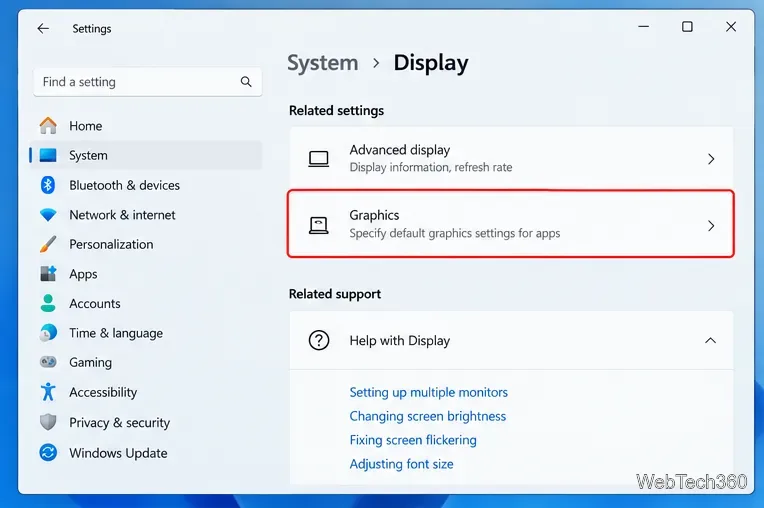
How to Force an App to Use the Dedicated GPU on Windows 11 or 10

How to Force an App to Use the Dedicated GPU on Windows 11 or 10

Force a Windows app or game to use the dedicated GPU with Graphics settings, plus NVIDIA and AMD notes and a quick way to verify which GPU is active.