How to Use Open With for Multiple Files on Windows 10
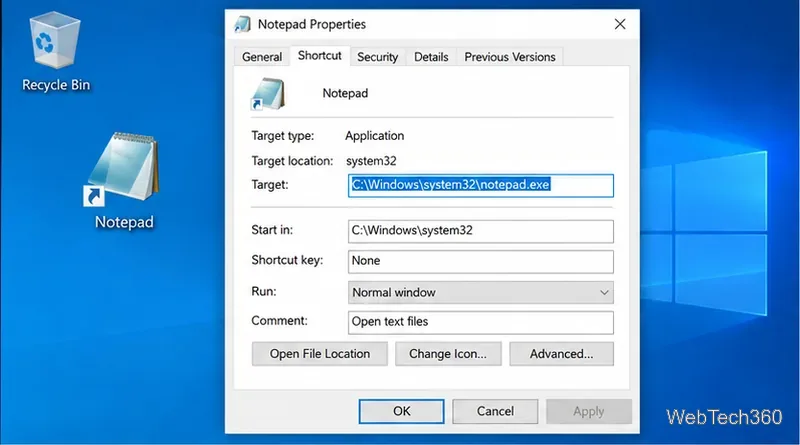
Windows 10 may hide Open With for multi-file selections. Add an app shortcut to Send To to open several files in one program without changing defaults.
Windows 10 may hide Open With for multi-file selections. Add an app shortcut to Send To to open several files in one program without changing defaults.

You can run VRChat on Linux with Steam and Proton Experimental. Follow the current setup, Steam Deck notes, and fixes for launch and video issues.
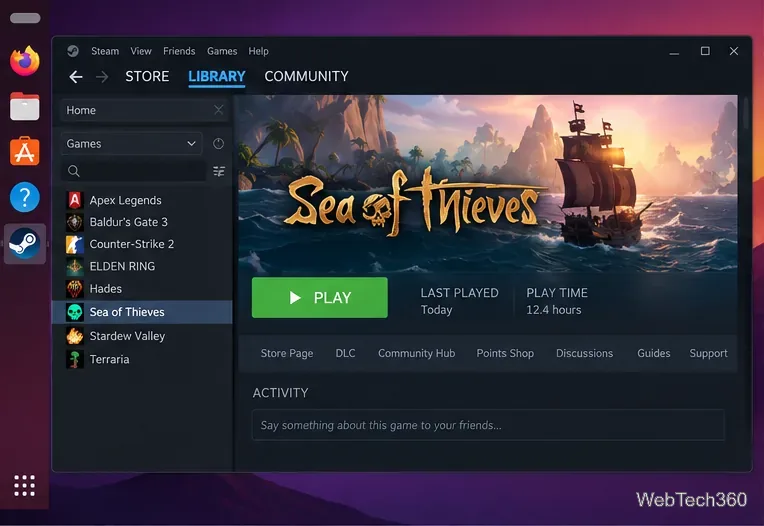
Learn how to run Sea of Thieves on Linux through Steam and Proton, link your Xbox account, and fix common launch or Easy Anti-Cheat issues.
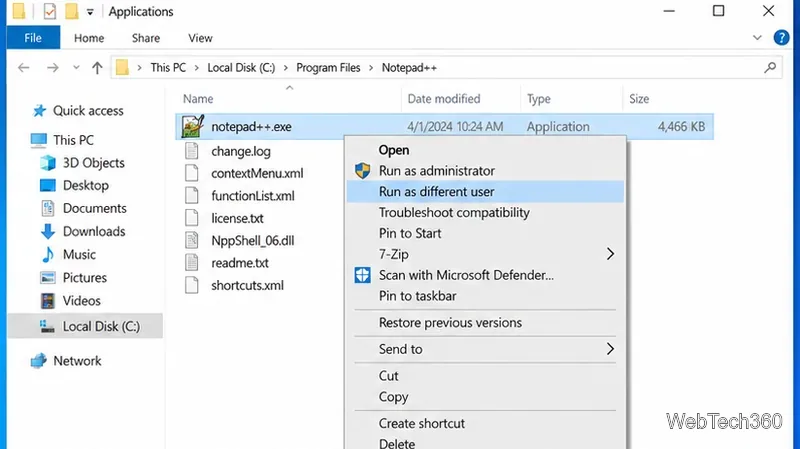
Run a Windows 10 app under another user account with Shift + right-click or the runas command, plus fixes when the option is missing.
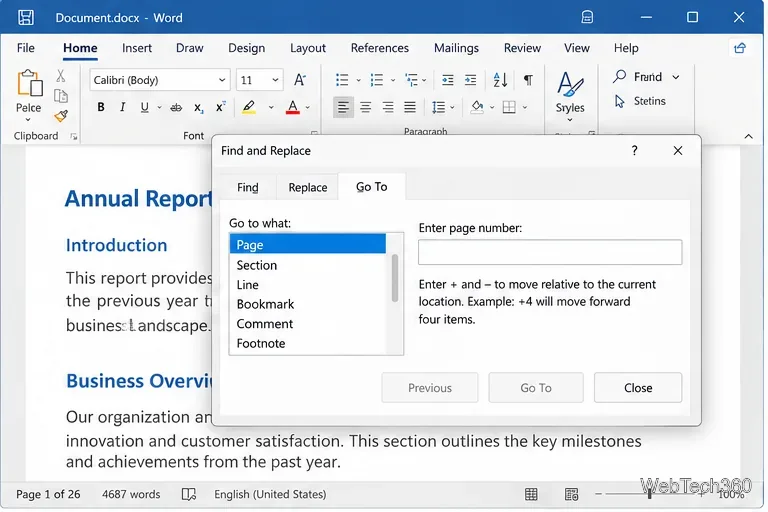
Jump straight to any page in Word for Microsoft 365 with Ctrl+G or F5, relative page numbers, or the Navigation pane, with Windows and Mac shortcuts.
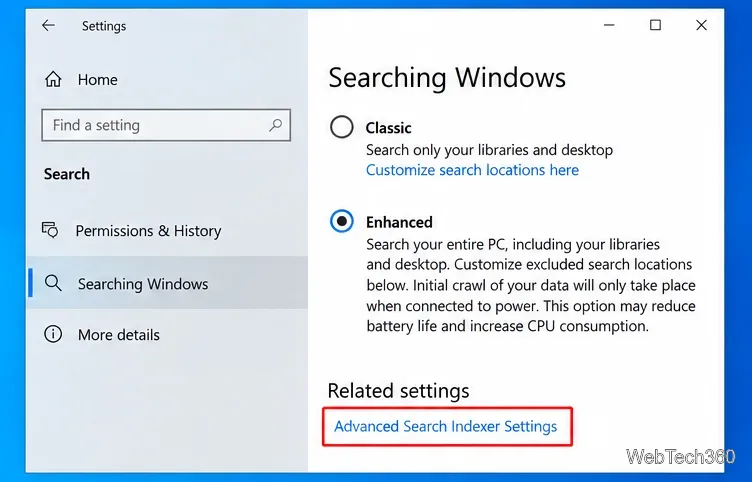
Search Word, Excel, and PowerPoint file contents at once in Windows 10 using File Explorer and Windows Search indexing, without the old Office Search utility.
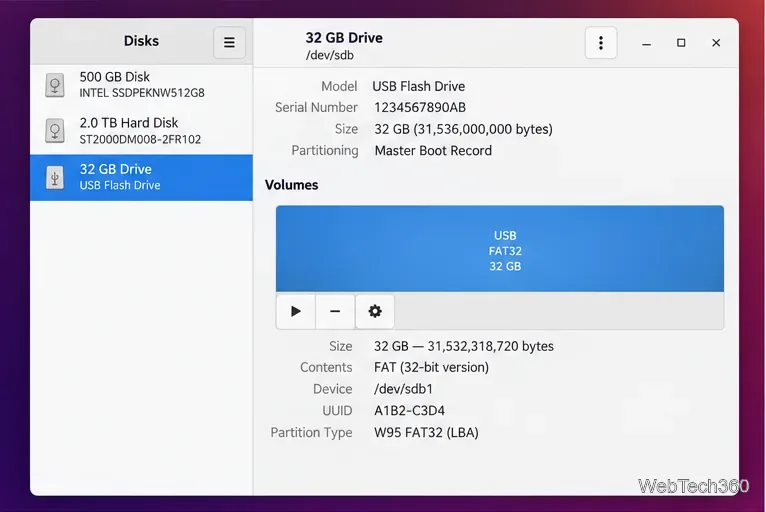
Format a USB drive to FAT32 on Linux with GNOME Disks or mkfs.fat, including safe device checks, unmounting, verification, and FAT32 limits.
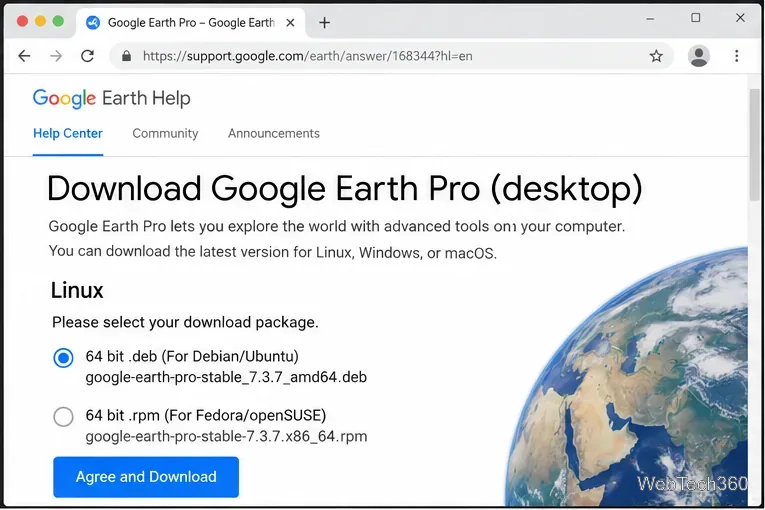
Install Google Earth Pro on Linux with official 64-bit DEB and RPM packages, plus commands for Ubuntu, Debian, Fedora, and openSUSE.
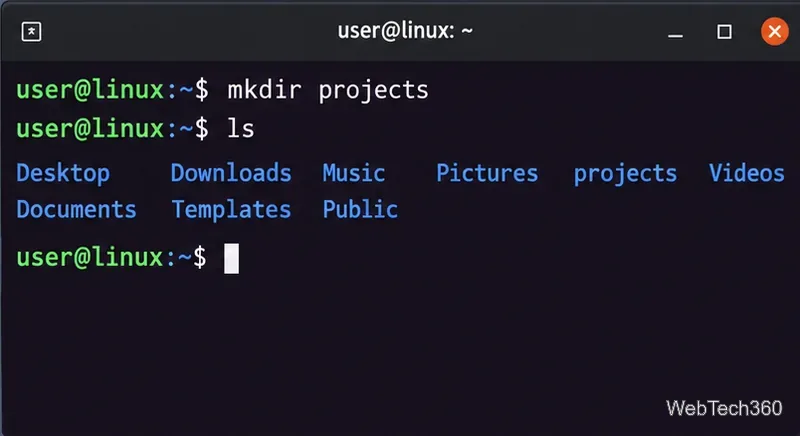
Learn how to create Linux directories from Bash with mkdir, including nested paths, multiple folders, names with spaces, permissions, verification, and safe removal.
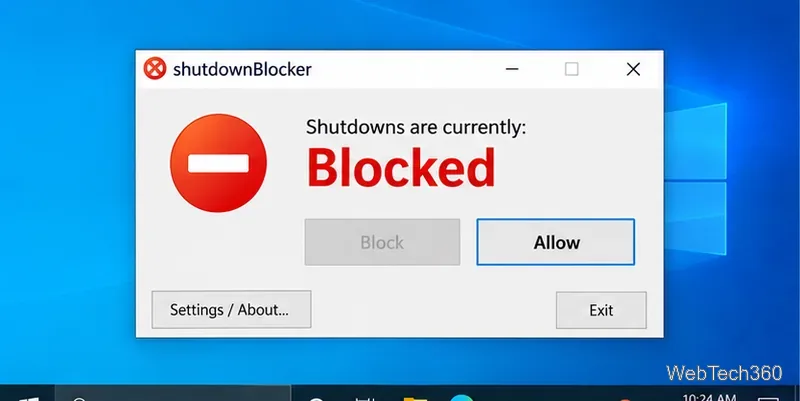
Learn how to block shut down and restart on Windows 10 with ShutdownBlocker or Group Policy, plus how to undo the block safely.
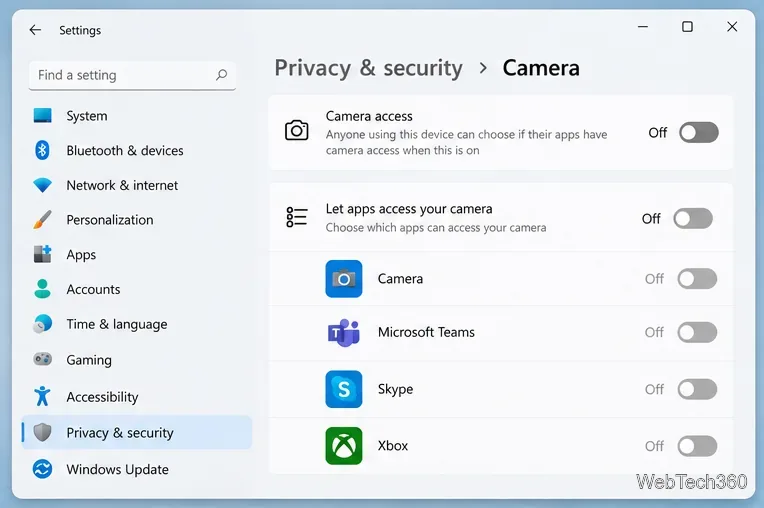
Disable your webcam in Windows 11 or Windows 10 using Camera settings, Device Manager, app permissions, or a physical shutter, with safe re-enable steps.
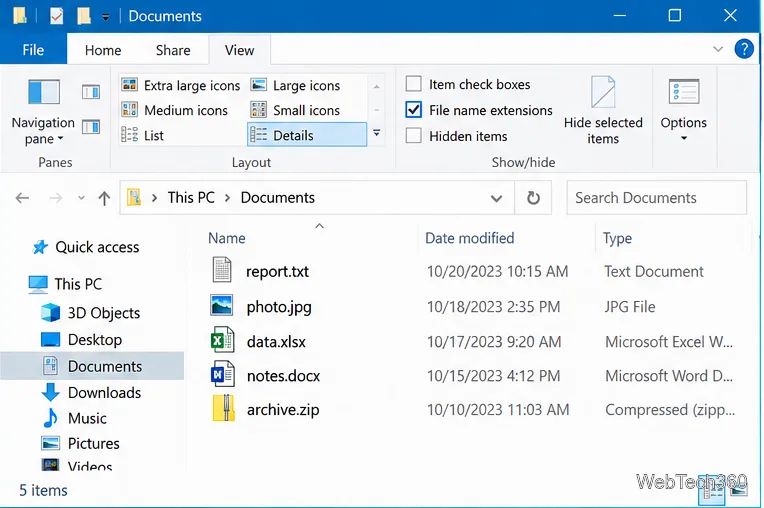
Learn how to show file name extensions in Windows 10, rename an extension safely, and understand why renaming does not convert the file format.
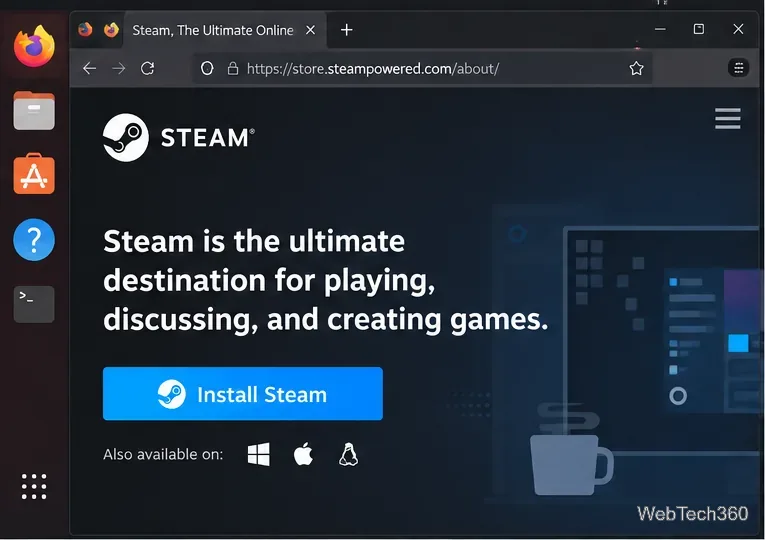
Play the classic GTA III on Linux with Steam Proton. Install Steam, enable compatibility, choose Proton, launch the game, and fix common startup issues.
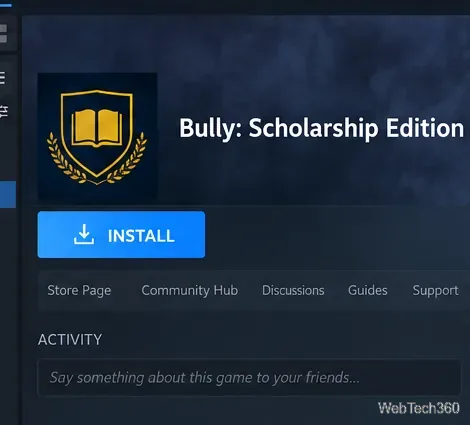
Learn how to play Bully: Scholarship Edition on Linux with Steam Proton, including installation, compatibility settings, and practical fixes.
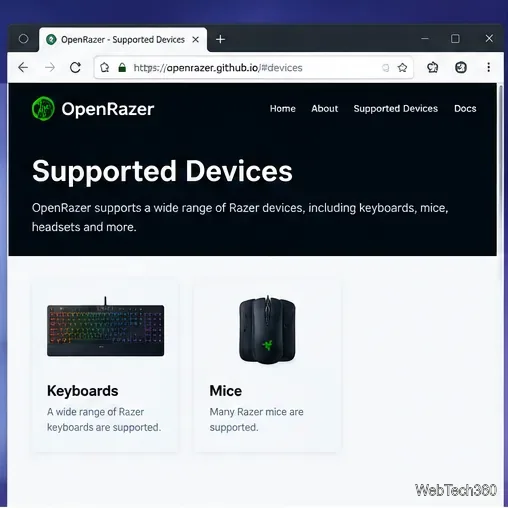
Install OpenRazer and RazerGenie on Linux, then customize RGB lighting, brightness, mouse DPI stages, and polling rate on supported Razer peripherals.
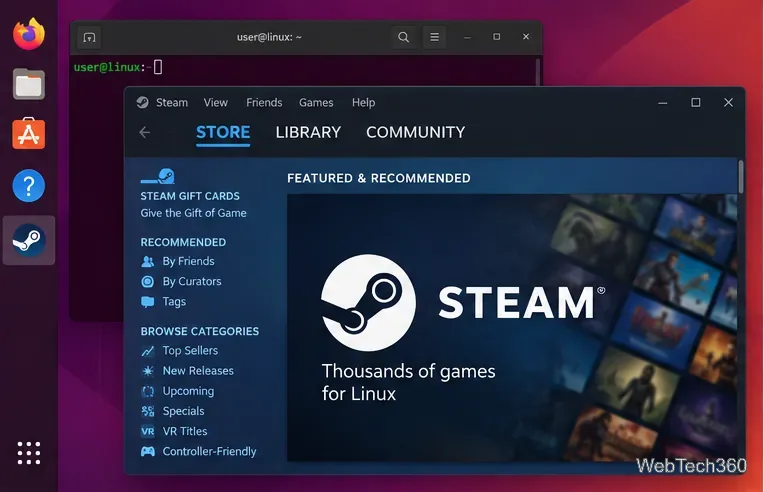
Learn how to play Deus Ex: Human Revolution - Director's Cut on Linux with Steam and Proton, including setup and troubleshooting steps.
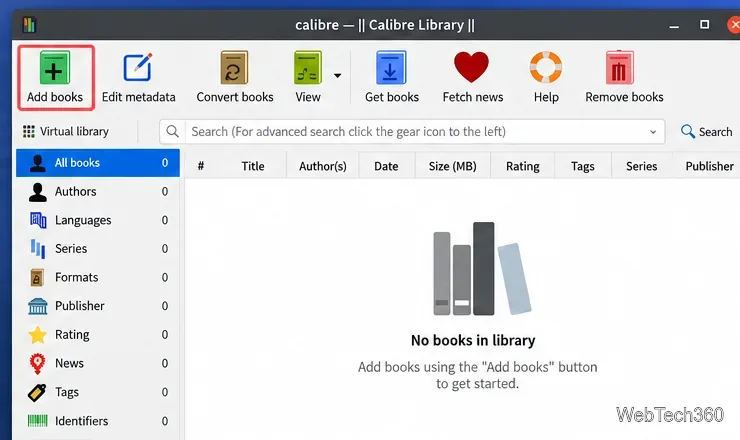
Convert a PDF eBook to EPUB on Linux with Calibre, including installation, conversion settings, export steps, and common PDF limitations.
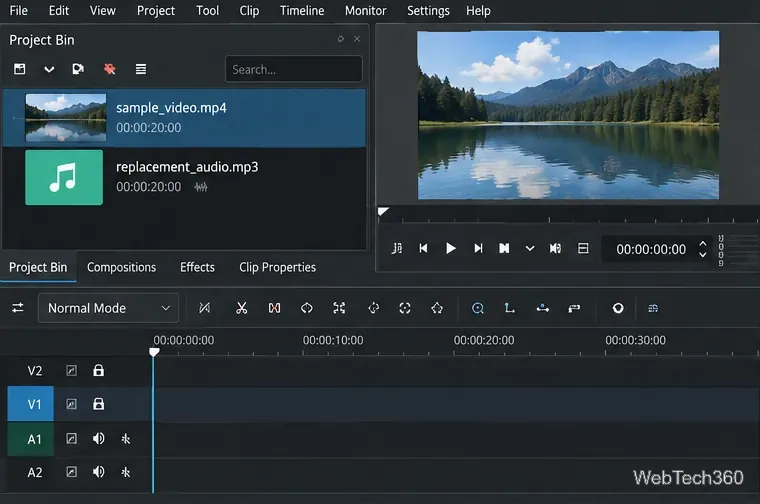
Learn how to replace a video's original audio on Linux with Kdenlive, sync the new track, fix timing issues, and export the finished video.
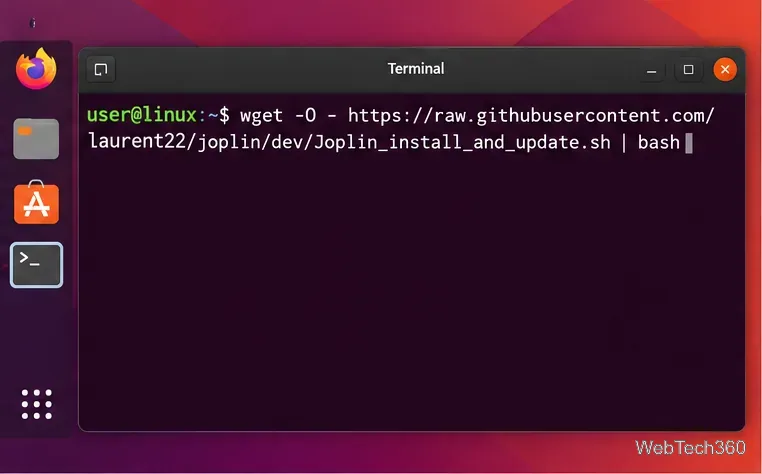
Set up Joplin on Linux with the official installer, then create notebooks, write Markdown or Rich Text notes, add to-dos, and configure sync.
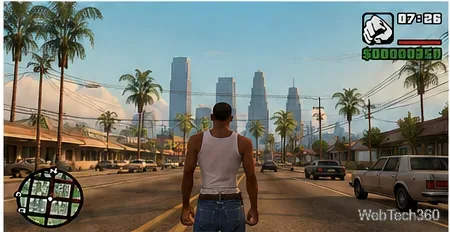
Play GTA: San Andreas on Linux with Steam Proton. Install Steam, enable compatibility, launch the classic game, and fix common startup problems.
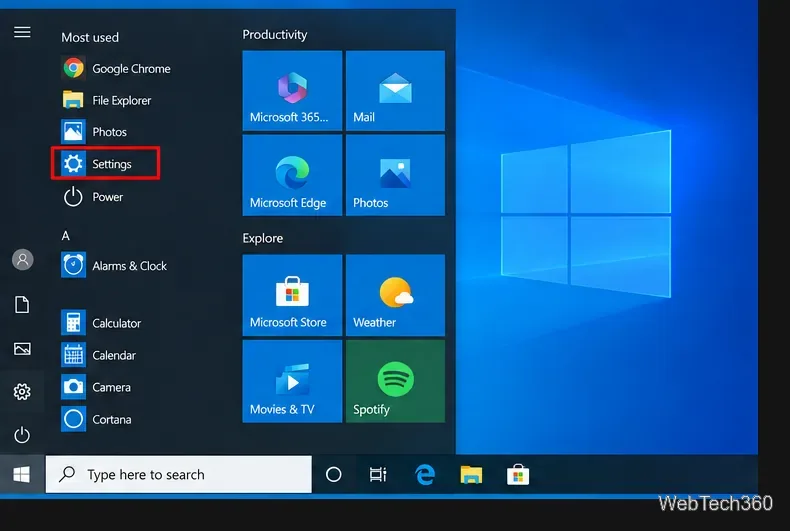
Learn how to turn off the Windows 10 desktop background image, use a solid color instead, and restore your wallpaper when you want it back.
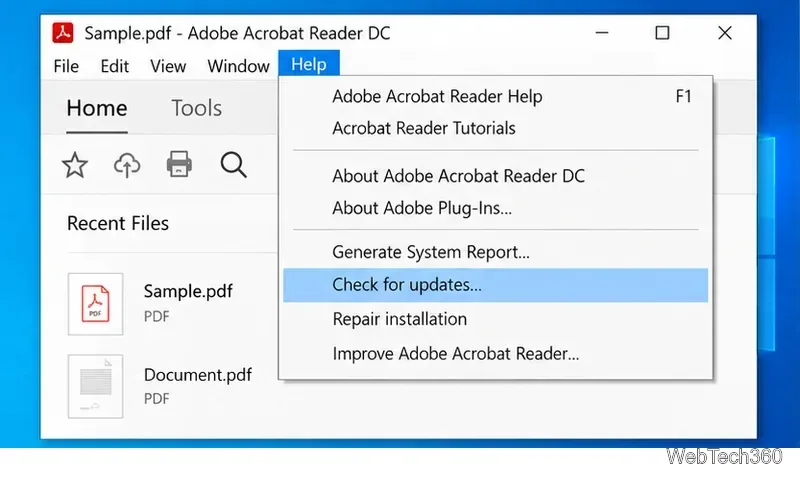
Can’t print a PDF in Adobe Acrobat Reader on Windows 10? Check Reader, the printer queue and driver, use Print as Image, and isolate bad PDF files.
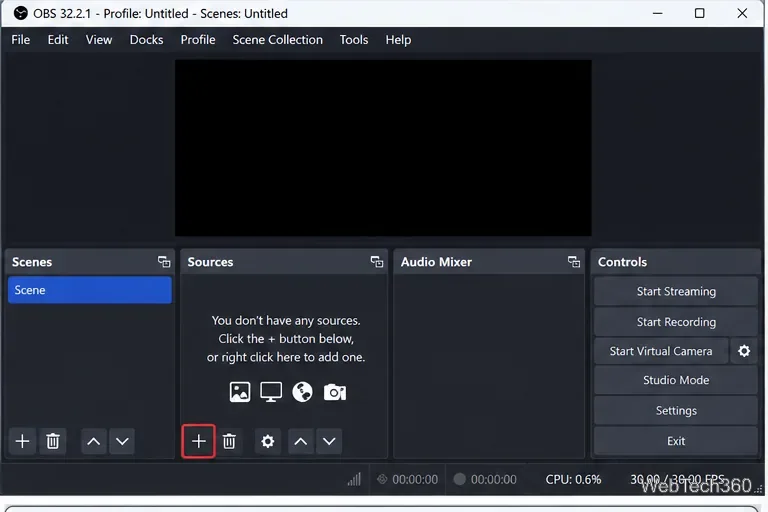
Record two windows side by side on Windows 10 with OBS Studio. Add two Window Capture sources, arrange them on one canvas, capture audio, and record.
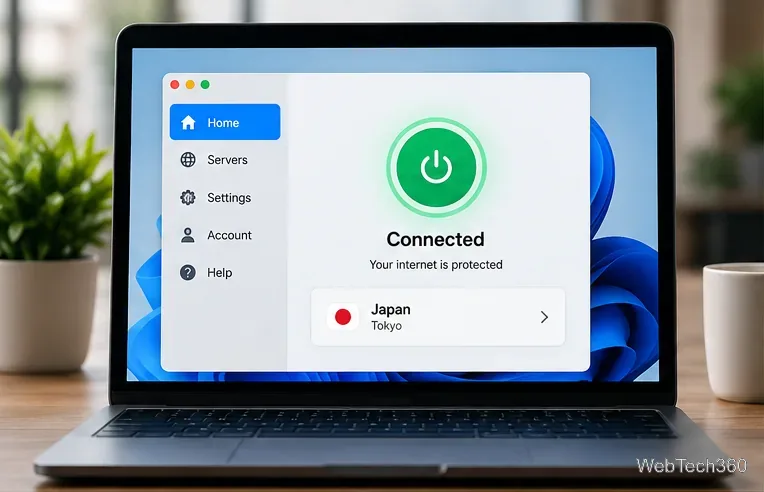
Learn how to unblock sites in China with a VPN, prepare before travel, use anti-censorship features, troubleshoot connections, and understand legal risks.
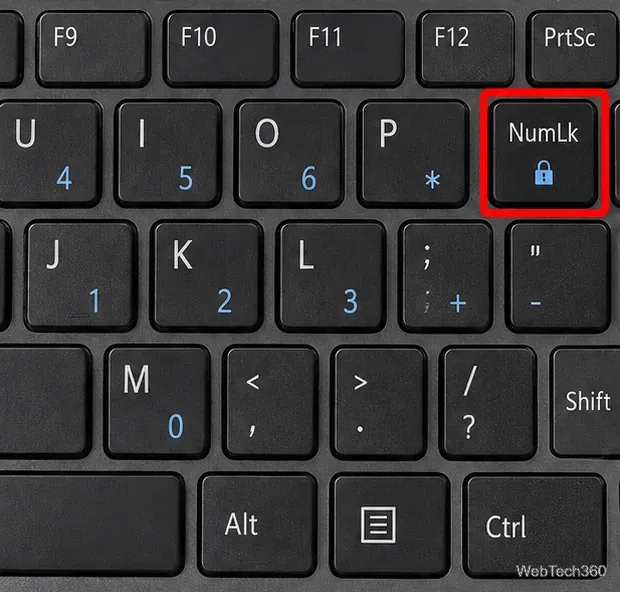
If your Windows 10 keyboard types numbers instead of letters, turn off Num Lock first, then check remapping tools, startup apps, and Safe Mode.
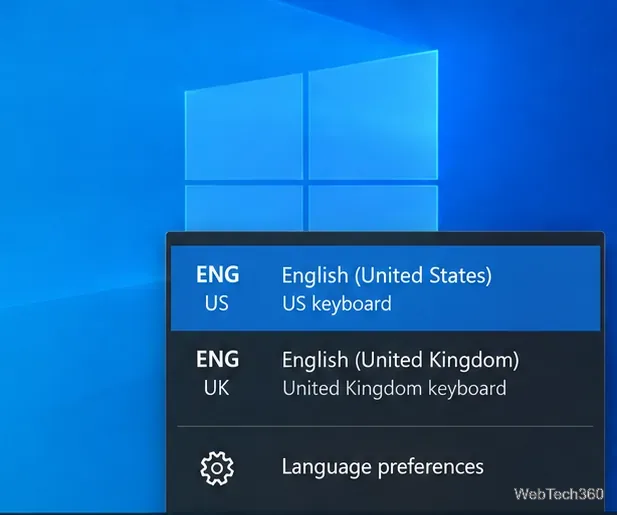
Keyboard typing wrong letters on Windows 10? Fix the layout, language, Num Lock, remapping apps, troubleshooter, and keyboard driver with these steps.
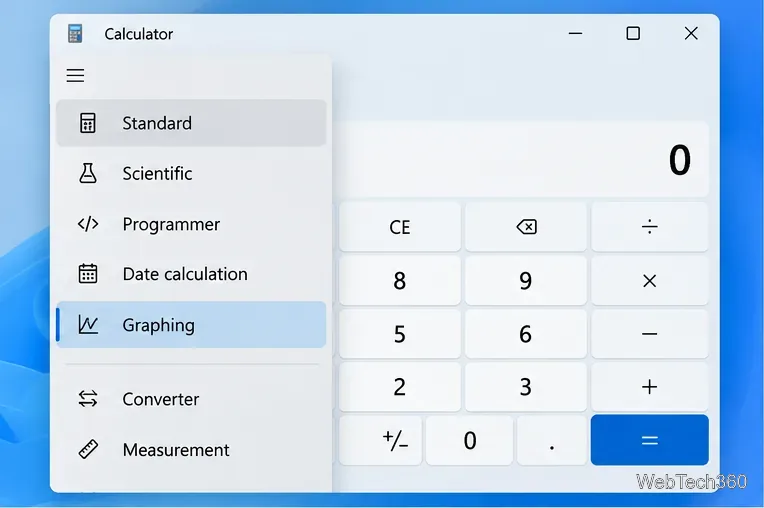
Learn how to open Graphing mode in Windows Calculator, plot equations, use variables, trace points, analyze graph features, and fix a missing Graphing option.
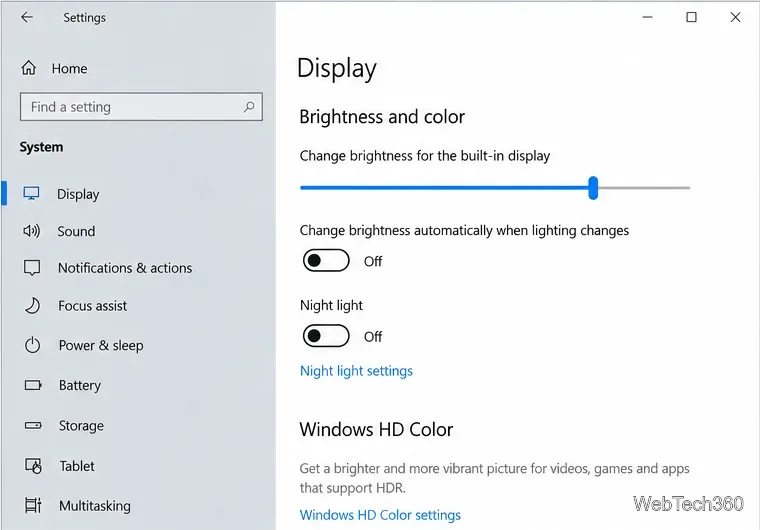
If your Windows 10 screen keeps dimming on its own, turn off adaptive brightness, battery-saver dimming, and GPU power-saving features, then check drivers.
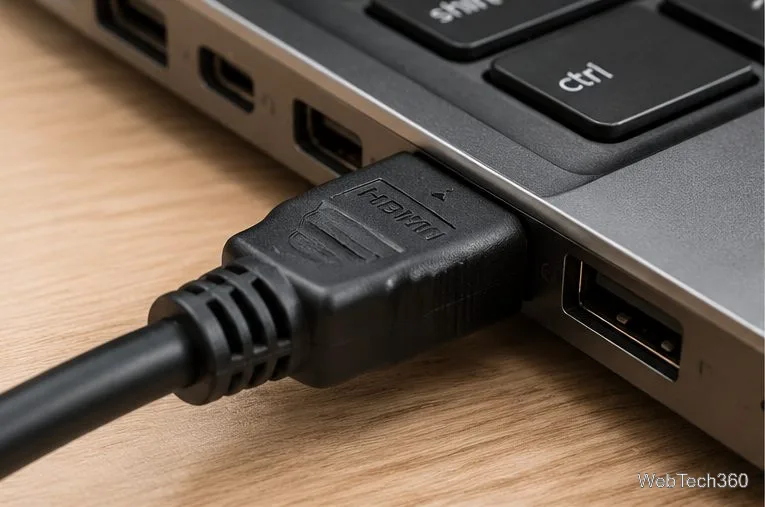
If your PC won’t connect to your TV over HDMI, check the cable and TV input, change Windows display settings, and troubleshoot ports and graphics drivers.
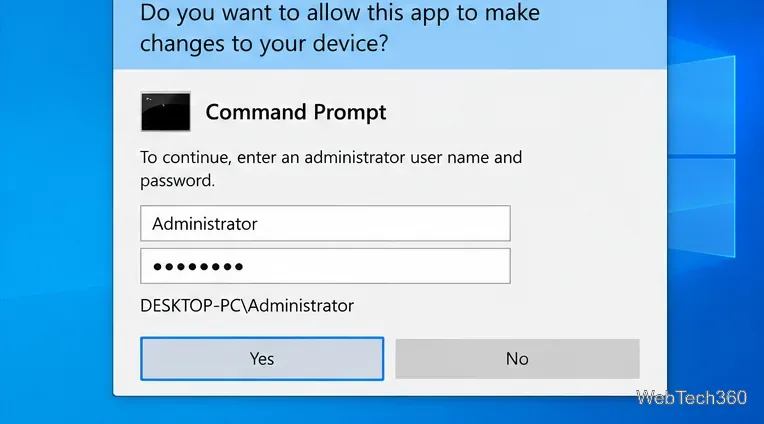
Learn safe ways to run apps with administrator rights on Windows 10, how UAC credentials work, and what to check when elevation is blocked.