How to Add Controller Support to Minecraft on Linux
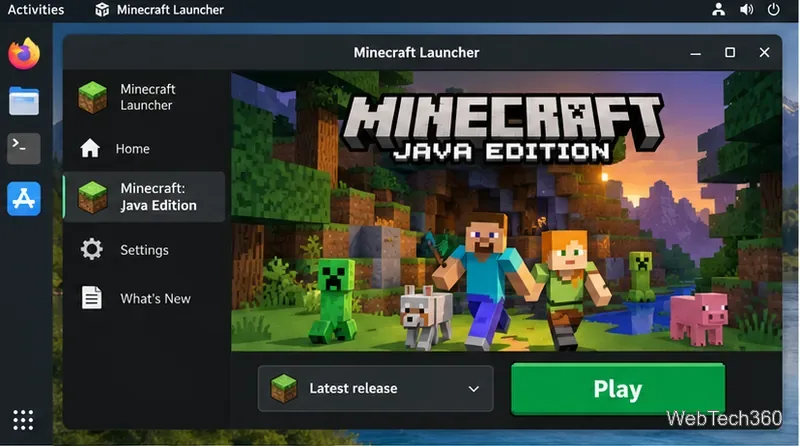
Add controller support to Minecraft Java Edition on Linux with Fabric and Controlify, then connect, launch, configure, and troubleshoot your gamepad.
Add controller support to Minecraft Java Edition on Linux with Fabric and Controlify, then connect, launch, configure, and troubleshoot your gamepad.
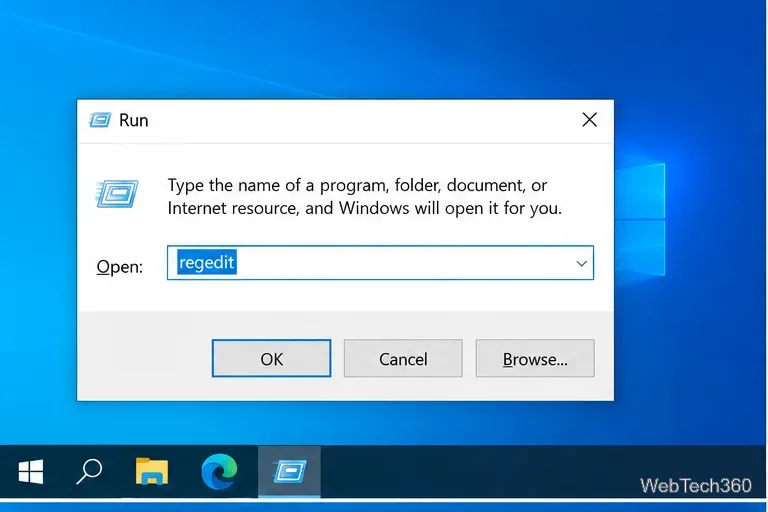
Add Copy To folder and Move To folder commands to the Windows 10 right-click menu with a safer per-user Registry method, plus removal steps.
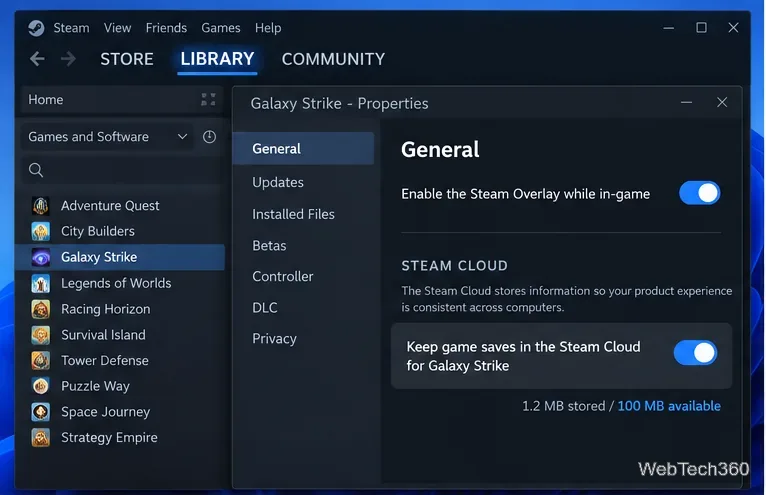
Learn how to check Steam Cloud sync, download cloud saves, find local Steam save data, and safely reset or delete saved games without risky file hacks.
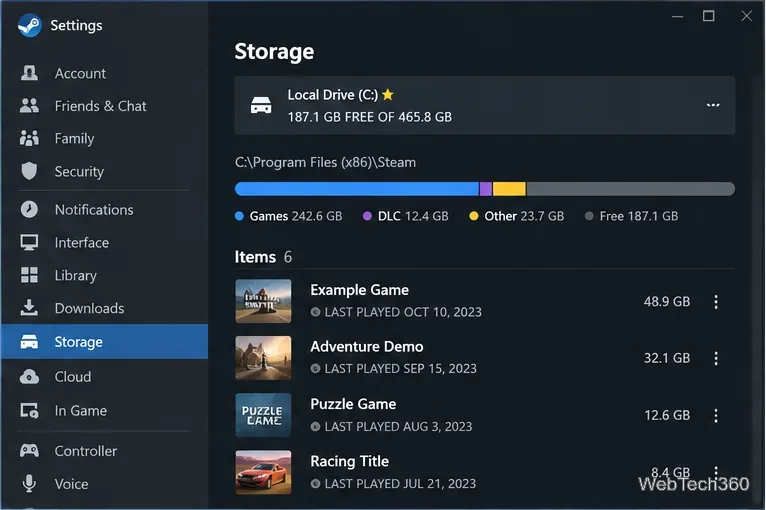
Clean a SteamLibrary folder on Windows 10 safely using Steam Storage, then remove confirmed leftover game folders without deleting saves or active files.
You no longer need the old iTunes MSI workaround. On Windows 10, install Apple Devices from Microsoft Store to connect and manage an iPhone or iPad.
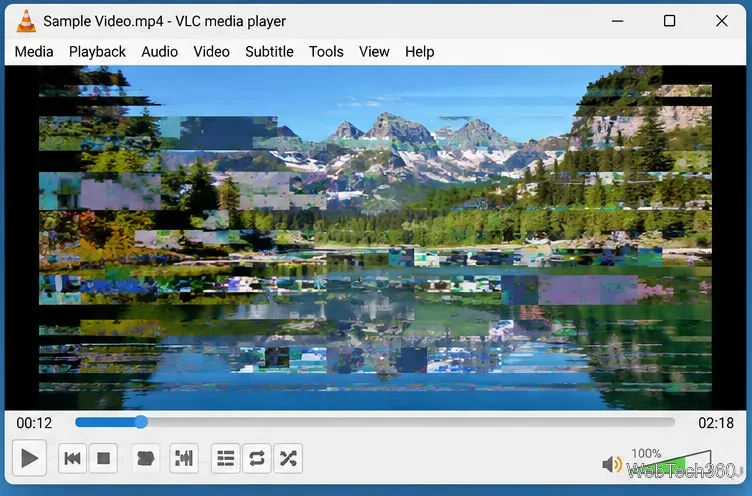
Fix scrambled or garbled video in VLC by changing hardware decoding and video output settings, adjusting stream caching, and ruling out file problems.
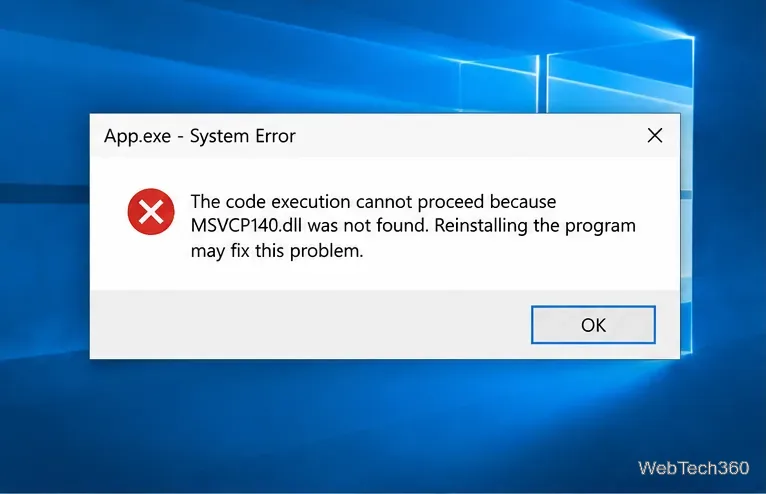
Fix the “MSVCP140.dll was not found” error on Windows 10 by repairing or reinstalling the Microsoft Visual C++ Redistributable and the affected app.
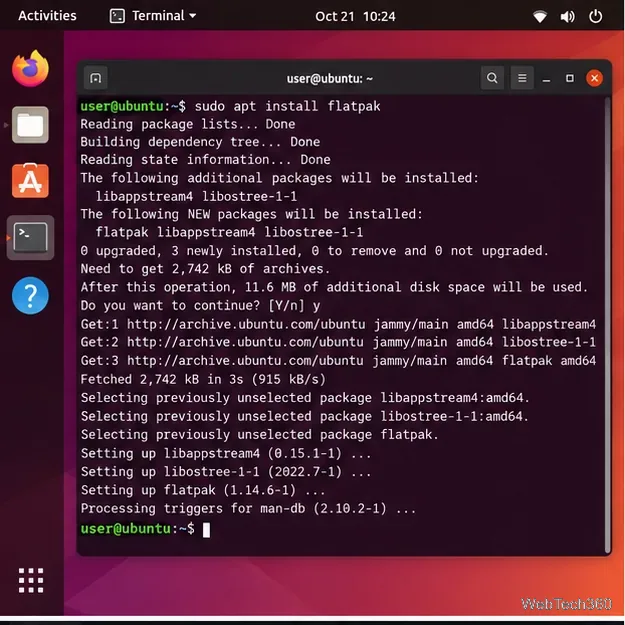
Install the Eolie web browser on Linux with current Flatpak steps, plus native Arch and openSUSE options without relying on outdated PPAs or Copr repos.
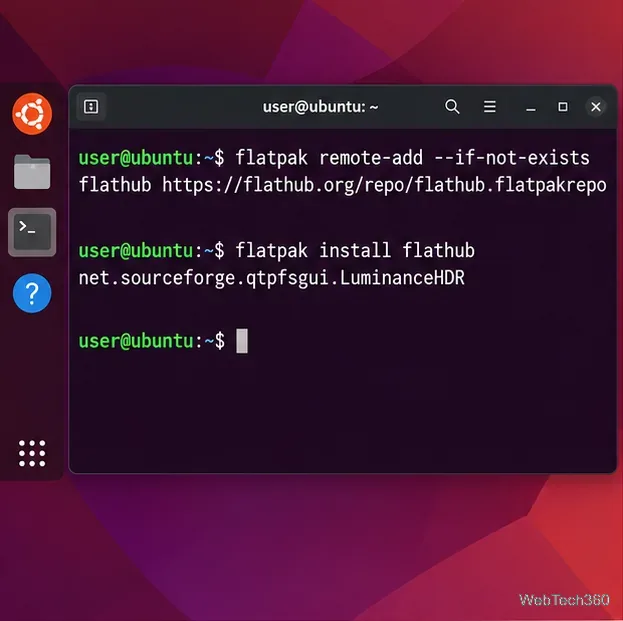
Install Luminance HDR on Linux with Flatpak or native packages for Ubuntu, Debian, Fedora, and Arch, plus openSUSE and troubleshooting tips.
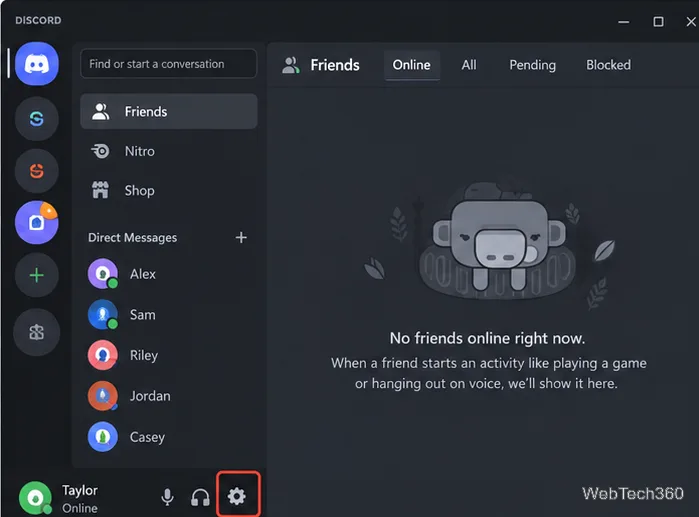
Learn how to disable Discord Game Overlay globally or per game on Windows, plus what to check if the overlay is not showing or keeps appearing.
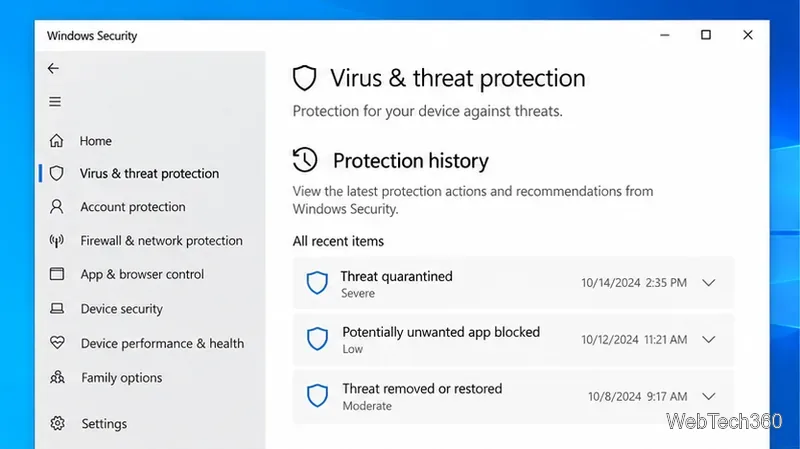
Learn how to clear old Windows Defender Protection History safely on Windows 10, resolve active alerts, and shorten Defender scan-history retention with PowerShell.
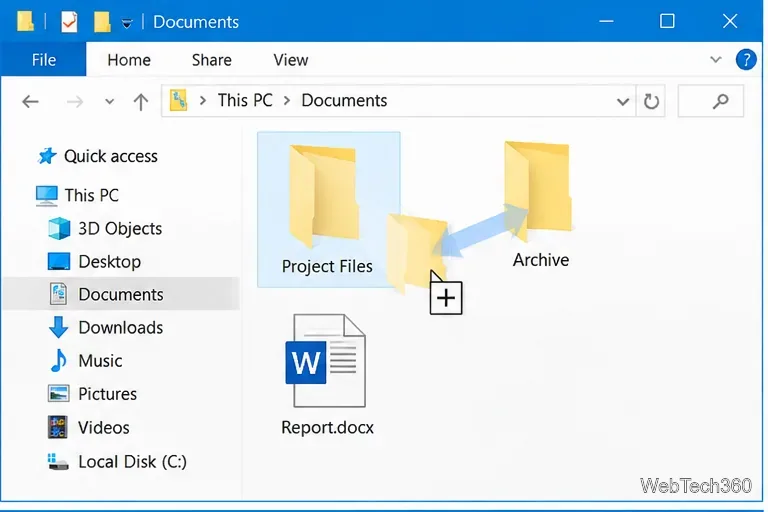
Windows 10 has no built-in confirmation prompt for normal left-click drag-and-drop moves. Use right-button drag, Ctrl or Shift, or Cut and Paste to avoid accidental moves.
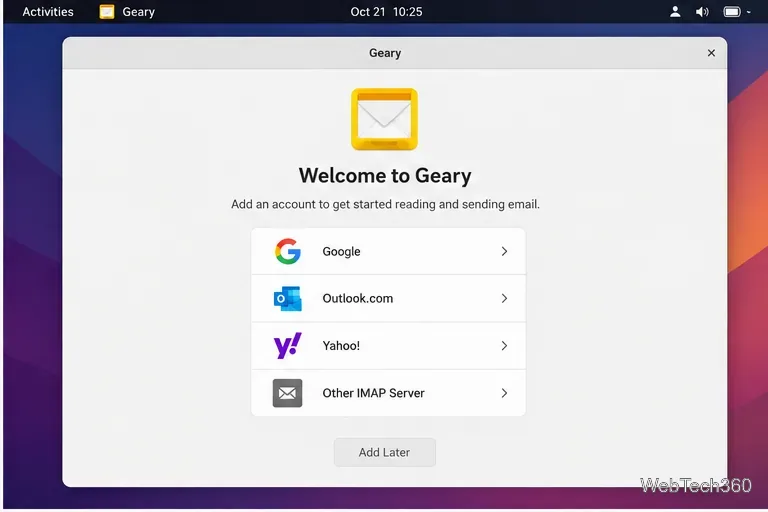
Install Geary on Linux, add Gmail or another IMAP account securely, and learn how to read, search, compose, reply to, archive, and delete email.
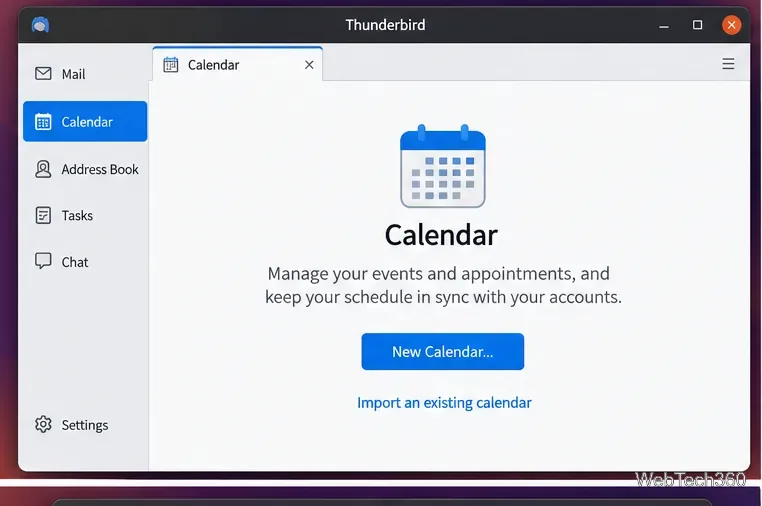
Learn how to use Thunderbird’s built-in Calendar on Linux, add local or online calendars, create events, set reminders, and manage synchronization.
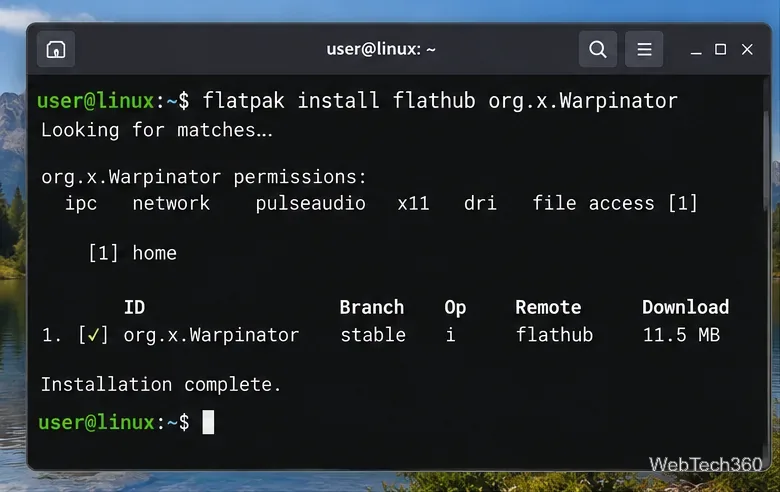
Use Warpinator to send files between Linux PCs on the same local network. Learn the current install options, secure setup, transfer steps, and fixes.
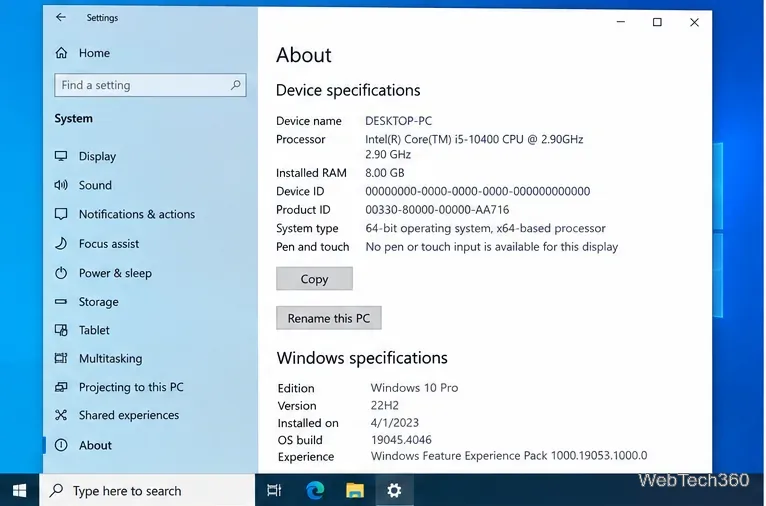
Need the old System page in Windows 10? Use Settings > System > About for device details, or open System Properties for advanced settings.
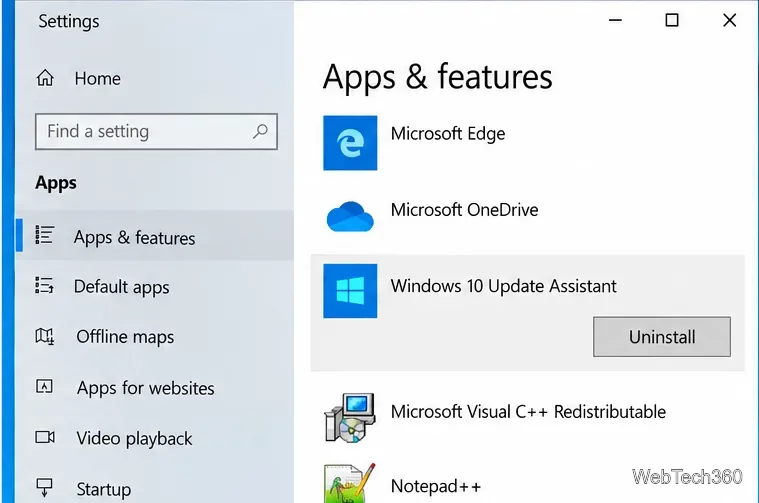
Learn how to remove the Windows10Upgrade folder safely, uninstall the Windows 10 Update Assistant, and clean up leftover update files.
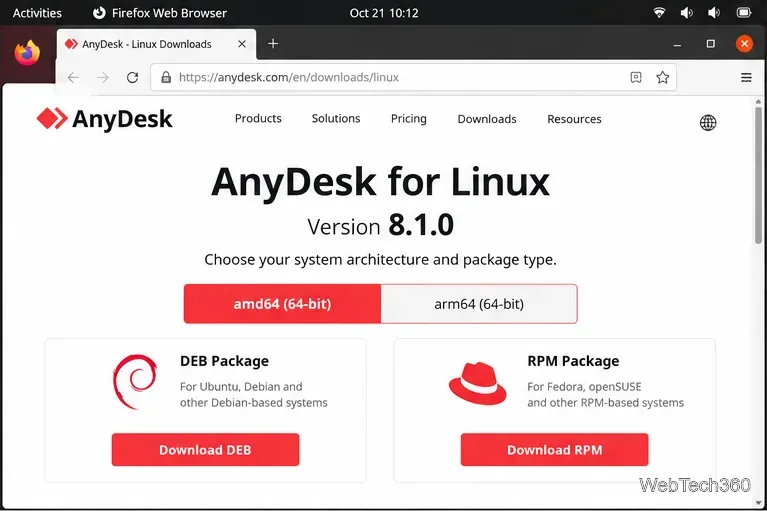
Install AnyDesk on Linux with current DEB and RPM repository steps for Ubuntu, Debian, Fedora, RHEL, and openSUSE, plus Xorg and portable-mode notes.
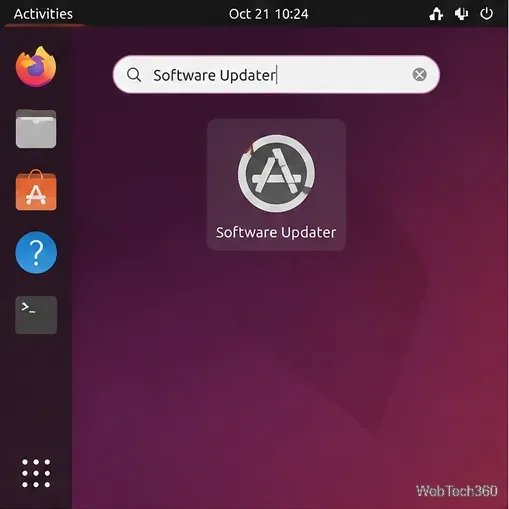
Update Ubuntu packages with Software Updater, APT commands, or Synaptic. Review package changes safely and restart when required.
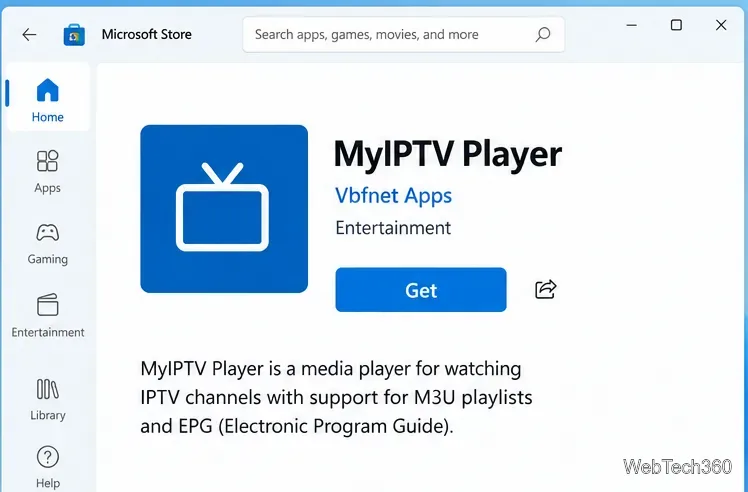
Learn how to install MyIPTV Player on Windows 10, add an M3U playlist and EPG, refresh channels, and fix common setup or playback problems.
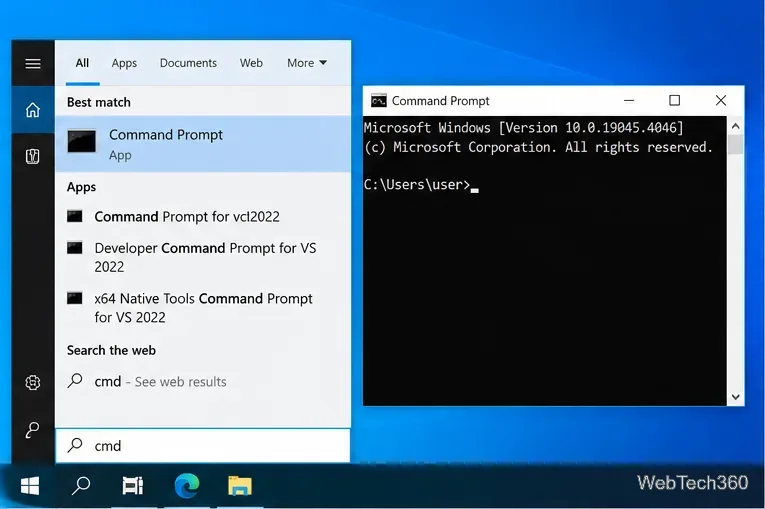
Learn how to run an app with a command-line switch in Windows 10 from Command Prompt or save the switch in a desktop shortcut for repeat use.
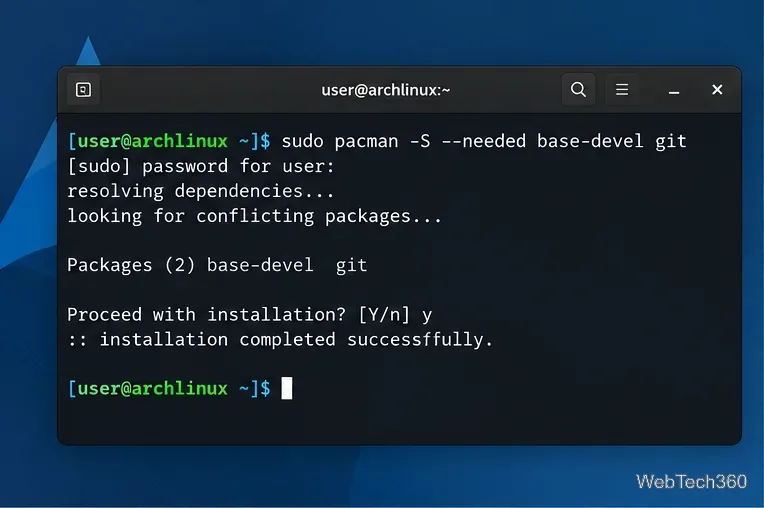
Manage AppImage, Flatpak, Snap, and AUR apps on Arch Linux with bauh. Install the required backends, then search, update, and remove apps in one GUI.
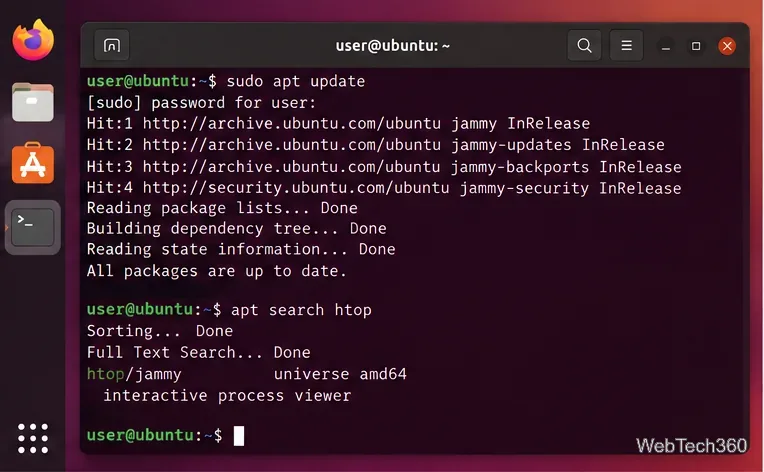
Learn how to search Ubuntu packages with APT, App Center, Synaptic, Packages.ubuntu.com, apt-file, and snap find, plus how to inspect results.
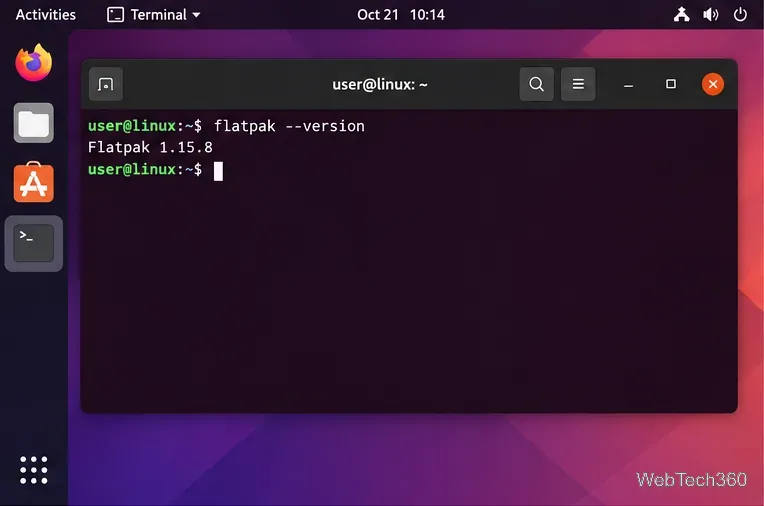
Learn how to play Minecraft Bedrock Edition on Linux with the unofficial Bedrock Launcher, Flatpak, Google Play ownership, and current troubleshooting steps.
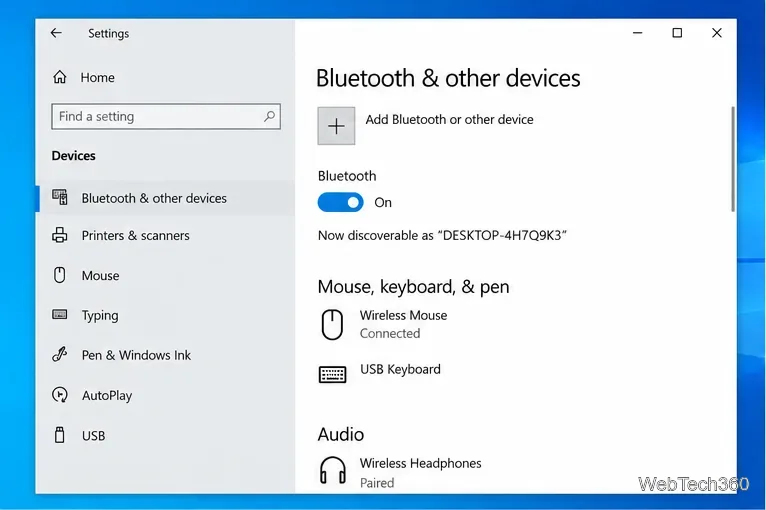
Learn how to turn off Bluetooth on Windows 10 using Settings, Action Center, Device Manager, or laptop controls, plus fixes when the toggle is missing.
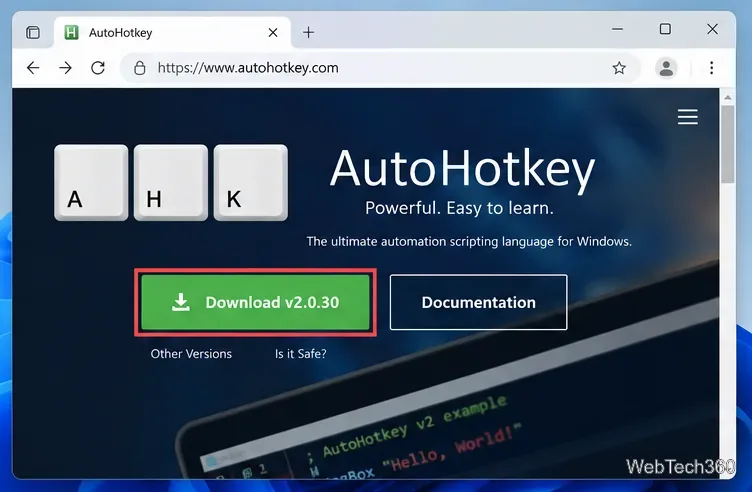
Learn how to make double-space insert a period in Windows 11, using the built-in touch keyboard setting or AutoHotkey v2 for a physical keyboard.
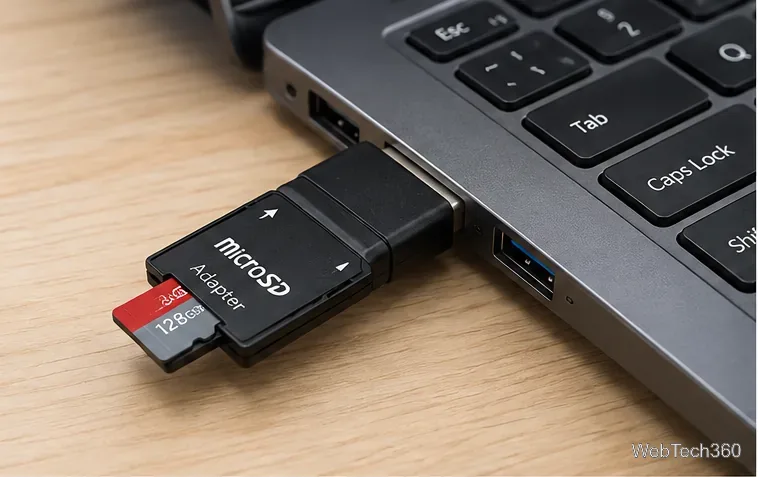
Learn how to format a microSD card on Windows 10 with File Explorer, Disk Management, or DiskPart, including which file system to choose.
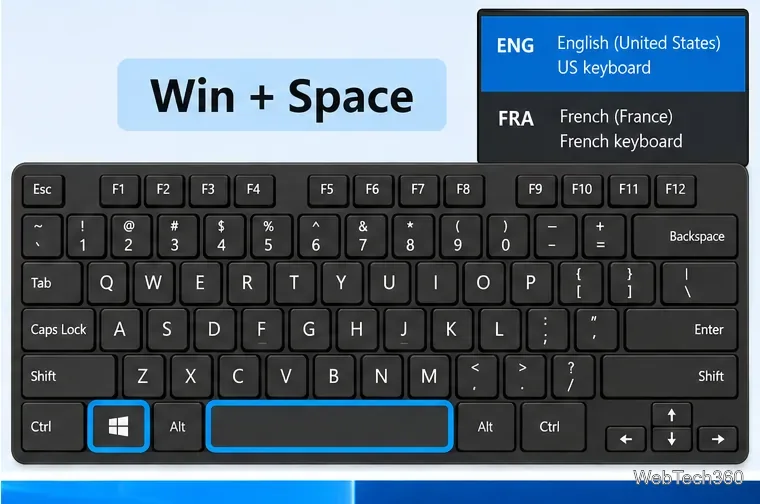
Use Windows + Spacebar to switch keyboard layouts in Windows 10, add missing layouts, and change or disable legacy input-language hotkeys.
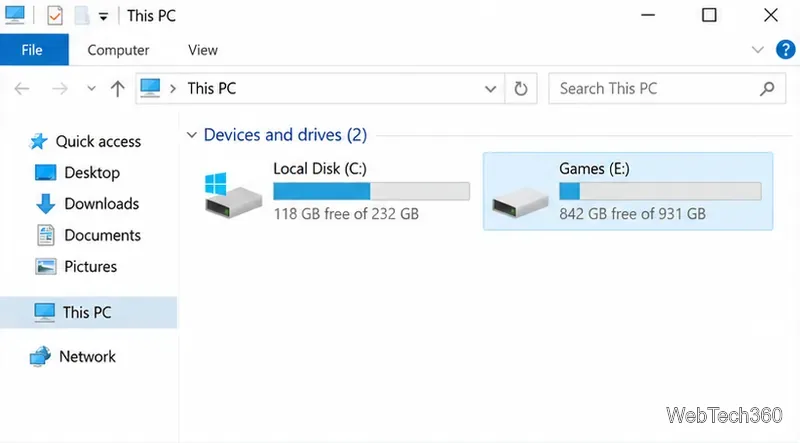
Learn how to install Steam games on an external SSD or hard drive in Windows 10, add a Steam library, move existing games, and avoid common drive issues.
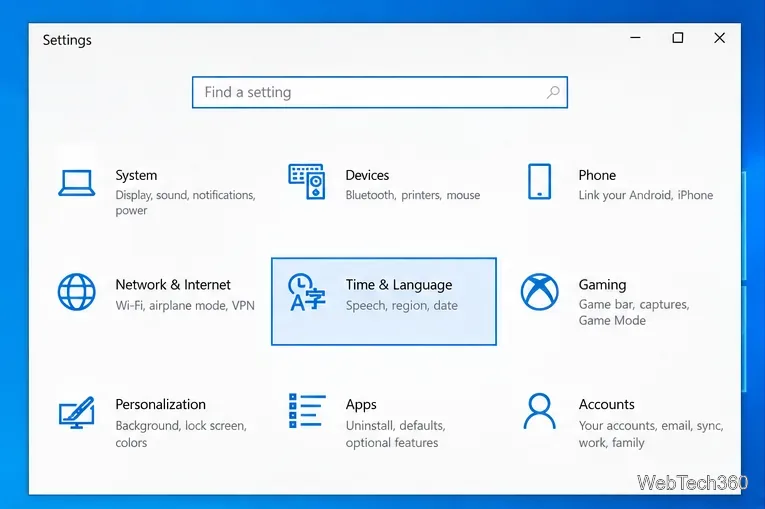
Change the Microsoft Store region on Windows 10, refresh the Store, and understand the limits, billing issues, and app restrictions that may still apply.