How to Run a Shell Script (.sh) on macOS
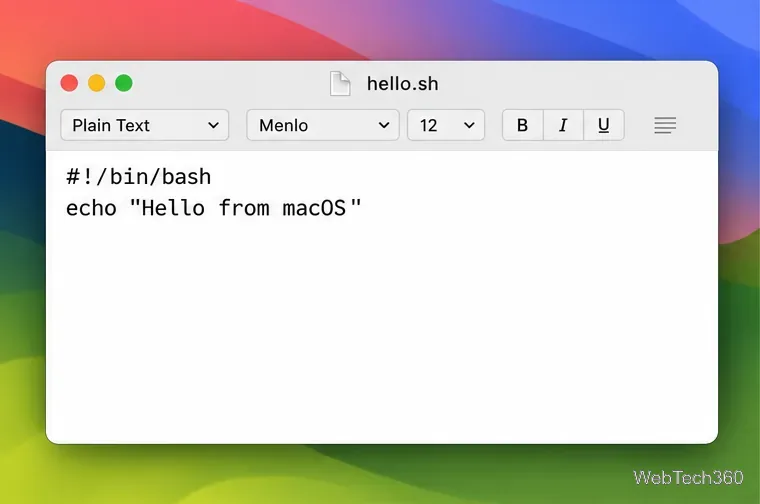
Run a .sh file in Terminal with Bash or launch it directly. Learn how to save a plain-text script, handle permissions, and fix common macOS errors safely.
Run a .sh file in Terminal with Bash or launch it directly. Learn how to save a plain-text script, handle permissions, and fix common macOS errors safely.
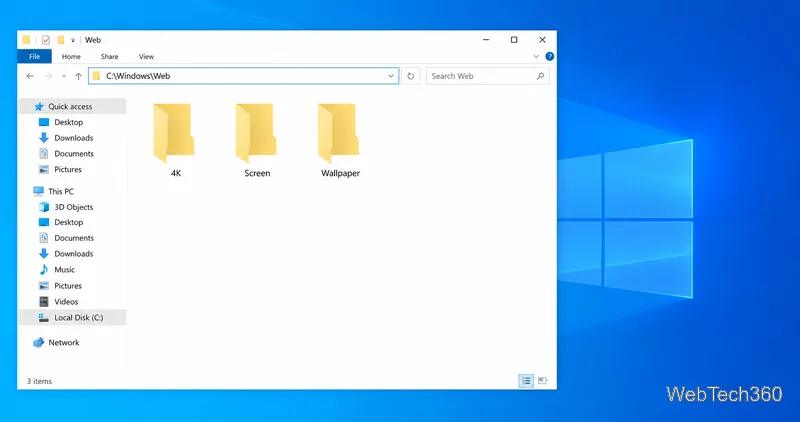
Find the Windows 10 wallpaper folders, learn what 4K, Wallpaper, and Screen contain, and check where Windows may cache an image you already used.
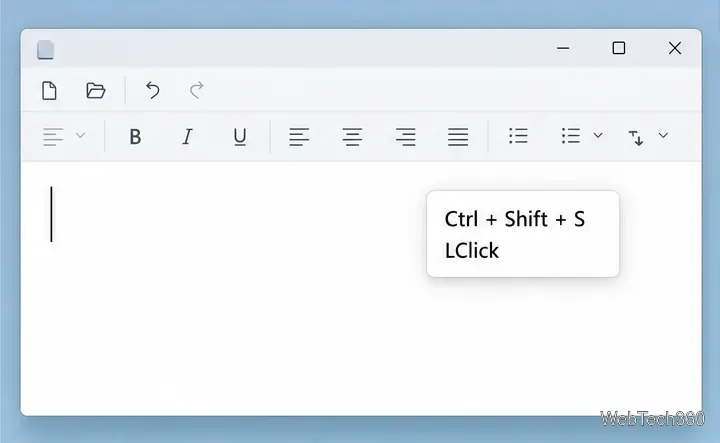
Add a floating keyboard and mouse-click overlay to Windows recordings with ShowOff, customize its appearance, and use PowerToys for click-only highlights.

Remove Microsoft Store apps in Windows 10 from Settings or Start, and find out what to do when the Uninstall option is missing.
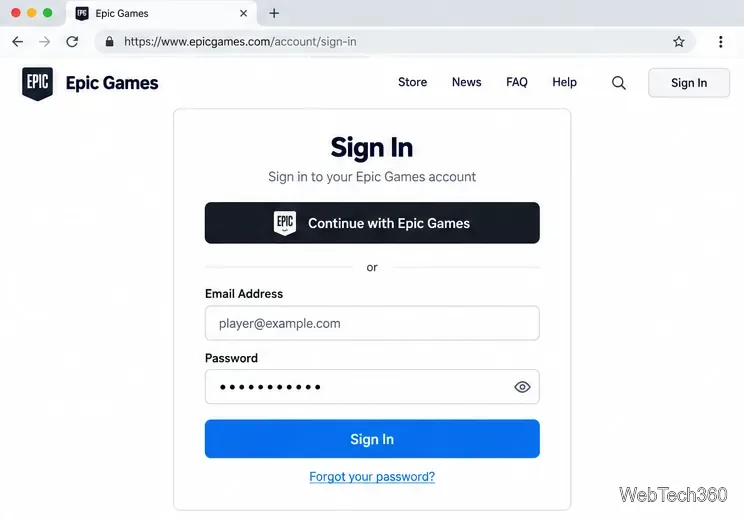
Change your Epic Games display name for Fortnite on PC, Switch, and mobile. Follow the current steps and check email, console, and cooldown limits.

See what Microsoft IIS does, how its request pipeline and application pools work, and when Apache, NGINX, or Caddy may fit your web server needs better.
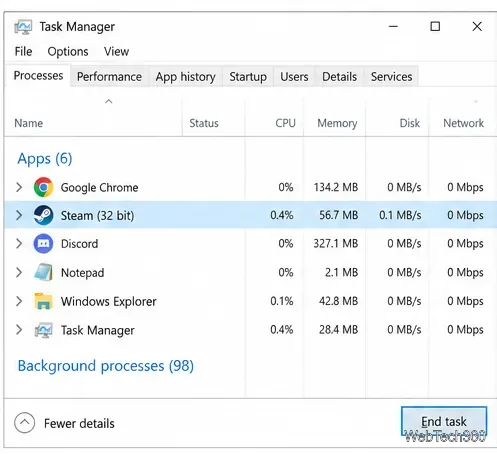
Work through 18 checks for Steam not opening on Windows, from stuck processes and damaged client files to firewall, update, and system repair options.
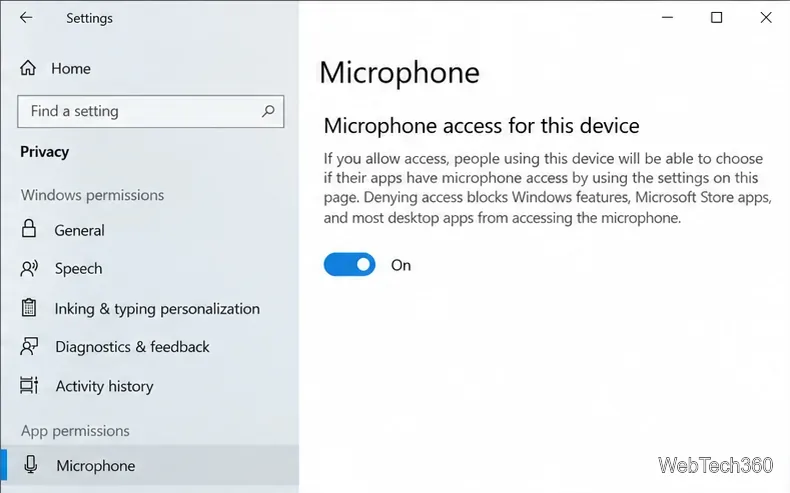
Restore microphone access in Windows 10 by enabling privacy permissions, choosing the right input, and checking app, driver, and headset settings.
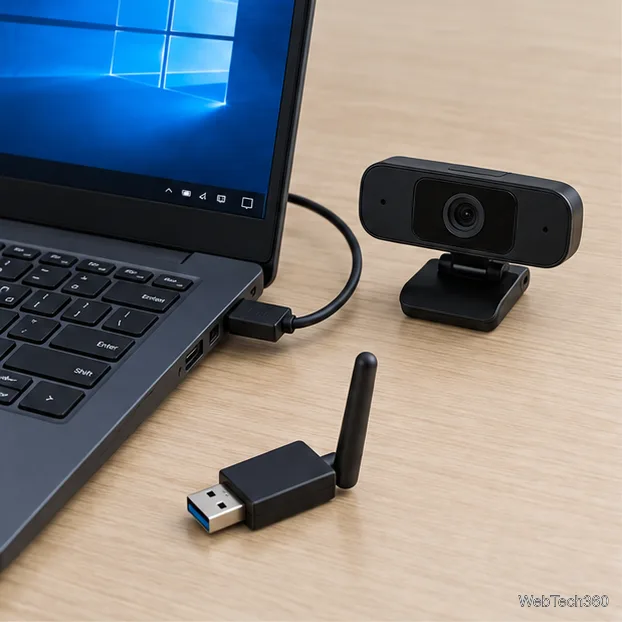
Trace the driver or device behind a WDF_VIOLATION blue screen, then troubleshoot with Safe Mode, Device Manager, System Restore, and Windows repair tools.
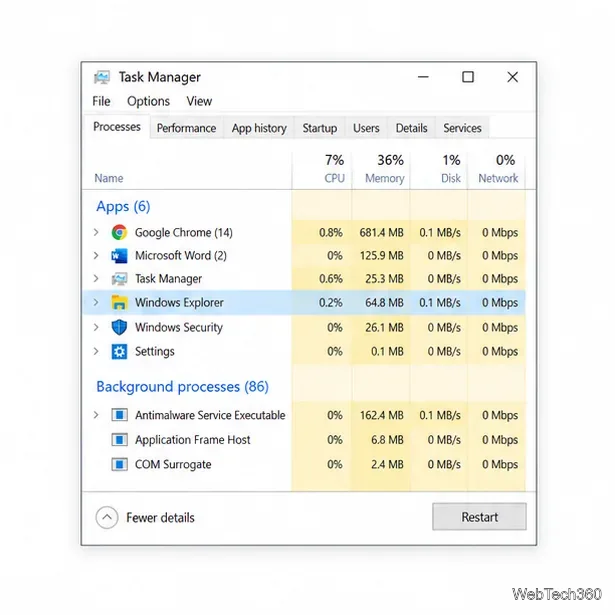
Fix a frozen Windows 10 File Explorer by restarting Windows Explorer, clearing history, repairing system files, and isolating software conflicts.
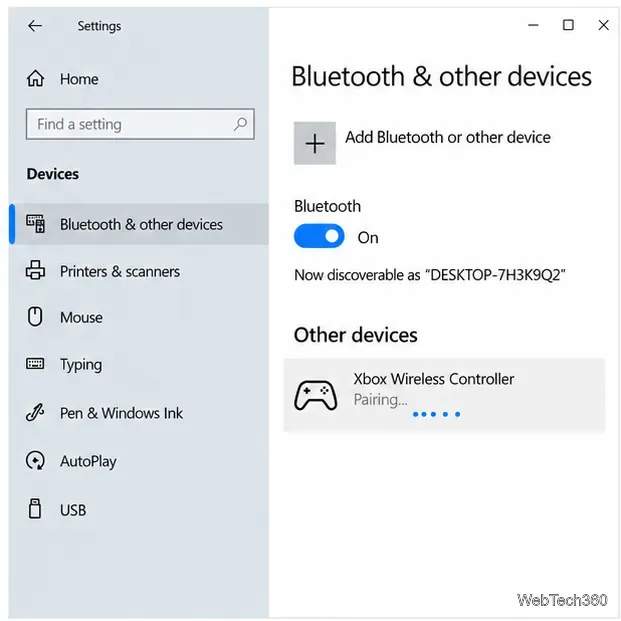
Use Controlify to play Minecraft Java on Windows 10 with an Xbox controller. Follow the version-matched mod setup, controller pairing, and tuning steps, with a Steam Input fallback.
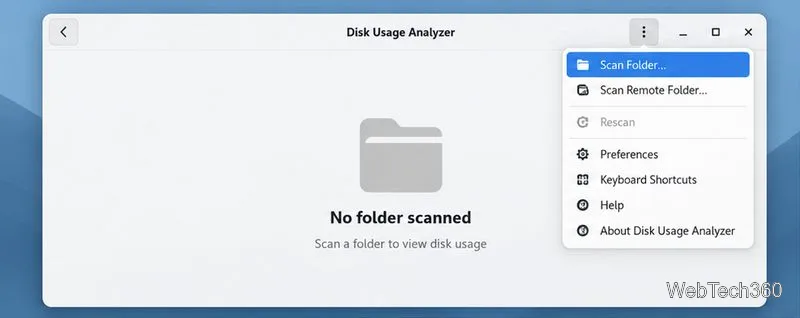
Find Linux program cache files, see which folders use the most space, and clear selected items without removing app settings or personal data.
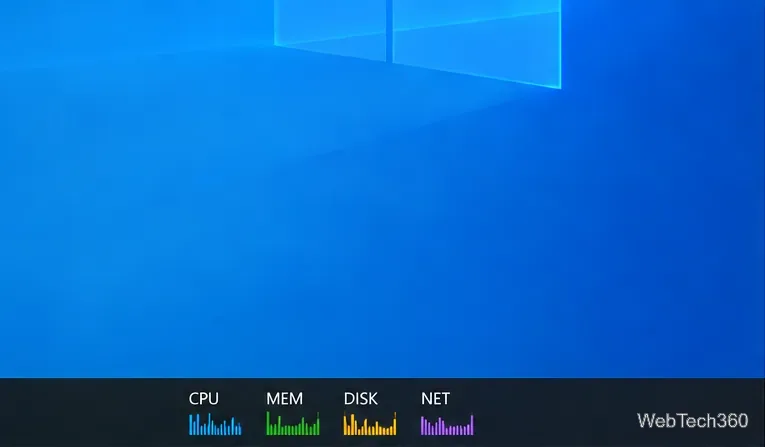
Keep CPU, memory, disk, and network meters on the Windows 10 taskbar with XMeters, choose which readings to show, and find hidden tray icons.
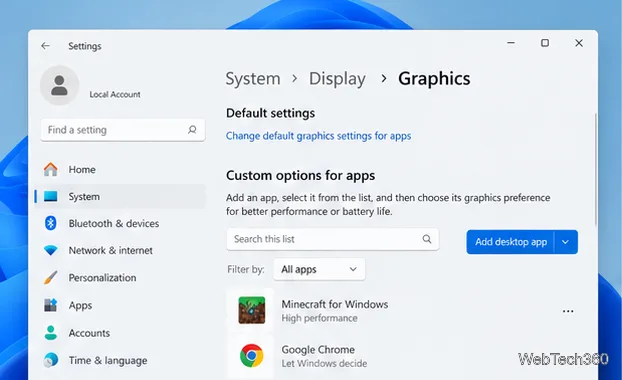
If Minecraft is running on integrated graphics, set Java’s javaw.exe or Minecraft for Windows to High performance in Windows, then verify the active GPU in Task Manager.
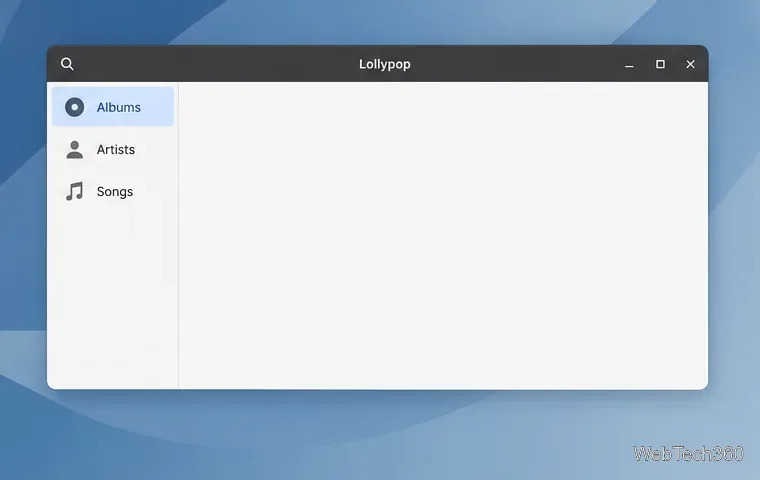
Point Lollypop to your Music folder or another directory, then let it scan your collection. Includes Flatpak access fixes for missing tracks.
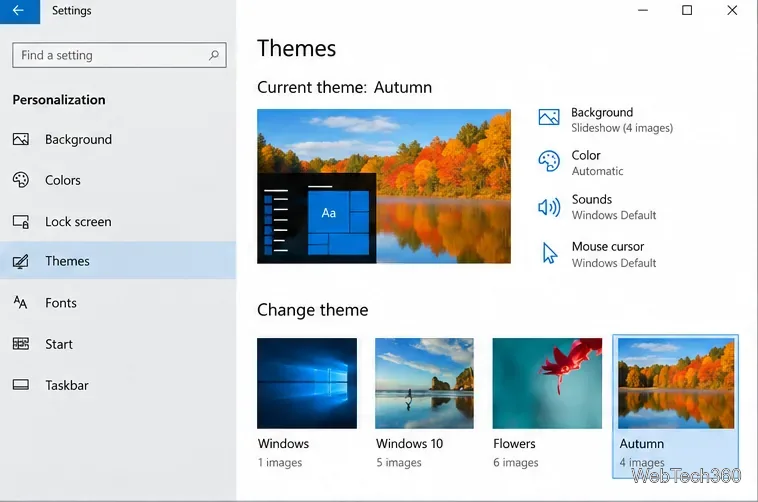
Save a Windows 10 theme as a .deskthemepack, move it to another PC, and install it there. Learn where themes are stored and why a .theme file alone may be incomplete.
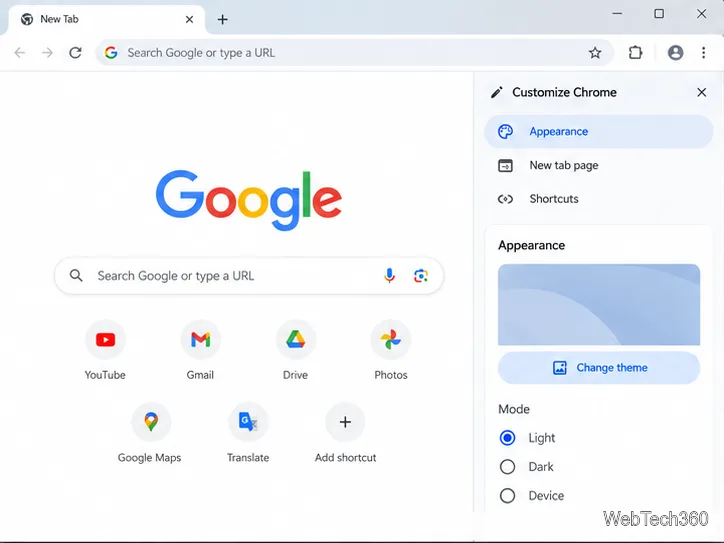
Make the active tab in Chrome easier to spot with a high-contrast theme, then learn how to adjust browser colors or restore the default look.
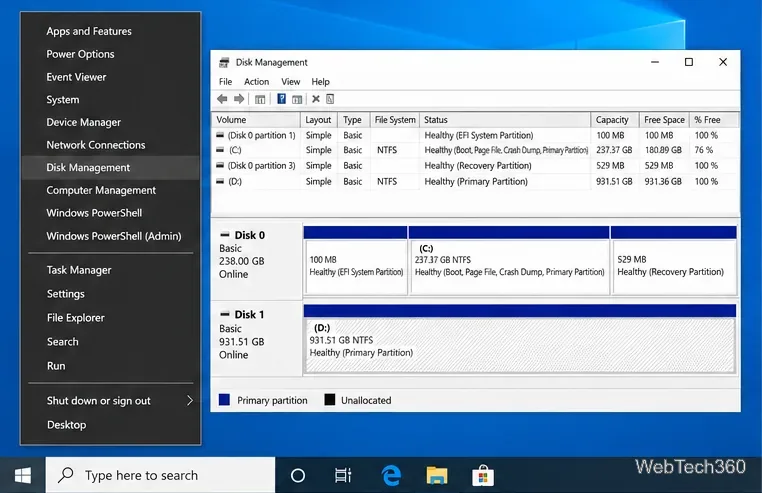
Delete an unused Windows 10 data partition with Disk Management or DiskPart. Learn how to verify the target drive, protect recovery partitions, and reuse unallocated space.
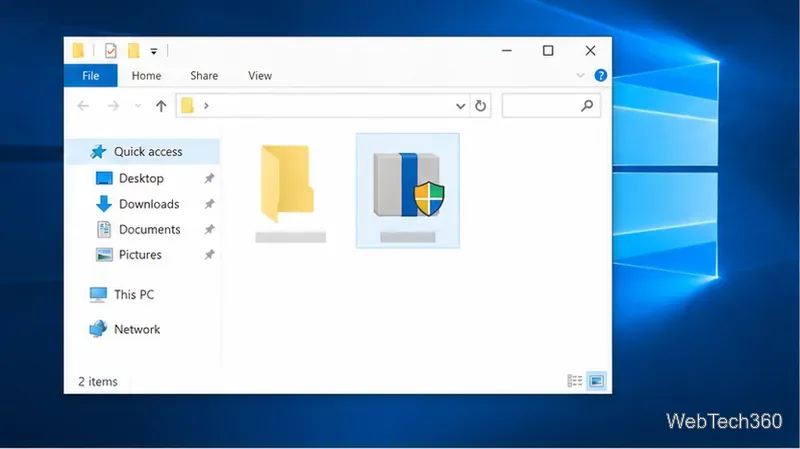
Use WinMute to mute Windows 10 system audio when you lock your PC, then unmute it when you return. Includes setup, testing, and playback limits.
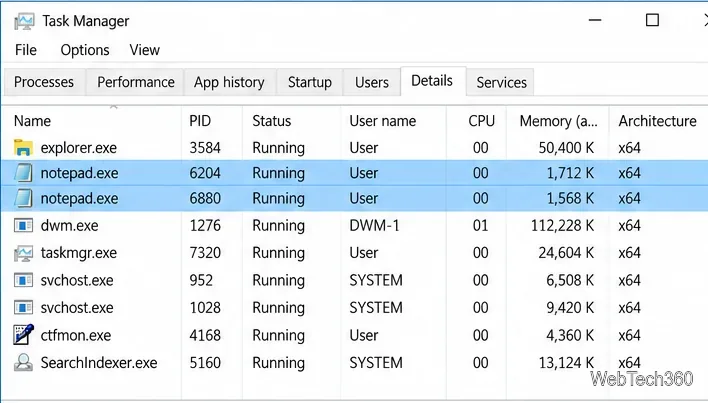
Use Task Manager to find an app’s exact executable name, then run taskkill to close every matching process in Windows. Includes verification and safety notes.
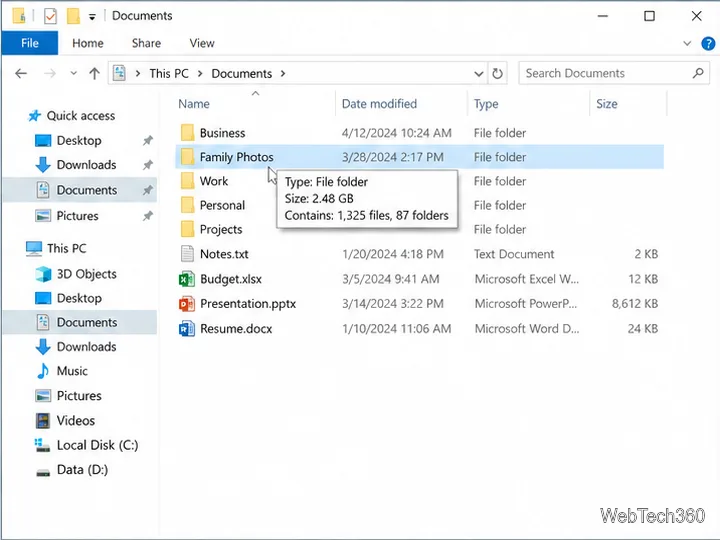
Check a folder’s size in Windows 10 with File Explorer Properties, or compare nested folders with Storage settings and TreeSize Free.
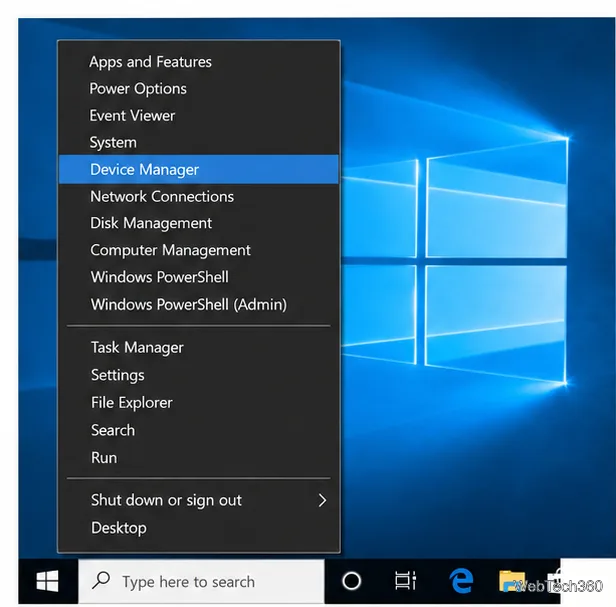
Find your Windows 10 Bluetooth adapter’s LMP value in Device Manager to confirm Bluetooth 4.0 or newer, then update the right driver if needed.
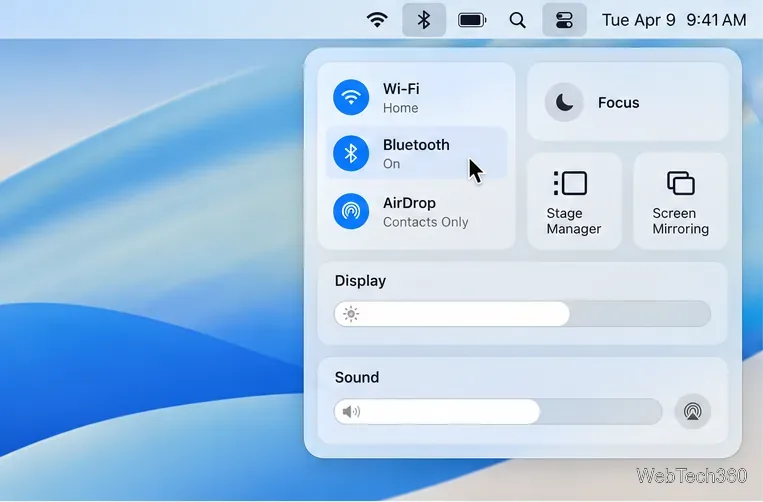
Check AirPods and supported Bluetooth accessories from Control Center, then find out what to try when macOS does not show a battery level.
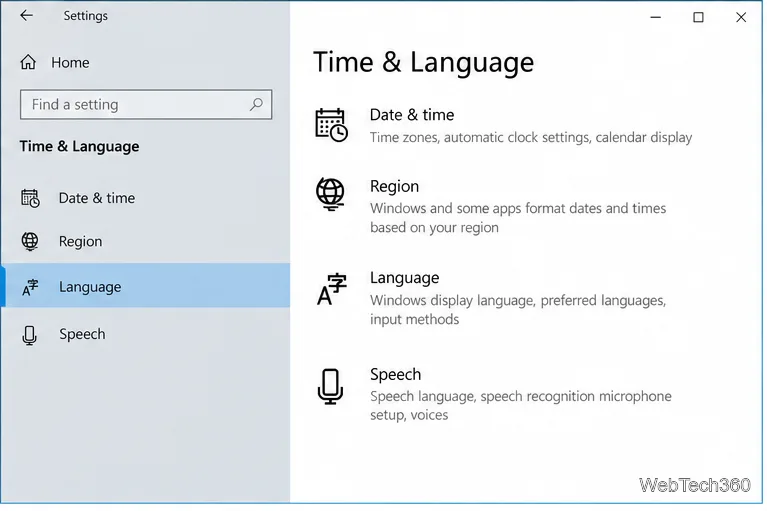
Remove an unwanted Windows 10 keyboard layout in Settings, find layouts listed under another language, and fix a disabled Remove button without deleting the language pack.
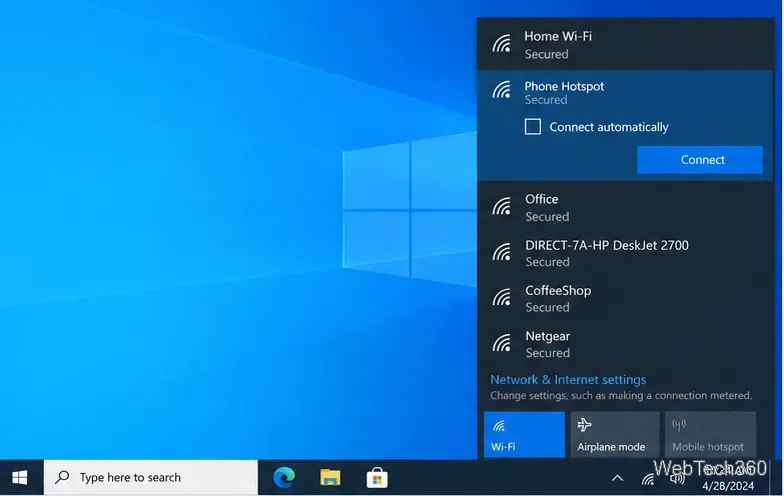
Connect a Windows 10 PC to a phone hotspot over Wi-Fi, USB, or Bluetooth, with clear setup steps and fixes for missing networks and password errors.
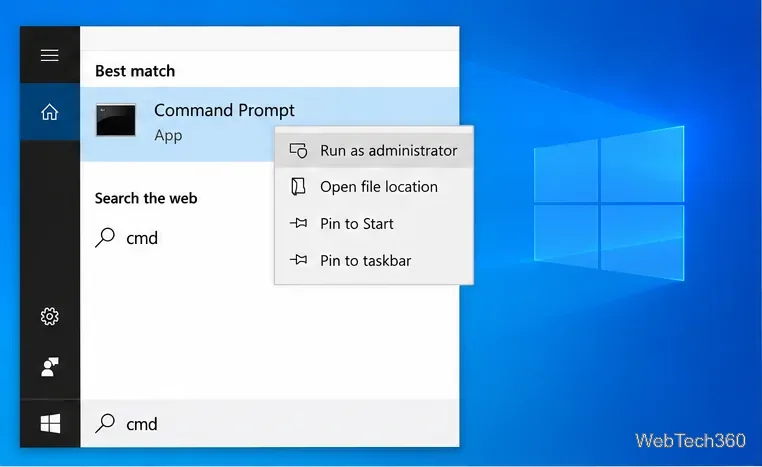
Use Windows 10's built-in battery report to compare design and full-charge capacity, calculate estimated wear, and understand missing or confusing readings.
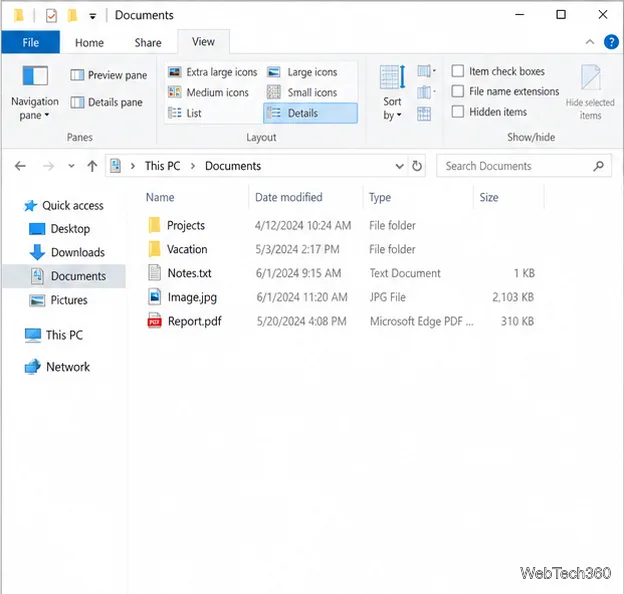
Turn on File Explorer’s Preview pane from the View ribbon or with Alt+P, then learn which files it can show and how to handle blocked downloads.
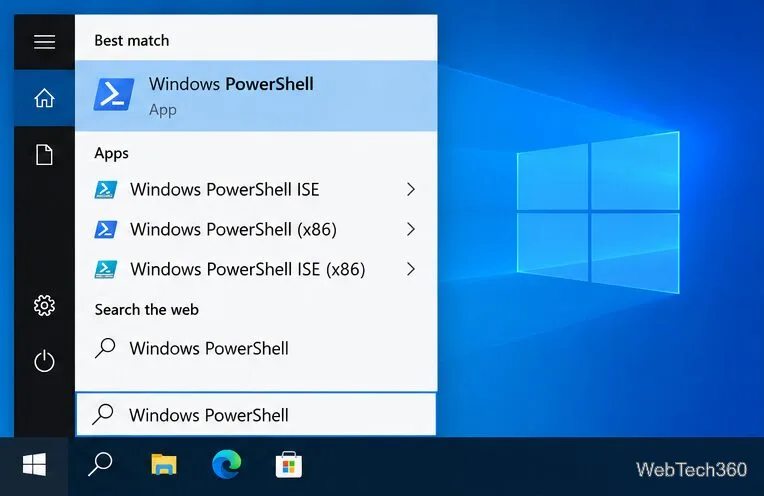
Find a physical HDD or SSD serial in PowerShell, identify the right disk, and learn how it differs from a volume serial number.
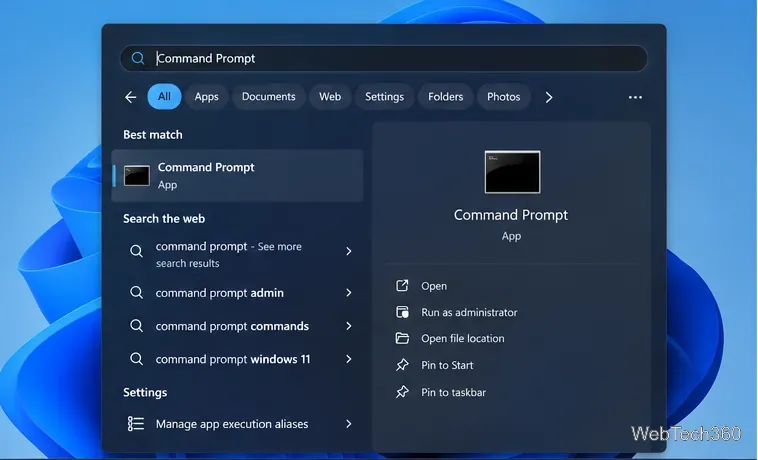
Use Command Prompt to track ping, packet loss, and latency over time, then compare your router, a public IP, and a website to narrow down connection drops.
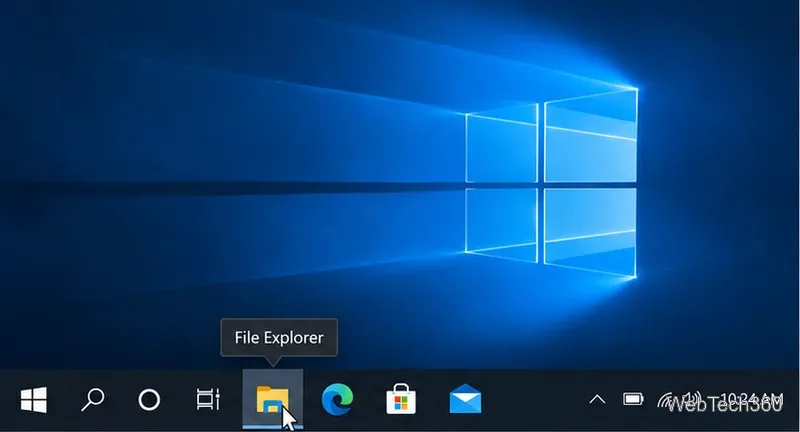
Use tooltips, window previews, app menus, the notification area, Start search, and Task Manager to identify an unfamiliar Windows 10 taskbar icon safely.