2K vs. 4K Monitors: Which Resolution Is Best for You?
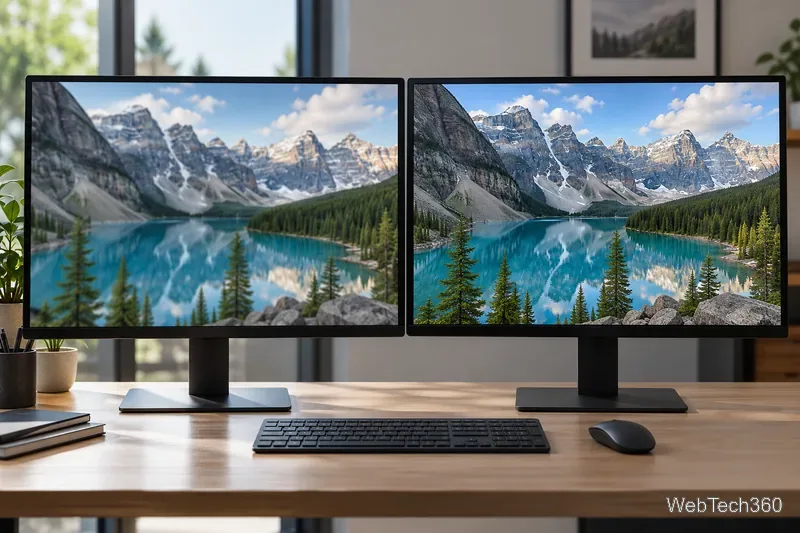
Compare 1440p QHD and 4K UHD monitors by sharpness, scaling, gaming performance, and work use to choose the resolution that fits your setup.
Compare 1440p QHD and 4K UHD monitors by sharpness, scaling, gaming performance, and work use to choose the resolution that fits your setup.
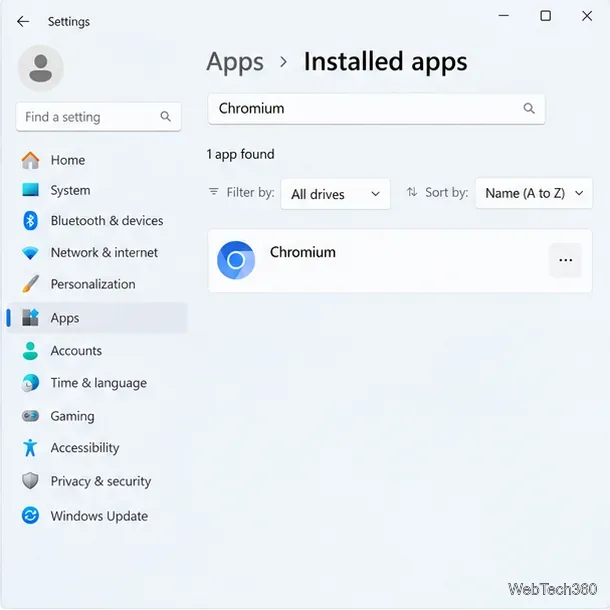
Learn how to uninstall Chromium on Windows, delete its profile data safely, scan for unwanted software, and restore browser settings if they changed.
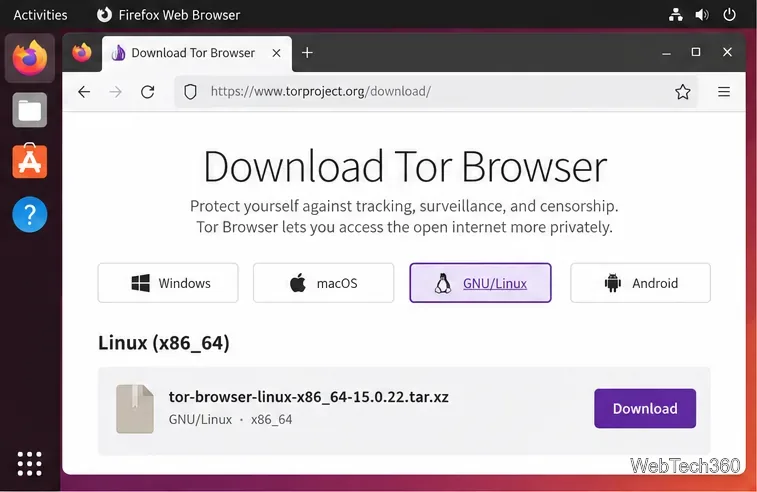
Download Tor Browser’s official Linux archive, verify it, extract the files, launch the connection wizard, and add an app-menu shortcut on Ubuntu.
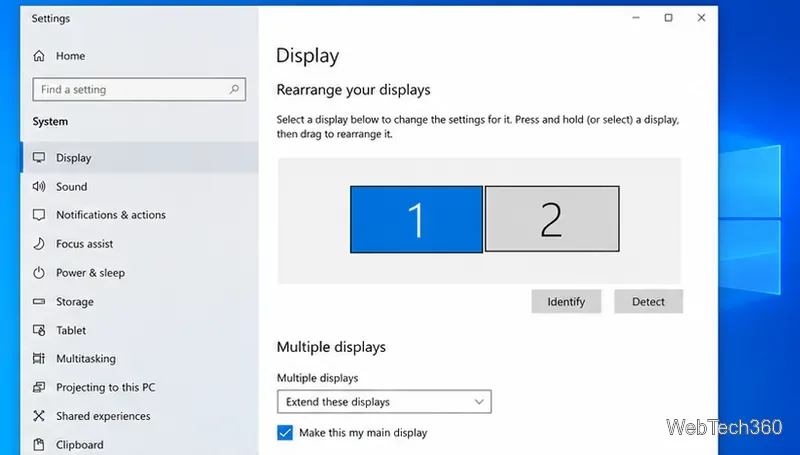
Move the Windows 10 system tray to a secondary display by extending your desktop, unlocking the taskbar, and dragging it—without changing the primary monitor.
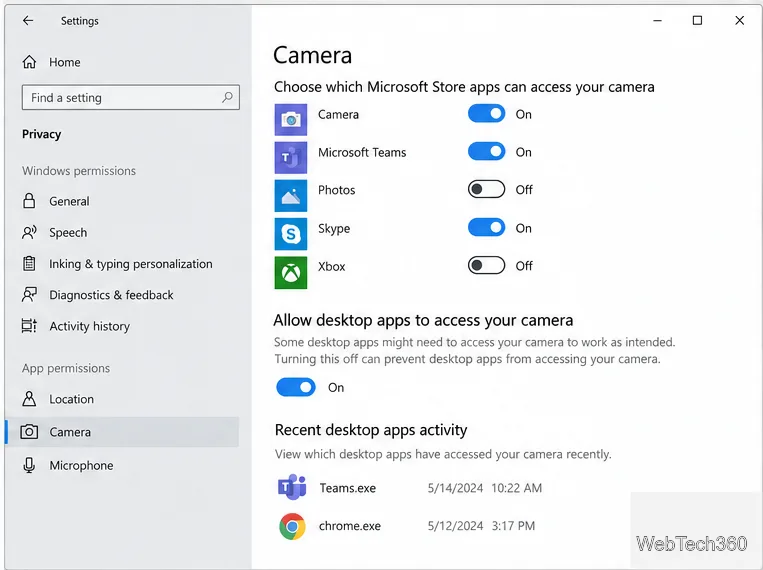
Check Windows Camera privacy activity, review browser site permissions, and trace an open camera handle on Windows 11 to identify the app.
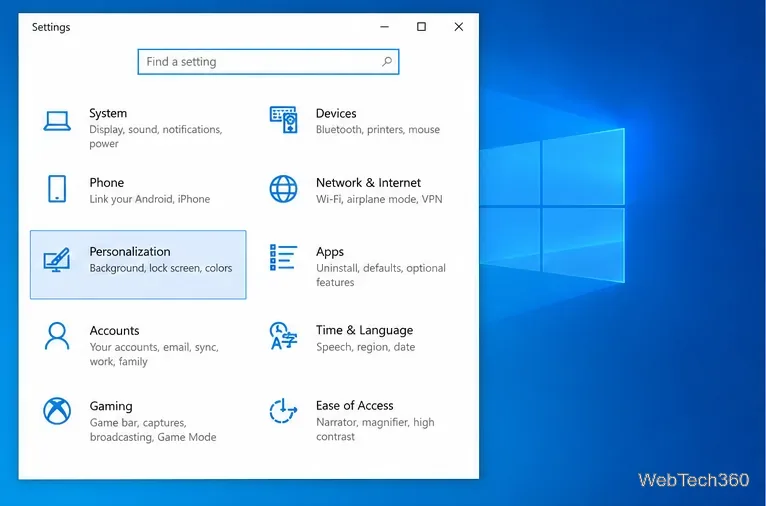
Turn off Windows 10 recent items to hide files from app Jump Lists and File Explorer Quick Access, and learn what the switch leaves visible.
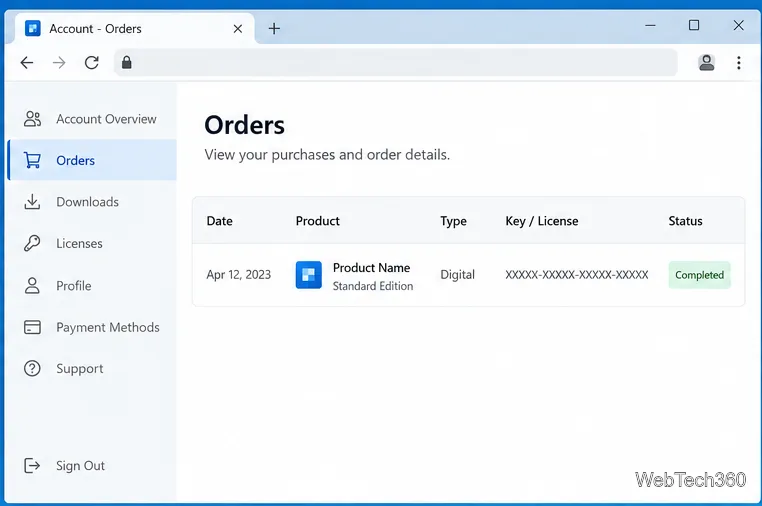
Check publisher accounts, purchase emails, app settings, and backups to recover a Windows 10 app license. Learn when a local scan can help and how to store keys safely.
Stop File Explorer from crashing on right-click by isolating a context-menu extension, removing a recent app, or repairing Windows system files.
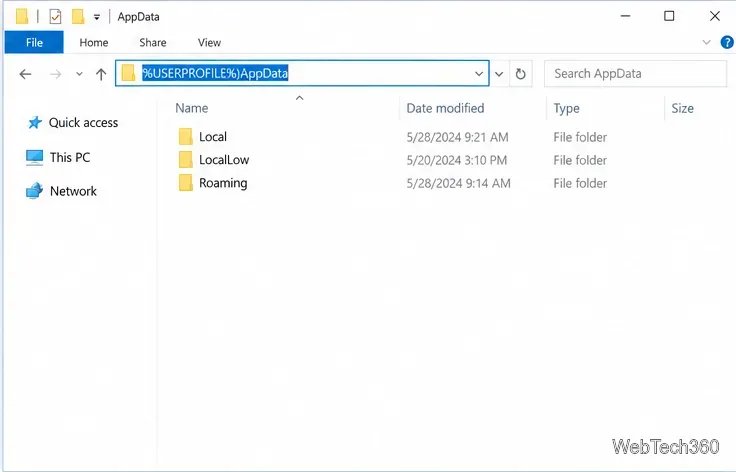
Open the hidden AppData folder in Windows 10, find it in File Explorer, and learn where %APPDATA% and %LOCALAPPDATA% take you.
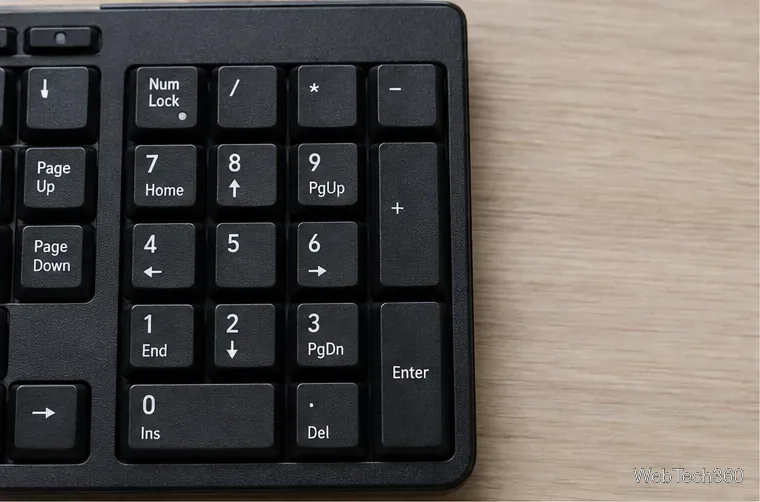
Get a Windows 10 number pad typing again by checking Num Lock, testing in Notepad, turning off Mouse Keys, and isolating app or hardware problems.
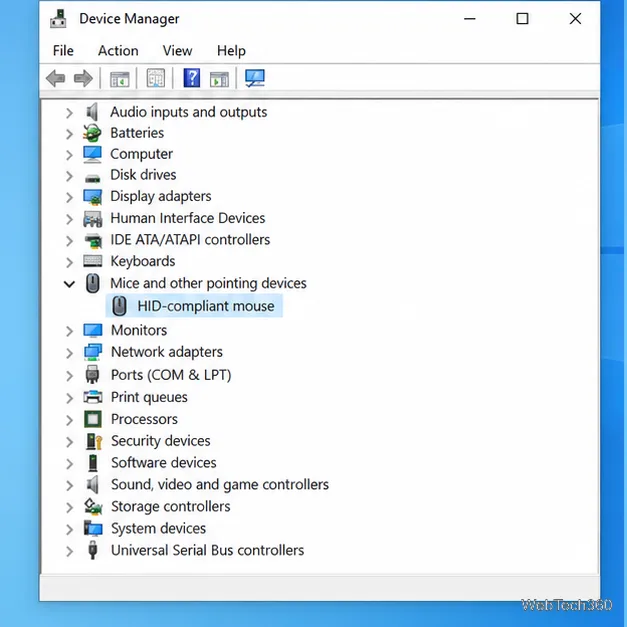
Find out whether Windows is opening items with one click or your mouse is sending duplicate clicks, then check the hardware, click timing, app settings, and driver.
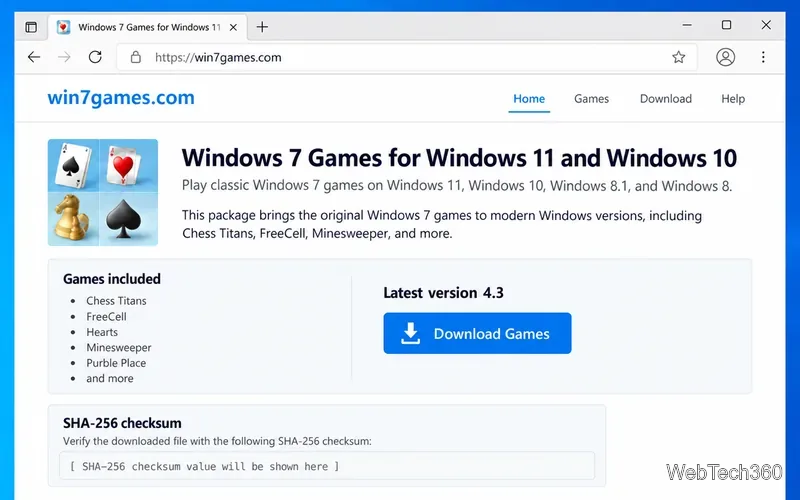
Download Chess Titans on Windows 10 with a current community package, verify the installer, select the Chess component, and customize a local match.
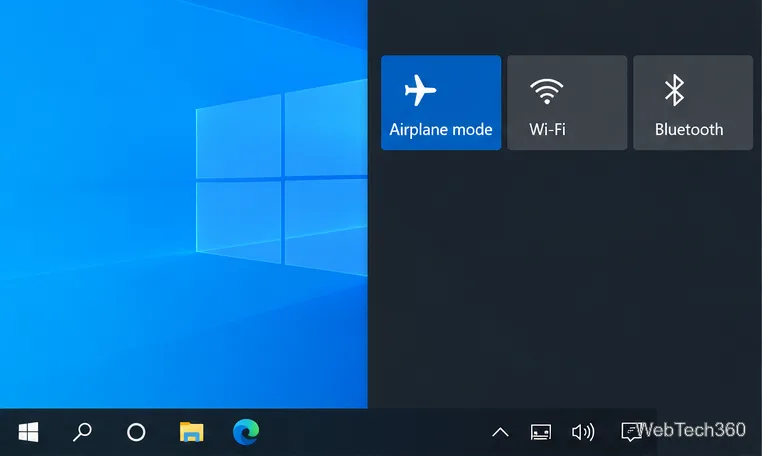
Turn off Airplane mode in Windows 10 from Action Center, the taskbar network panel, or Settings. Check Wi-Fi separately if you still cannot connect.
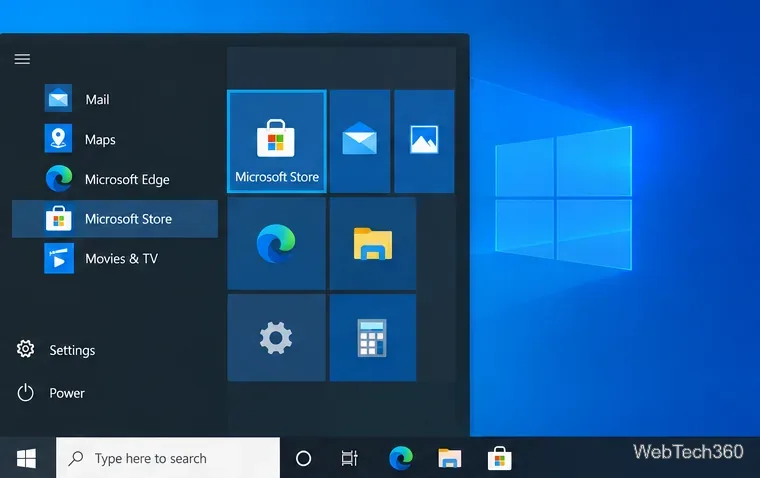
Install Disney+ on Windows 10 from Microsoft Store, sign in, and learn what to do if the app is unavailable or offline downloads are your goal.
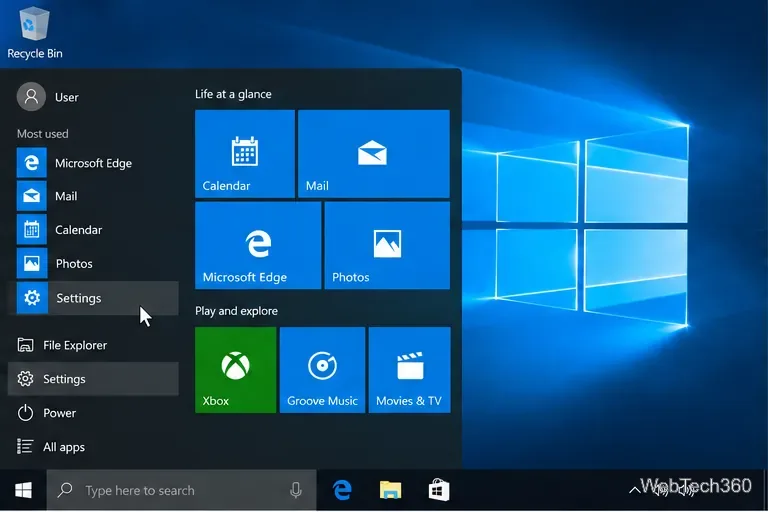
Switch Windows 10’s primary mouse button from left to right in Settings. See the classic Mouse Properties fallback and how to confirm the new click behavior.
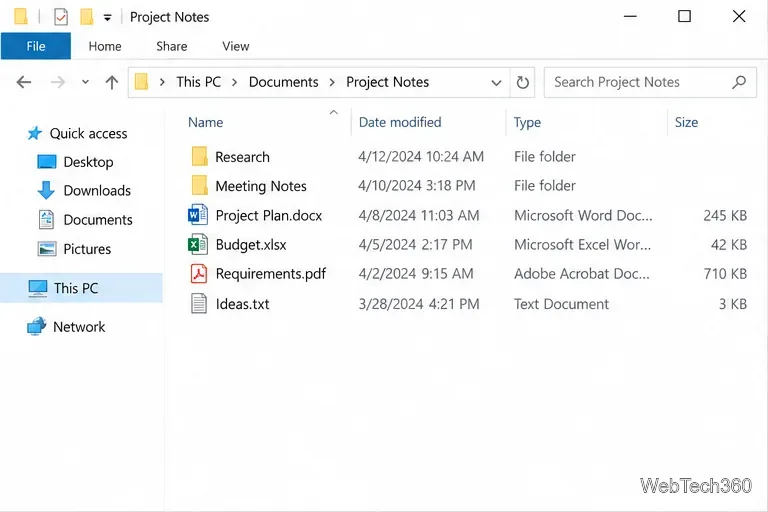
Open a second File Explorer window at the same folder with Ctrl+N or File > Open new window, and learn what carries over.
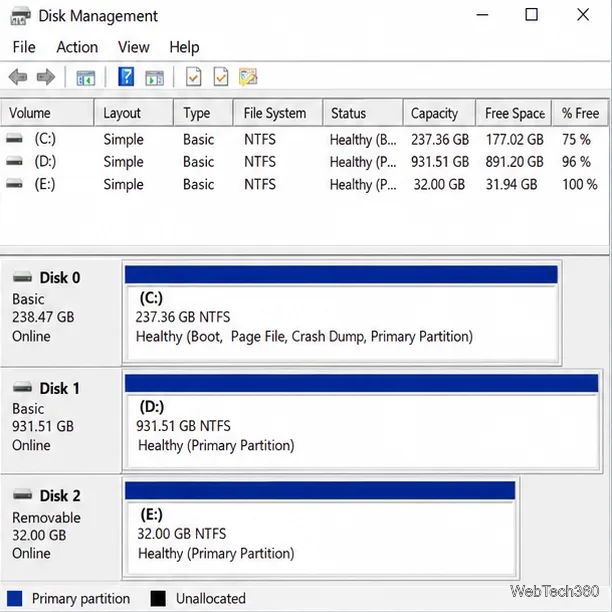
Split a USB drive or SD card into usable partitions with Windows 10’s Disk Management tool. Learn the safe shrink method, format choices, and fixes for missing volumes.
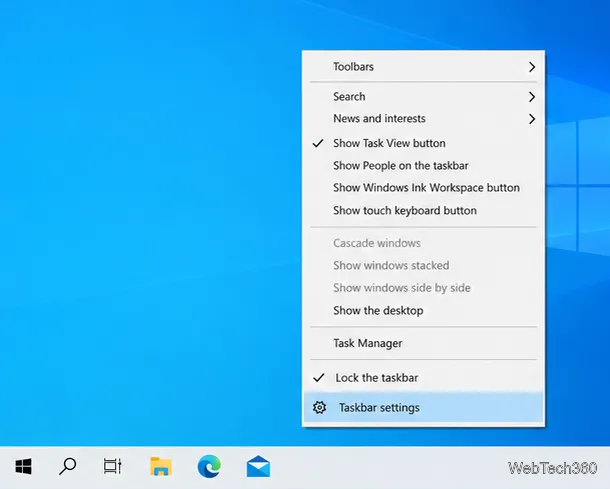
Turn Windows 10 taskbar badges on or off in Taskbar settings. Learn what app support, small taskbar buttons, and notification settings have to do with badge visibility.
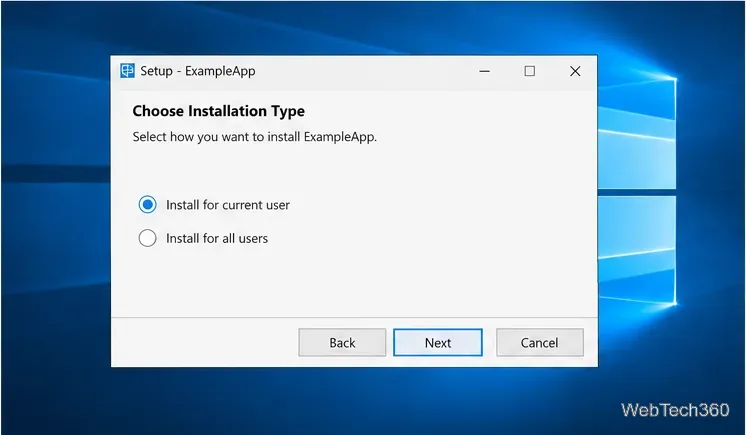
Install a Windows 10 app for one account by choosing a current-user setup option, using a profile-specific folder when supported, and checking the installer’s scope.
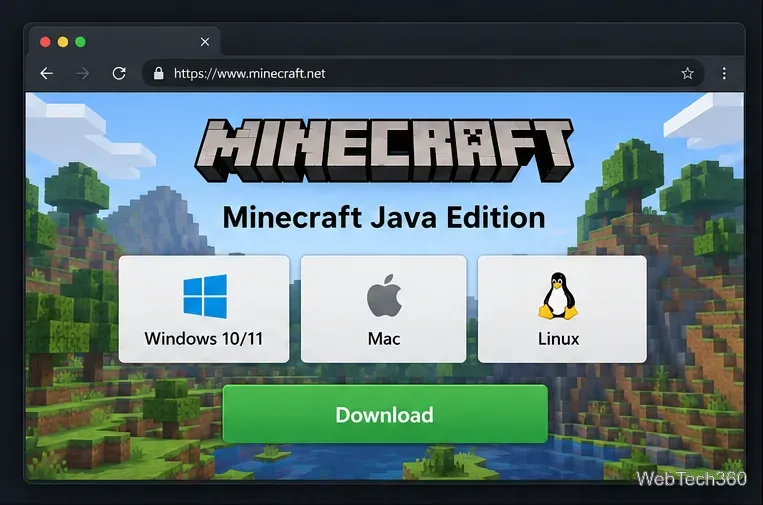
Download the official Minecraft Java Edition trial, install Minecraft Launcher, sign in with a Microsoft account, and learn what the limited demo includes.
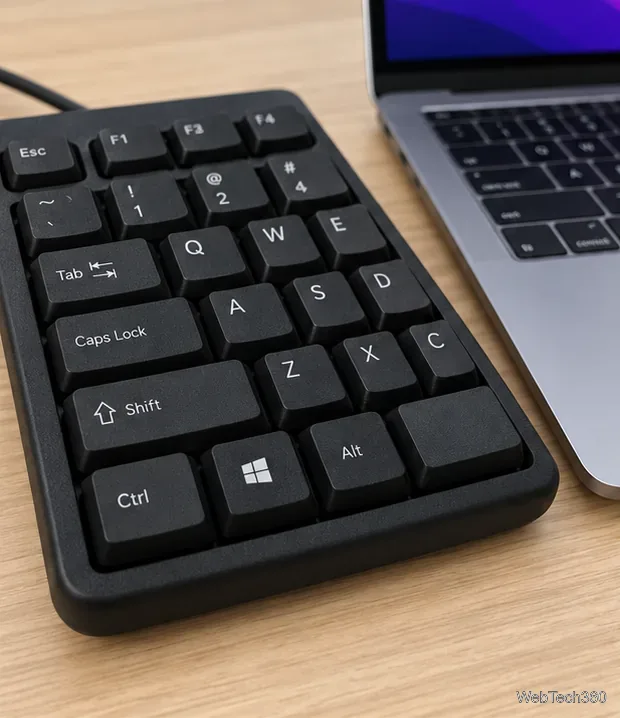
Make the physical Ctrl key send Command on your Mac. Follow the current macOS settings path, choose the right keyboard, and test the remap.
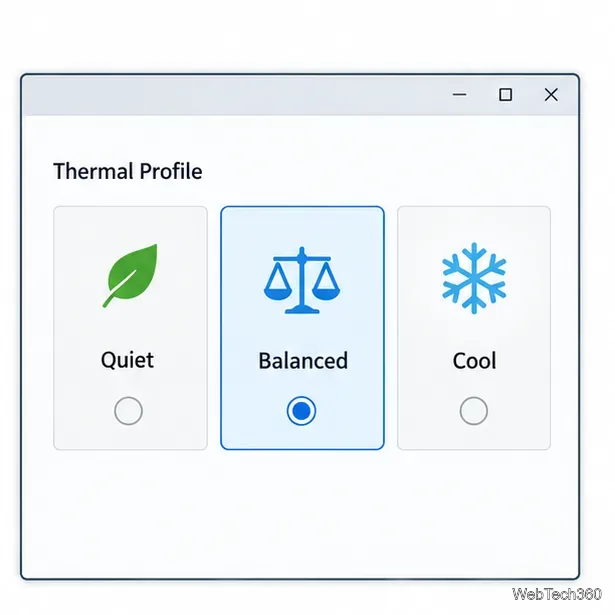
Windows 10 has no universal fan-speed slider. Use your PC maker’s thermal profile, BIOS/UEFI fan curve, or compatible Fan Control software, then verify temperatures.
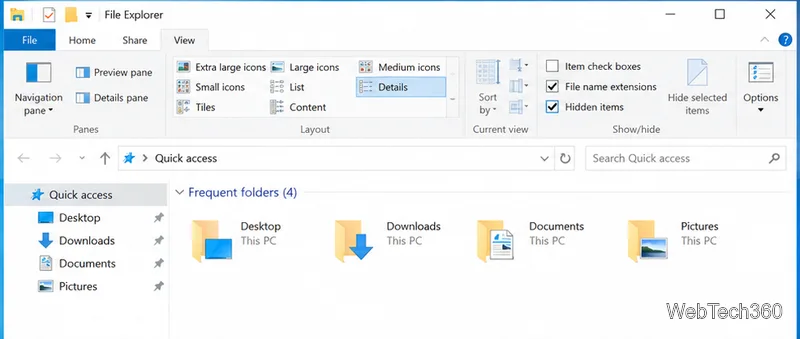
Learn what desktop.ini files do, how to reveal and delete a specific file in Windows 10, and how to restore File Explorer’s hidden-file settings afterward.
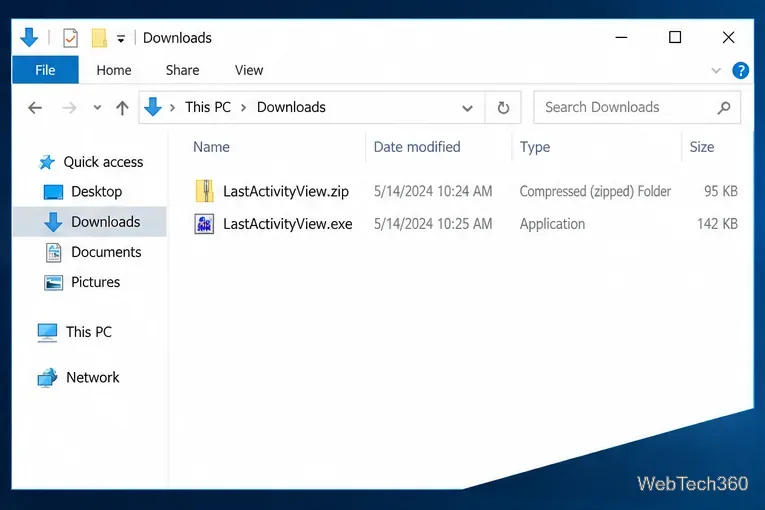
Find an app’s last recorded activity in Windows 10 with LastActivityView, learn what its timestamp means, and see when Windows logs can help.
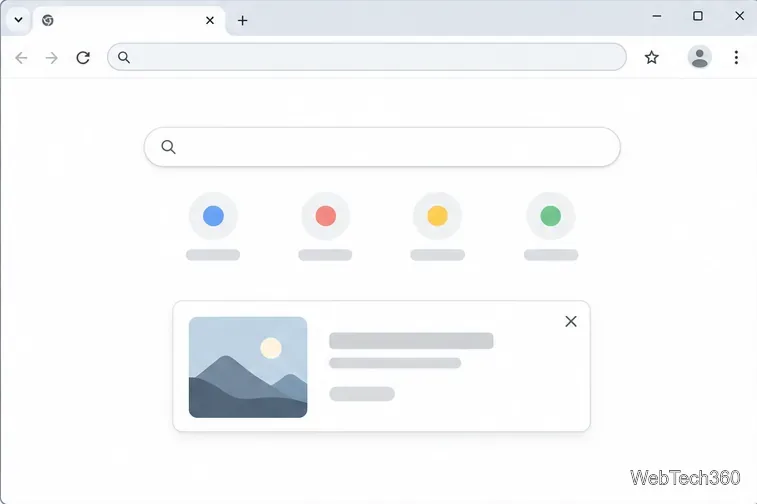
Close eligible Chrome New Tab page promos, learn why some messages have no dismiss button, and manage separate New Tab cards with their own controls.
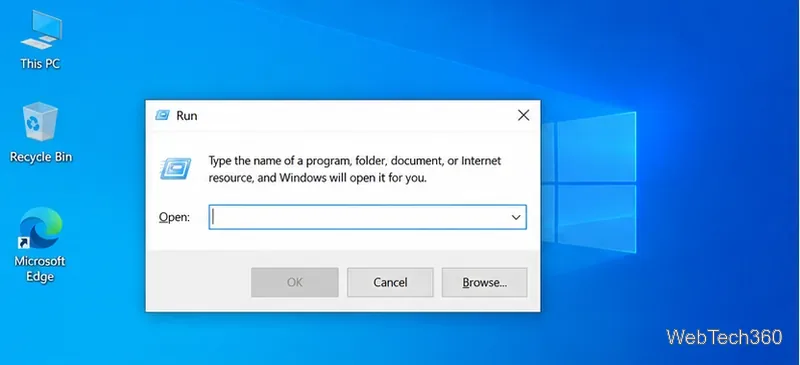
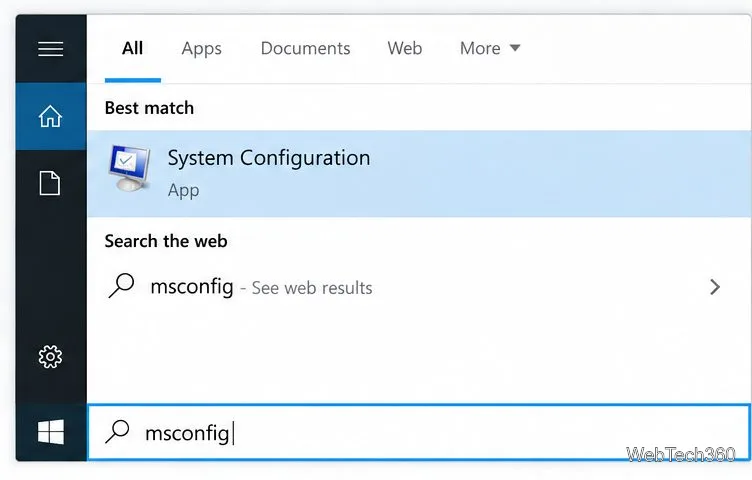
Open System Configuration with Run, Start search, File Explorer, Task Manager, or a command line, then learn what its key tabs control.
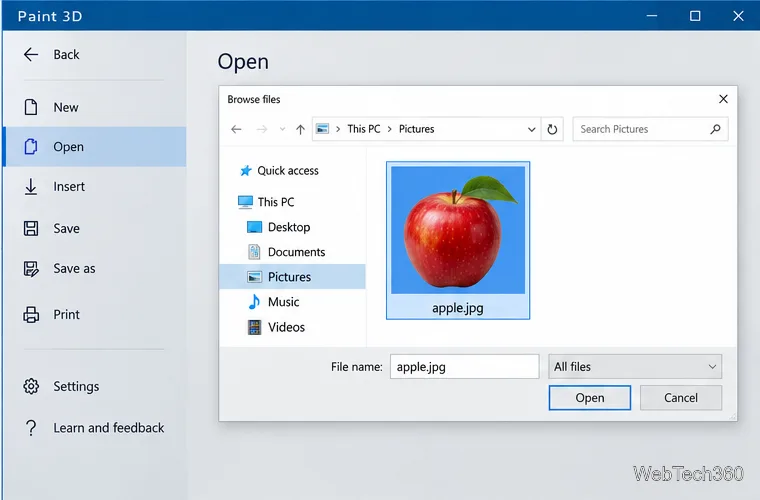
Learn why classic Paint leaves a solid background, how to make a transparent PNG with Paint 3D if it is installed, and what to use if it is not.
Get FreeCell through Microsoft Solitaire Collection on Windows 10, see how it differs from the Windows 7 original, and learn what to check before trying an unofficial legacy installer.
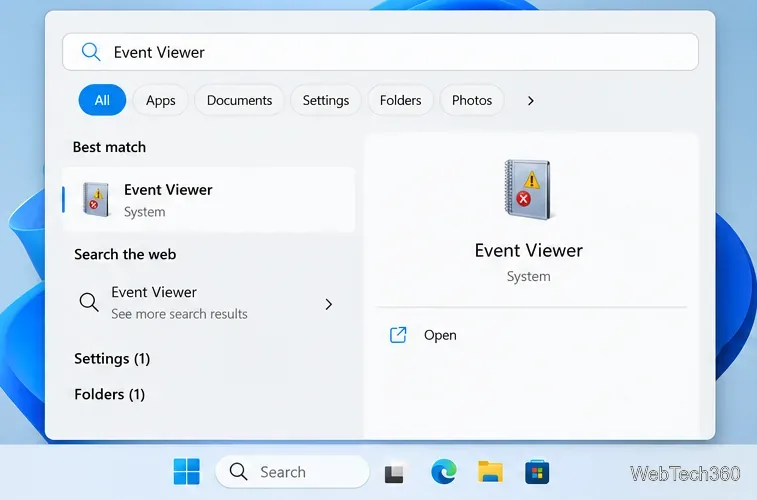
Use Event Viewer to filter Windows System logs for startup, shutdown, and unexpected power events, then save the records as CSV, XML, or EVTX.
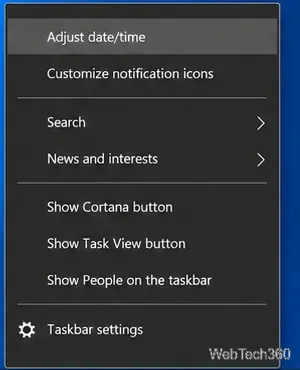
Change a Windows 10 clock manually or with automatic sync, set the right time zone, use Sync now, and find the classic Control Panel route.