Windows Update Error 0x80080005: How to Fix It
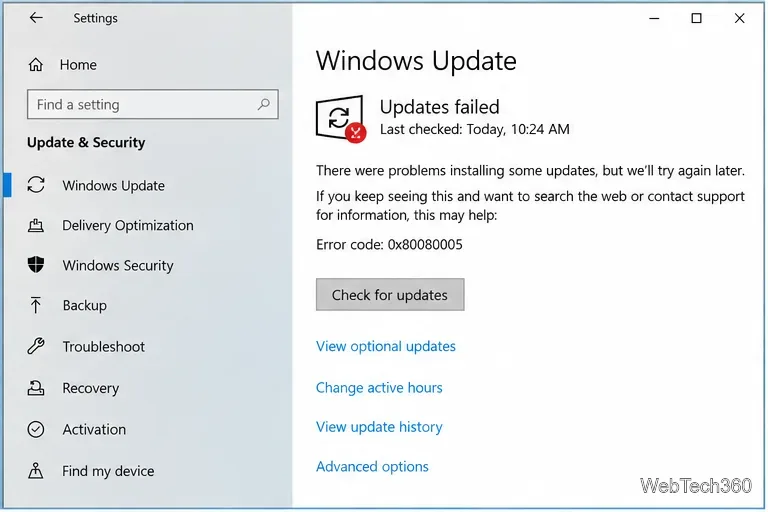
Fix Windows Update error 0x80080005 with current Microsoft-recommended steps: troubleshoot, clear the update cache, reset components, and repair system files.
Fix Windows Update error 0x80080005 with current Microsoft-recommended steps: troubleshoot, clear the update cache, reset components, and repair system files.
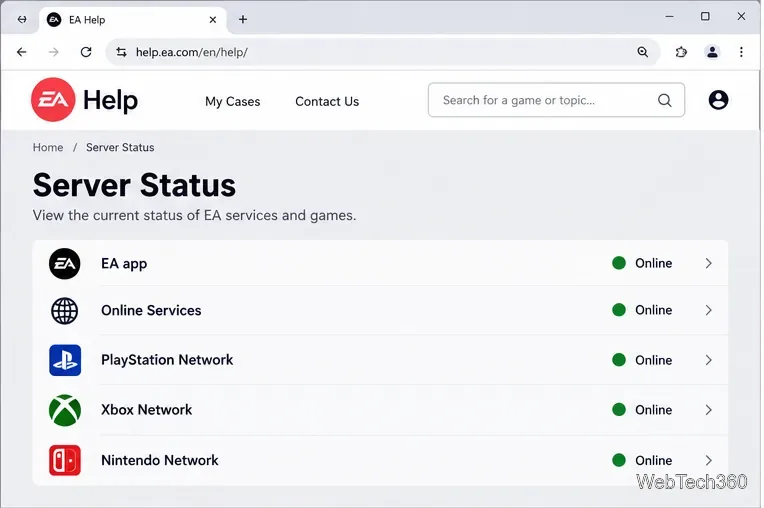
EA.com says it’s unable to connect? Check EA server status, your account, router, EA app cache, VPN, DNS, and device time with current troubleshooting steps.
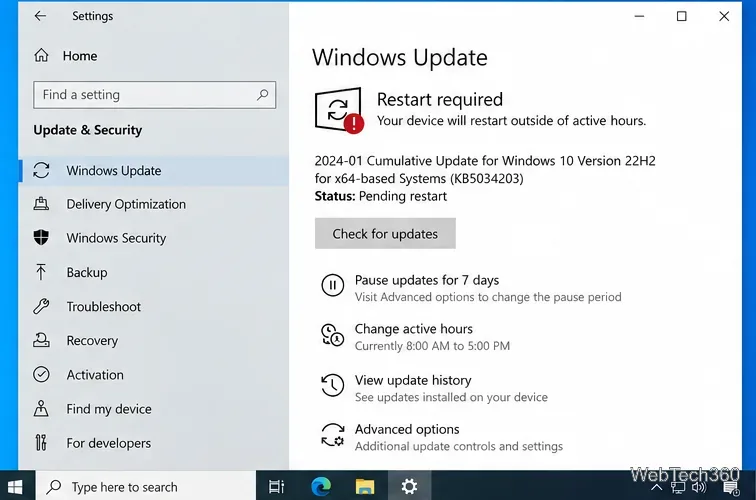
Windows 10 Search not working? Restart Search, check the Windows Search service, rebuild the index, reset Search, and repair system files with Microsoft-backed steps.
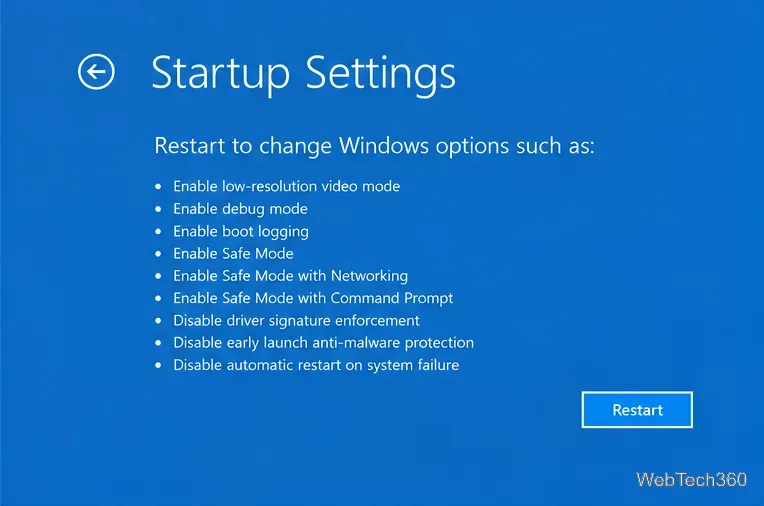
Fix the Orange Screen of Death on Windows 10 by checking graphics drivers, Safe Mode, recent updates, system files, and hardware stability.
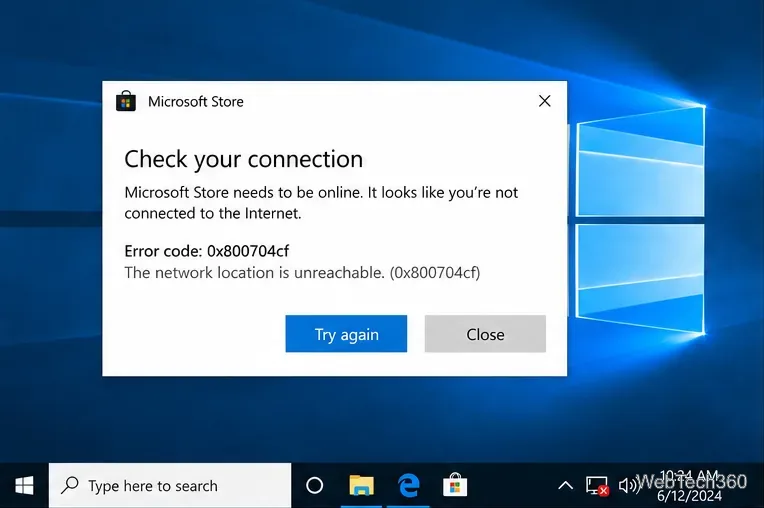
Fix Windows 10 error 0x800704cf with network resets, adapter repair, Microsoft Store fixes, and Windows system-file checks.
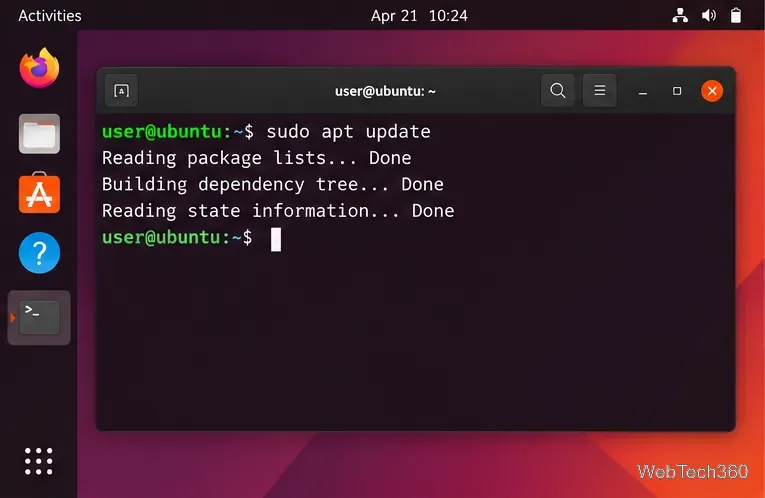
Install Clang on Ubuntu with APT, verify the compiler, build a test C program, choose a specific version, and fix common package errors.
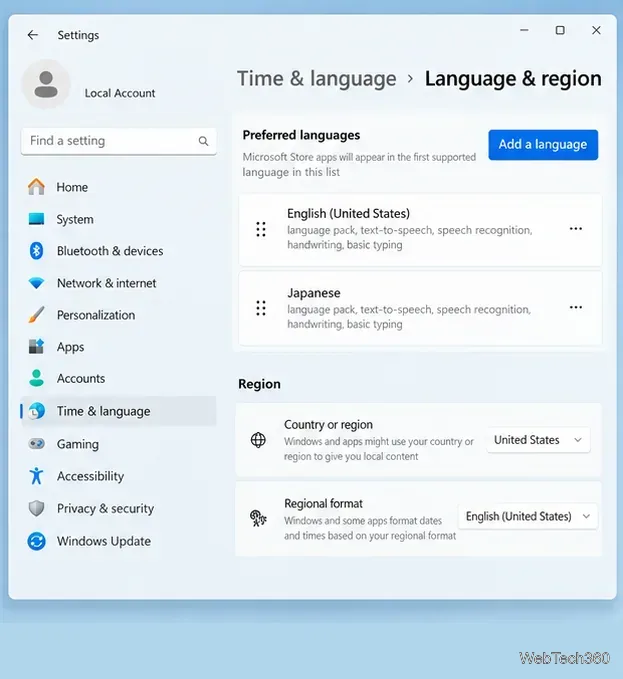
Japanese keyboard IME not working in Windows? Restore Japanese input by checking Microsoft IME, switching modes, restarting text services, or reinstalling it.
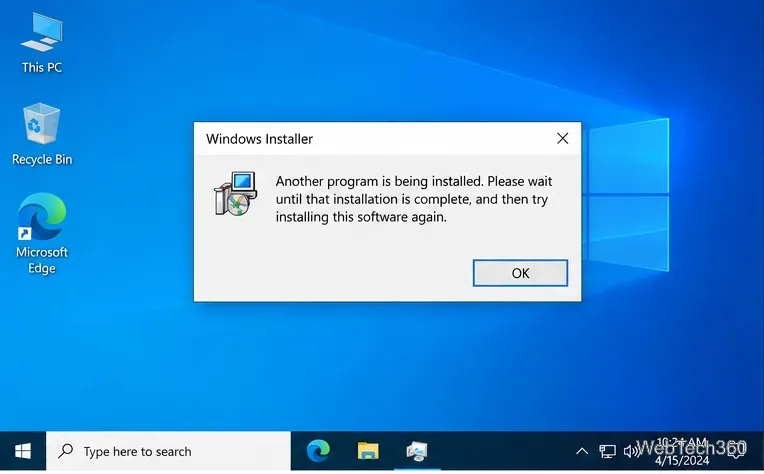
Fix the Windows 10 “Another program is being installed” error by clearing stuck installers, restarting Windows Installer, and repairing MSI setup issues.
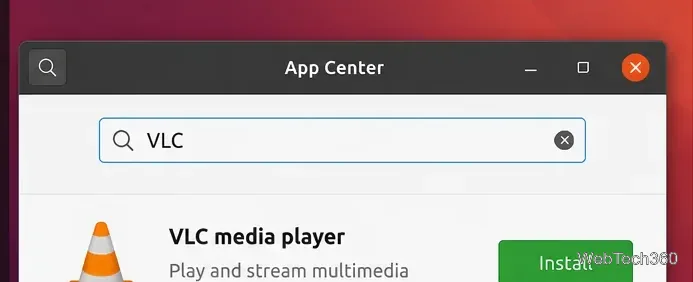
Need an MP4 video player on Ubuntu? Install VLC or mpv, open MP4 files, and troubleshoot common playback problems with current Ubuntu steps.
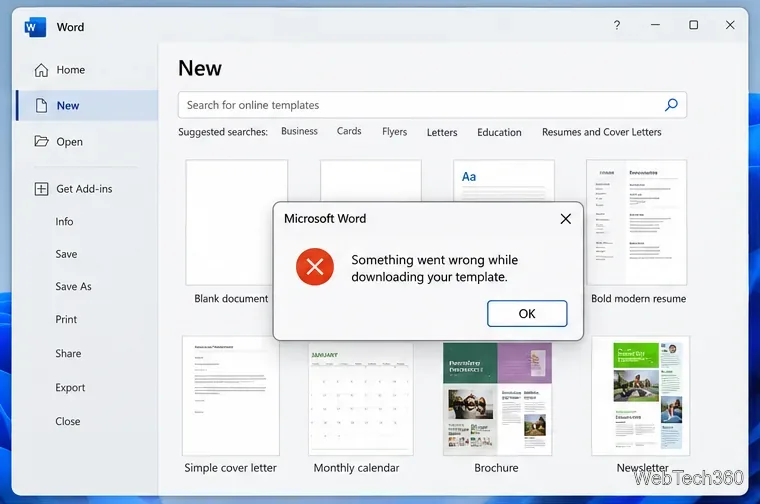
Fix Microsoft Office template download errors by checking connected experiences, your sign-in, Office updates, and repair options, or use Microsoft’s template gallery.
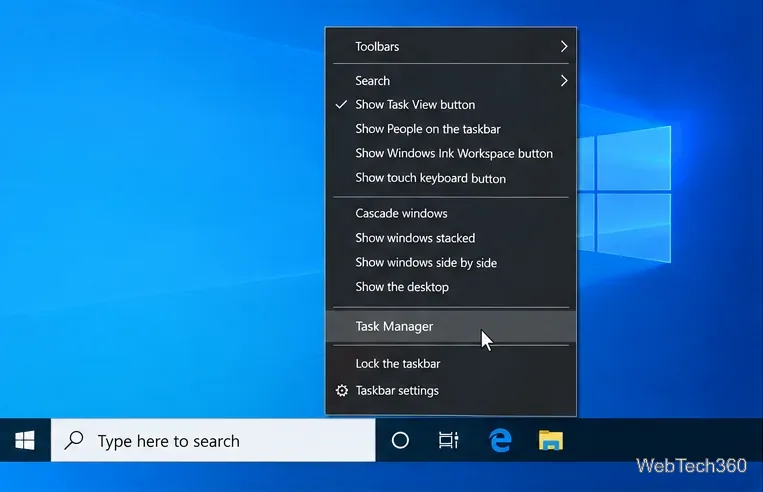
Learn how to show every logical processor in Windows 10 Task Manager, verify core and thread counts, and fix missing cores without misusing msconfig.
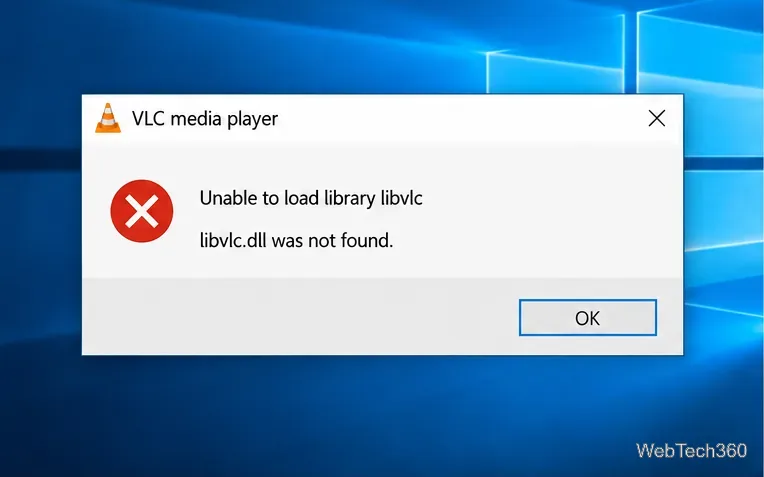
Fix VLC’s “Unable to load library libvlc” or missing libvlc.dll error on Windows 10 with a clean reinstall, safe download steps, and checks if it returns.
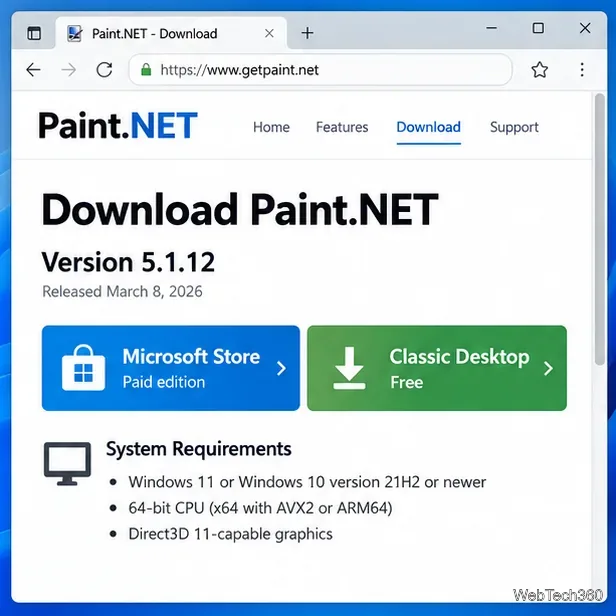
Having trouble with a Paint.NET download or install? Get the official installer, check current requirements, and fix common setup failures safely.
Facebook videos not playing in Chrome, Firefox, or Safari? Clear site data, disable extensions, test acceleration, update the browser, and fix network issues.
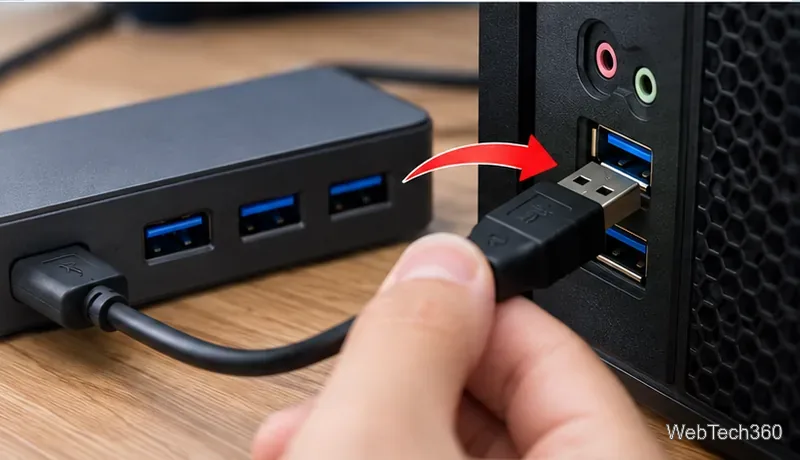
If your USB microphone is not working in Windows 10, check the USB connection, input device, microphone permissions, drivers, and audio troubleshooter.
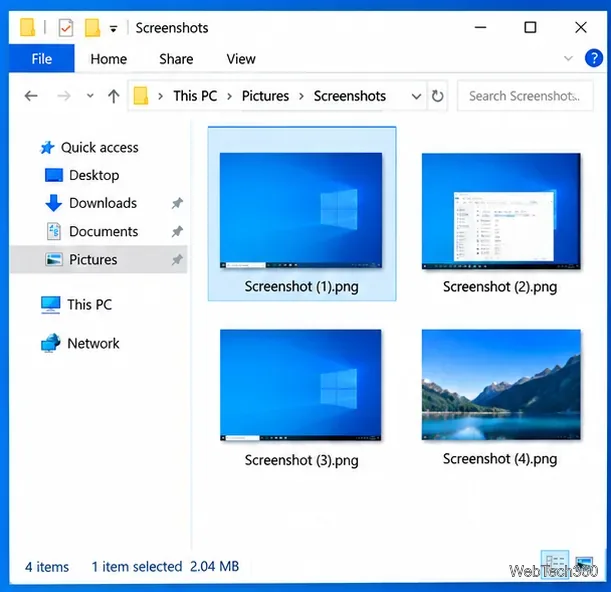
Fix tinted screenshots on Windows 10 by checking the capture file, display filters, HDR settings, overlay apps, and graphics drivers.
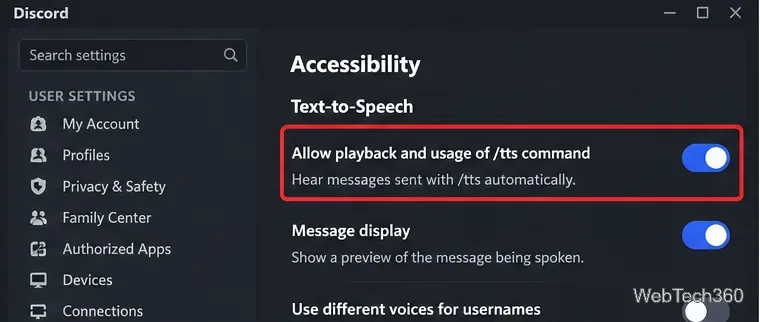
Discord TTS not working? Check the /tts playback setting, notification preferences, server permissions, app audio, output device, updates, and reinstall steps.
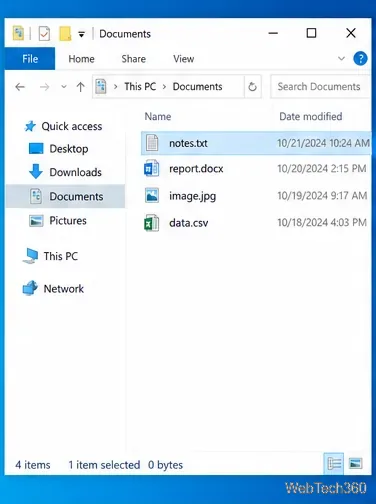
Seeing “How do you want to open this file?” in Windows 10? Learn how to choose an app once, set a permanent default, and fix missing app options safely.
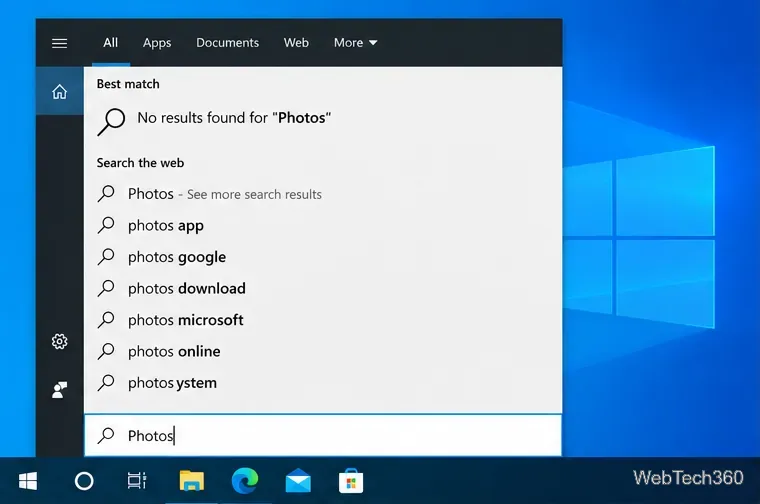
If Microsoft Photos is missing on Windows 10, reinstall it from Microsoft Store, repair or reset the app, fix Store issues, and re-register it safely.
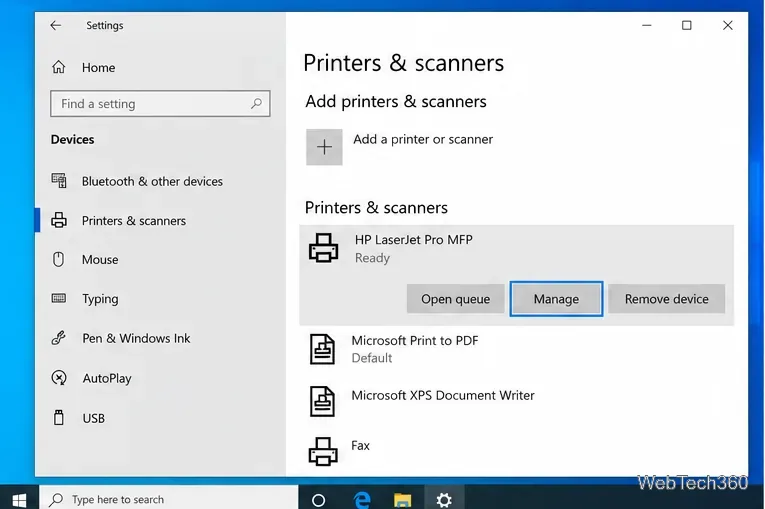
If your printer is only printing half a page on Windows 10, check paper size, scaling, the print spooler, printer setup, and drivers in this order.
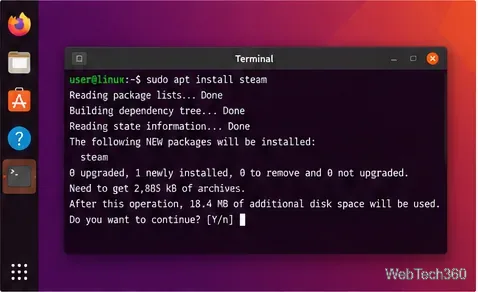
Dead Rising has no native Linux build, but Steam Proton can run it. Install Steam, enable compatibility, choose Proton, and troubleshoot launch issues.
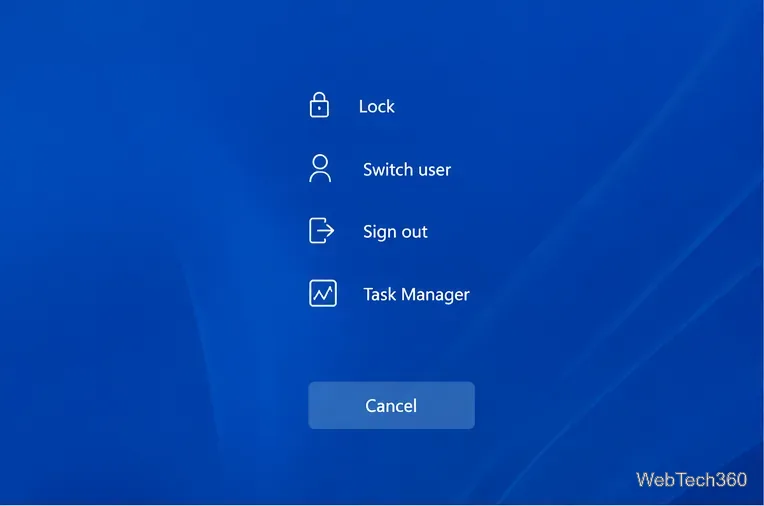
Stuck on the CTRL+ALT+DEL screen in Windows? Restart safely, use WinRE and Safe Mode, repair system files, and check recent drivers or updates.

Our Eldorado review explains how sellers earn from game currency, items, accounts, and boosting, plus current fees, payouts, TradeShield, and key risks.
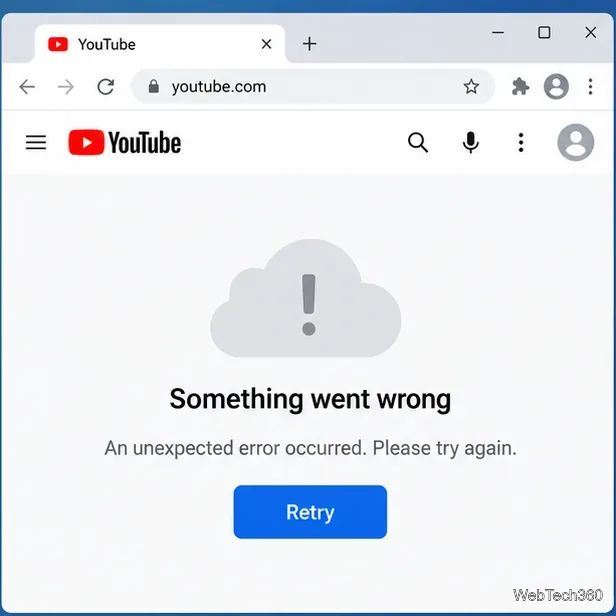
Fix YouTube’s “Something went wrong” error with current browser, app, network, and Google Account steps, plus when to suspect a YouTube outage.
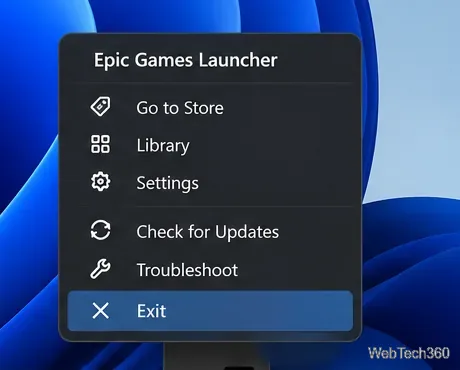
Fix Epic Games Launcher crashes, black screens, connection errors, and failed updates with current steps for cache, permissions, drivers, networking, and reinstalling.
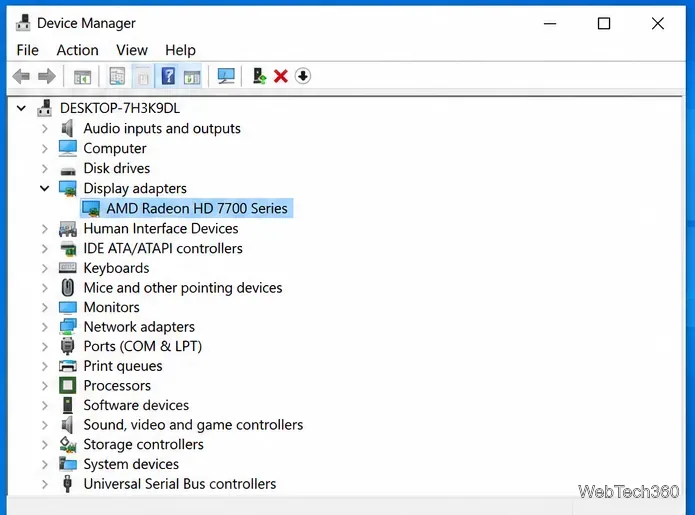
Fix AMD Catalyst Control Center not opening in Windows 10 by ending stuck processes, installing the correct legacy AMD driver, and repairing Windows.
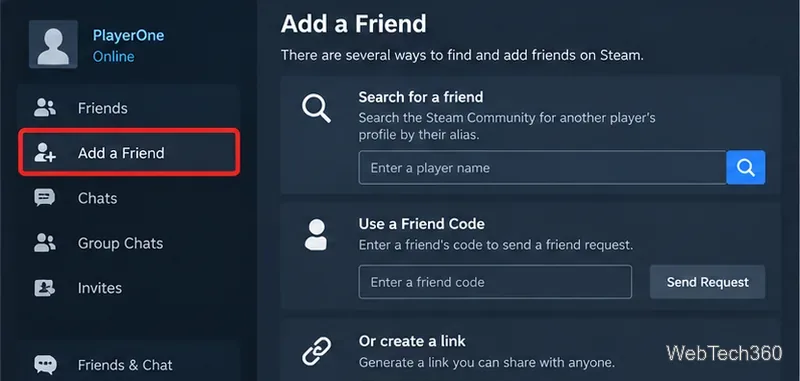
Learn how to search for Steam users by display name, Friend Code, profile link, friends list, or recent players, plus what to try when a match is hard to find.
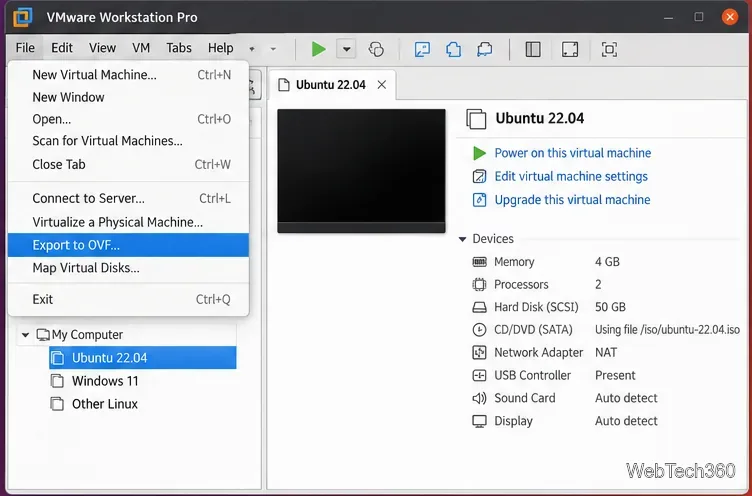
Learn how to export a VMware Workstation Pro VM to OVF on Linux, keep its package files intact, and import OVF or OVA appliances safely.
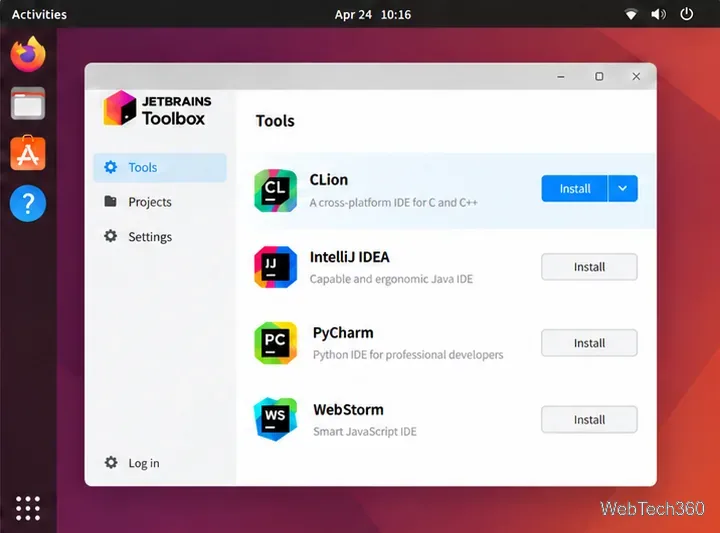
Learn how to install JetBrains CLion on Linux with Toolbox, the official tarball, Snap, or Flathub, then prepare a compiler toolchain and launch the IDE.
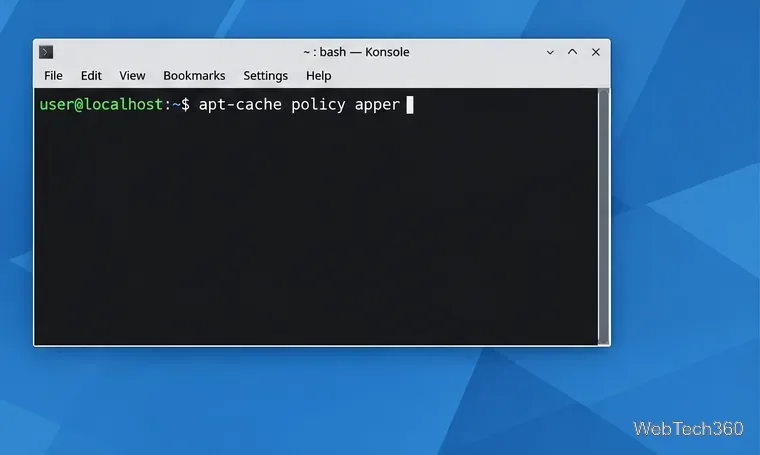
Learn how to check whether your Linux distribution still packages Apper, install it from trusted repositories, and use it to manage applications with PackageKit.