How to Download Webex for Microsoft Outlook (Webex Scheduler)
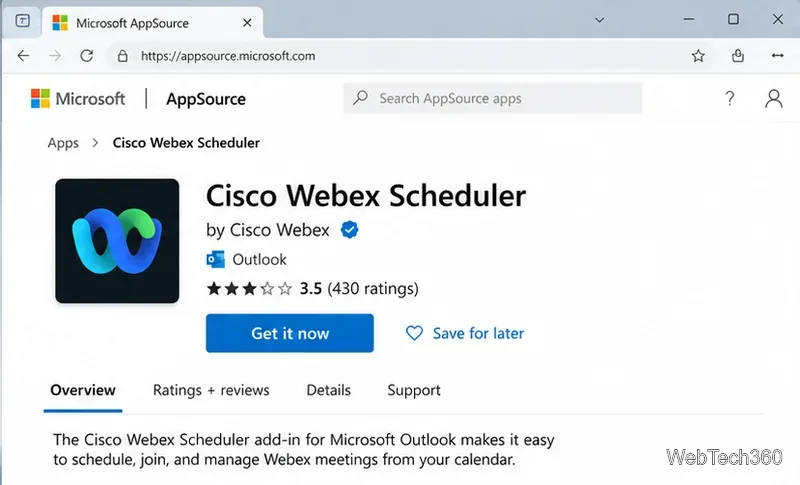
Learn how to download Webex for Microsoft Outlook using the current Cisco Webex Scheduler add-in, connect your Webex site, and schedule meetings.
Learn how to download Webex for Microsoft Outlook using the current Cisco Webex Scheduler add-in, connect your Webex site, and schedule meetings.
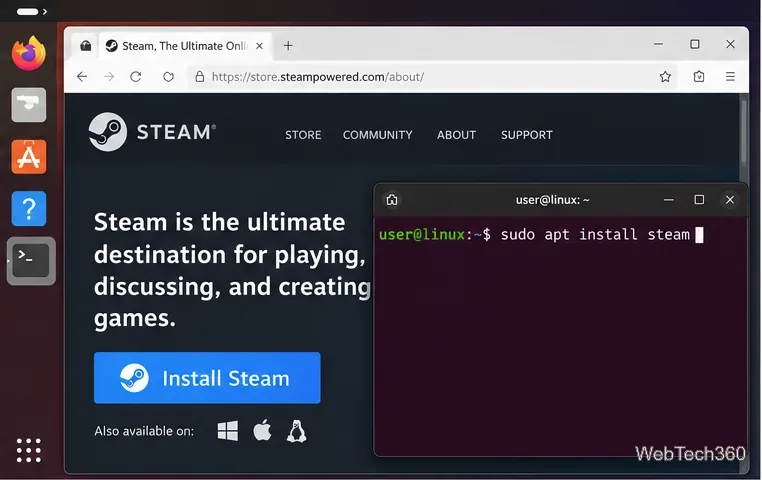
Play Counter-Strike: Global Offensive on Linux with Steam. Install the native Linux build from Valve’s unlisted CS:GO page and fix common launch issues.
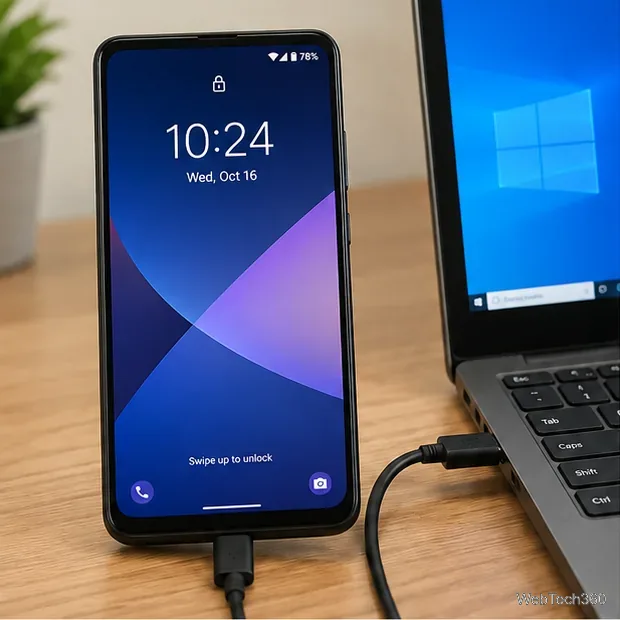
If Windows 10 won’t recognize your Android phone, fix USB file-transfer mode, cable or port problems, and device drivers with these current steps.
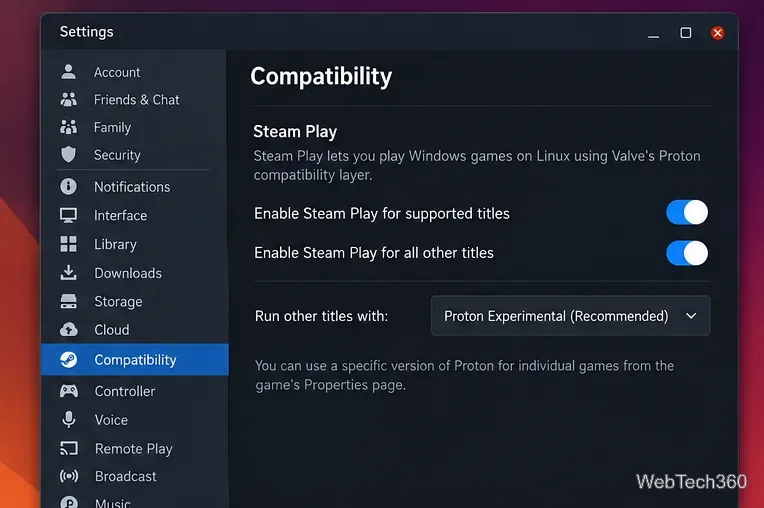
Learn how to play Baldur’s Gate 3 on Linux with Steam Proton, including current setup steps, SSD requirements, compatibility settings, and fixes.
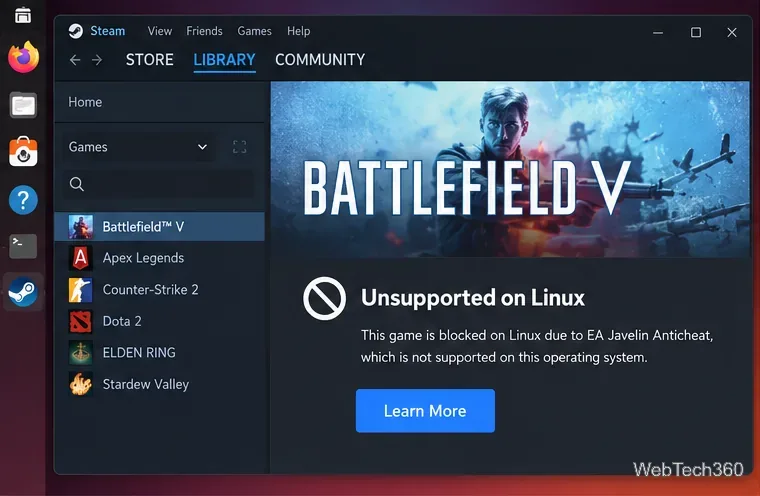
Battlefield V no longer runs locally on Linux through Proton because of EA Javelin Anticheat. Here are the supported ways to play while keeping Linux.
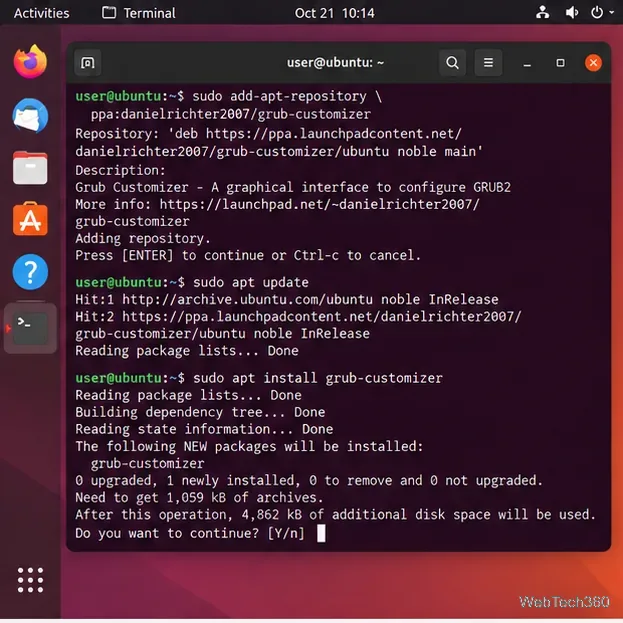
Use Grub Customizer to change Ubuntu’s default boot entry, timeout, menu visibility, and kernel options safely with current install and save steps.

Learn how to run Linux on an iPad with UTM SE, an ARM64 Linux ISO, and a lightweight virtual machine—no jailbreak or AltStore required.
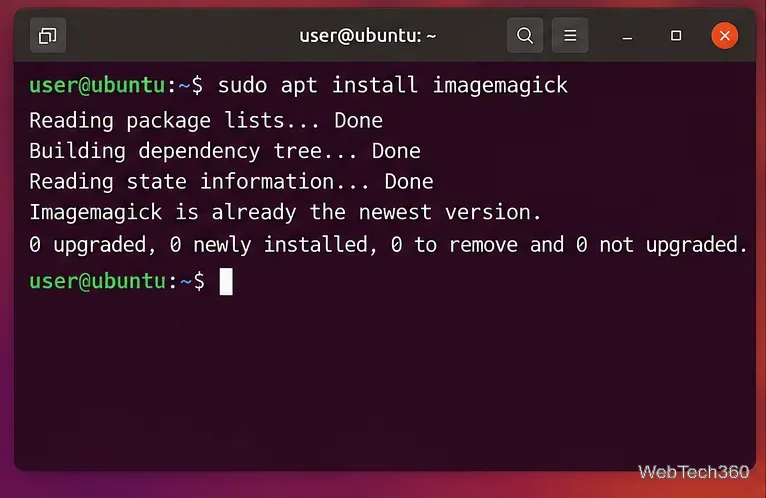
Convert PNG to JPG on Linux with ImageMagick. Learn single-file, batch, transparency-safe, and JPEG quality commands, plus older-version compatibility.
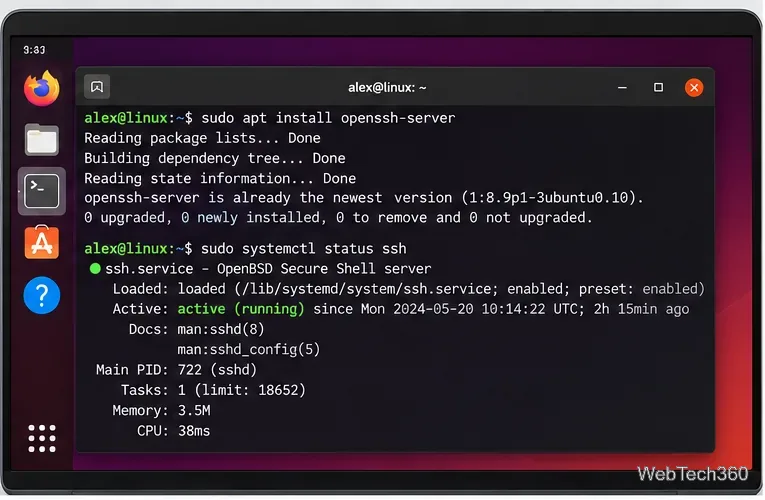
Access a remote Linux computer from an iPad with SSH, SFTP, or AnyDesk. Set up OpenSSH, connect securely, transfer files, and avoid unsafe port forwarding.
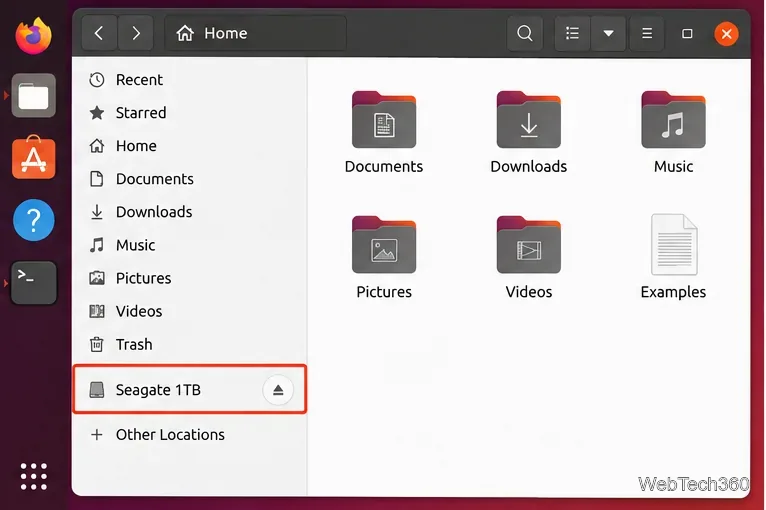
Learn how to unmount a hard drive on Ubuntu using Files, Disks, or the terminal, plus how to handle busy volumes and safely disconnect USB drives.
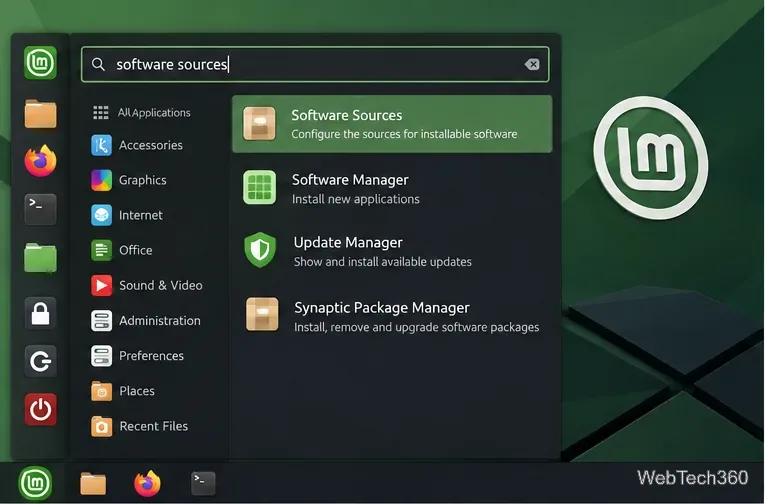
Learn how to enable, disable, add, remove, and safely edit PPAs in Linux Mint using Software Sources or the terminal, with current APT file locations and commands.
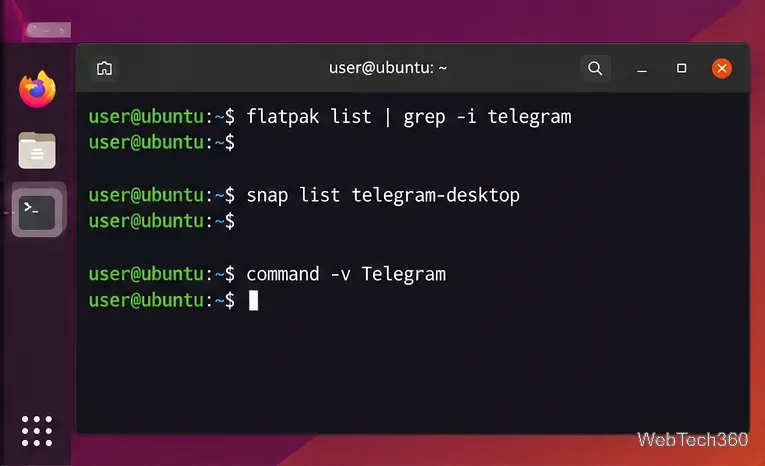
Update Telegram Desktop on Linux with the right method for Flatpak, Snap, distro packages, or Telegram’s official Linux x64 build.
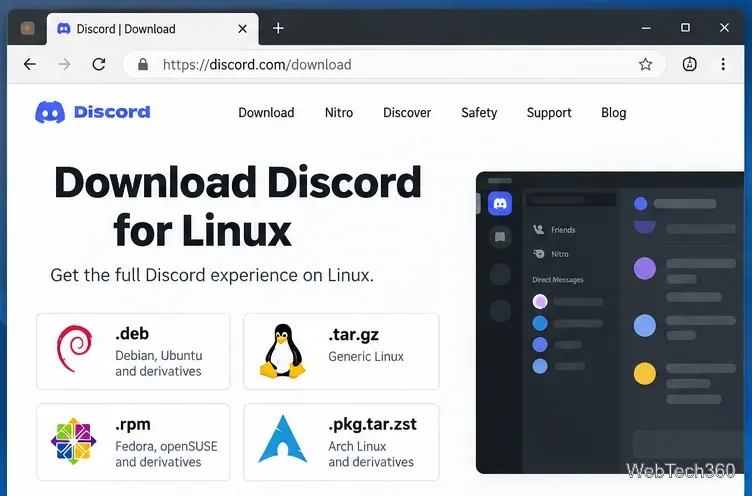
Update Discord on Linux using the right method for DEB or RPM packages, Arch, Flatpak, or Snap, with current commands and update troubleshooting.
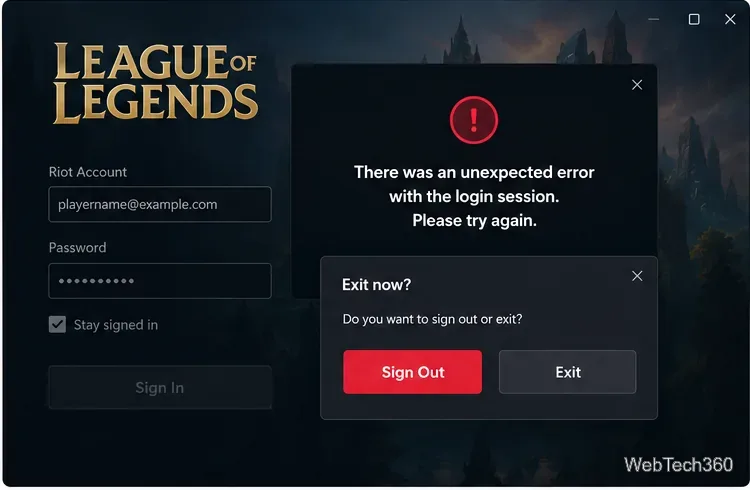
Fix League of Legends login errors such as an invalid or unexpected session by signing out fully, closing Riot processes, repairing the client, and checking your connection.
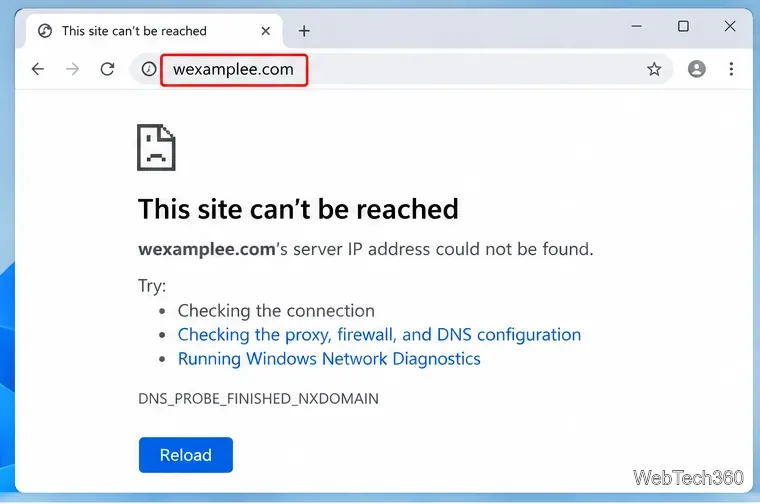
Fix DNS_PROBE_FINISHED_NXDOMAIN by checking the domain, flushing DNS, changing resolvers, and ruling out Chrome extensions, VPNs, or proxy settings.
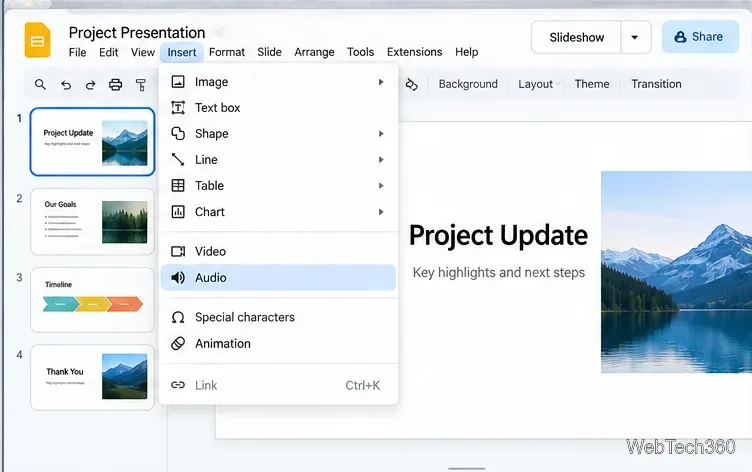
Learn how to add MP3 or WAV audio to Google Slides from Google Drive, set autoplay or background playback, share access, and fix common audio issues.
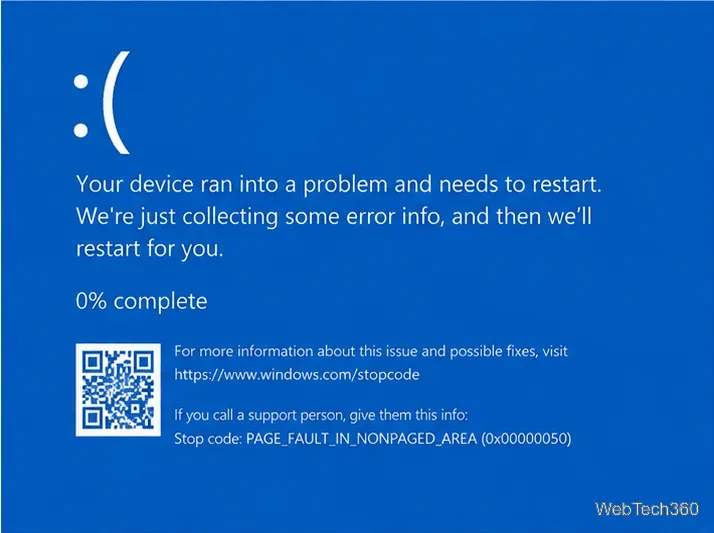
Fix PAGE FAULT IN NONPAGED AREA in Windows 10 by checking drivers, RAM, disk errors, system files, the page file, Safe Mode, and recovery options.
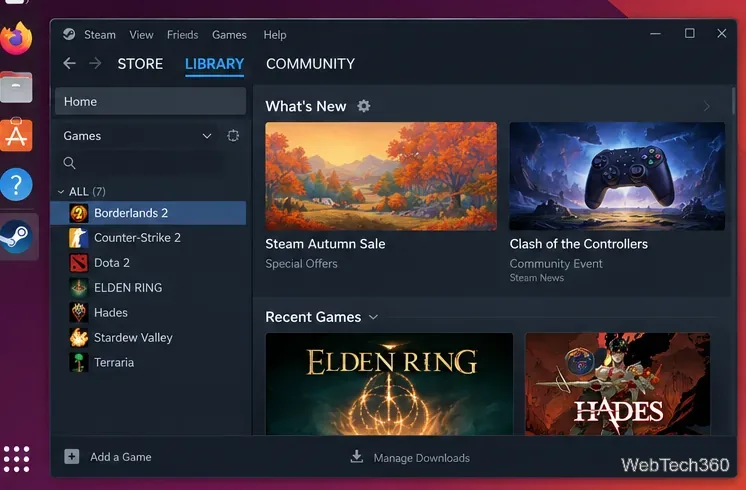
Borderlands 2 still has a native Linux build on Steam. Learn how to install and launch it, plus use Proton when the native version has problems.
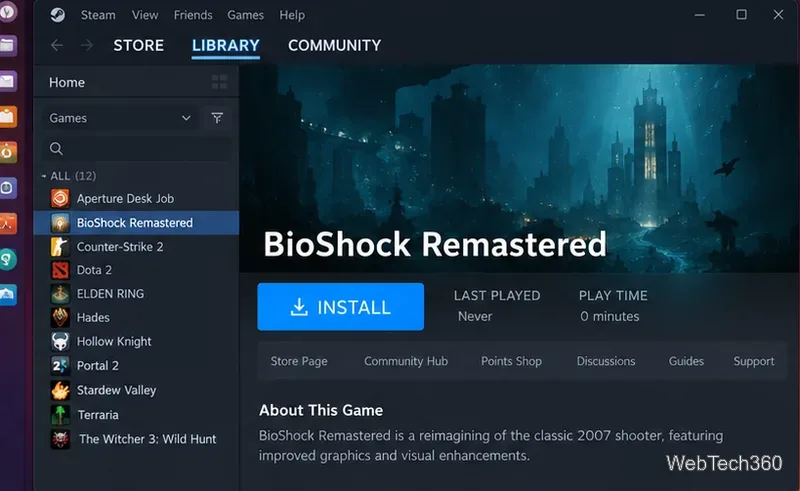
Learn how to play BioShock Remastered on Linux with Steam and Proton, choose a compatibility version, and fix common launch or graphics problems.

Fix a Windows Update stuck on Pending install with restart, storage checks, the troubleshooter, DISM/SFC, and a safe reset of Windows Update components.
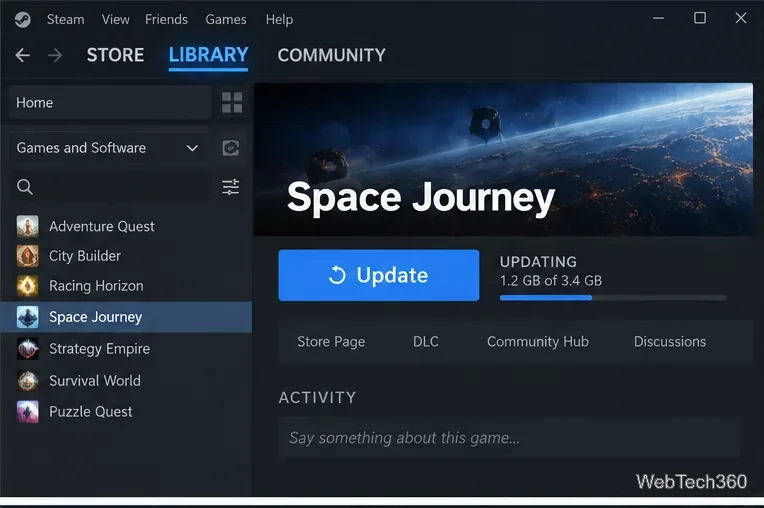
Steam game crashes immediately after launch? Try current fixes for updates, file verification, drivers, cache problems, library repair, and reinstalling.
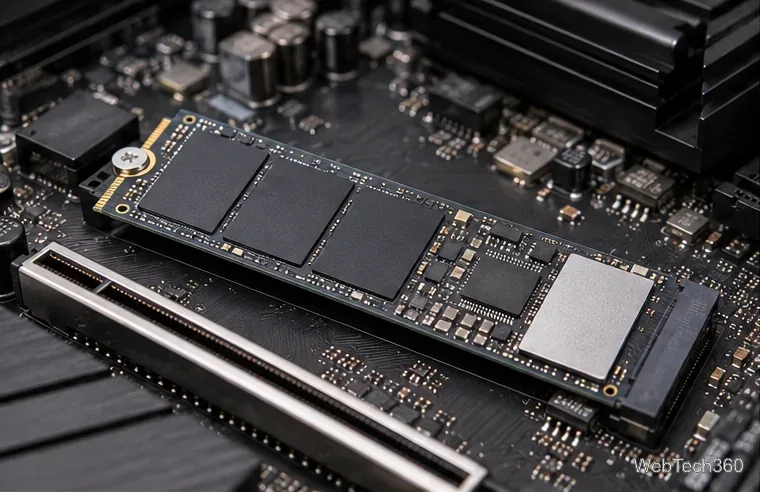
New SSD not showing up in Windows? Check the connection and BIOS, then initialize the disk, create a volume, and assign a drive letter safely.
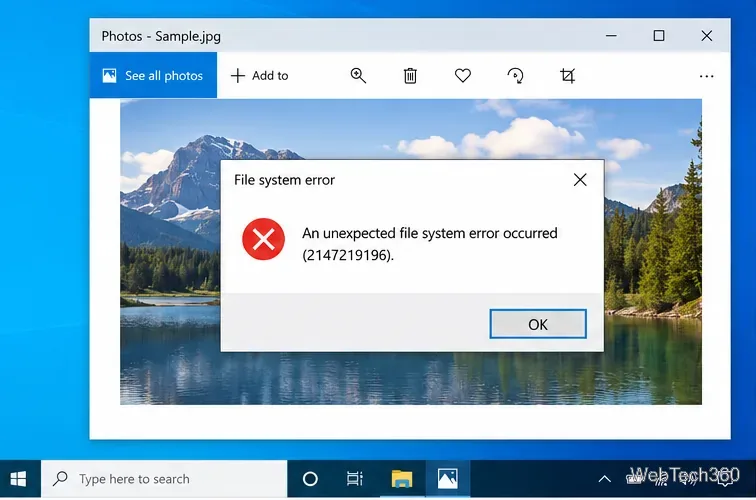
Fix Windows 10 file system errors with app repair, DISM/SFC, CHKDSK, malware scans, clean boot, System Restore, and Reset this PC.
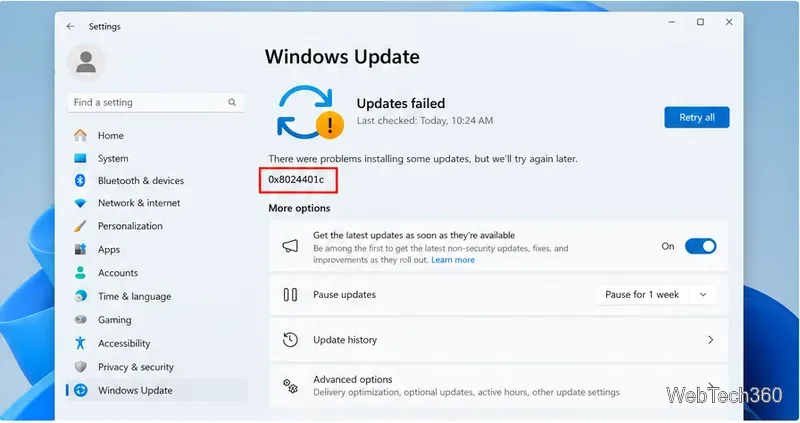
Windows Update error 0x8024401c is an HTTP 408 request timeout. Fix it by checking your network and proxy, resetting update components, and repairing Windows files.
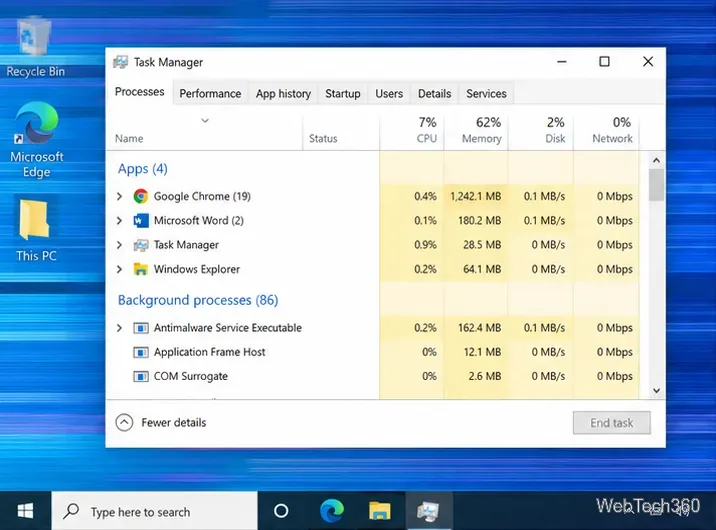
Fix Windows 10 screen flickering by checking Task Manager, resetting or repairing the graphics driver, removing app conflicts, and checking display hardware.
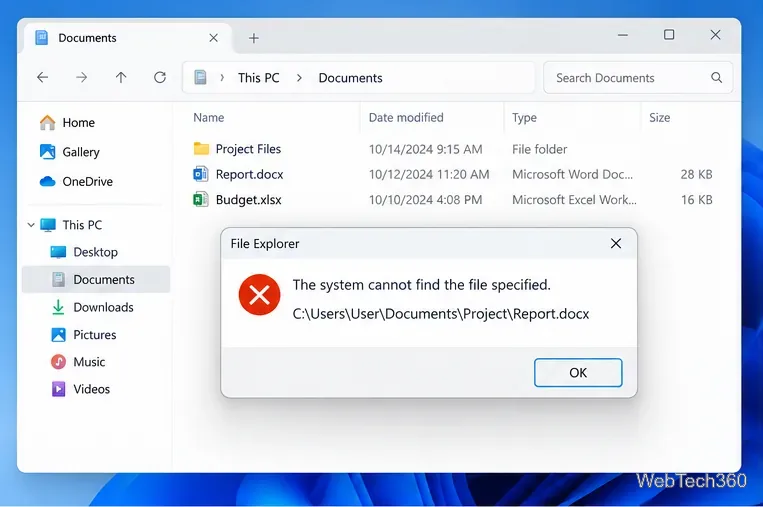
Fix “The system cannot find the file specified” in Windows by checking the path, repairing apps, running DISM/SFC, checking disks, and using recovery safely.
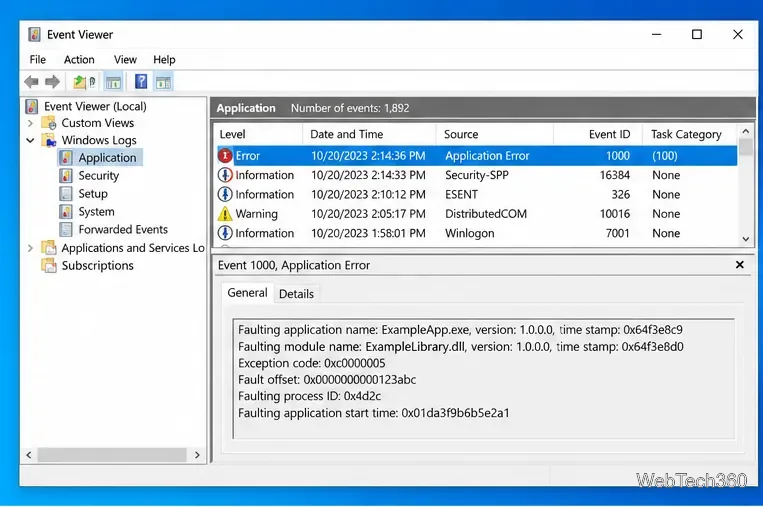
Fix the Exception Access Violation error on Windows 10 by repairing the app, checking drivers and conflicts, repairing system files, and testing RAM.
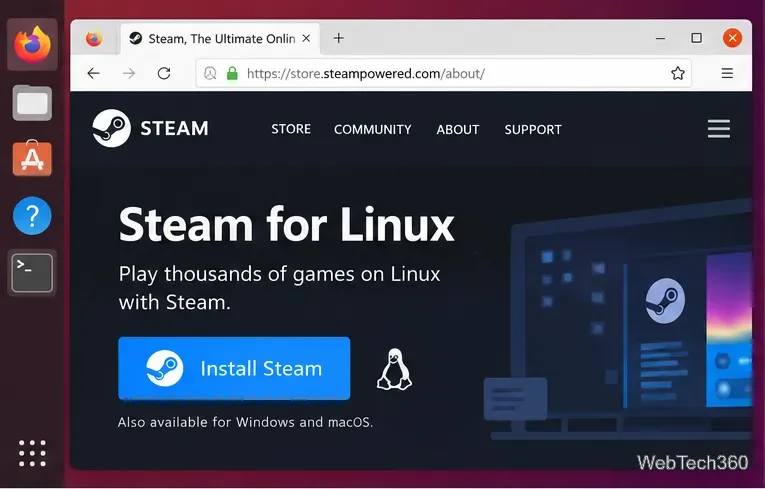
Learn how to play Cities: Skylines on Linux using the native Steam build, with current Steam setup steps and fixes for launch or mod problems.
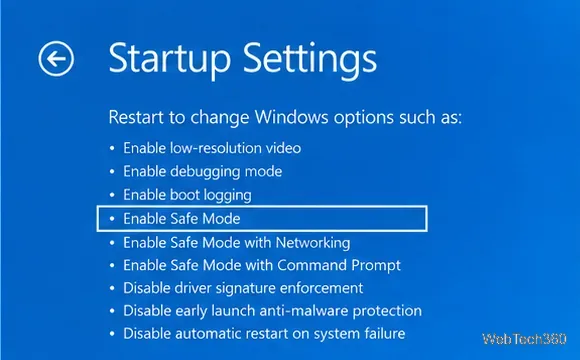
Fix the KERNEL_MODE_HEAP_CORRUPTION 0x13A BSOD in Windows 10 by checking drivers, system files, RAM, recent changes, and crash logs.
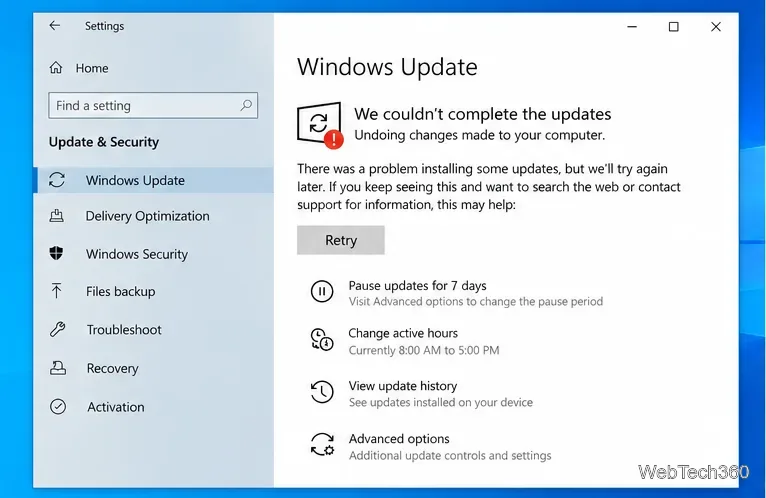
Fix the Windows 10 “We couldn’t complete the updates” loop with current steps for the update cache, DISM/SFC, recovery, and reset.