How to Use Keybase to Encrypt Files on Linux
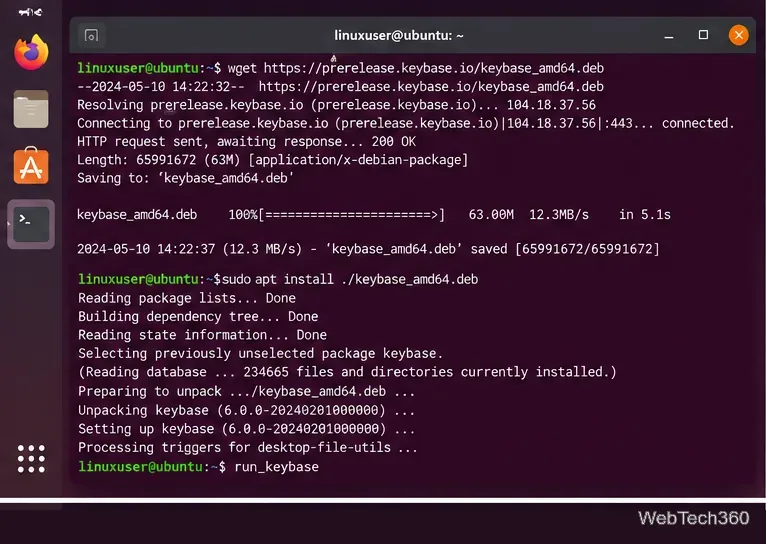
Learn how to use Keybase to encrypt files on Linux with private KBFS folders, share encrypted files safely, download them later, and avoid the public folder.
Learn how to use Keybase to encrypt files on Linux with private KBFS folders, share encrypted files safely, download them later, and avoid the public folder.
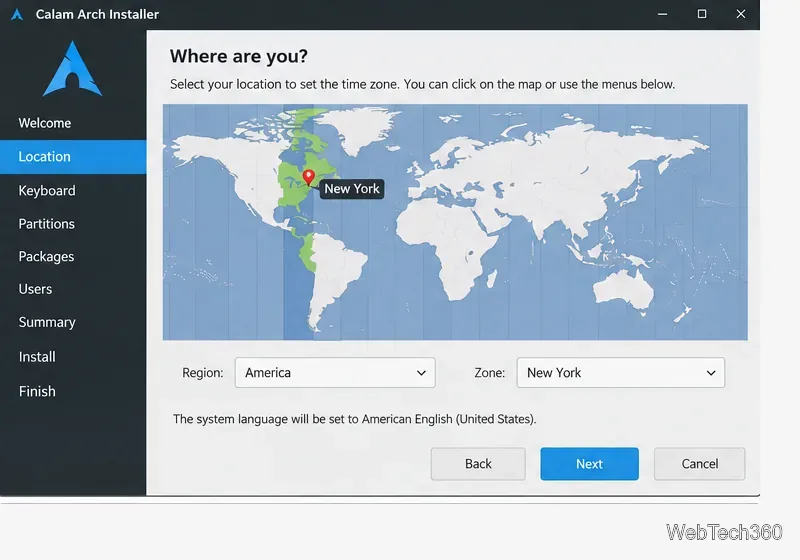
Use the current Calam Arch ISO and its graphical Calamares installer to set up Arch Linux with partitions, a desktop, packages, and a user account.
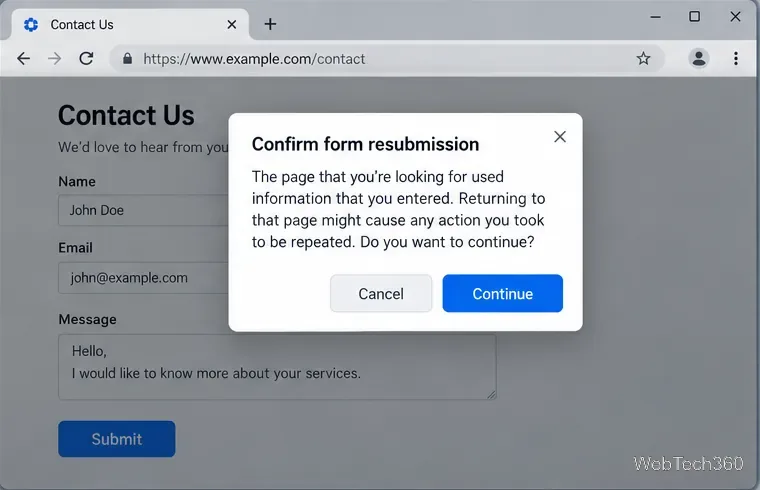
Seeing Confirm Form Resubmission after refreshing a form? Learn safe fixes for Chrome and Firefox, plus the correct server-side fix for website owners.
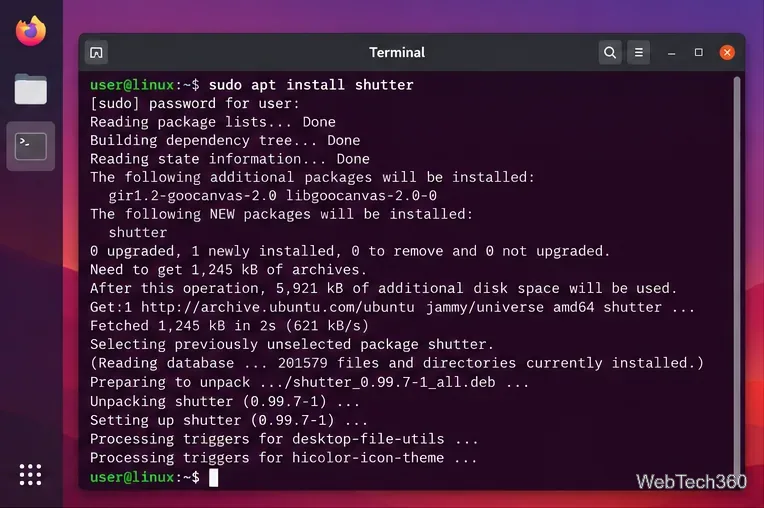
Learn how to install Shutter on Linux, capture selected areas or the full desktop, edit screenshots, and handle current Wayland limitations.
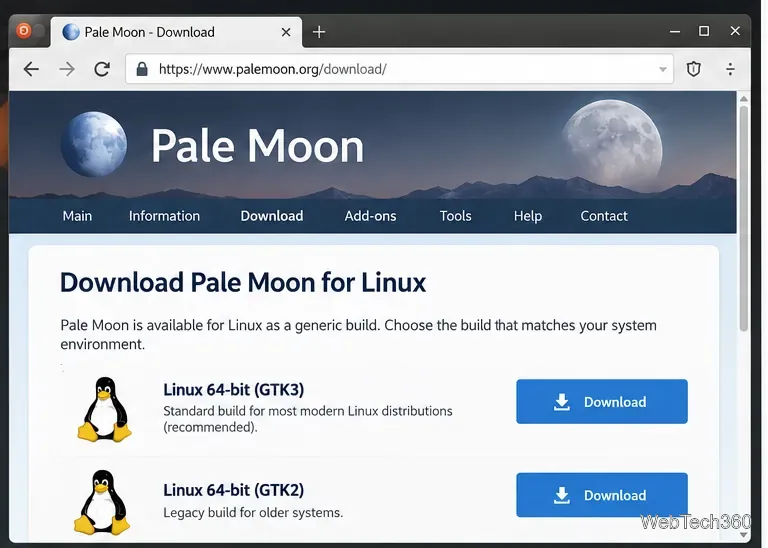
Learn how to install and use the Pale Moon browser on Linux with the official GTK3 tarball, then browse, bookmark sites, add extensions, and update it safely.
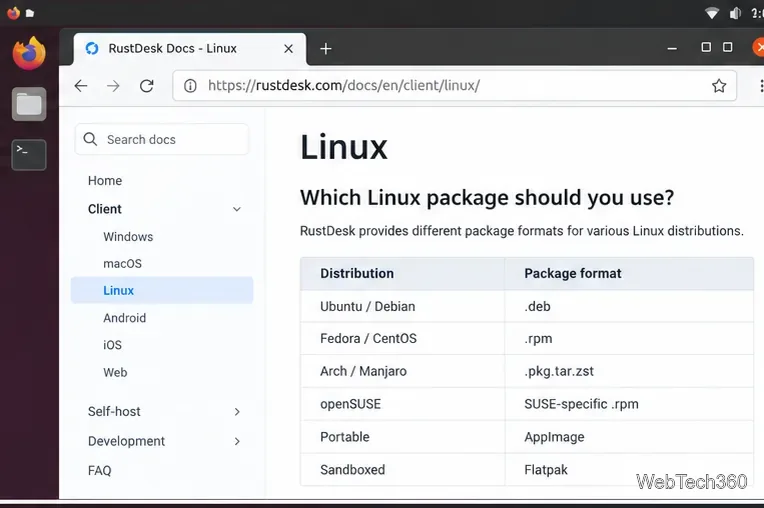
Learn how to install RustDesk on Linux, connect to another computer securely, set up unattended access, and avoid common Wayland issues.
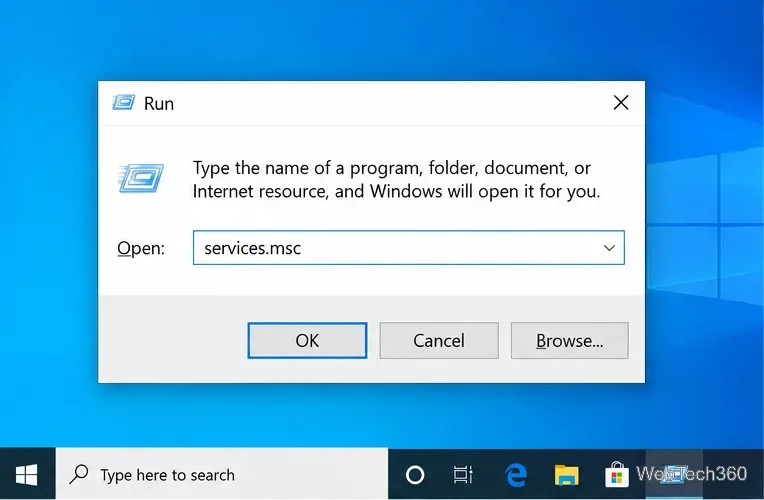
If Services.msc won’t open or freezes in Windows 10, try MMC directly, repair the .msc association, run DISM/SFC, and isolate software conflicts.
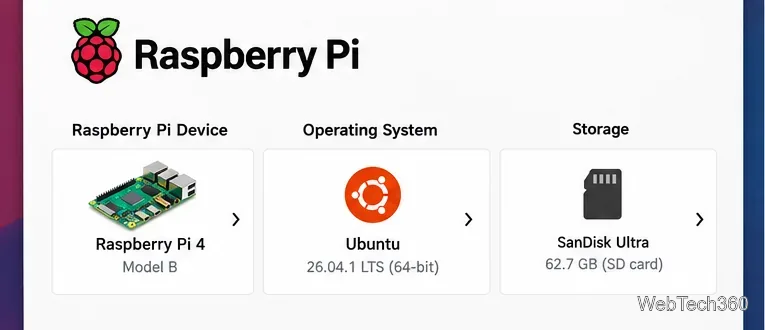
Learn how to run Xubuntu on a Raspberry Pi 4 by flashing Ubuntu 26.04 LTS, installing the arm64 Xubuntu desktop package, and choosing Xubuntu at login.
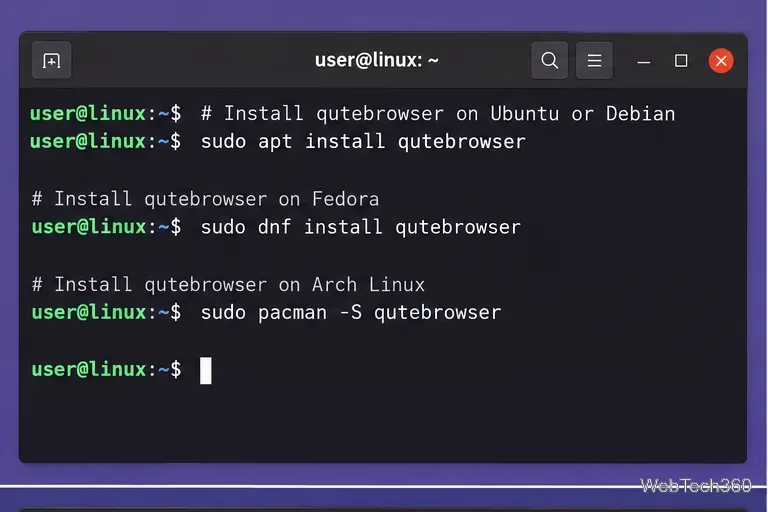
Install Qutebrowser on Linux, learn its essential keyboard shortcuts, open links without a mouse, manage tabs and bookmarks, and customize settings.
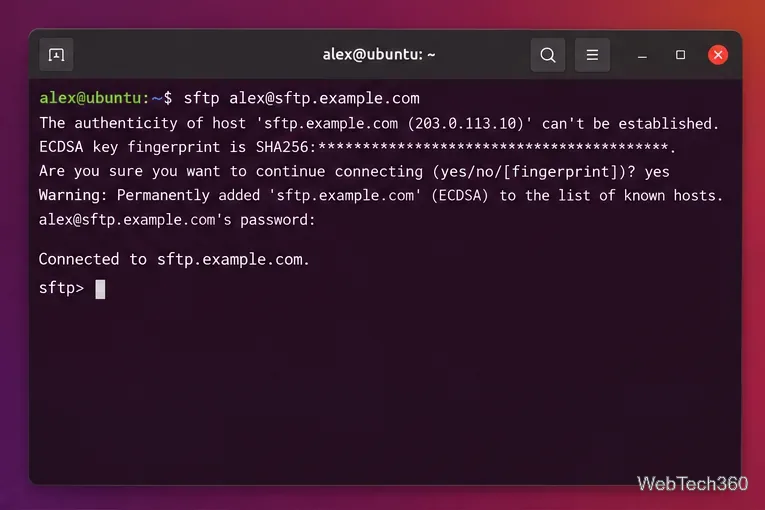
Connect to an SFTP server in Ubuntu from the Terminal or GNOME Files, transfer files with get and put, use SSH keys, and fix common errors.
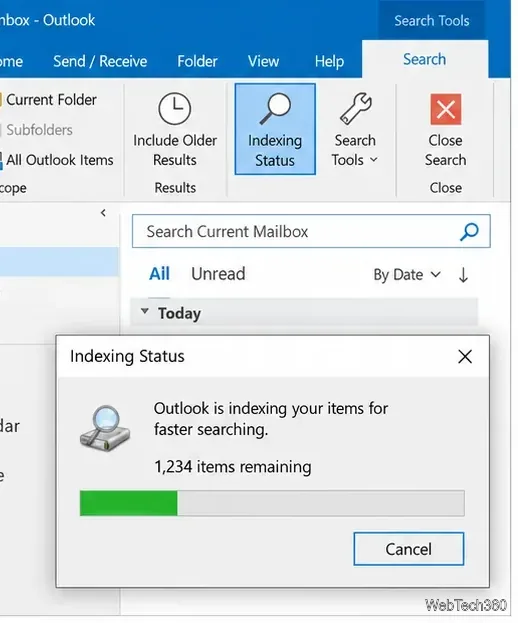
Fix Outlook search not working on Windows 10 by checking indexing, Windows Search, Office updates, cached mail, profiles, and Outlook data files.
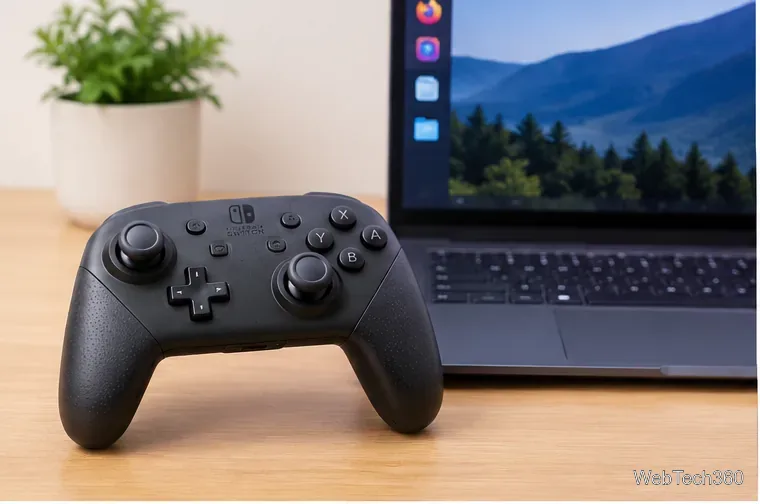
Pair a Nintendo Switch Pro Controller on Linux over Bluetooth or USB, confirm built-in kernel support, set it up in Steam, and fix common connection issues.
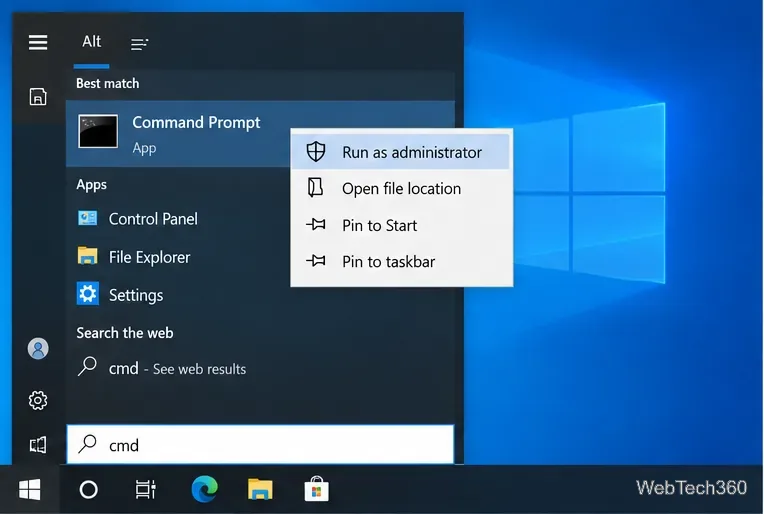
Getting Access denied even as an administrator in Windows 10? Fix elevation, file permissions, ownership, takeown/icacls errors, and Controlled folder access.
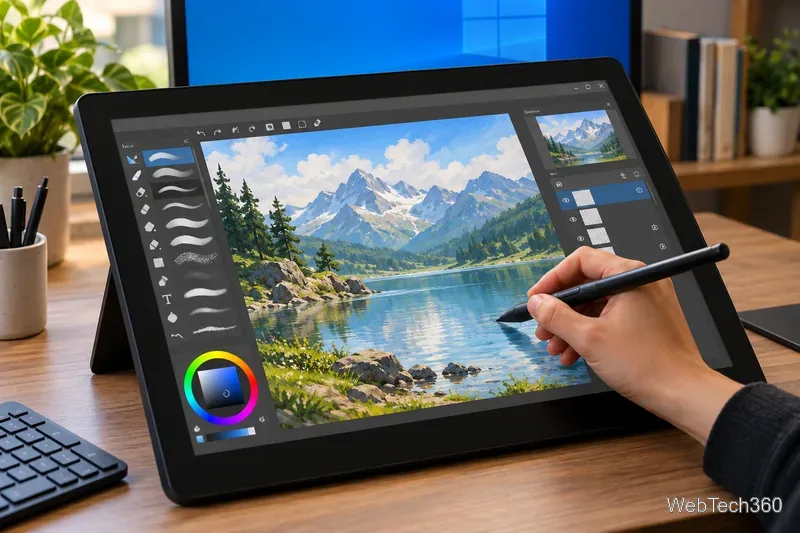
Compare five of the best painting apps for Windows 10, from free Krita and Inkscape to Sketchbook Pro, Clip Studio Paint, and Concepts.
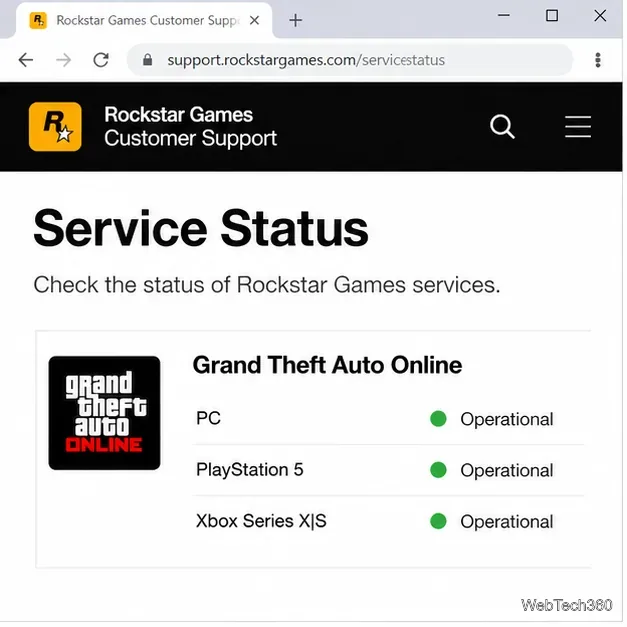
GTA Online stuck on a loading screen? Check Rockstar service status, repair game files, refresh your network, DNS, and NAT settings with these current fixes.
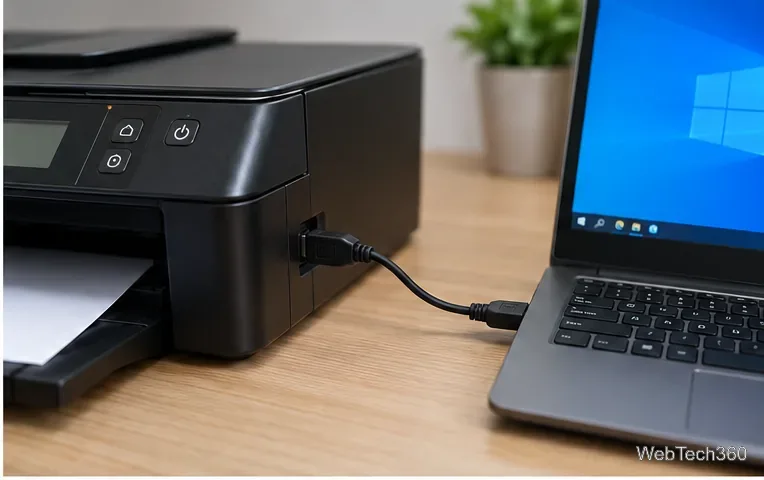
Fix the “printer has experienced a configuration problem” error in Windows 10 by checking connections, reinstalling the printer, updating drivers, and resetting Print Spooler.
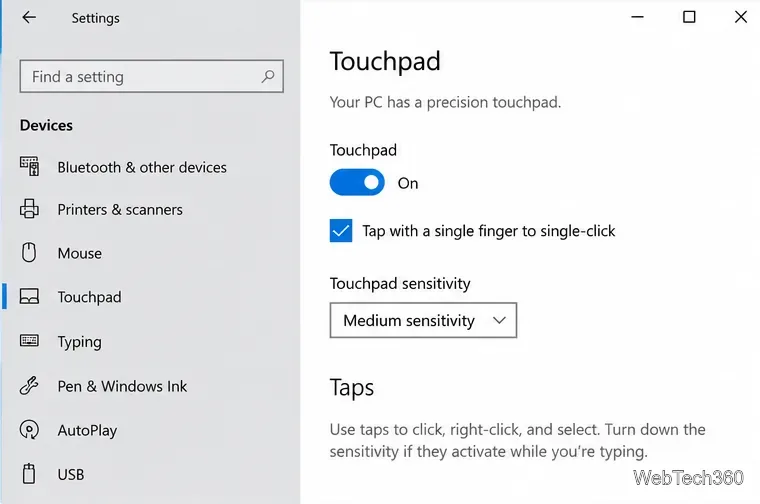
If your Windows 10 touchpad moves the pointer but won’t click, check tap-to-click settings, test the clickpad, reinstall the driver, and install optional updates.
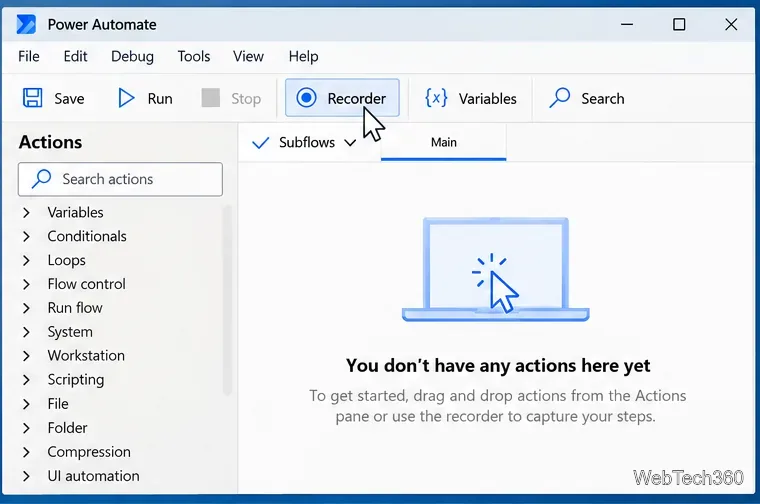
Automate repeated mouse clicks on Windows 10 with Power Automate for desktop. Record clicks, target UI elements, add waits and loops, and test safely.
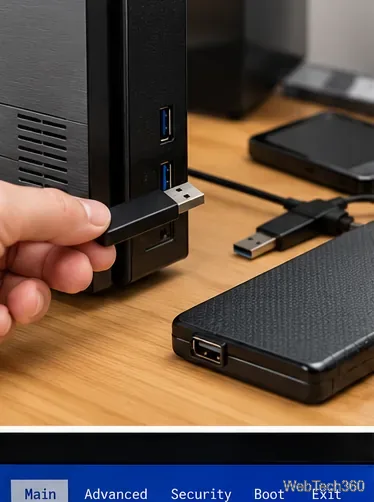
If your PC automatically goes to BIOS instead of Windows, check USB devices, SSD detection, boot order, firmware settings, and Startup Repair.
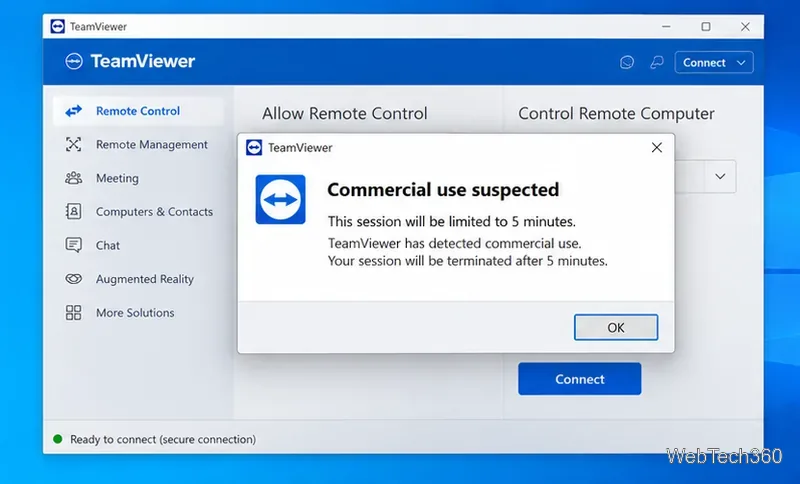
If TeamViewer wrongly flags personal use as commercial on Windows 10, use the official reset form, submit every affected ID, and skip outdated MAC tricks.
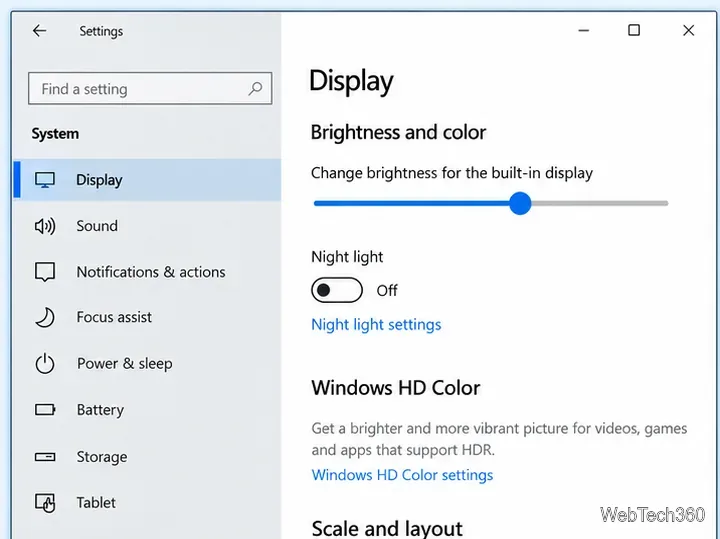
If the Windows 10 brightness slider is missing or does nothing, reset the graphics driver, update or roll back display drivers, and check monitor settings.
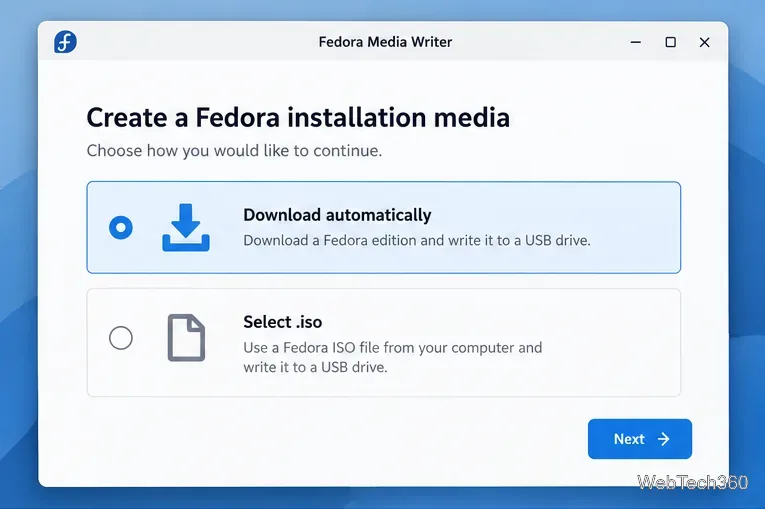
Use Fedora Media Writer to download Fedora, select the right USB drive, write and verify the image, and safely create bootable installation media.
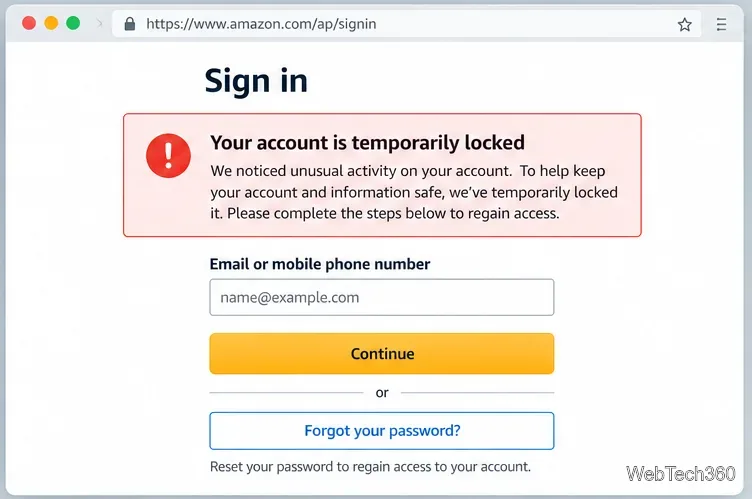
Amazon account temporarily locked? Use official recovery, two-step verification, Customer Service, or Seller Central appeal steps to regain access safely.
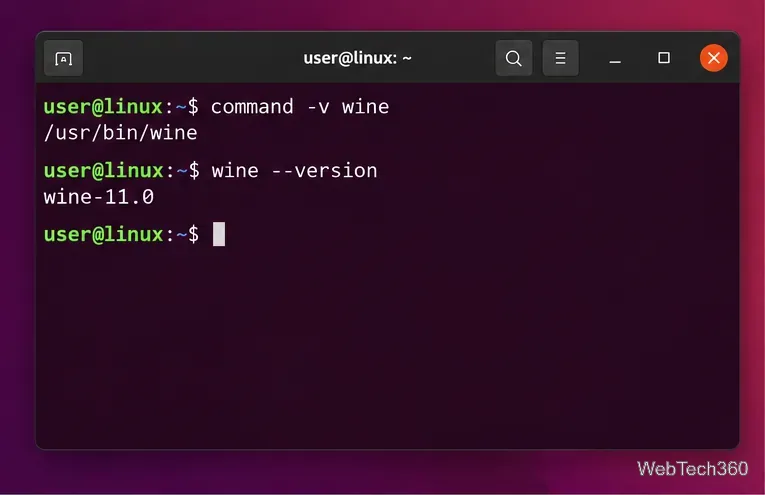
Learn how to purge Wine from Linux, remove its packages and unused dependencies, delete Wine prefixes safely, and verify the cleanup.
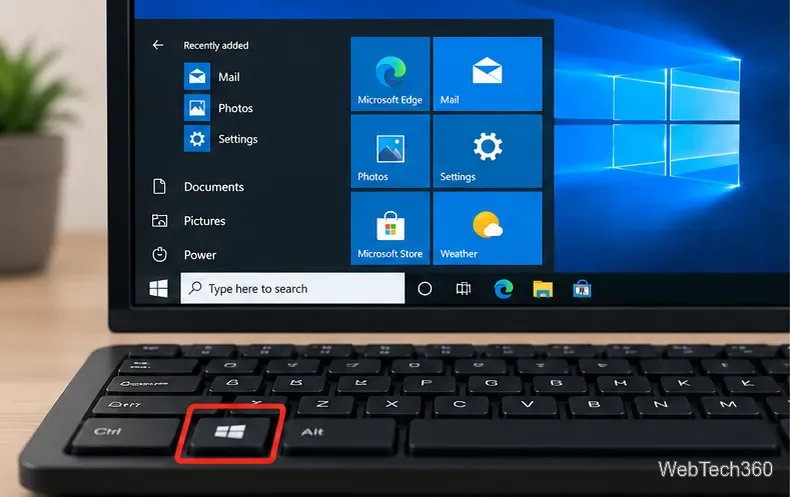
Fix the Windows key not working in Windows 10 by checking Win Lock, key remaps, Explorer, keyboard drivers, DISM/SFC, and your user profile.
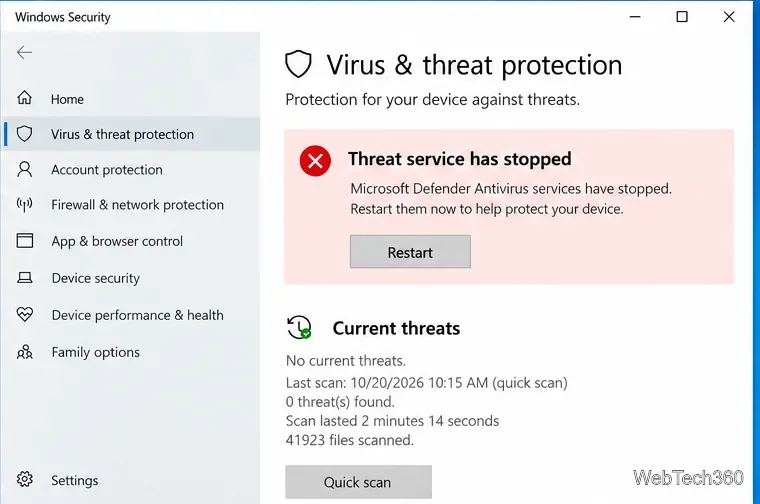
If Windows Defender service won’t start on Windows 10, check antivirus providers, Defender services, malware, platform files, system corruption, and updates.
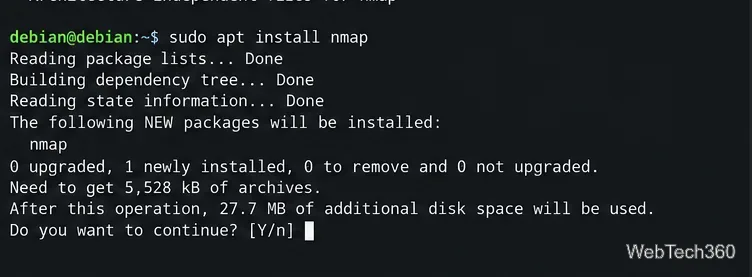
Learn how to install Kali Linux apps in Debian safely using Debian packages or an official Kali container without mixing Kali and Debian repositories.
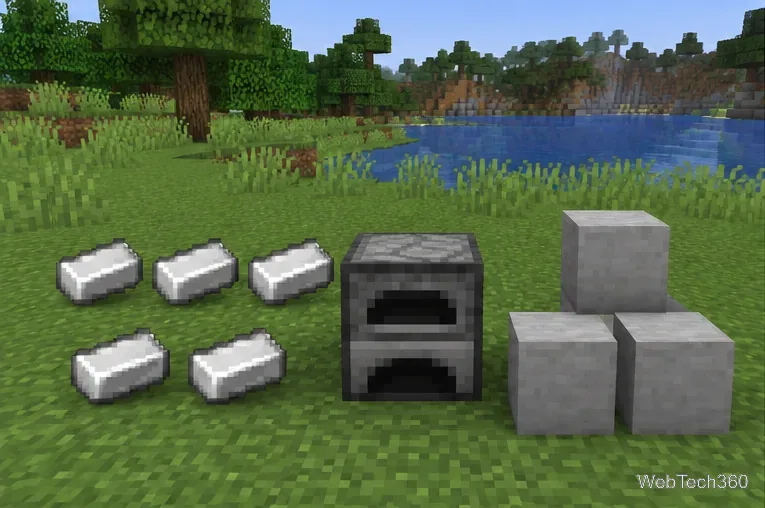
Learn the Minecraft blast furnace recipe, how to make smooth stone, where each ingredient goes, and what a blast furnace can and cannot smelt.
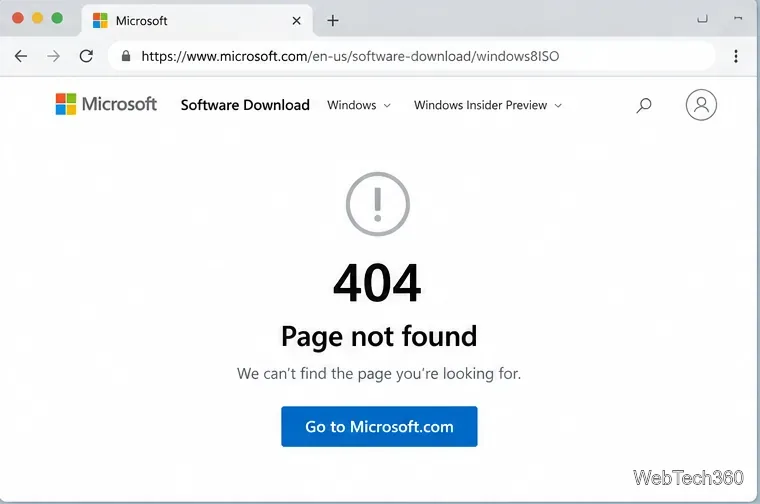
Microsoft no longer offers a public Windows 8.1 ISO download. Learn the legitimate options still available, plus how to create a bootable USB safely.
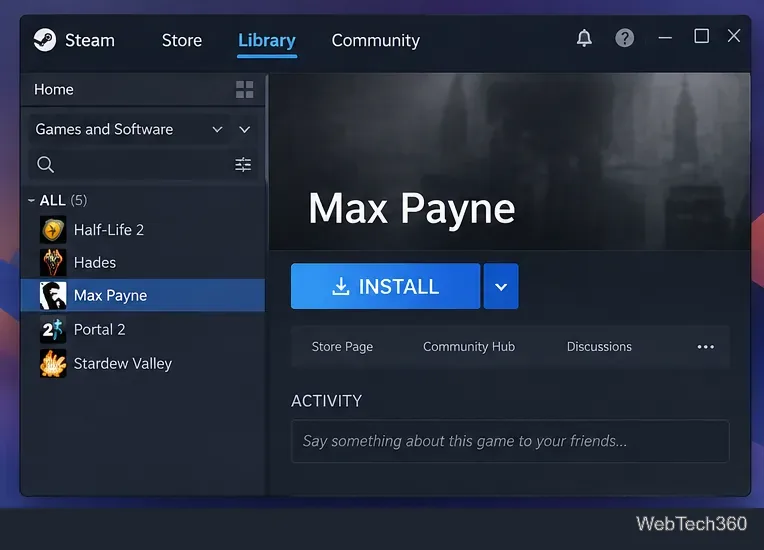
Play the original Max Payne on Linux through Steam and Proton. Follow current compatibility settings, install steps, and safe troubleshooting fixes.