How to Set Up a Backup Snapshot on Linux Mint
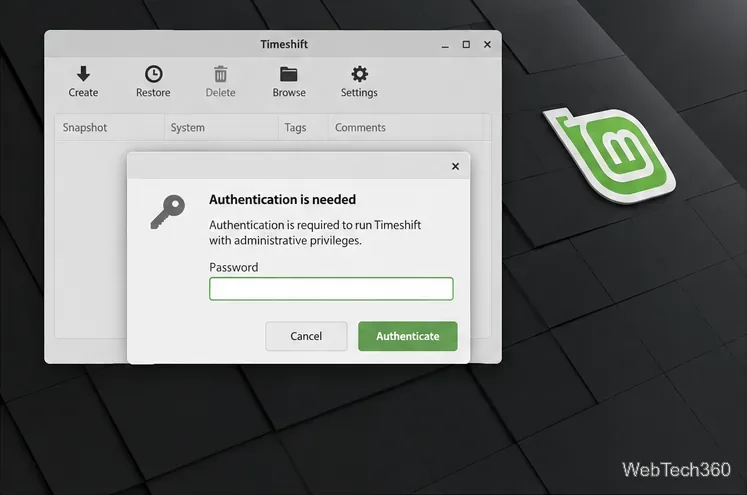
Use Timeshift to configure Linux Mint system snapshots, choose a safe destination, set a schedule, create a snapshot, and restore it when needed.
Use Timeshift to configure Linux Mint system snapshots, choose a safe destination, set a schedule, create a snapshot, and restore it when needed.
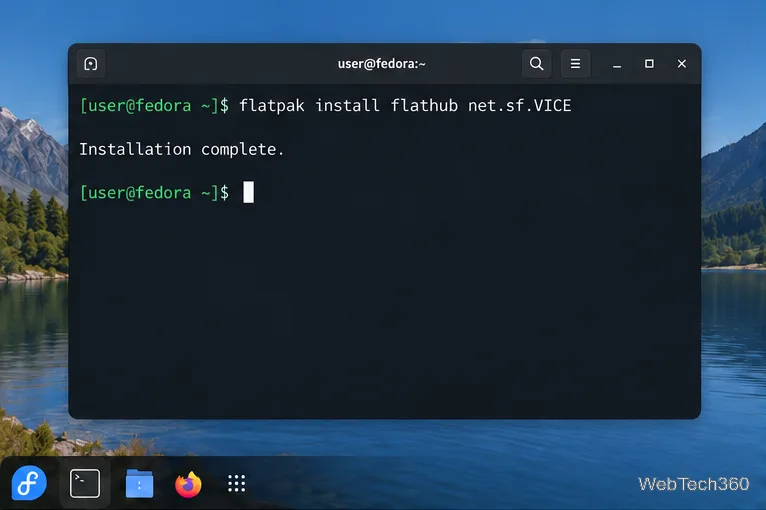
Install VICE on Linux, load a C64 disk or tape image, configure keyboard or joystick controls, and save your progress with snapshots.
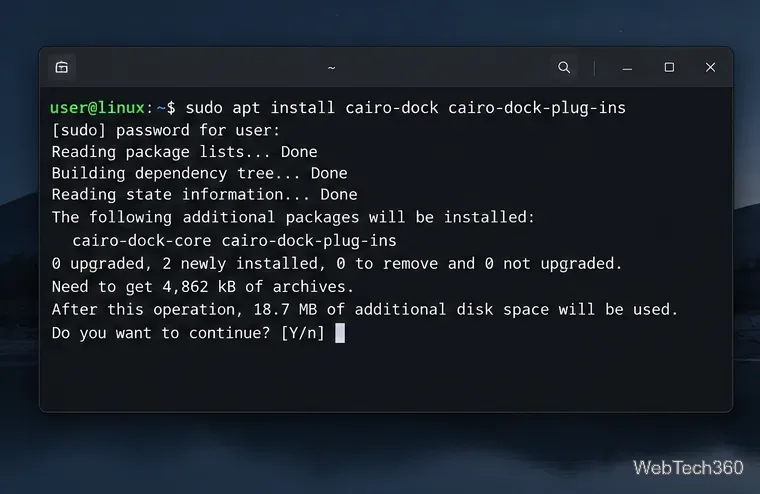
Install Cairo-Dock from your distro’s package manager, launch it in your desktop session, and customize its position, applets, launchers, and startup behavior.
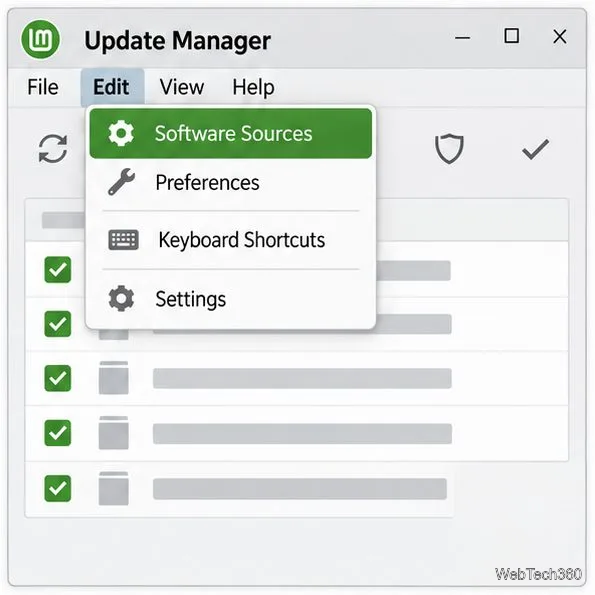
Use Software Sources to choose a faster local update mirror in Linux Mint, refresh APT’s package list, and restore the default servers if needed.
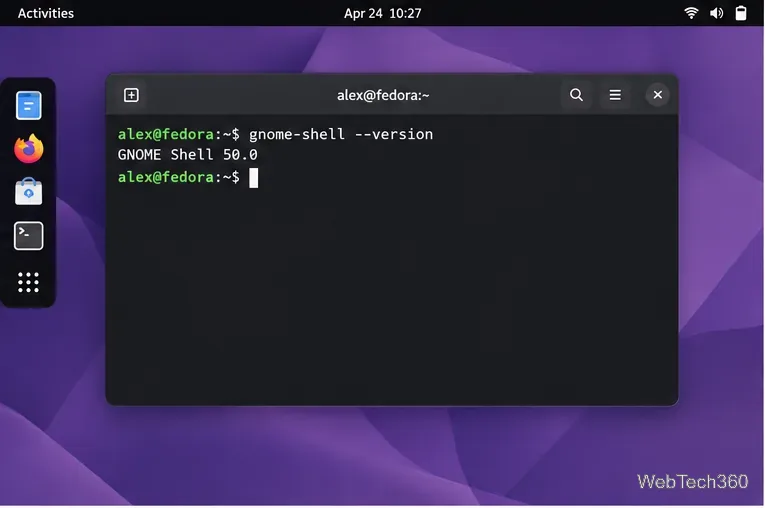
Bring desktop icons back to GNOME Shell with Desktop Icons NG (DING). Install it in Extension Manager, check compatibility, and troubleshoot missing icons.
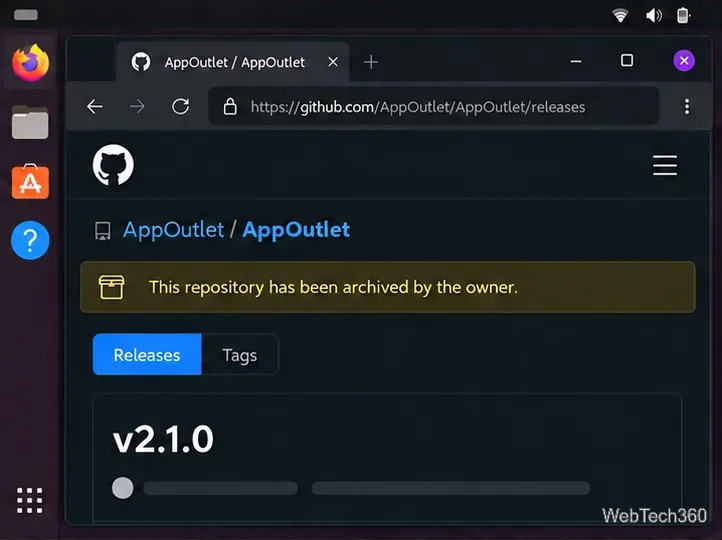
Install the archived App Outlet app store on Linux from a DEB package or AppImage, and learn why its old Snap command and app catalog may fail.
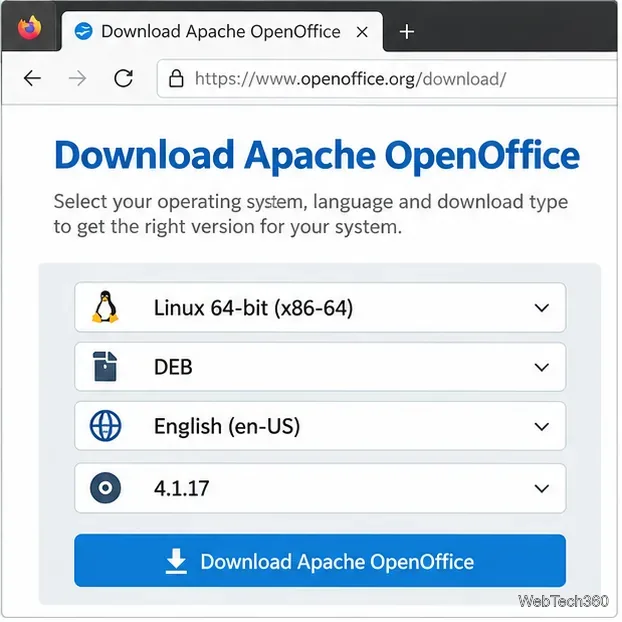
Install Apache OpenOffice on Ubuntu, Debian, Fedora, or openSUSE with the current Linux DEB or RPM archive. Verify the download, install menus, and launch Writer.
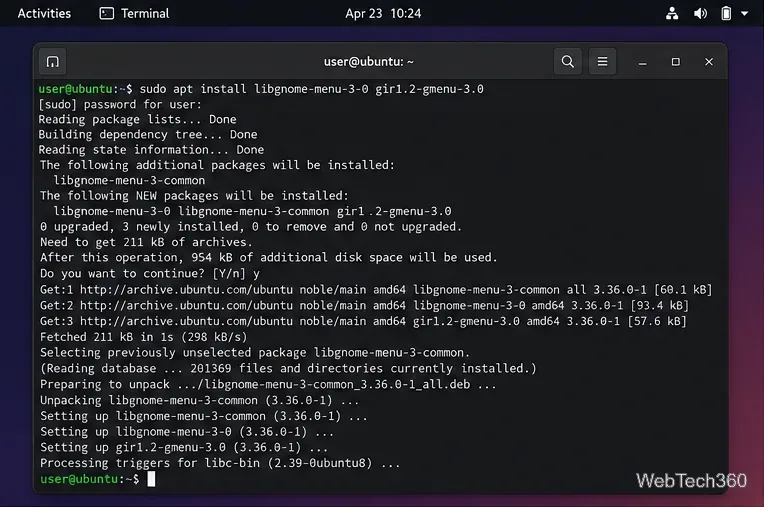
Install ArcMenu from GNOME Extensions, check its GMenu dependency, enable it in GNOME, and choose a layout with search, pinned apps, and shortcuts.
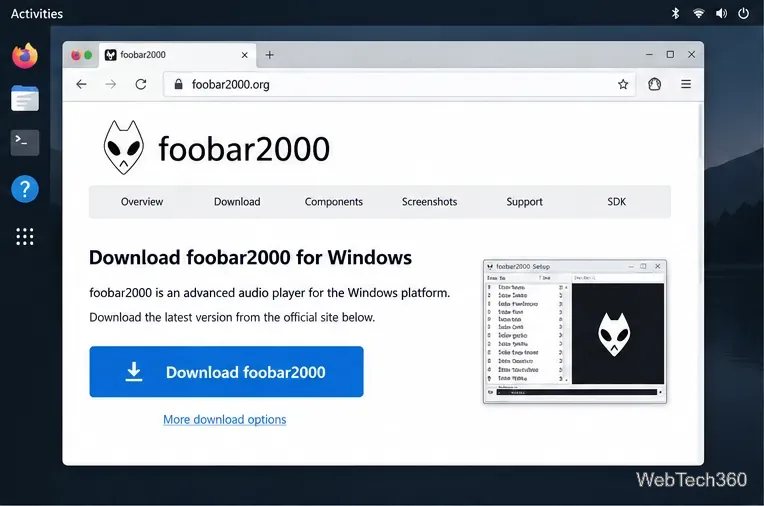
Install Foobar2000 on Linux using the official Windows installer and your distro’s Wine package, then add a music folder and troubleshoot sound.
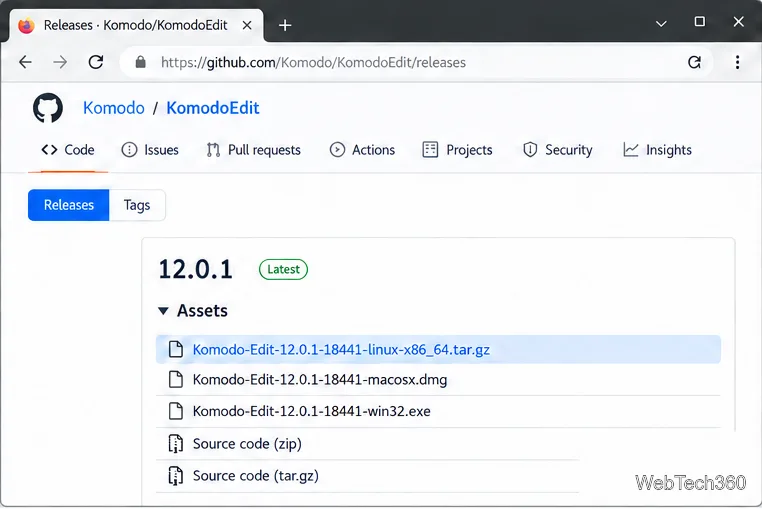
Install Komodo Edit 12.0.1 on Linux from the archived official tarball. Check your architecture, run the installer, and troubleshoot launch issues.
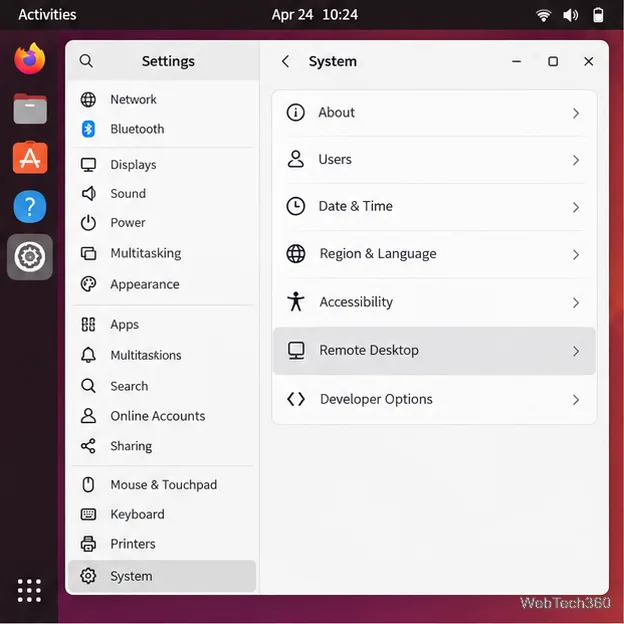
Enable Ubuntu desktop sharing, find the host and RDP credentials, and connect from another computer with Remmina or another RDP client.
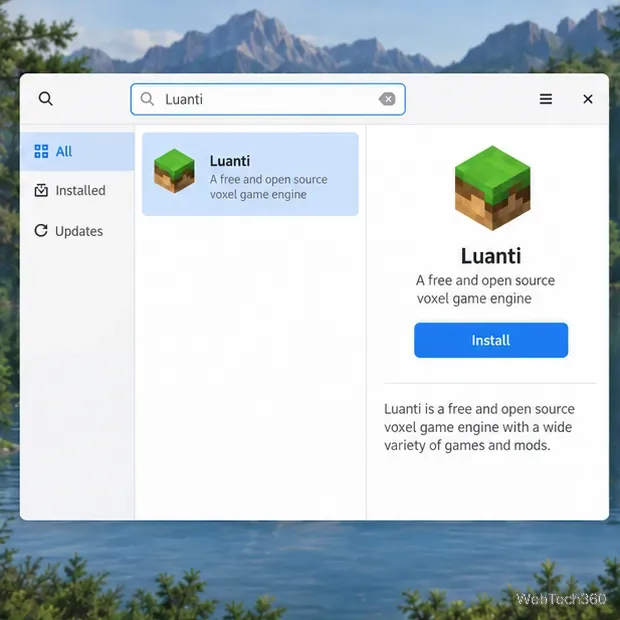
Install Minetest on Linux under its current name, Luanti. Follow the stable Flatpak method or choose the right Ubuntu, Debian, Arch, Fedora, or Snap package route.
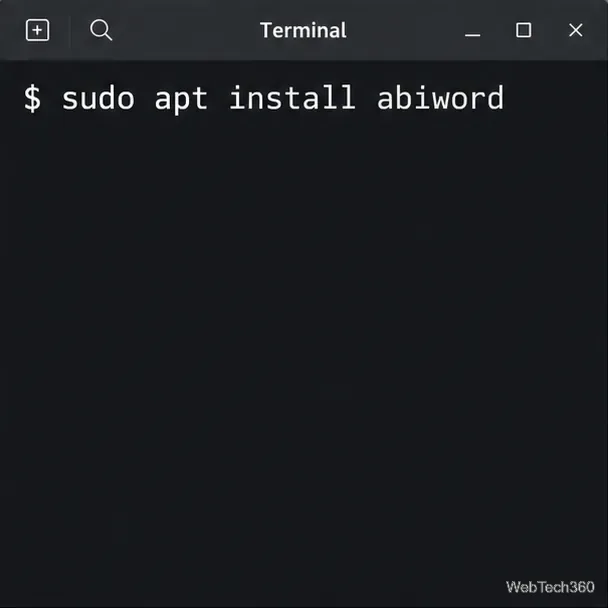
Install AbiWord on Linux from Ubuntu, Debian, Fedora, Arch, or openSUSE repositories—or use Flathub when your distribution has no current native package.
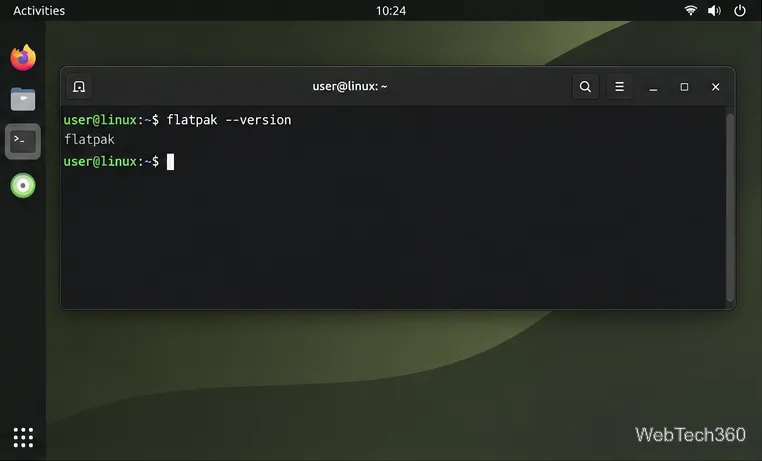
Install Olive on Linux with Flatpak or the upstream AppImage, and check the current version and stability caveats before downloading.
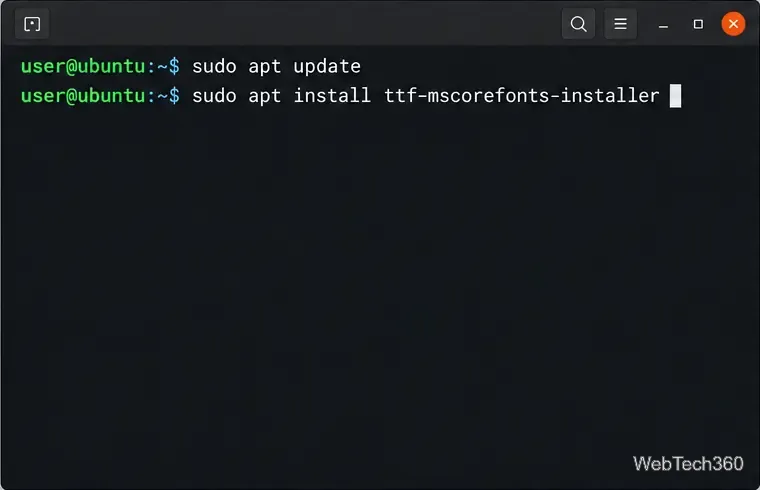
Install the classic Microsoft Core Fonts on Ubuntu, Debian, Arch, or openSUSE, handle the license prompt, and check that apps can see Arial and Times New Roman.
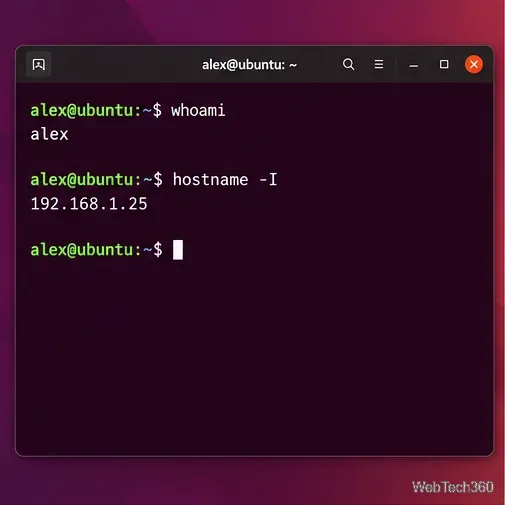
Set up Ubuntu’s OpenSSH server, connect from Windows PowerShell, and transfer files securely with WinSCP over SFTP.
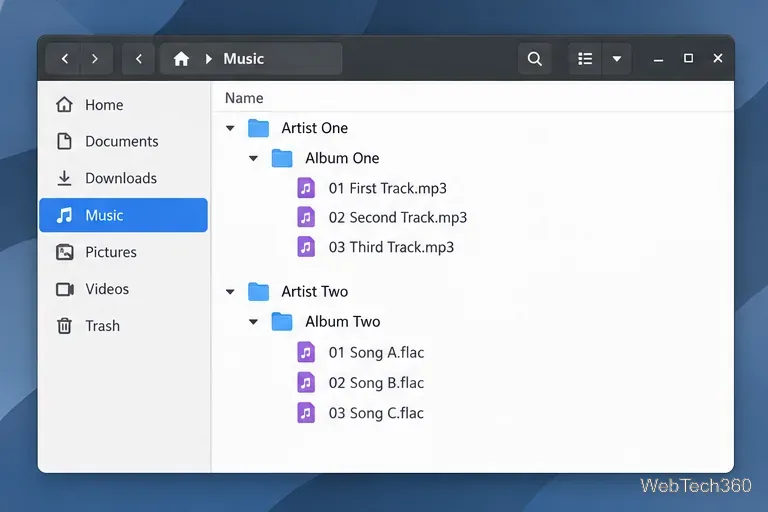
Keep your local collection organized in Rhythmbox: install the player, add your music folder, import tracks, and enable automatic library updates.
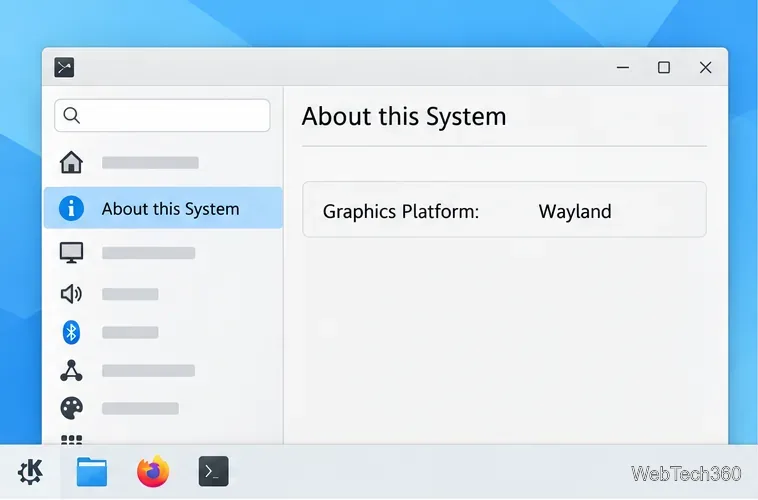
Restore window controls in KDE Plasma by checking whether one app or KWin is frozen, identifying Wayland or X11, and restarting KWin safely.
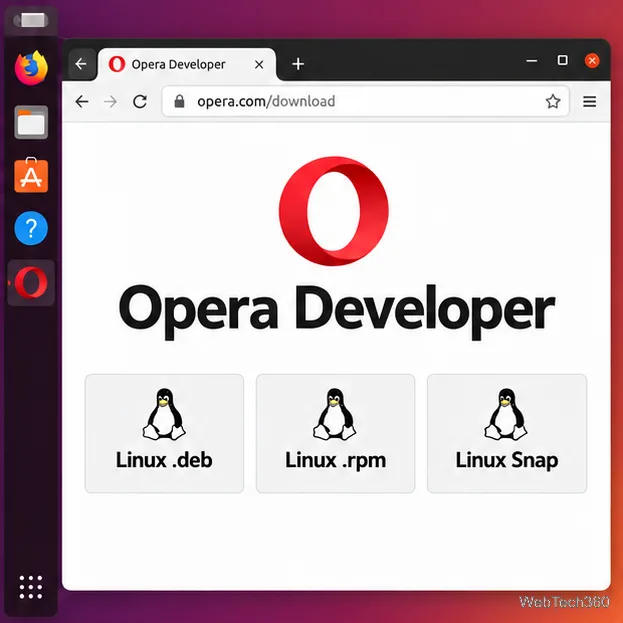
Install Opera Developer on Linux with the current DEB, RPM, or Snap package. Follow steps for Ubuntu, Debian, Fedora, openSUSE, or Arch.
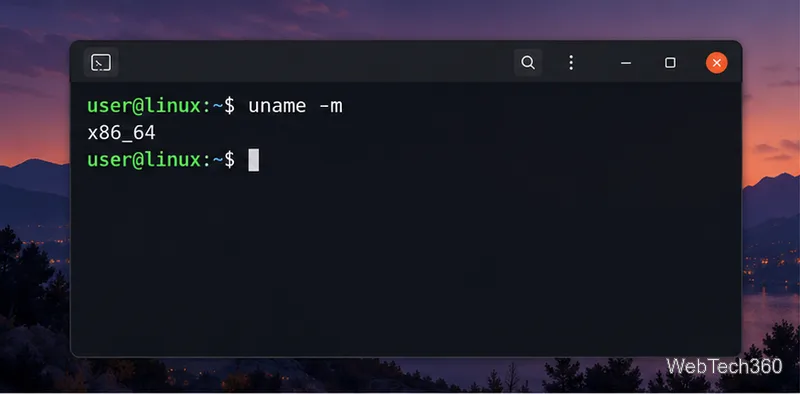
Install GitKraken on Linux with the right DEB, RPM, Snap, or tar.gz package, plus architecture checks and fixes for common setup errors.
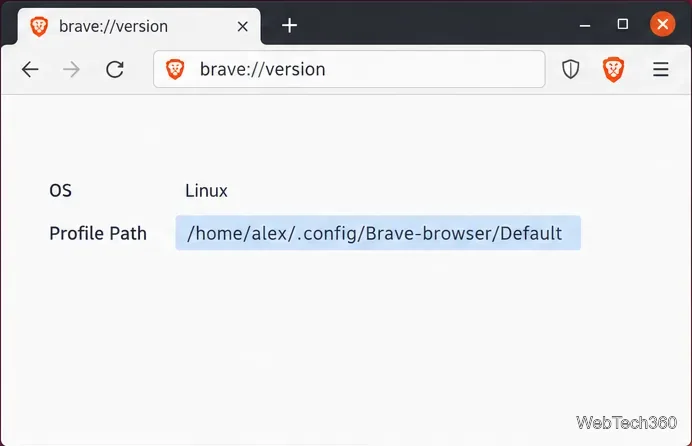
Back up the complete Brave profile folder on Linux, encrypt it with GPG, and restore it safely while accounting for custom paths and protected data.
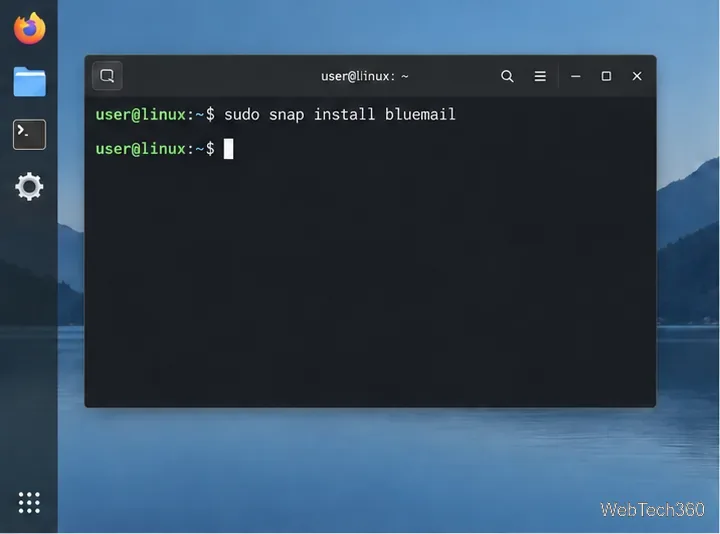
Install BlueMail on Linux through Snap, then add Gmail or another mailbox. Check Snap requirements, follow the sign-in flow, and troubleshoot manual IMAP setup.
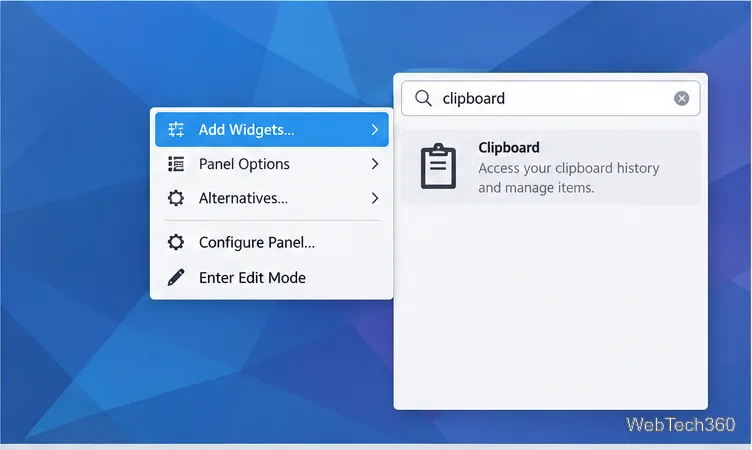
Use Klipper to search, restore, edit, remove, and display clipboard entries as barcodes in Plasma 5. Learn how to show the widget and manage history.
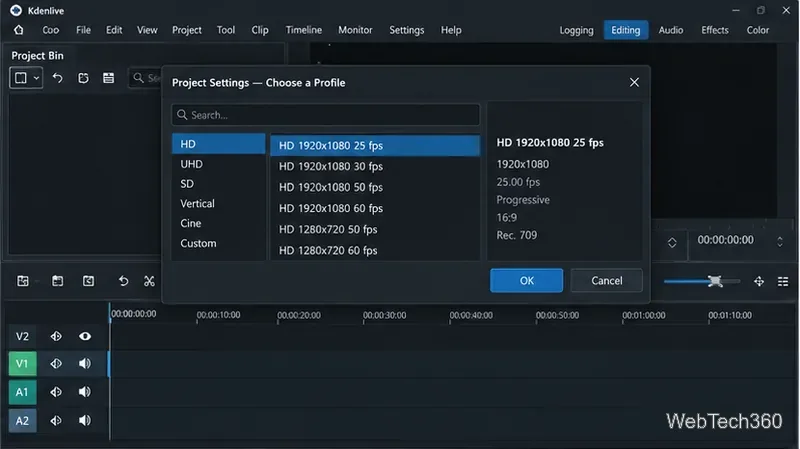
Import a clip, make frame-accurate cuts, remove unwanted sections, close gaps, and render the finished video in Kdenlive on Linux.
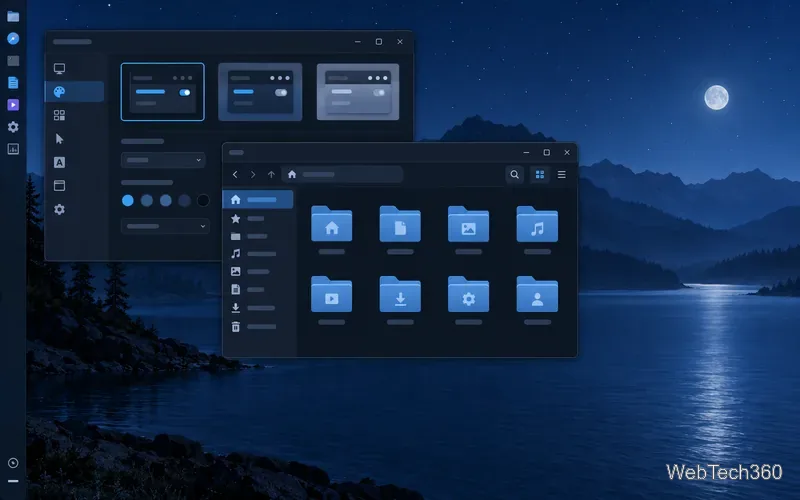
Explore six XFCE GTK themes, from Midnight and Juno to Catalina-inspired and Windows-style looks, with safe per-user installation steps and tips for matching window borders.
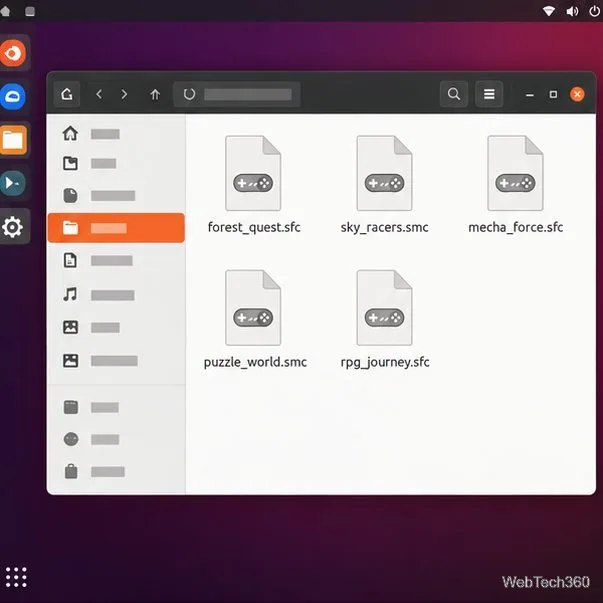
Compare five Linux-friendly SNES emulators—from Snes9x and RetroArch to Mednafen and Mesen CE—and learn how to install one, load a ROM, and set up a controller.
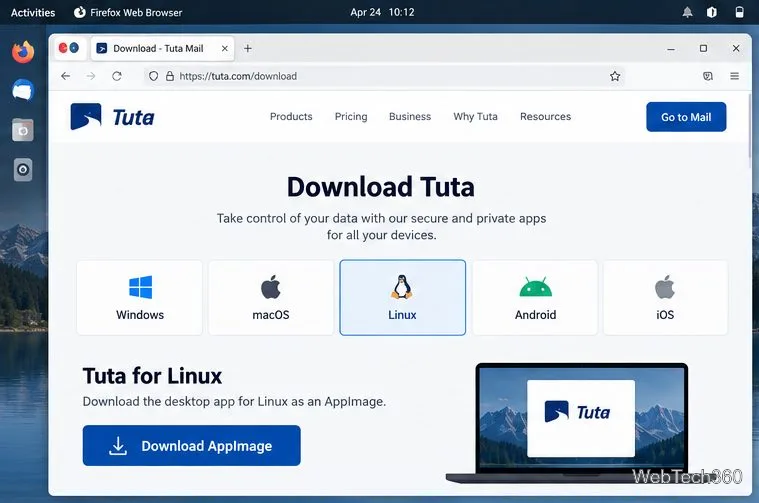
Install Tuta (formerly Tutanota) on Linux with the official AppImage, create an account or sign in, and store your recovery code safely.
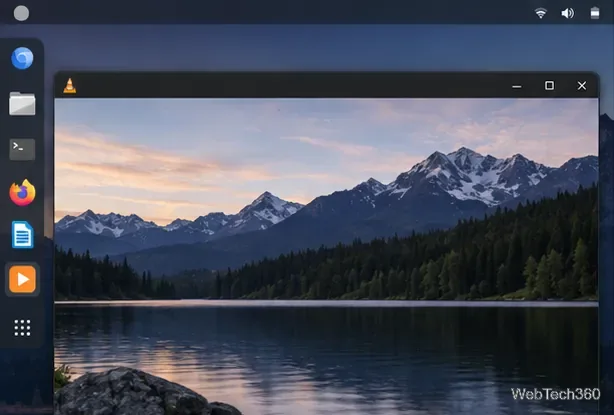
Learn how to watch videos on Linux with VLC, SMPlayer, mpv, Parole, and Celluloid, plus steps for opening local files and choosing a player.
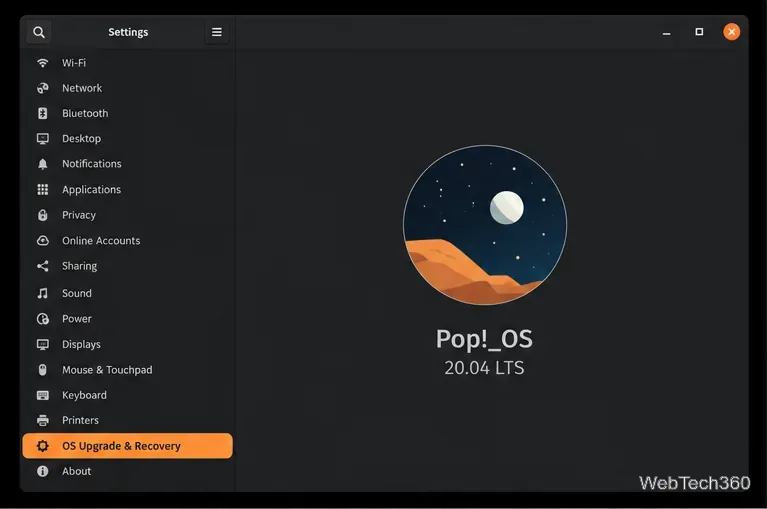
Learn the historical Pop!_OS 20.04-to-20.10 process, what the upgrade screen should show, and why older systems need a fresh install today.
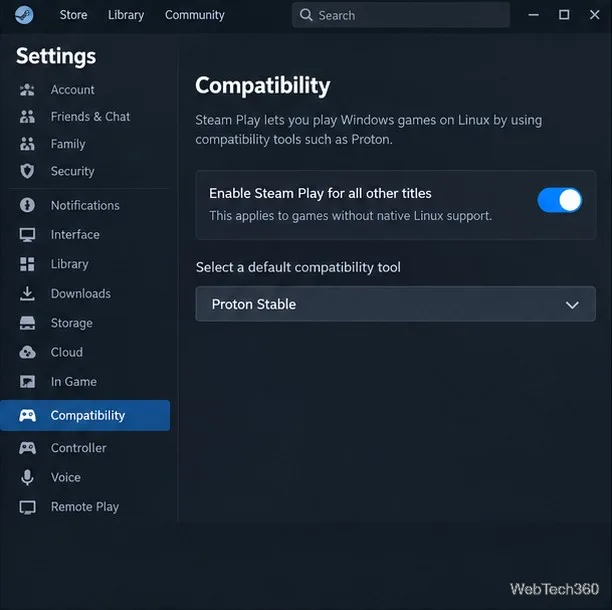
World of Tanks Blitz has no native Linux build. Install Steam, enable Proton, and try the game with current compatibility settings, plus troubleshooting tips.