WINDOWS | Page 11

How to Save and Restore Window Positions on Windows 10
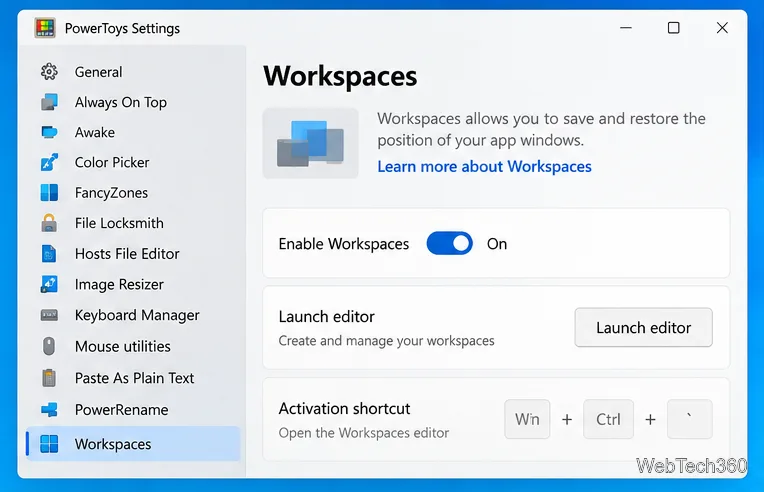
How to Save and Restore Window Positions on Windows 10

Save and restore window positions on Windows 10 with Microsoft PowerToys Workspaces, plus use FancyZones for repeatable layouts and Snap for quick arrangement.
How to Use Open With for Multiple Files on Windows 10

How to Use Open With for Multiple Files on Windows 10

Windows 10 may hide Open With for multi-file selections. Add an app shortcut to Send To to open several files in one program without changing defaults.

How to Run an App as a Different User on Windows 10

How to Run an App as a Different User on Windows 10

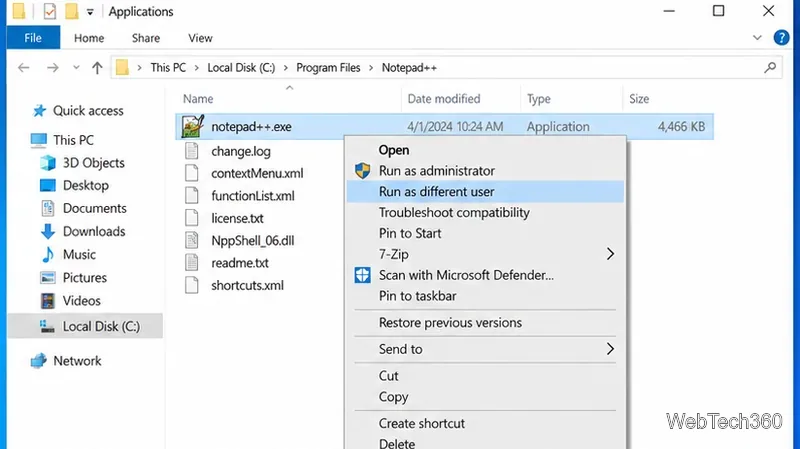
Run a Windows 10 app under another user account with Shift + right-click or the runas command, plus fixes when the option is missing.

How to Search Text in Multiple Office Files on Windows 10

How to Search Text in Multiple Office Files on Windows 10

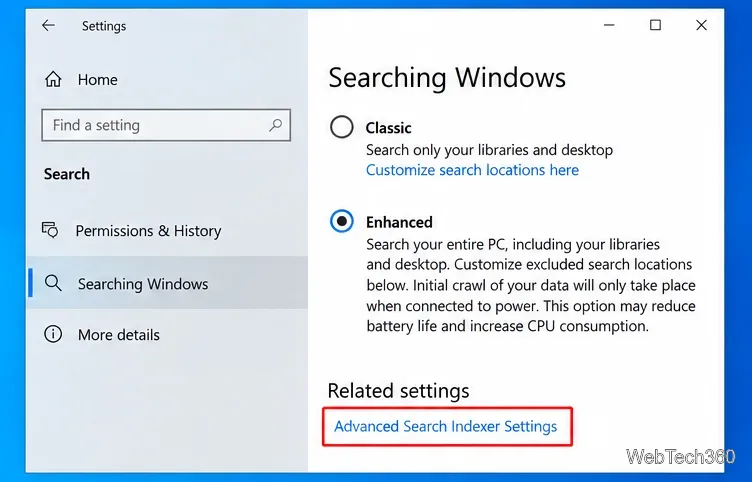
Search Word, Excel, and PowerPoint file contents at once in Windows 10 using File Explorer and Windows Search indexing, without the old Office Search utility.

How to Block Shut Down and Restart on Windows 10

How to Block Shut Down and Restart on Windows 10

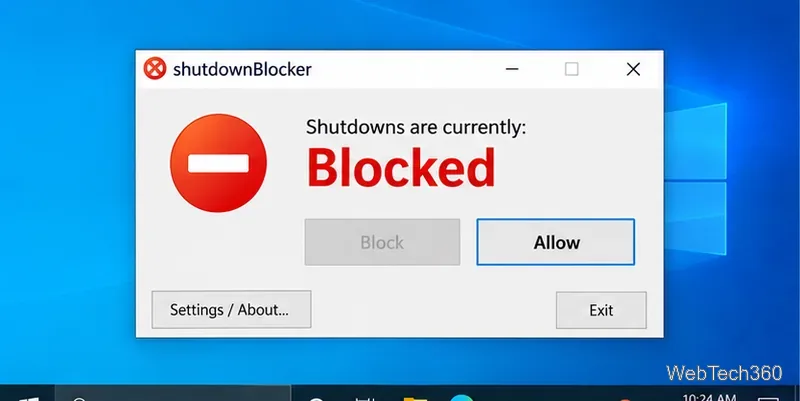
Learn how to block shut down and restart on Windows 10 with ShutdownBlocker or Group Policy, plus how to undo the block safely.

How to Disable Your Webcam When Not in Use on Windows

How to Disable Your Webcam When Not in Use on Windows

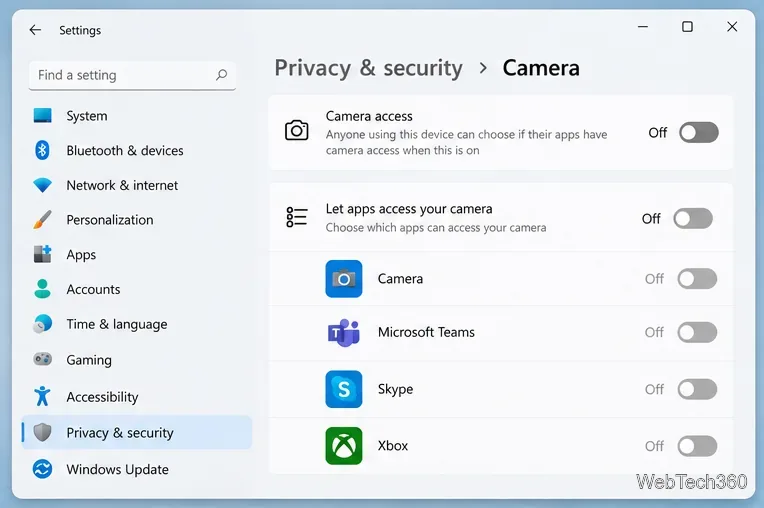
Disable your webcam in Windows 11 or Windows 10 using Camera settings, Device Manager, app permissions, or a physical shutter, with safe re-enable steps.

How to Change a File Extension on Windows 10

How to Change a File Extension on Windows 10

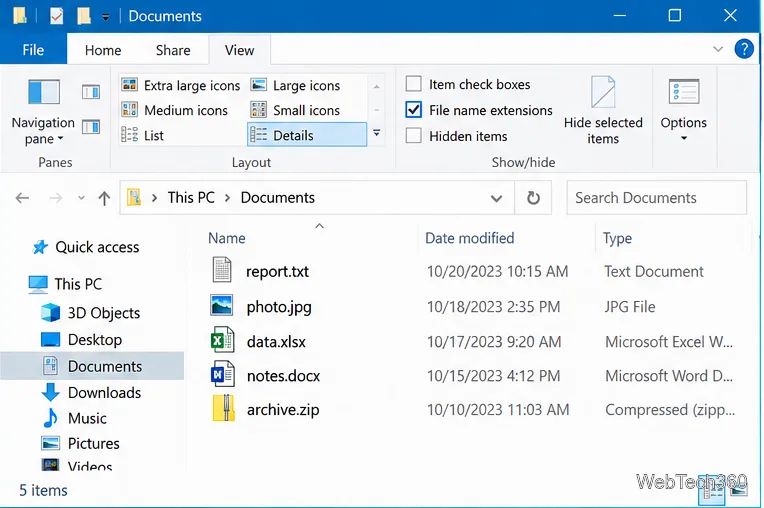
Learn how to show file name extensions in Windows 10, rename an extension safely, and understand why renaming does not convert the file format.

How to Turn Off the Desktop Background in Windows 10

How to Turn Off the Desktop Background in Windows 10

Learn how to turn off the Windows 10 desktop background image, use a solid color instead, and restore your wallpaper when you want it back.

Can’t Print a PDF in Adobe Acrobat Reader on Windows 10? Try These Fixes

Can’t Print a PDF in Adobe Acrobat Reader on Windows 10? Try These Fixes

Can’t print a PDF in Adobe Acrobat Reader on Windows 10? Check Reader, the printer queue and driver, use Print as Image, and isolate bad PDF files.

How to Record Two Windows Side by Side on Windows 10 with OBS

How to Record Two Windows Side by Side on Windows 10 with OBS

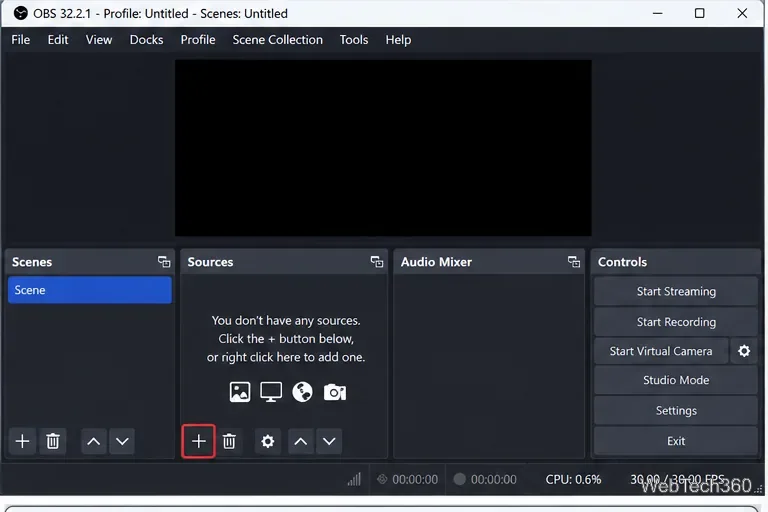
Record two windows side by side on Windows 10 with OBS Studio. Add two Window Capture sources, arrange them on one canvas, capture audio, and record.

How to Unblock Sites in China: VPN Setup, Risks, and Troubleshooting

How to Unblock Sites in China: VPN Setup, Risks, and Troubleshooting

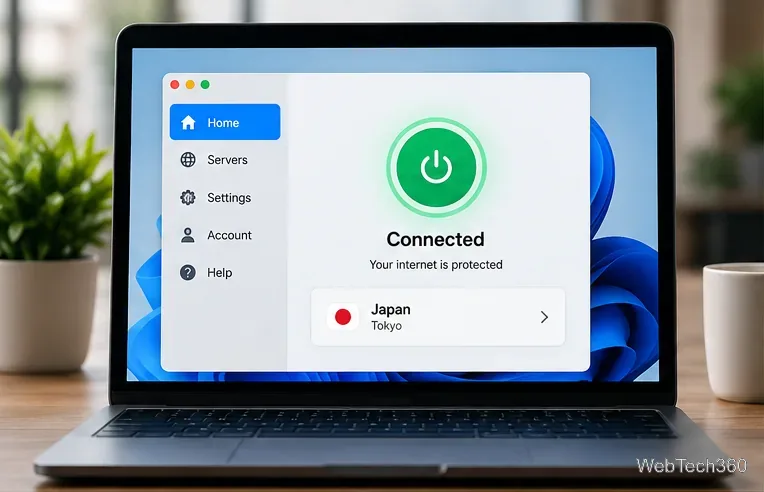
Learn how to unblock sites in China with a VPN, prepare before travel, use anti-censorship features, troubleshoot connections, and understand legal risks.

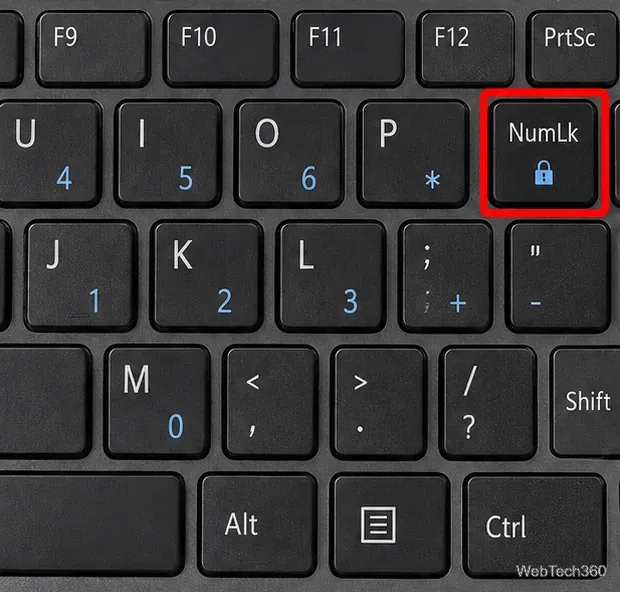
Keyboard Typing Numbers Instead of Letters in Windows 10? Here’s How to Fix It

Keyboard Typing Numbers Instead of Letters in Windows 10? Here’s How to Fix It

If your Windows 10 keyboard types numbers instead of letters, turn off Num Lock first, then check remapping tools, startup apps, and Safe Mode.

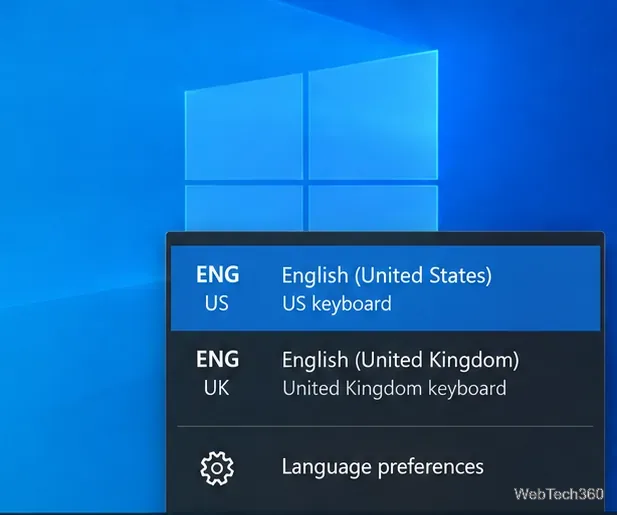
Keyboard Typing Wrong Letters on Windows 10? How to Fix It

Keyboard Typing Wrong Letters on Windows 10? How to Fix It

Keyboard typing wrong letters on Windows 10? Fix the layout, language, Num Lock, remapping apps, troubleshooter, and keyboard driver with these steps.

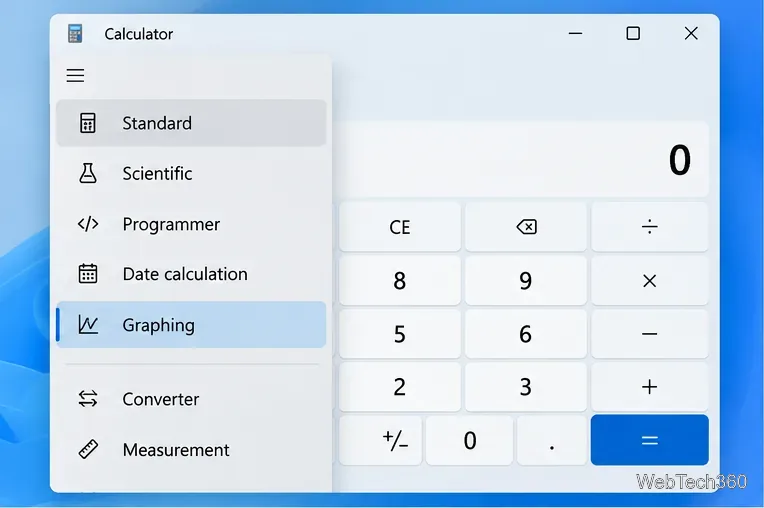
How to Use Graphing Mode in Calculator on Windows 10

How to Use Graphing Mode in Calculator on Windows 10

Learn how to open Graphing mode in Windows Calculator, plot equations, use variables, trace points, analyze graph features, and fix a missing Graphing option.

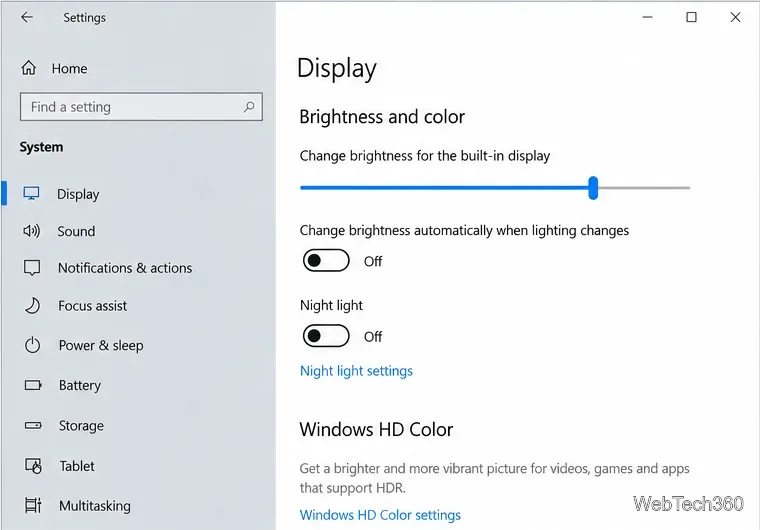
Why Does My Screen Keep Dimming? Fix Windows 10 Screen Dimming

Why Does My Screen Keep Dimming? Fix Windows 10 Screen Dimming

If your Windows 10 screen keeps dimming on its own, turn off adaptive brightness, battery-saver dimming, and GPU power-saving features, then check drivers.

PC Won’t Connect to TV HDMI? 8 Fixes to Try

PC Won’t Connect to TV HDMI? 8 Fixes to Try

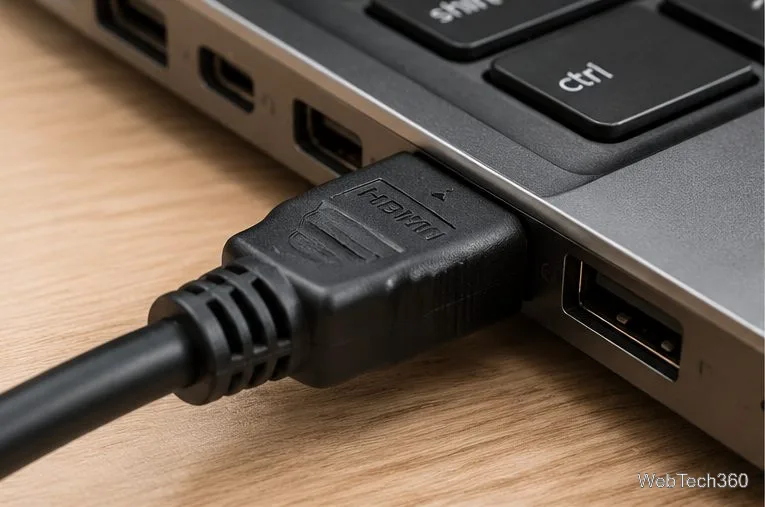
If your PC won’t connect to your TV over HDMI, check the cable and TV input, change Windows display settings, and troubleshoot ports and graphics drivers.

How to Run Apps as Administrator on Windows 10

How to Run Apps as Administrator on Windows 10

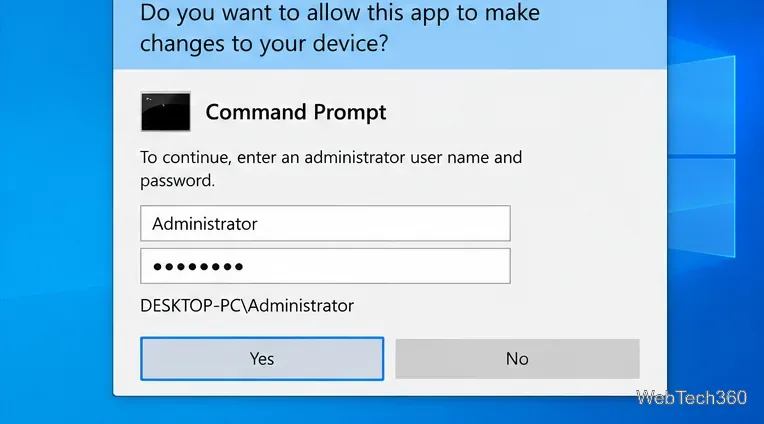
Learn safe ways to run apps with administrator rights on Windows 10, how UAC credentials work, and what to check when elevation is blocked.

Audio Jack Not Working on a Windows 10 Laptop? Try These Fixes

Audio Jack Not Working on a Windows 10 Laptop? Try These Fixes

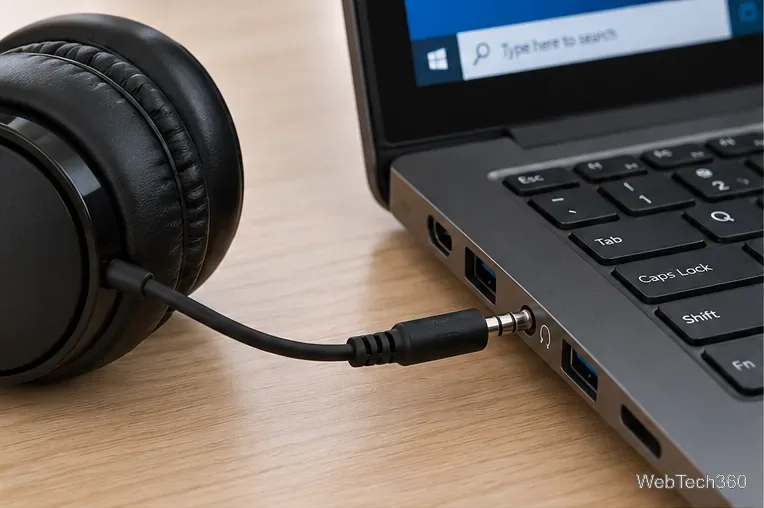
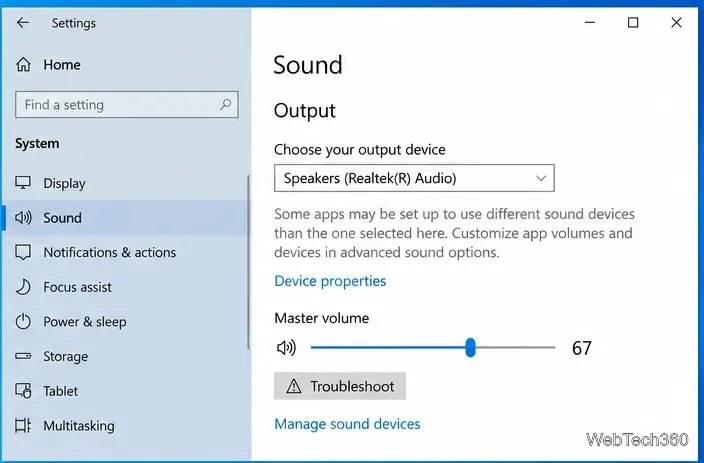
Fix a Windows 10 laptop audio jack that won’t detect headphones or a headset. Check the port, output device, troubleshooter, enhancements, and audio driver.

How to Activate Cortana in Windows 10 When It’s Missing — and Why It No Longer Works

How to Activate Cortana in Windows 10 When It’s Missing — and Why It No Longer Works

Cortana missing from Windows 10? Microsoft retired the standalone app in 2023. Learn why old activation fixes no longer work and what to use instead.

No Sound After Sleep or Hibernation on Windows 10? Try These Fixes

No Sound After Sleep or Hibernation on Windows 10? Try These Fixes

No sound after waking Windows 10 from sleep or hibernation? Check the output device, restart audio services, run the troubleshooter, and repair drivers.

How to Add a Crosshair to a Game on Windows 10

How to Add a Crosshair to a Game on Windows 10

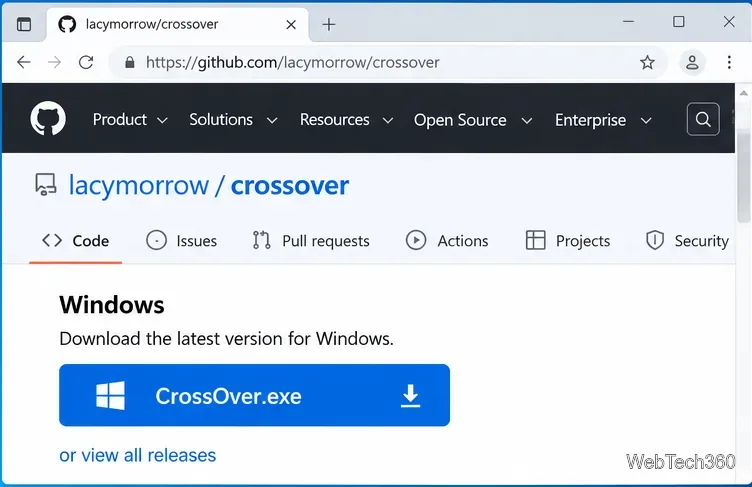
Add a custom crosshair to a Windows 10 game with CrossOver, then position, lock, customize, and troubleshoot the overlay for windowed or borderless play.

How to Add Games to GeForce Experience on Windows 10 (Now NVIDIA App)

How to Add Games to GeForce Experience on Windows 10 (Now NVIDIA App)

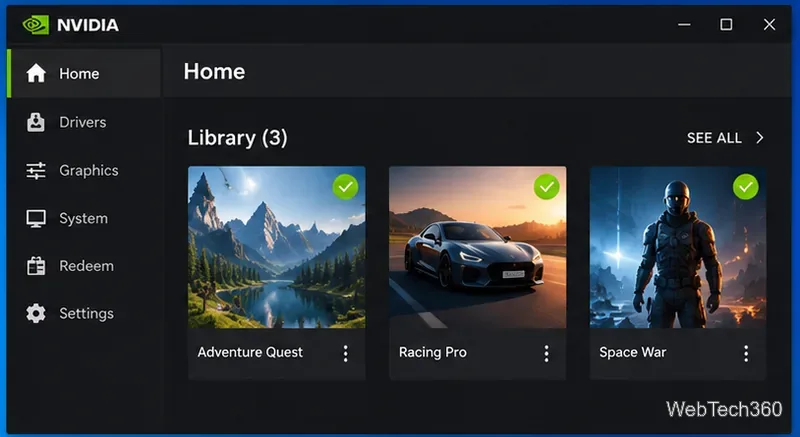
Learn how to add games to GeForce Experience on Windows 10 using NVIDIA App’s current Scan Locations workflow, plus fixes for missing or unsupported games.

How to Enable the Discord In-Game Overlay on Windows

How to Enable the Discord In-Game Overlay on Windows

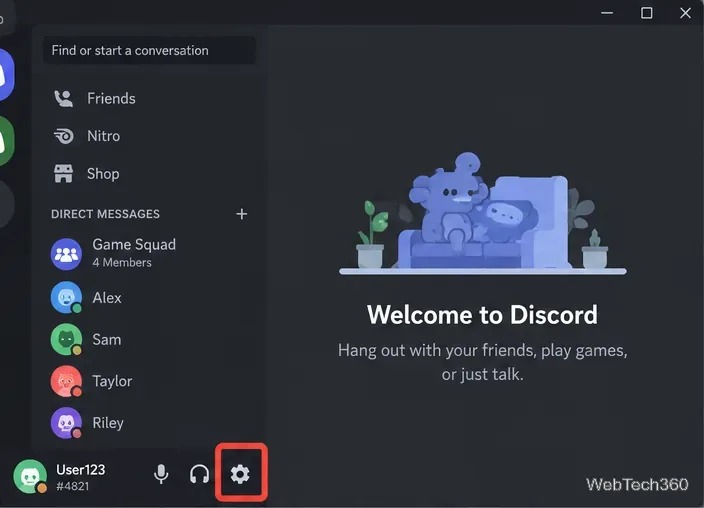
Learn how to enable the Discord in-game overlay on Windows 10 or 11, open it with Shift + `, customize it, and fix common overlay issues.

How to Add ‘Move To’ and ‘Copy To’ to the Windows 10 Context Menu

How to Add ‘Move To’ and ‘Copy To’ to the Windows 10 Context Menu

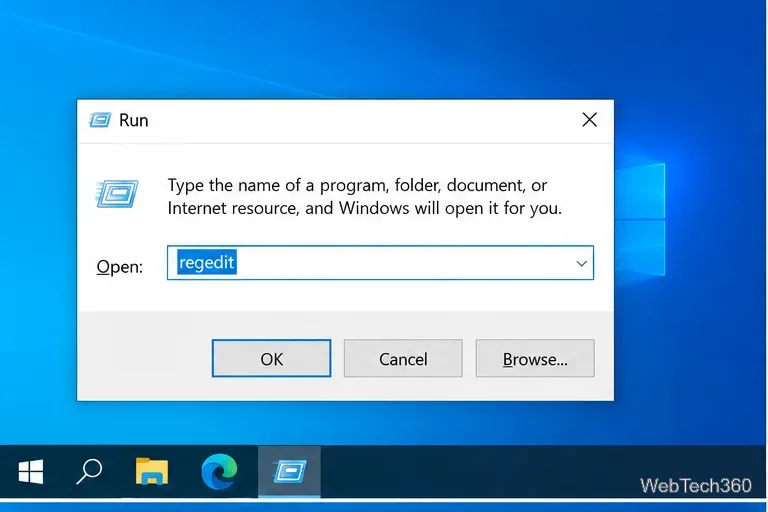
Add Copy To folder and Move To folder commands to the Windows 10 right-click menu with a safer per-user Registry method, plus removal steps.

Steam Cloud Saves: How to Download and Delete Saved Games

Steam Cloud Saves: How to Download and Delete Saved Games

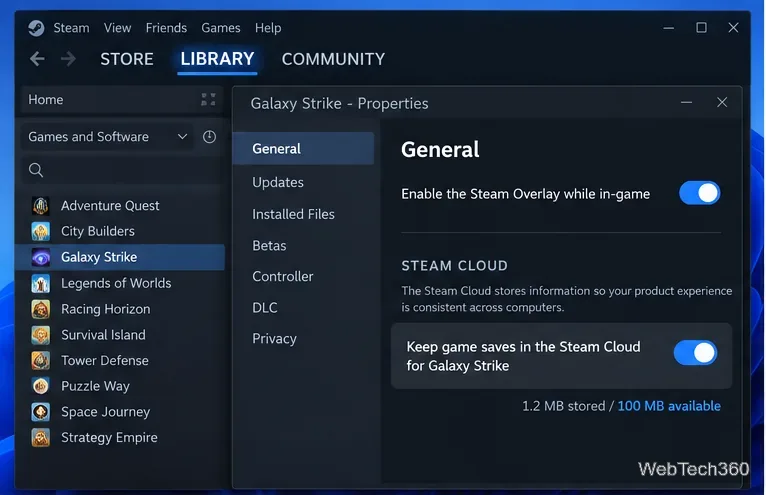
Learn how to check Steam Cloud sync, download cloud saves, find local Steam save data, and safely reset or delete saved games without risky file hacks.

How to Clean the SteamLibrary Folder on Windows 10 Safely

How to Clean the SteamLibrary Folder on Windows 10 Safely

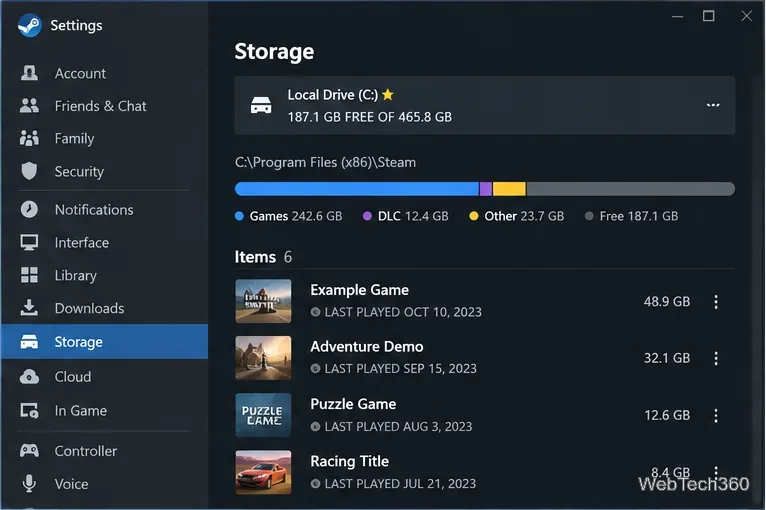
Clean a SteamLibrary folder on Windows 10 safely using Steam Storage, then remove confirmed leftover game folders without deleting saves or active files.

How to Install Apple Mobile Device Support Without iTunes on Windows 10

How to Install Apple Mobile Device Support Without iTunes on Windows 10

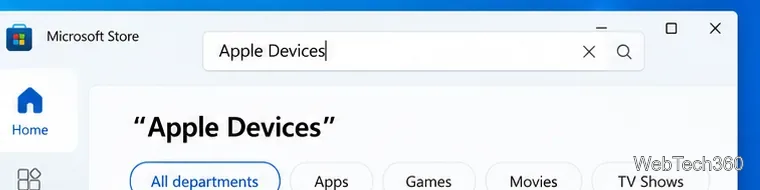
You no longer need the old iTunes MSI workaround. On Windows 10, install Apple Devices from Microsoft Store to connect and manage an iPhone or iPad.

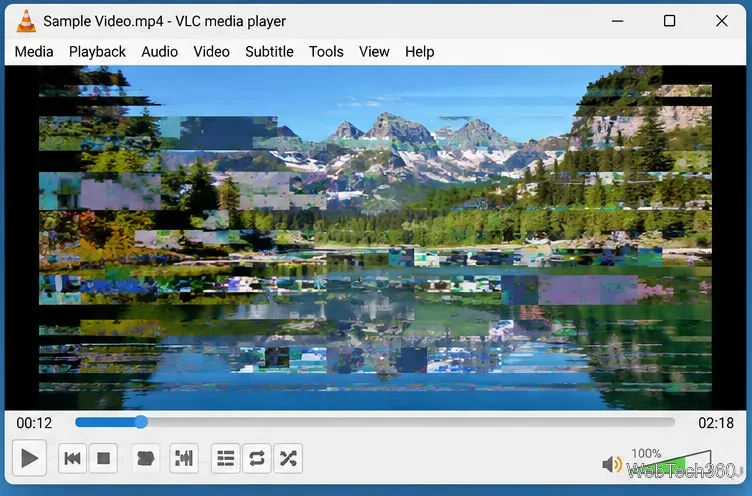
How to Fix Scrambled or Garbled Video Playback in VLC

How to Fix Scrambled or Garbled Video Playback in VLC

Fix scrambled or garbled video in VLC by changing hardware decoding and video output settings, adjusting stream caching, and ruling out file problems.

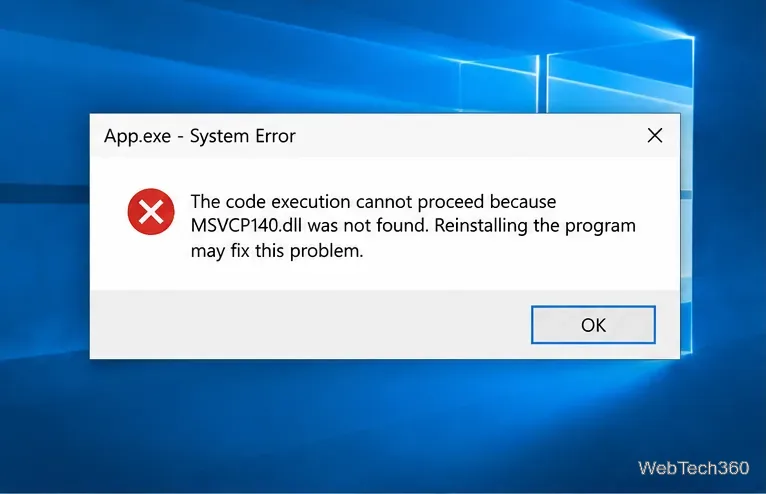
How to Fix “MSVCP140.dll Was Not Found” on Windows 10

How to Fix “MSVCP140.dll Was Not Found” on Windows 10

Fix the “MSVCP140.dll was not found” error on Windows 10 by repairing or reinstalling the Microsoft Visual C++ Redistributable and the affected app.

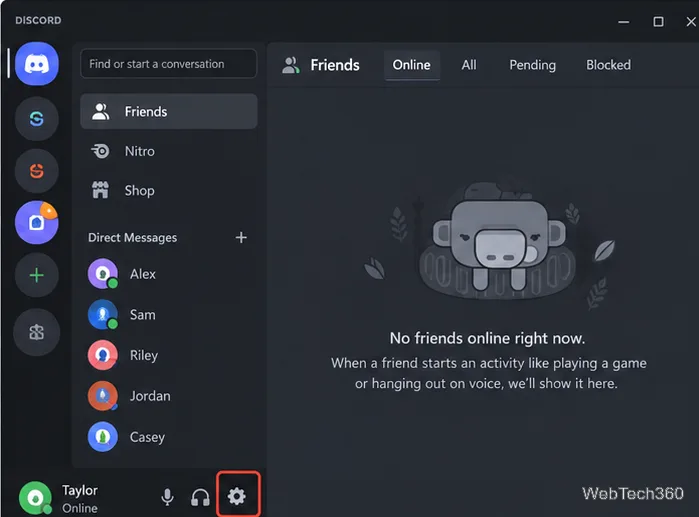
Discord Overlay Not Working or Showing? How to Disable It

Discord Overlay Not Working or Showing? How to Disable It

Learn how to disable Discord Game Overlay globally or per game on Windows, plus what to check if the overlay is not showing or keeps appearing.