WINDOWS | Page 12

How to Clear Protection History in Windows Defender on Windows 10
How to Clear Protection History in Windows Defender on Windows 10

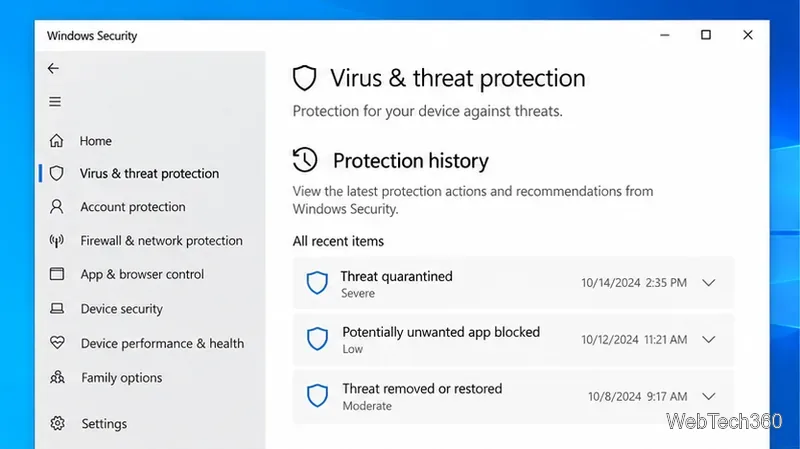
Learn how to clear old Windows Defender Protection History safely on Windows 10, resolve active alerts, and shorten Defender scan-history retention with PowerShell.
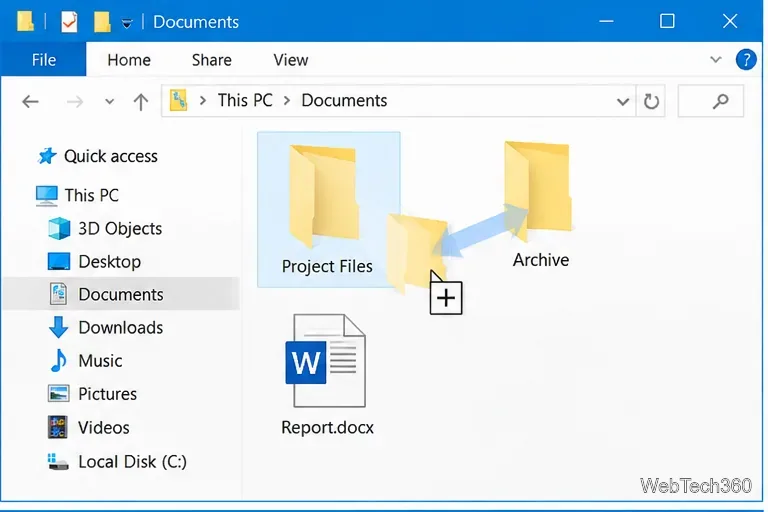
How to Confirm a File or Folder Move on Drag and Drop in Windows 10

How to Confirm a File or Folder Move on Drag and Drop in Windows 10

Windows 10 has no built-in confirmation prompt for normal left-click drag-and-drop moves. Use right-button drag, Ctrl or Shift, or Cut and Paste to avoid accidental moves.

How to Access the System Control Panel on Windows 10

How to Access the System Control Panel on Windows 10

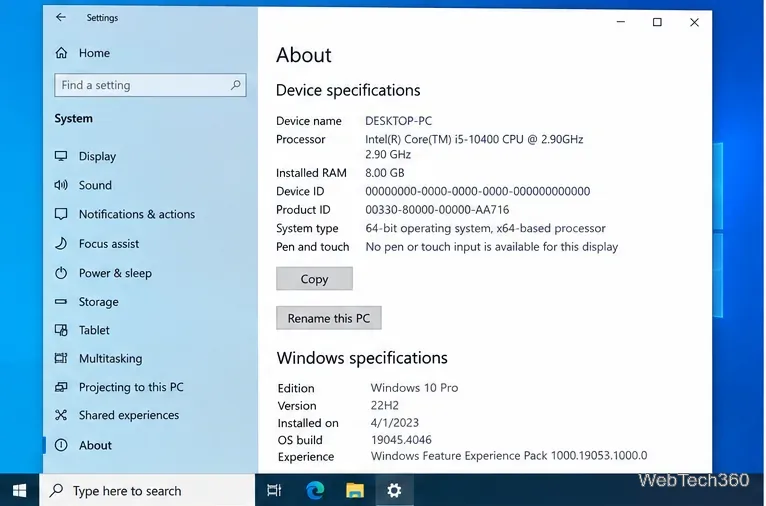
Need the old System page in Windows 10? Use Settings > System > About for device details, or open System Properties for advanced settings.

How to Remove the Windows10Upgrade Folder Safely

How to Remove the Windows10Upgrade Folder Safely

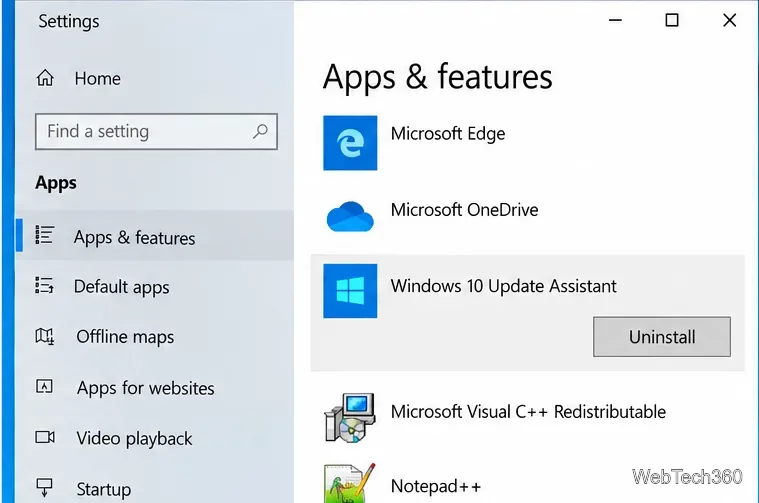
Learn how to remove the Windows10Upgrade folder safely, uninstall the Windows 10 Update Assistant, and clean up leftover update files.

How to Use a Command-Line Switch on Windows 10

How to Use a Command-Line Switch on Windows 10

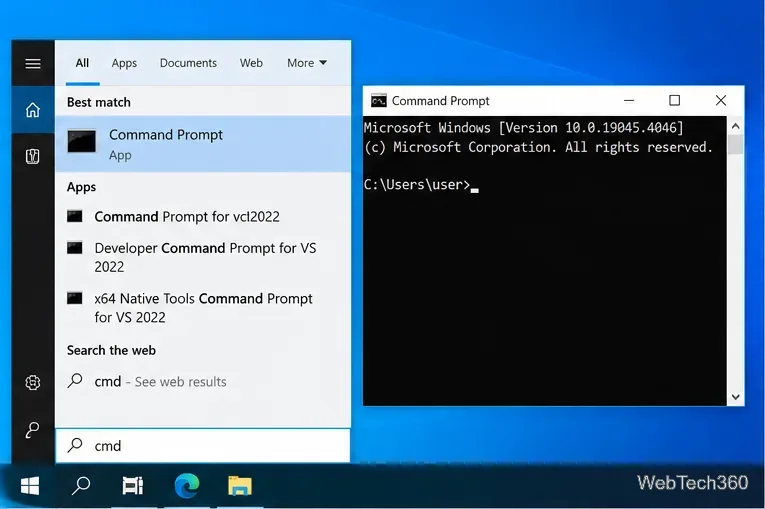
Learn how to run an app with a command-line switch in Windows 10 from Command Prompt or save the switch in a desktop shortcut for repeat use.

How to Turn Off Bluetooth on Windows 10: 4 Ways to Disable It

How to Turn Off Bluetooth on Windows 10: 4 Ways to Disable It

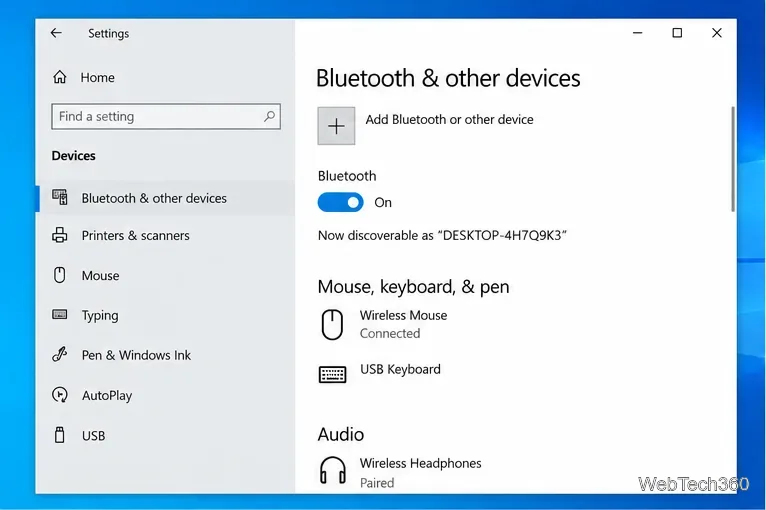
Learn how to turn off Bluetooth on Windows 10 using Settings, Action Center, Device Manager, or laptop controls, plus fixes when the toggle is missing.

How to Add a Period by Double-Tapping the Space Bar in Windows

How to Add a Period by Double-Tapping the Space Bar in Windows

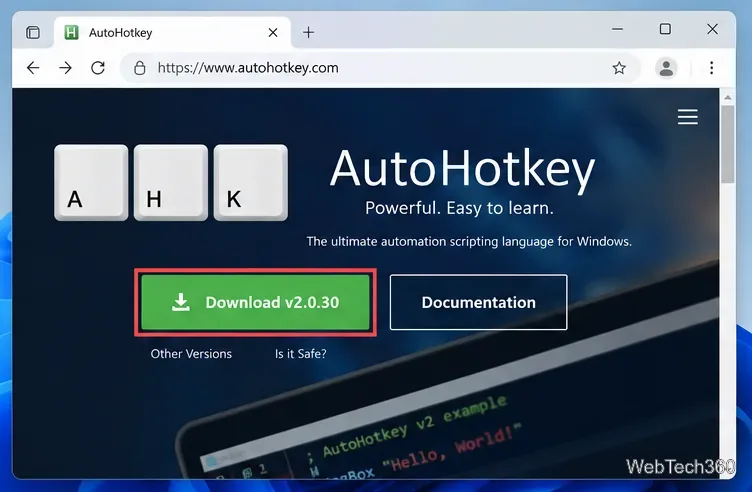
Learn how to make double-space insert a period in Windows 11, using the built-in touch keyboard setting or AutoHotkey v2 for a physical keyboard.

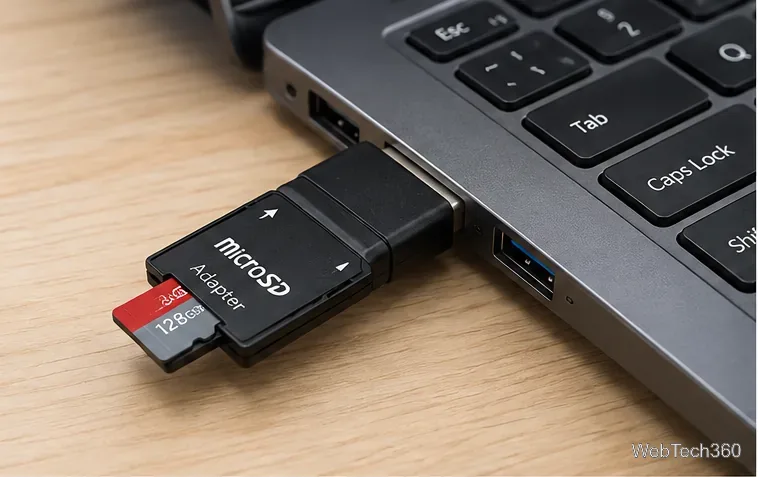
How to Format a MicroSD Card on Windows 10

How to Format a MicroSD Card on Windows 10

Learn how to format a microSD card on Windows 10 with File Explorer, Disk Management, or DiskPart, including which file system to choose.

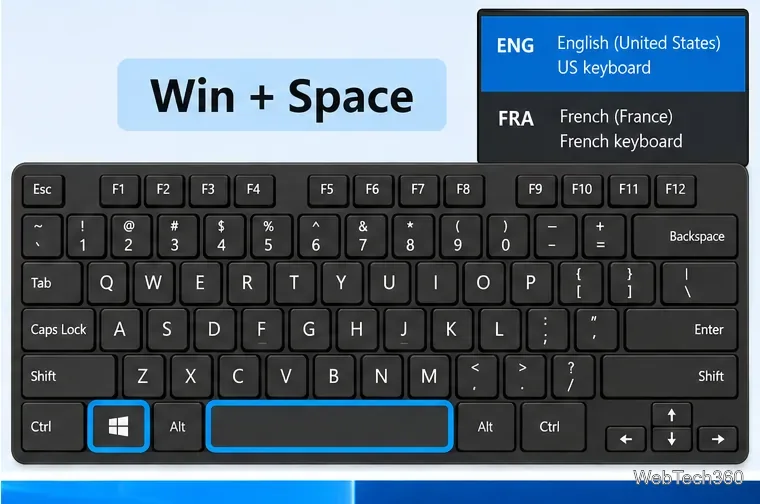
How to Change Keyboard Layout With a Keyboard Shortcut in Windows 10

How to Change Keyboard Layout With a Keyboard Shortcut in Windows 10

Use Windows + Spacebar to switch keyboard layouts in Windows 10, add missing layouts, and change or disable legacy input-language hotkeys.

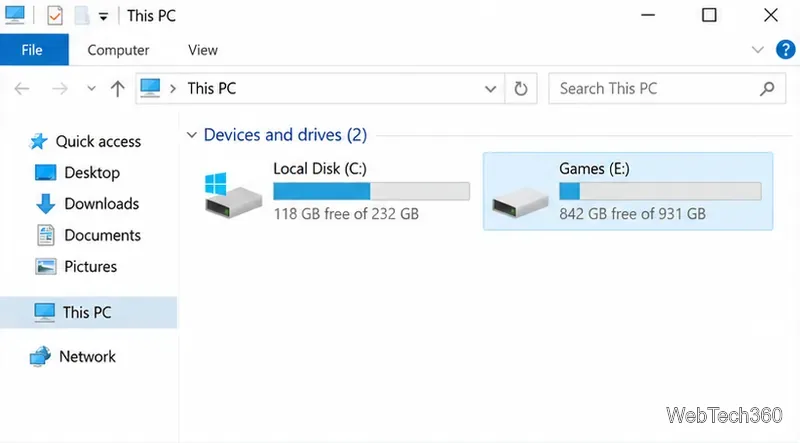
How to Install a Steam Game on an External Drive in Windows 10

How to Install a Steam Game on an External Drive in Windows 10

Learn how to install Steam games on an external SSD or hard drive in Windows 10, add a Steam library, move existing games, and avoid common drive issues.

How to Install a Regionally Restricted App from the Microsoft Store on Windows 10

How to Install a Regionally Restricted App from the Microsoft Store on Windows 10

Change the Microsoft Store region on Windows 10, refresh the Store, and understand the limits, billing issues, and app restrictions that may still apply.

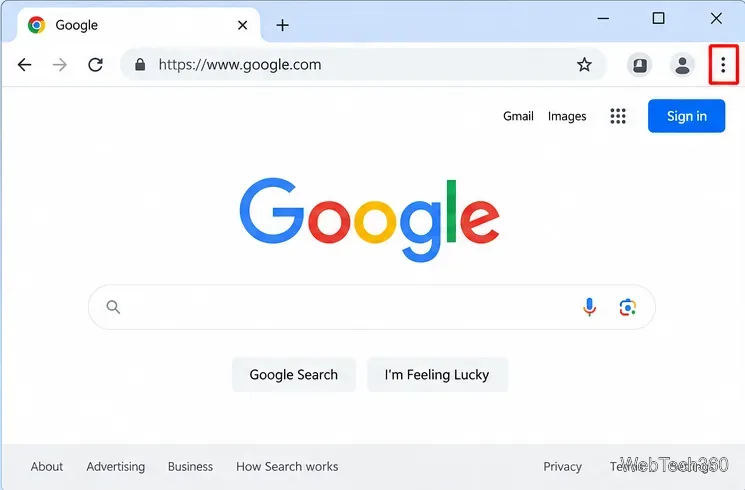
Chrome Menu Button Missing? How to Restore the Three-Dot Menu

Chrome Menu Button Missing? How to Restore the Three-Dot Menu

If Chrome's three-dot menu is missing, check full-screen mode, update Chrome, disable extensions, reset settings, or reinstall the browser.

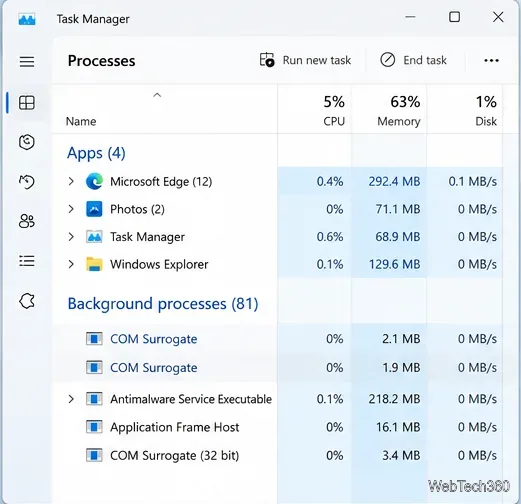
How to Fix COM Surrogate Process Issues and What COM Surrogate Is

How to Fix COM Surrogate Process Issues and What COM Surrogate Is

Learn what COM Surrogate (dllhost.exe) does in Windows, why it may crash or use high CPU, and how to fix thumbnail, malware, and system-file problems.

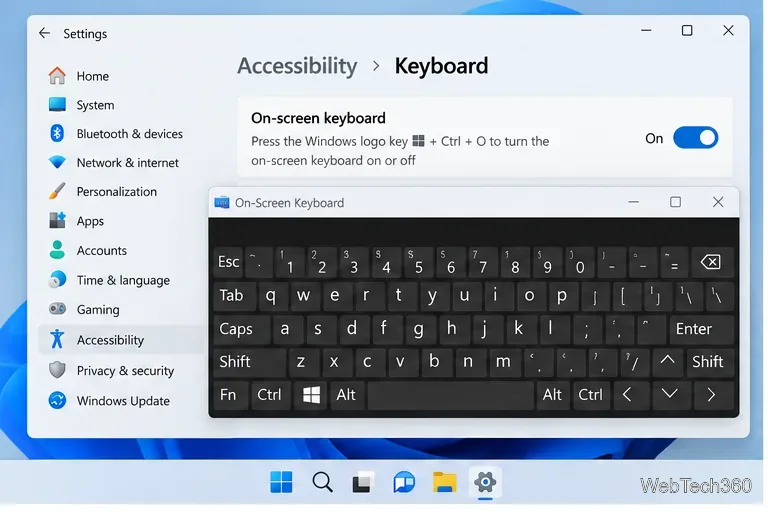
Laptop Keyboard Not Working? Try These 5 Fixes

Laptop Keyboard Not Working? Try These 5 Fixes

Laptop keyboard not working in Windows? Try five practical fixes for settings, layouts, drivers, updates, and possible hardware problems.

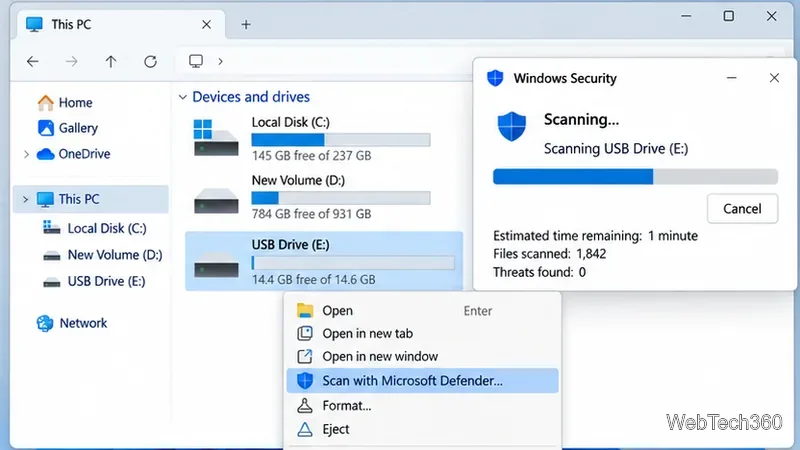
How to Fix a Flash Drive When Files Become Shortcuts

How to Fix a Flash Drive When Files Become Shortcuts

If USB files turn into shortcuts, scan for malware first, restore hidden originals safely, copy clean data, and format the flash drive after recovery.

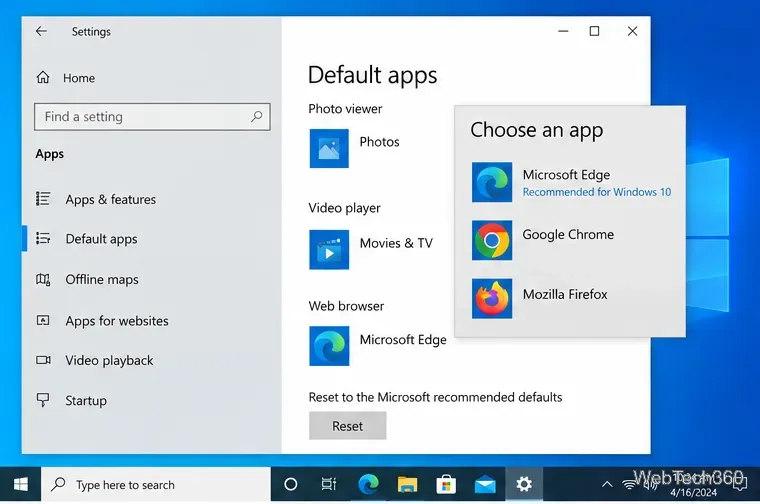
Windows 10 Default Browser Keeps Resetting? Fix It With These Solutions

Windows 10 Default Browser Keeps Resetting? Fix It With These Solutions

If Windows 10 keeps resetting your default browser, fix the app associations, repair the browser, run DISM and SFC, and check policy settings.

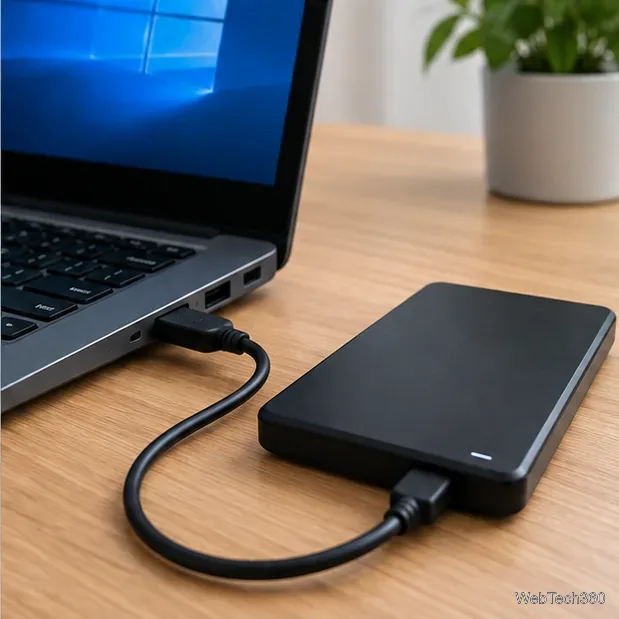
USB Mass Storage Device Driver Problem on Windows 10: How to Fix It

USB Mass Storage Device Driver Problem on Windows 10: How to Fix It

Fix a USB Mass Storage Device driver problem in Windows 10 by checking the port, reinstalling the built-in driver, updating Windows, and checking Disk Management.

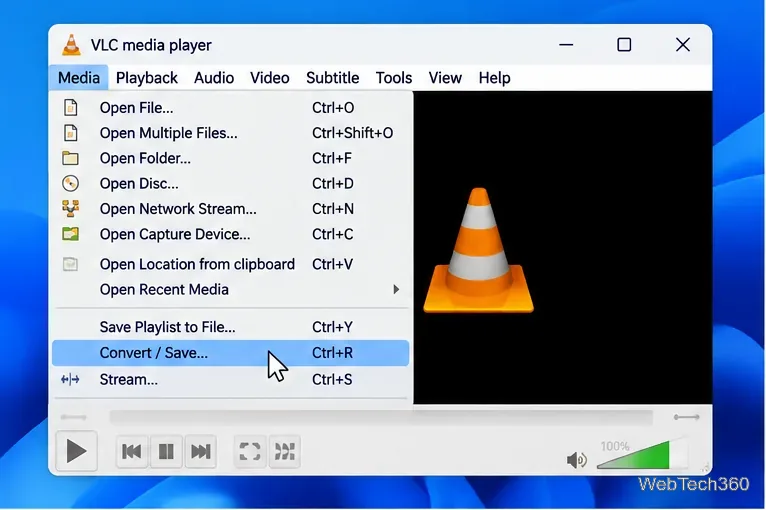
VLC Converting Without Sound? How to Fix the VLC Converter No Audio Error

VLC Converting Without Sound? How to Fix the VLC Converter No Audio Error

If VLC converts video with no sound, verify the source audio track, enable audio in the conversion profile, choose a compatible codec, and reset VLC if needed.

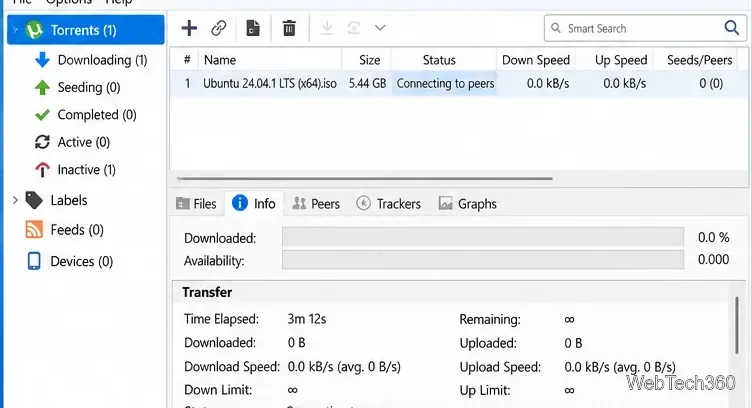
uTorrent Stuck on Connecting to Peers: 7 Fixes to Try

uTorrent Stuck on Connecting to Peers: 7 Fixes to Try

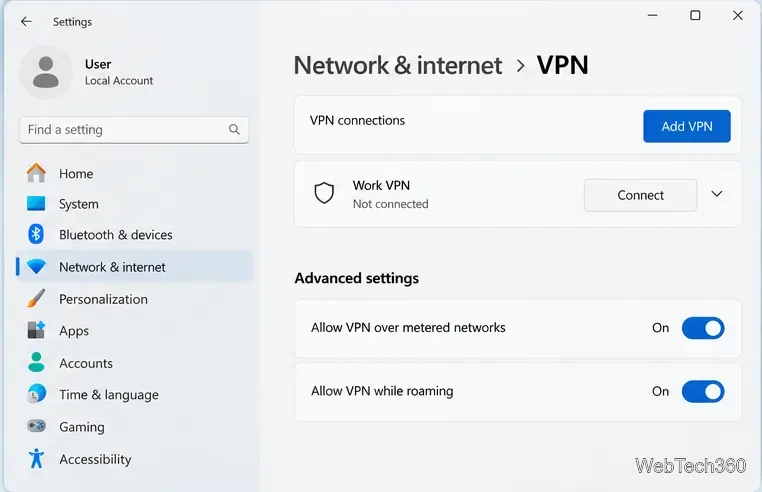
uTorrent stuck on Connecting to peers? Test the torrent, update the client, check Windows Firewall, ports, peer discovery, VPN settings, and app data safely.

How to Use the Windows 10 Update Assistant to Upgrade Windows 10

How to Use the Windows 10 Update Assistant to Upgrade Windows 10

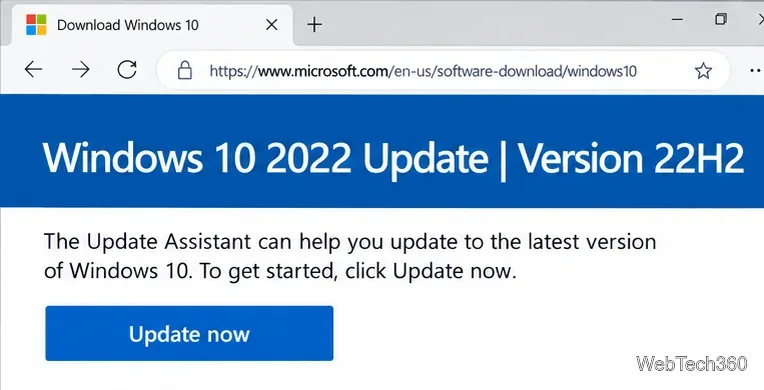
Use Microsoft’s Windows 10 Update Assistant to upgrade an eligible PC to Windows 10 version 22H2, and learn when Windows Update or Windows 11 is the better path.

Steam Workshop: What It Is and How to Access and Use It

Steam Workshop: What It Is and How to Access and Use It

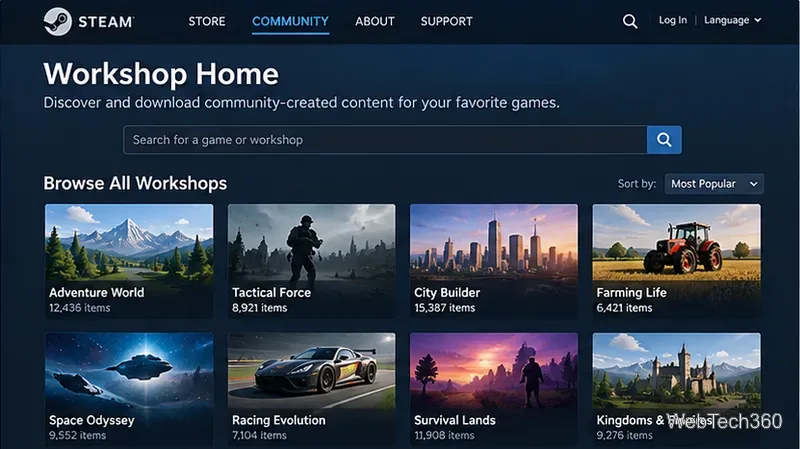
Learn what Steam Workshop is, how to access it in Steam or a browser, subscribe to community content, manage downloads, and unsubscribe safely.

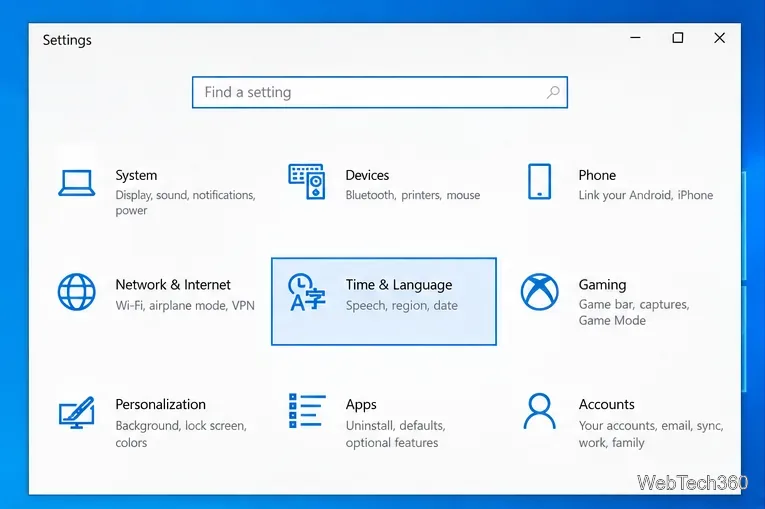
How to Change Keyboard Layout on Windows 10: Add, Switch, or Remove Layouts

How to Change Keyboard Layout on Windows 10: Add, Switch, or Remove Layouts

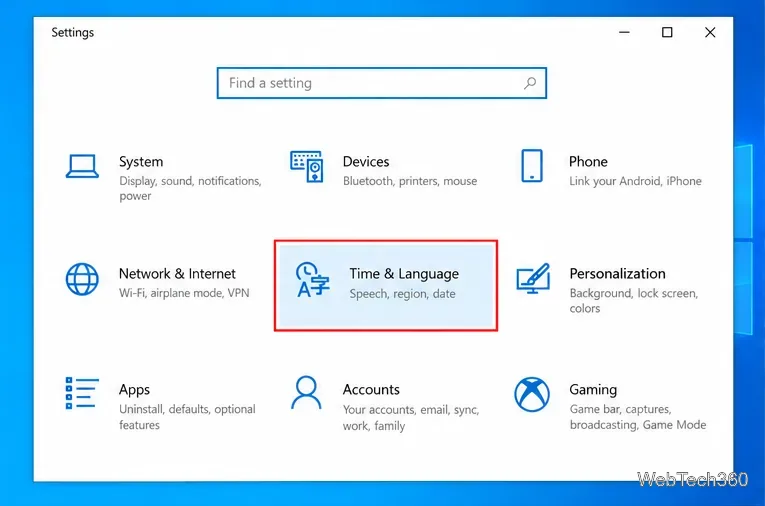
Change the keyboard layout on Windows 10 by adding layouts, switching with the taskbar or Win + Space, and removing layouts you no longer need.

Miracast (Windows 10): No Download Needed + Quick Setup

Miracast (Windows 10): No Download Needed + Quick Setup

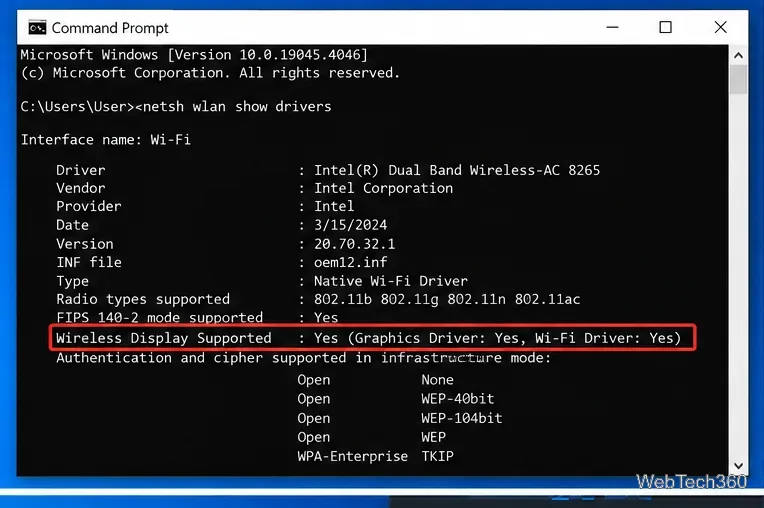
Miracast is built into Windows 10—no separate download is needed. Check support, connect with Win+K, enable Wireless Display, and fix common issues.

How to Fix Access Denied on Windows 10: 6 Quick Solutions

How to Fix Access Denied on Windows 10: 6 Quick Solutions

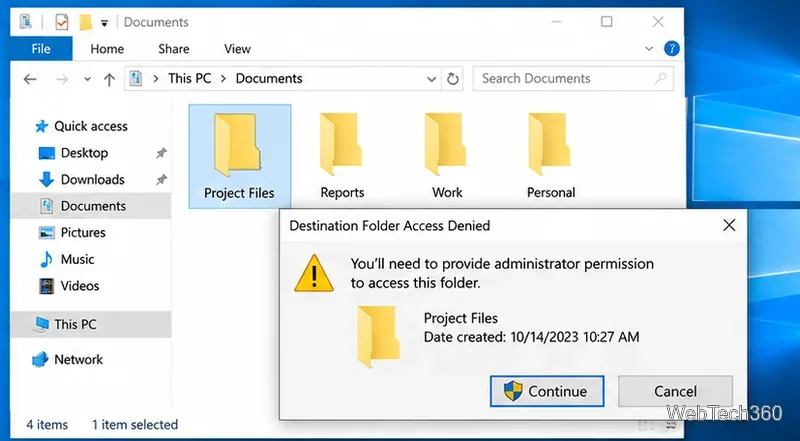
Fix Access Denied on Windows 10 with six practical steps for administrator rights, file ownership, NTFS permissions, EFS, system repair, and user profiles.

How to Use the Windows Update Troubleshooter (Full Guide)

How to Use the Windows Update Troubleshooter (Full Guide)

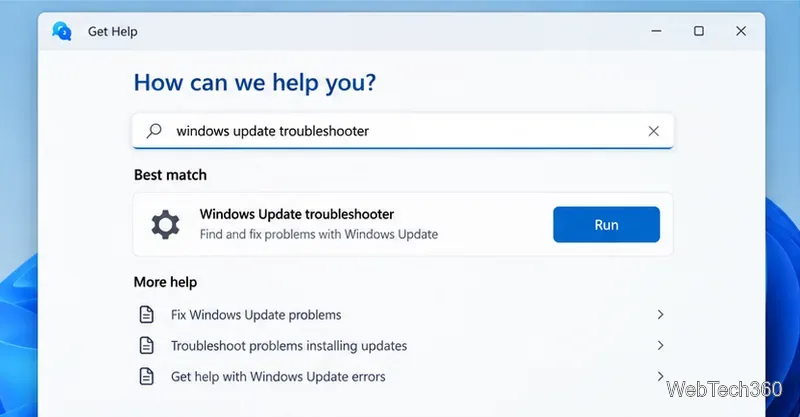
Learn how to run the Windows Update troubleshooter in Windows 11 and Windows 10, then fix stubborn update errors with DISM, SFC, the Update Catalog, and recovery tools.

Microsoft Money on Windows 10: How to Use Money Plus Sunset Deluxe

Microsoft Money on Windows 10: How to Use Money Plus Sunset Deluxe

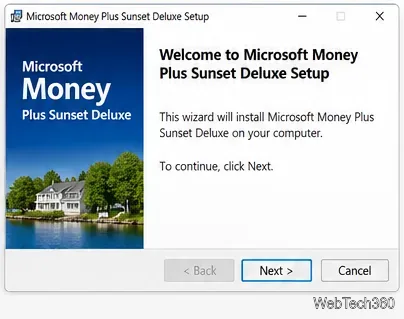
Learn how to install and use Microsoft Money Plus Sunset Deluxe on Windows 10, including accounts, bills, budgets, limits, and safe download advice.

Computer May Be Sending Automated Queries: What It Means and How to Fix It

Computer May Be Sending Automated Queries: What It Means and How to Fix It

Seeing “Your computer or network may be sending automated queries”? Learn what the warning means and how to check VPNs, extensions, malware, cookies, and your network.

AMD Driver Update: How to Update AMD Drivers on Windows

AMD Driver Update: How to Update AMD Drivers on Windows

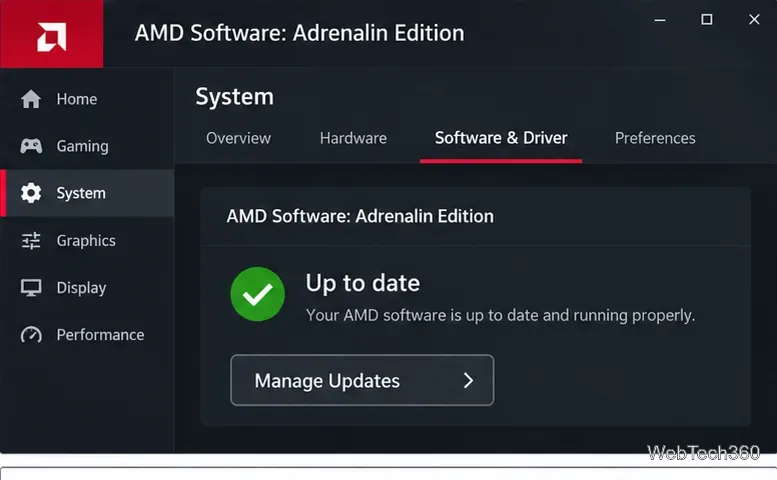
Update AMD Radeon graphics and Ryzen chipset drivers safely on Windows using AMD Software, Auto-Detect, manual downloads, Windows Update, or Device Manager.

Mailbird Email Client: Review and Setup Guide

Mailbird Email Client: Review and Setup Guide

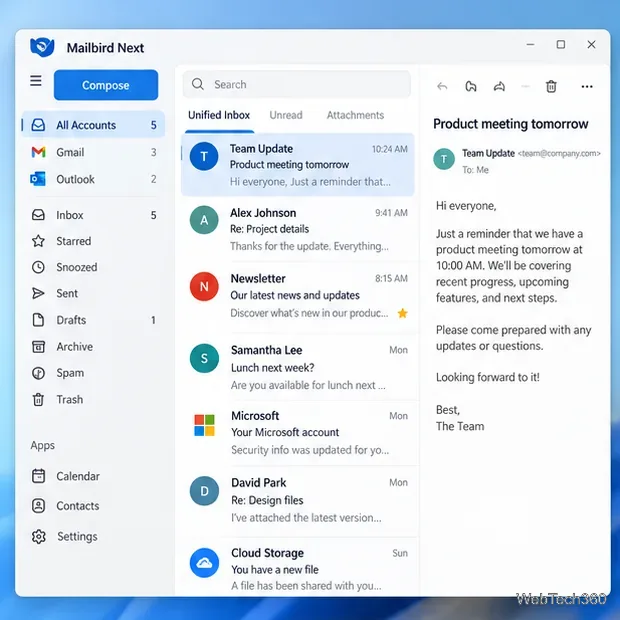
Mailbird email client review and setup guide for Mailbird Next, with current features, pricing options, system requirements, account setup, and import tips.

Process Explorer in Windows 10: An Advanced Task Manager Explained

Process Explorer in Windows 10: An Advanced Task Manager Explained

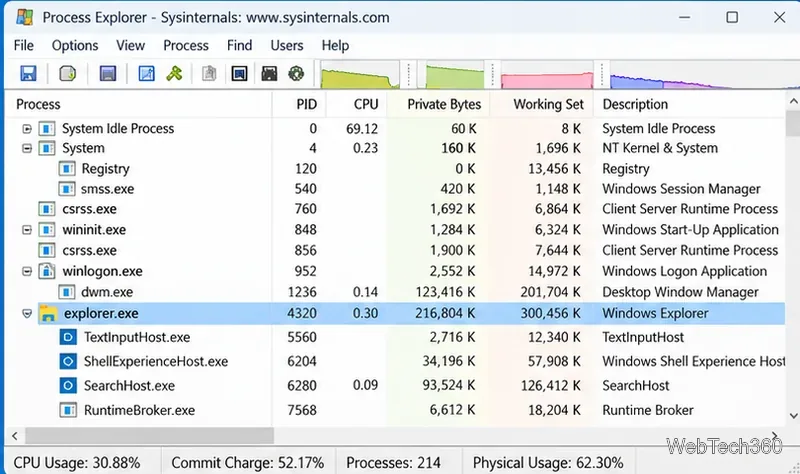
Learn what Process Explorer does in Windows 10, how it differs from Task Manager, and how to inspect processes, handles, DLLs, and file locks.