SSD Not Showing Up? How to Fix a New SSD That Windows Doesn't Detect
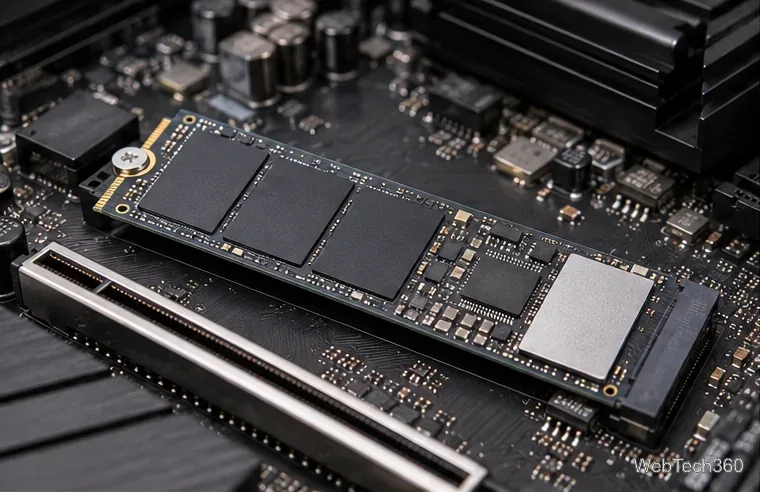
New SSD not showing up in Windows? Check the connection and BIOS, then initialize the disk, create a volume, and assign a drive letter safely.
New SSD not showing up in Windows? Check the connection and BIOS, then initialize the disk, create a volume, and assign a drive letter safely.
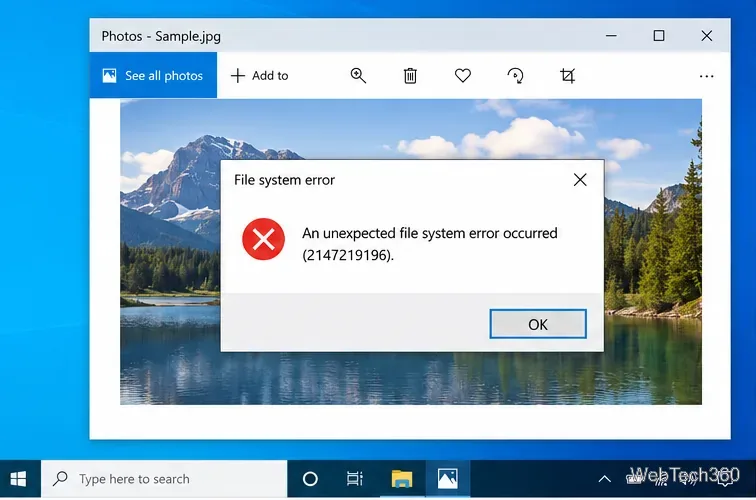
Fix Windows 10 file system errors with app repair, DISM/SFC, CHKDSK, malware scans, clean boot, System Restore, and Reset this PC.
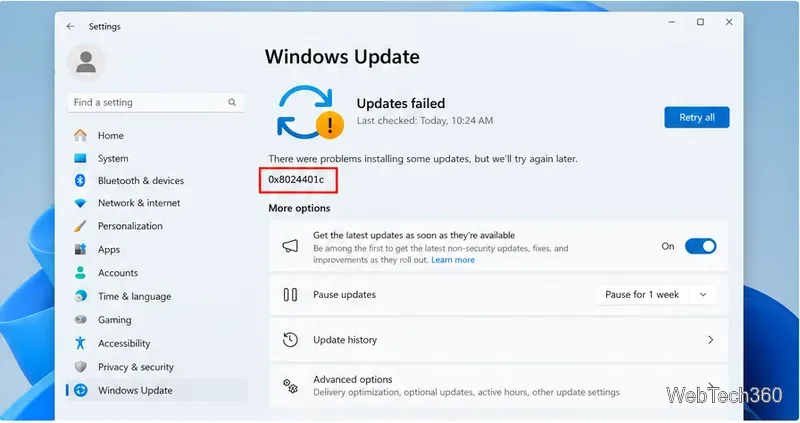
Windows Update error 0x8024401c is an HTTP 408 request timeout. Fix it by checking your network and proxy, resetting update components, and repairing Windows files.
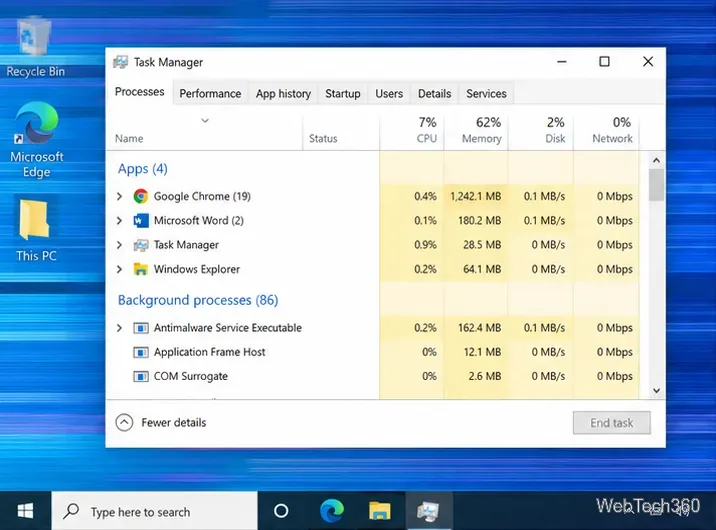
Fix Windows 10 screen flickering by checking Task Manager, resetting or repairing the graphics driver, removing app conflicts, and checking display hardware.
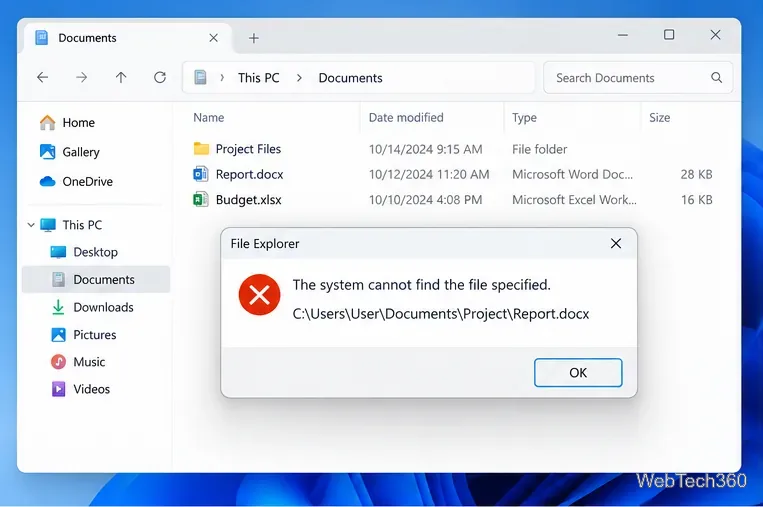
Fix “The system cannot find the file specified” in Windows by checking the path, repairing apps, running DISM/SFC, checking disks, and using recovery safely.
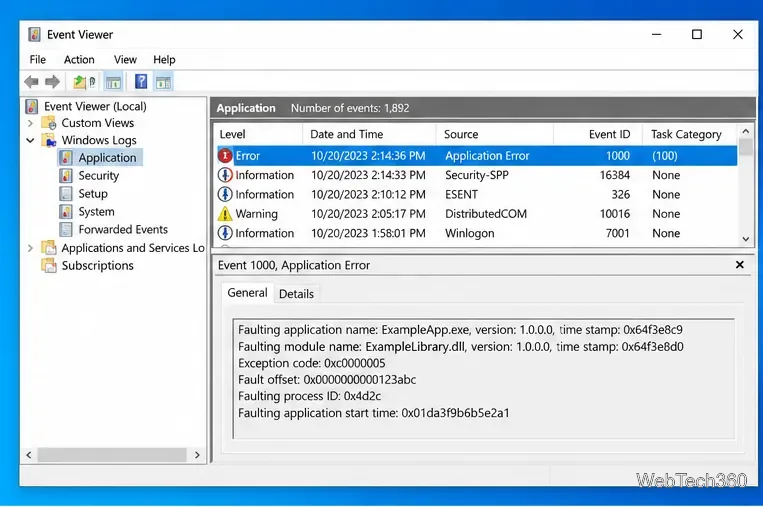
Fix the Exception Access Violation error on Windows 10 by repairing the app, checking drivers and conflicts, repairing system files, and testing RAM.
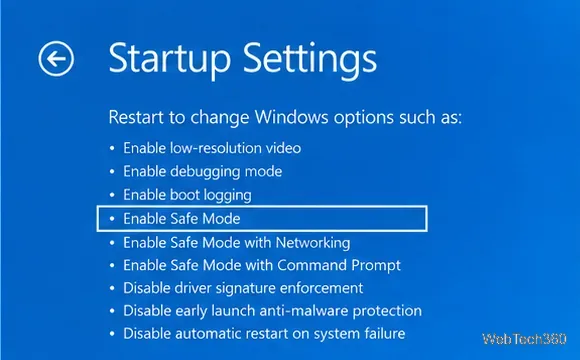
Fix the KERNEL_MODE_HEAP_CORRUPTION 0x13A BSOD in Windows 10 by checking drivers, system files, RAM, recent changes, and crash logs.
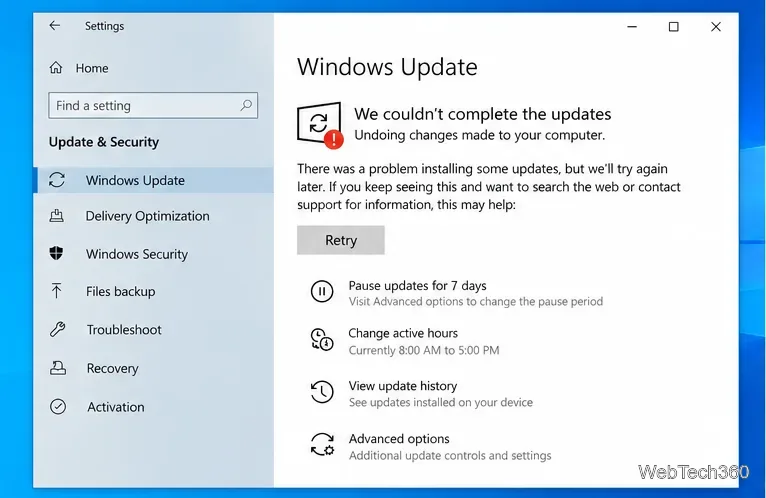
Fix the Windows 10 “We couldn’t complete the updates” loop with current steps for the update cache, DISM/SFC, recovery, and reset.
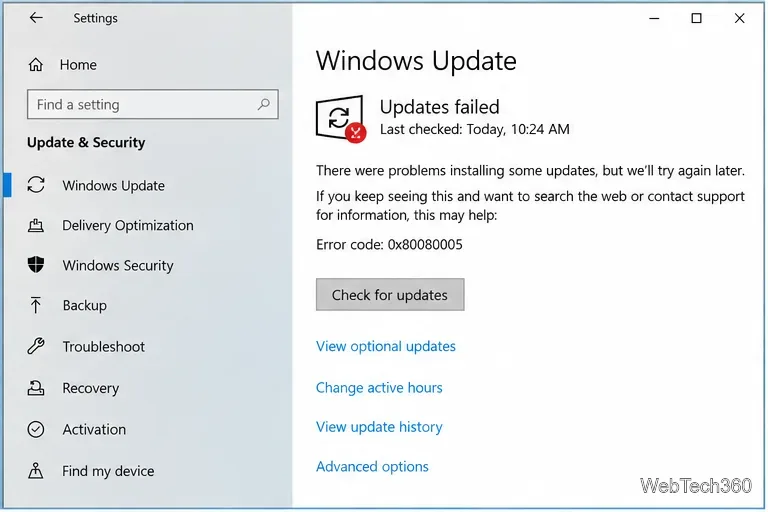
Fix Windows Update error 0x80080005 with current Microsoft-recommended steps: troubleshoot, clear the update cache, reset components, and repair system files.
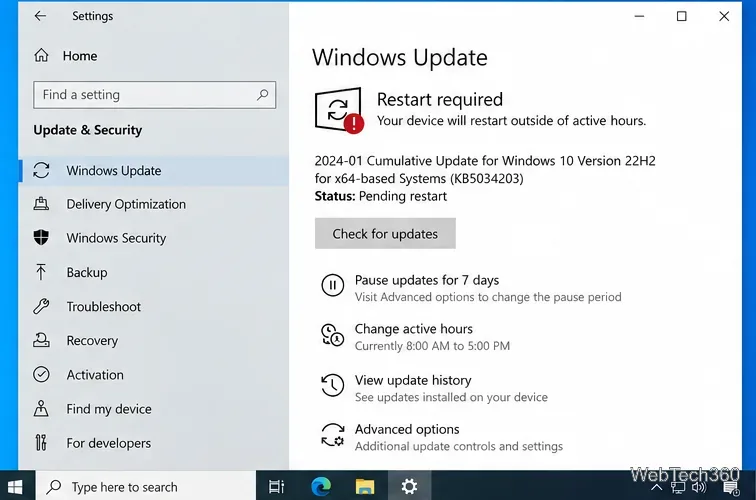
Windows 10 Search not working? Restart Search, check the Windows Search service, rebuild the index, reset Search, and repair system files with Microsoft-backed steps.
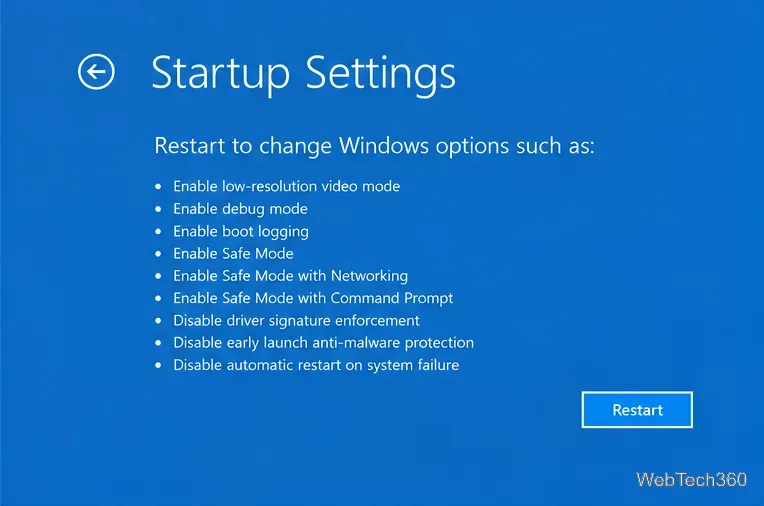
Fix the Orange Screen of Death on Windows 10 by checking graphics drivers, Safe Mode, recent updates, system files, and hardware stability.
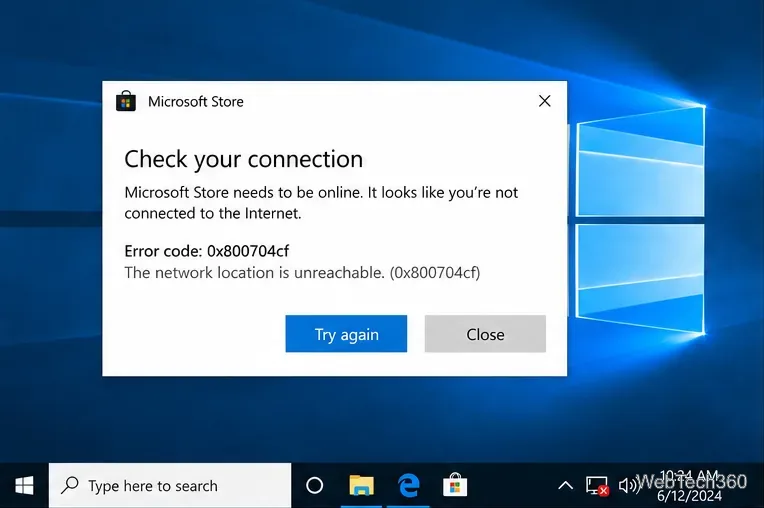
Fix Windows 10 error 0x800704cf with network resets, adapter repair, Microsoft Store fixes, and Windows system-file checks.
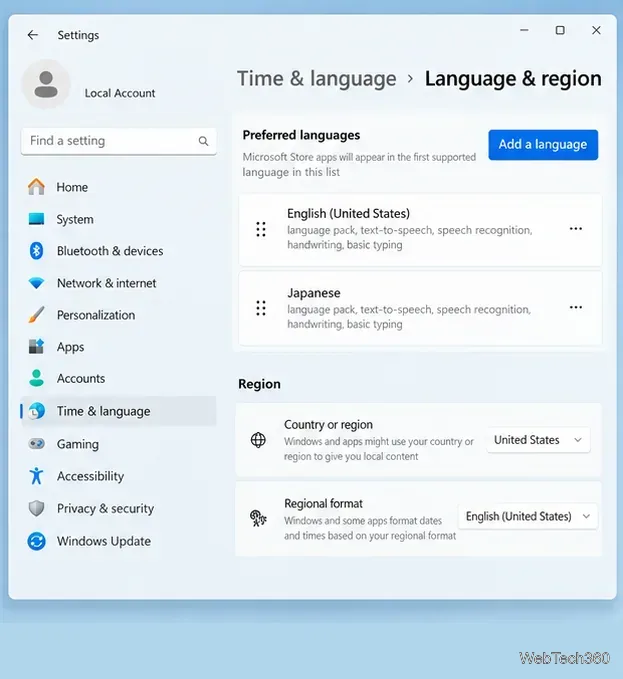
Japanese keyboard IME not working in Windows? Restore Japanese input by checking Microsoft IME, switching modes, restarting text services, or reinstalling it.
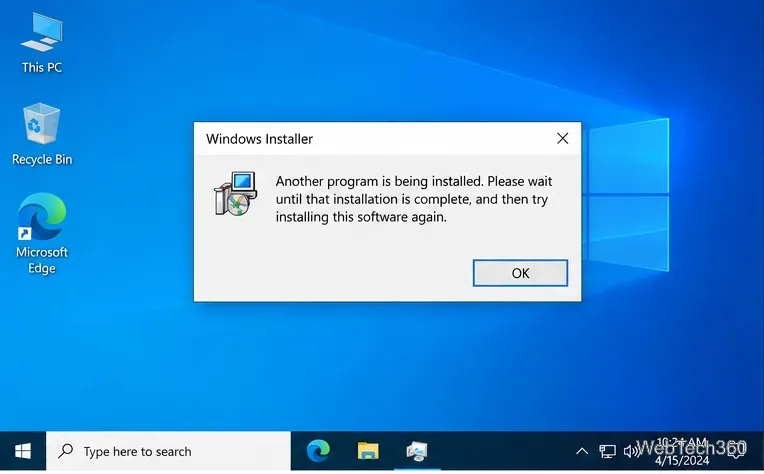
Fix the Windows 10 “Another program is being installed” error by clearing stuck installers, restarting Windows Installer, and repairing MSI setup issues.
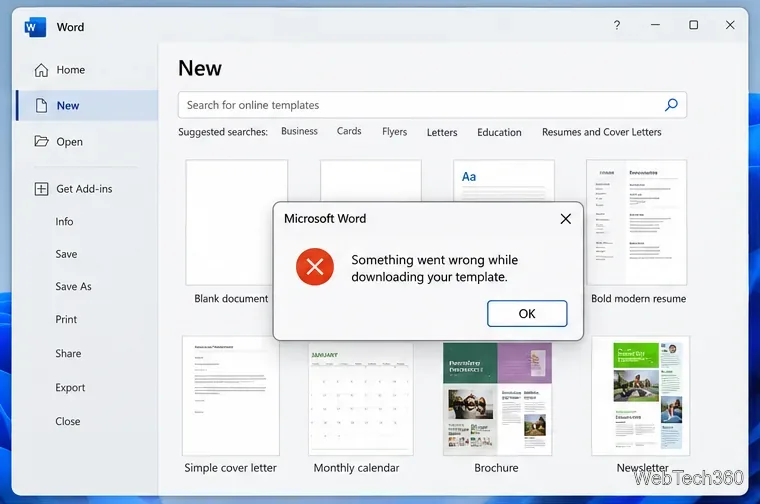
Fix Microsoft Office template download errors by checking connected experiences, your sign-in, Office updates, and repair options, or use Microsoft’s template gallery.
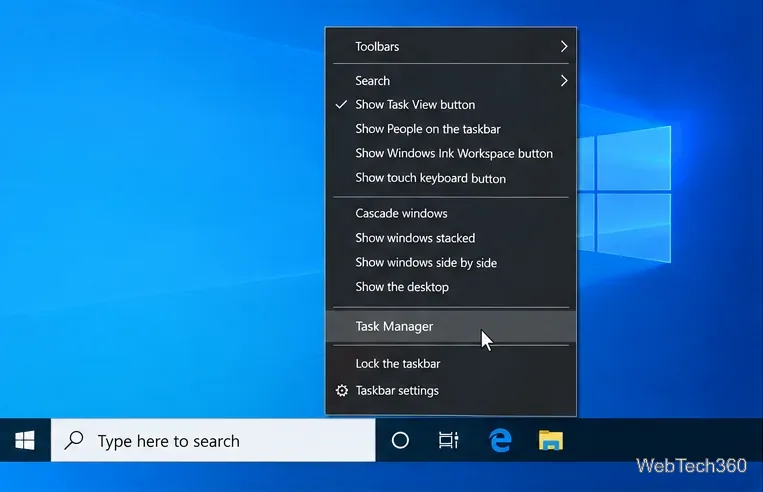
Learn how to show every logical processor in Windows 10 Task Manager, verify core and thread counts, and fix missing cores without misusing msconfig.
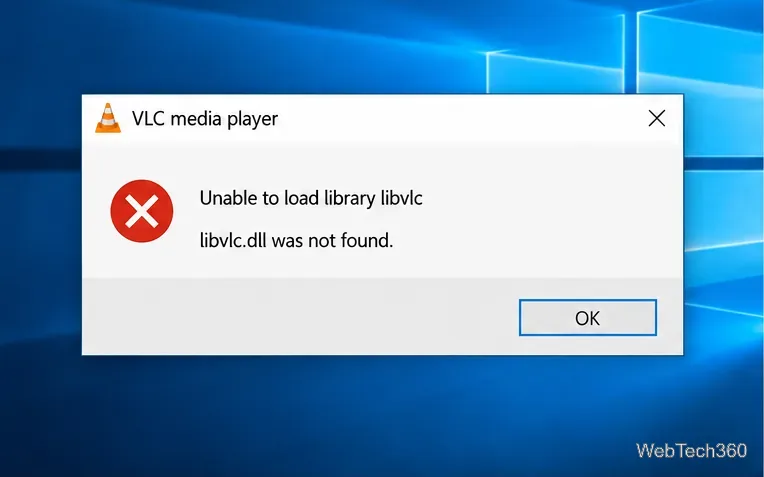
Fix VLC’s “Unable to load library libvlc” or missing libvlc.dll error on Windows 10 with a clean reinstall, safe download steps, and checks if it returns.
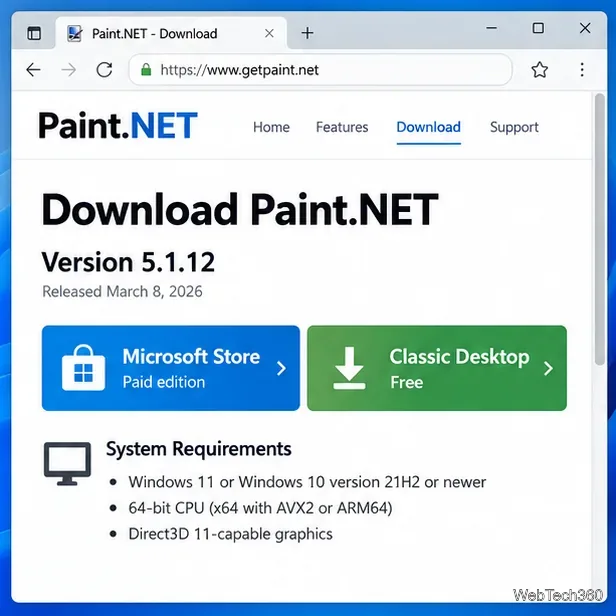
Having trouble with a Paint.NET download or install? Get the official installer, check current requirements, and fix common setup failures safely.
Facebook videos not playing in Chrome, Firefox, or Safari? Clear site data, disable extensions, test acceleration, update the browser, and fix network issues.
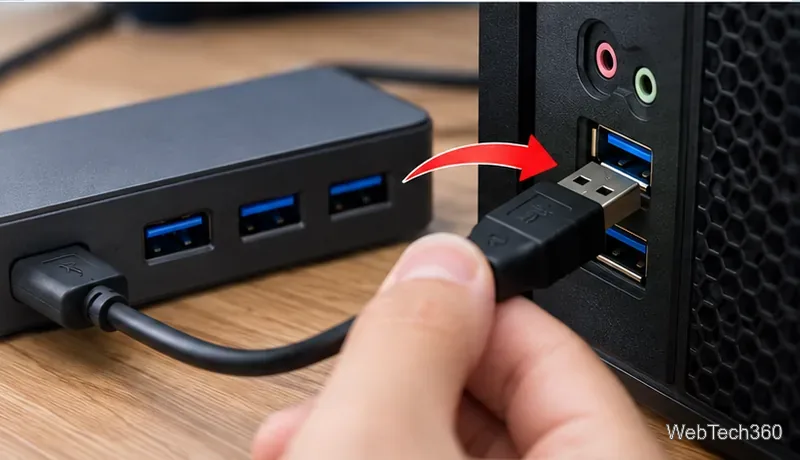
If your USB microphone is not working in Windows 10, check the USB connection, input device, microphone permissions, drivers, and audio troubleshooter.
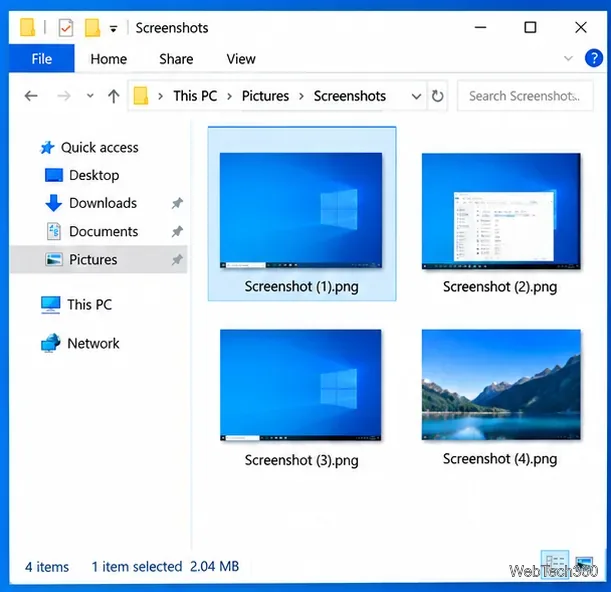
Fix tinted screenshots on Windows 10 by checking the capture file, display filters, HDR settings, overlay apps, and graphics drivers.
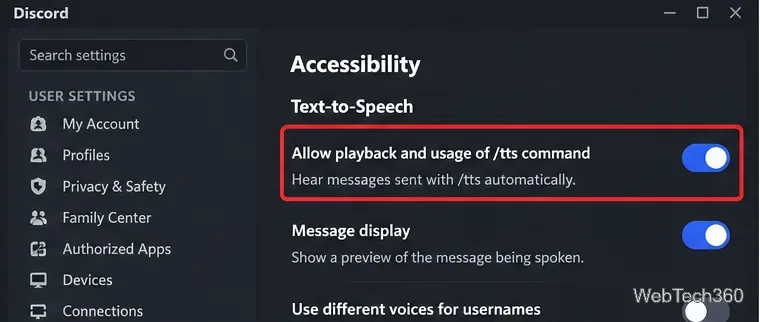
Discord TTS not working? Check the /tts playback setting, notification preferences, server permissions, app audio, output device, updates, and reinstall steps.
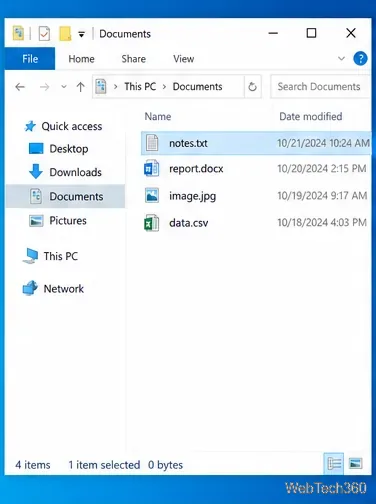
Seeing “How do you want to open this file?” in Windows 10? Learn how to choose an app once, set a permanent default, and fix missing app options safely.
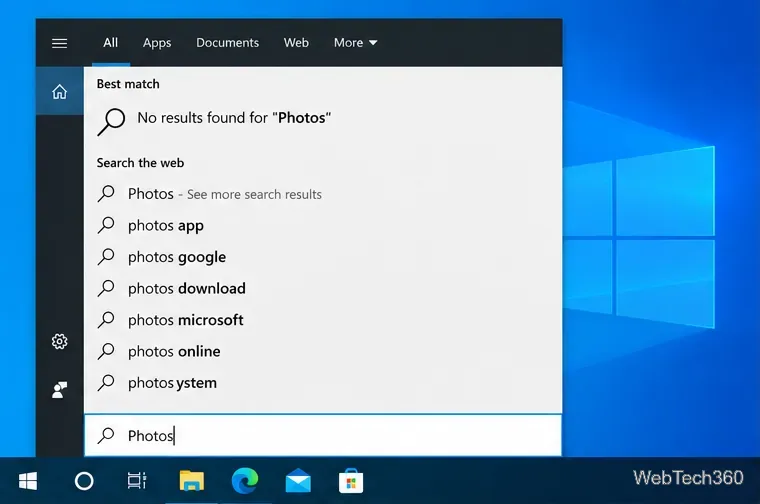
If Microsoft Photos is missing on Windows 10, reinstall it from Microsoft Store, repair or reset the app, fix Store issues, and re-register it safely.
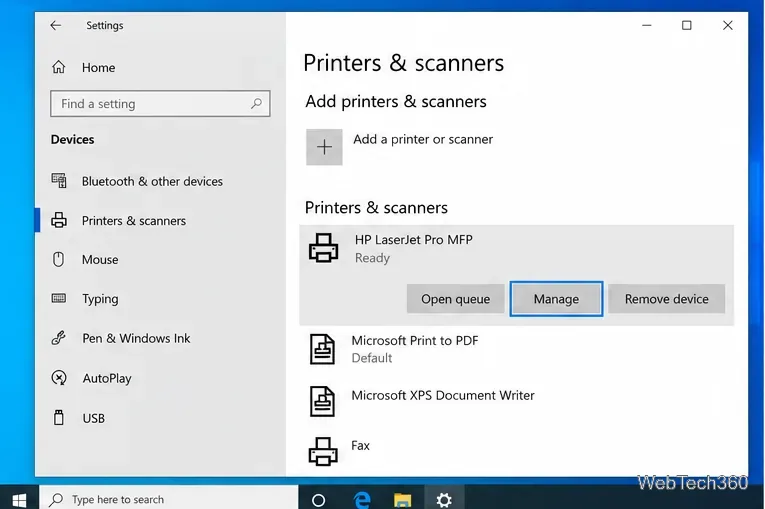
If your printer is only printing half a page on Windows 10, check paper size, scaling, the print spooler, printer setup, and drivers in this order.
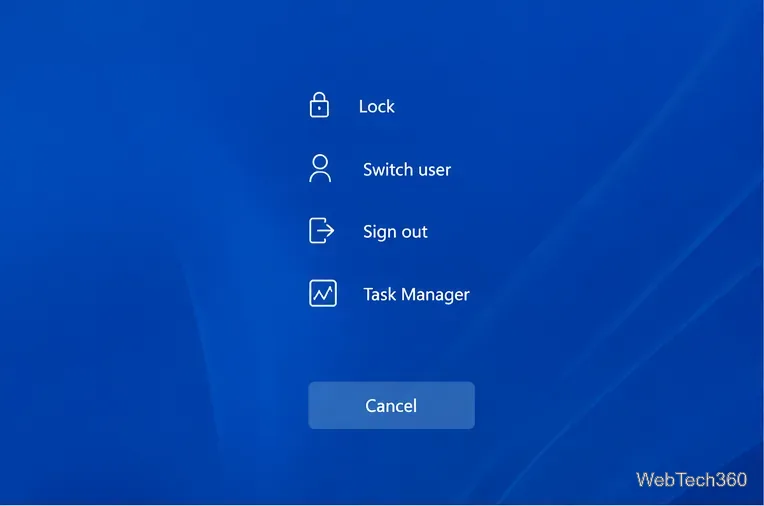
Stuck on the CTRL+ALT+DEL screen in Windows? Restart safely, use WinRE and Safe Mode, repair system files, and check recent drivers or updates.
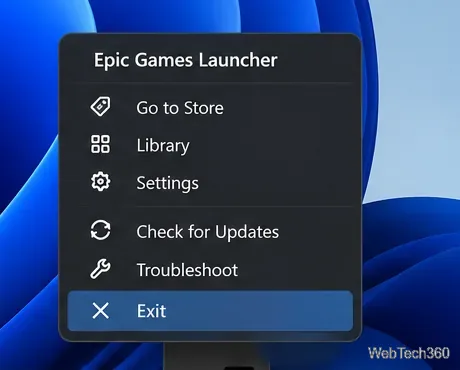
Fix Epic Games Launcher crashes, black screens, connection errors, and failed updates with current steps for cache, permissions, drivers, networking, and reinstalling.
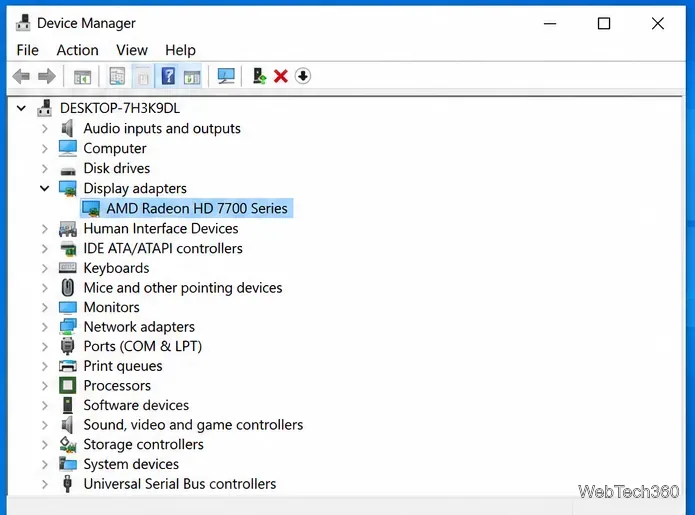
Fix AMD Catalyst Control Center not opening in Windows 10 by ending stuck processes, installing the correct legacy AMD driver, and repairing Windows.
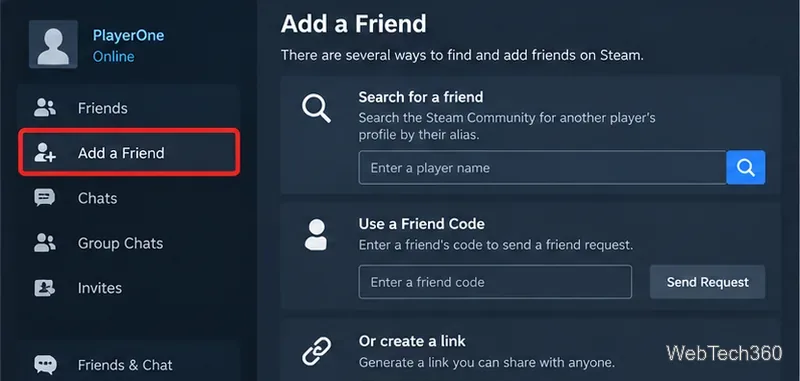
Learn how to search for Steam users by display name, Friend Code, profile link, friends list, or recent players, plus what to try when a match is hard to find.
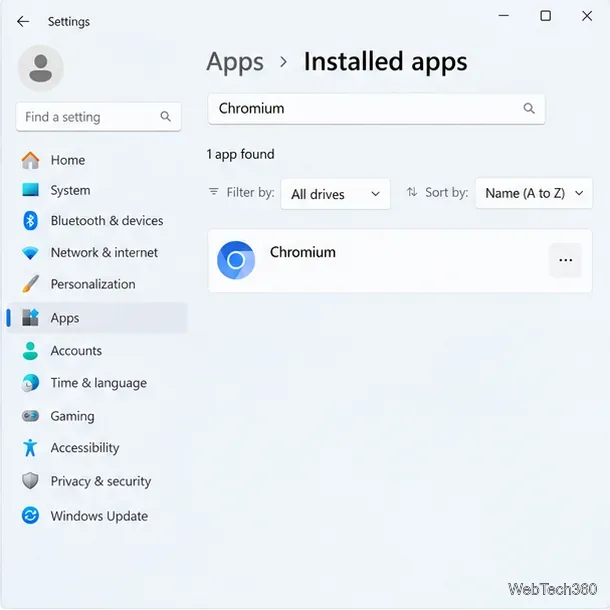
Learn how to uninstall Chromium on Windows, delete its profile data safely, scan for unwanted software, and restore browser settings if they changed.