WINDOWS | Page 17

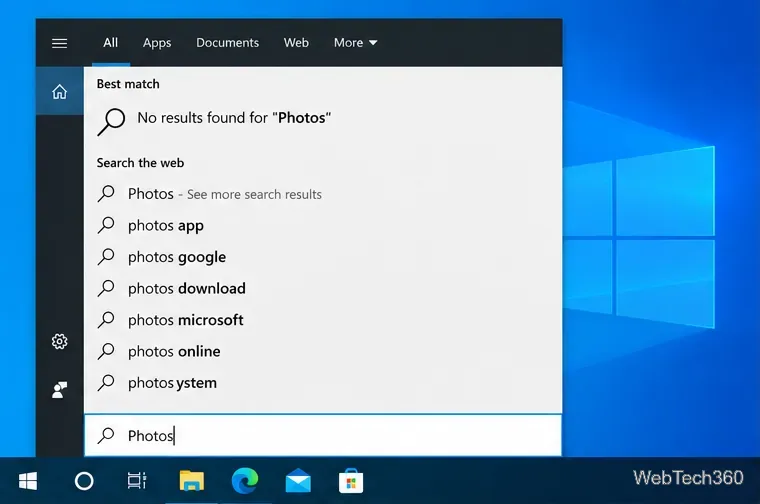
Windows 10 Photos App Missing? How to Reinstall Microsoft Photos
Windows 10 Photos App Missing? How to Reinstall Microsoft Photos

If Microsoft Photos is missing on Windows 10, reinstall it from Microsoft Store, repair or reset the app, fix Store issues, and re-register it safely.
Printer Only Printing Half a Page on Windows 10? 7 Fixes

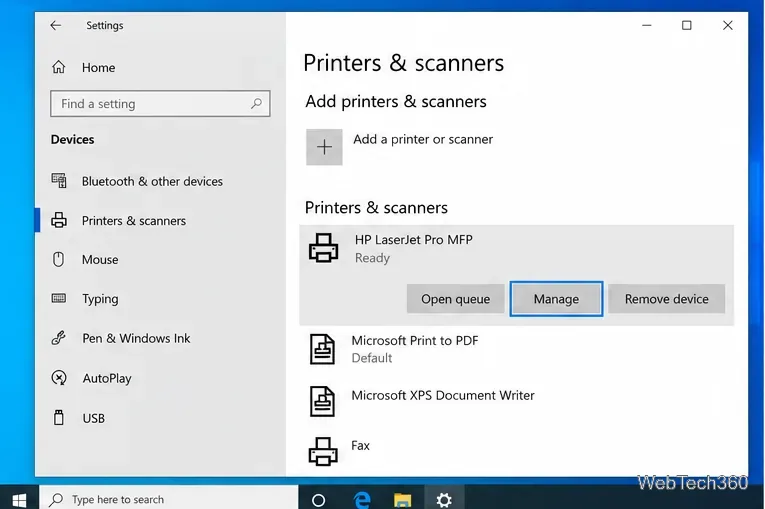
Printer Only Printing Half a Page on Windows 10? 7 Fixes

If your printer is only printing half a page on Windows 10, check paper size, scaling, the print spooler, printer setup, and drivers in this order.

Stuck on the CTRL+ALT+DEL Screen? Here’s How to Fix It

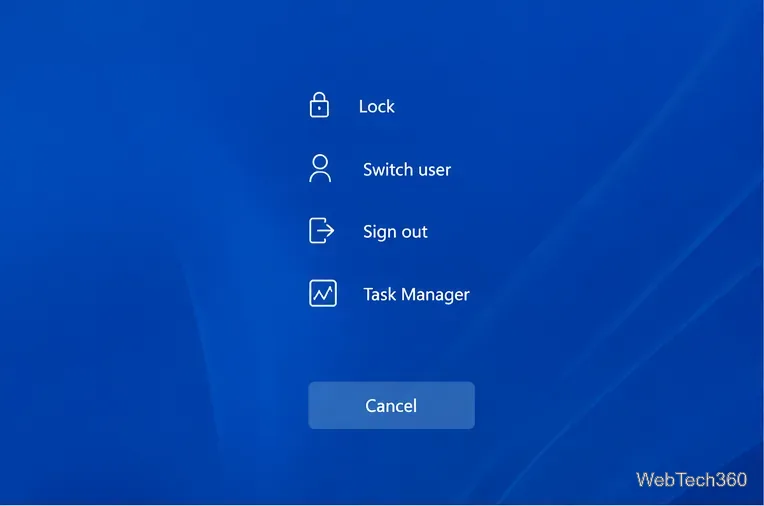
Stuck on the CTRL+ALT+DEL Screen? Here’s How to Fix It

Stuck on the CTRL+ALT+DEL screen in Windows? Restart safely, use WinRE and Safe Mode, repair system files, and check recent drivers or updates.

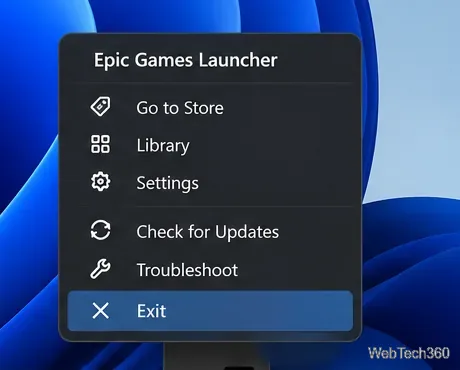
How to Fix the Epic Games Launcher Not Working on Windows or macOS

How to Fix the Epic Games Launcher Not Working on Windows or macOS

Fix Epic Games Launcher crashes, black screens, connection errors, and failed updates with current steps for cache, permissions, drivers, networking, and reinstalling.

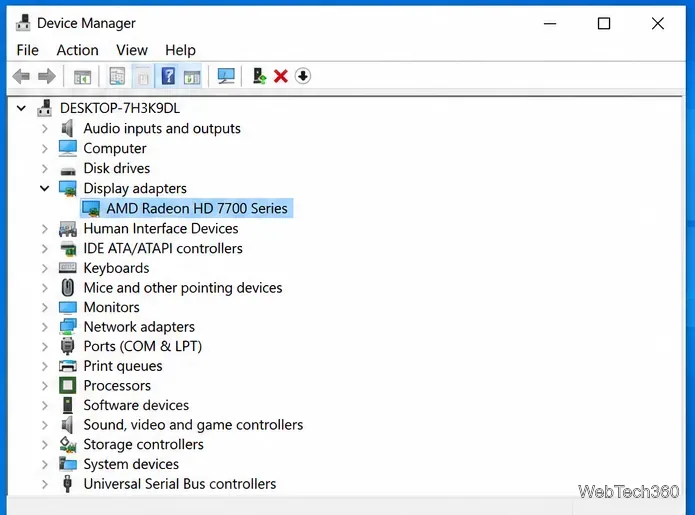
AMD Catalyst Control Center Won’t Open in Windows 10? 4 Fixes

AMD Catalyst Control Center Won’t Open in Windows 10? 4 Fixes

Fix AMD Catalyst Control Center not opening in Windows 10 by ending stuck processes, installing the correct legacy AMD driver, and repairing Windows.

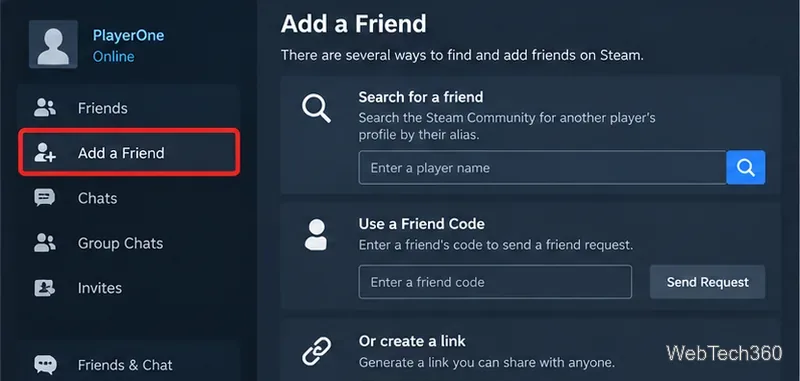
Steam User Search: How to Find Players on Steam

Steam User Search: How to Find Players on Steam

Learn how to search for Steam users by display name, Friend Code, profile link, friends list, or recent players, plus what to try when a match is hard to find.

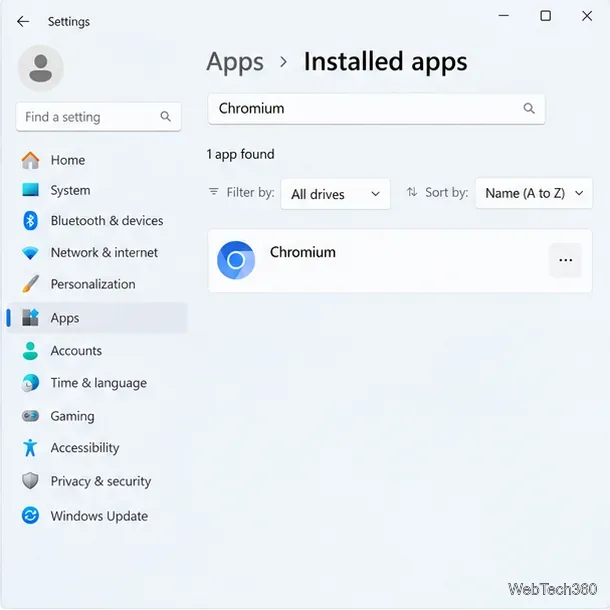
How to Uninstall Chromium and Remove Its Leftover Files

How to Uninstall Chromium and Remove Its Leftover Files

Learn how to uninstall Chromium on Windows, delete its profile data safely, scan for unwanted software, and restore browser settings if they changed.

How to Move the System Tray to a Secondary Display in Windows 10

How to Move the System Tray to a Secondary Display in Windows 10

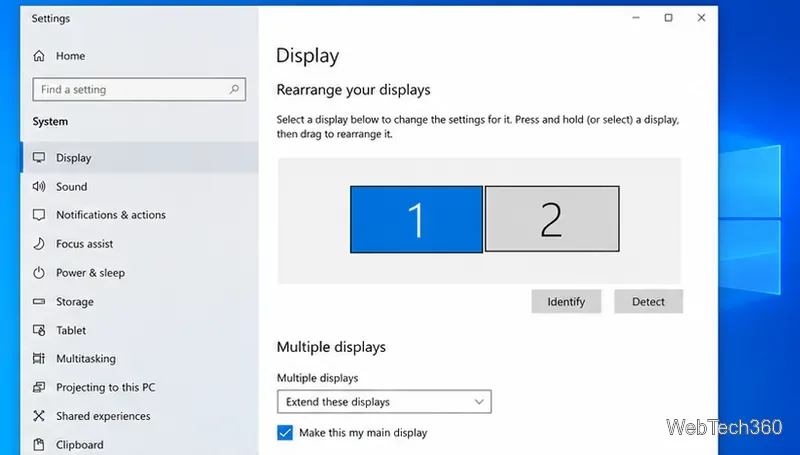
Move the Windows 10 system tray to a secondary display by extending your desktop, unlocking the taskbar, and dragging it—without changing the primary monitor.

How to Find Which App Is Using Your Webcam in Windows

How to Find Which App Is Using Your Webcam in Windows

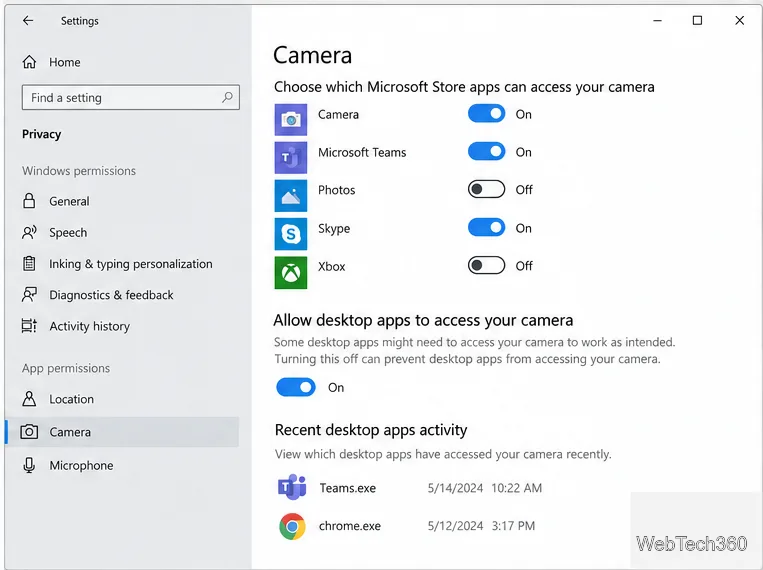
Check Windows Camera privacy activity, review browser site permissions, and trace an open camera handle on Windows 11 to identify the app.

How to Hide Recent Items for Apps in Windows 10

How to Hide Recent Items for Apps in Windows 10

Turn off Windows 10 recent items to hide files from app Jump Lists and File Explorer Quick Access, and learn what the switch leaves visible.

How to Find Lost App License Keys and Serial Numbers on Windows 10

How to Find Lost App License Keys and Serial Numbers on Windows 10

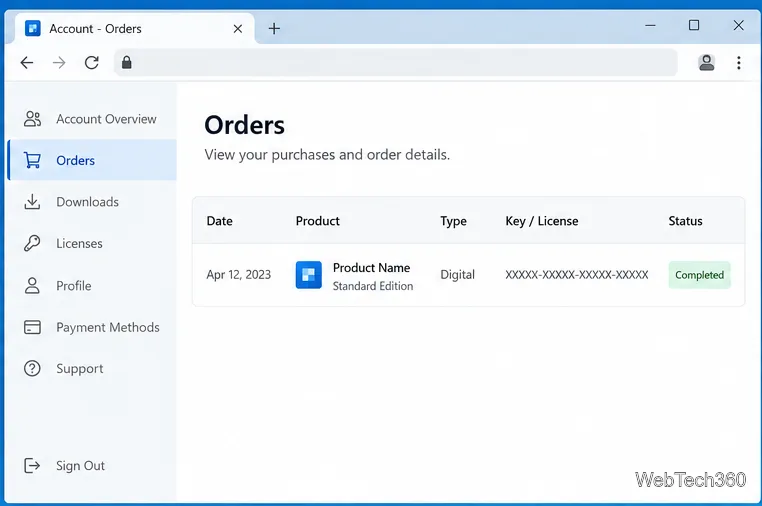
Check publisher accounts, purchase emails, app settings, and backups to recover a Windows 10 app license. Learn when a local scan can help and how to store keys safely.

How to Fix File Explorer Crashing When You Right-Click in Windows 10

How to Fix File Explorer Crashing When You Right-Click in Windows 10

Stop File Explorer from crashing on right-click by isolating a context-menu extension, removing a recent app, or repairing Windows system files.

How to Find and Open the AppData Folder in Windows 10

How to Find and Open the AppData Folder in Windows 10

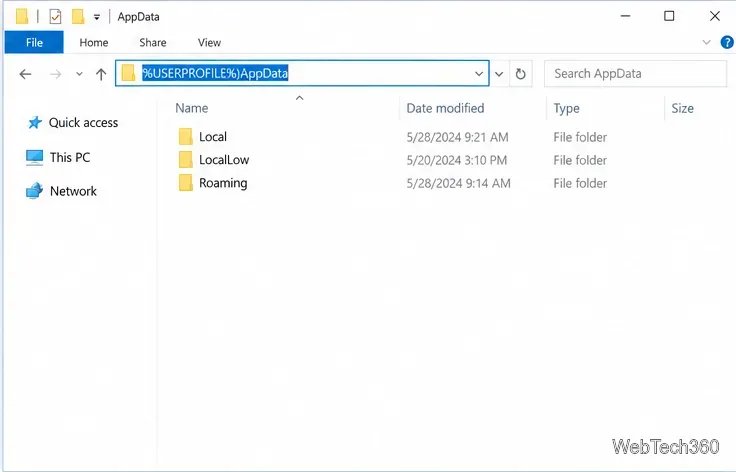
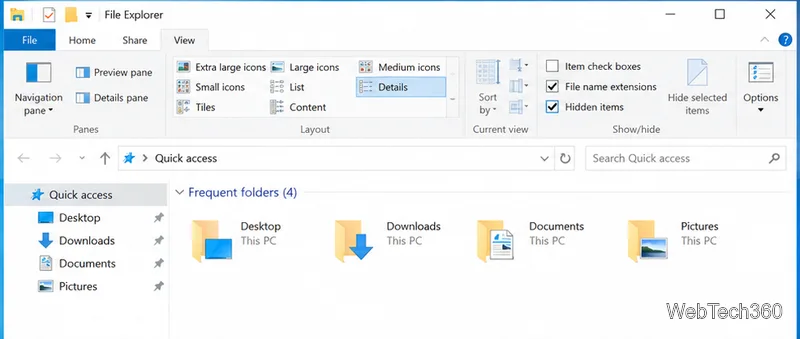
Open the hidden AppData folder in Windows 10, find it in File Explorer, and learn where %APPDATA% and %LOCALAPPDATA% take you.

How to Fix a Number Pad That’s Not Working in Windows 10

How to Fix a Number Pad That’s Not Working in Windows 10

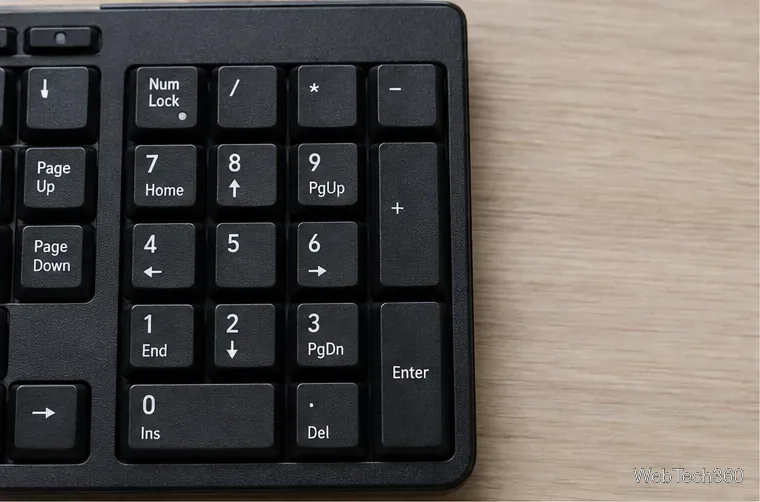
Get a Windows 10 number pad typing again by checking Num Lock, testing in Notepad, turning off Mouse Keys, and isolating app or hardware problems.

Mouse Double-Clicking? Why It Happens and How to Fix It in Windows 10

Mouse Double-Clicking? Why It Happens and How to Fix It in Windows 10

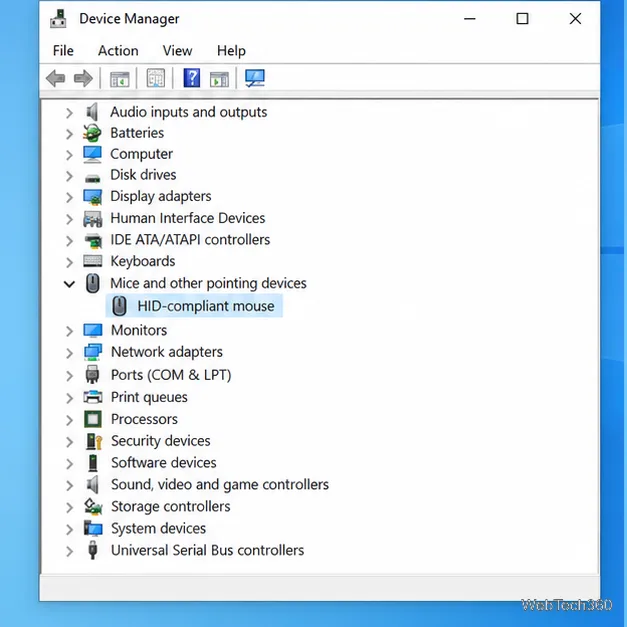
Find out whether Windows is opening items with one click or your mouse is sending duplicate clicks, then check the hardware, click timing, app settings, and driver.

How to Download and Play Chess Titans on Windows 10

How to Download and Play Chess Titans on Windows 10

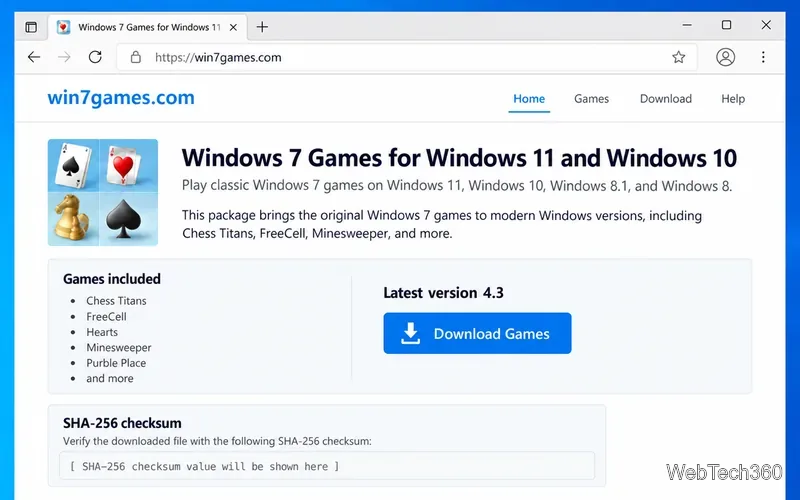
Download Chess Titans on Windows 10 with a current community package, verify the installer, select the Chess component, and customize a local match.

How to Turn Off Airplane Mode in Windows 10: 4 Easy Methods

How to Turn Off Airplane Mode in Windows 10: 4 Easy Methods

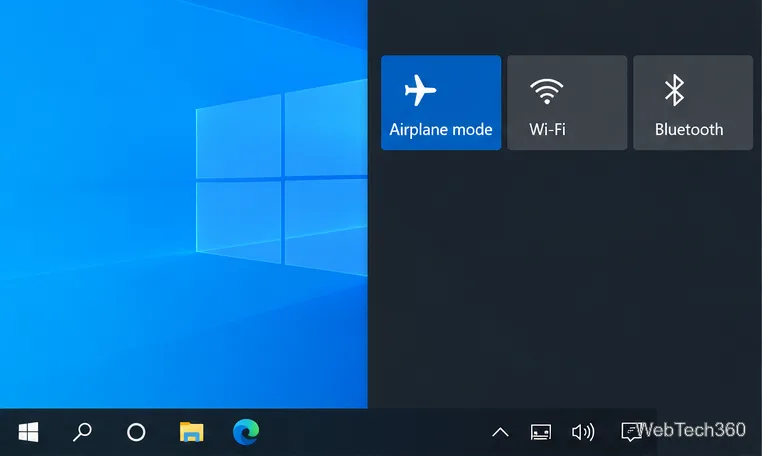
Turn off Airplane mode in Windows 10 from Action Center, the taskbar network panel, or Settings. Check Wi-Fi separately if you still cannot connect.

How to Install the Disney+ App on a Windows 10 PC

How to Install the Disney+ App on a Windows 10 PC

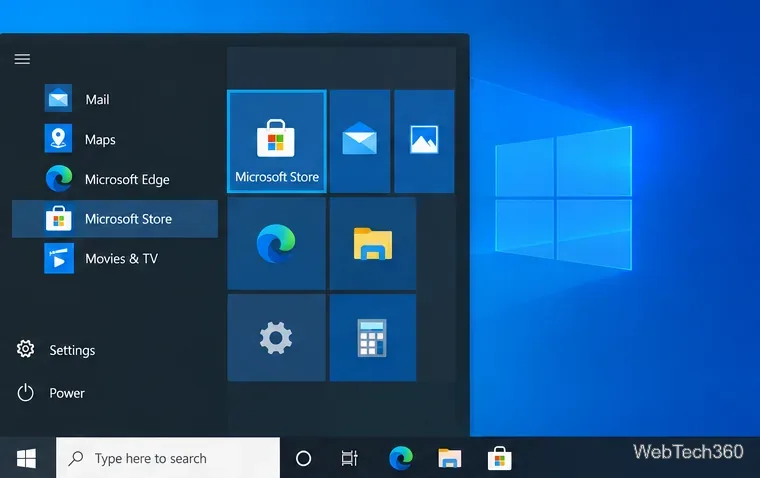
Install Disney+ on Windows 10 from Microsoft Store, sign in, and learn what to do if the app is unavailable or offline downloads are your goal.

How to Change the Primary Mouse Button in Windows 10

How to Change the Primary Mouse Button in Windows 10

Switch Windows 10’s primary mouse button from left to right in Settings. See the classic Mouse Properties fallback and how to confirm the new click behavior.

How to Duplicate a File Explorer Window in Windows 10

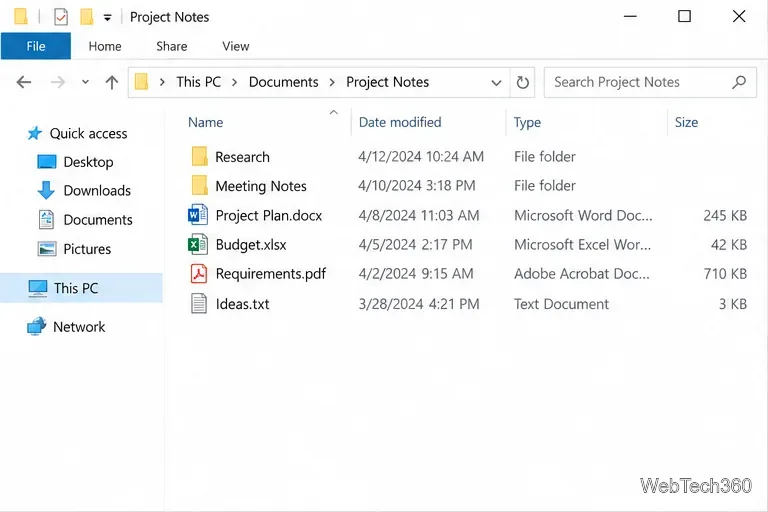
How to Duplicate a File Explorer Window in Windows 10

Open a second File Explorer window at the same folder with Ctrl+N or File > Open new window, and learn what carries over.

How to Partition a USB or SD Card With Disk Management in Windows 10

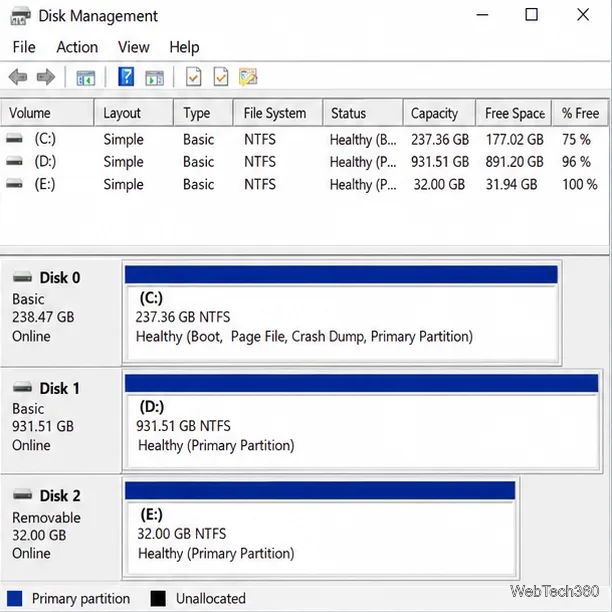
How to Partition a USB or SD Card With Disk Management in Windows 10

Split a USB drive or SD card into usable partitions with Windows 10’s Disk Management tool. Learn the safe shrink method, format choices, and fixes for missing volumes.

How to Show or Hide App Badges on the Windows 10 Taskbar

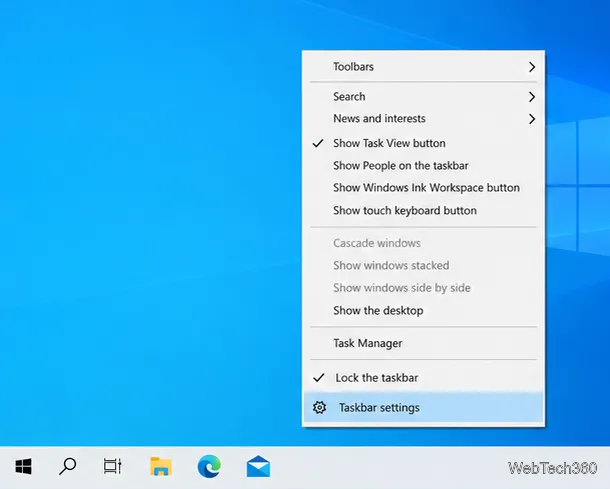
How to Show or Hide App Badges on the Windows 10 Taskbar

Turn Windows 10 taskbar badges on or off in Taskbar settings. Learn what app support, small taskbar buttons, and notification settings have to do with badge visibility.

How to Install an App for One User on Windows 10

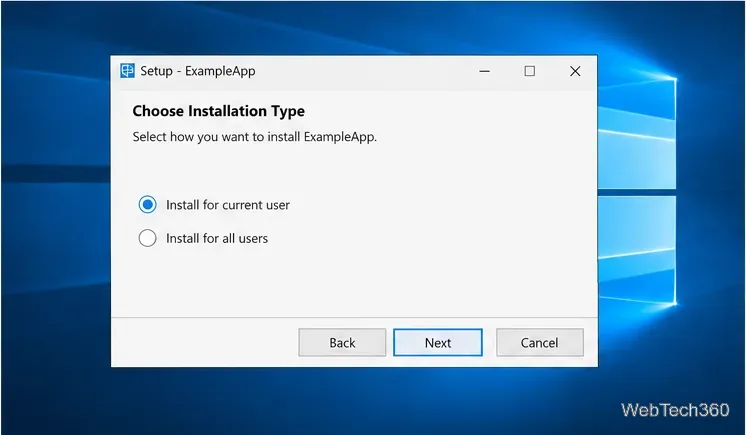
How to Install an App for One User on Windows 10

Install a Windows 10 app for one account by choosing a current-user setup option, using a profile-specific folder when supported, and checking the installer’s scope.

How to Download the Minecraft Java Edition Free Trial

How to Download the Minecraft Java Edition Free Trial

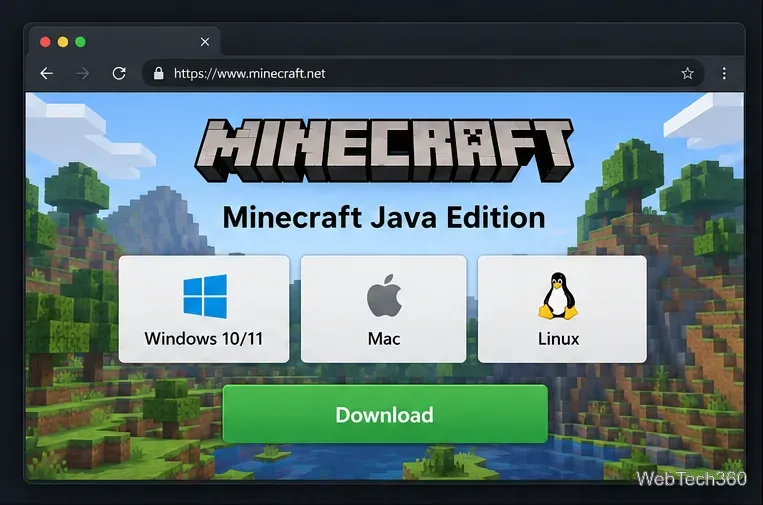
Download the official Minecraft Java Edition trial, install Minecraft Launcher, sign in with a Microsoft account, and learn what the limited demo includes.

How to Control Fan Speed in Windows 10

How to Control Fan Speed in Windows 10

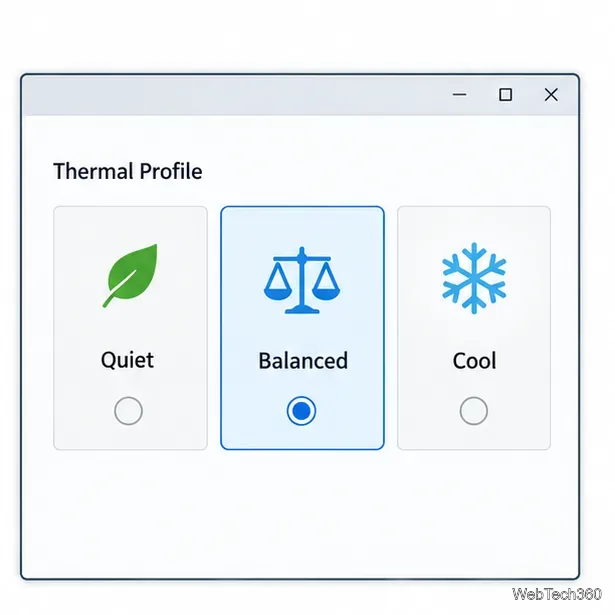
Windows 10 has no universal fan-speed slider. Use your PC maker’s thermal profile, BIOS/UEFI fan curve, or compatible Fan Control software, then verify temperatures.

How to Delete desktop.ini Files in Windows 10 Safely

How to Delete desktop.ini Files in Windows 10 Safely

Learn what desktop.ini files do, how to reveal and delete a specific file in Windows 10, and how to restore File Explorer’s hidden-file settings afterward.

How to Check When an App Was Last Accessed in Windows 10

How to Check When an App Was Last Accessed in Windows 10

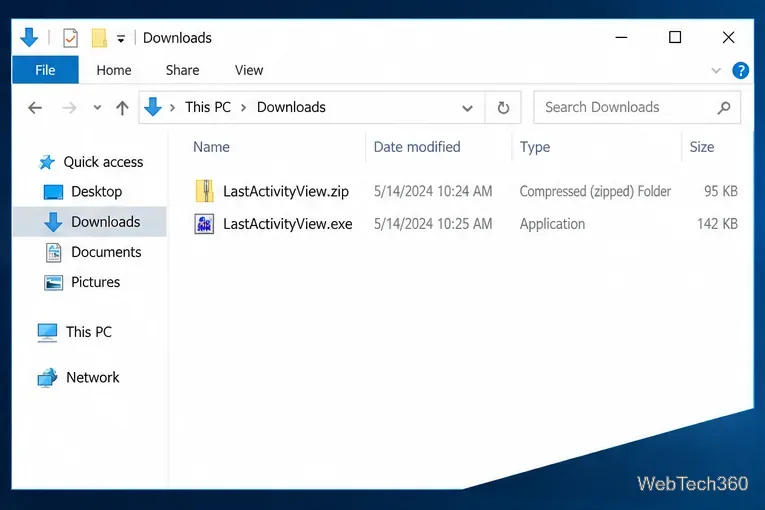
Find an app’s last recorded activity in Windows 10 with LastActivityView, learn what its timestamp means, and see when Windows logs can help.

How to Open MSConfig in Windows 10: 5 Easy Ways

How to Open MSConfig in Windows 10: 5 Easy Ways

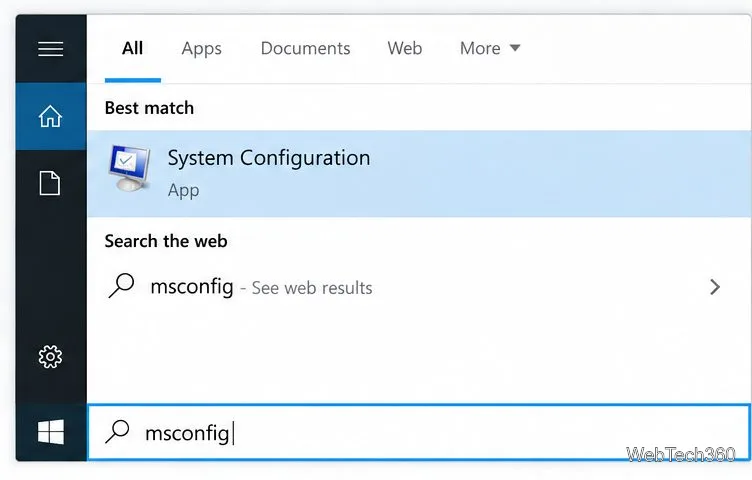
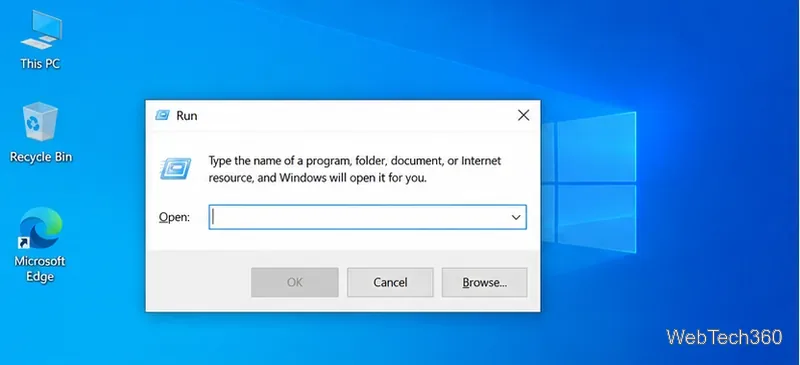
Open System Configuration with Run, Start search, File Explorer, Task Manager, or a command line, then learn what its key tabs control.

How to Make a Background Transparent in Paint on Windows 10

How to Make a Background Transparent in Paint on Windows 10

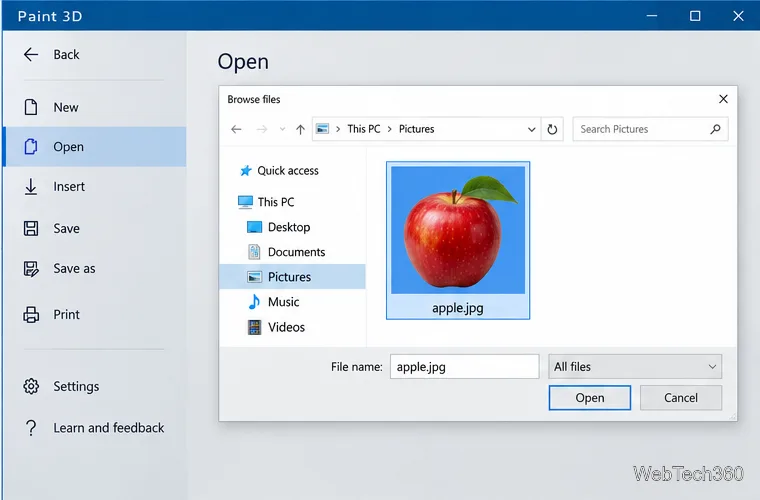
Learn why classic Paint leaves a solid background, how to make a transparent PNG with Paint 3D if it is installed, and what to use if it is not.

How to Download Microsoft FreeCell on Windows 10 (Original Version Explained)

How to Download Microsoft FreeCell on Windows 10 (Original Version Explained)

Get FreeCell through Microsoft Solitaire Collection on Windows 10, see how it differs from the Windows 7 original, and learn what to check before trying an unofficial legacy installer.